Skip to content

Rows design examples

Explore Rows UI design examples. The spreadsheet with superpowers

Product screens

Rows - Rows The spreadsheet where data comes to life screen
Rows logo
Rows

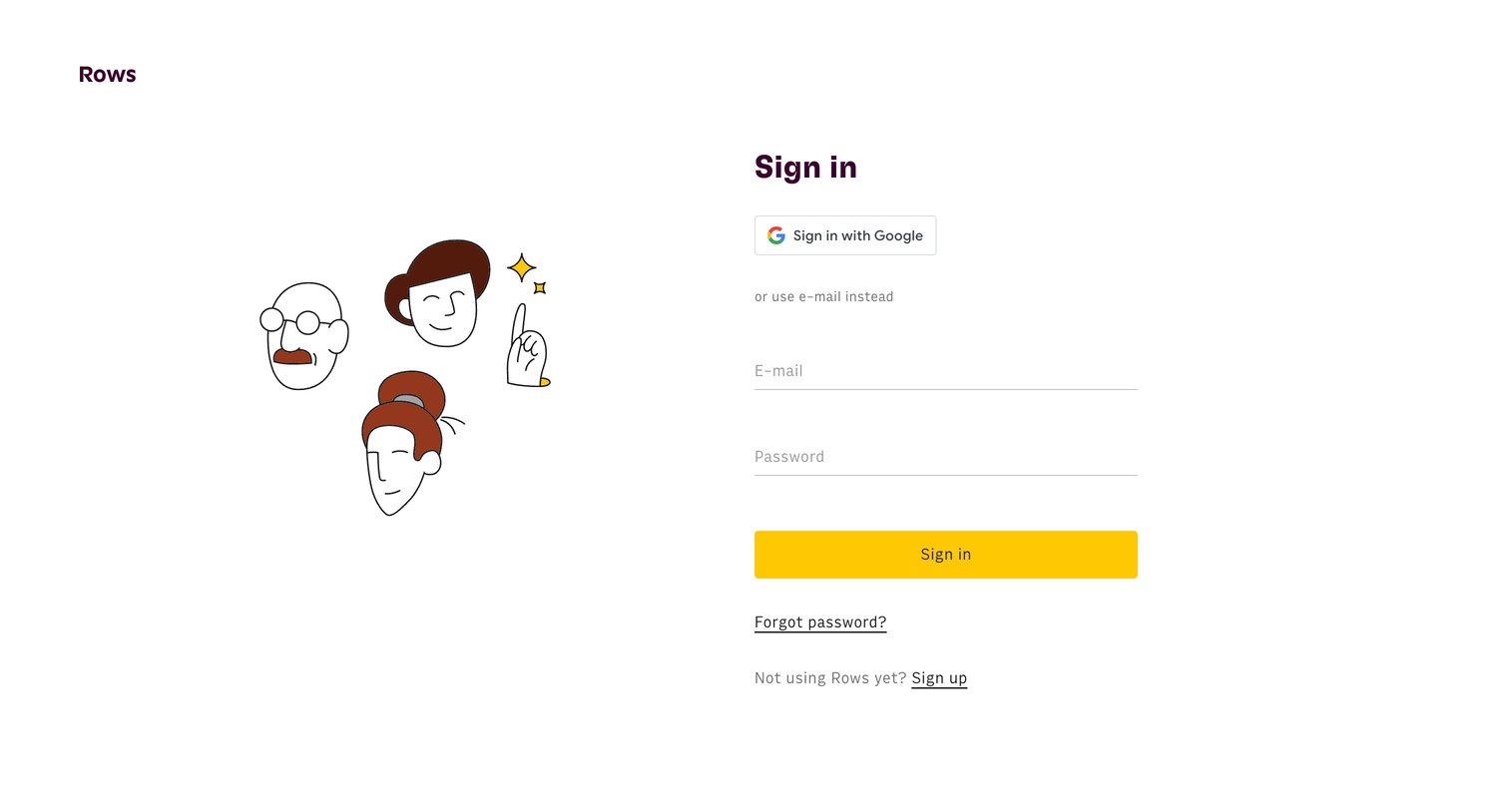
Sign-in screen where the user authenticates with Google or their email and password.

Rows - Rows The spreadsheet where data comes to life screen
Rows logo
Rows

Sign-in screen where the user authenticates with Google or their email and password.

Rows - Rows The spreadsheet where data comes to life screen
Rows logo
Rows

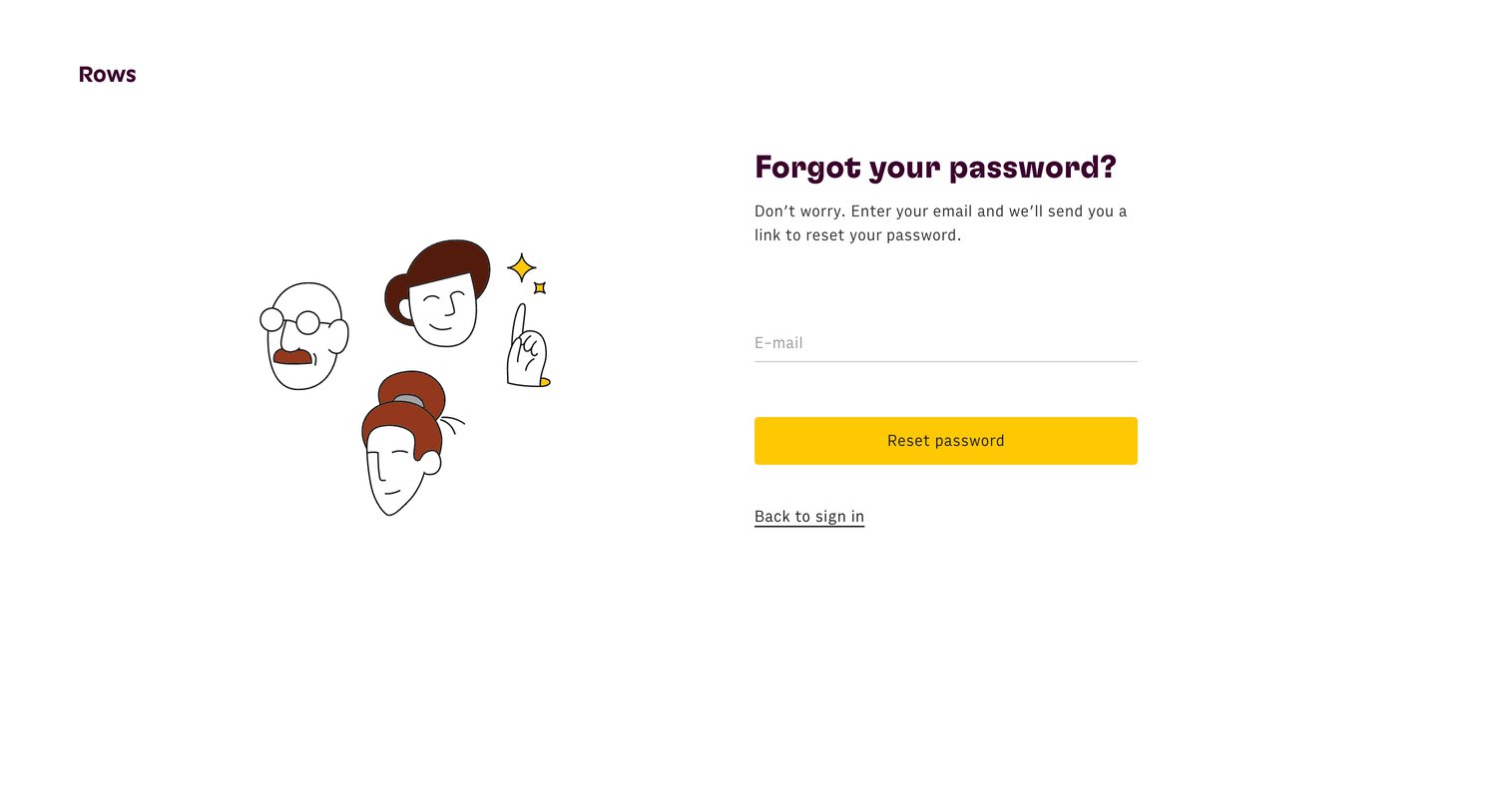
Password recovery screen where the user enters their email address to receive a reset link.
Rows - Rows The spreadsheet where data comes to life screen
Rows logo
Rows

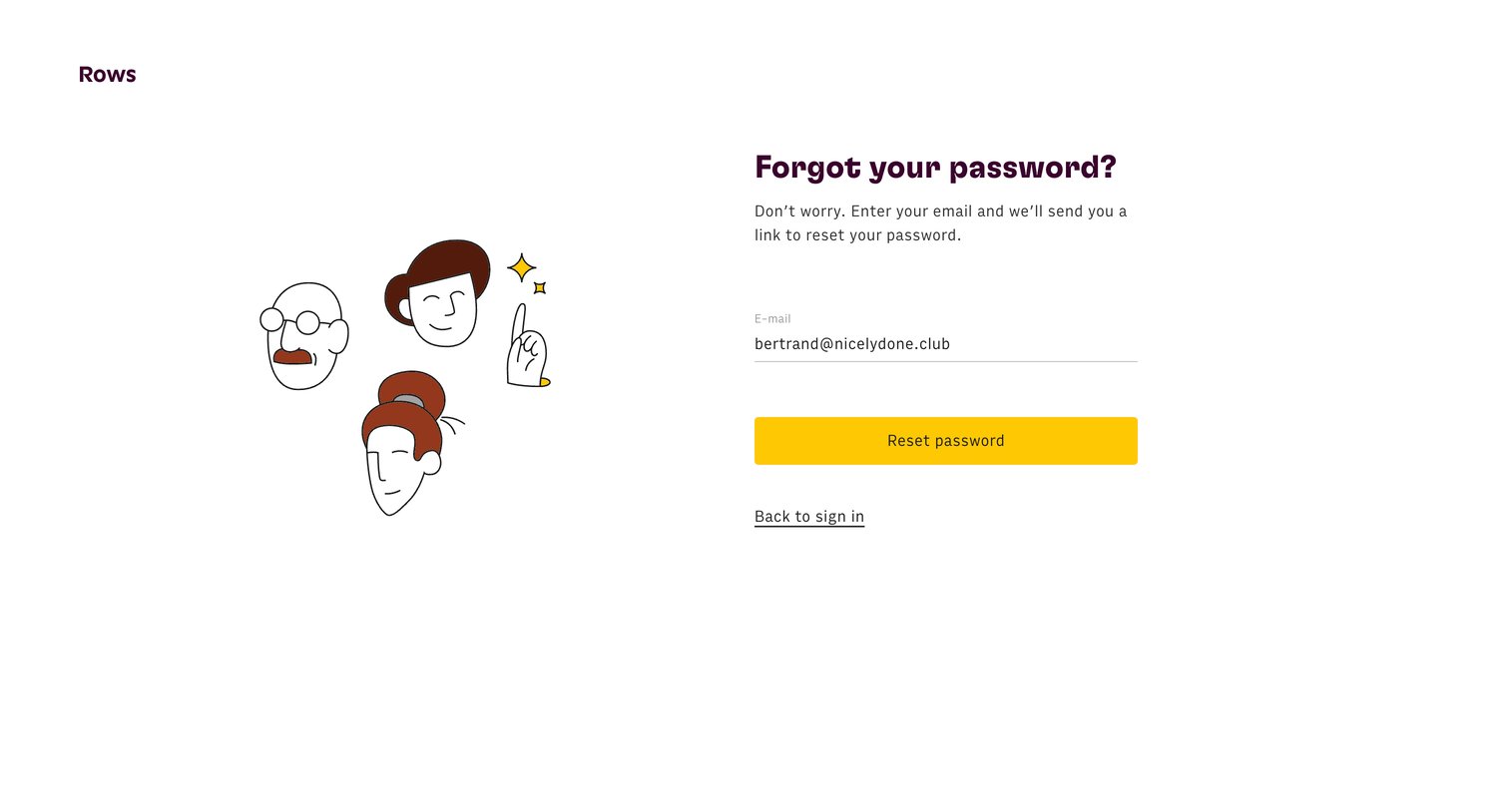
Password recovery screen where the user enters their email address to receive a reset link.
Rows - Rows The spreadsheet where data comes to life screen
Rows logo
Rows

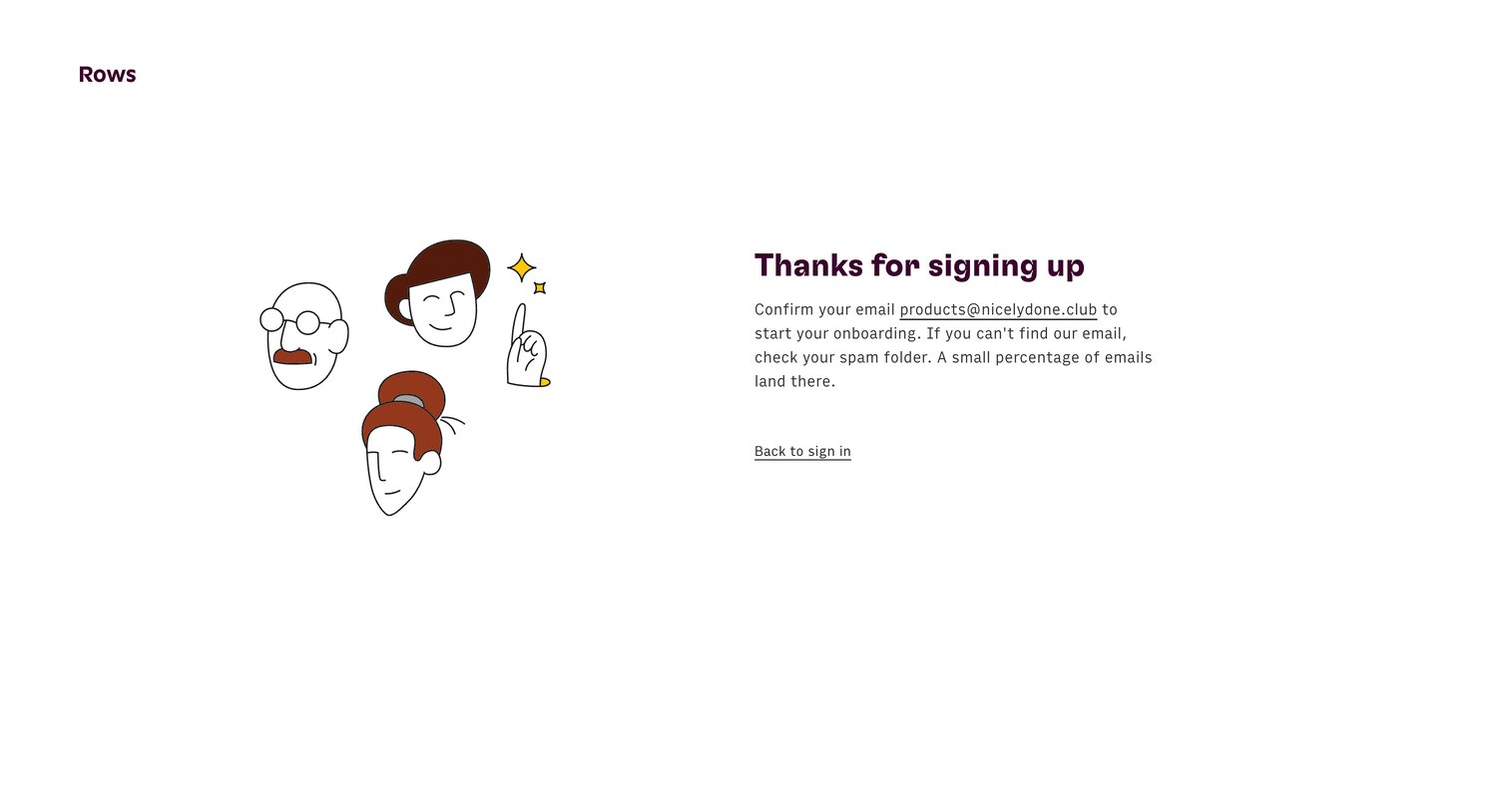
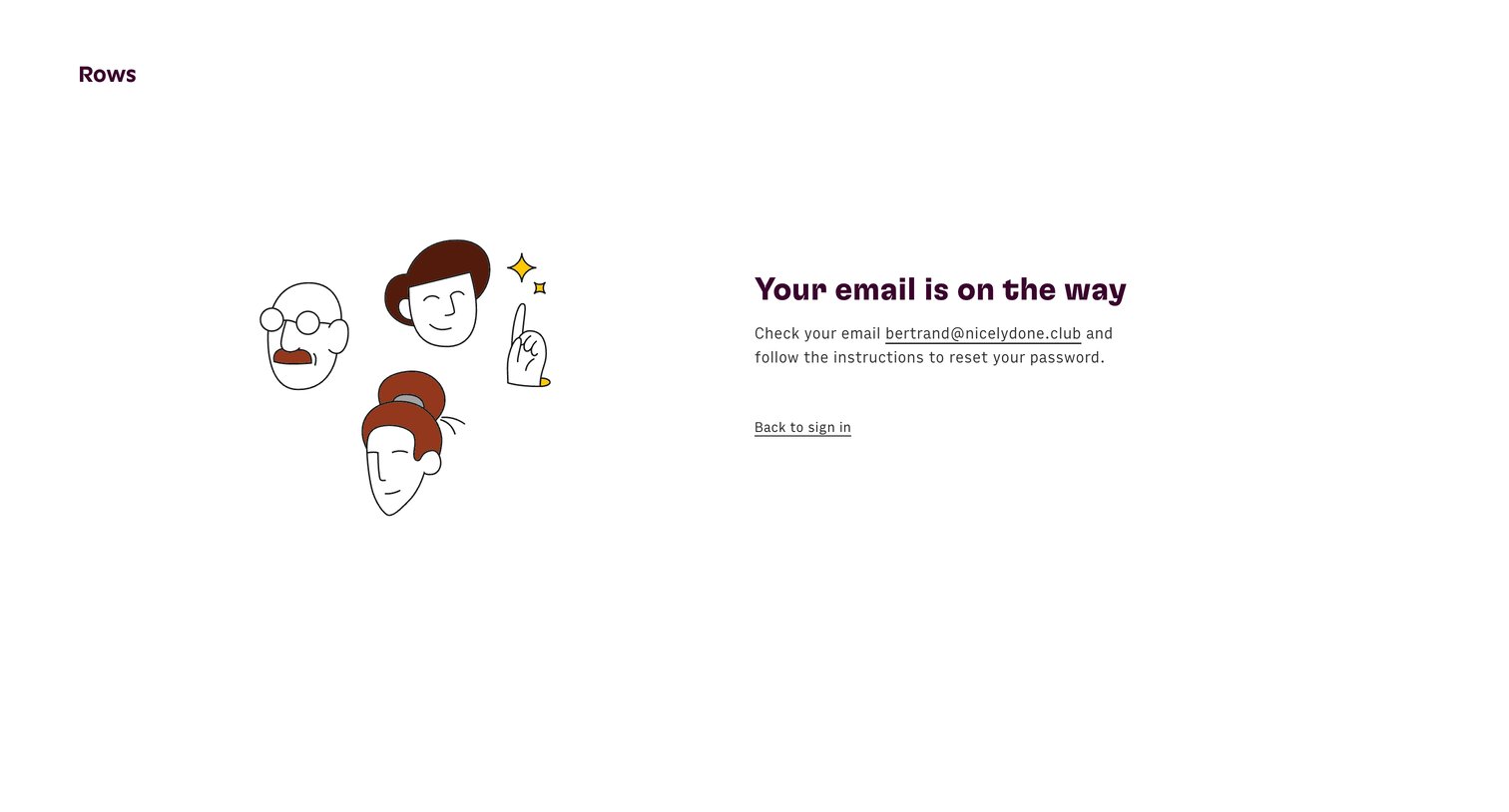
Password recovery screen confirming an email has been sent to the user's address with a link to return to the sign-in page.
Rows - Rows The spreadsheet where data comes to life screen
Rows logo
Rows

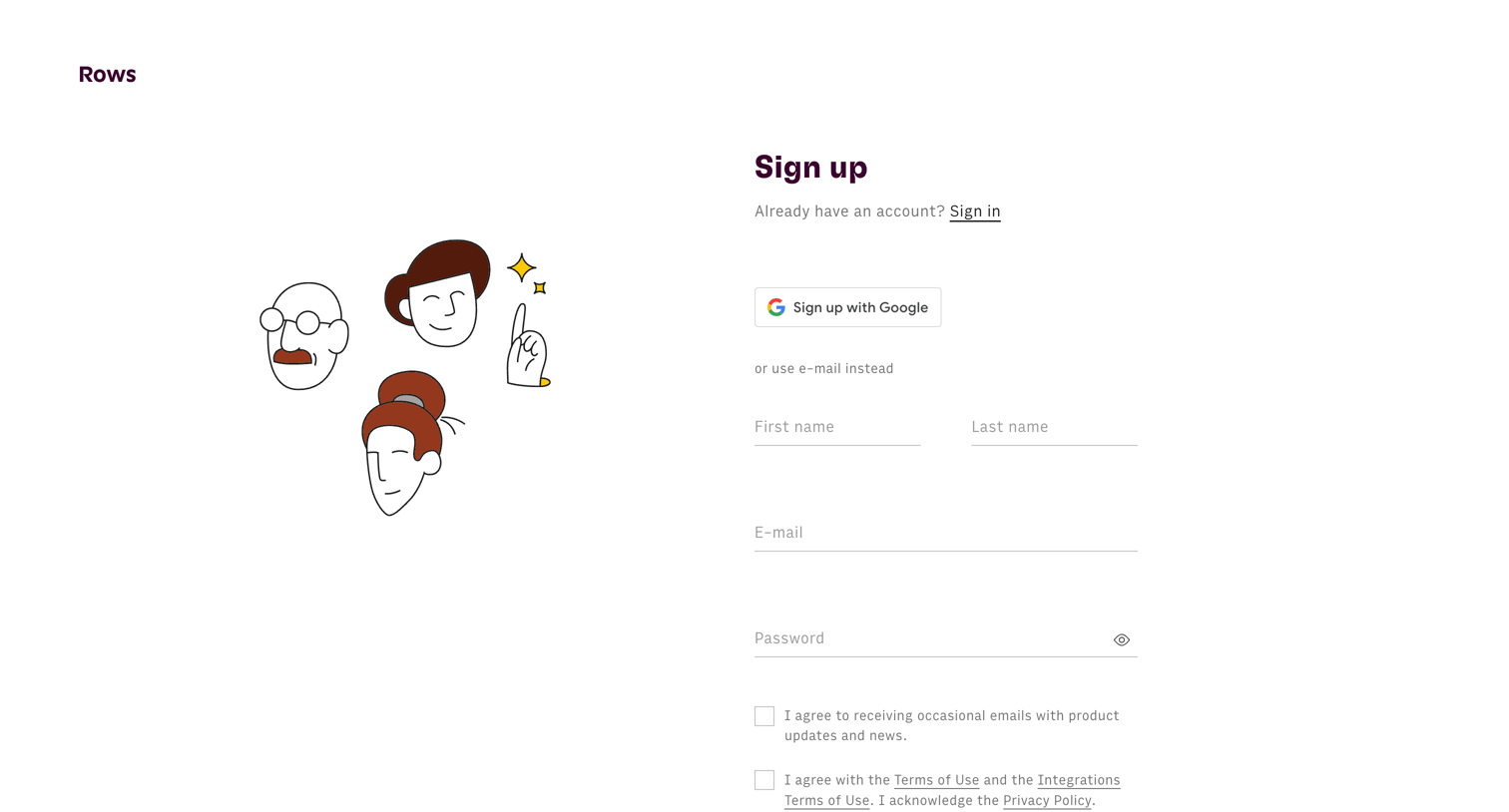
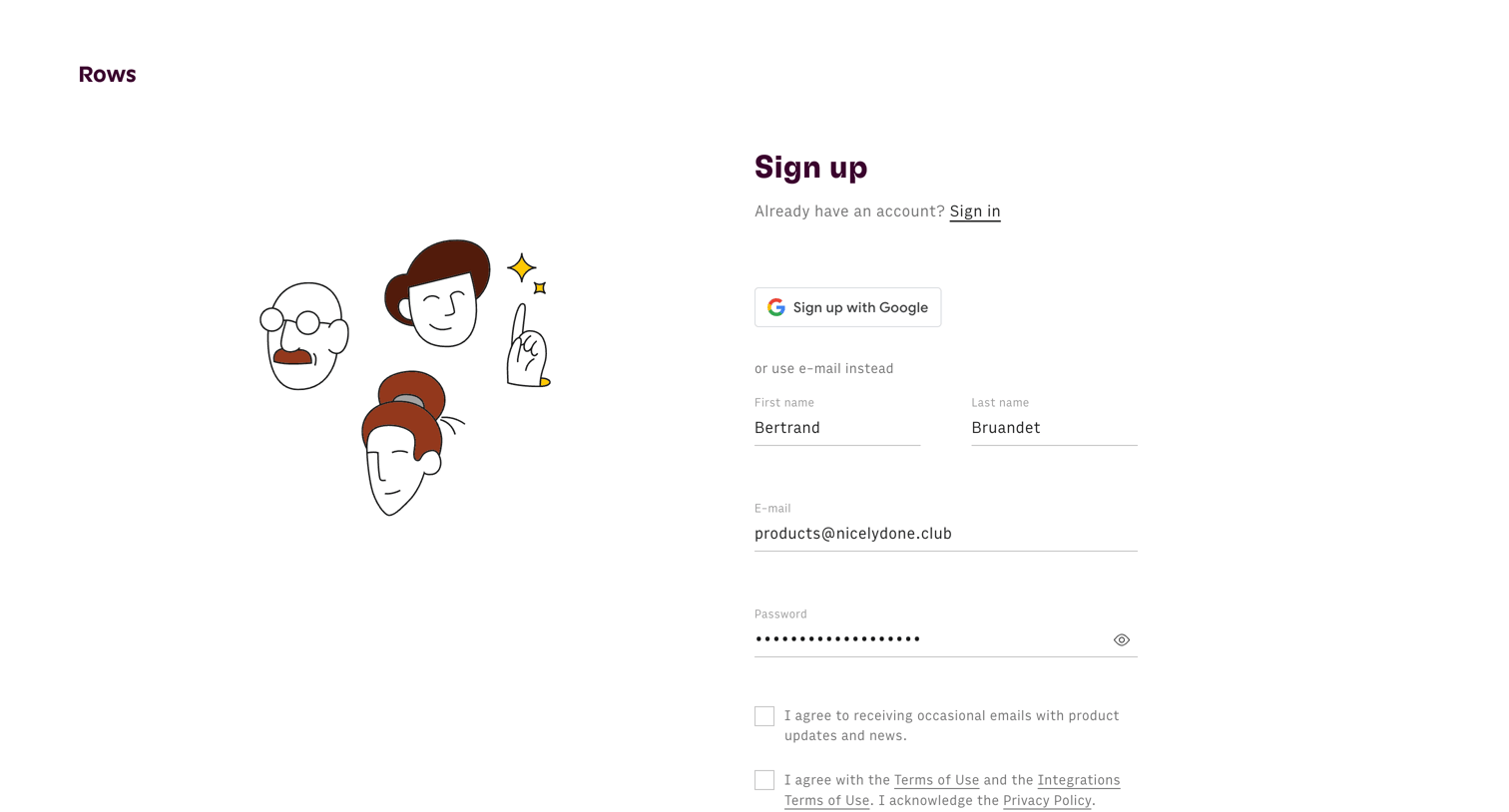
Sign up screen where the user can create an account using Google or by entering their name, email, and password.

Rows - Rows The spreadsheet where data comes to life screen
Rows logo
Rows

Sign-up screen where the user can create an account using Google SSO or by providing their name, email, and a password.

Rows - Rows The spreadsheet where data comes to life screen
Rows logo
Rows

Verification screen where the user is instructed to check their email to confirm their account and start onboarding.
Rows - Rows The spreadsheet where data comes to life screen
Rows logo
Rows

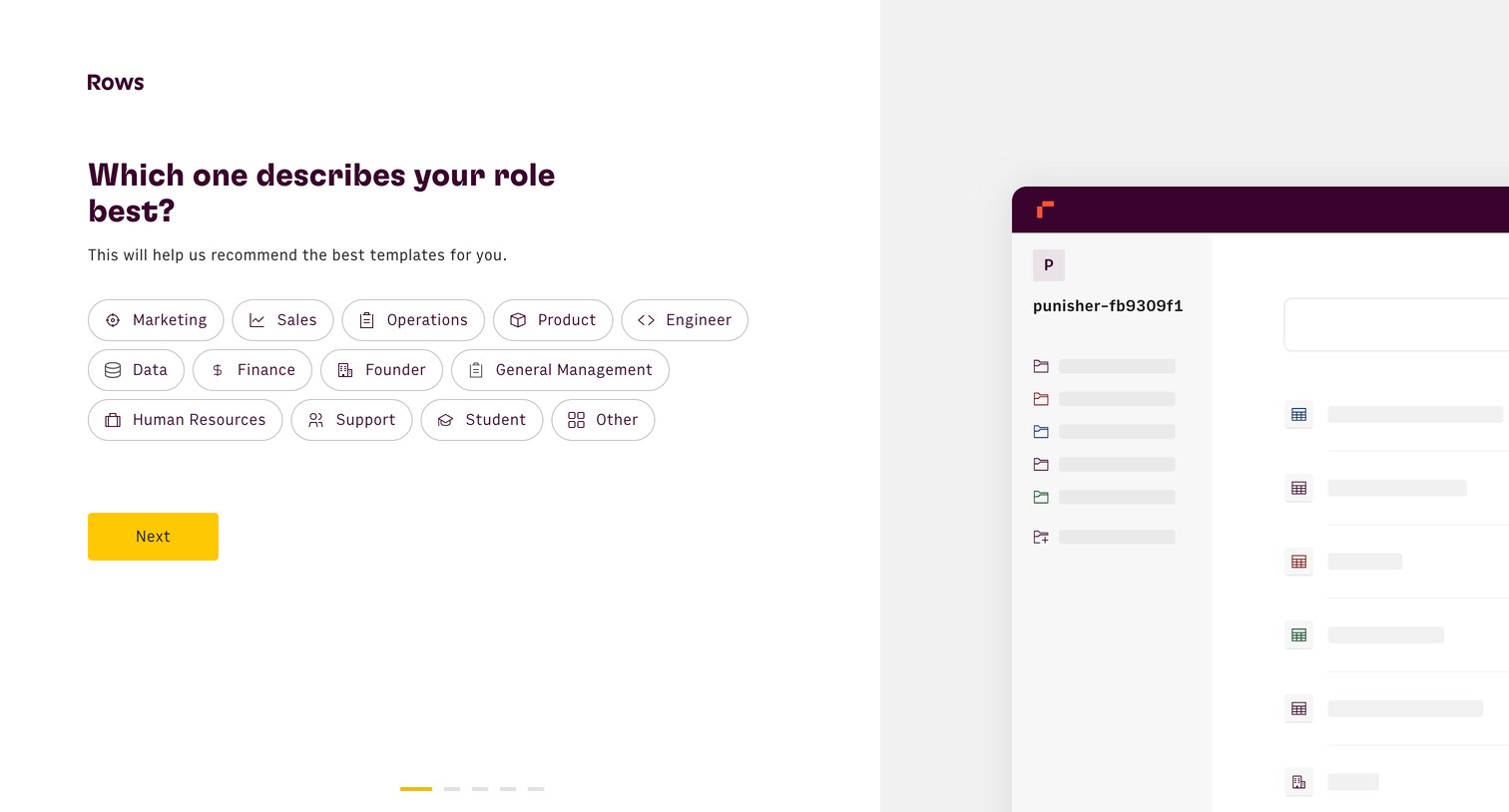
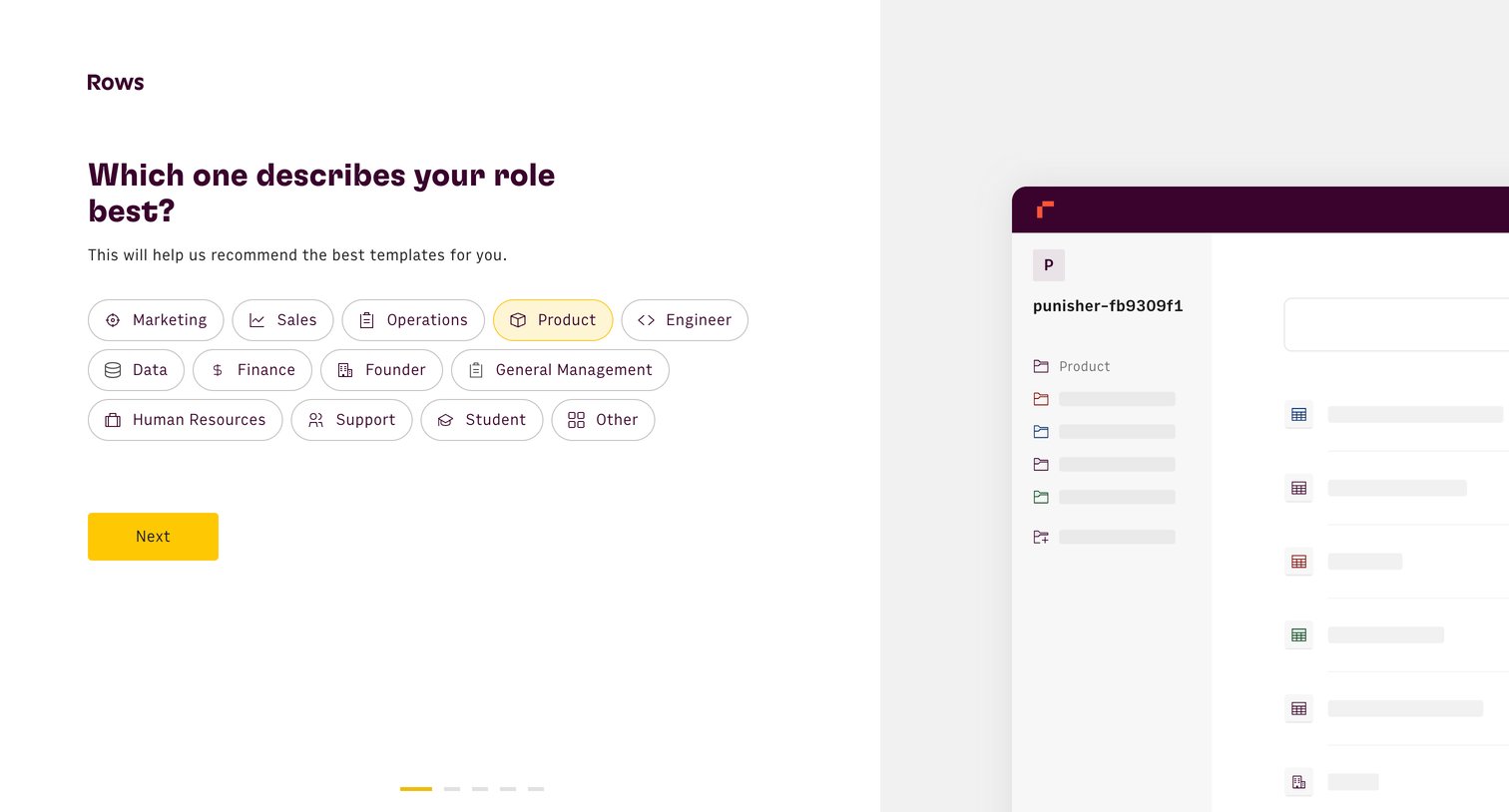
Onboarding step where the user selects their professional role from a grid of pill buttons to receive personalized template recommendations.
Rows - Rows The spreadsheet where data comes to life screen
Rows logo
Rows

Onboarding step where the user selects their role from a grid of pill-shaped options to receive personalized template recommendations.
Rows - Rows The spreadsheet where data comes to life screen
Rows logo
Rows

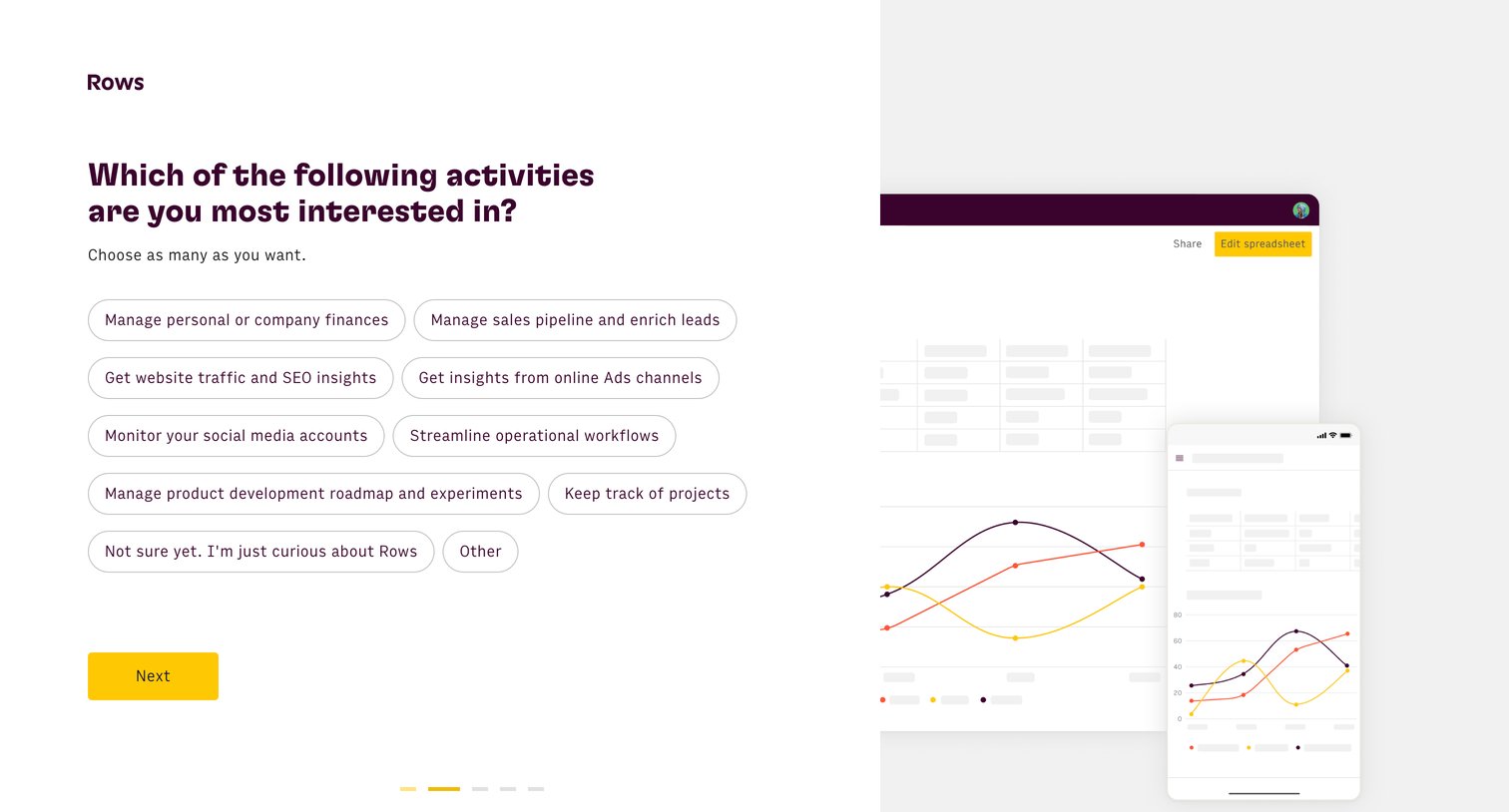
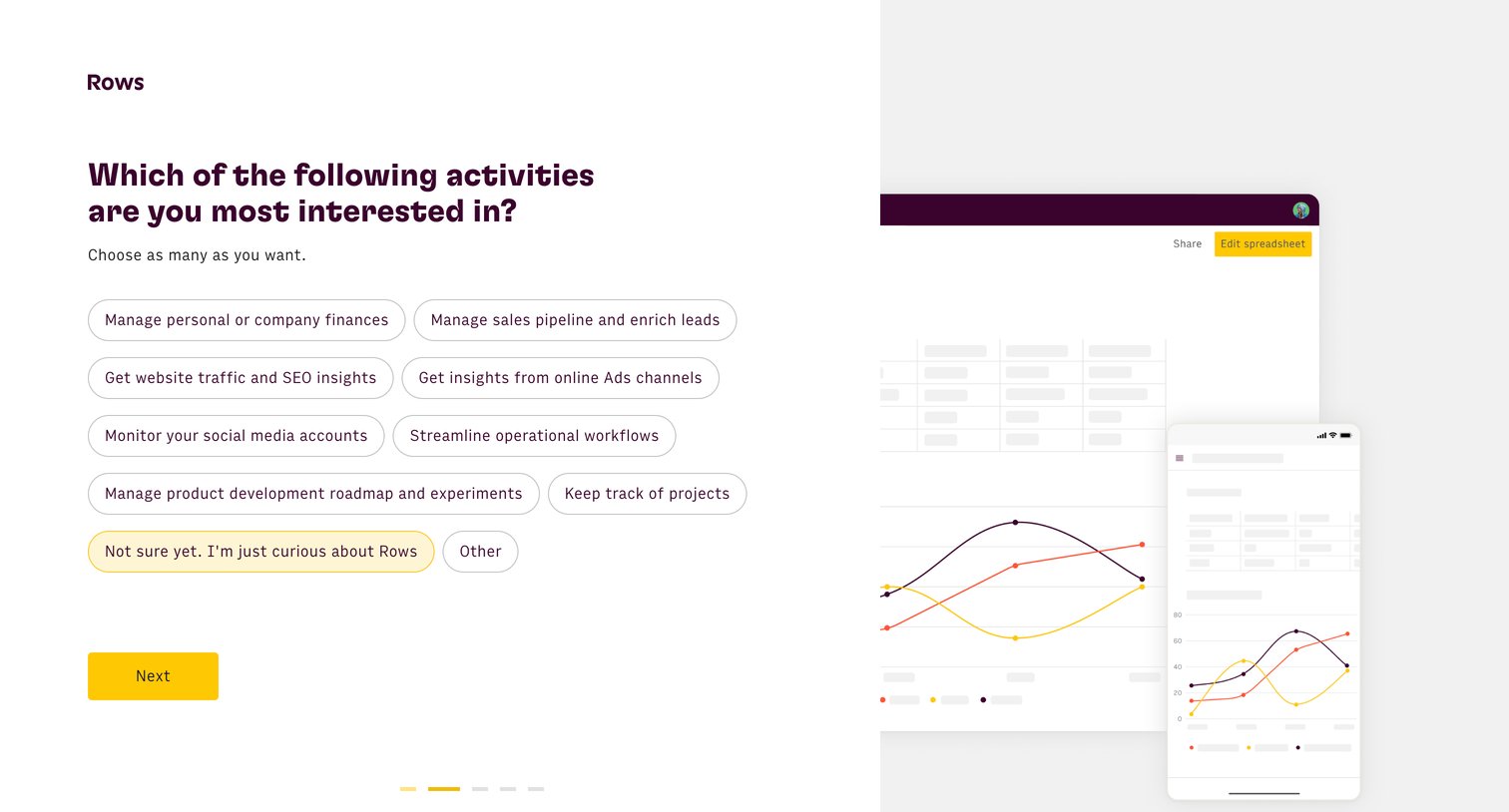
Onboarding step where the user selects their primary activities and interests to personalize their workspace.
Rows - Rows The spreadsheet where data comes to life screen
Rows logo
Rows

Onboarding step where the user selects their primary activities and use cases from a list of options to personalize their workspace.

Browse the full SaaS app library

Explore real SaaS apps with their product screens, marketing screens, flows, and components.

Trusted by the best teams