Rows marketing pages examples
Explore Rows website design examples. Preview marketing pages and browse related SaaS page designs. The spreadsheet with superpowers
Explore the examples
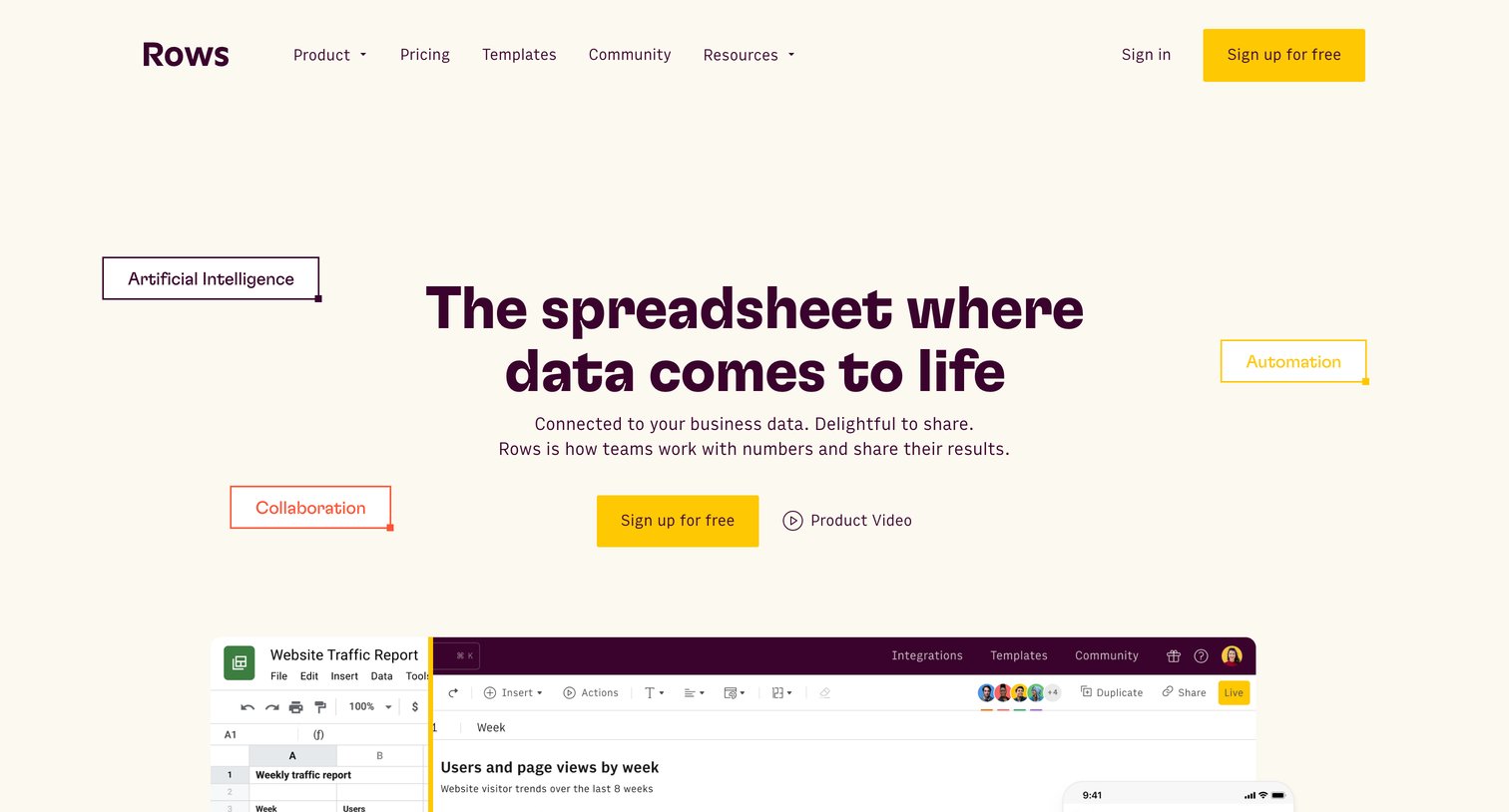

Product page for a modern spreadsheet editor highlighting features like data integrations, AI capabilities, real-time collaboration, and a community template gallery.
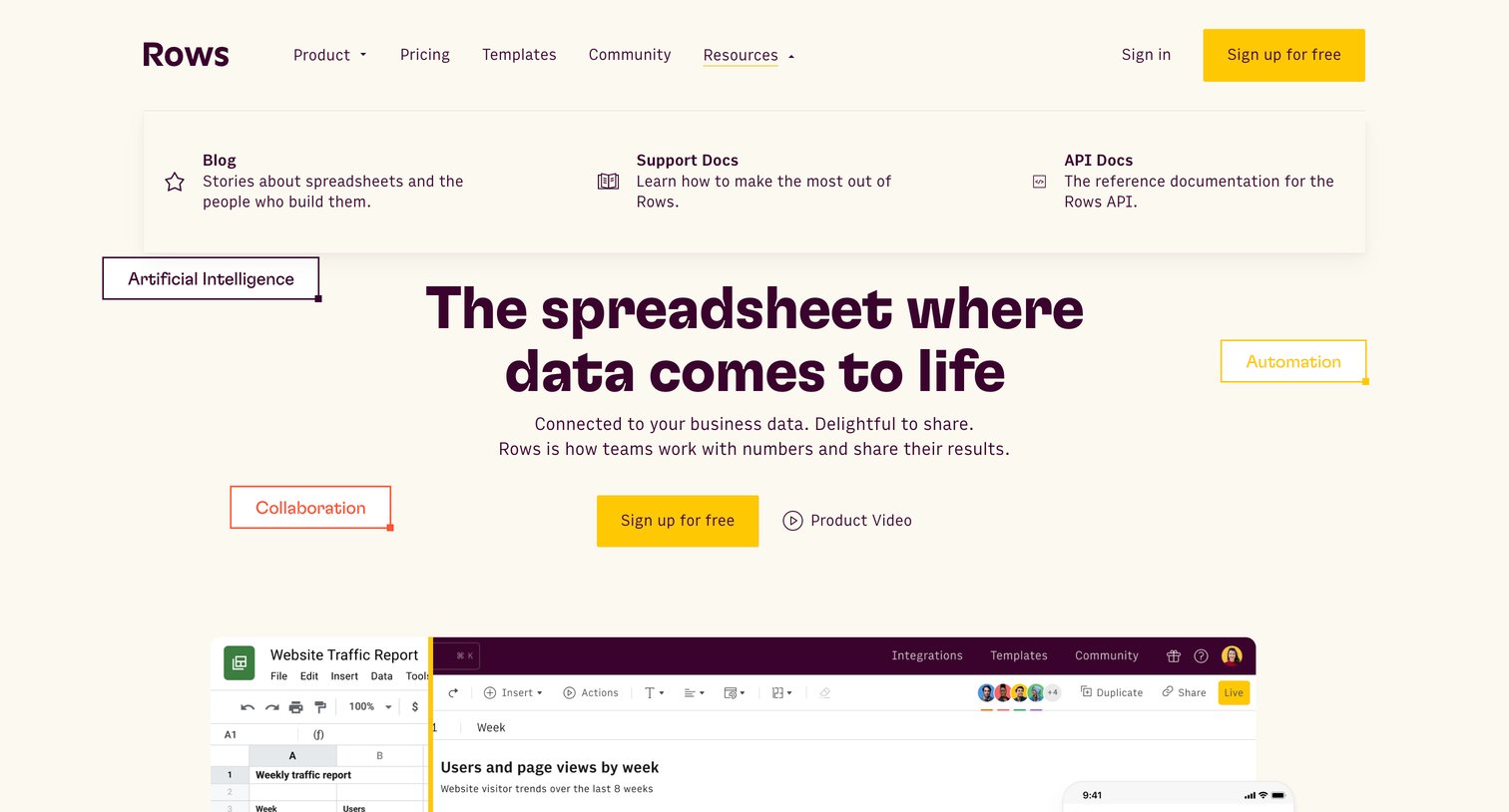
Product landing page hero section featuring the main value proposition, an open resources dropdown menu, and a product interface preview.
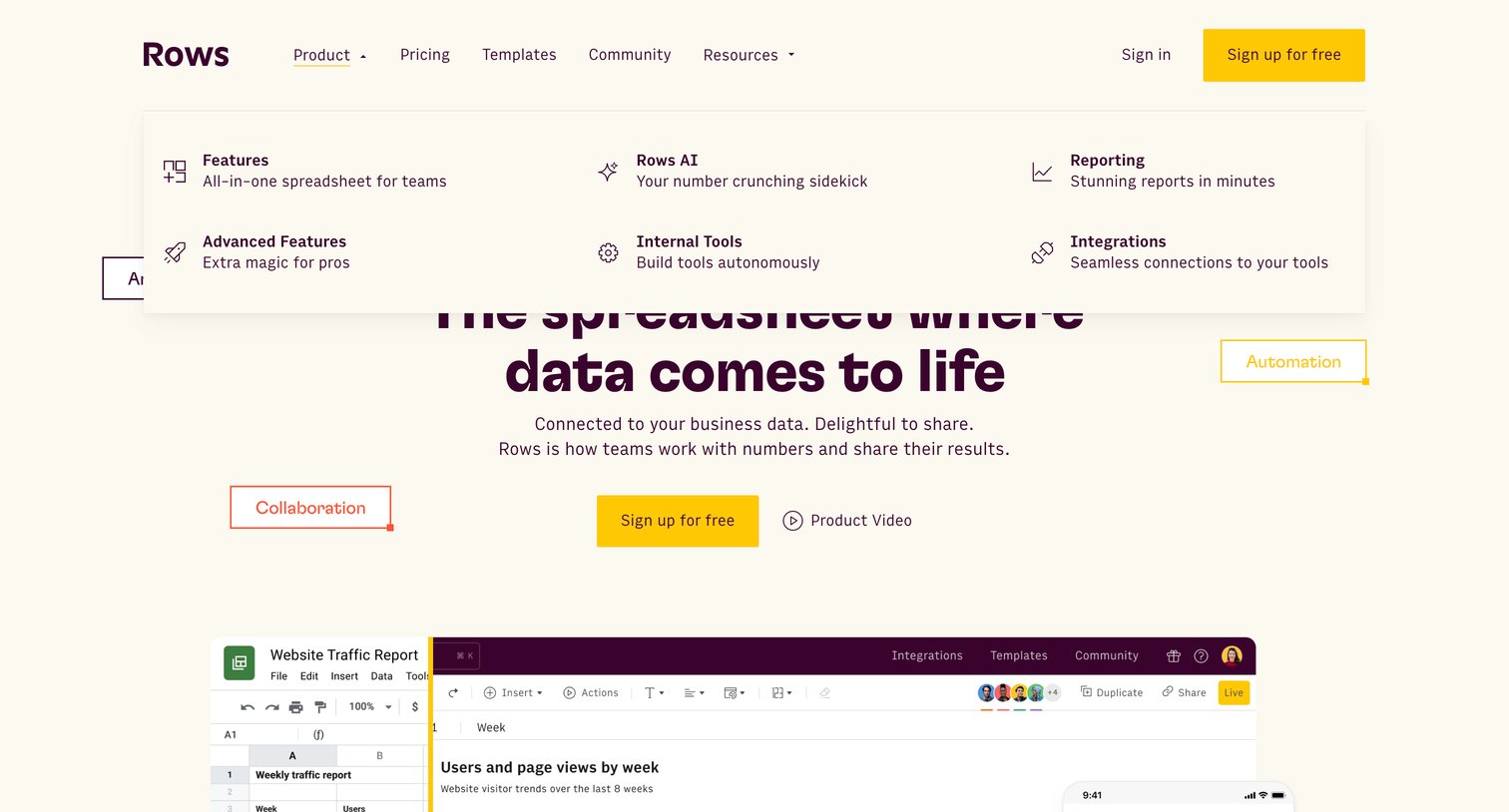
Product page where the user explores the spreadsheet's core capabilities via an open mega-menu and can sign up for a free account.
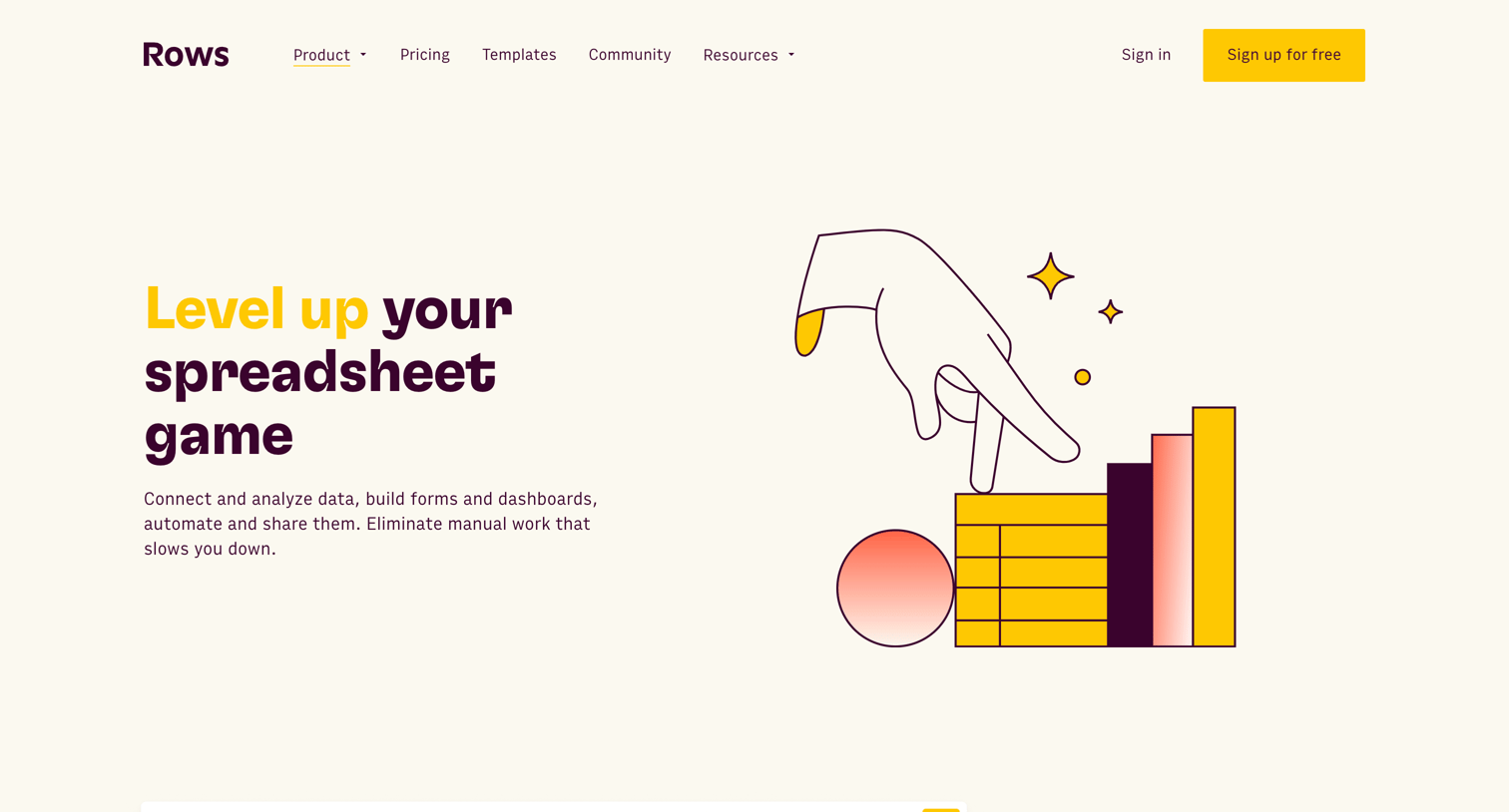
Feature page where the user explores core spreadsheet capabilities, integrations, sharing options, and upcoming roadmap items.
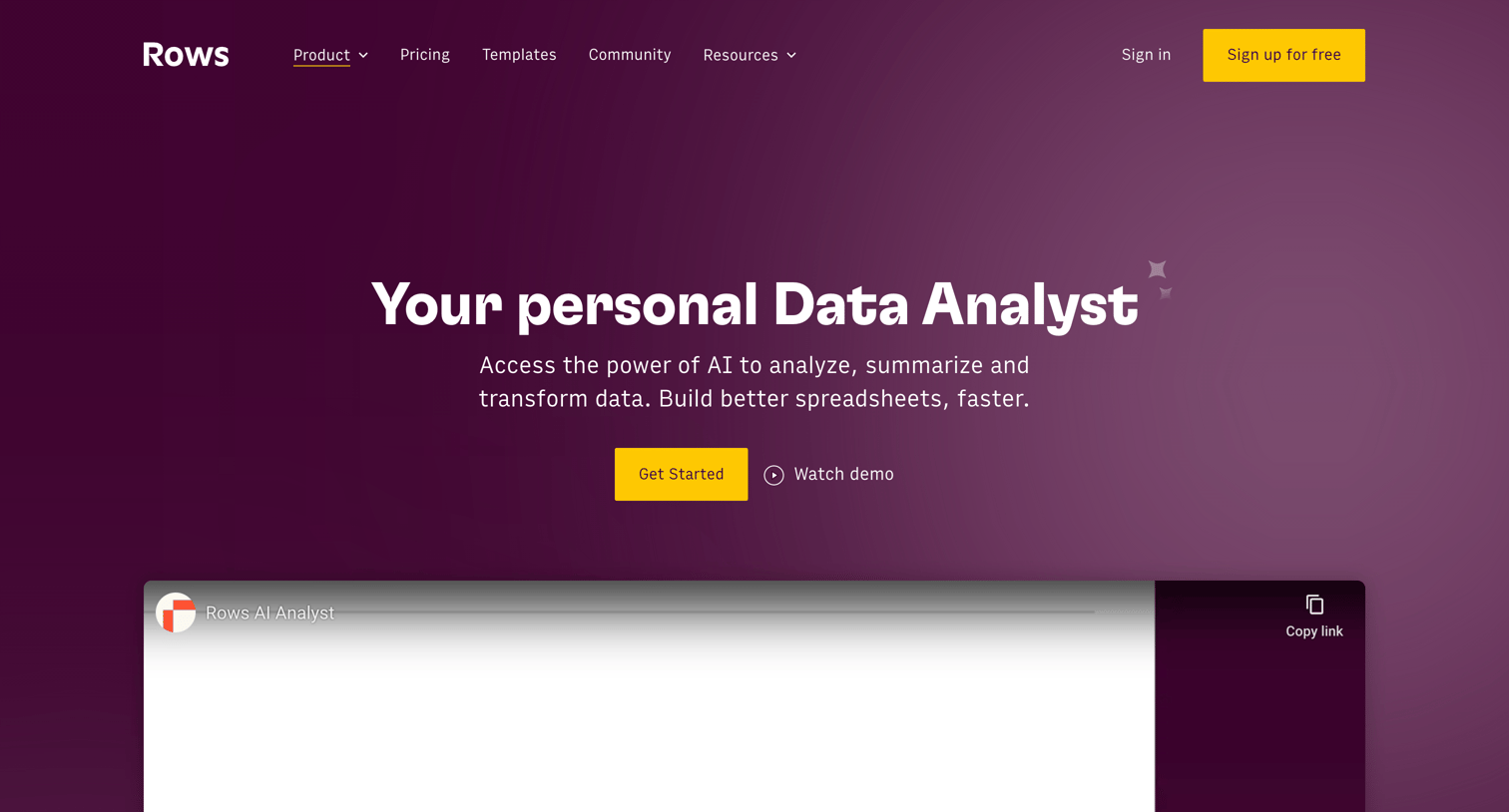
Feature page introducing Rows AI, highlighting capabilities like automated data analysis, text classification, and campaign execution directly within a spreadsheet.
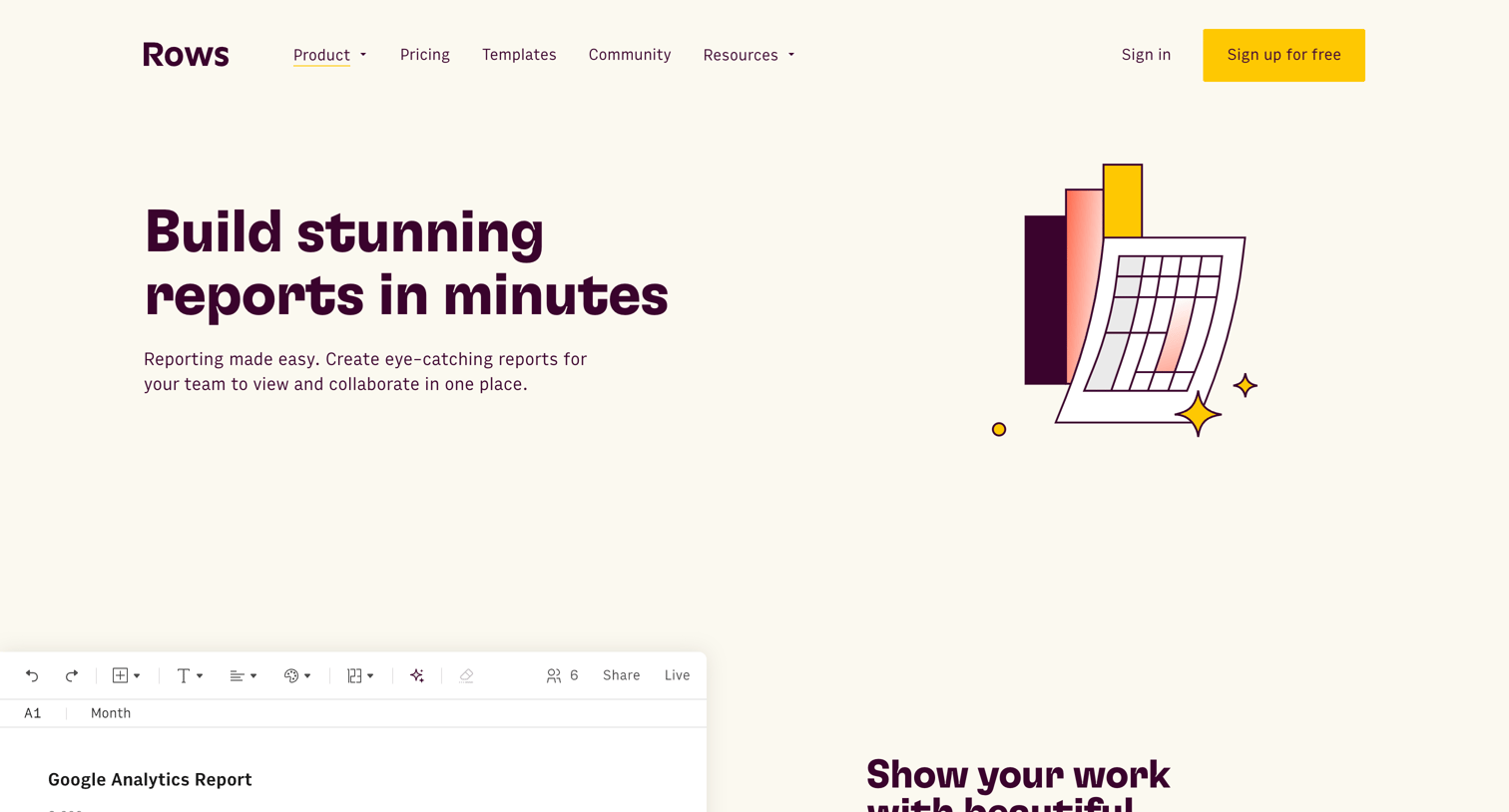
Marketing feature page showcasing how to build, integrate, and share interactive reports and dashboards using spreadsheet data.
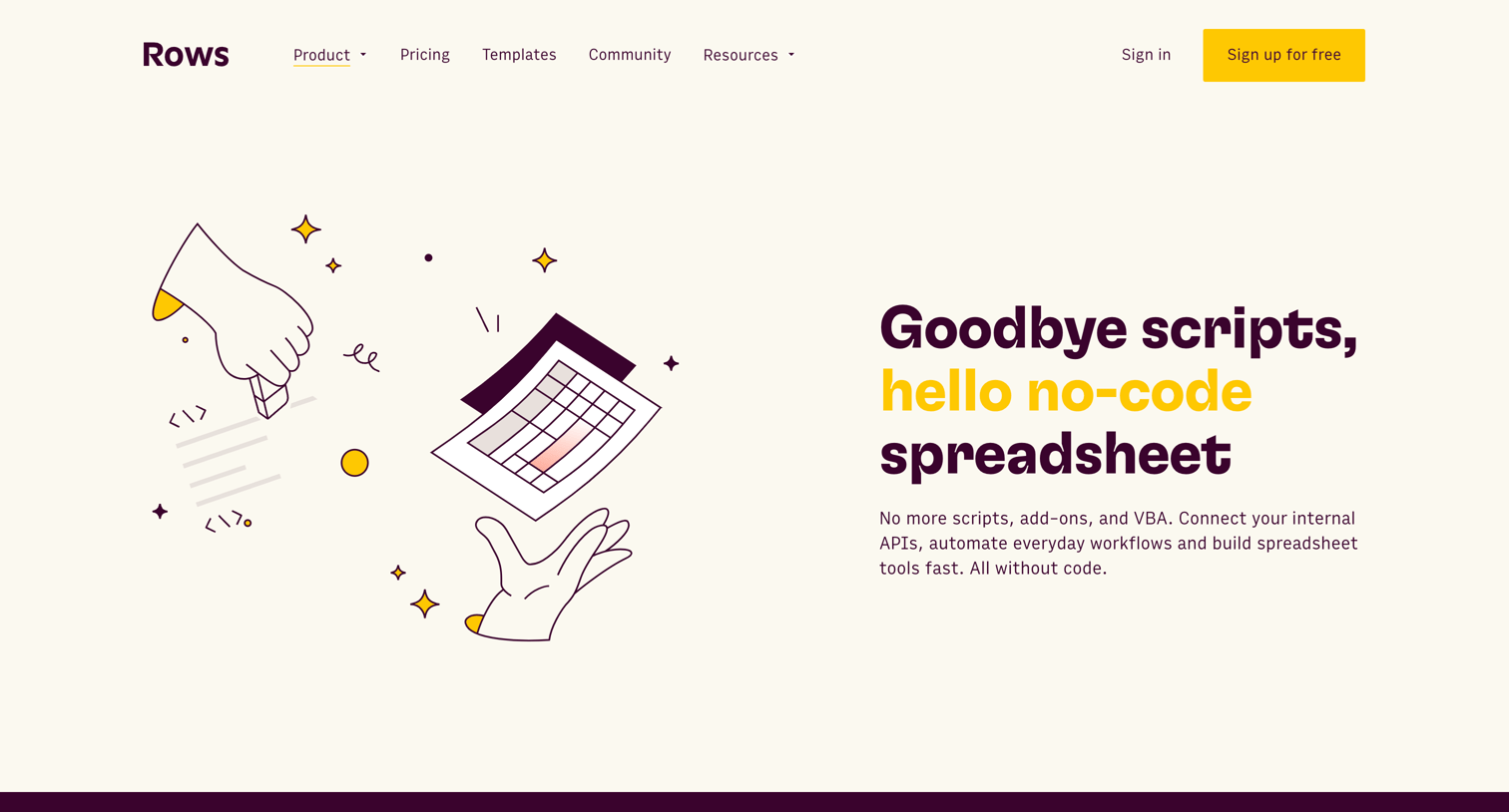
Feature page detailing advanced spreadsheet capabilities like API integrations, interactive tools, and upcoming roadmap items.
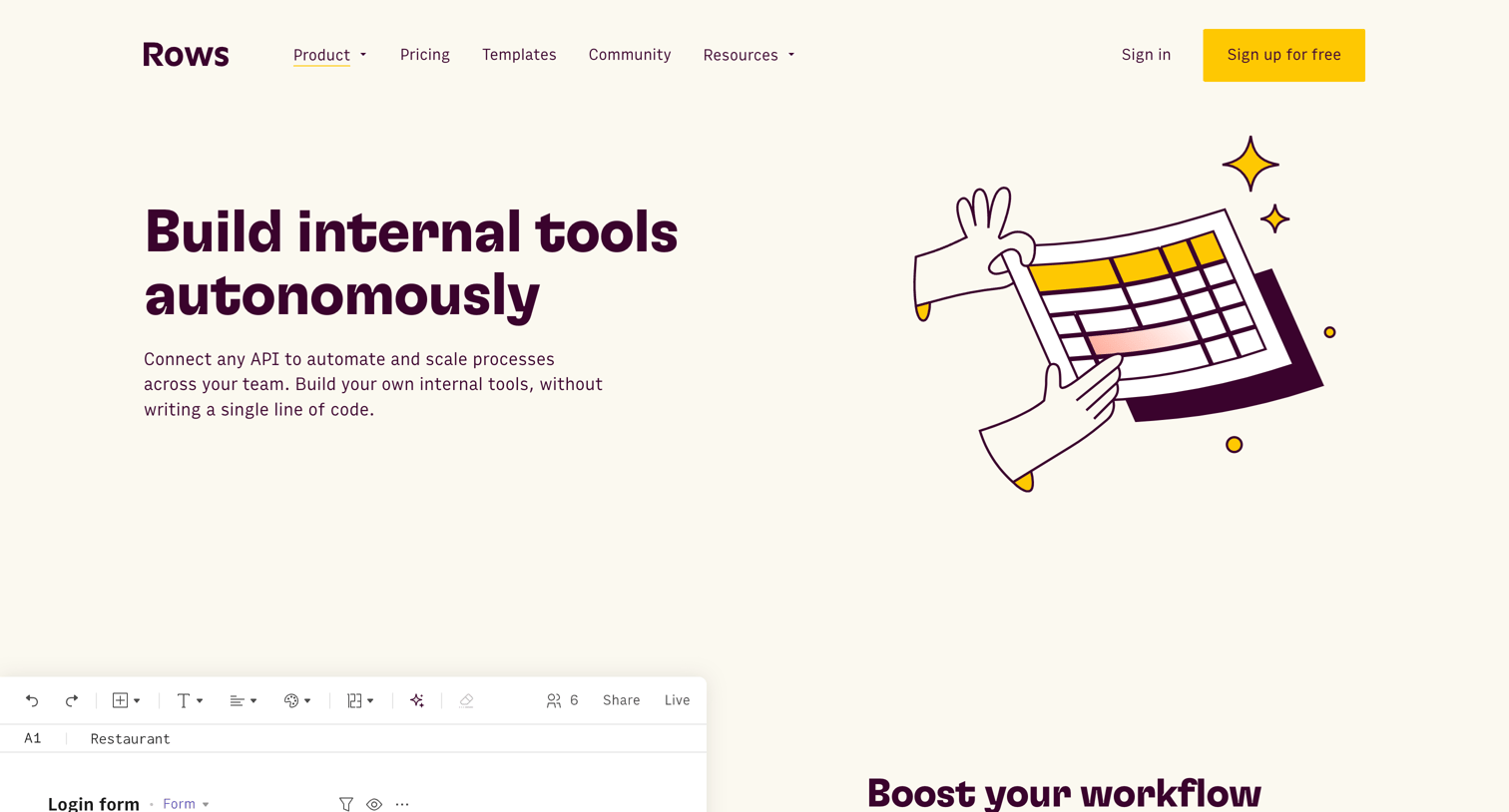
Marketing page detailing how the product can be used to build internal tools autonomously, featuring product mockups, a customer testimonial, and a gallery of related templates.
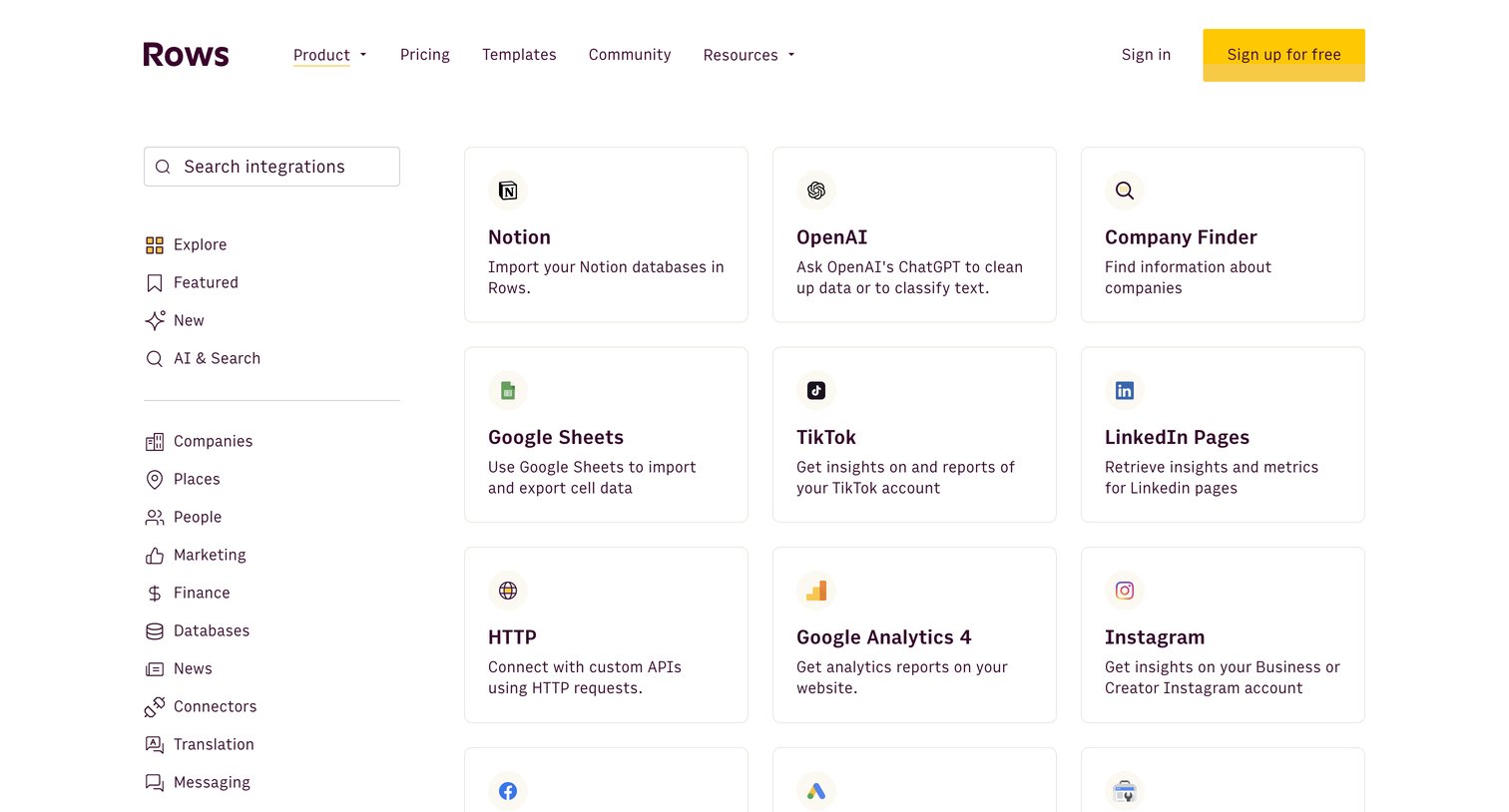
Feature page where the user browses and searches a directory of third-party integrations like Notion, OpenAI, and Google Sheets, categorized by use case.
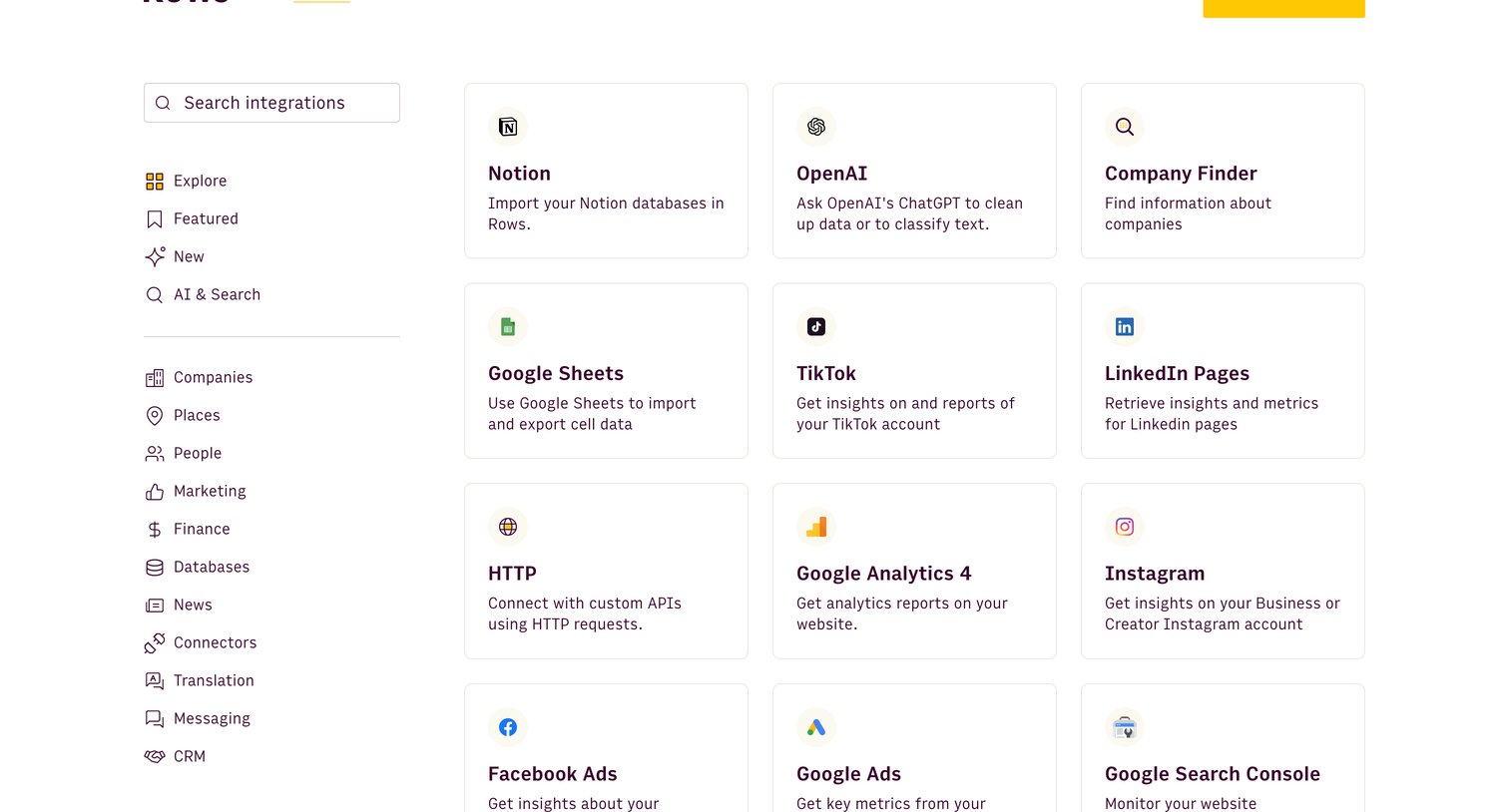
Marketing page where the user browses and searches for available third-party integrations like Notion, OpenAI, and Google Sheets, categorized by use case.
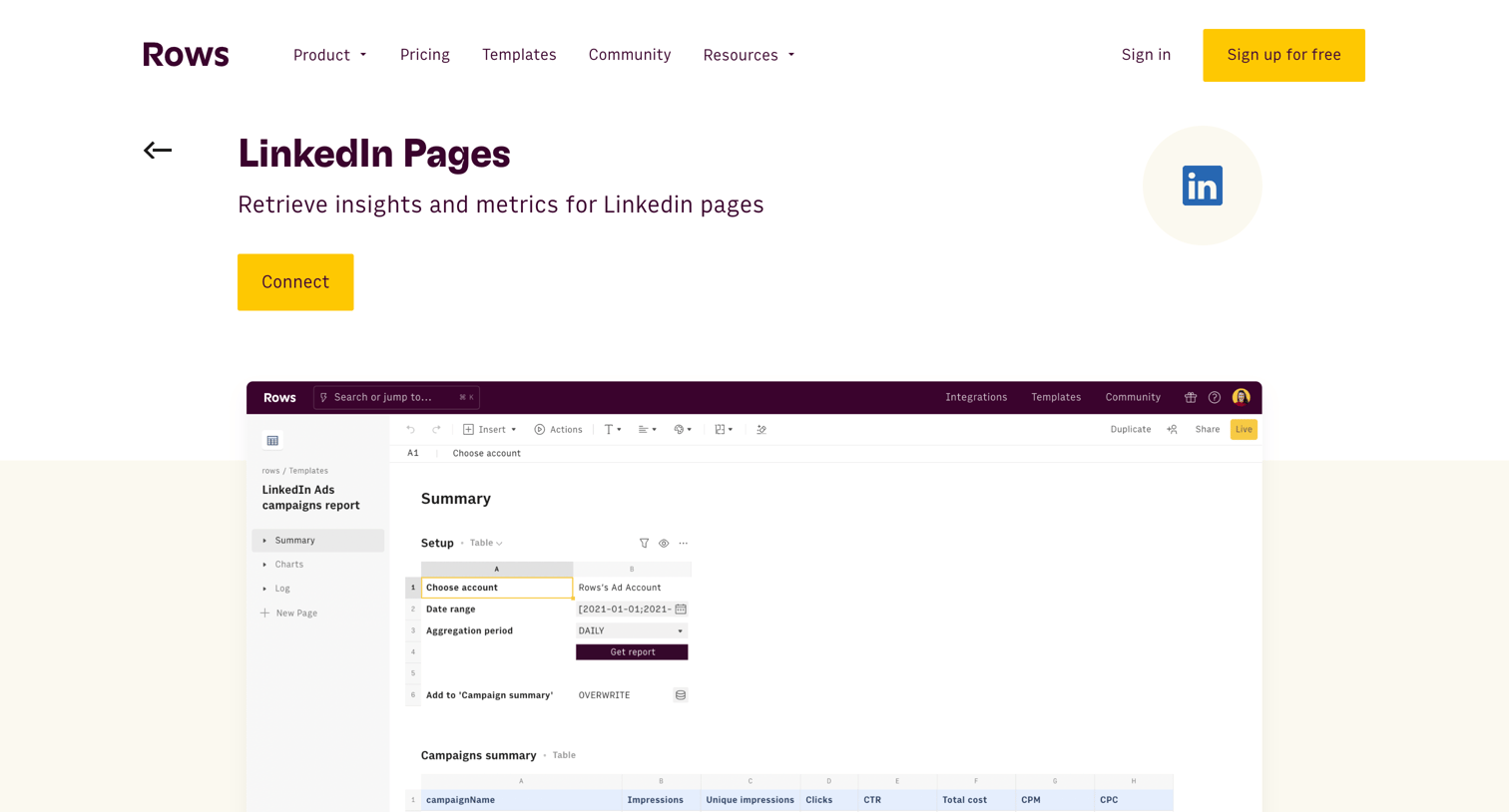
Feature page explaining the LinkedIn integration, detailing use cases like retrieving page and post metrics, and offering pre-built templates to track followers and engagement.
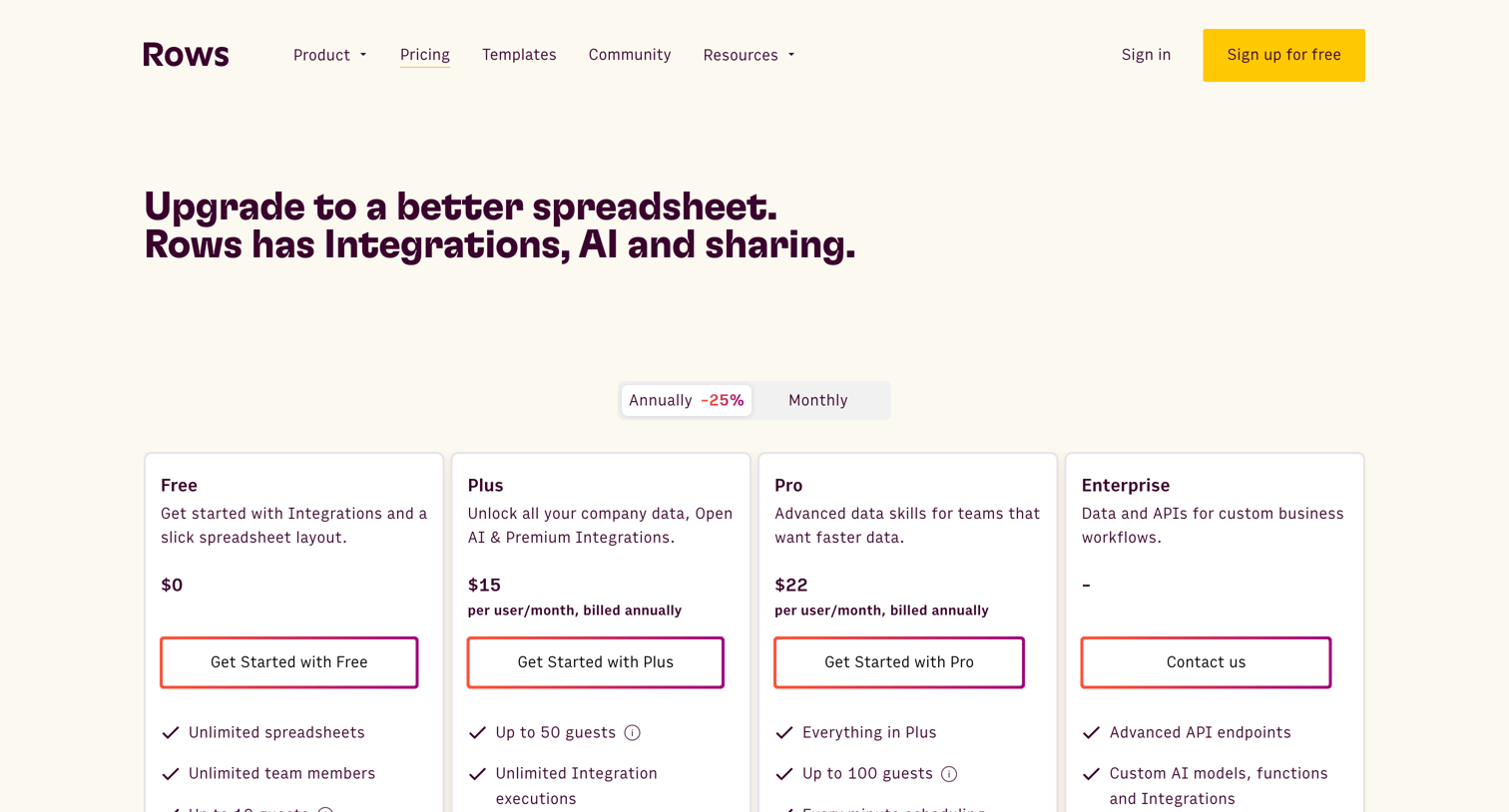
Pricing page where the user compares Free, Plus, Pro, and Enterprise plans with an annual/monthly toggle, a detailed spreadsheet-style feature comparison, and an FAQ section.
Explore the full SaaS screen library
Upgrade to unlock the full library.
Trusted by the best teams







