Rows user flows examples
Explore Rows user flow examples. Preview the opening screens and steps for each task. The spreadsheet with superpowers
Preview these flows

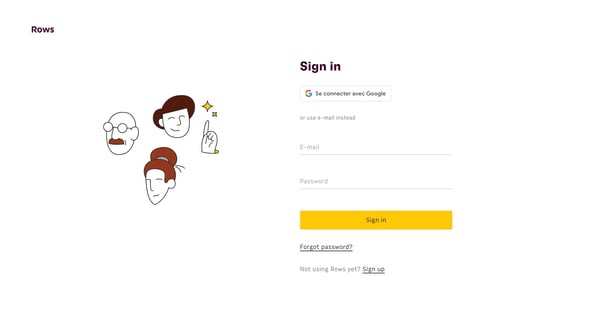
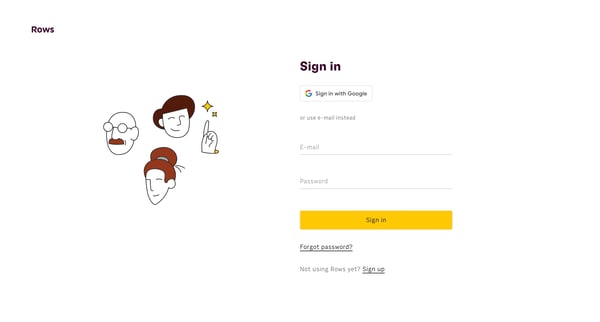
This user flow facilitates a user attempting to access their account via a choice between Google sign-in or a traditional email and password method.
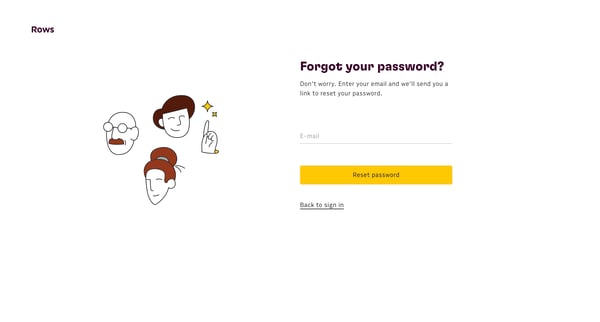
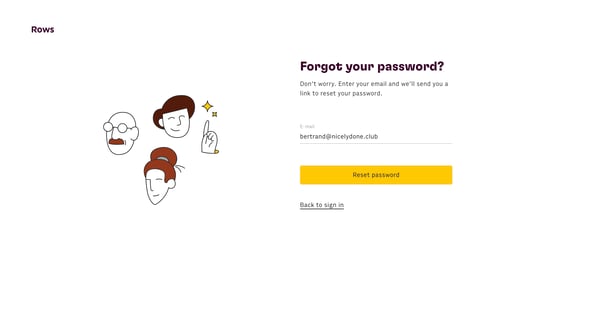
This flow assists users in securely resetting their passwords by verifying their email addresses and providing instructions.
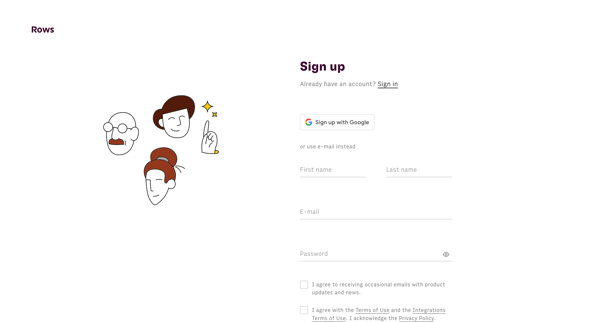
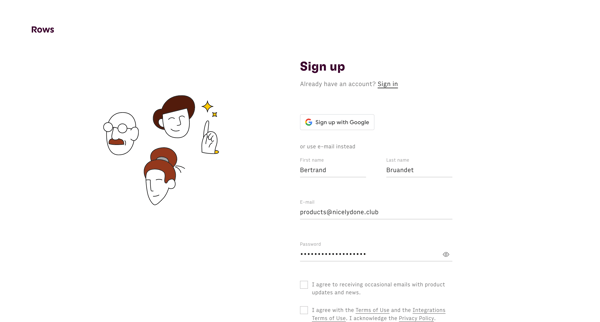
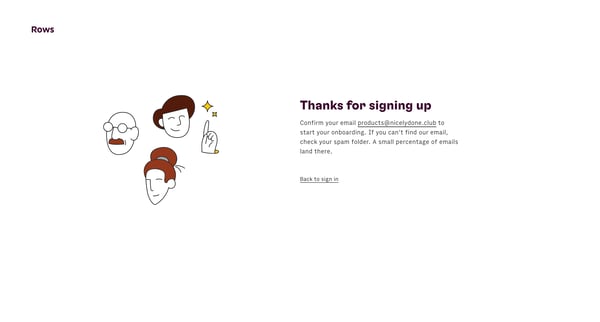
This user flow guides a new user through the process of creating an account on the Rows platform, including email verification.
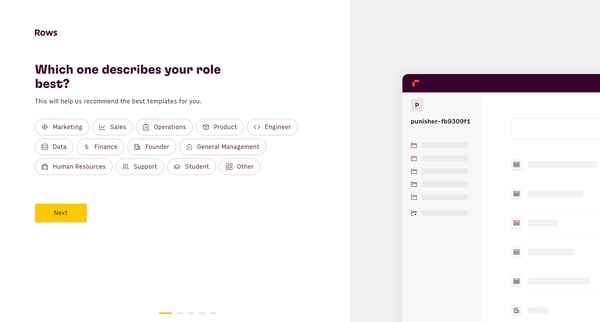
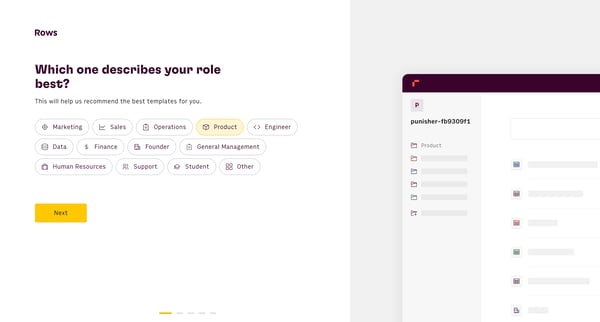
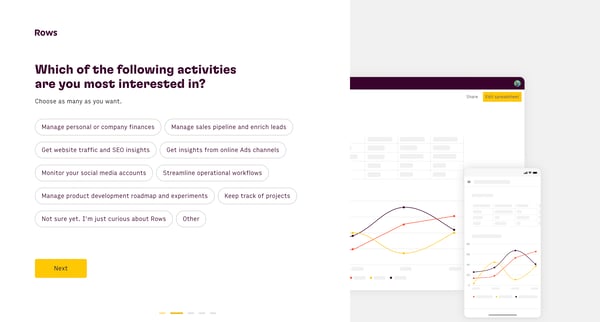
This user flow guides new users through the process of personalizing their Rows experience based on their role, interests, tool usage, proficiency in spreadsheets, and team collaboration pref
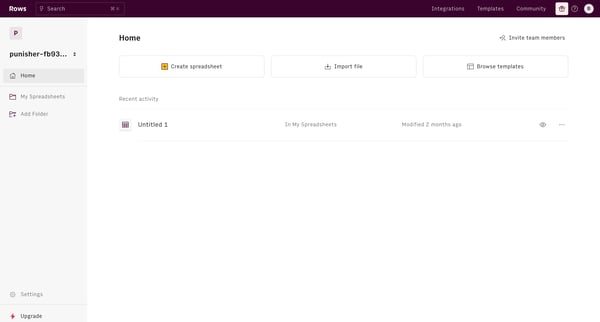
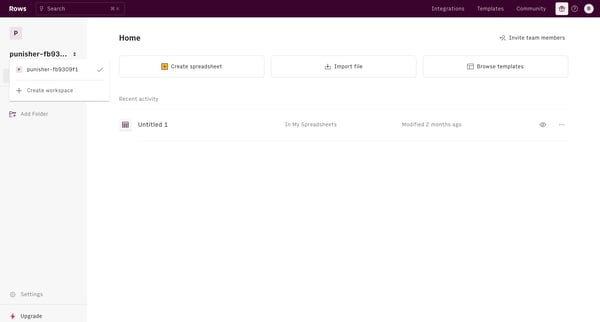
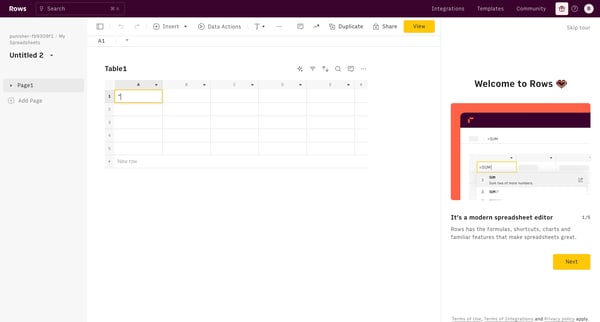
This flow assists users in managing spreadsheets, from creation and import to sharing and analysis using AI, enhancing user engagement with data.
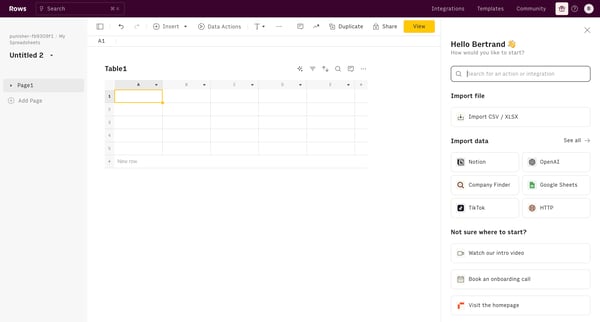
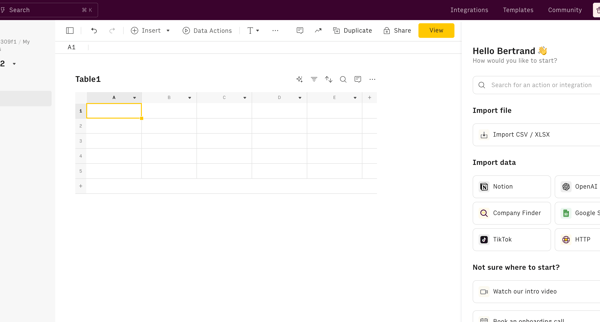
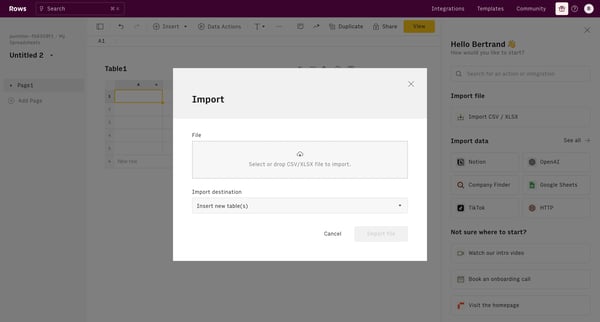
This flow guides the user through the process of importing data from a CSV file into a new table in the application.
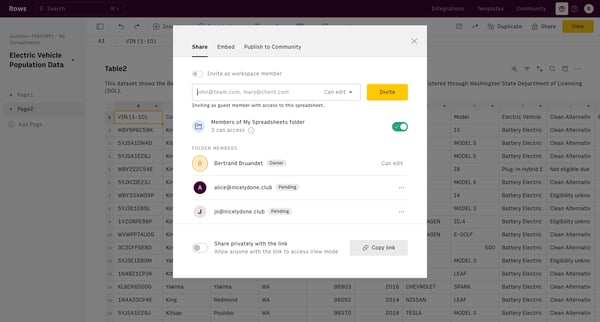
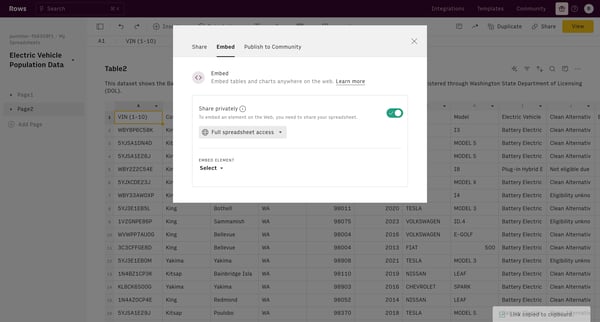
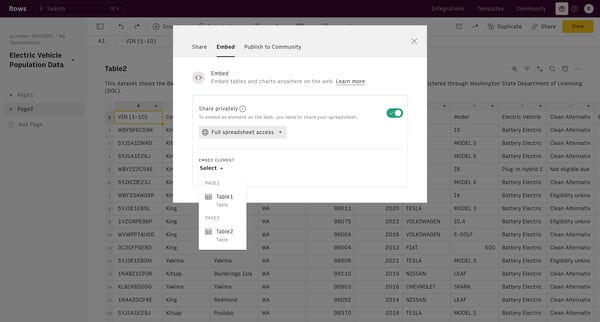
This flow guides a user through the process of managing the sharing settings and visibility of a spreadsheet, including inviting collaborators, embedding content, and controlling public acces
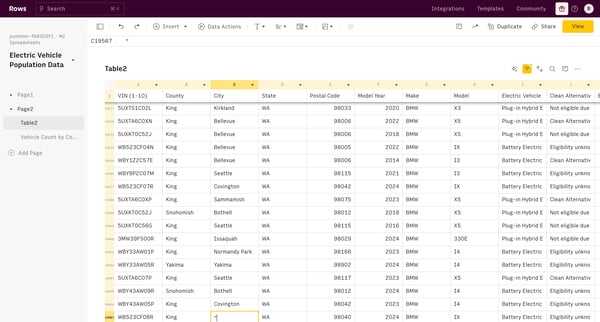
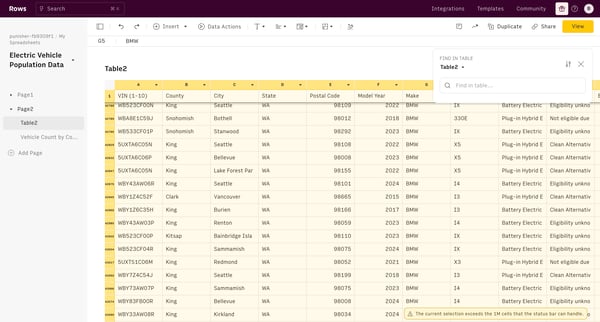
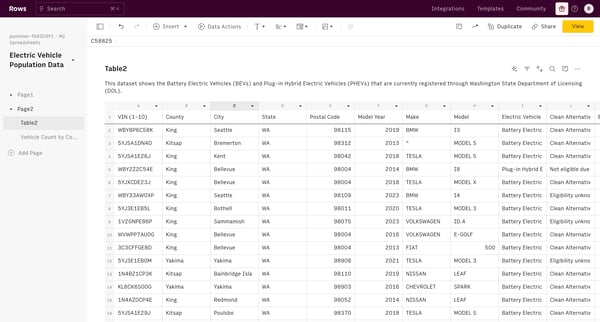
This user flow illustrates the process of searching, updating, and managing data related to electric vehicles from a database within a structured user interface.
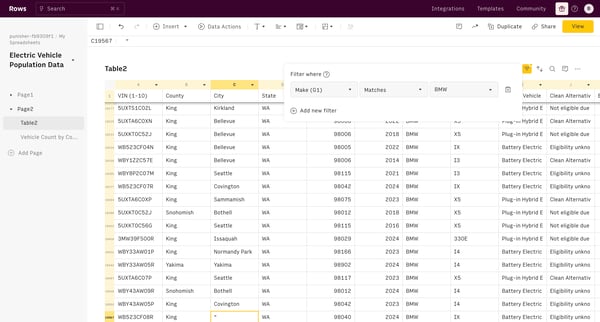
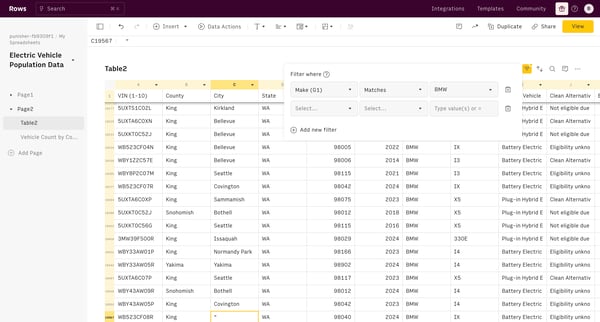
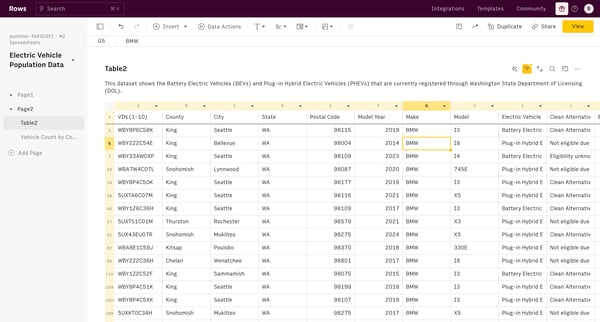
This user flow allows managing data with actions such as searching, inserting filters, adding new data, and manipulating table views for spreadsheets related to electric vehicle population da
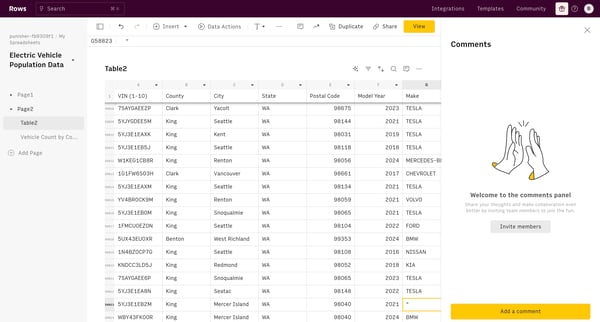
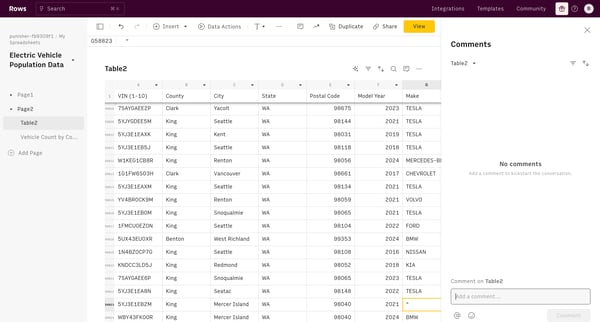
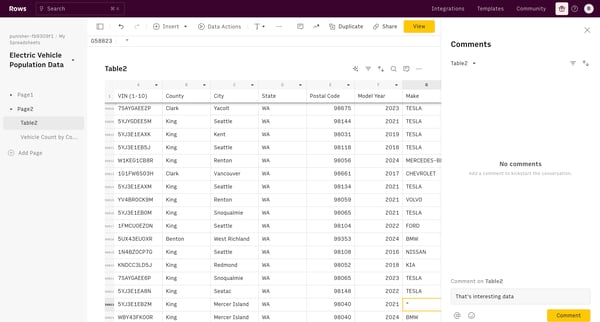
This user flow facilitates the process of commenting on and reacting to specific data within a table, encouraging user interactions and collaborative feedback.
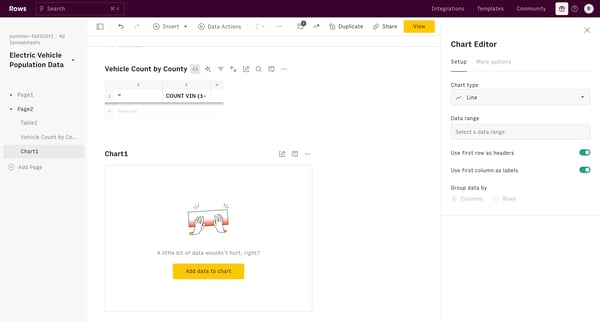
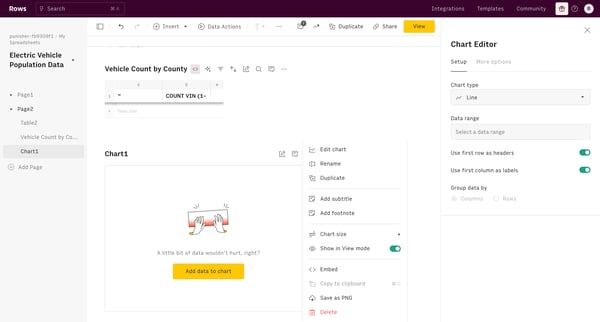
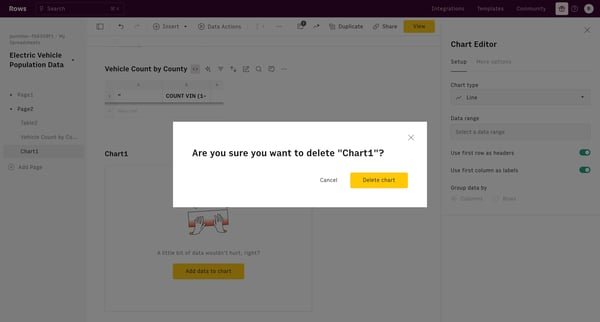
This flow manages the deletion of a chart in a user's spreadsheet, ensuring appropriate confirmations are handled before removing data.
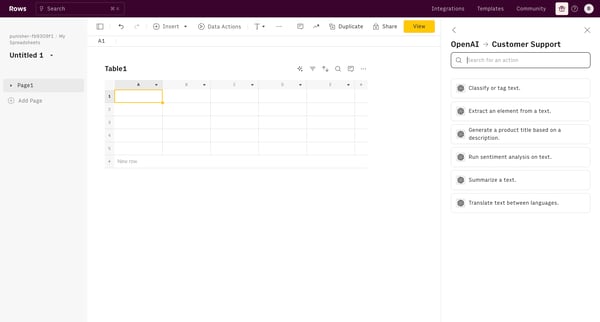
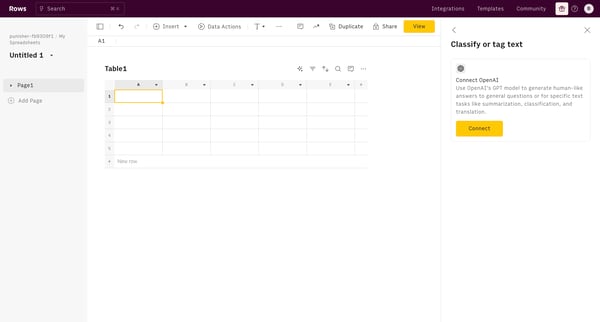
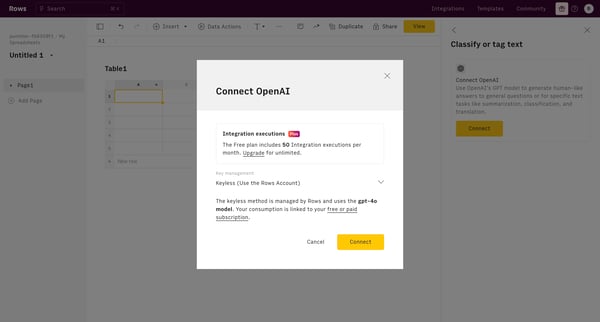
This user flow facilitates the connection to the OpenAI integration within a spreadsheet interface, enabling AI-driven text processing functionalities.
Explore the full SaaS flow library
Browse the full SaaS flow library.
Trusted by the best teams







