Raster design examples
Explore Raster UI design examples. Photo manager for modern teams
Product screens
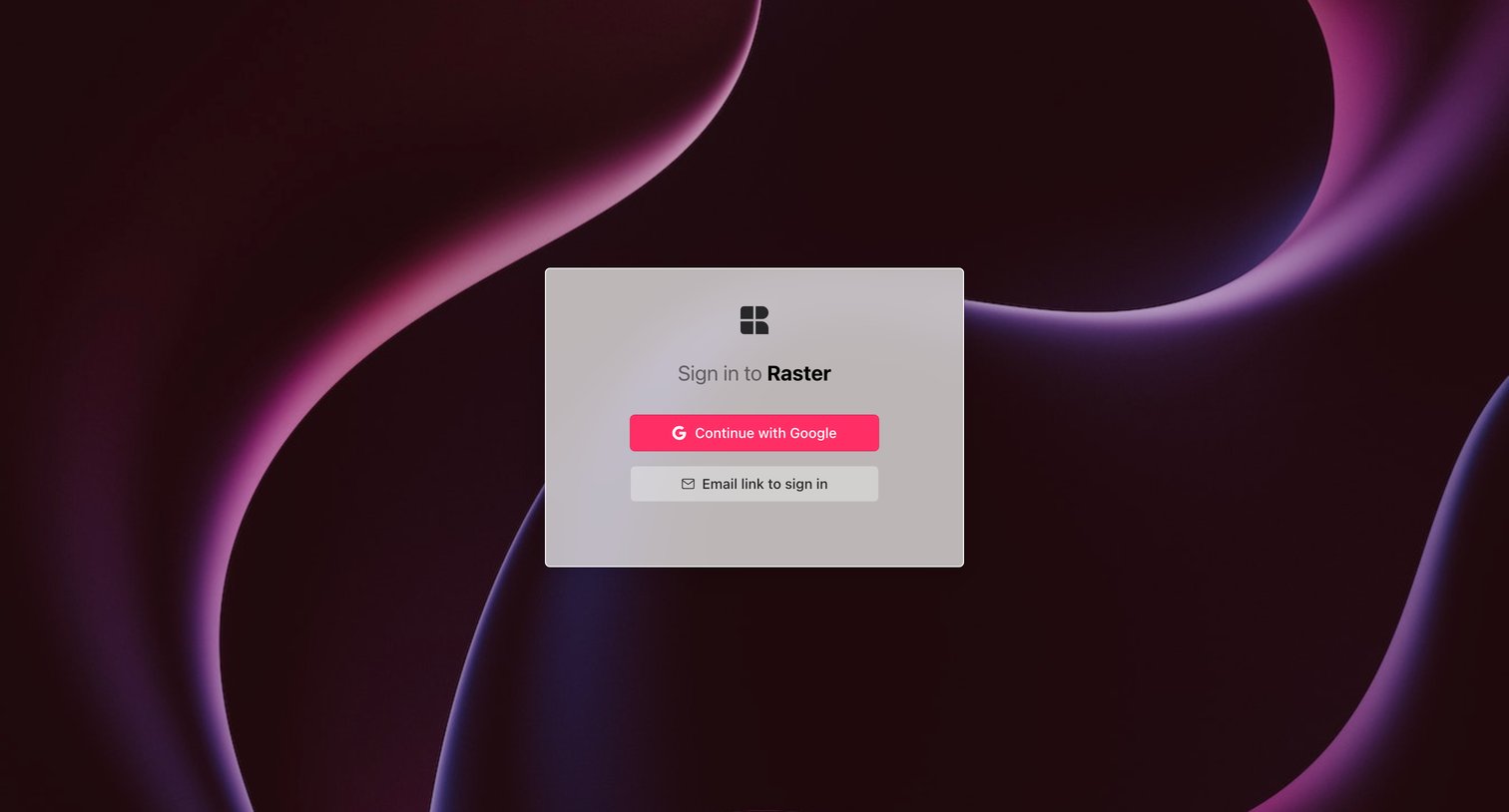
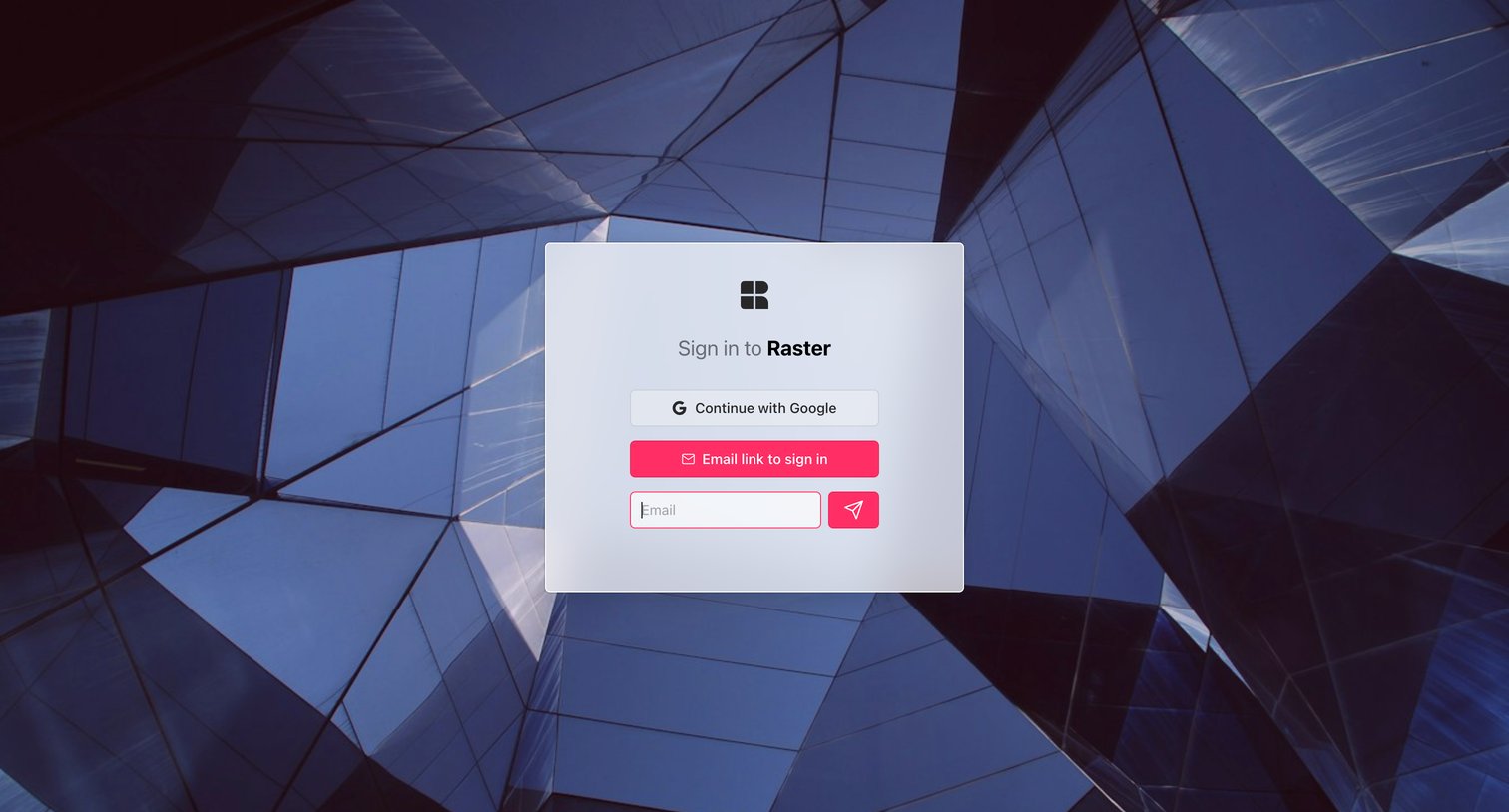
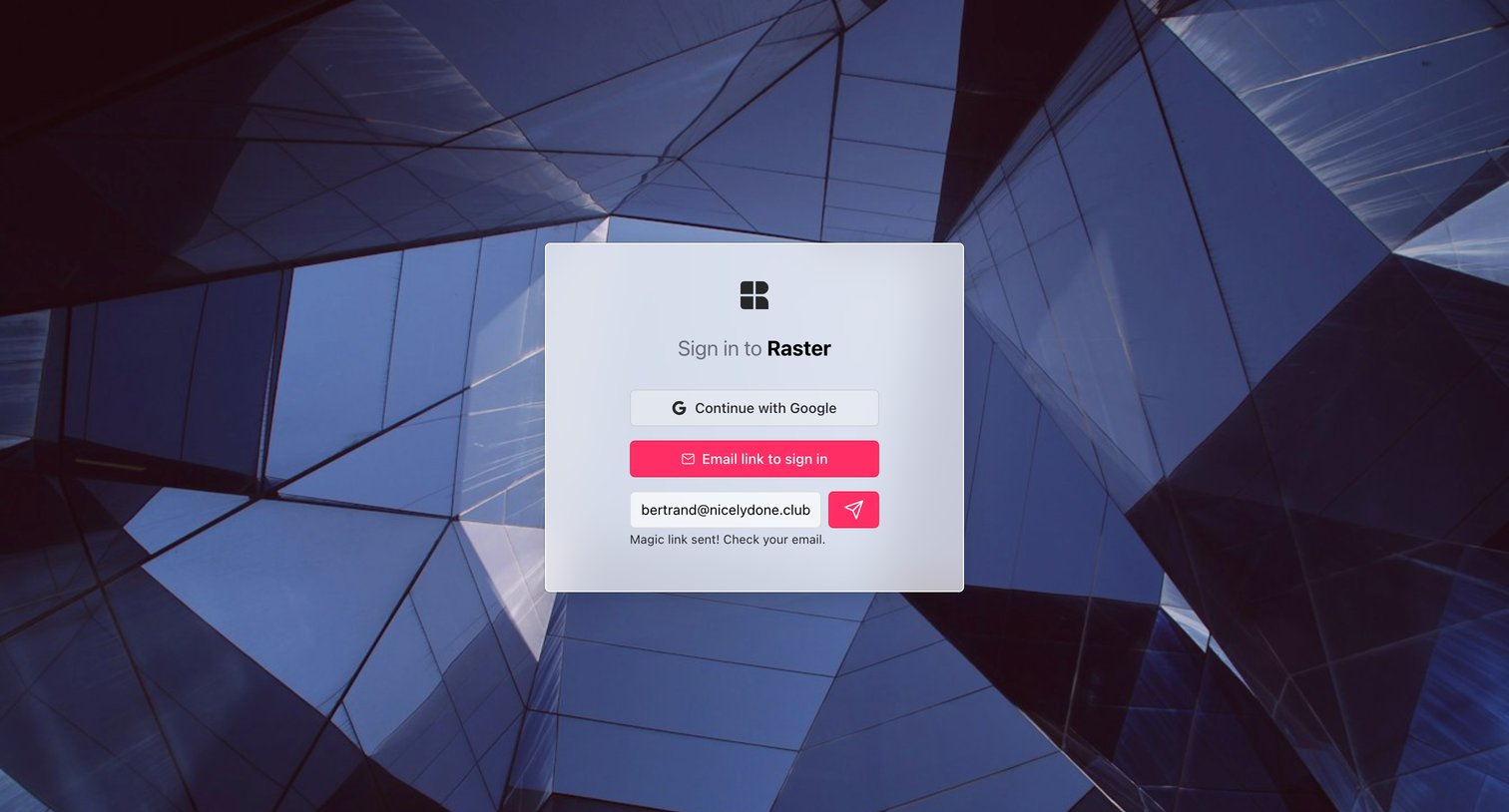
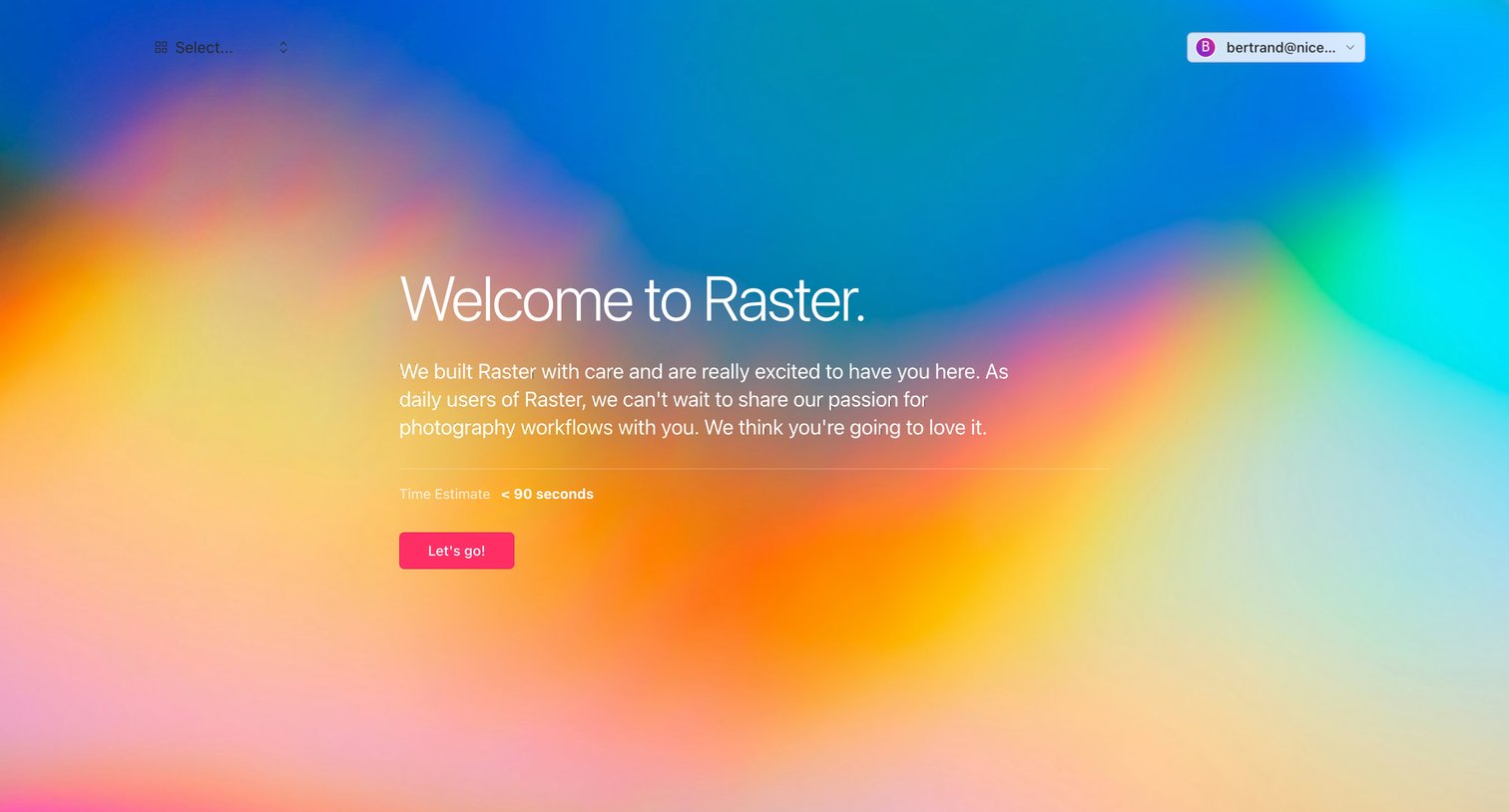

Onboarding step where the user is welcomed to the product and given a time estimate before starting the setup flow.
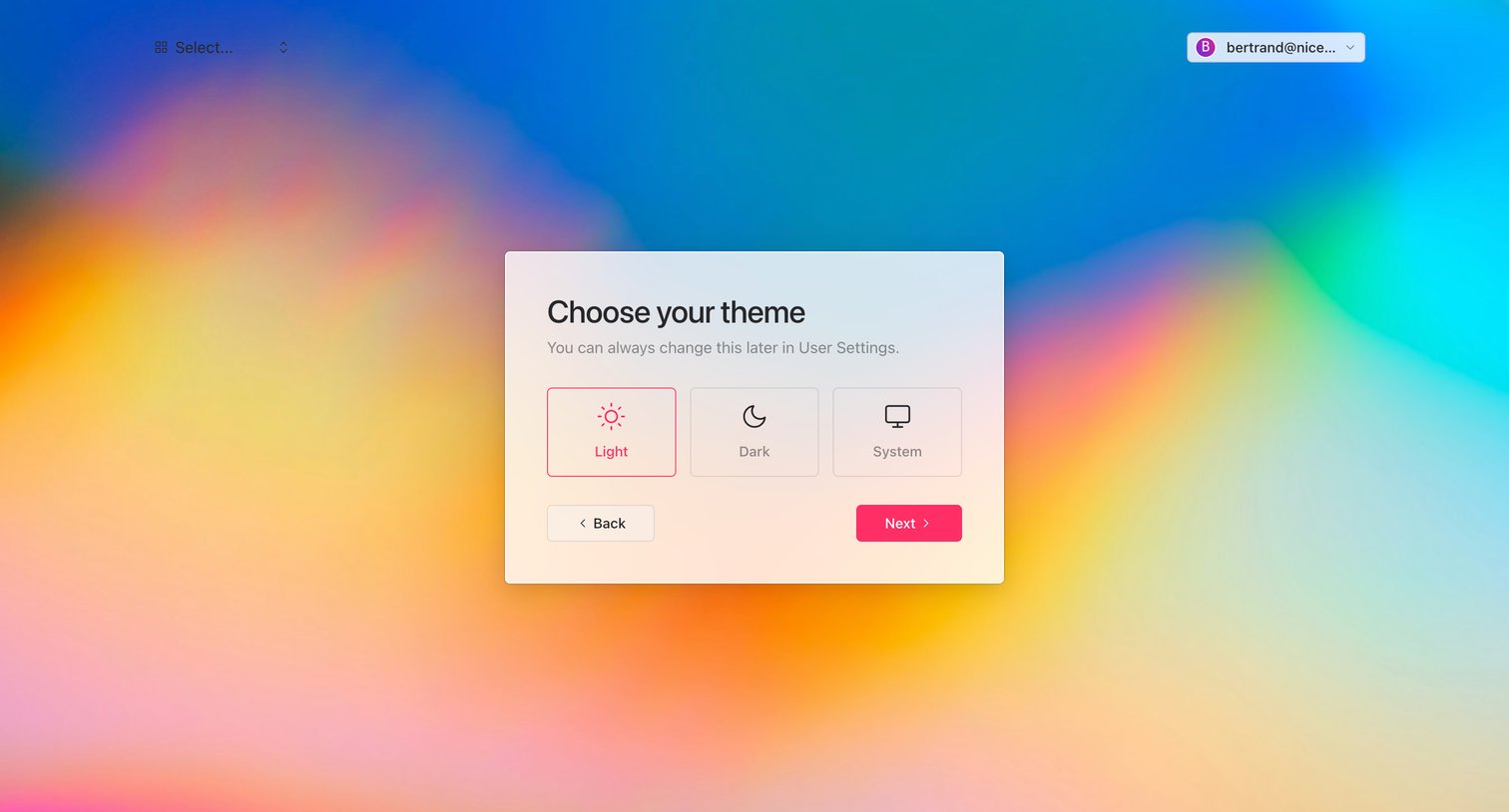
Onboarding step where the user chooses between light, dark, or system theme preferences before entering the app.
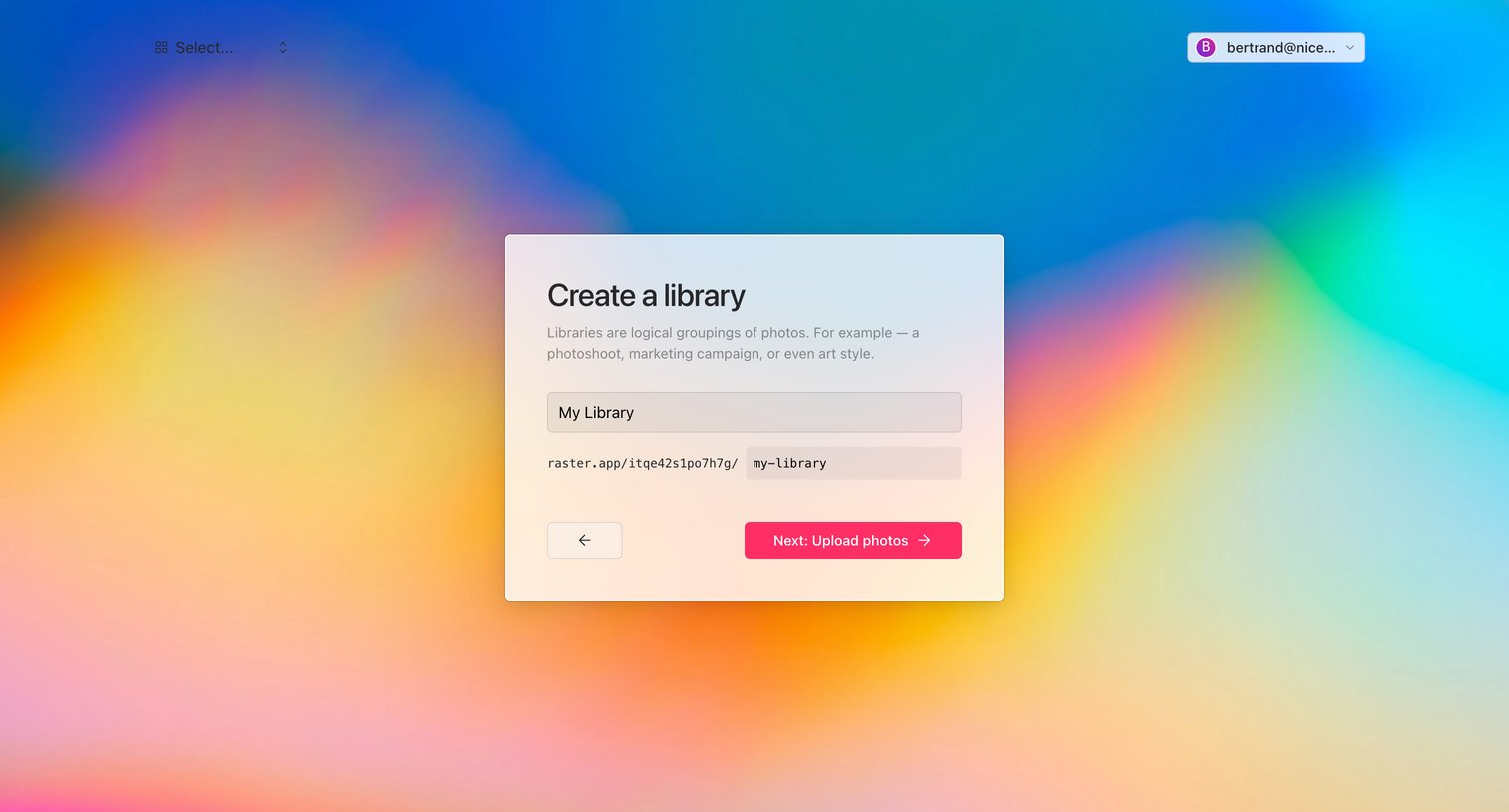
Onboarding step where the user names their first library and configures its custom URL slug before uploading photos.
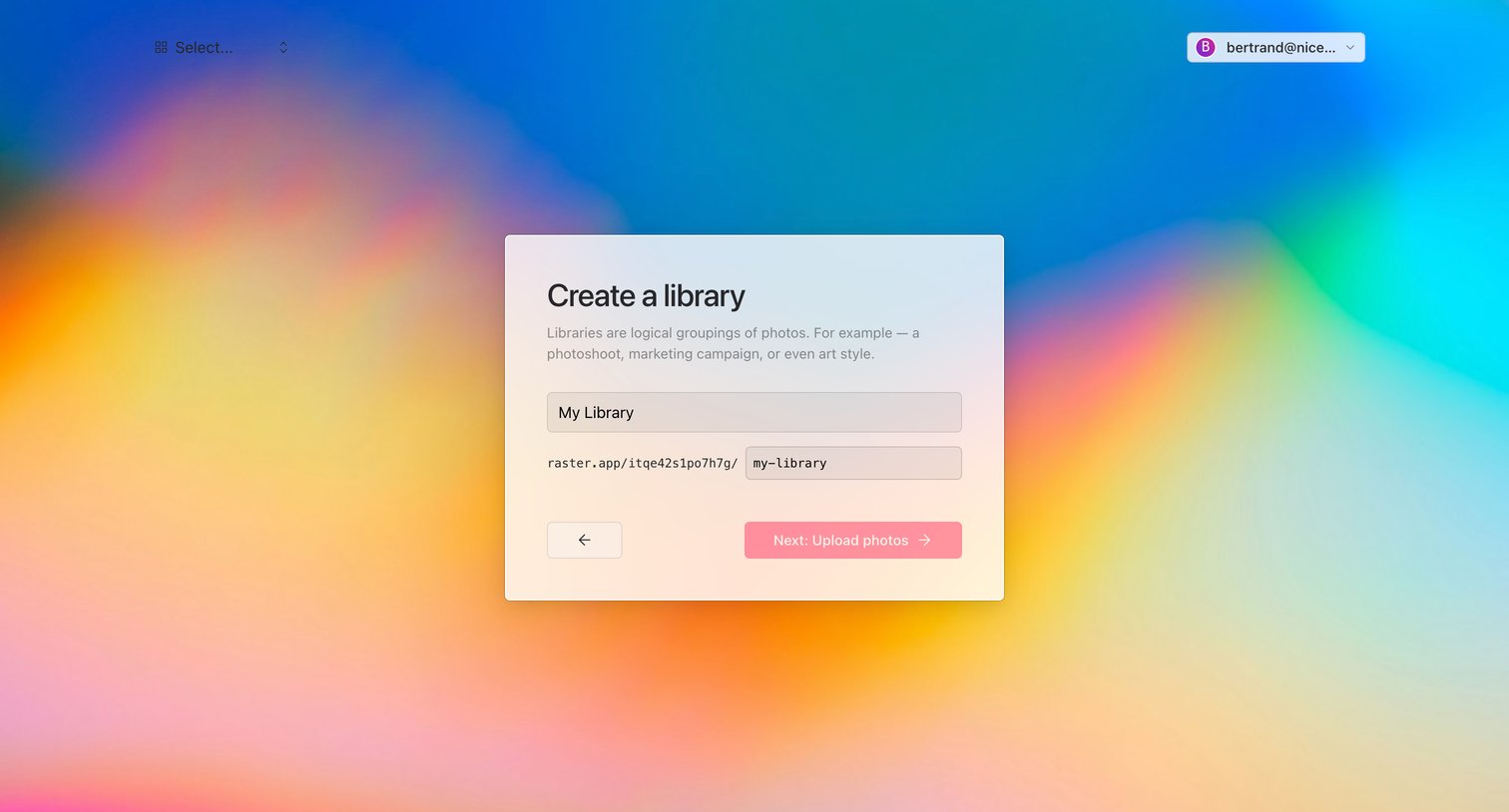
Onboarding step where the user names their first library and configures its URL slug before uploading photos.
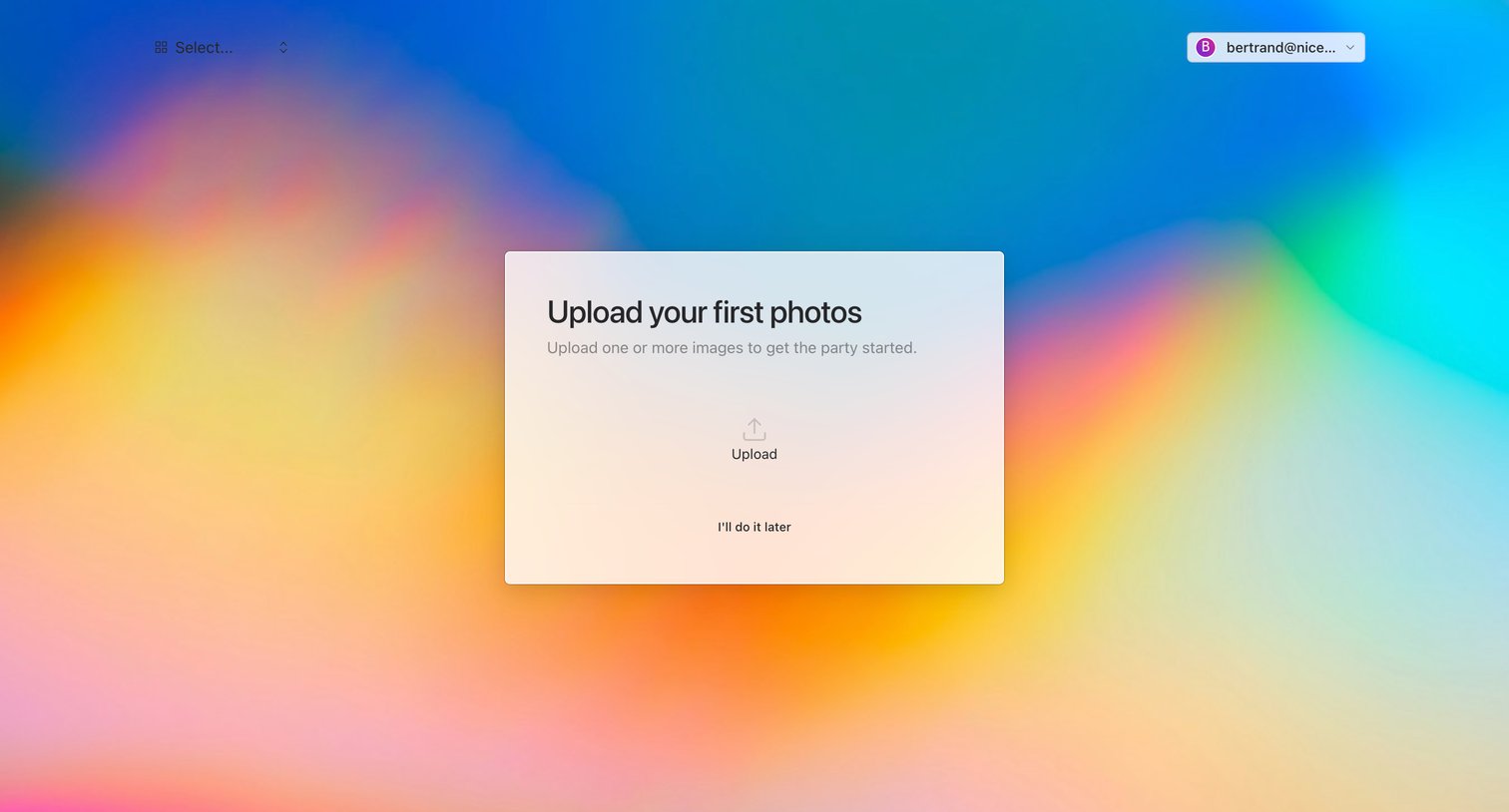
Onboarding screen where the user is prompted to upload their first photos to an empty workspace, with an option to skip.
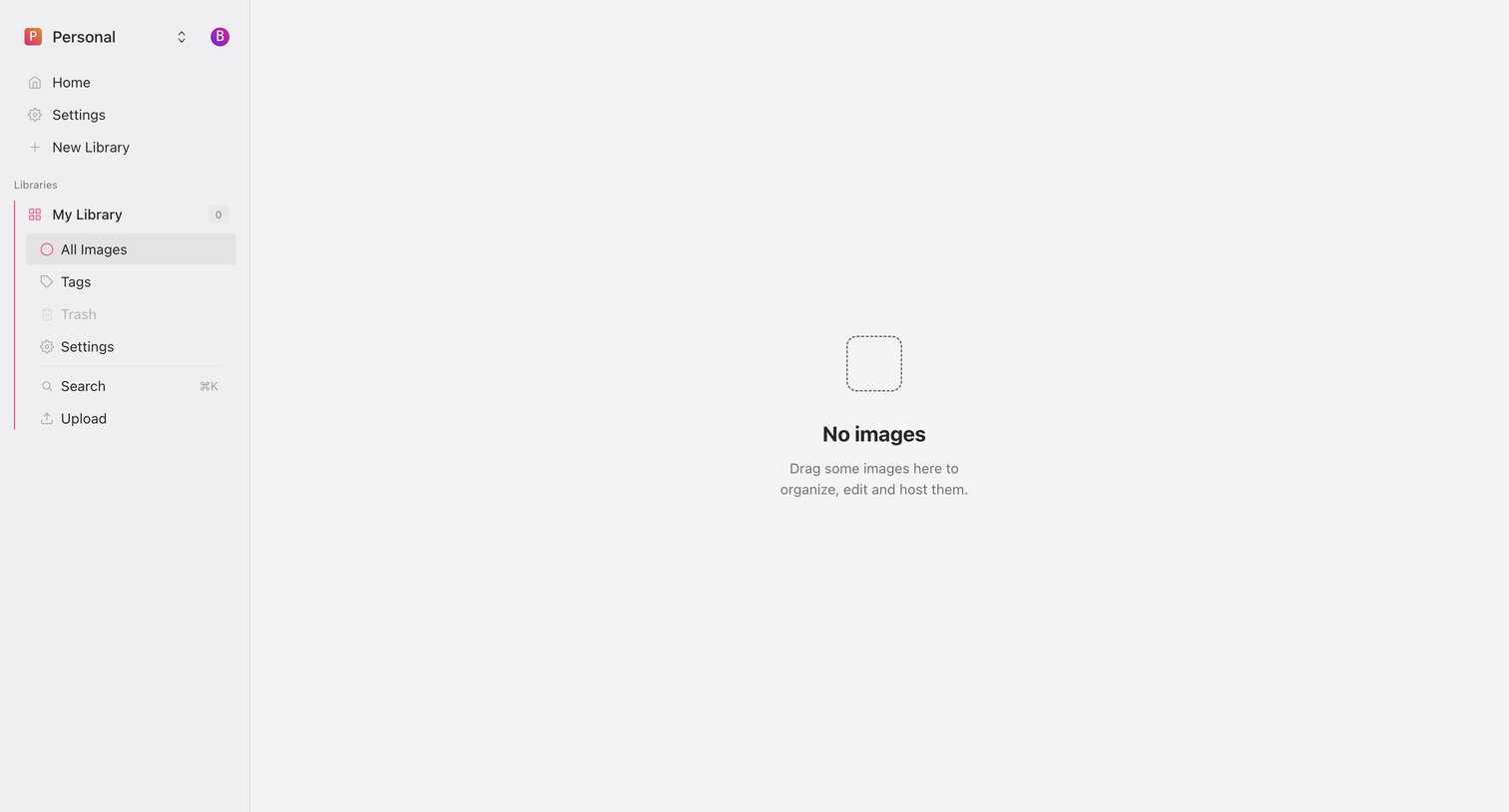
List view of an image library in an empty state, prompting the user to drag and drop images to begin organizing them.
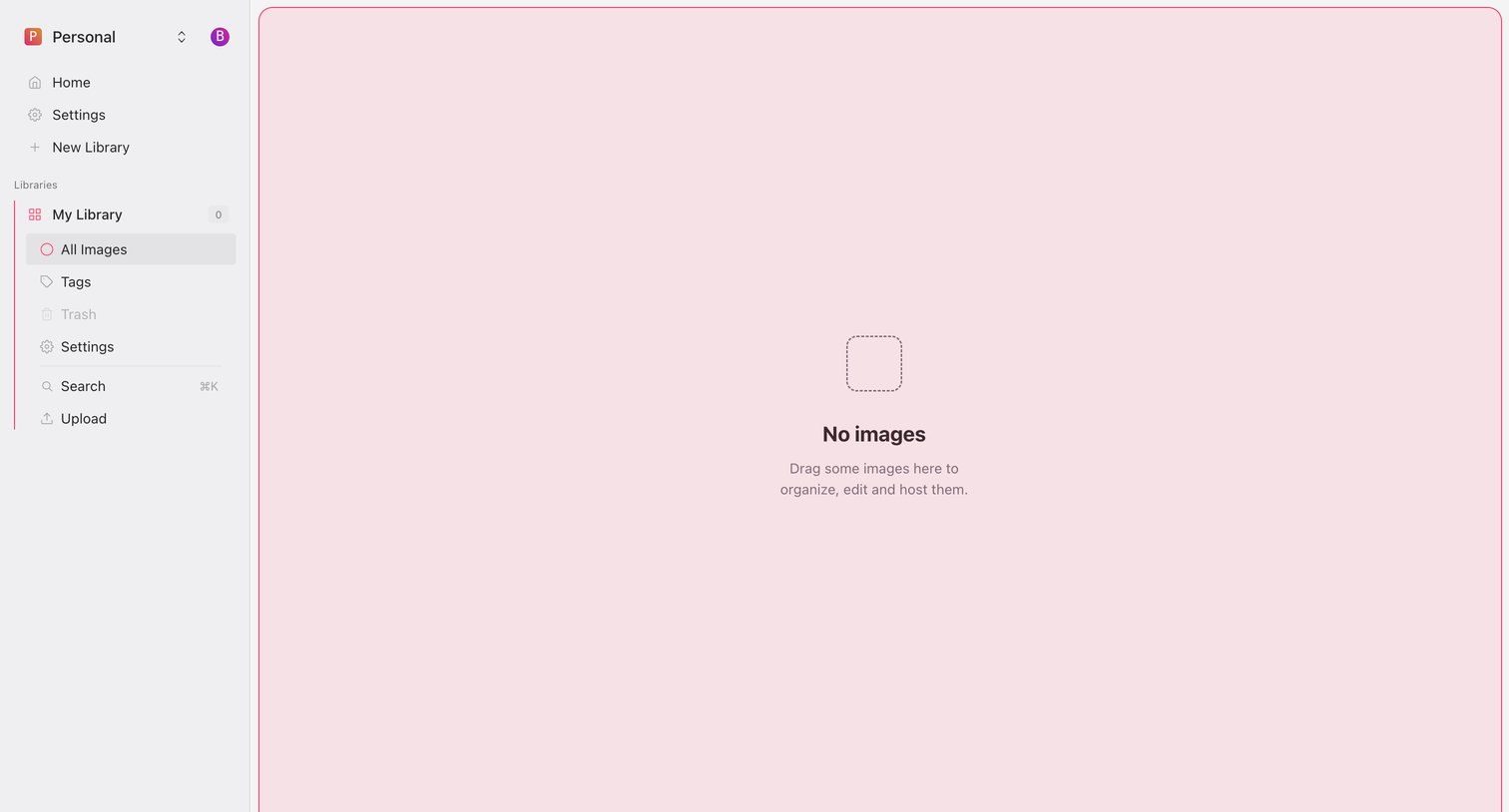
Image library view showing an empty state prompting the user to drag and drop images to upload.
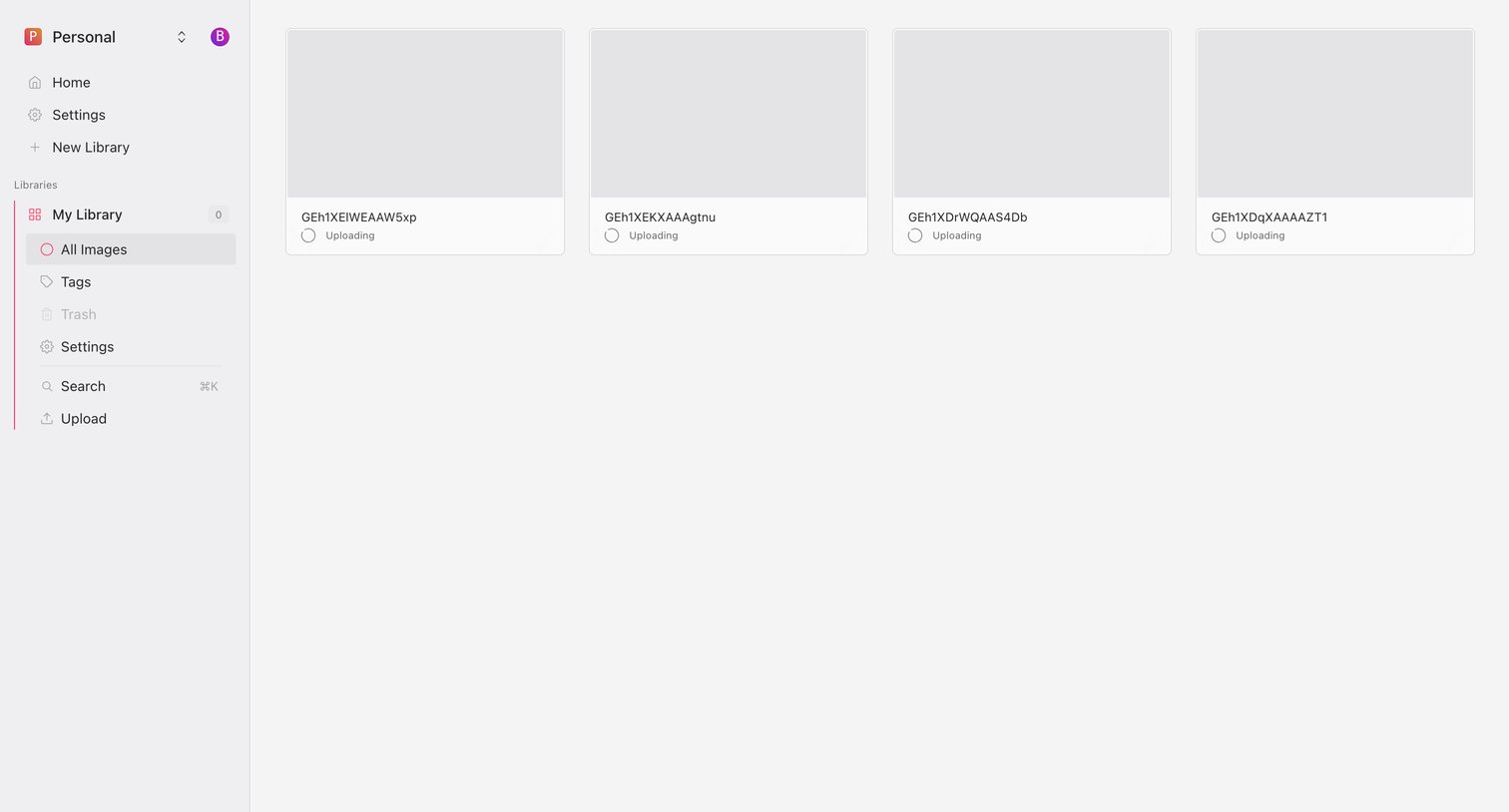
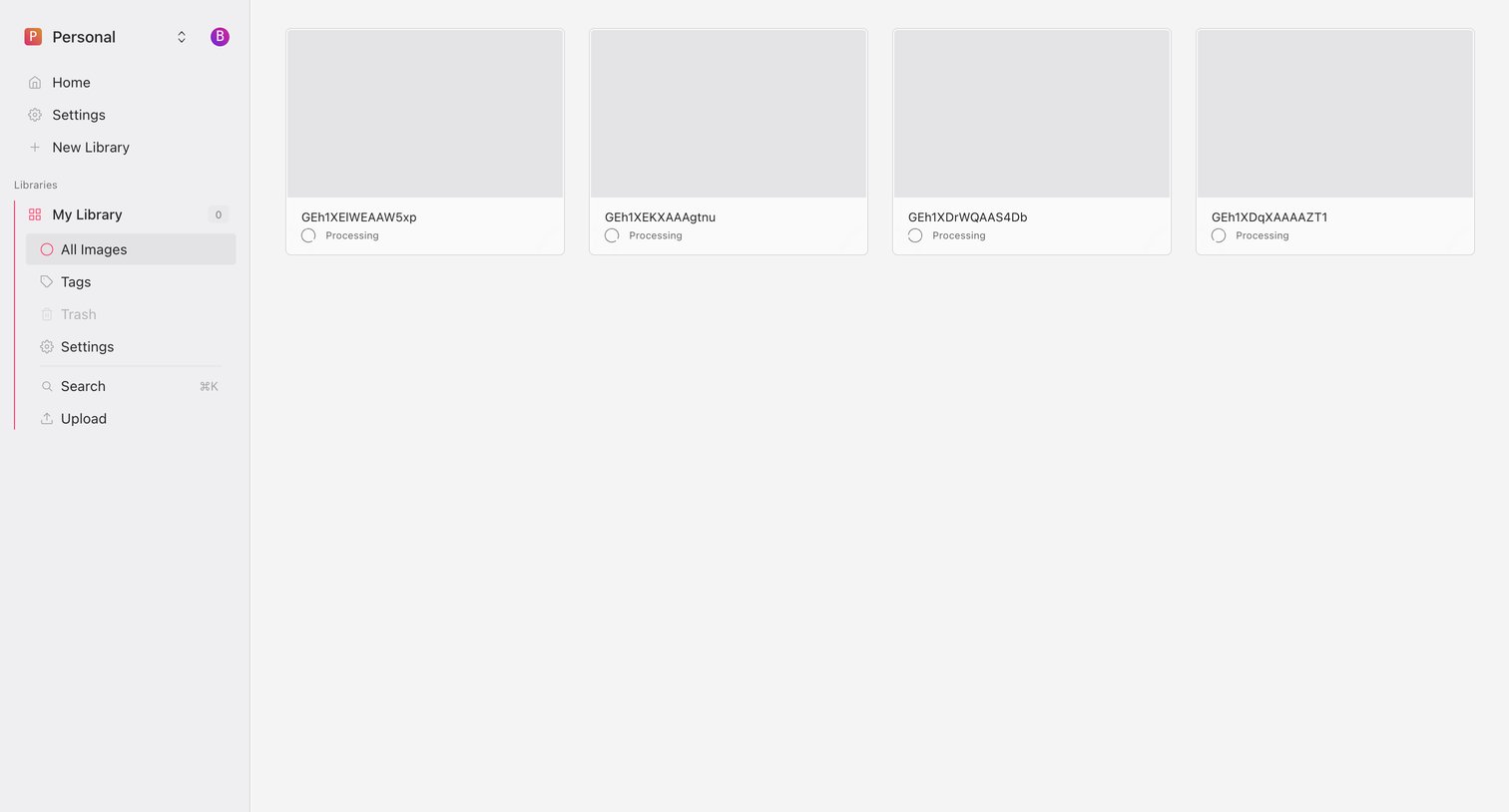
Image library view where four files are currently uploading into the user's personal workspace.
Browse the full SaaS app library
Explore real SaaS apps with their product screens, marketing screens, flows, and components.
Trusted by the best teams







