Raster UI components examples
Browse Raster UI component design examples. Preview individual interface elements and explore related component categories. Photo manager for modern teams
Explore the examples


A segmented control for selecting the application's appearance theme, with options for System, Light, and Dark.
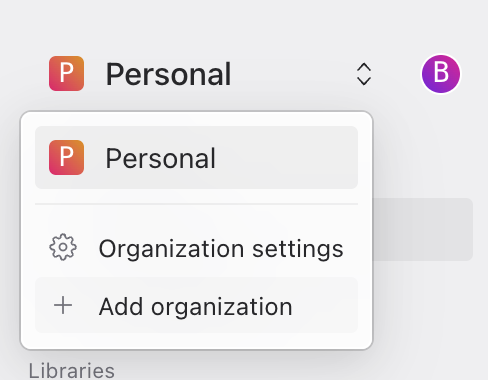
An open dropdown menu used to switch between organizations or workspaces, featuring the current workspace, a link to settings, and an option to add a new organization.
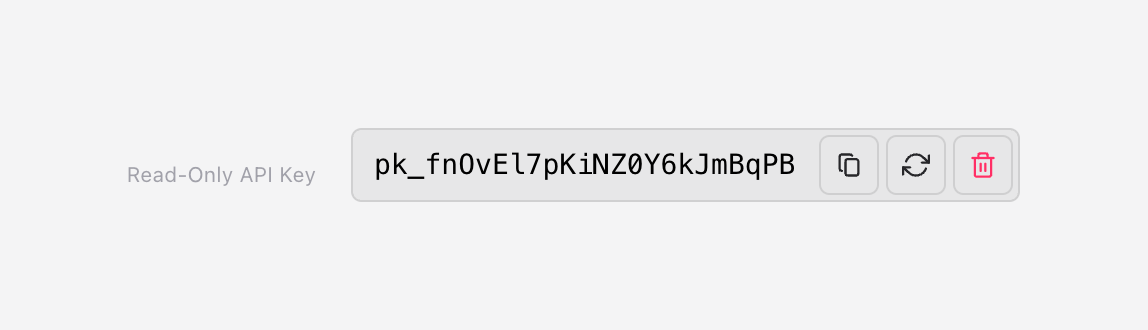
A read-only input field displaying an API key, accompanied by a label and three icon buttons for copying, regenerating, and deleting the key.
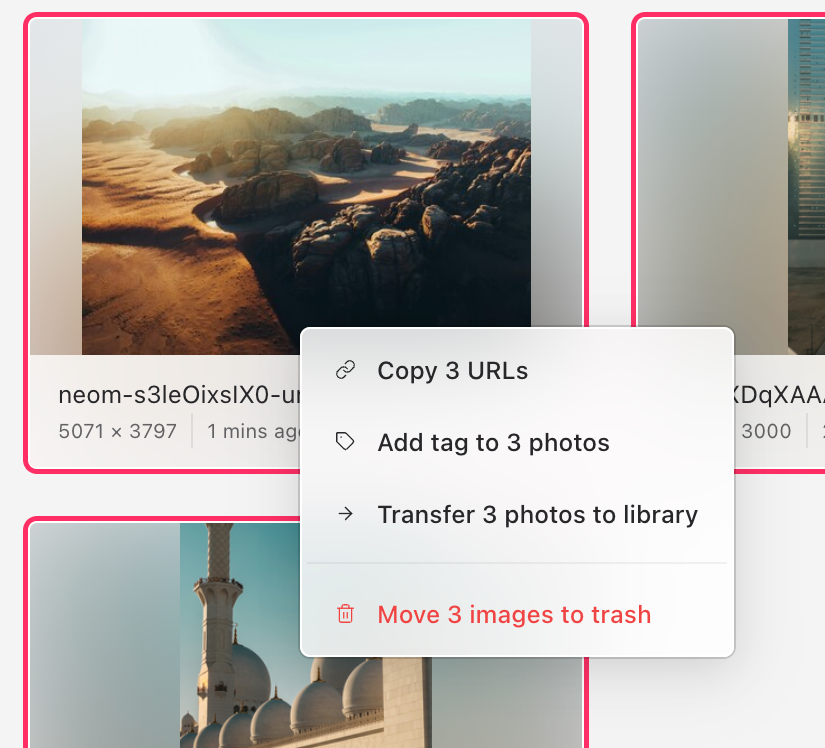
A context menu overlay showing bulk actions for multiple selected images, including copying URLs, adding tags, transferring, and moving to trash.
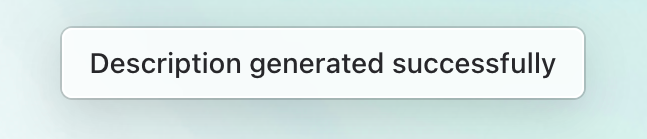
A simple toast notification confirming that a description was generated successfully.
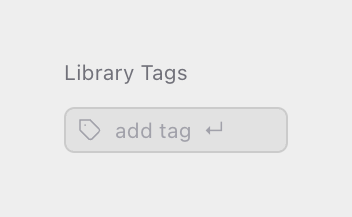
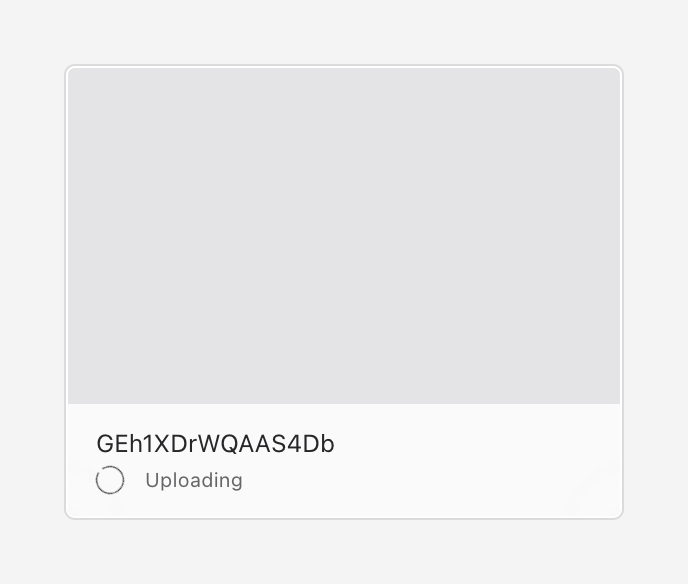
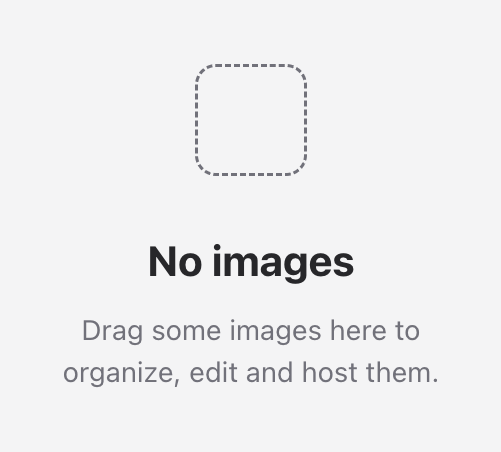
An empty state message indicating no images are present, with instructions to drag and drop images to begin organizing them.
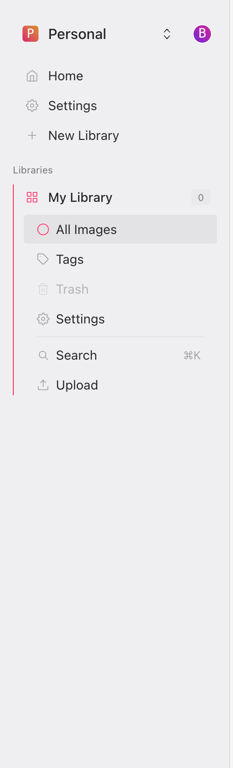
A vertical sidebar navigation menu featuring a workspace switcher, primary navigation links, and a collapsible library section with nested items.
Browse the full component library
Browse the full UI component library.
Trusted by the best teams







