Prismic design examples
Explore Prismic UI design examples. A CMS backend for your websites
Product screens



Password recovery screen where the user enters their email address to receive reset instructions.
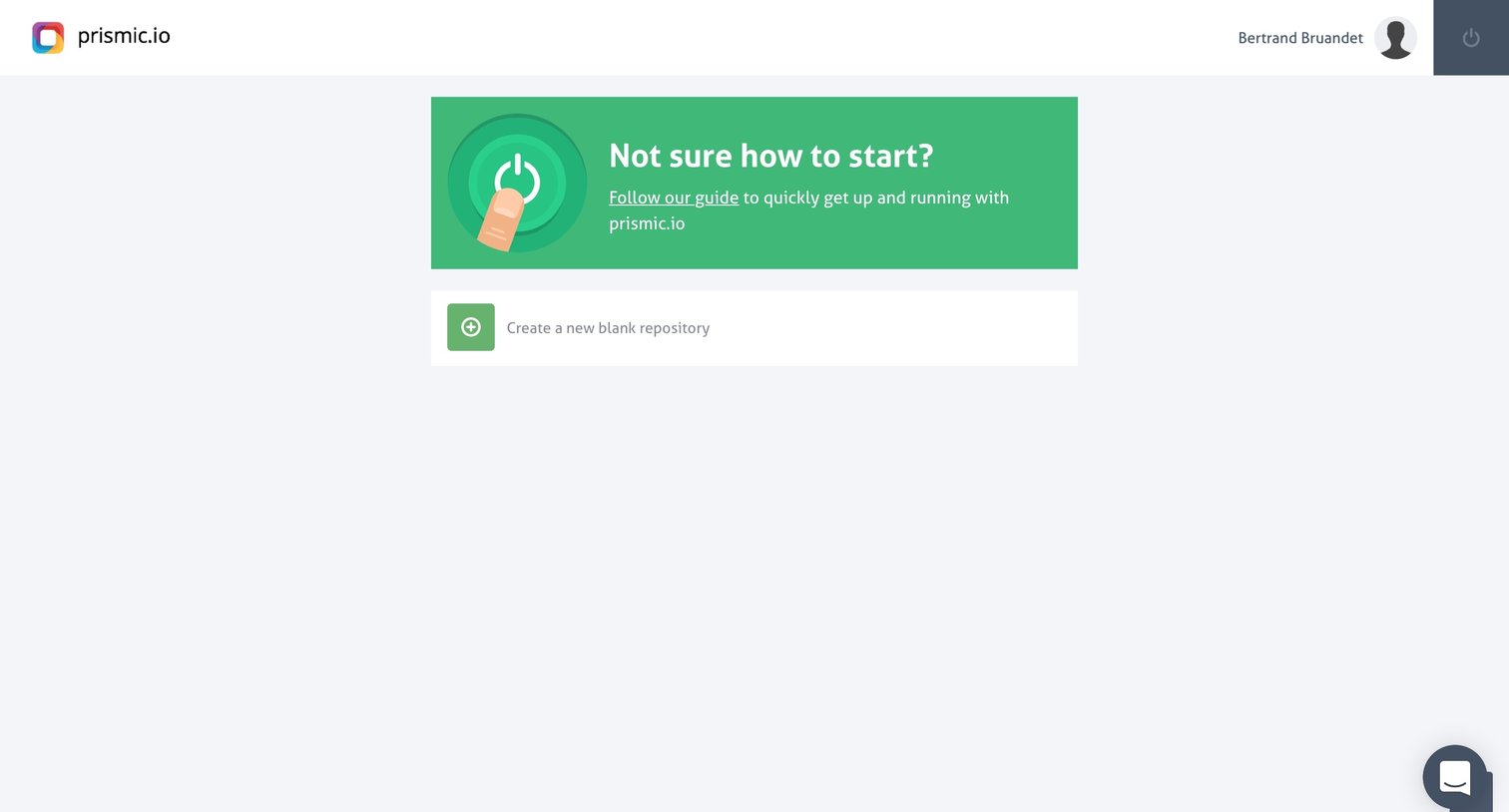
Dashboard empty state prompting the user to read the getting-started guide or create their first blank repository.
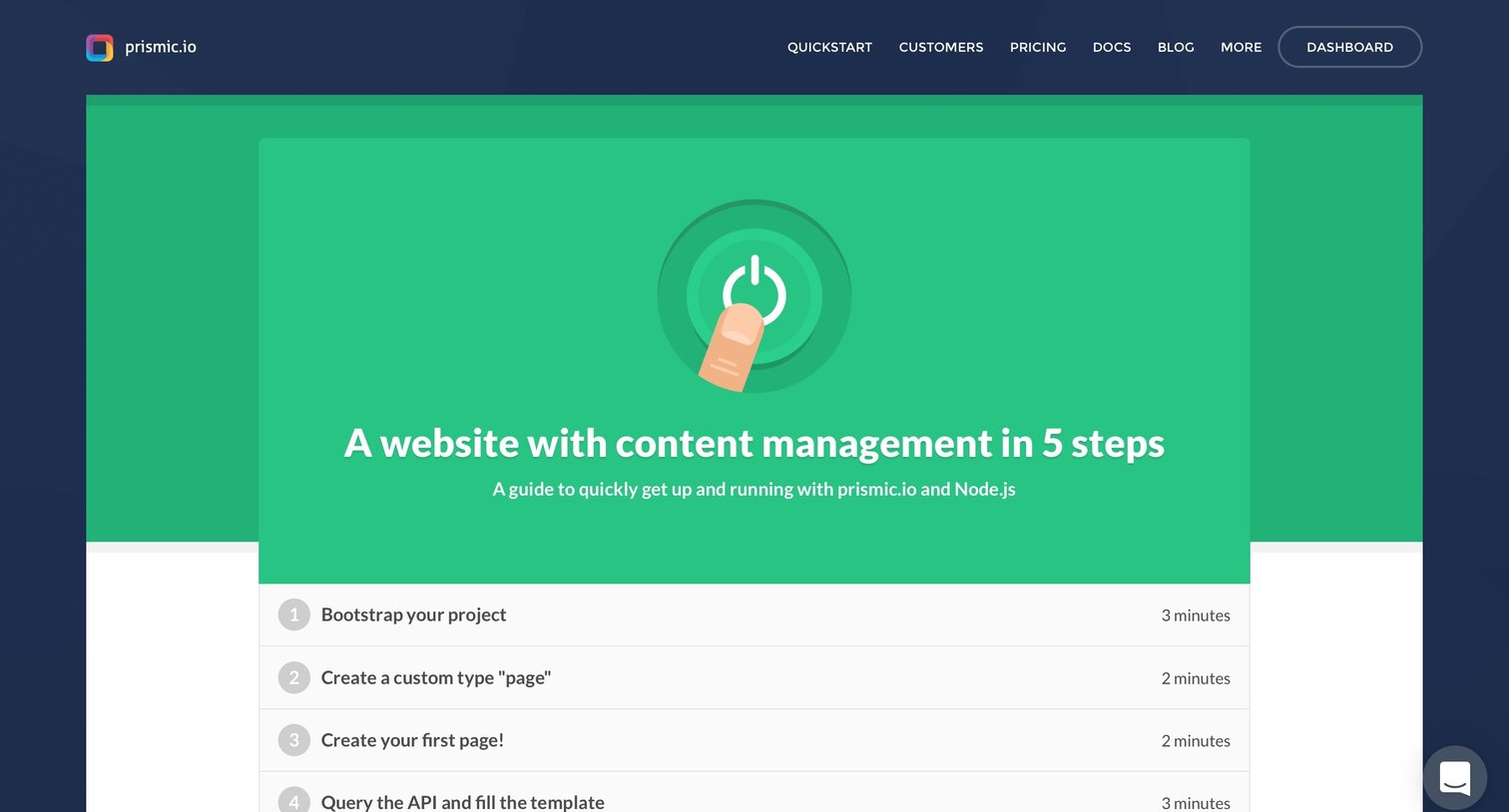
Developers section quickstart guide where the user follows a 5-step tutorial to integrate Prismic content management with a Node.js application.

Settings drawer where the user updates their public profile details, including first and last name, and changes their account password.

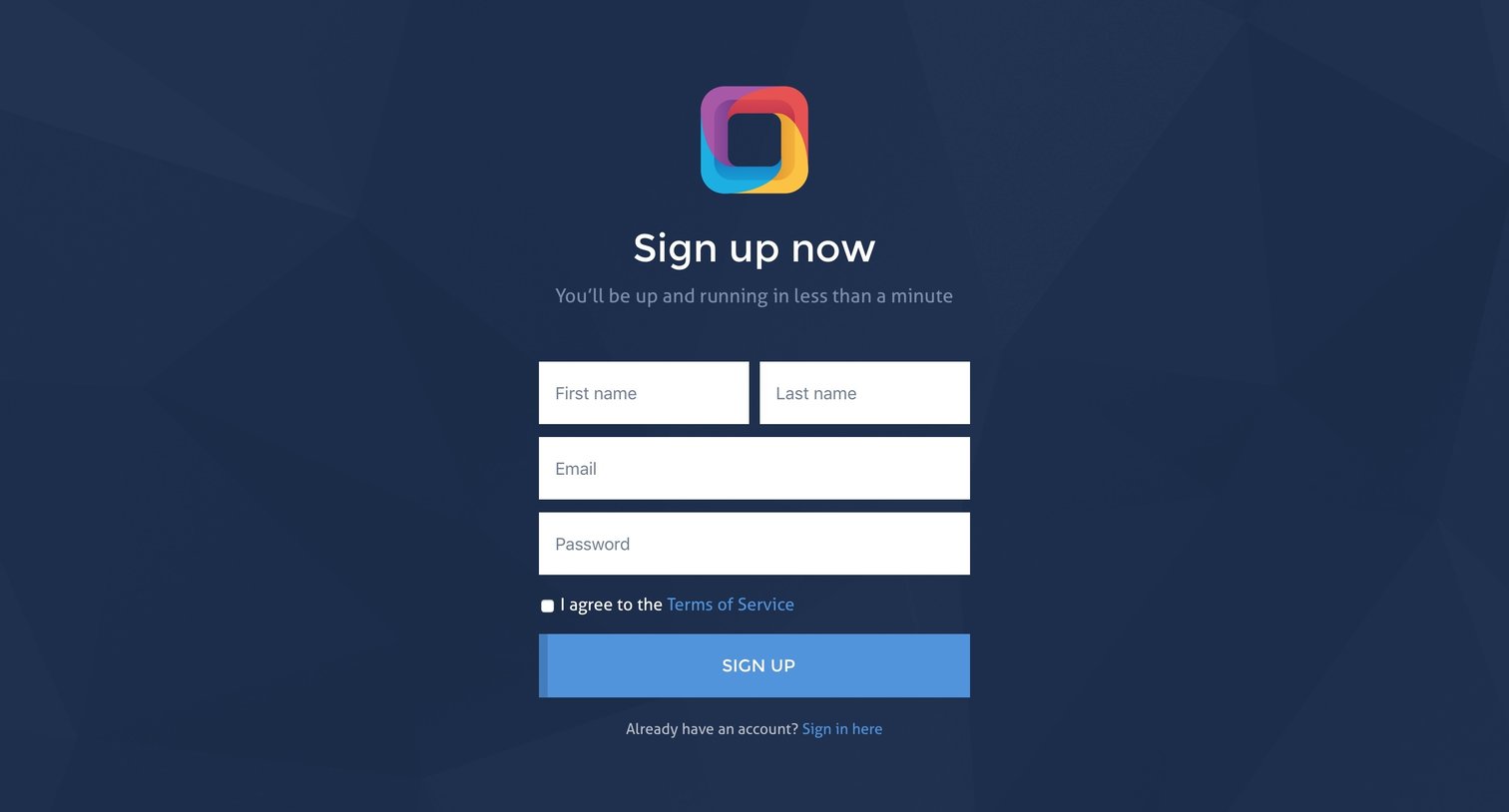
Account creation Onboarding Form

Home screen where the user selects an existing repository to manage or creates a new blank one.

Dashboard empty state prompting the user to define their first content type, with a right sidebar for inviting team members via email.

Modal prompting the user to upgrade their plan after hitting a limit while trying to invite collaborators to a repository.

List view in an empty state where the user can create their first custom type by providing an ID and label.

Media library view where the user can upload new items and filter existing media by type.
Browse the full SaaS app library
Explore real SaaS apps with their product screens, marketing screens, flows, and components.
Trusted by the best teams







