
Plaid design examples
Explore Plaid UI design examples. Develop the future of financial services
Product screens
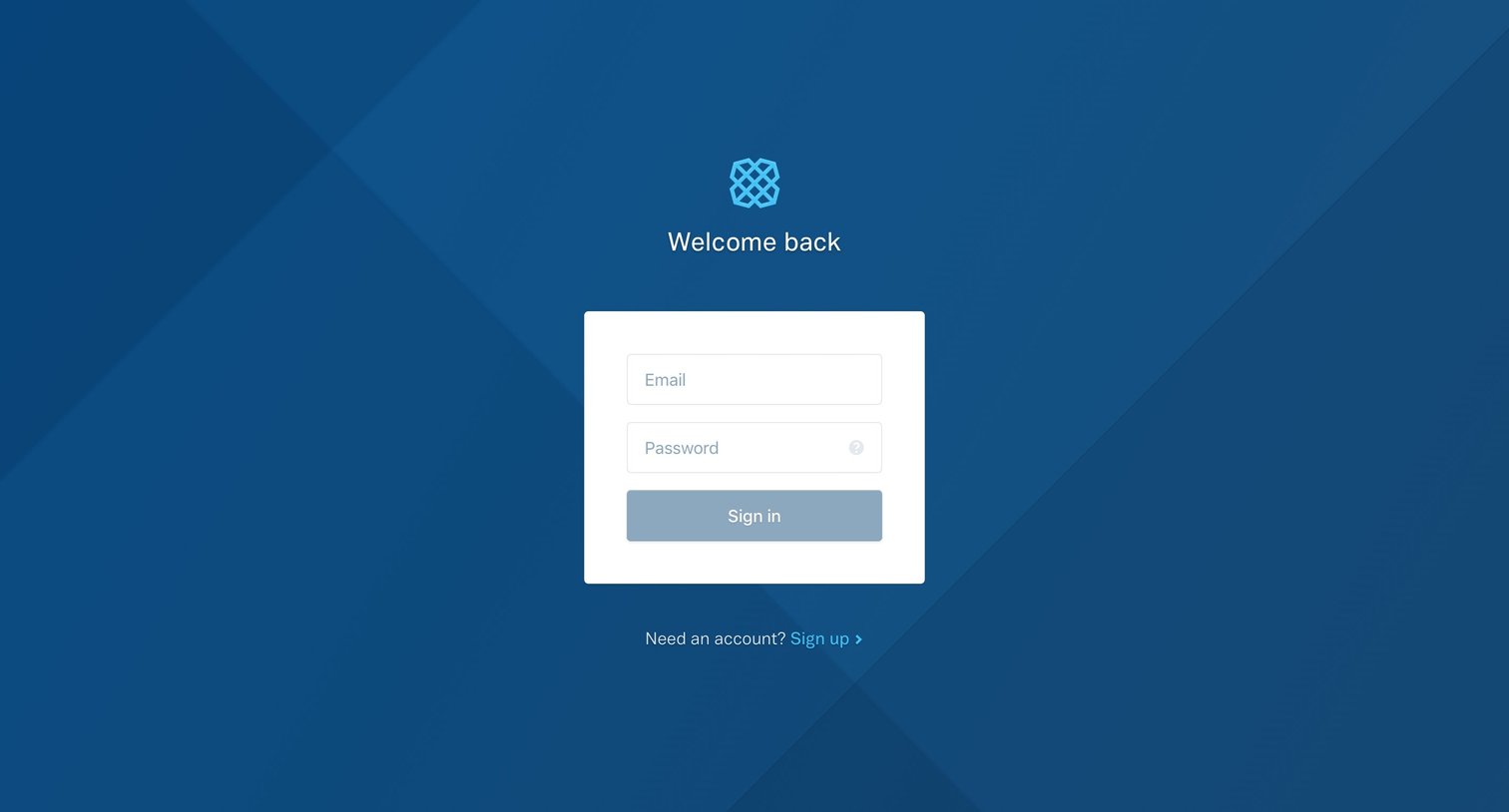
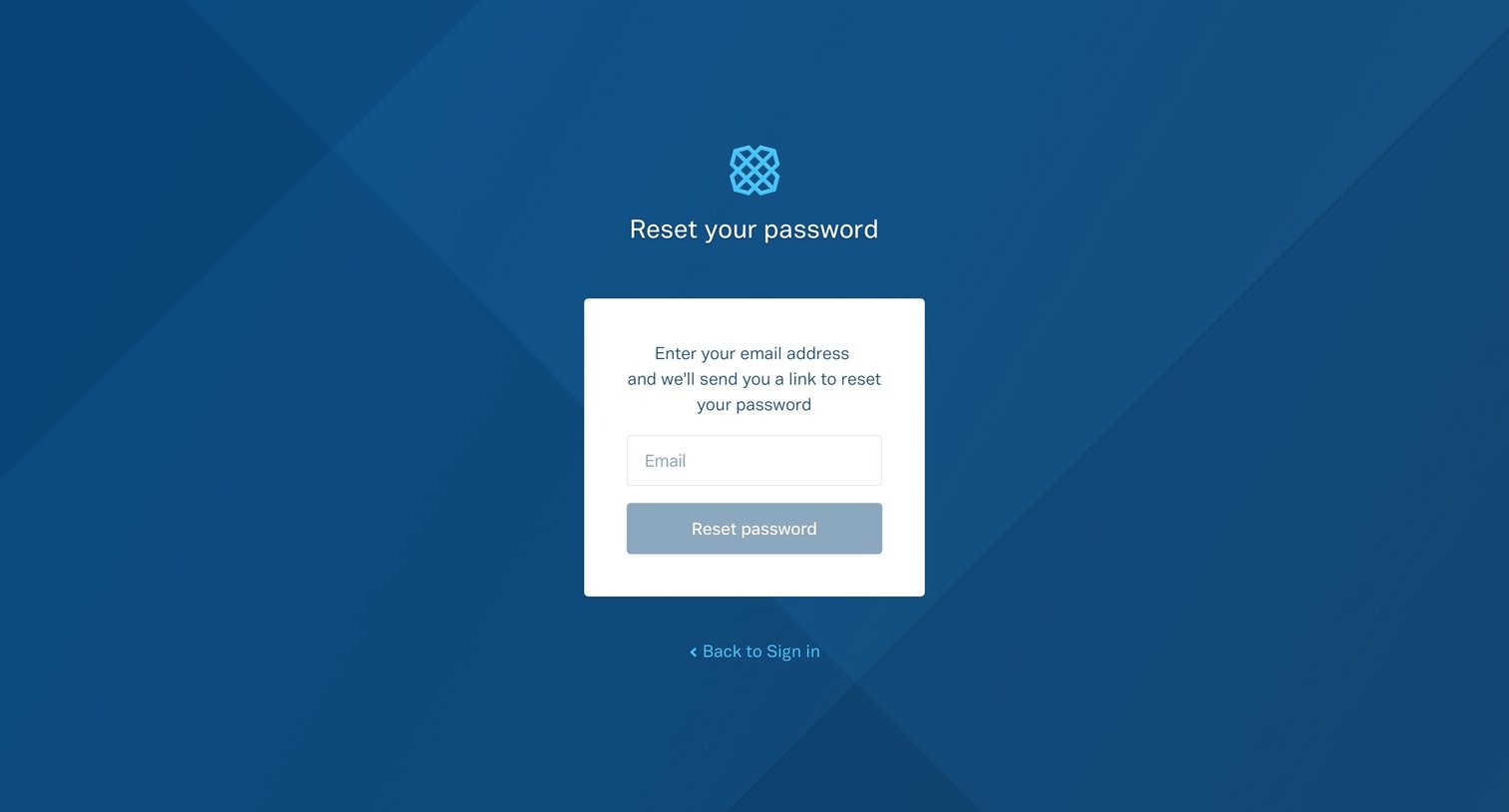
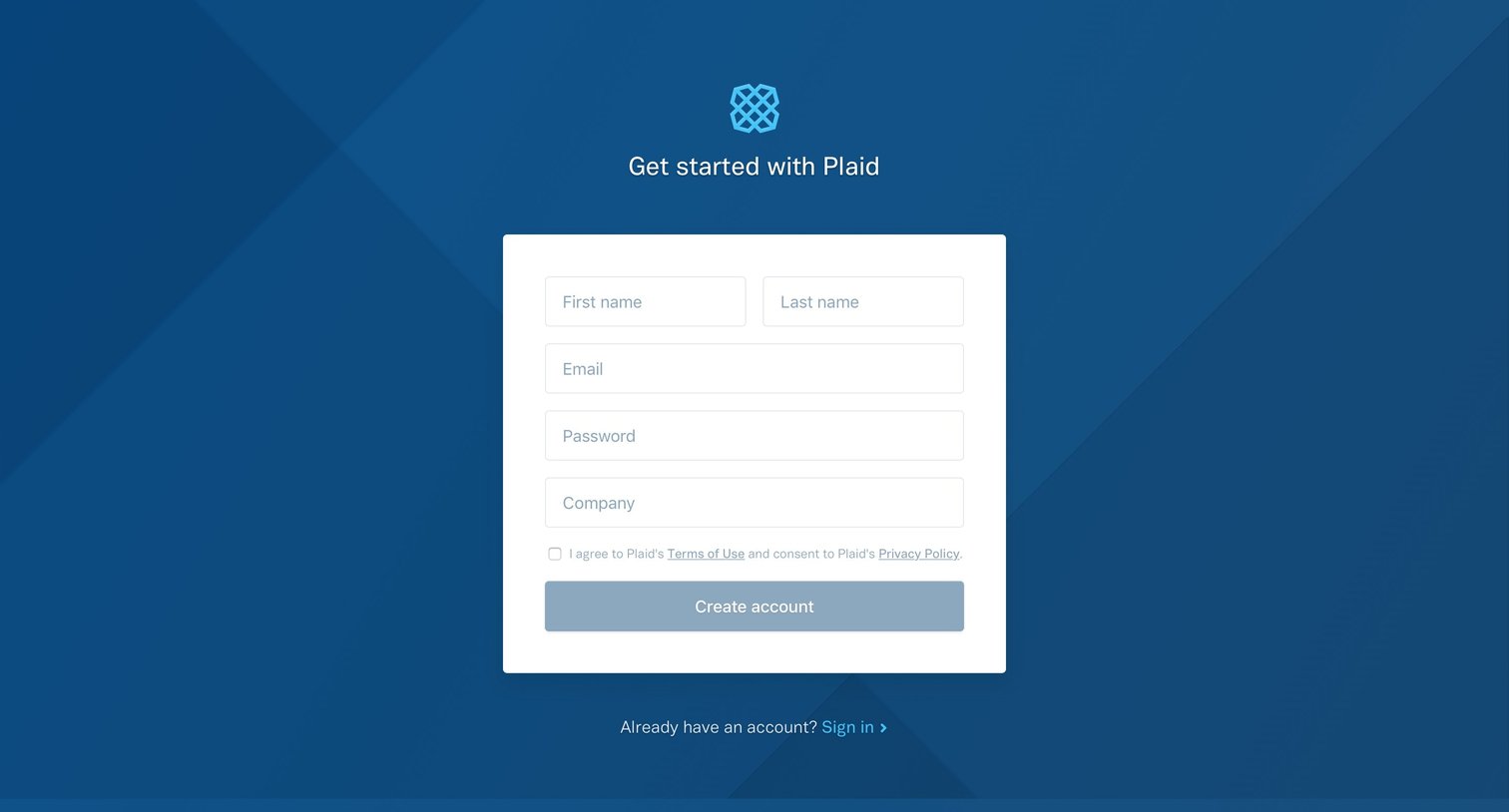
Authentication Form
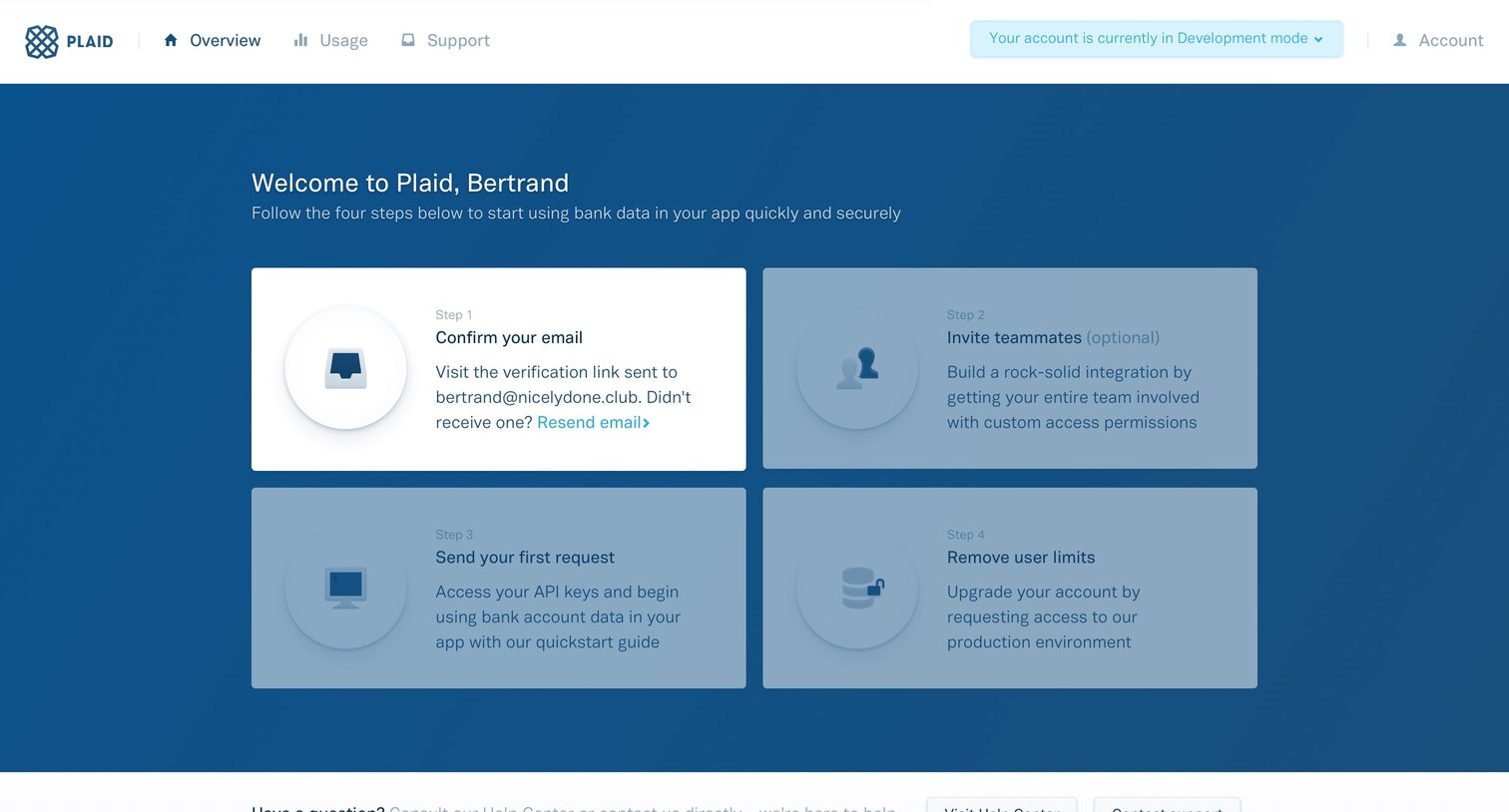
Onboarding screen where a new user is guided through a four-step setup checklist, currently prompting them to confirm their email address.
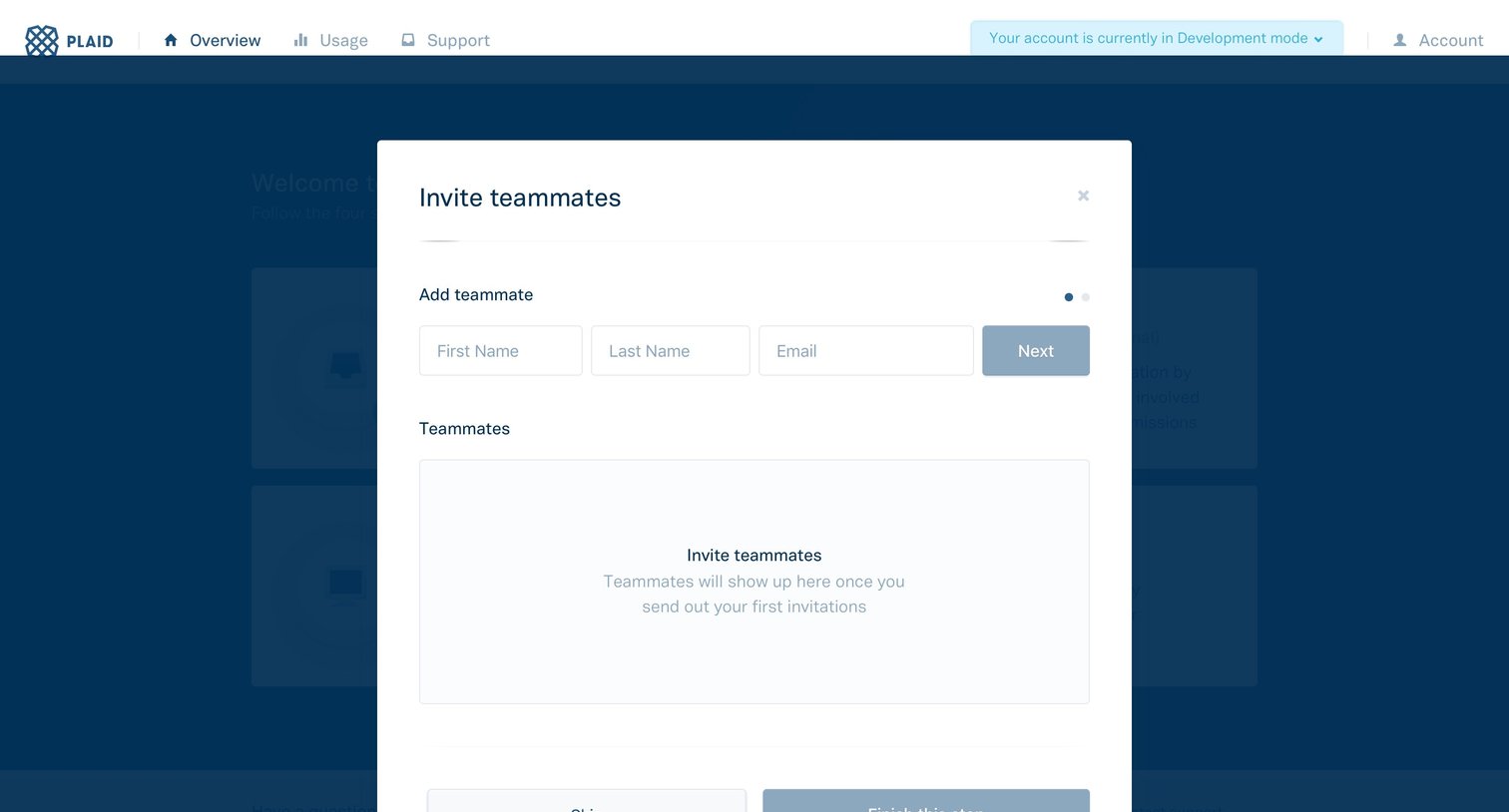
Onboarding step where the user invites teammates by entering their name and email, with an option to skip.
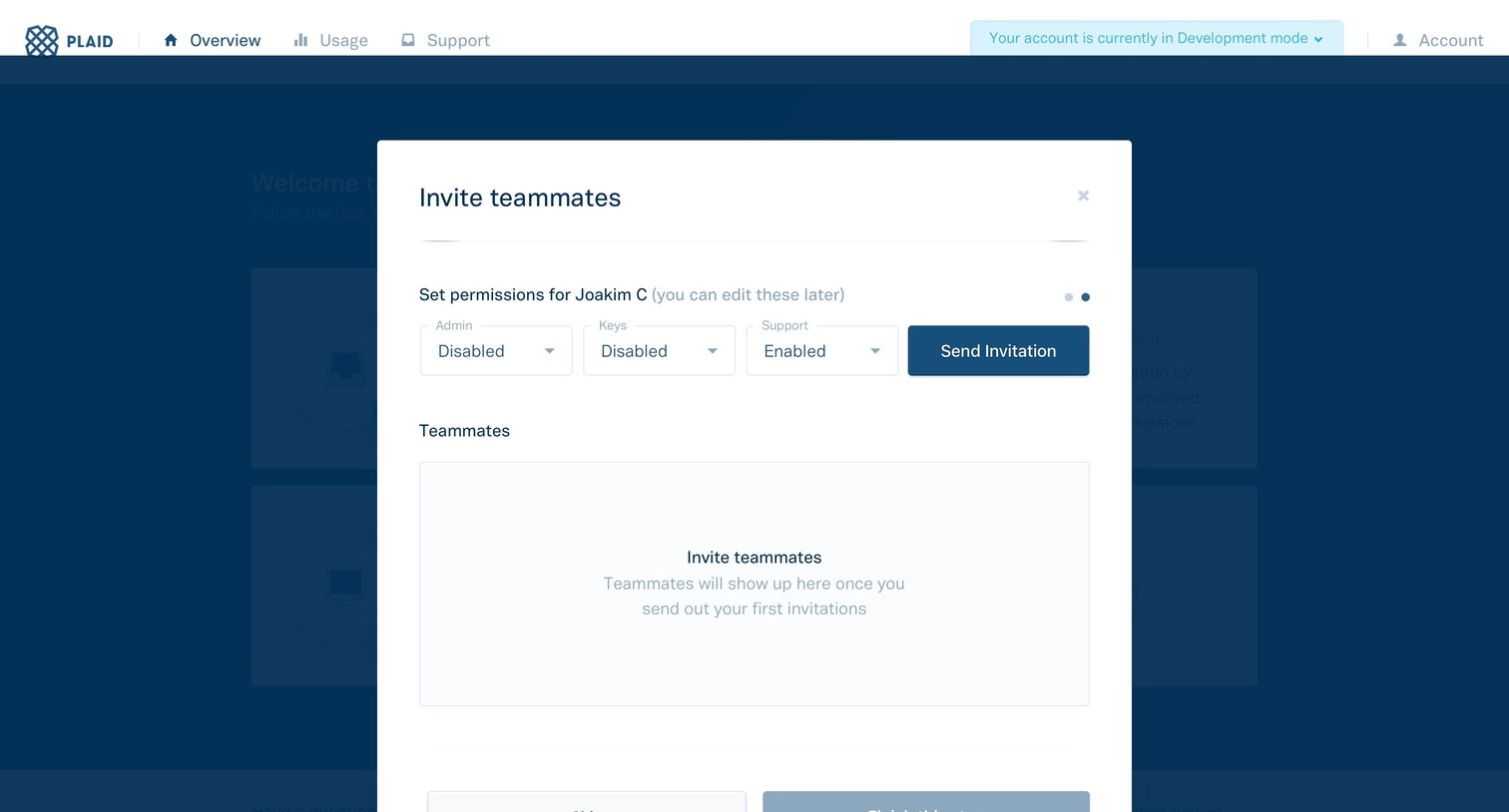
Onboarding step where the user sets Admin, Keys, and Support permissions to invite a new teammate, featuring an empty state for the pending roster.
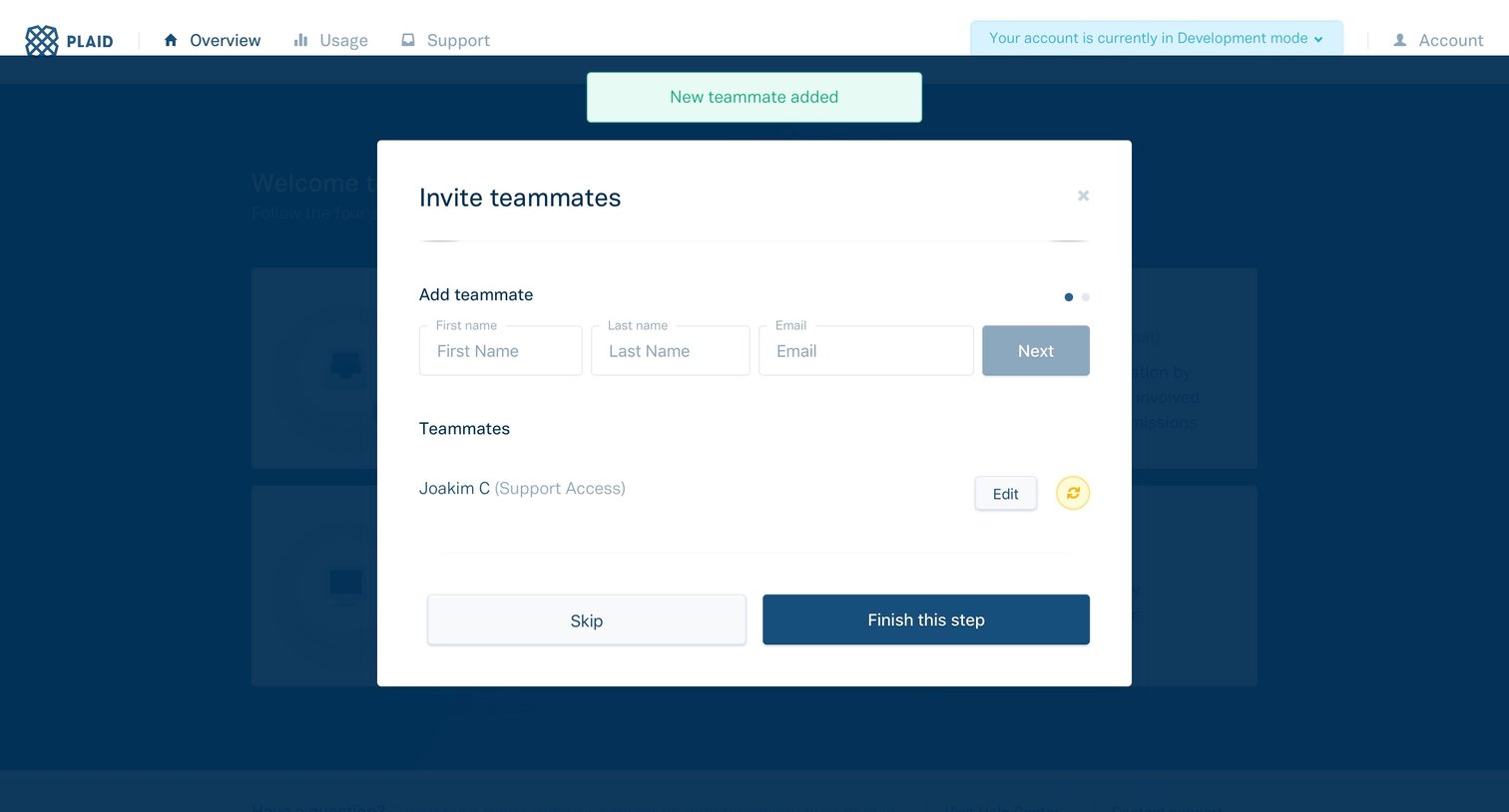
Onboarding step where the user invites teammates by entering their name and email, with a list of already added members and options to skip or finish the step.
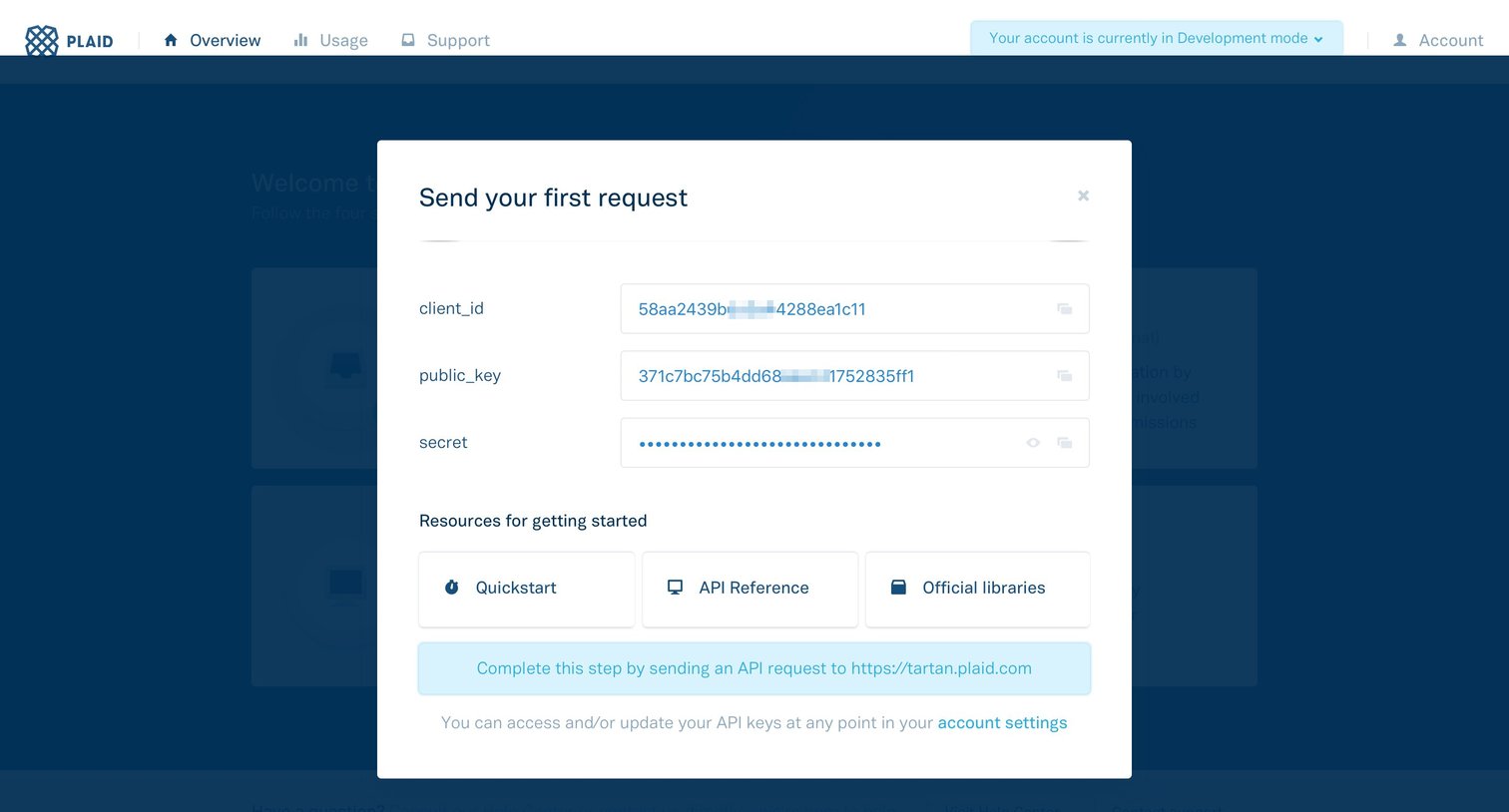
Onboarding modal where the user views their API keys to send their first request and accesses getting started resources.
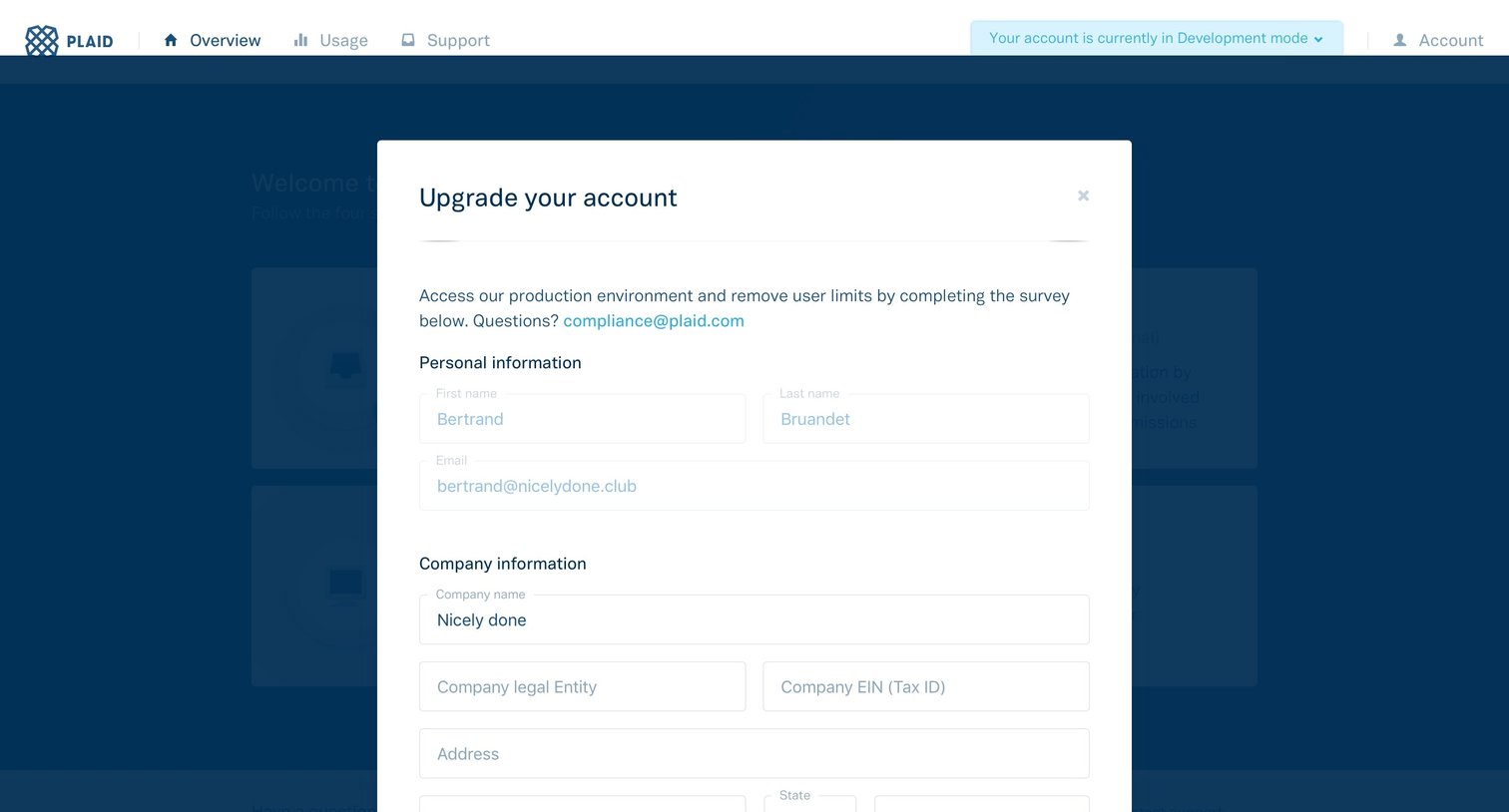
Modal where the user fills out personal and company information to upgrade their account to the production environment and remove limits.
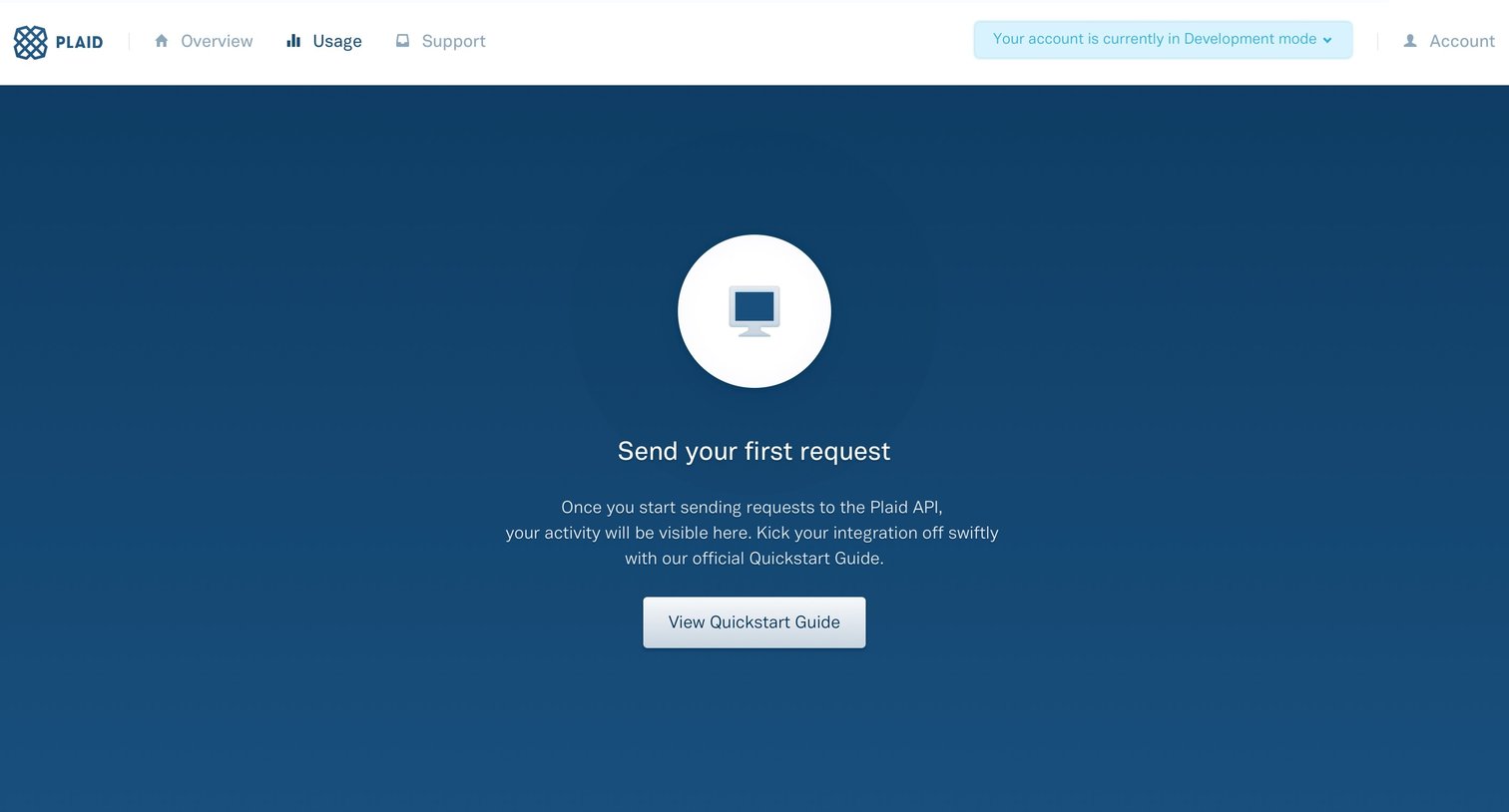
Dashboard usage tab showing an empty state prompting the user to send their first API request via the Quickstart Guide.
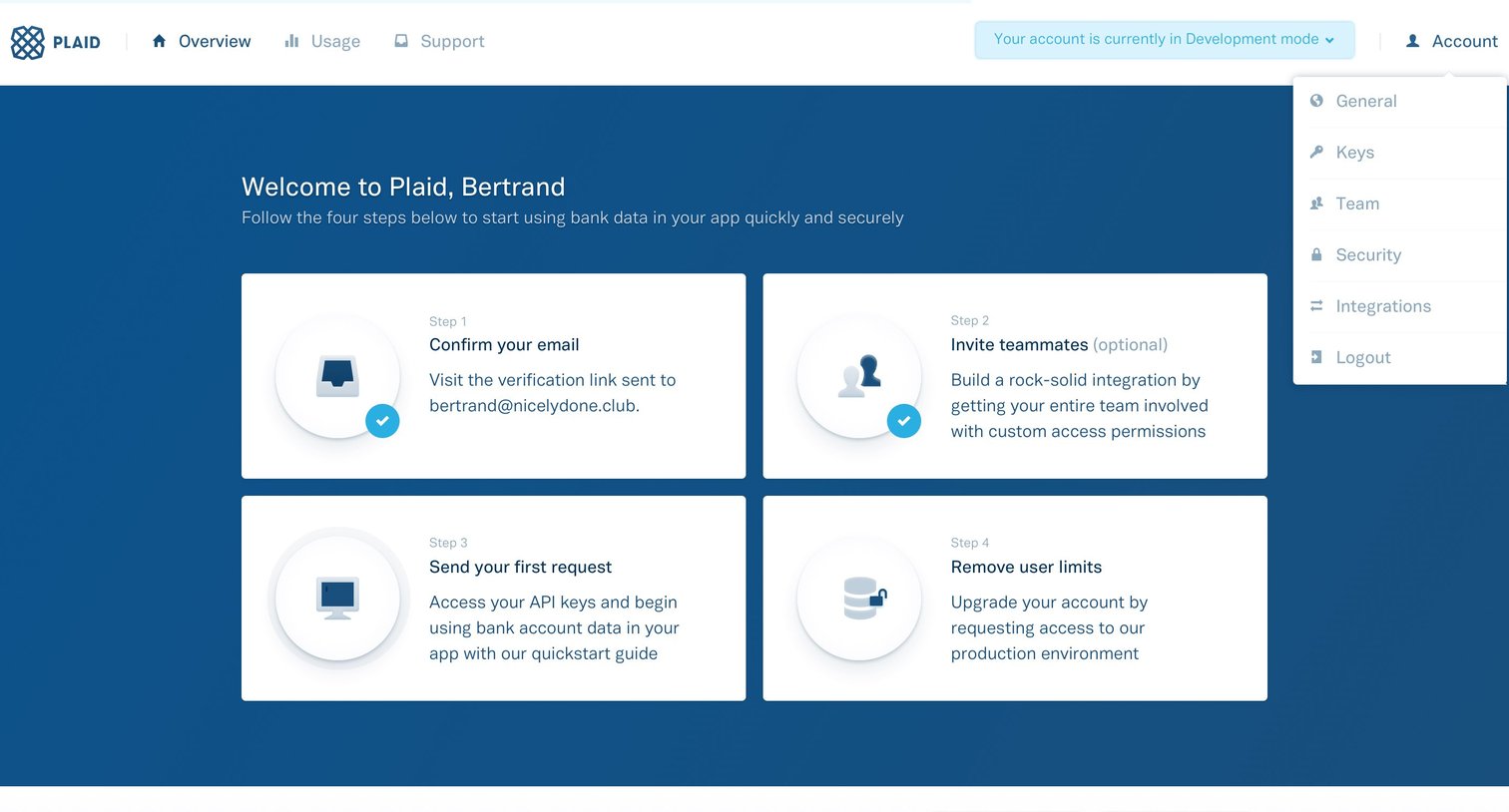
Dashboard showing a four-step onboarding checklist to start using bank data, with the account menu open.
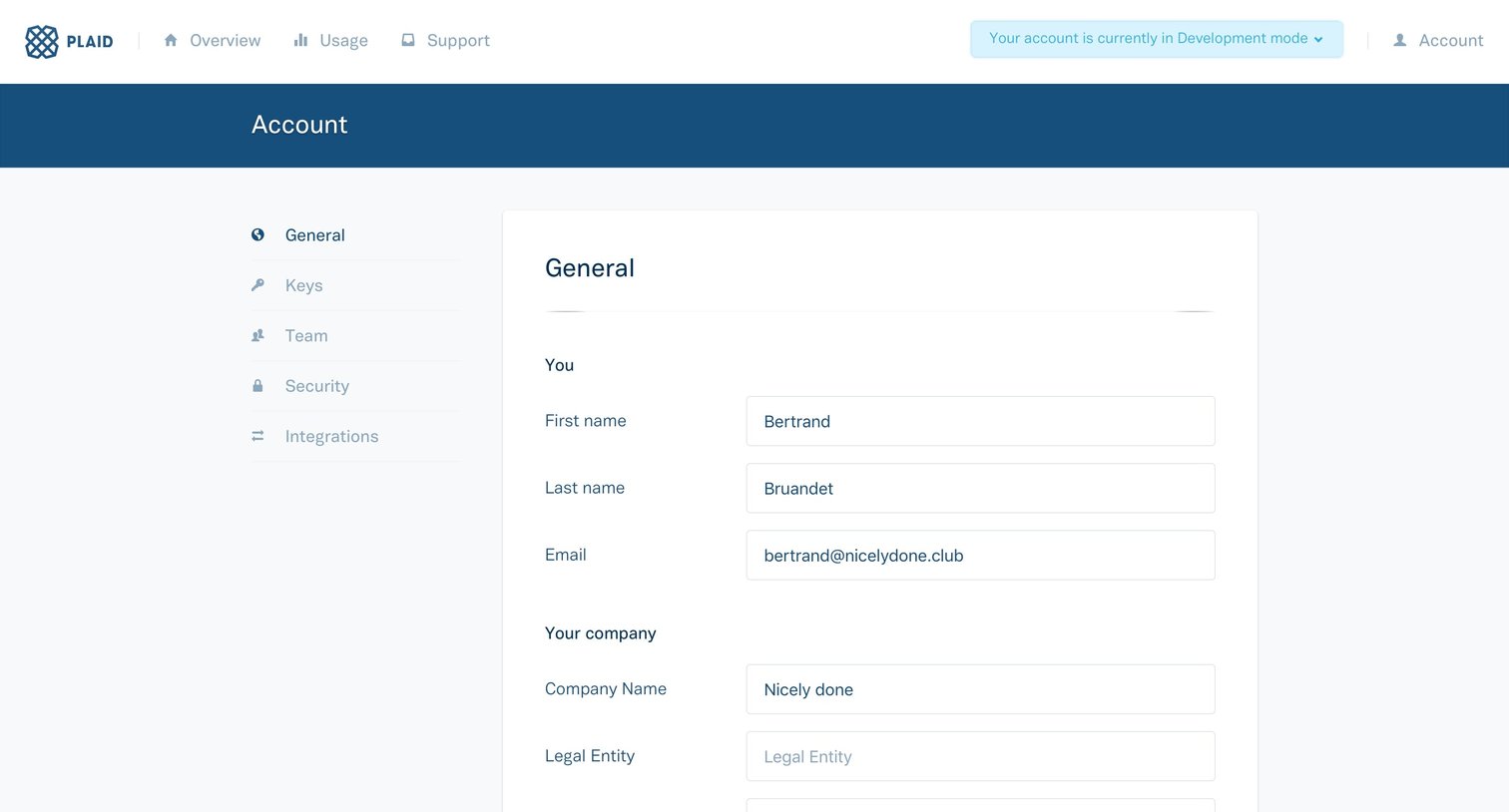
Settings page where the user updates their personal, company, billing, and technical contact information.
Browse the full SaaS app library
Explore real SaaS apps with their product screens, marketing screens, flows, and components.
Trusted by the best teams







