Opteo product screens examples
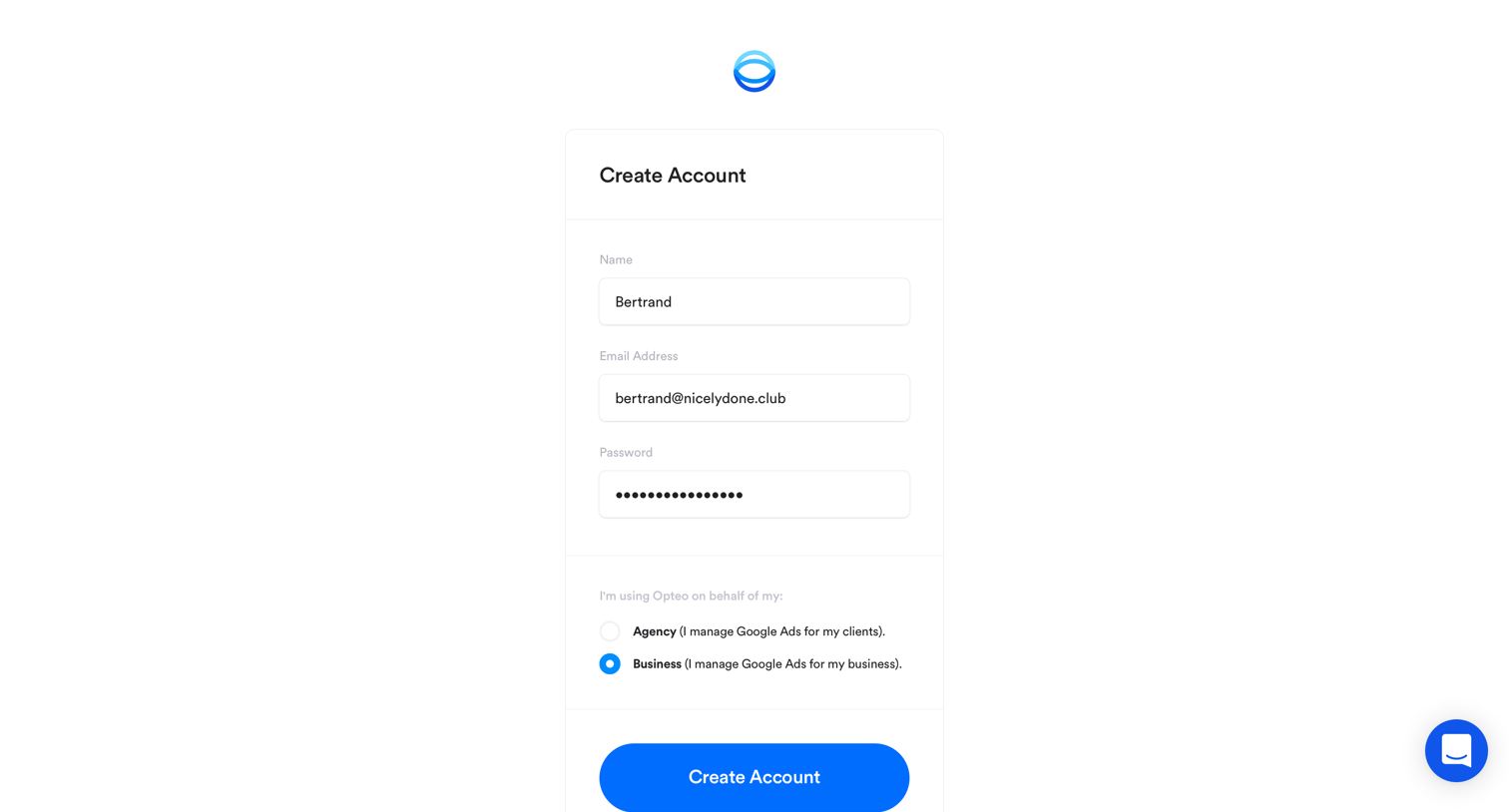
Browse Opteo screen design examples. Preview the interface screenshots and explore related UI patterns. Automate your adwords day to day
Explore the examples



Password recovery screen where the user enters their email address to receive a reset link.


Billing settings page showing an empty state for invoices with a prompt to configure invoice details.
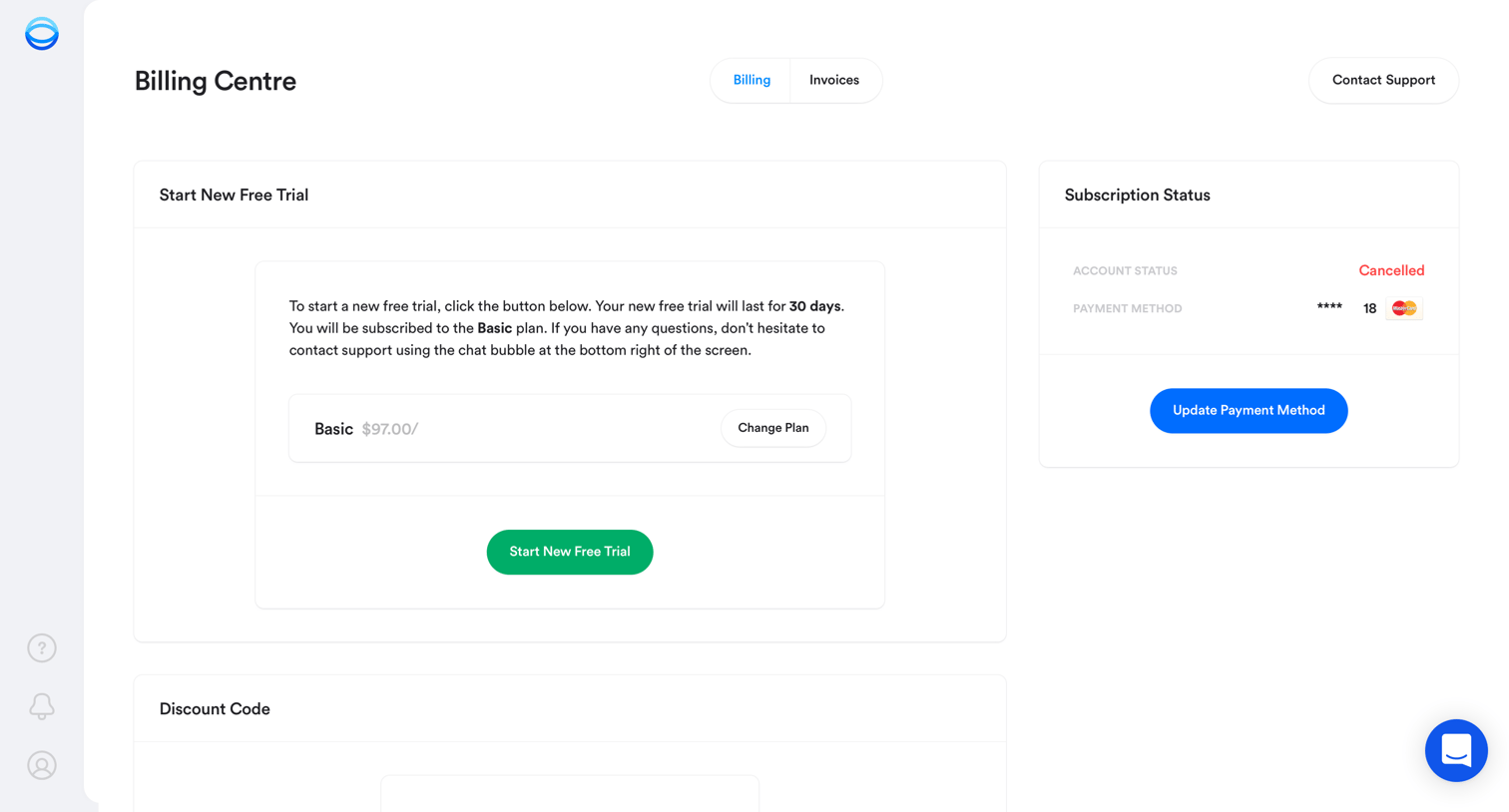
Billing settings page where a user with a cancelled account can start a new free trial, update their payment method, or apply a discount code.

Settings page where the user manages team members, configures Slack and email alerts, updates their profile and password, and sets automation preferences.
Explore the full SaaS screen library
Upgrade to unlock the full library.
Trusted by the best teams







