Oh Dear product screens examples
Browse Oh Dear screen design examples. Preview the interface screenshots and explore related UI patterns. The all-in-one monitoring tool for your entire website
Explore the examples
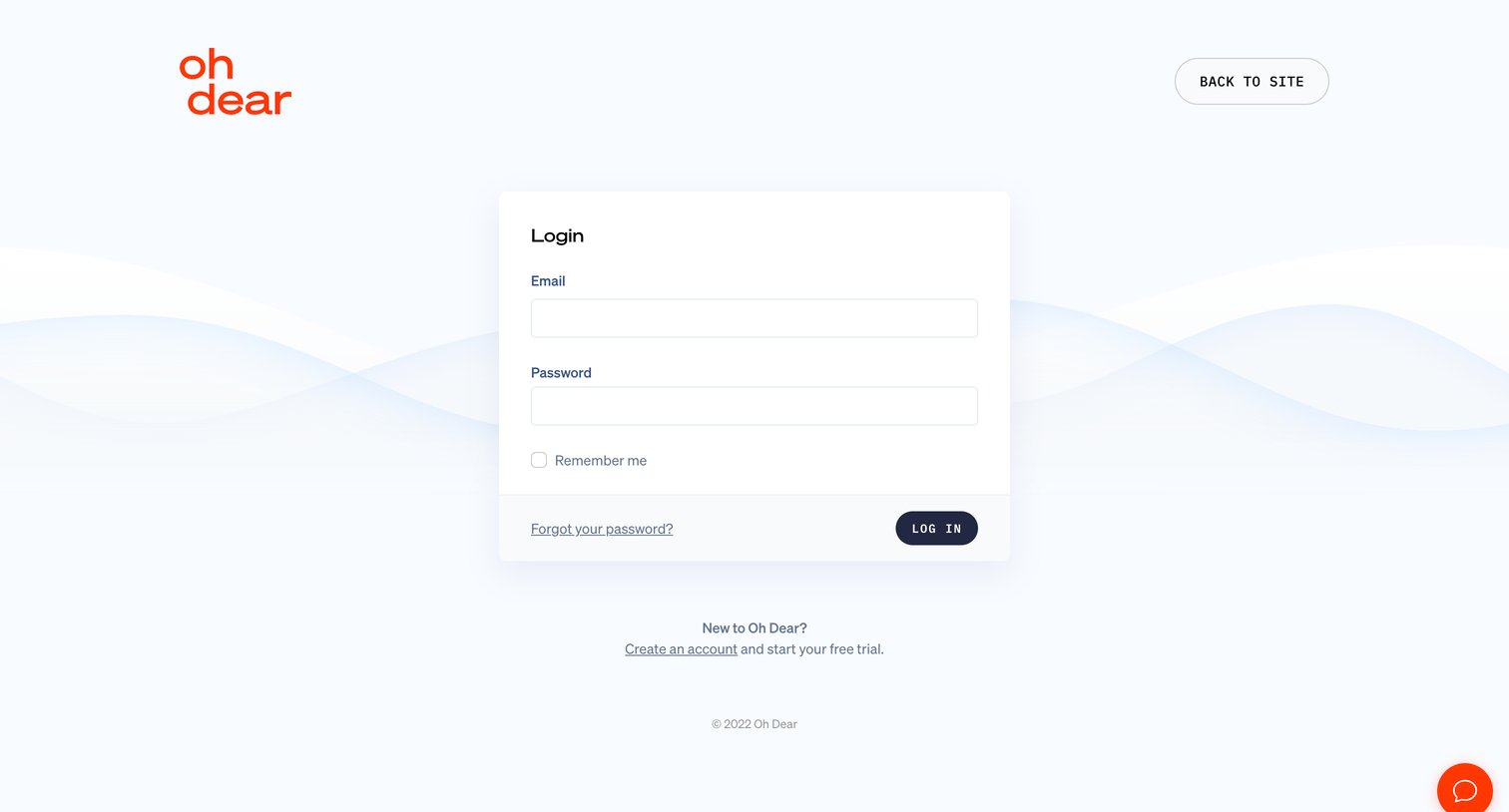
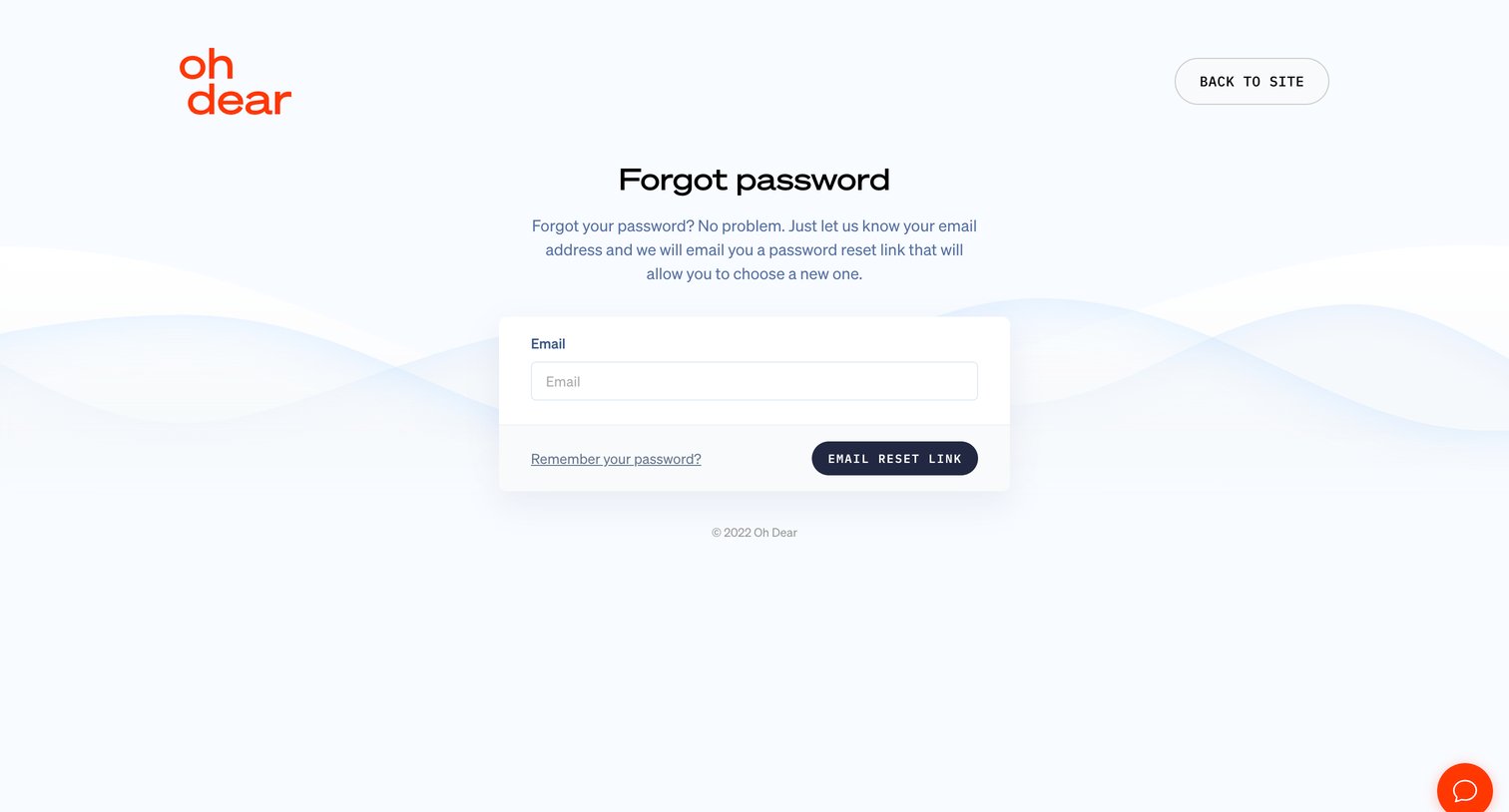

Password recovery screen where the user enters their email address to receive a reset link.
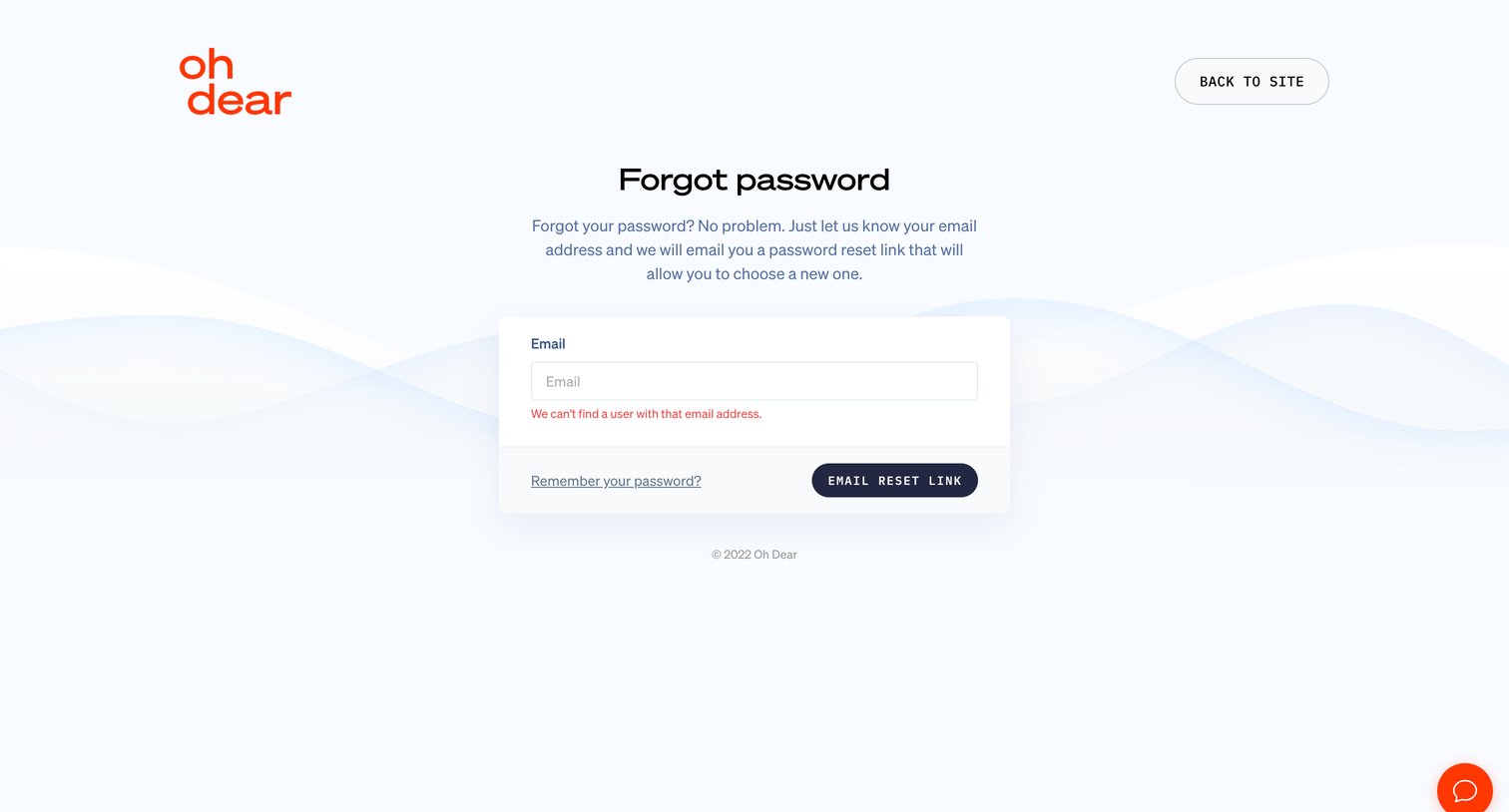
Password recovery screen where the user enters their email to receive a reset link, currently displaying an error for an unfound user.
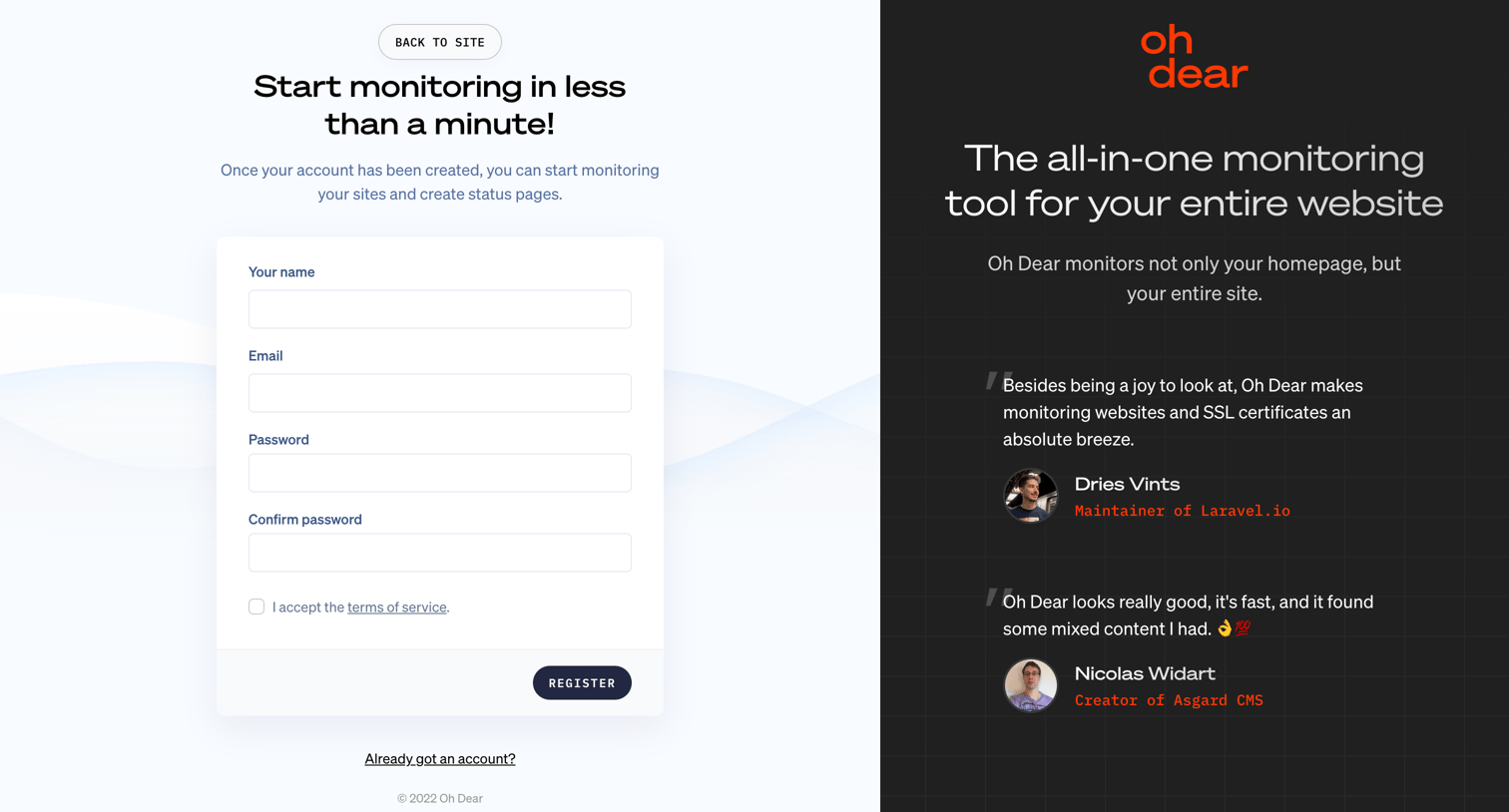
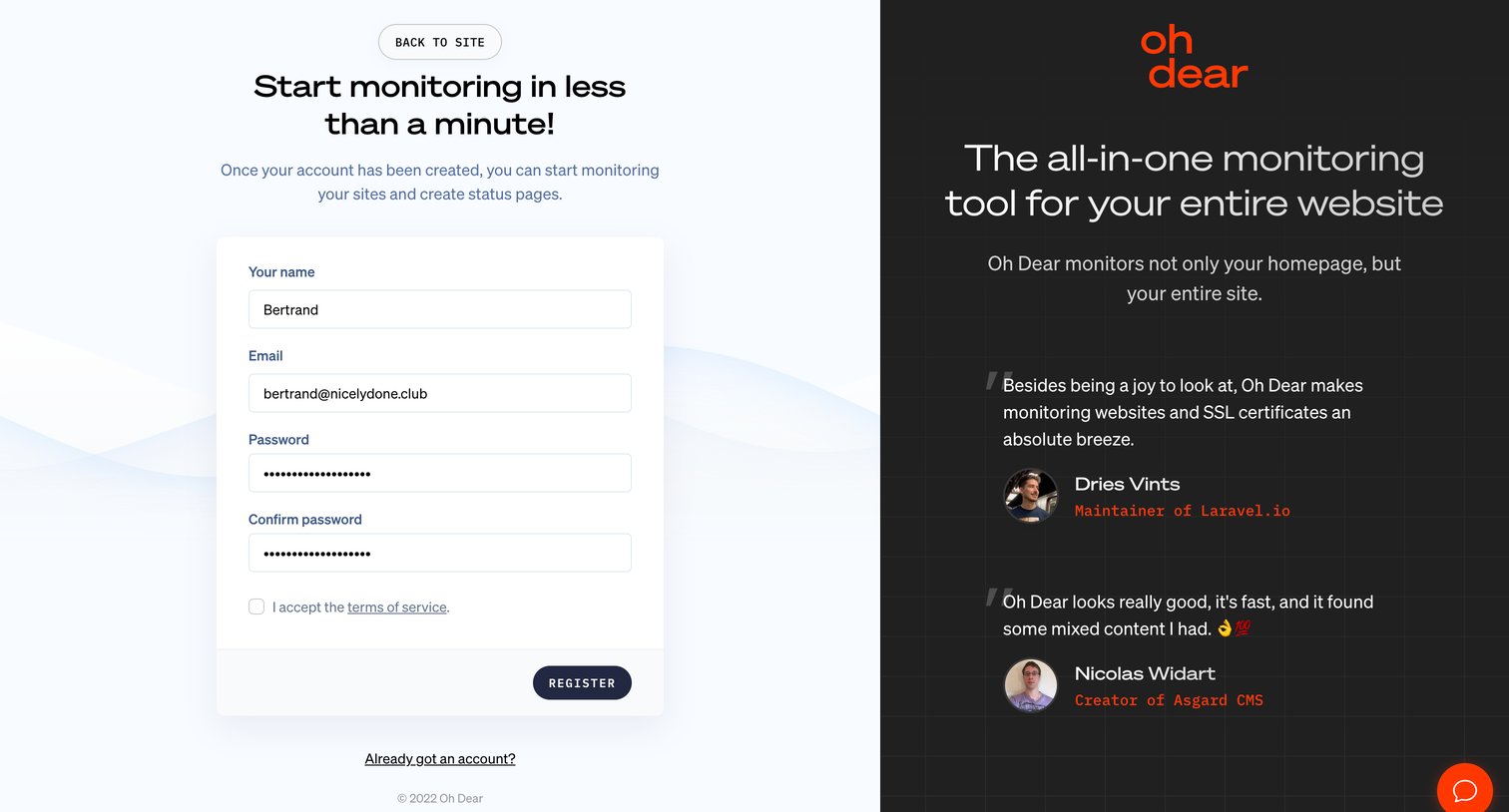
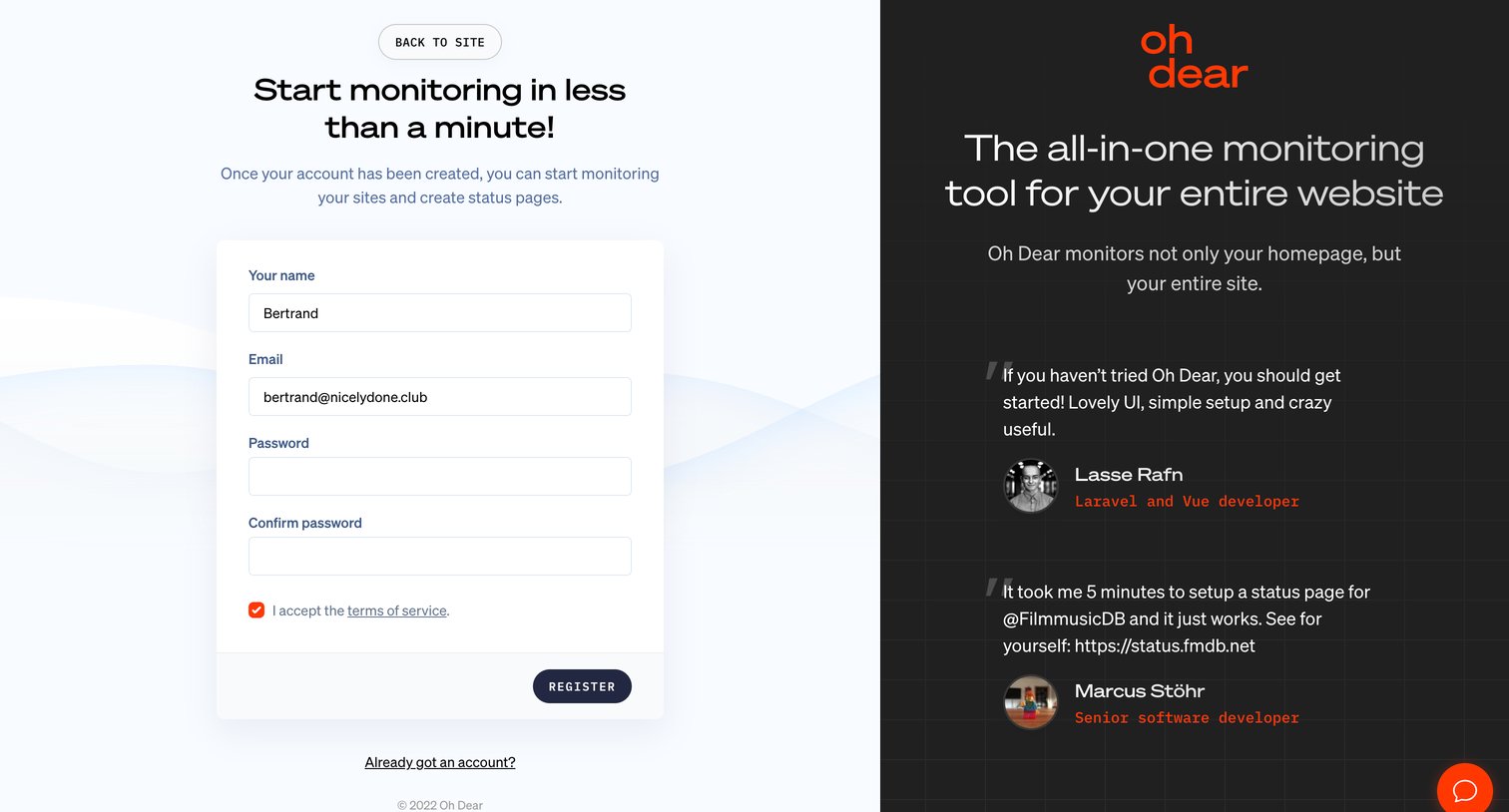
Signup page where the user creates an account by providing their name, email, and password, accompanied by customer testimonials on a dark side panel.
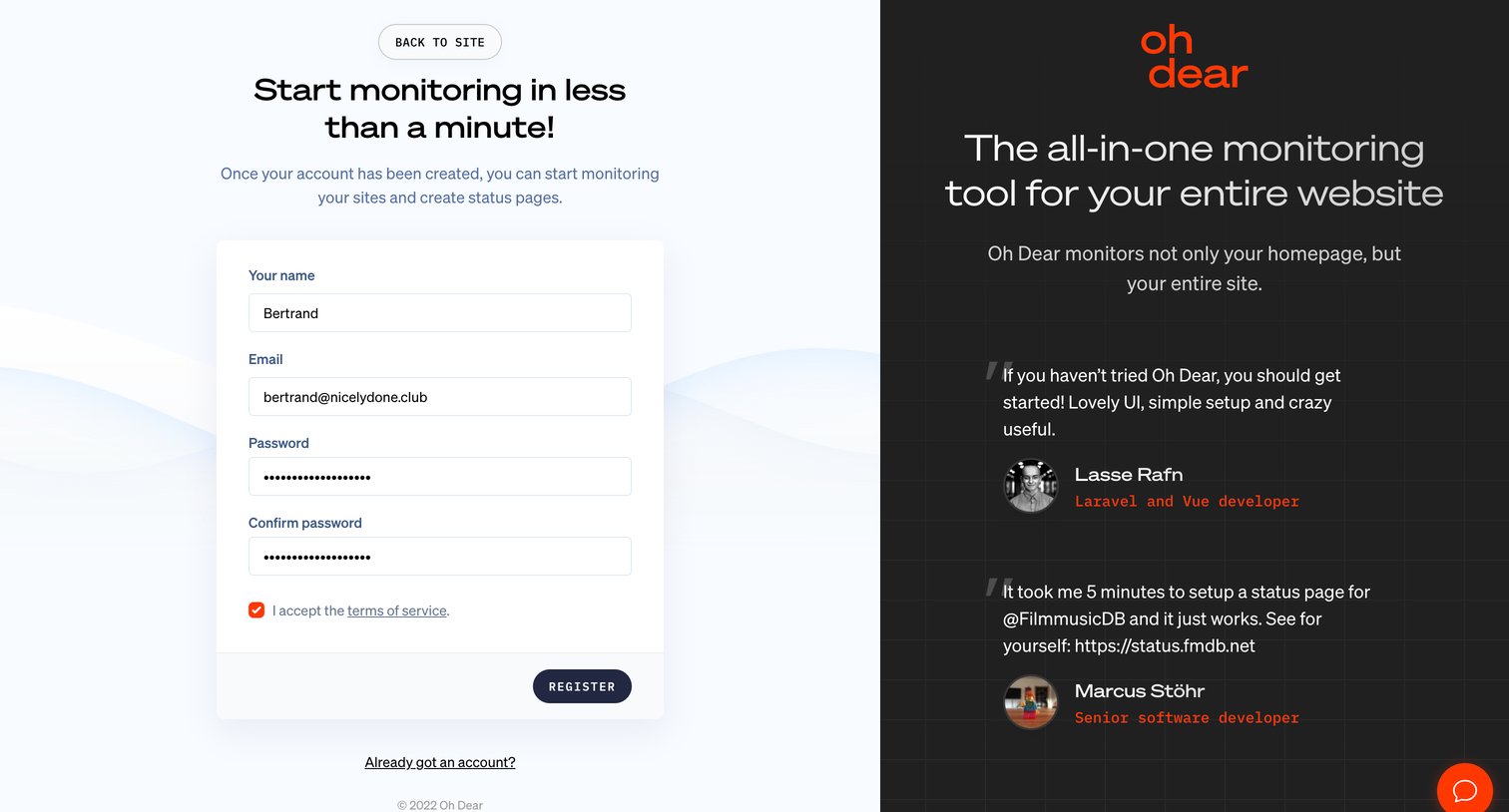
Signup screen where the user creates an account with their email and password, accompanied by developer testimonials on a split layout.
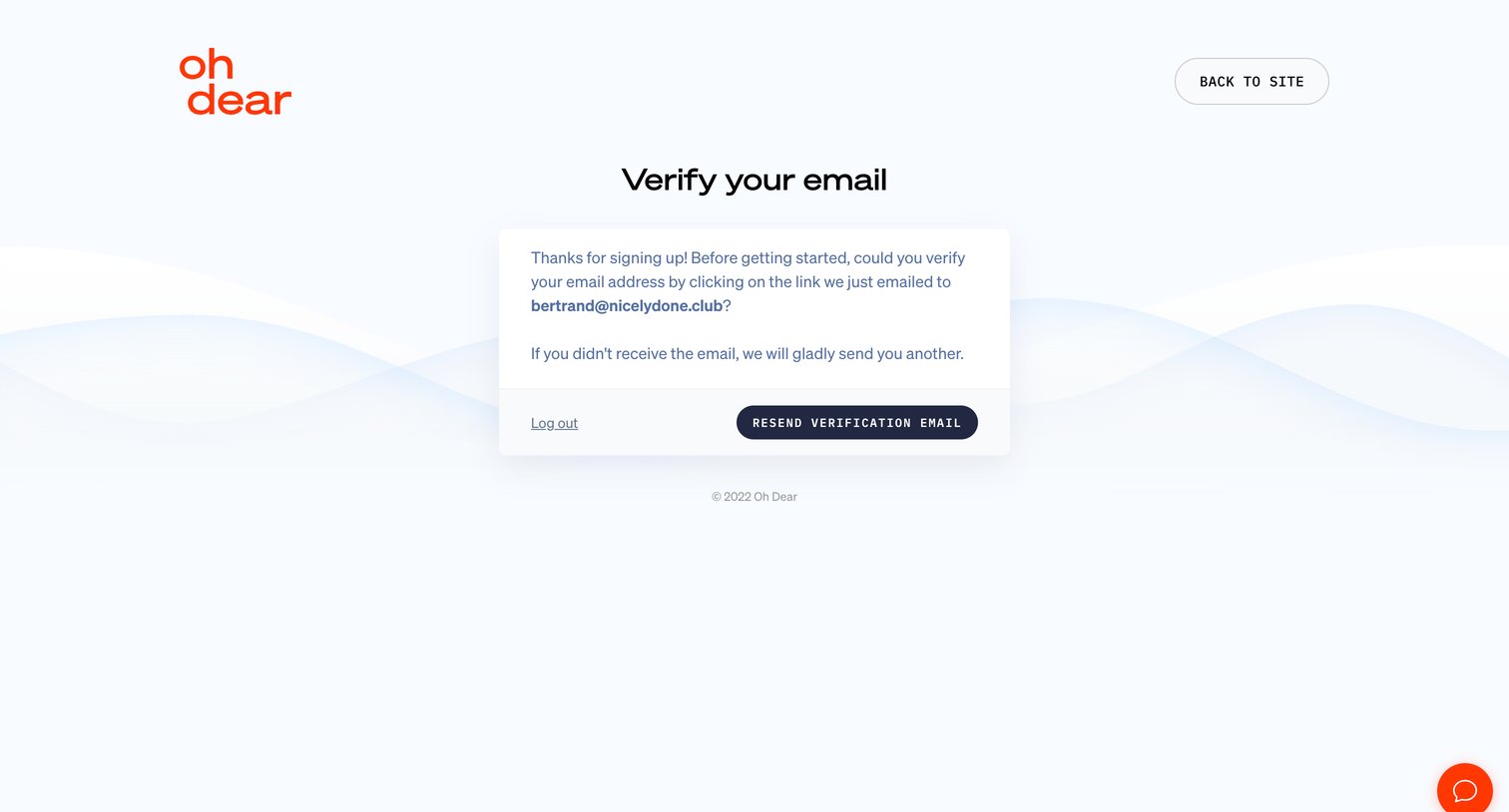
Verification screen where the user is prompted to check their email for a link to verify their account, with options to resend the email or log out.
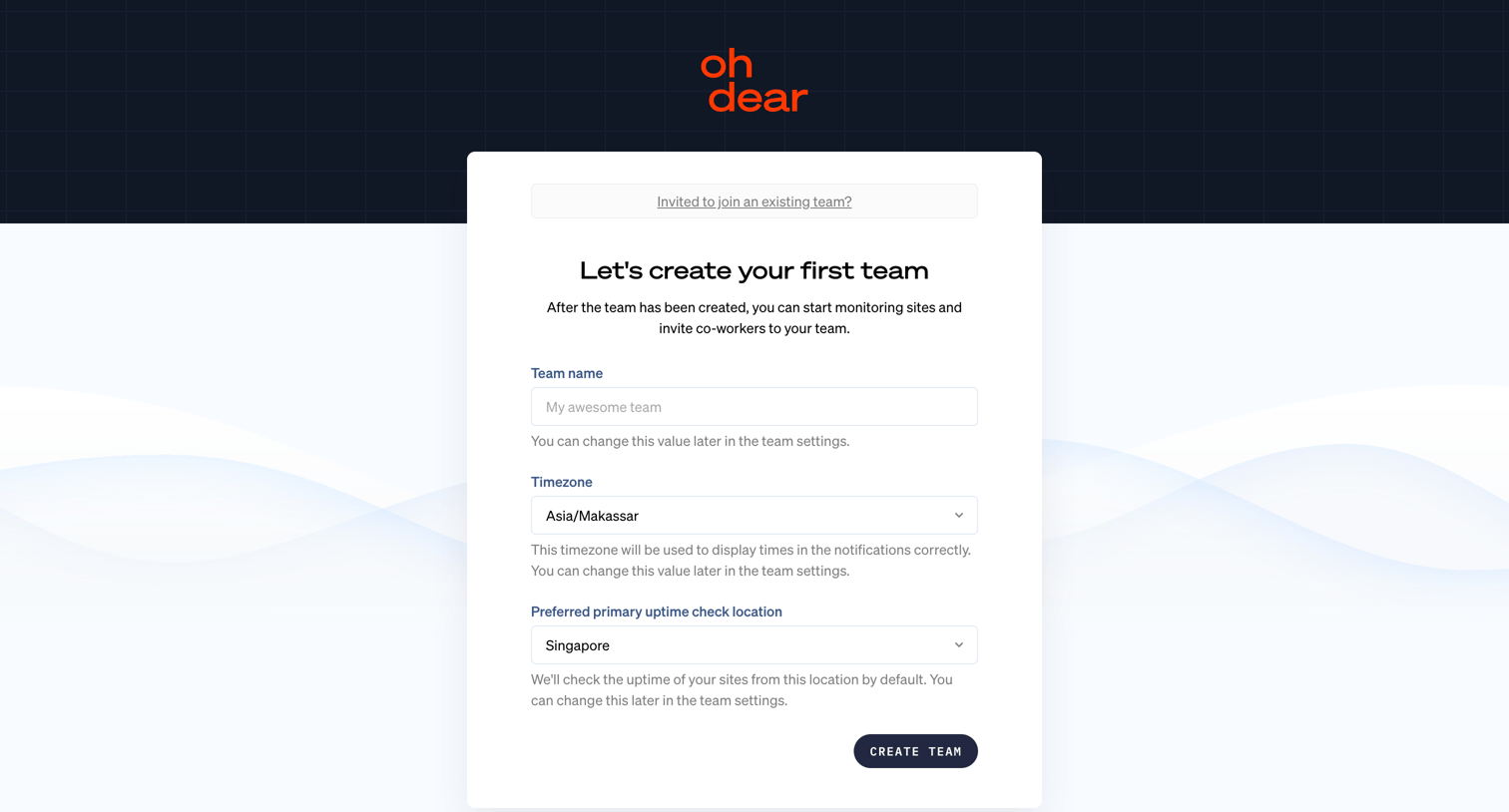
Onboarding step where the user creates their first team by setting a team name, timezone, and preferred primary uptime check location.
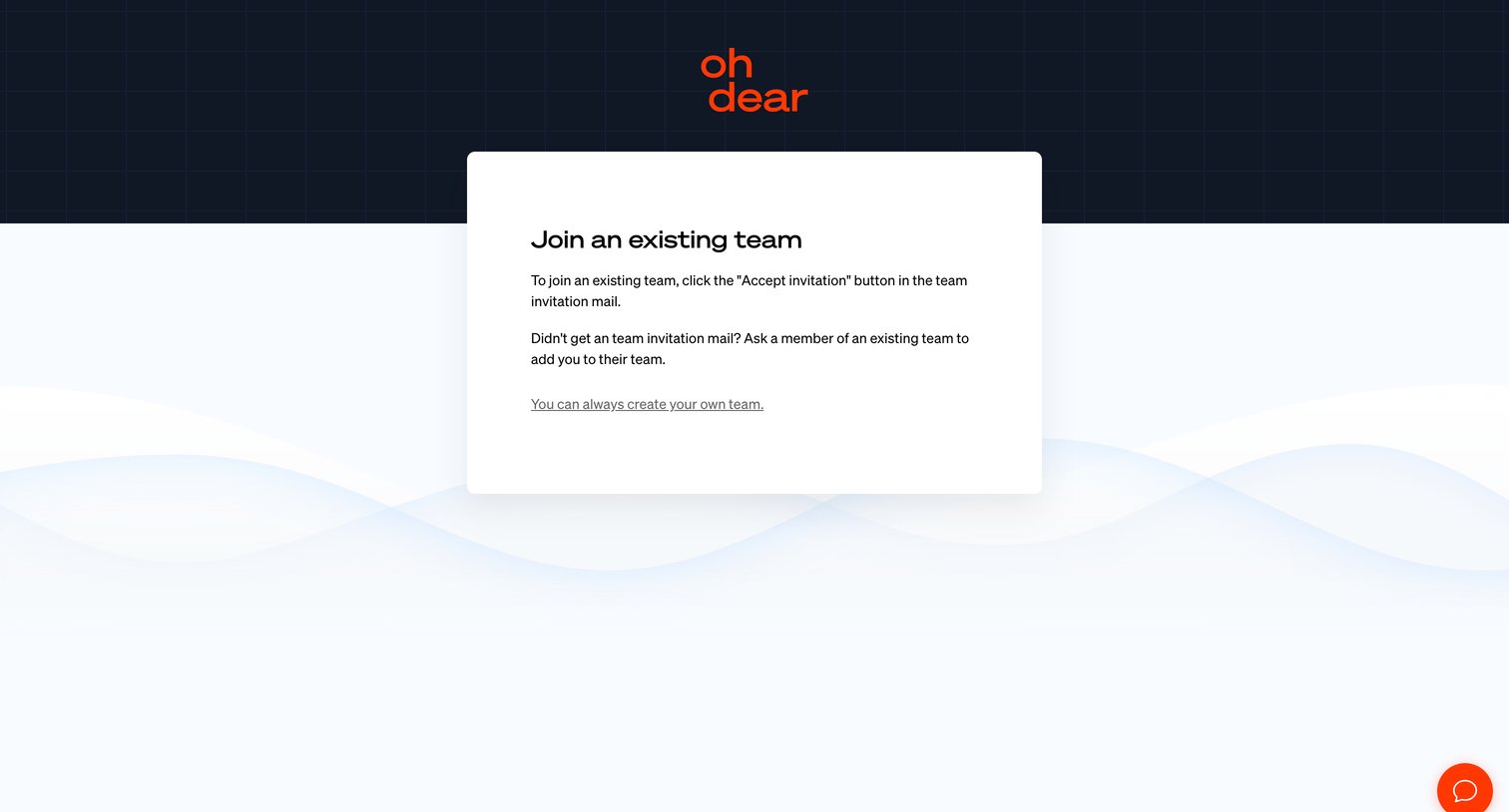
Instructional screen explaining that the user must click the link in their email to join a team, with an alternative link to create a new team.
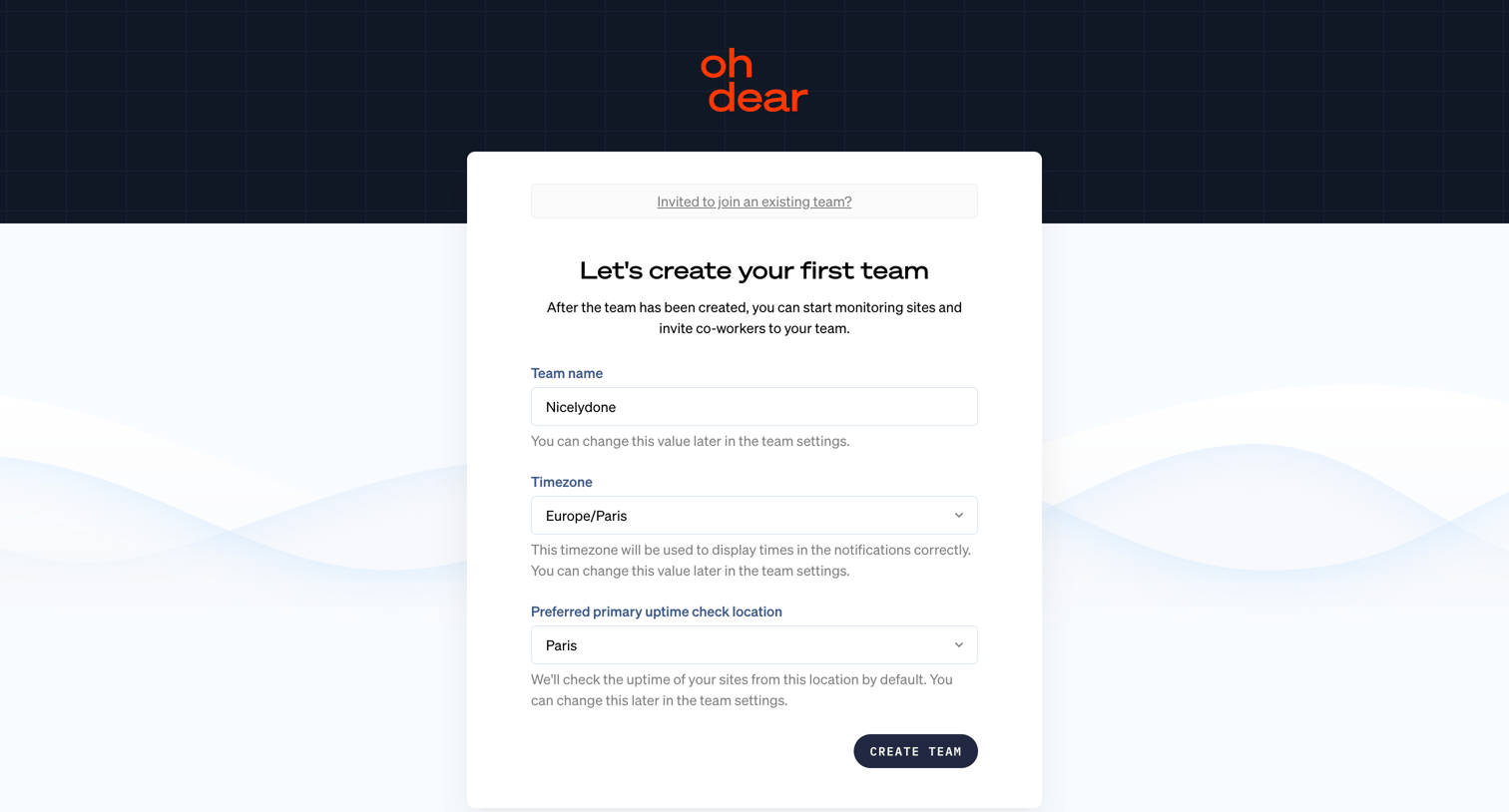
Onboarding step where the user names their first team, sets a timezone, and chooses a primary uptime check location.
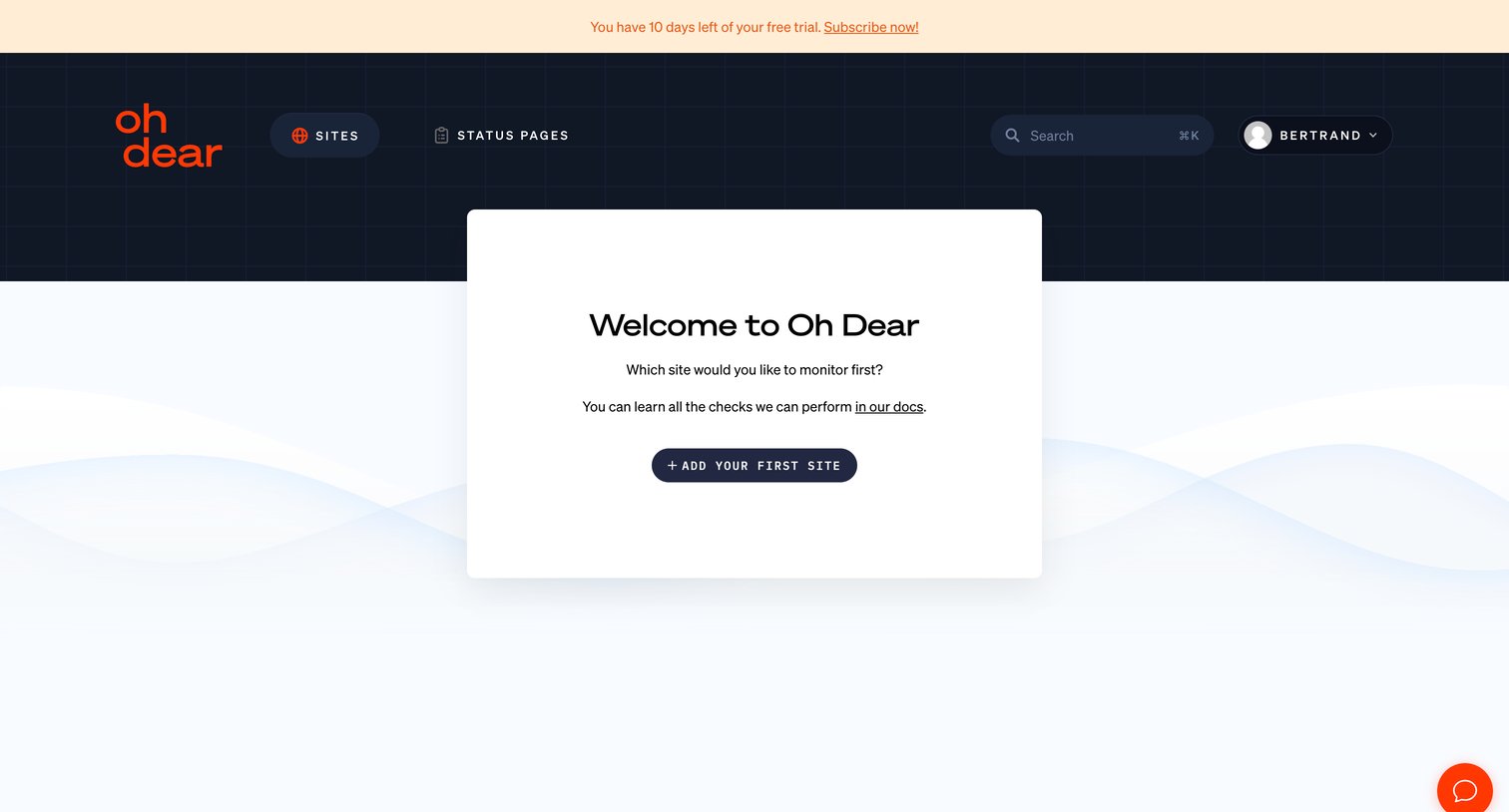
Onboarding screen where the user is welcomed and prompted to add their first site to monitor.
Explore the full SaaS screen library
Upgrade to unlock the full library.
Trusted by the best teams







