Mux design examples
Explore Mux UI design examples. The API to Video
Product screens
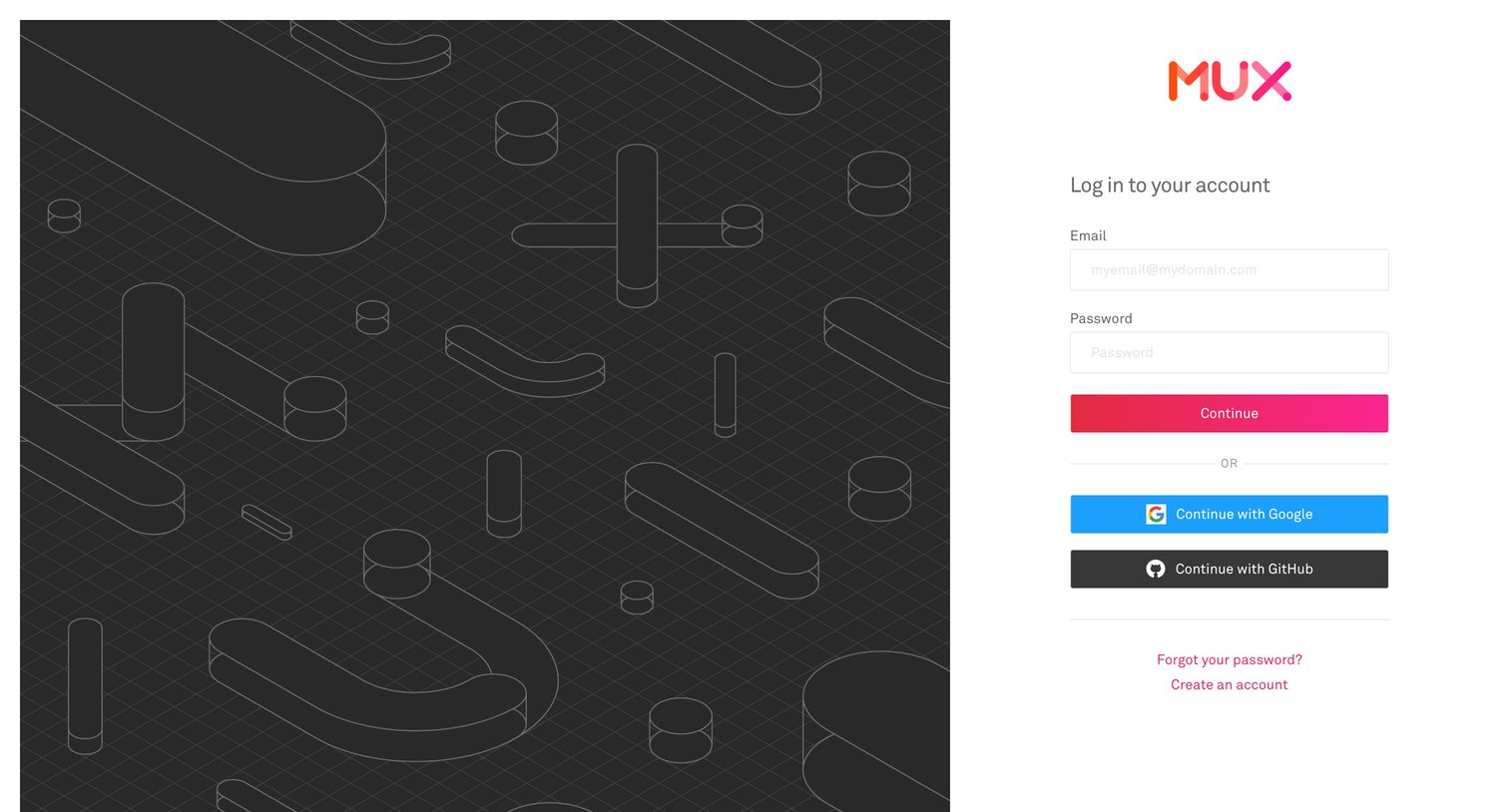
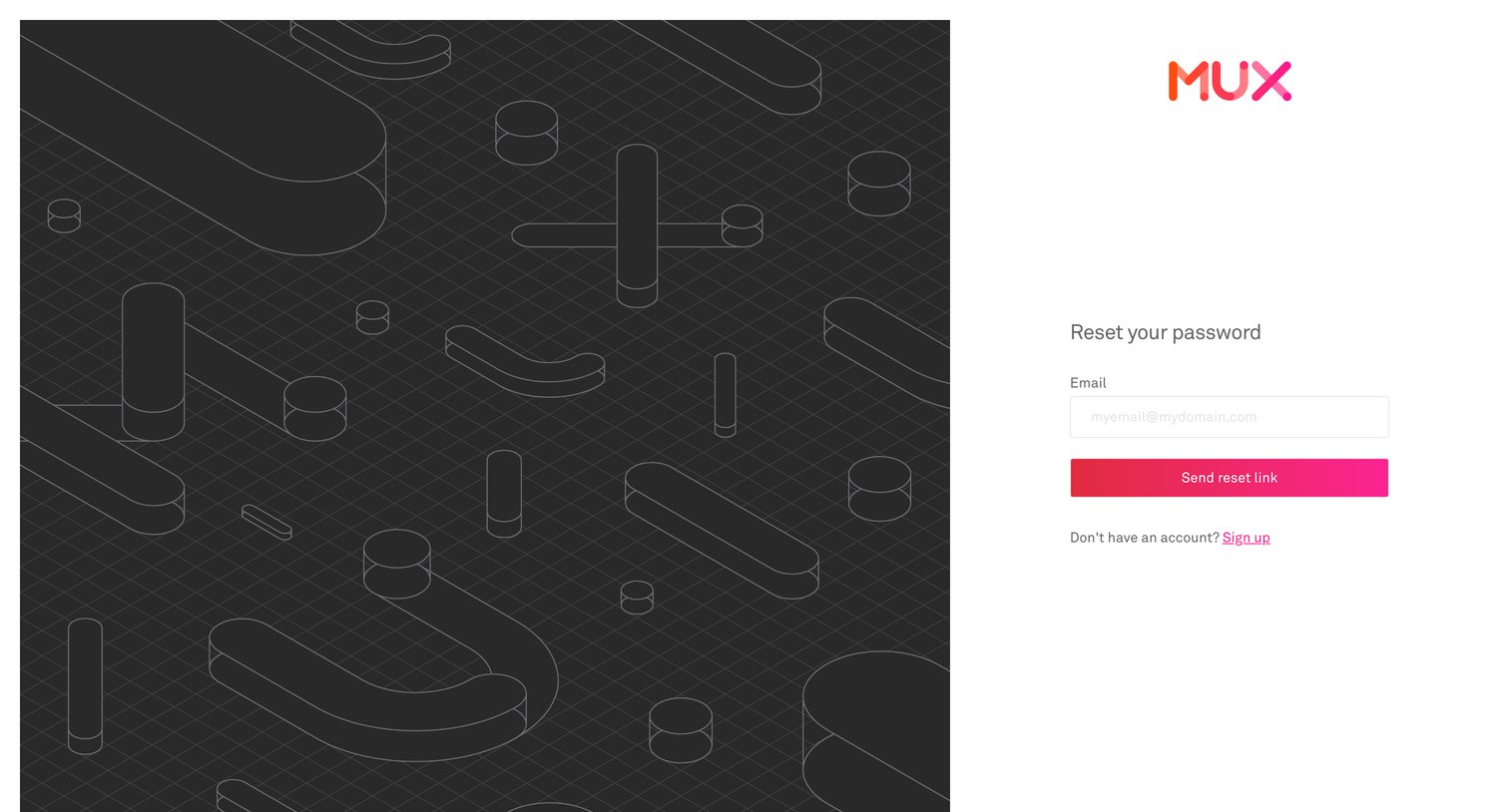

Password recovery screen where the user enters their email address to receive a reset link.
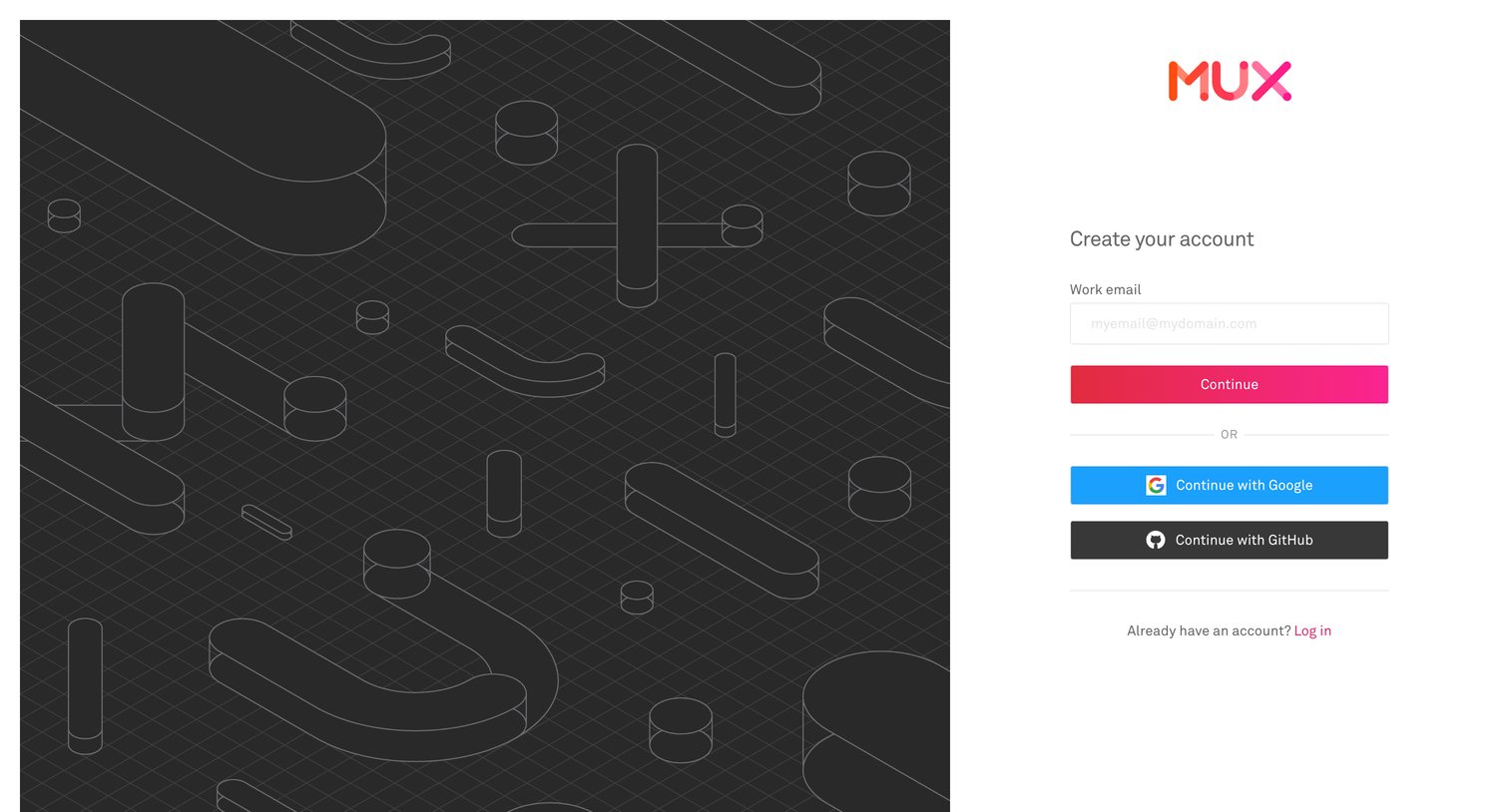
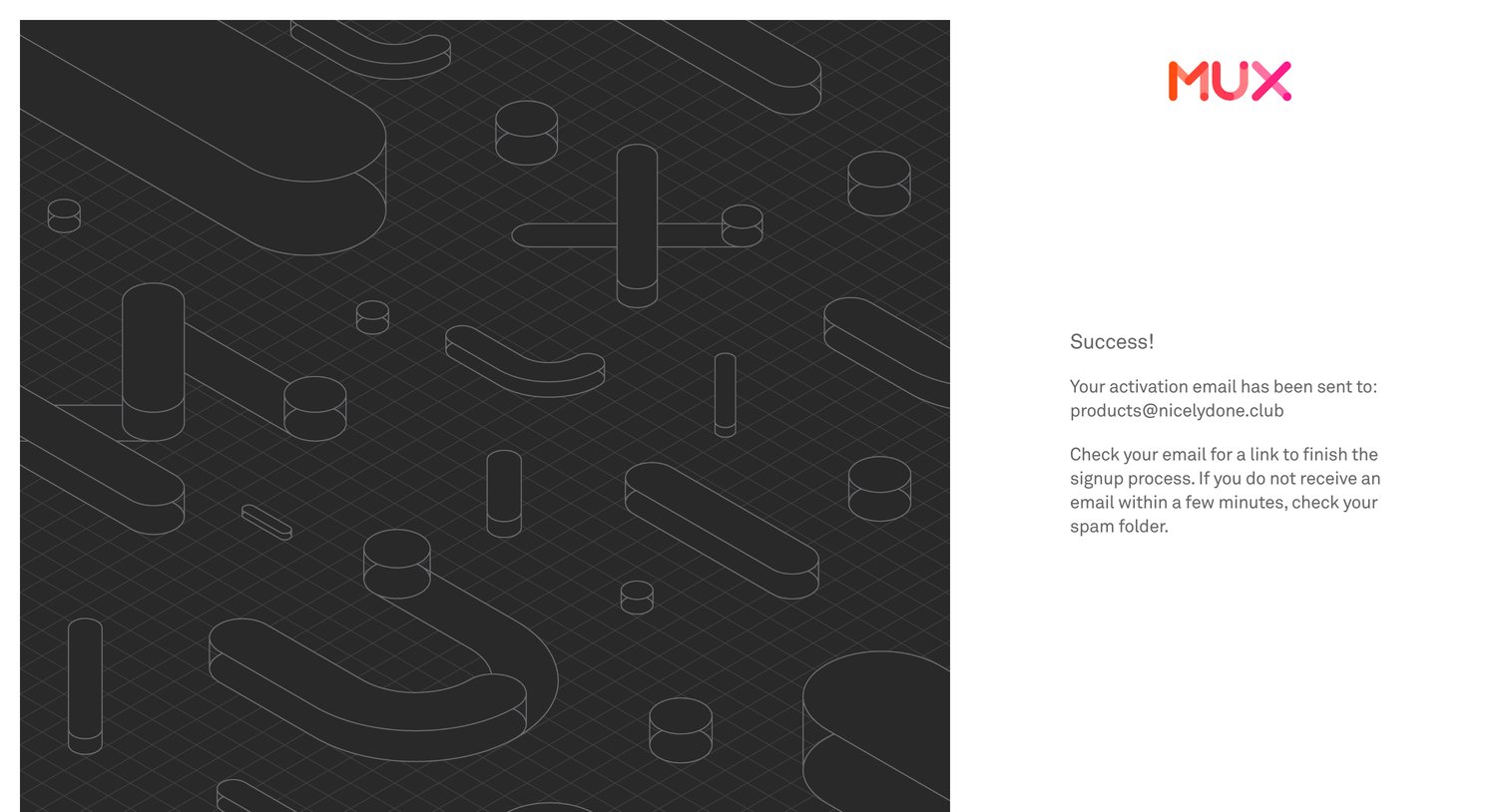
Verification screen where the user is instructed to check their email for an activation link to finish the signup process.
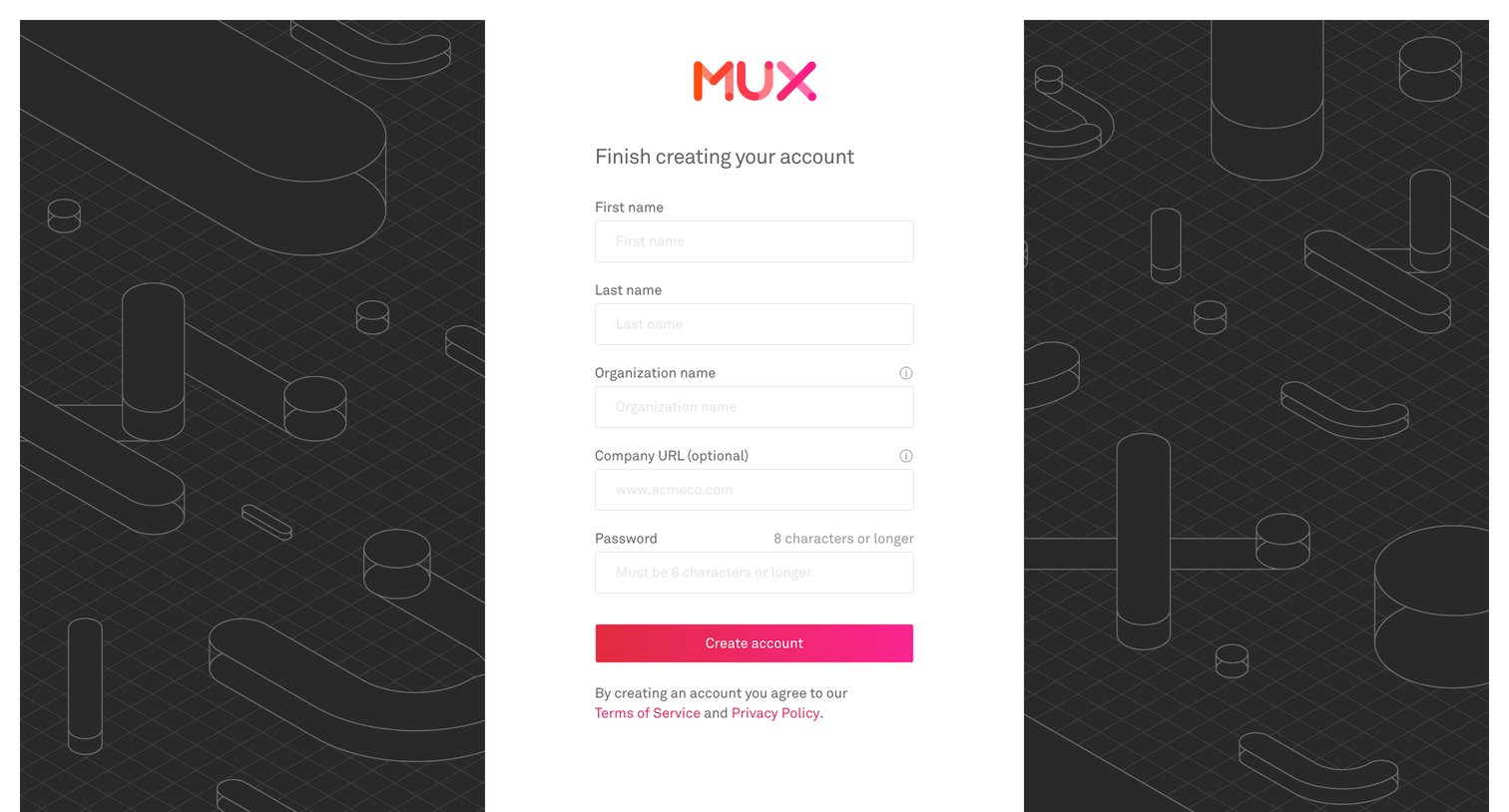
Signup page where an invited user completes their account creation by providing their name, organization details, and password.
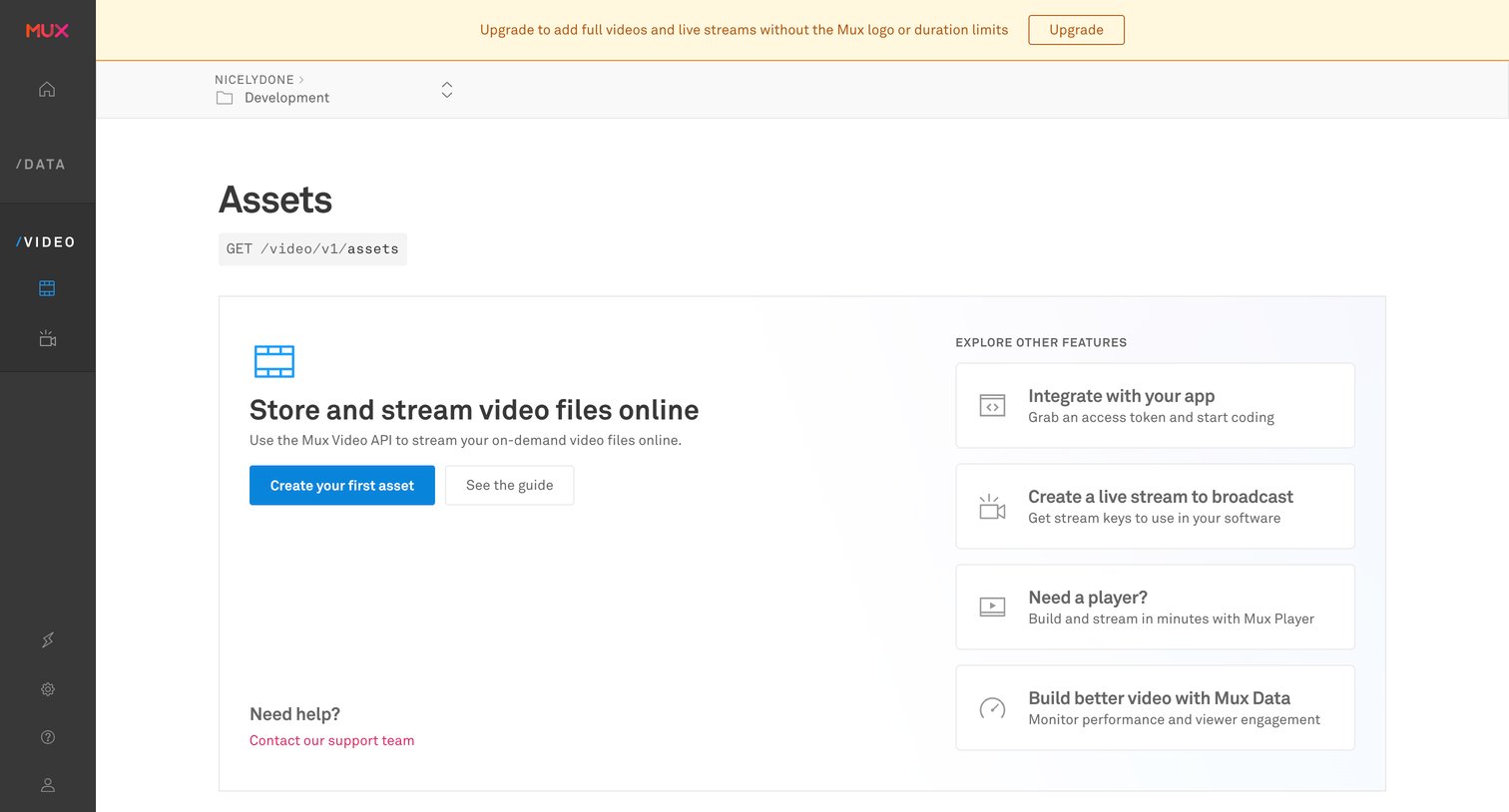
Empty list view for video assets where the user is prompted to create their first asset or explore other features.
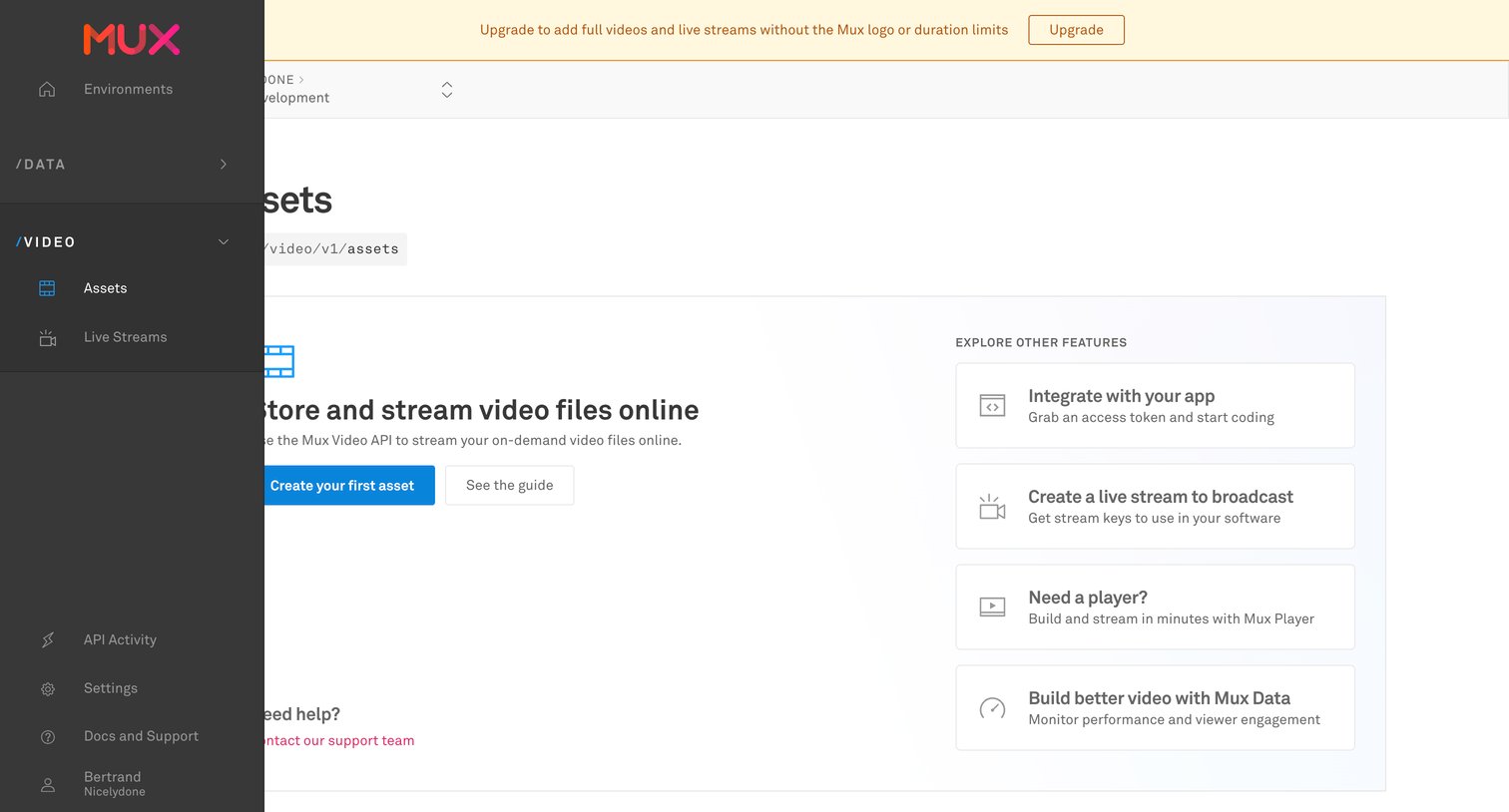
Empty state for the video assets list where the user is prompted to create their first asset, view the guide, or explore other developer integration features.
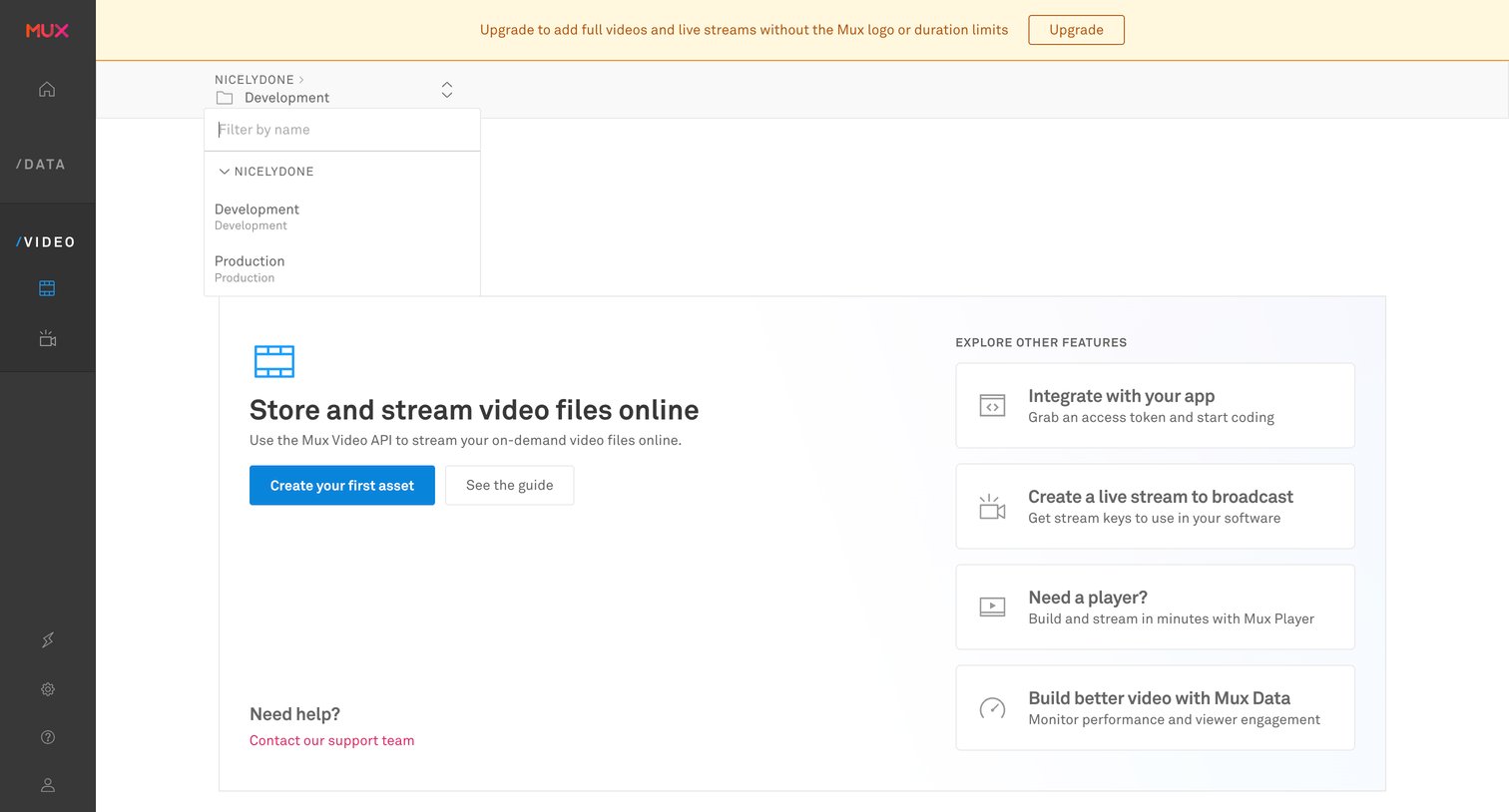
Empty state for the video assets list where the user is prompted to create their first asset or explore other features like live streams and players.
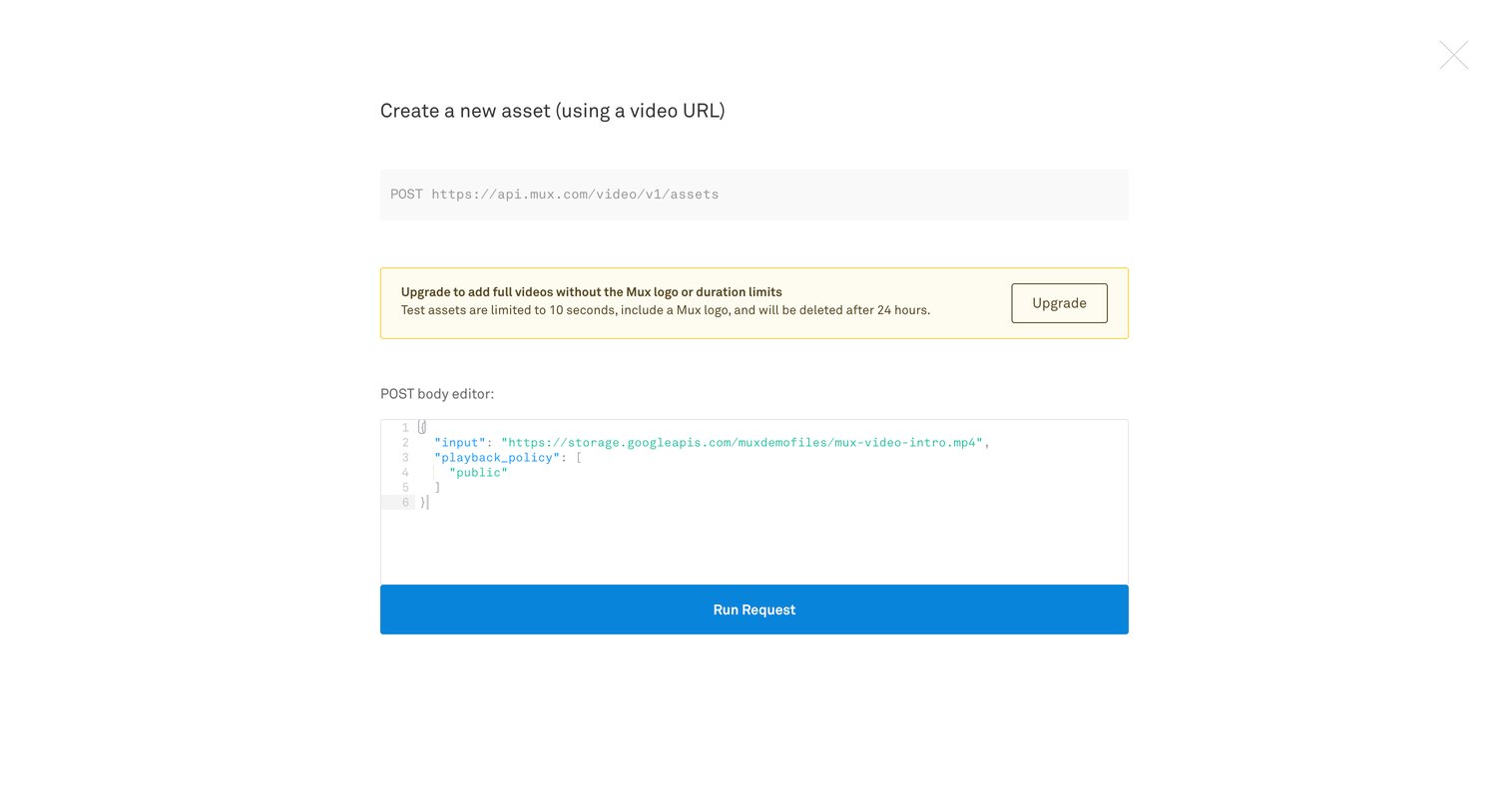
Create overlay where the user configures a POST request with a JSON body to generate a new video asset, featuring an inline upgrade nudge for removing limits.
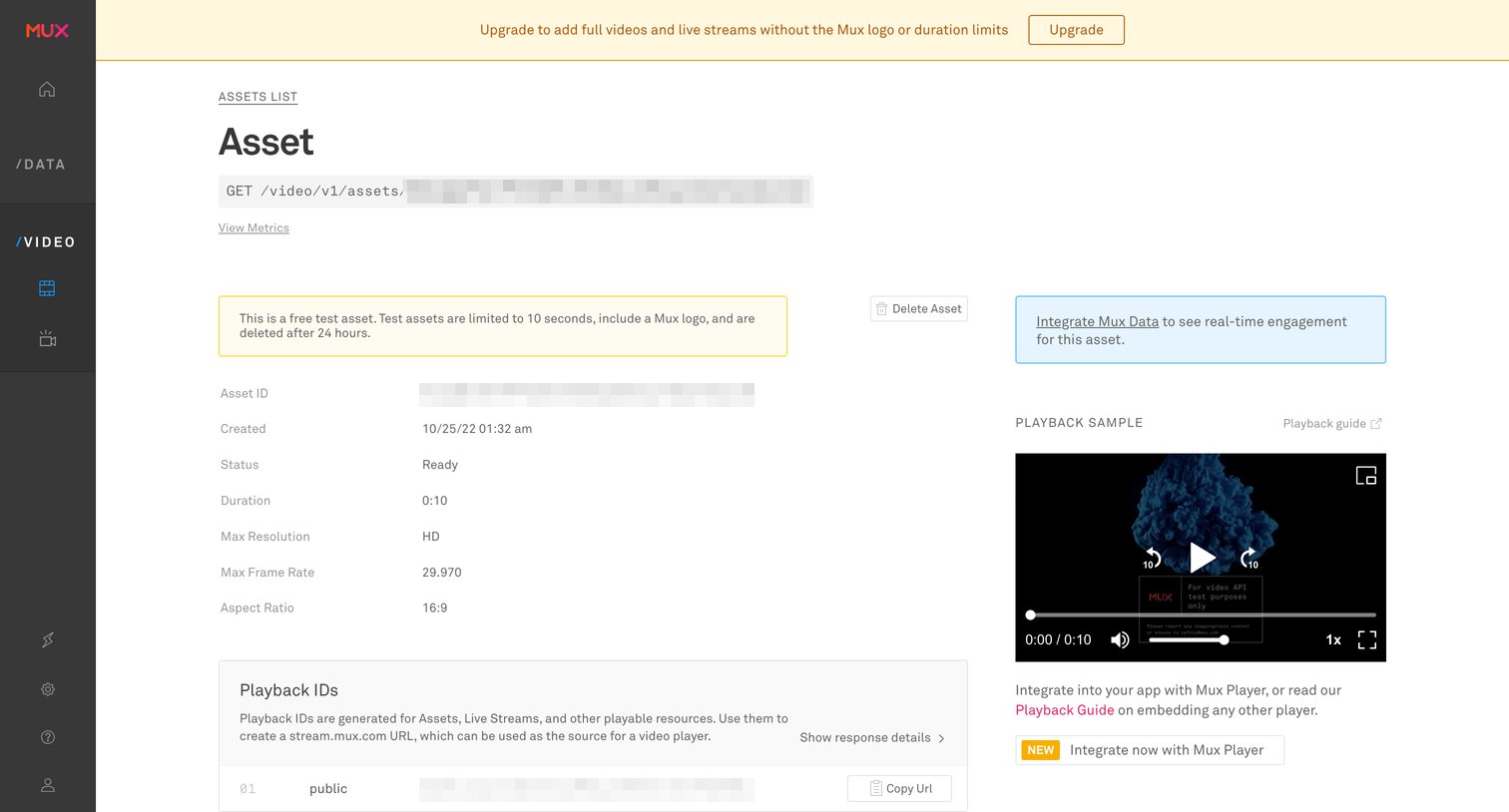
Detail page where the user views technical metadata, playback IDs, tracks, and recent events for a specific video asset.
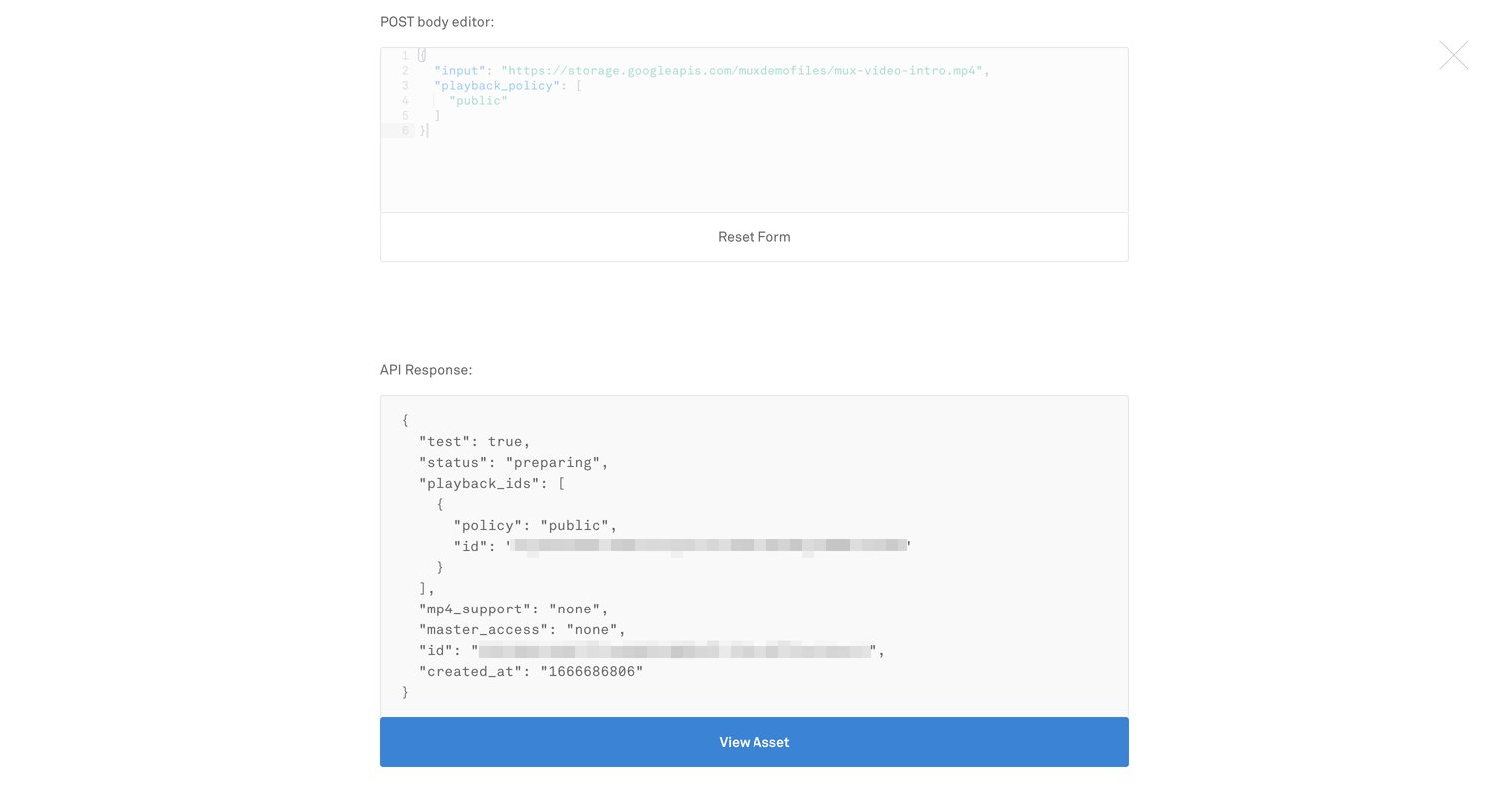
Code editor overlay where the user can edit a POST body payload and view the resulting API response, with an option to view the created asset.
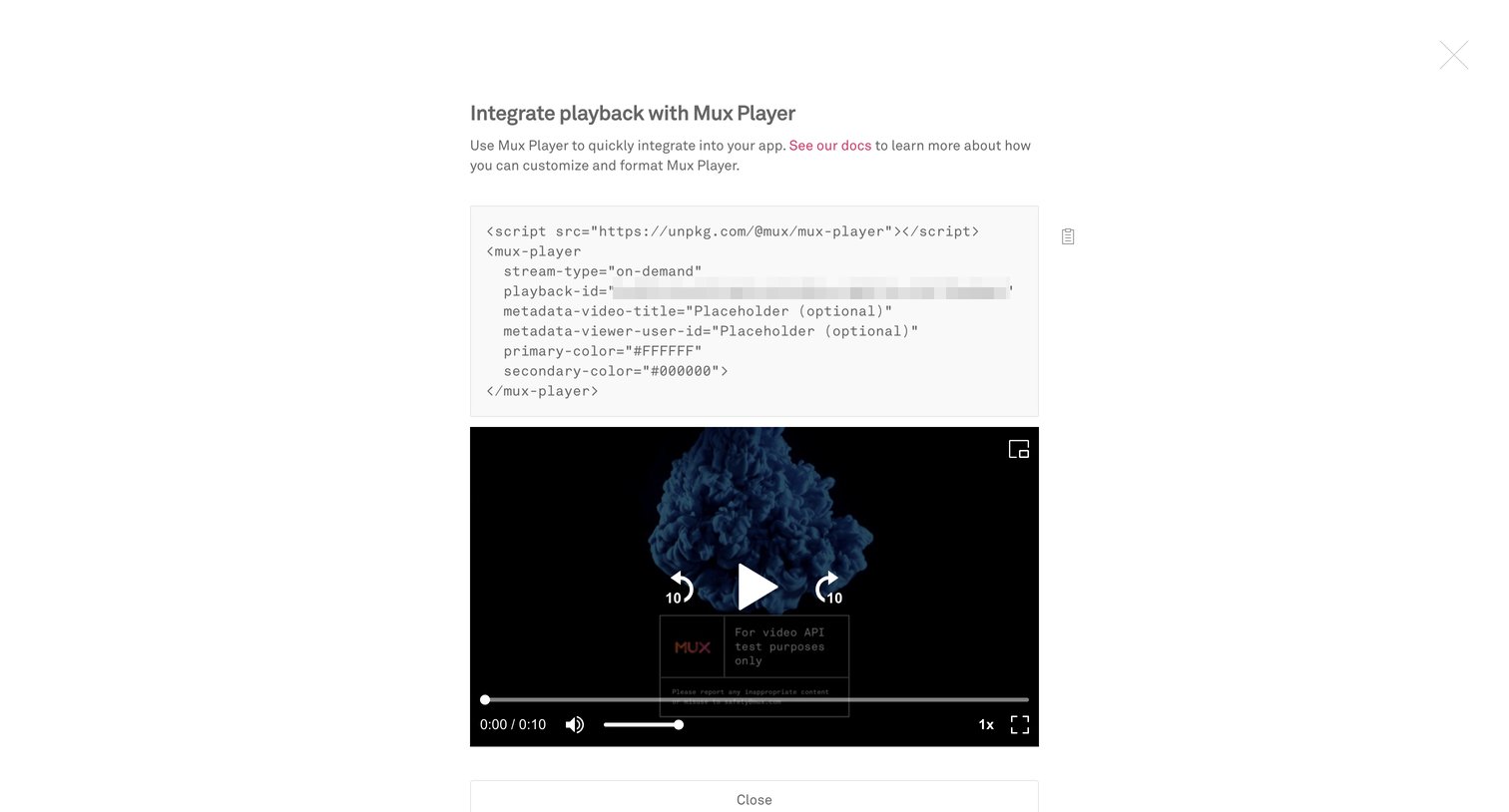
Full-screen overlay where the user can copy the HTML script to embed the video player into their app and preview the playback.
Browse the full SaaS app library
Explore real SaaS apps with their product screens, marketing screens, flows, and components.
Trusted by the best teams







