Milanote product screens examples
Browse Milanote screen design examples. Preview the interface screenshots and explore related UI patterns. The notes app for creative work
Explore the examples
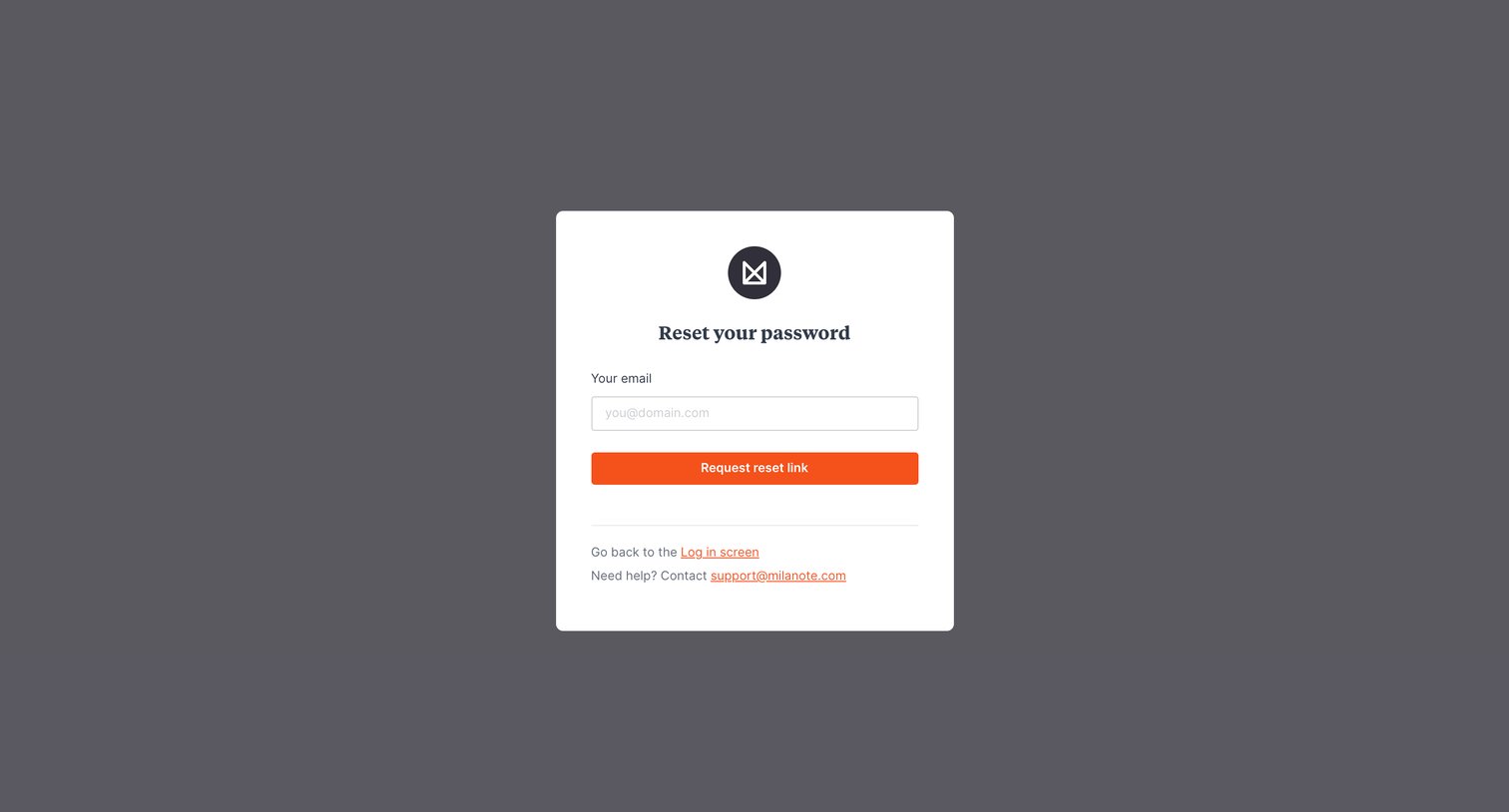

Password recovery screen where the user enters their email address to request a reset link.
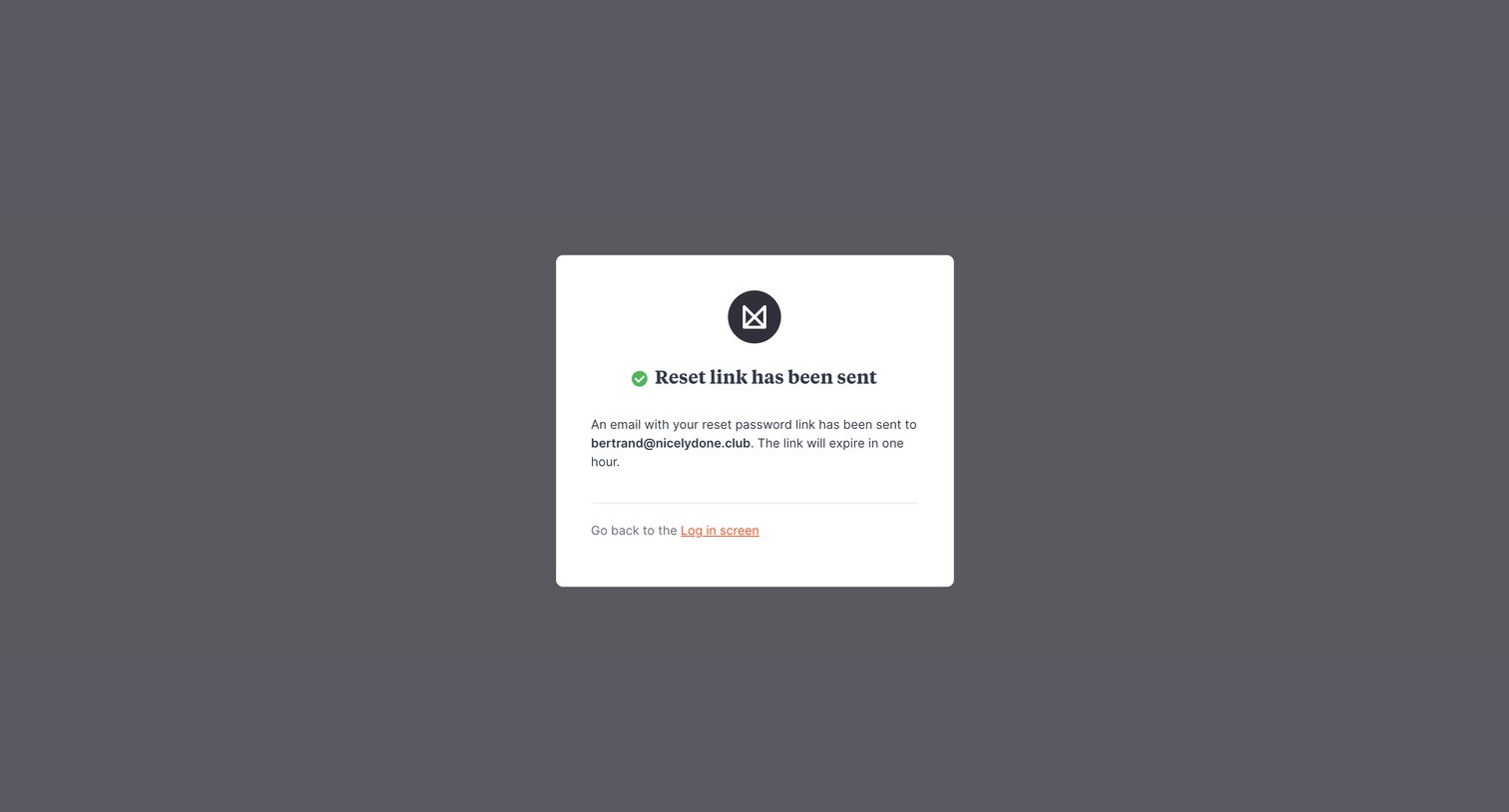
Password recovery screen confirming that a reset link has been sent to the user's email address, with a link to return to the login screen.
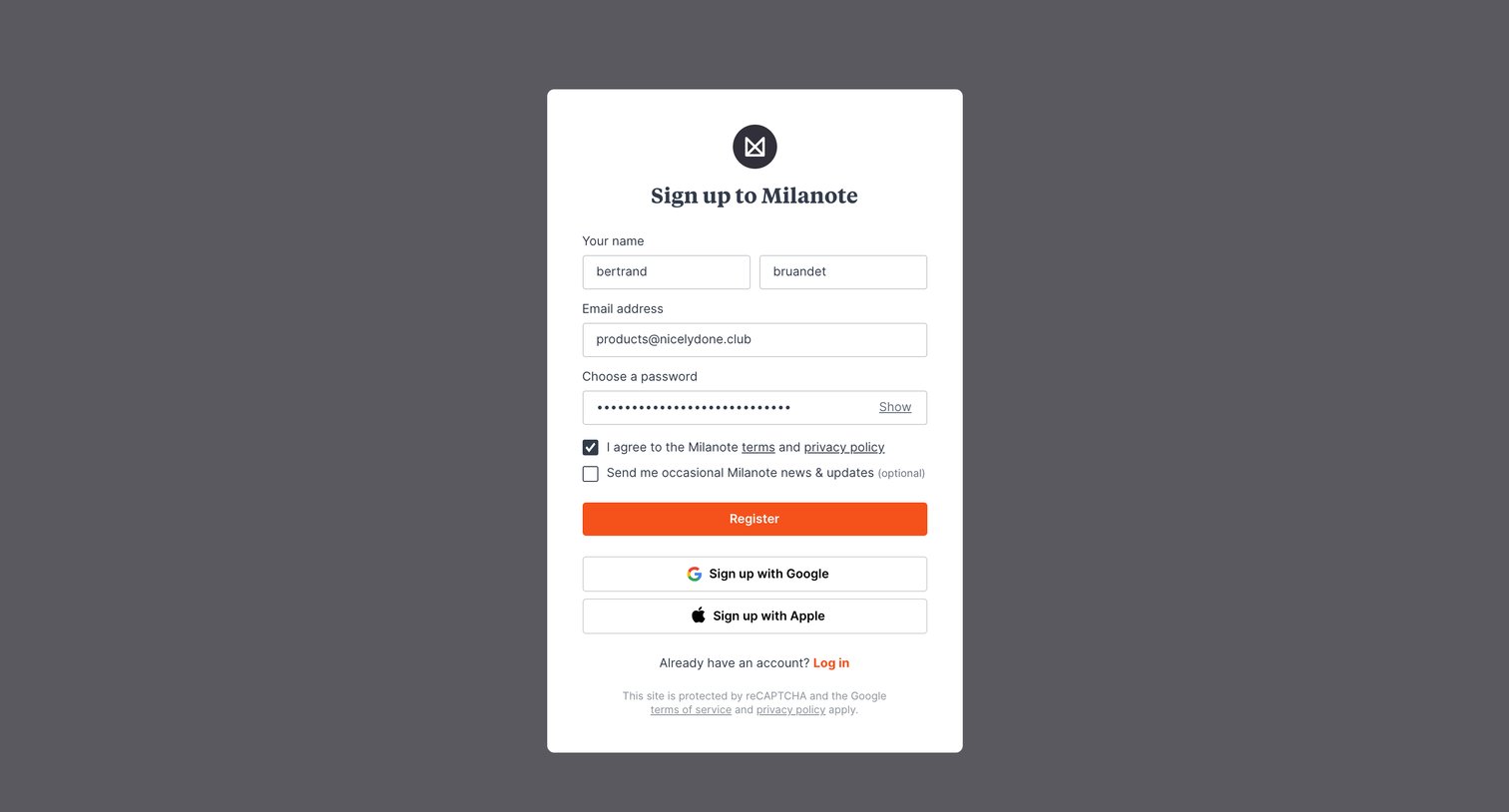
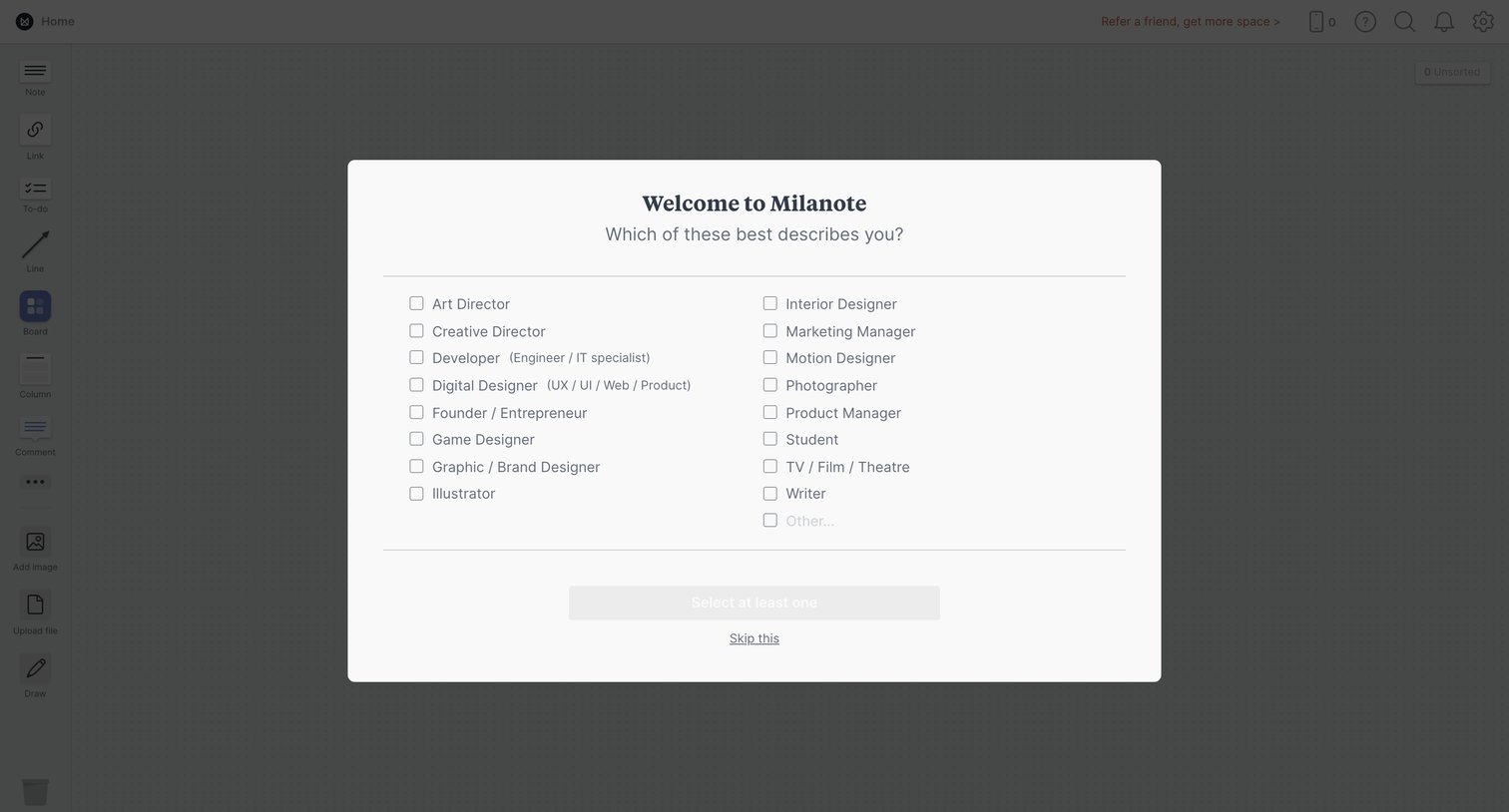
Onboarding step where the user selects their profession from a list of checkboxes to personalize their workspace.
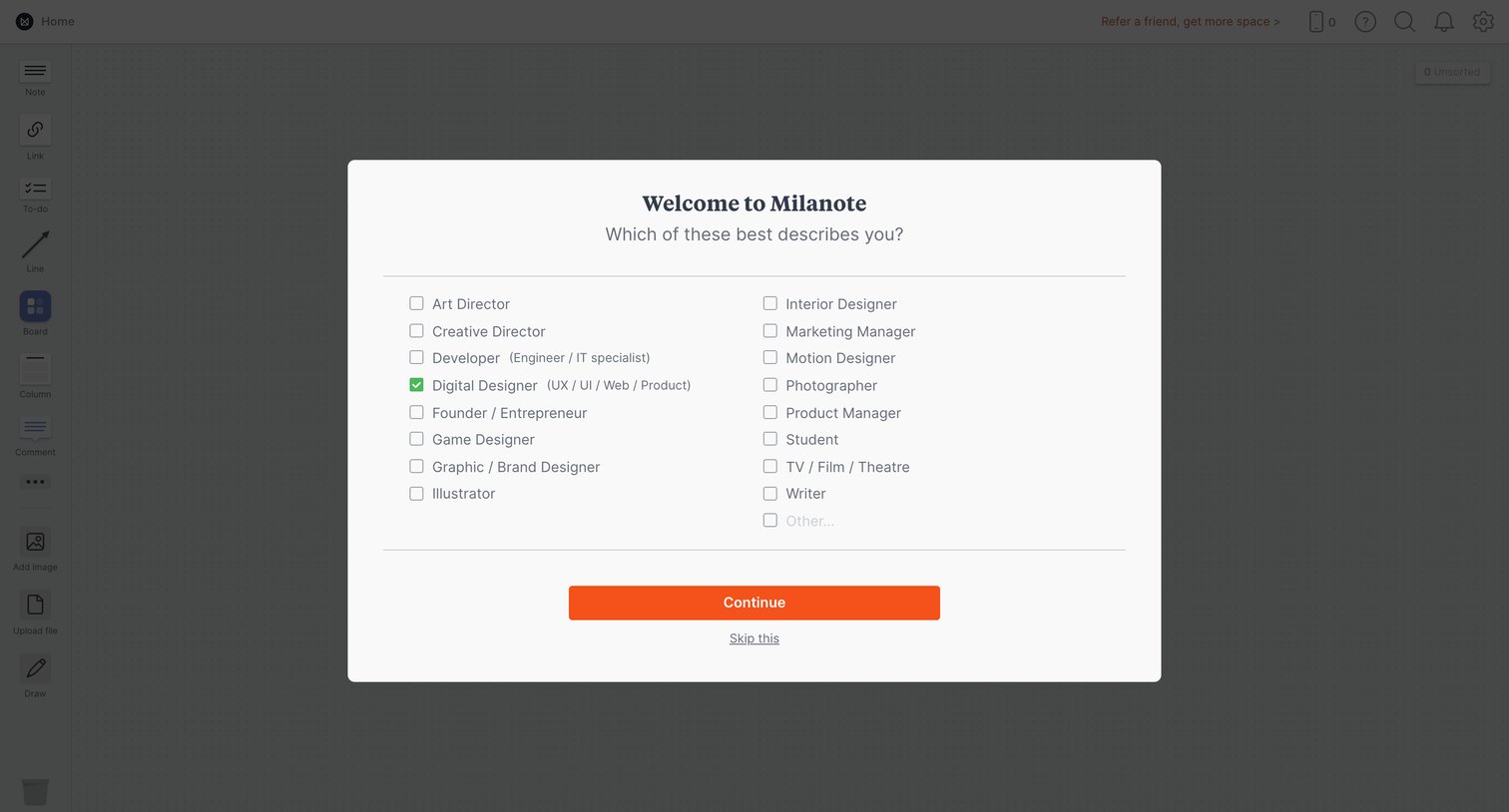
Onboarding step where the user selects their professional role from a list of design and creative titles to personalize their workspace.
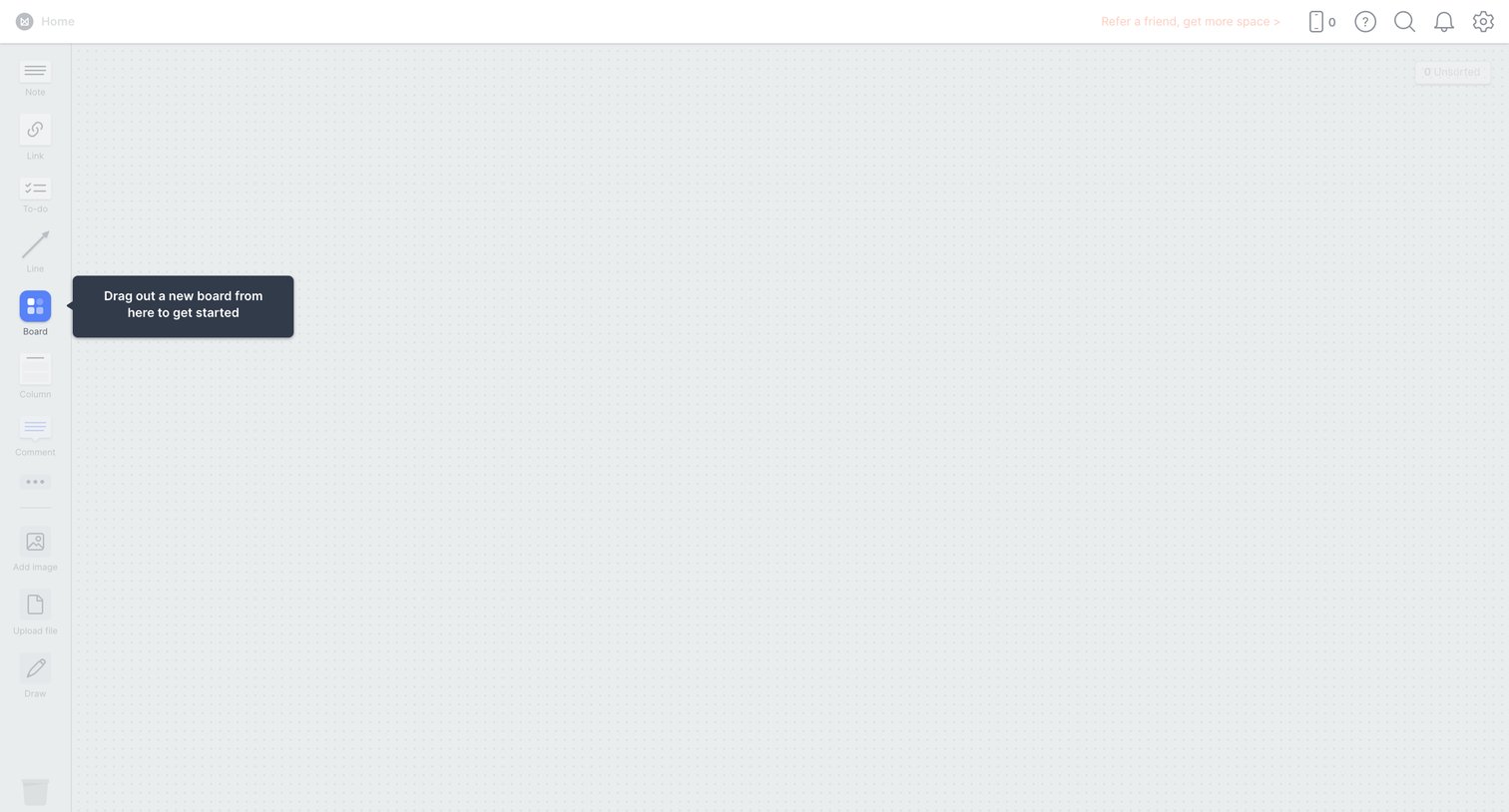
Empty whiteboard canvas where a coach mark prompts the user to drag out a new board from the sidebar to get started.
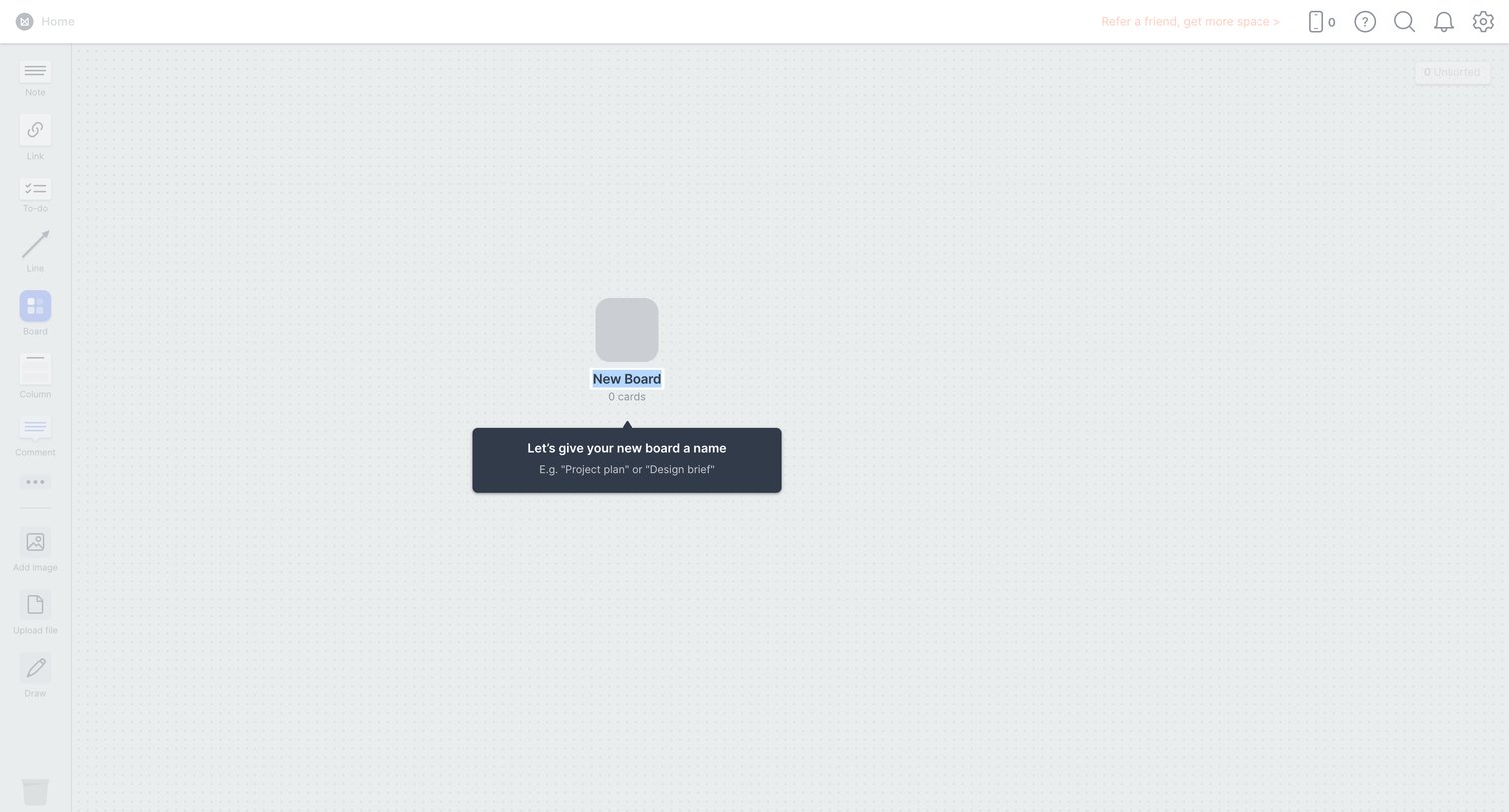
Empty whiteboard canvas where the user is prompted by a popover to name their newly created board.
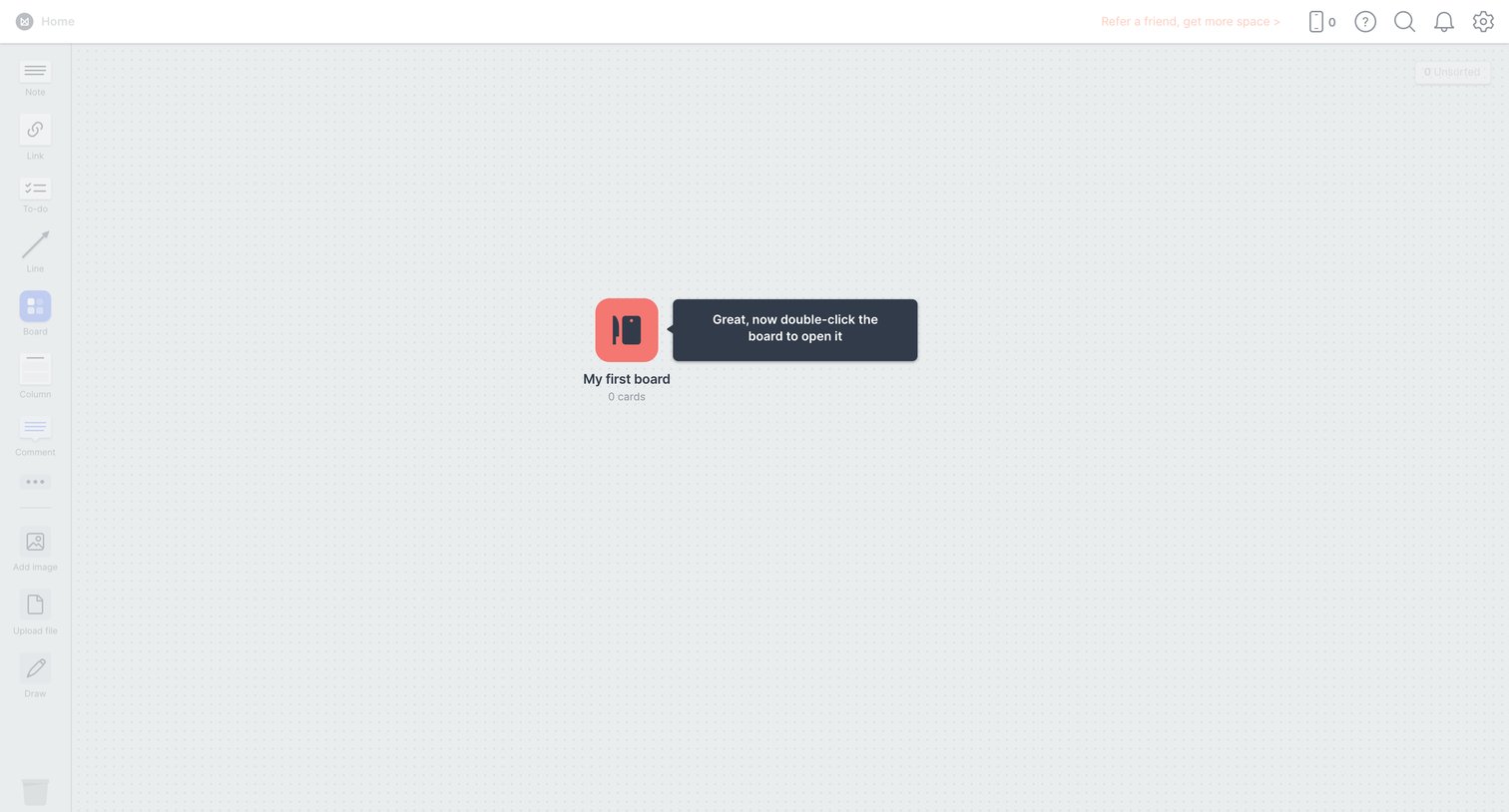
Design editor whiteboard where a product tour tooltip instructs the user to double-click their first board to open it.
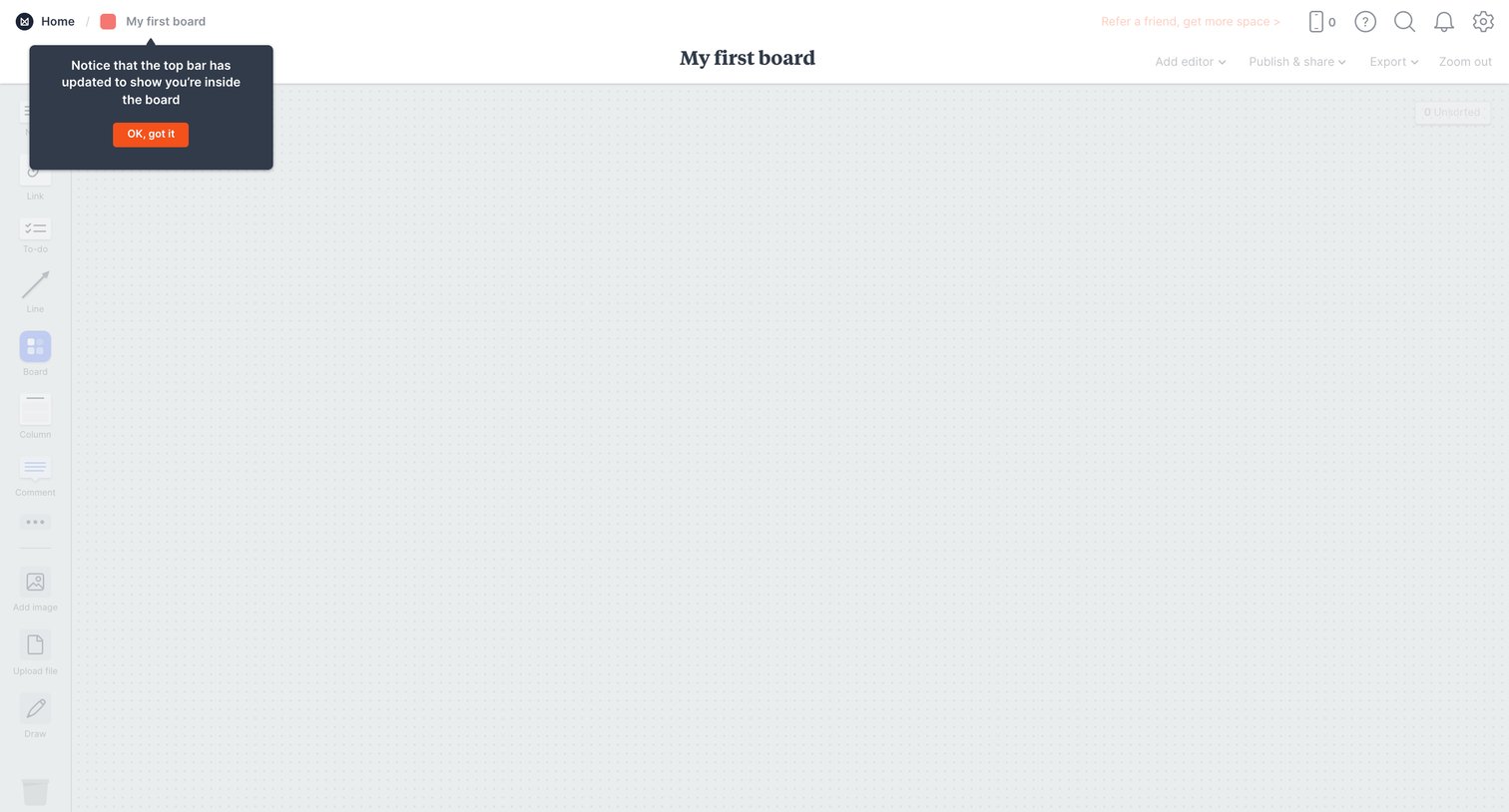
Empty whiteboard canvas where the user is guided by an onboarding popover to acknowledge the updated top navigation bar.
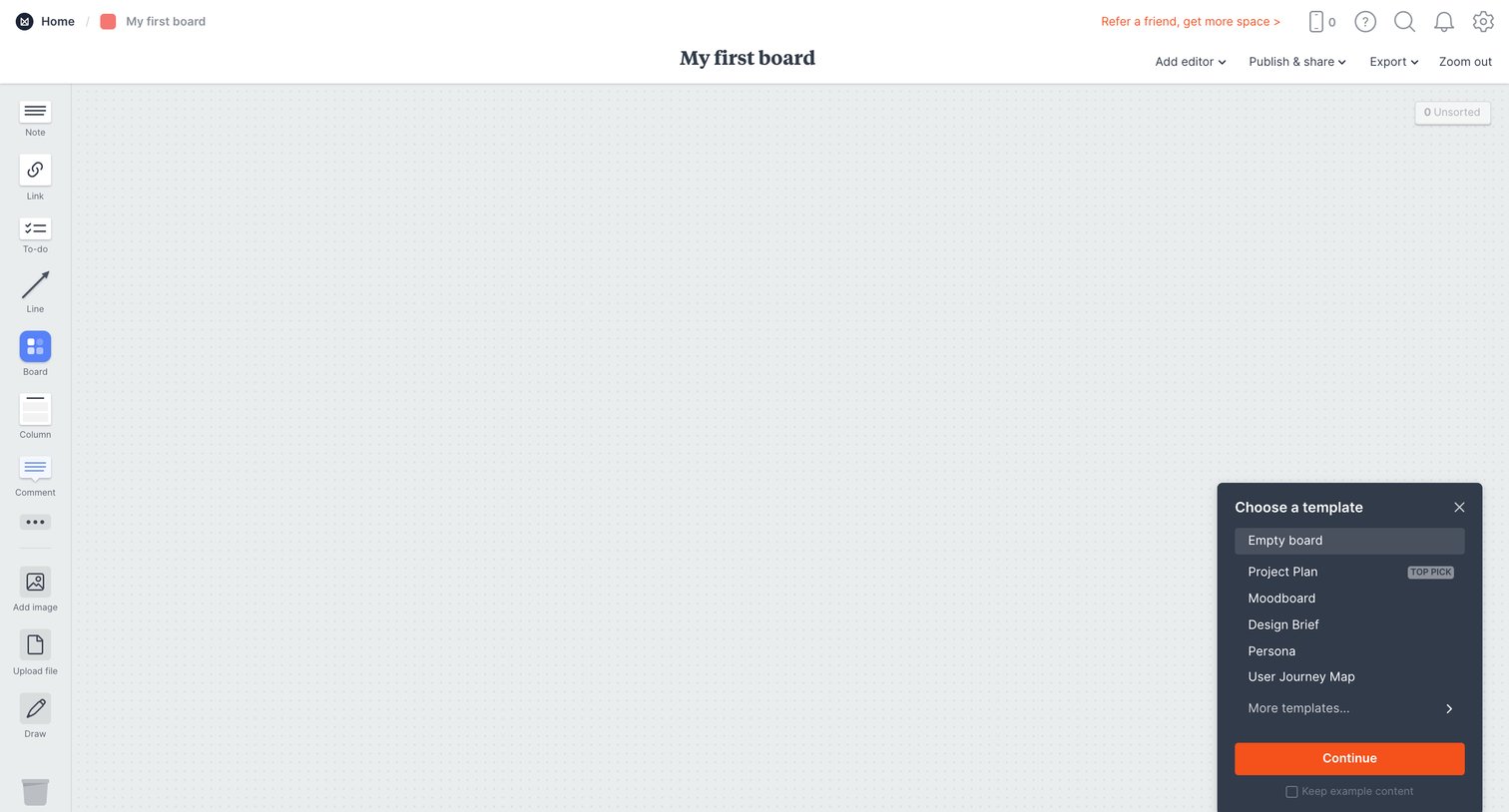
Design editor where the user selects a starting template for their new empty board from a floating dialog.
Explore the full SaaS screen library
Upgrade to unlock the full library.
Trusted by the best teams







