Lefty design examples
Explore Lefty UI design examples. Find and buy Instagram photos
Product screens


Authentication Grid Onboarding User authentication Form

Authentication Grid Form Account management

Signup modal gating access to an Instagram photo search tool, requiring users to create an account with email and password to continue.

Grid
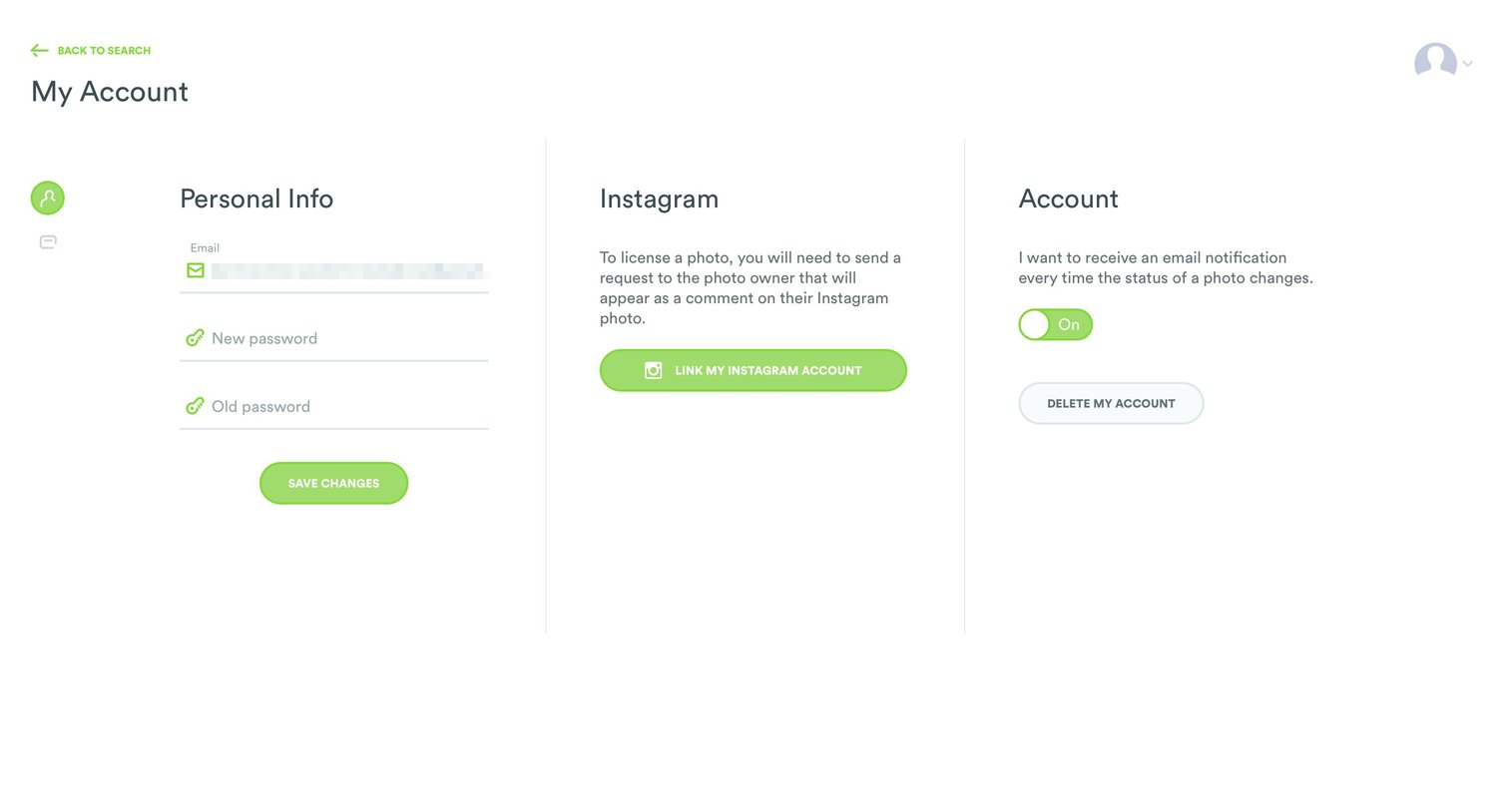
Settings Form Account management Account settings Account setup
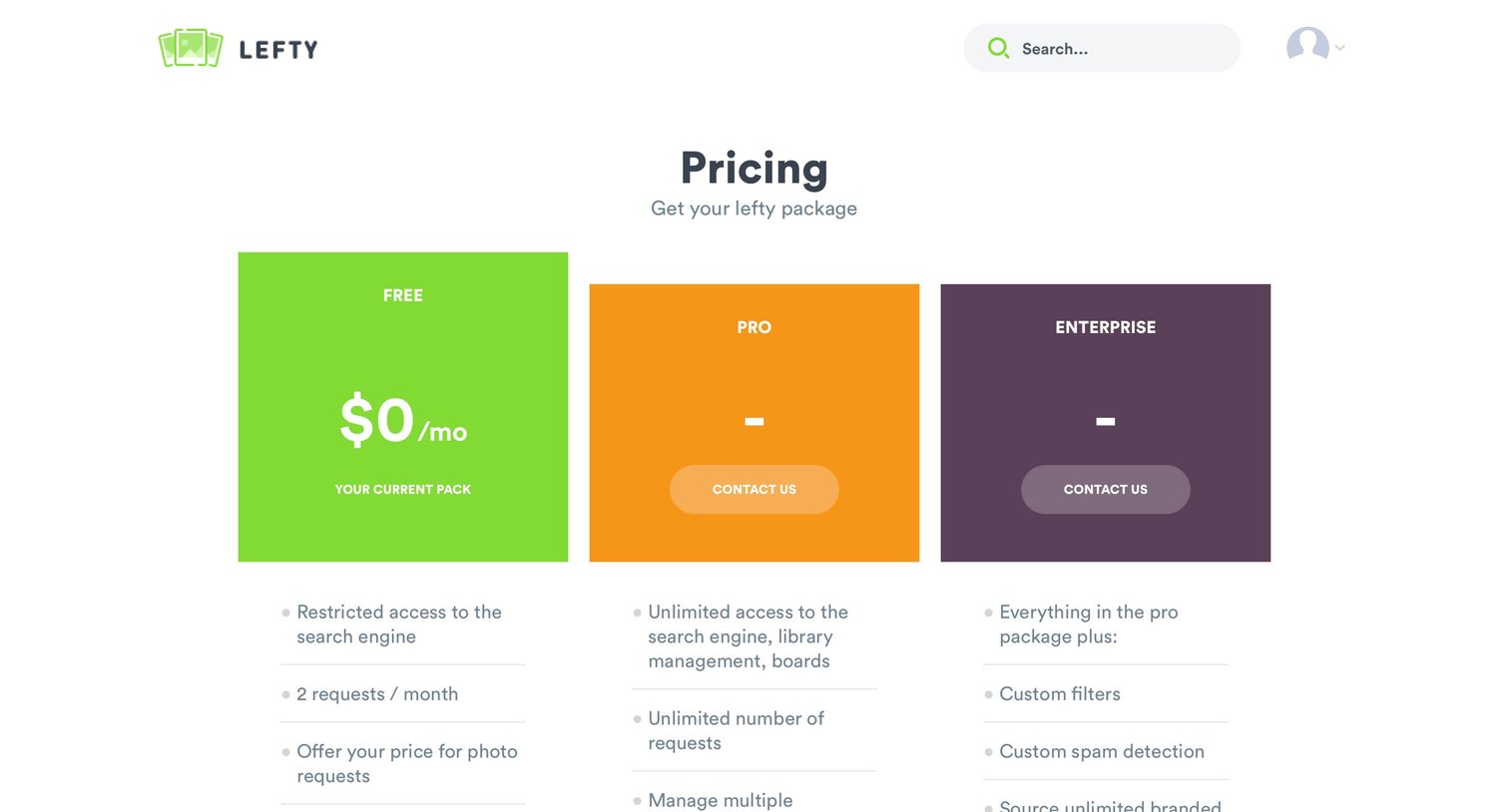

Search page where the user filters photos by location, time, color, media type, and content tags to find specific imagery.

Search results page displaying a grid of images filtered by location, date, color, and category, with sorting options and related tags.
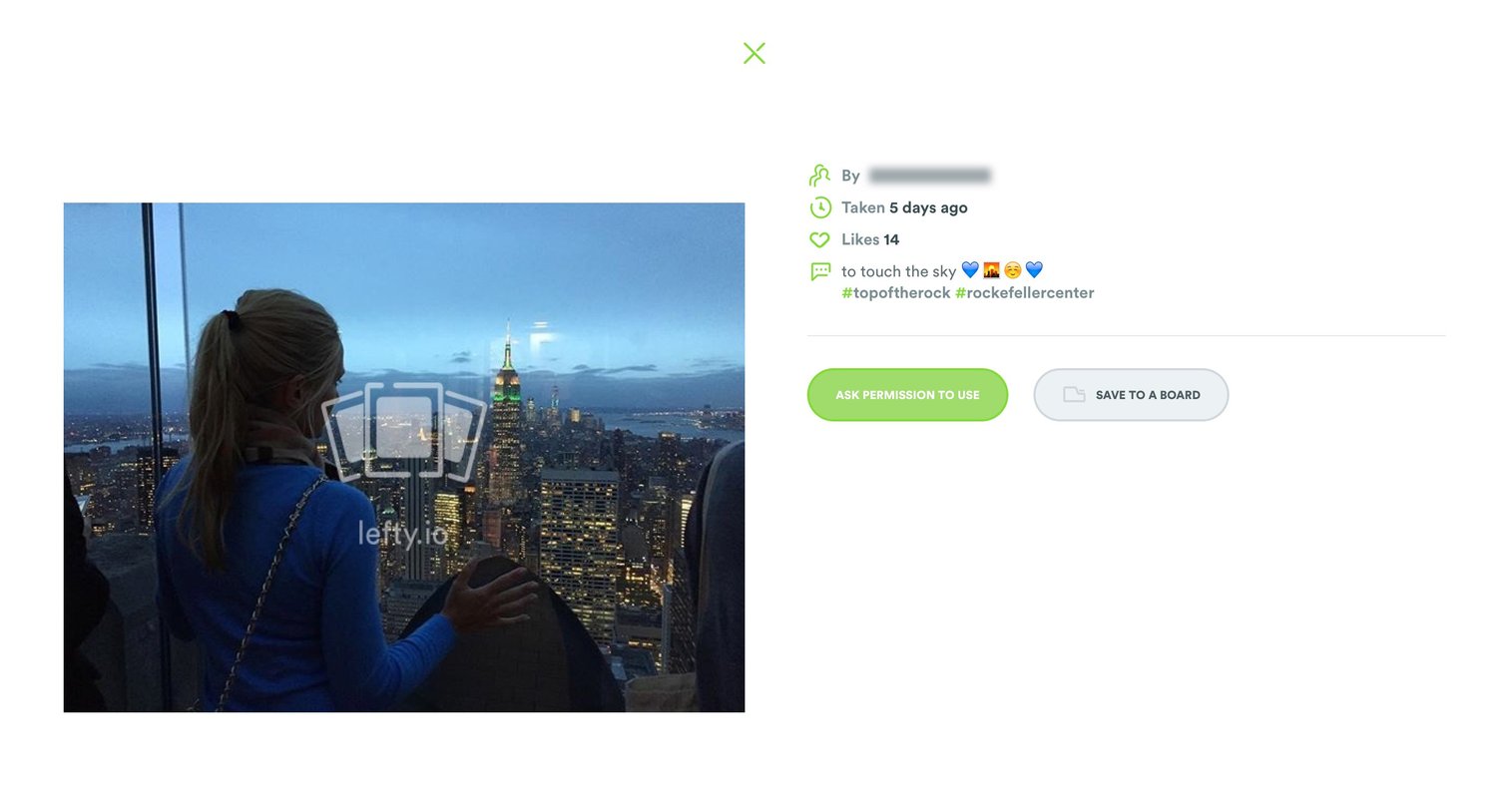
Detail modal showing a selected photo with its metadata, caption, and options to ask for usage permission or save it to a board.
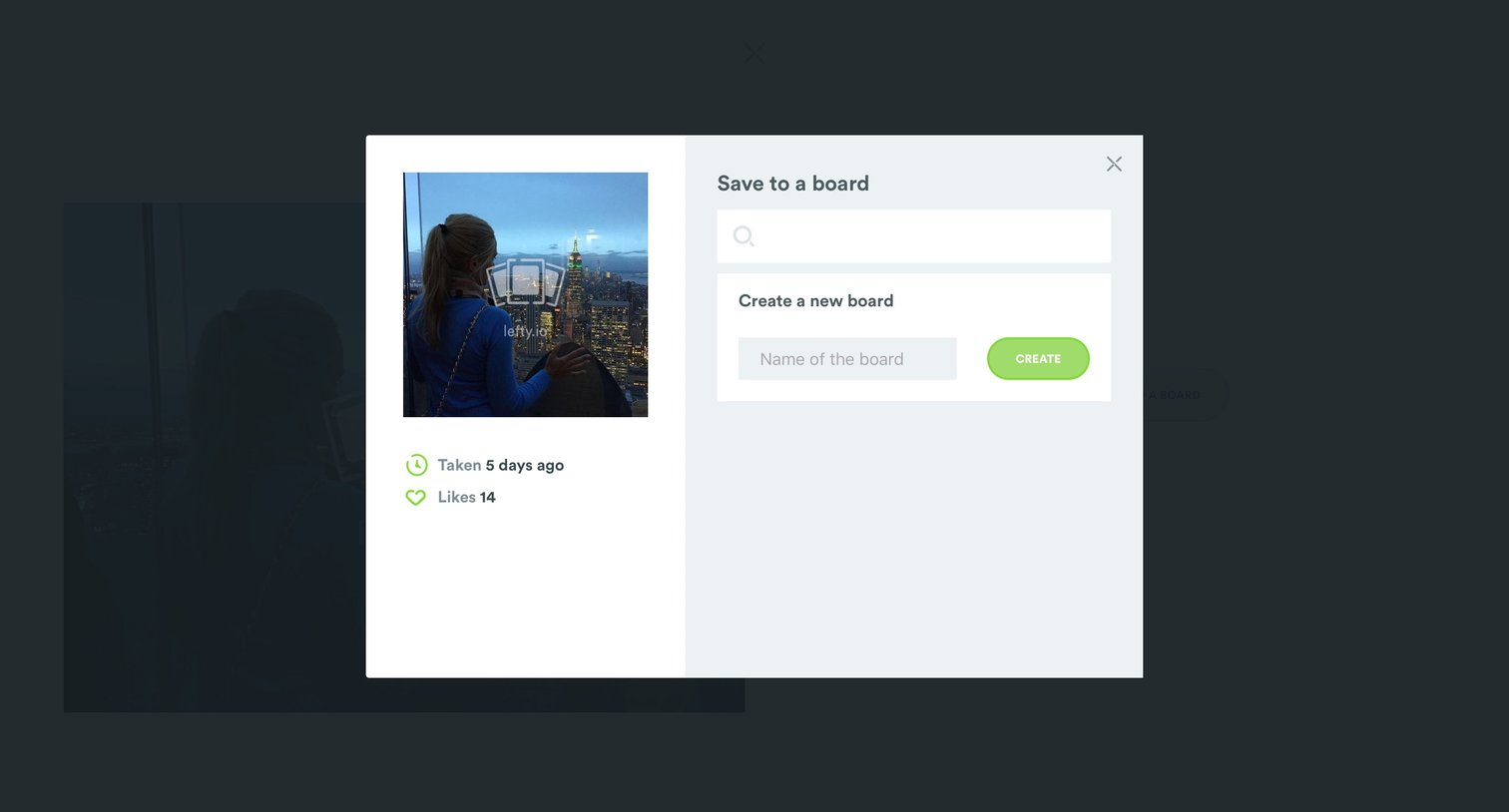
Modal overlay where the user can save an image to an existing board by searching or create a new board by entering a name.

Modal overlay prompting the user to link their Instagram account in order to send a photo licensing request via comment.

Gallery view where the user can browse their saved boards, like NYC, or create a new one.
Browse the full SaaS app library
Explore real SaaS apps with their product screens, marketing screens, flows, and components.
Trusted by the best teams







