Incident product screens examples
Browse Incident screen design examples. Preview the interface screenshots and explore related UI patterns. Incident response for your whole organisation
Explore the examples
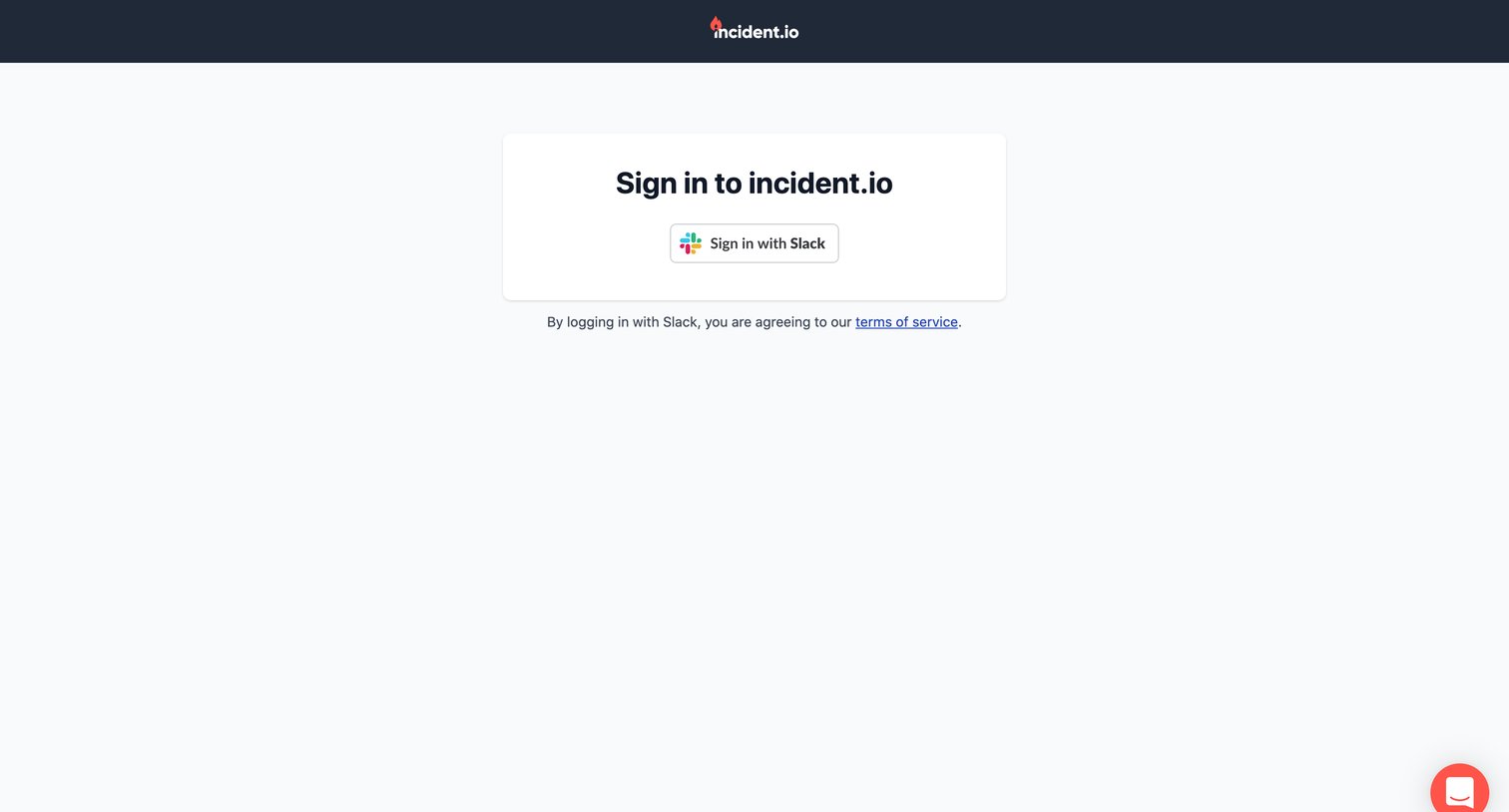
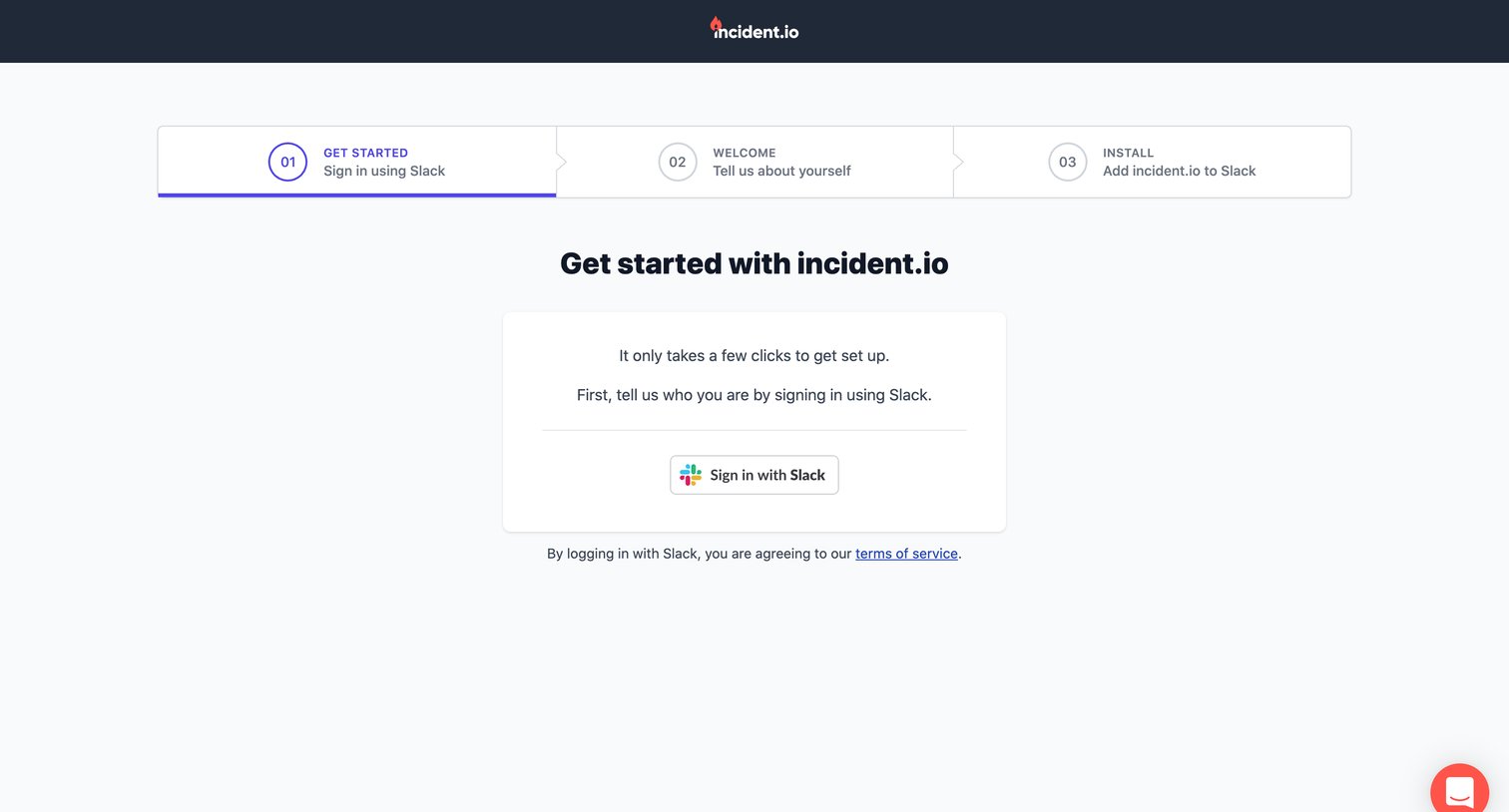

Signup step where the user initiates account creation by authenticating with Slack.
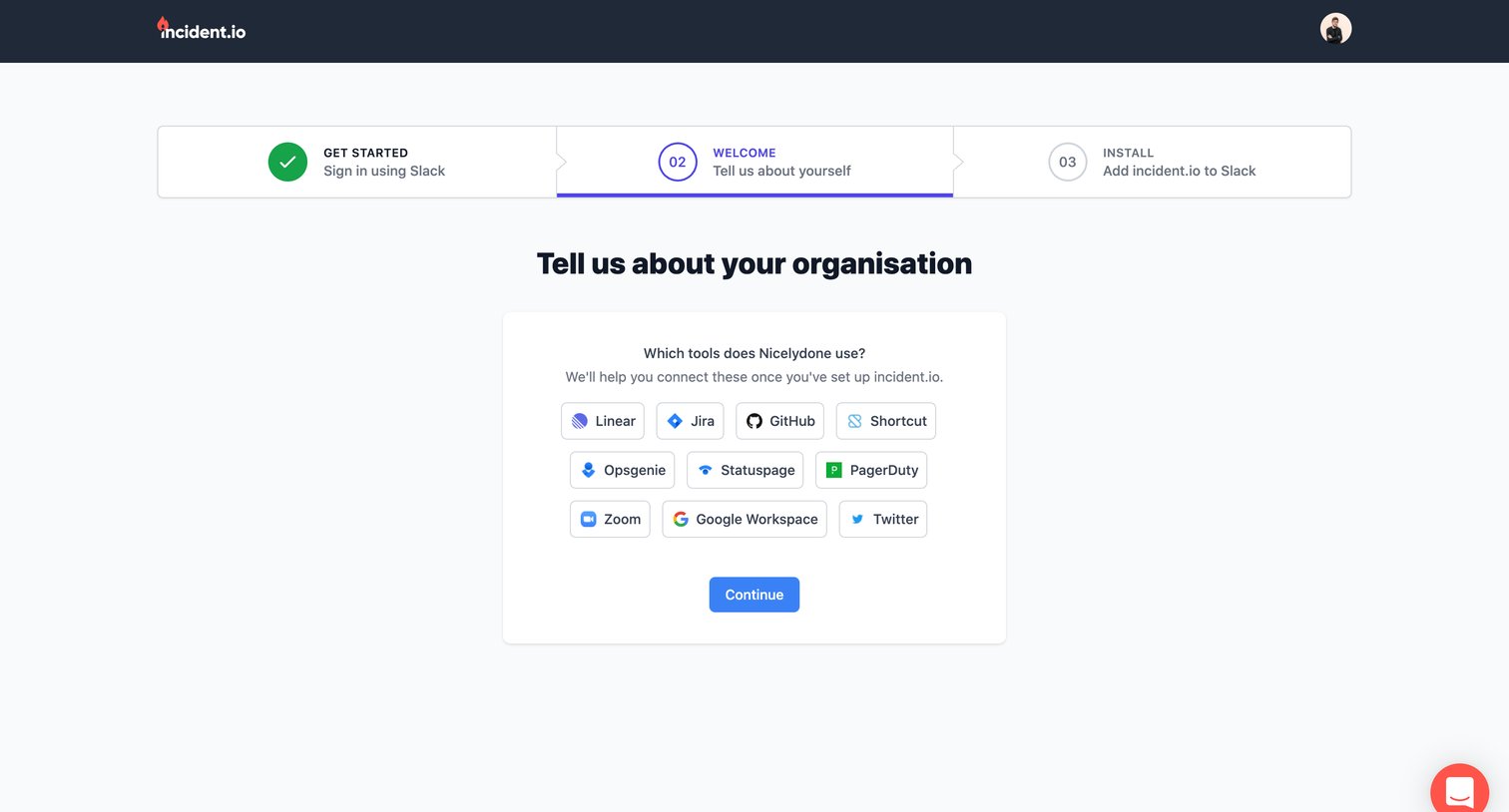
Onboarding step where the user selects the tools their organization uses, such as Linear, Jira, and GitHub, to connect later.
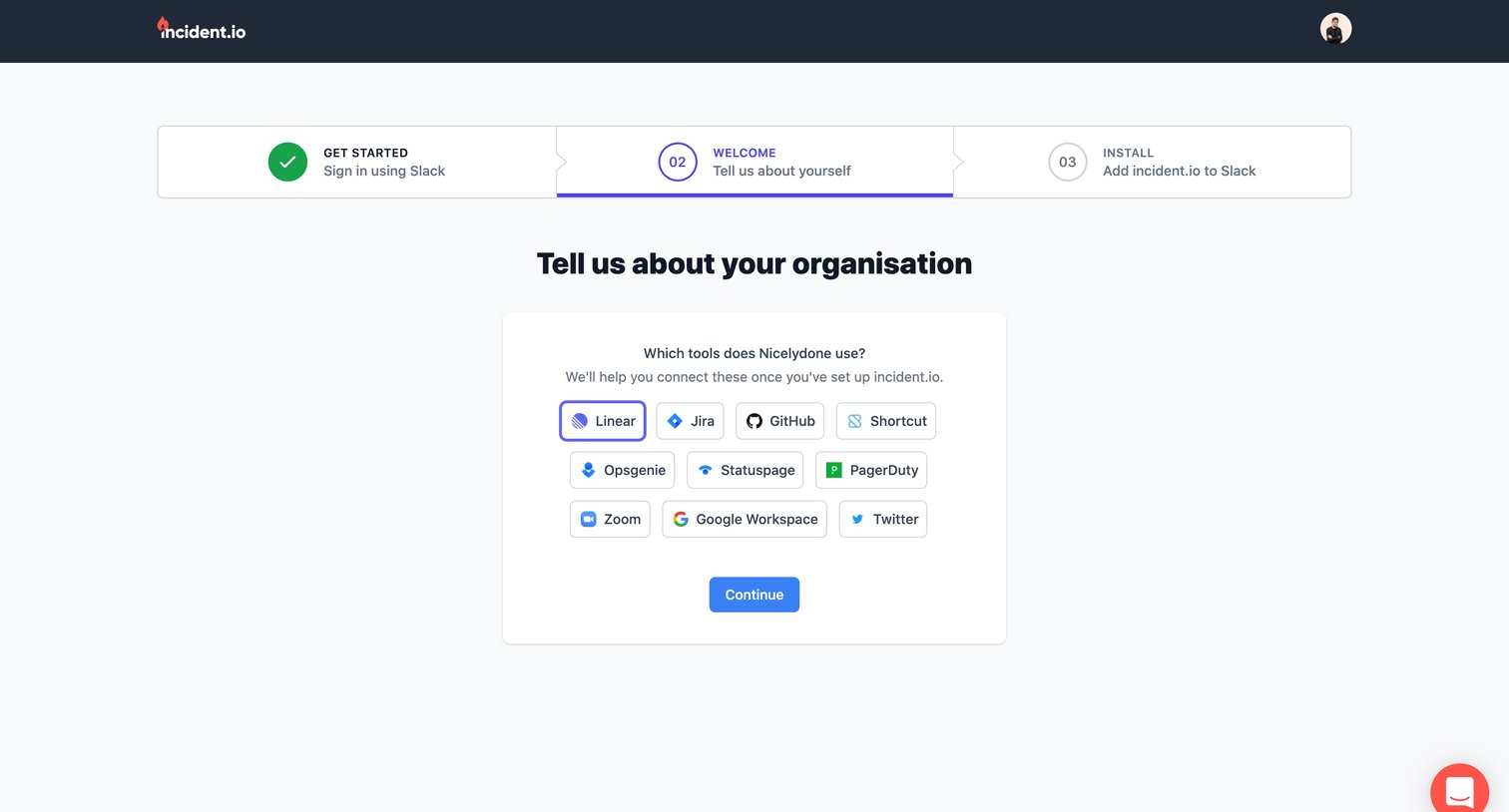
Onboarding step where the user selects which tools their organization uses, such as Linear, Jira, or GitHub, to prepare for integration.
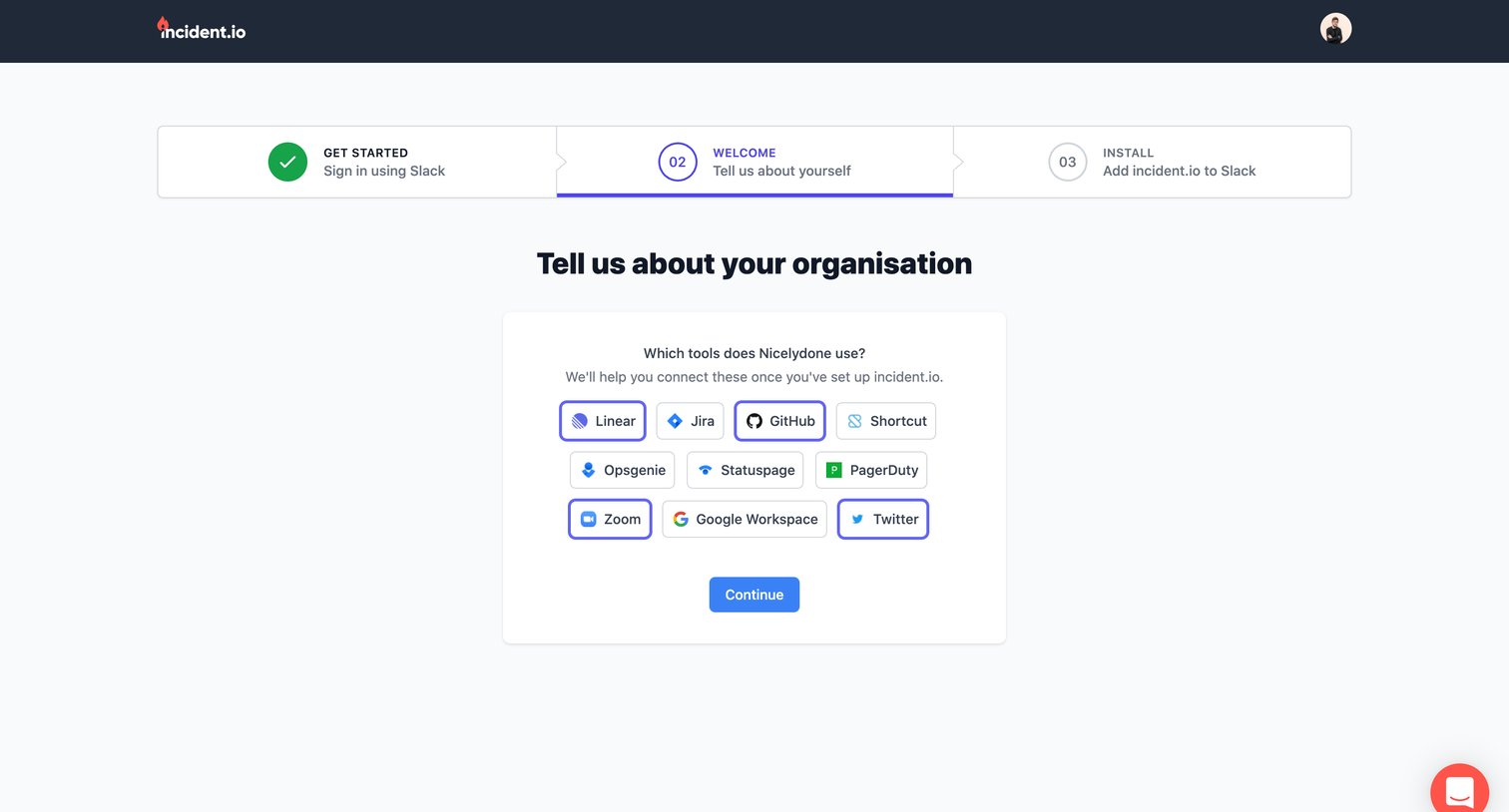
Onboarding step where the user selects the tools their organization uses, such as Linear, Jira, and GitHub, to prepare for future integrations.
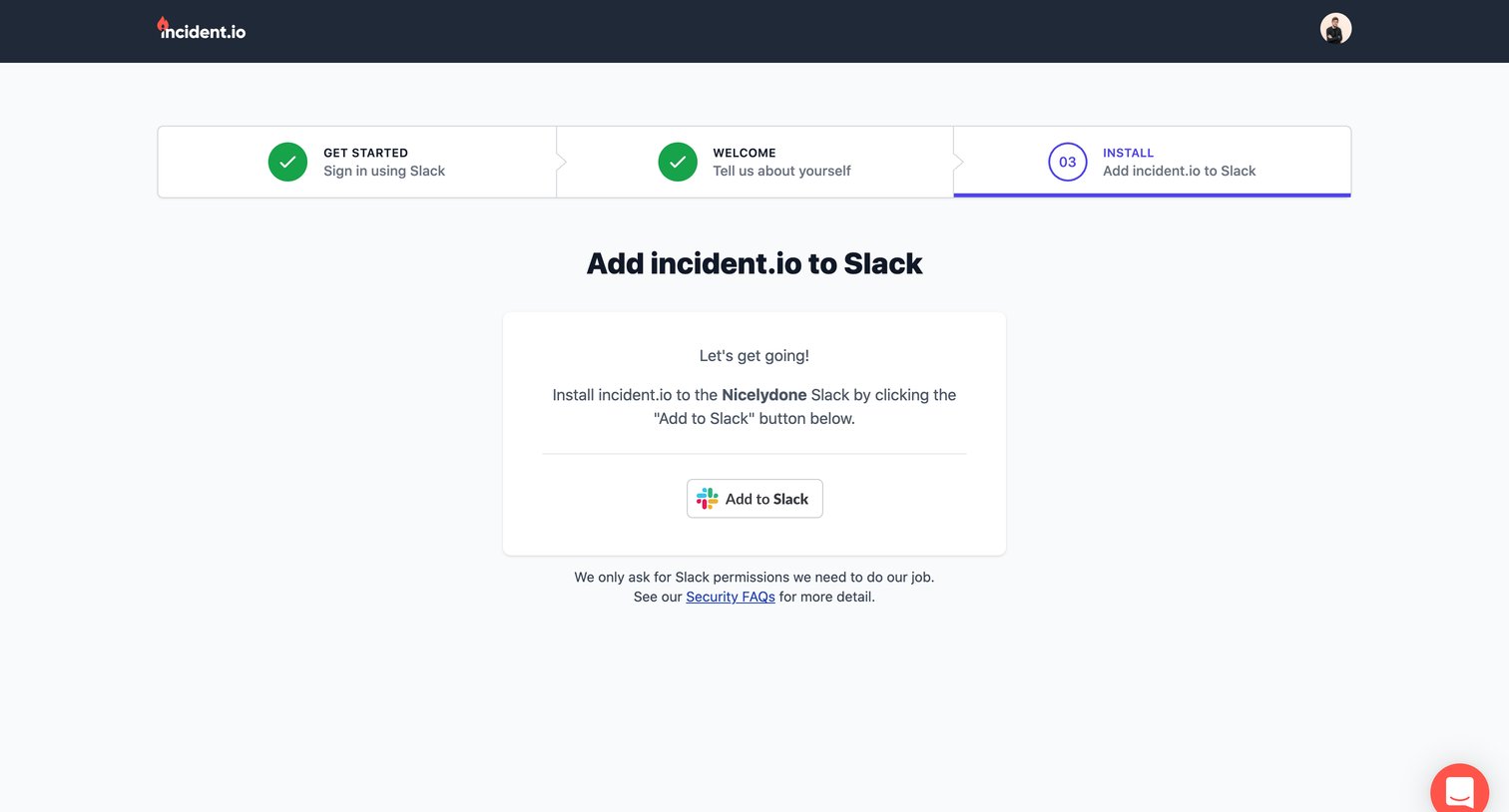
Onboarding step where the user connects their Slack workspace to the application.
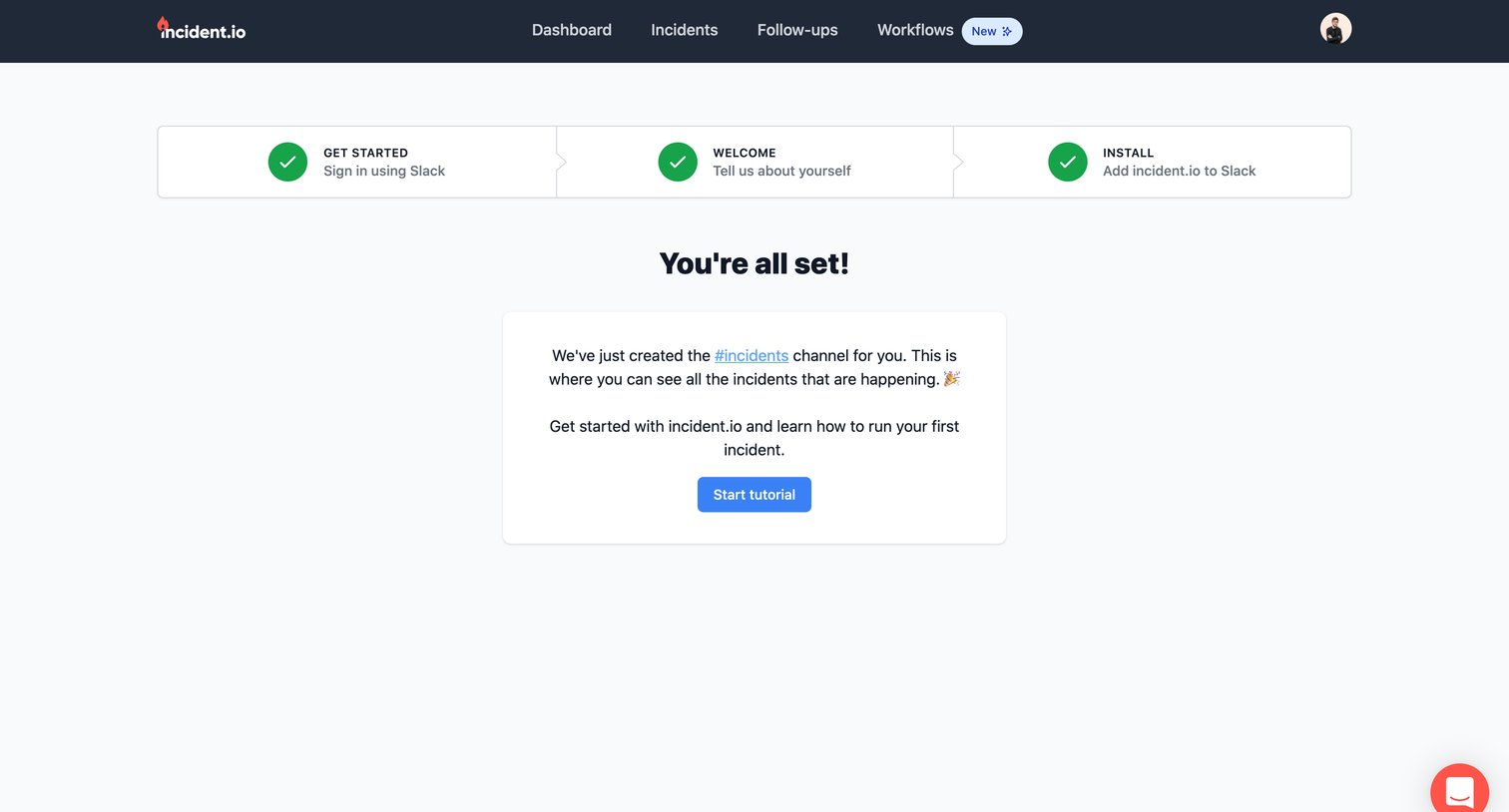
Onboarding success screen where the user is informed that a Slack channel for incidents has been created and is prompted to start a tutorial.
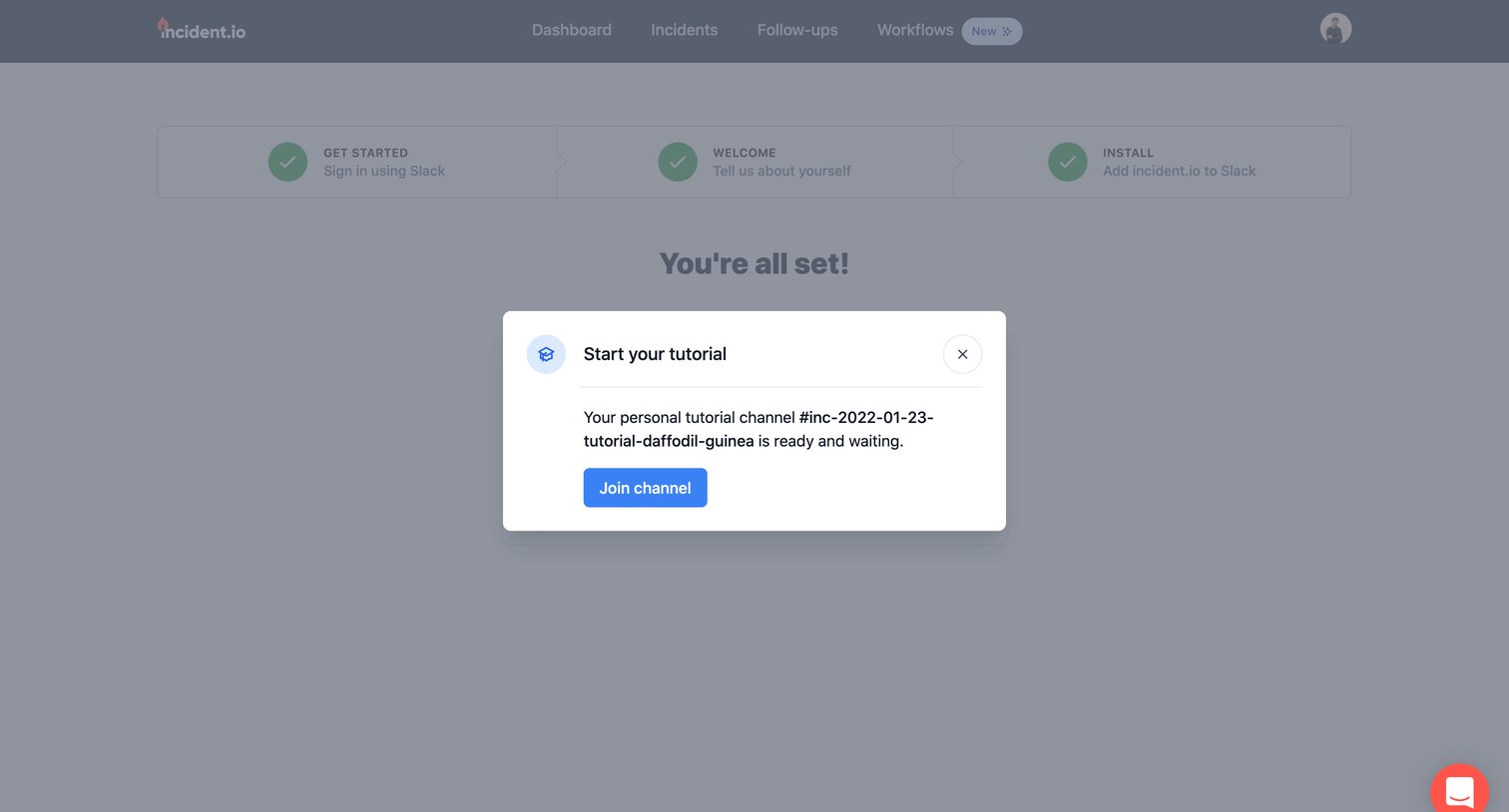
Onboarding step where the user has completed setup and is prompted to join their personal tutorial channel in Slack.
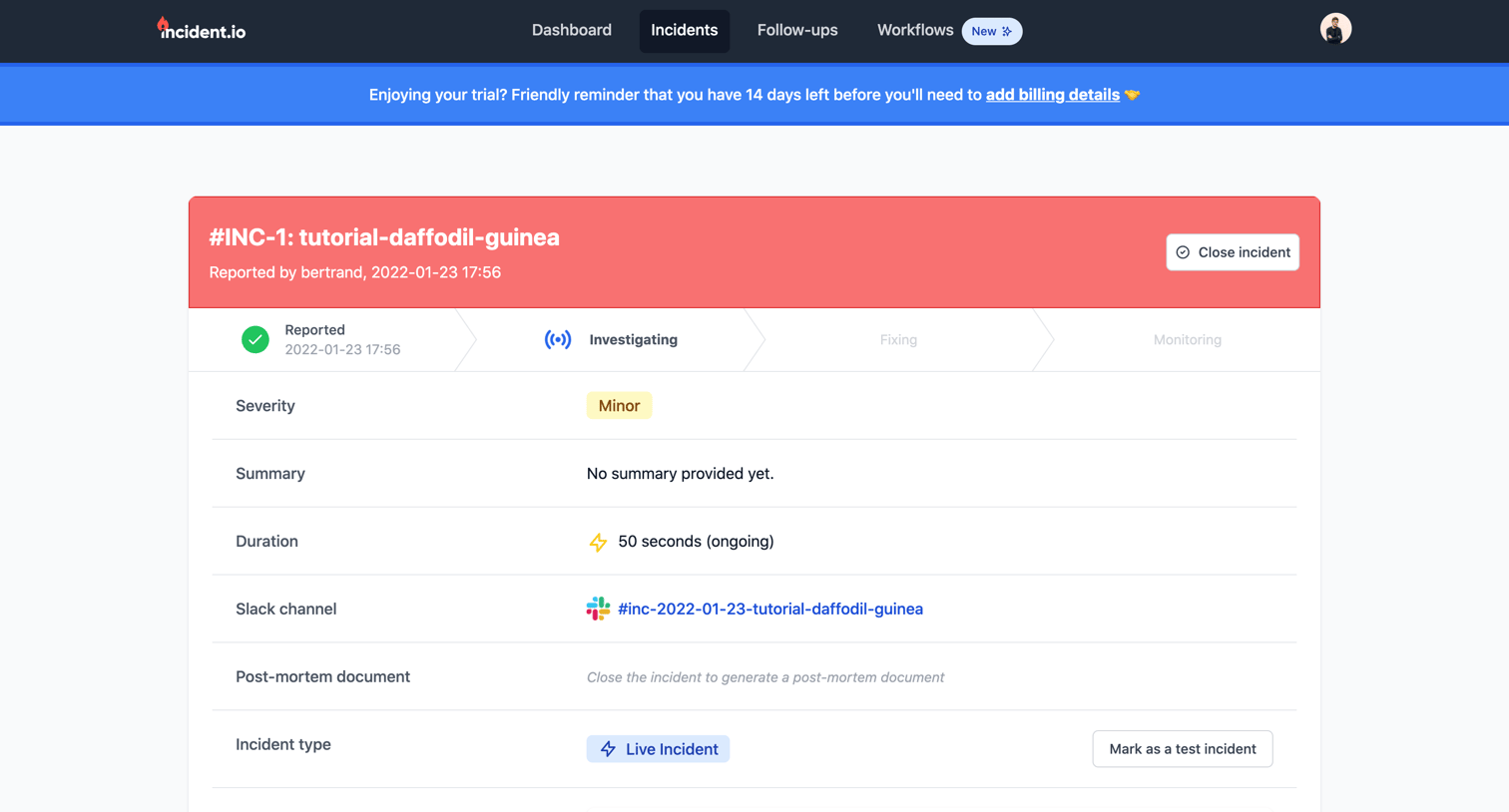
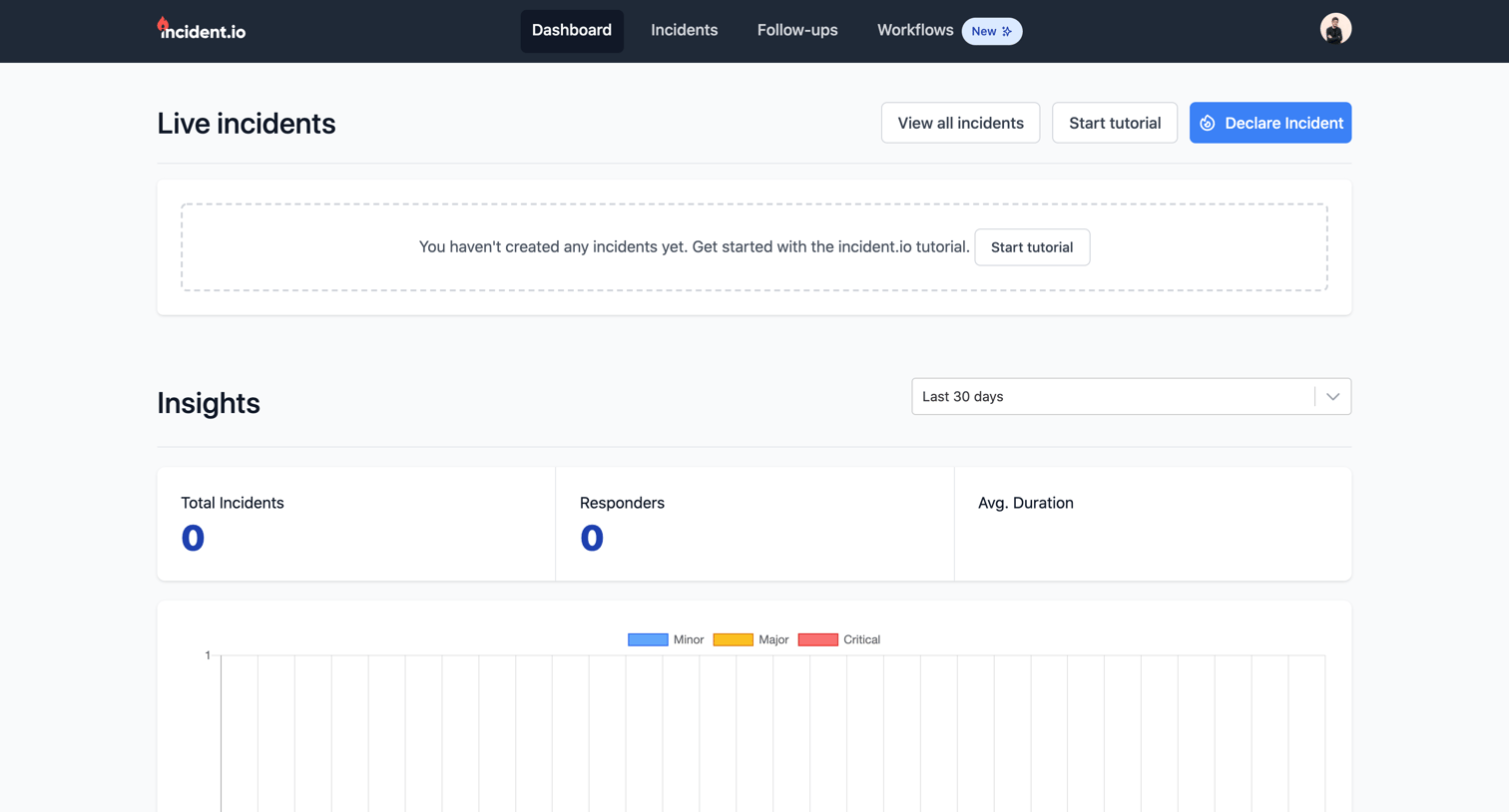
Dashboard showing an empty state for live incidents and zeroed-out insight metrics with a placeholder chart.
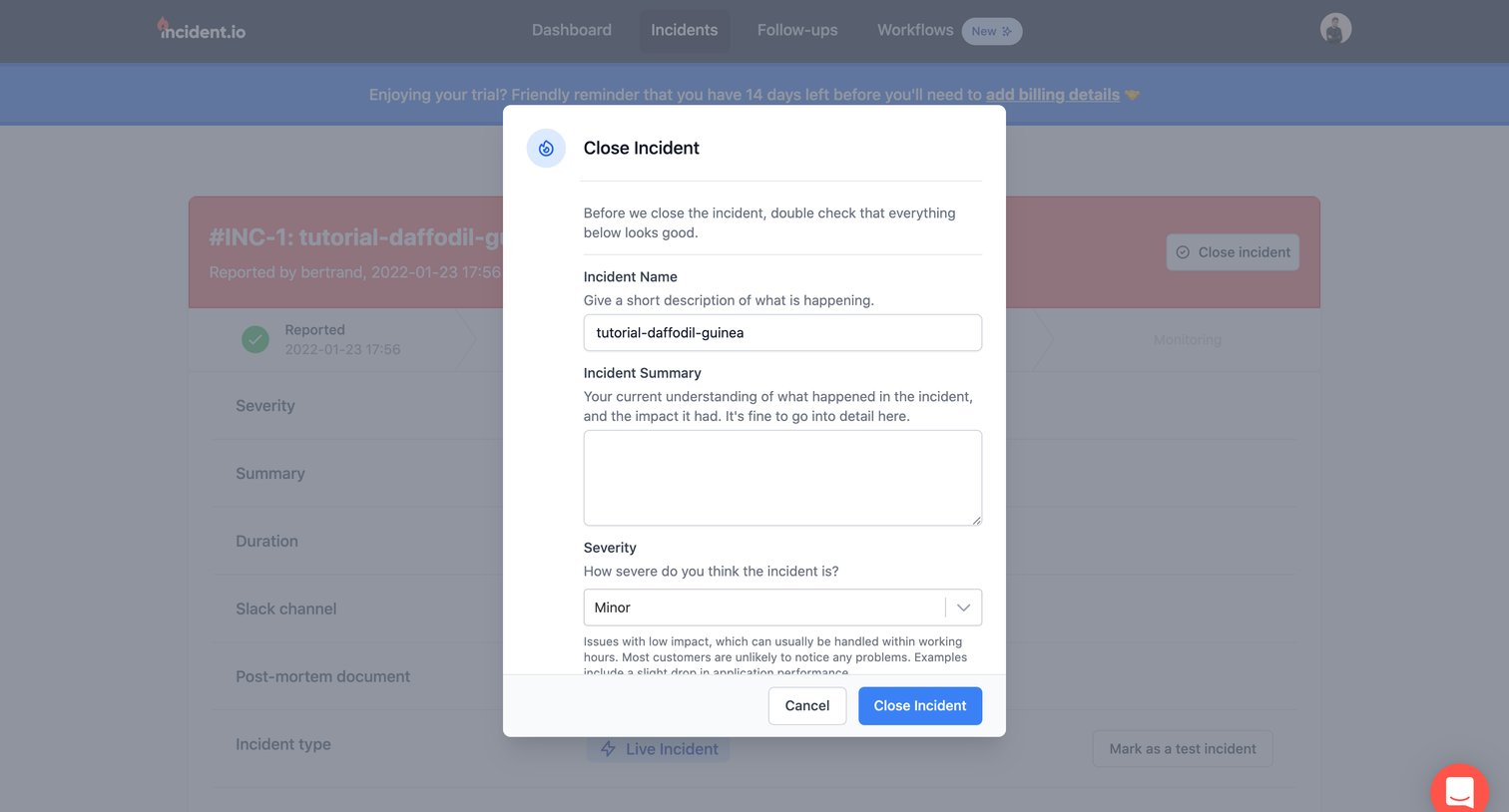
Detail page where the user confirms closing an incident by reviewing the name, summary, and severity in a modal dialog.
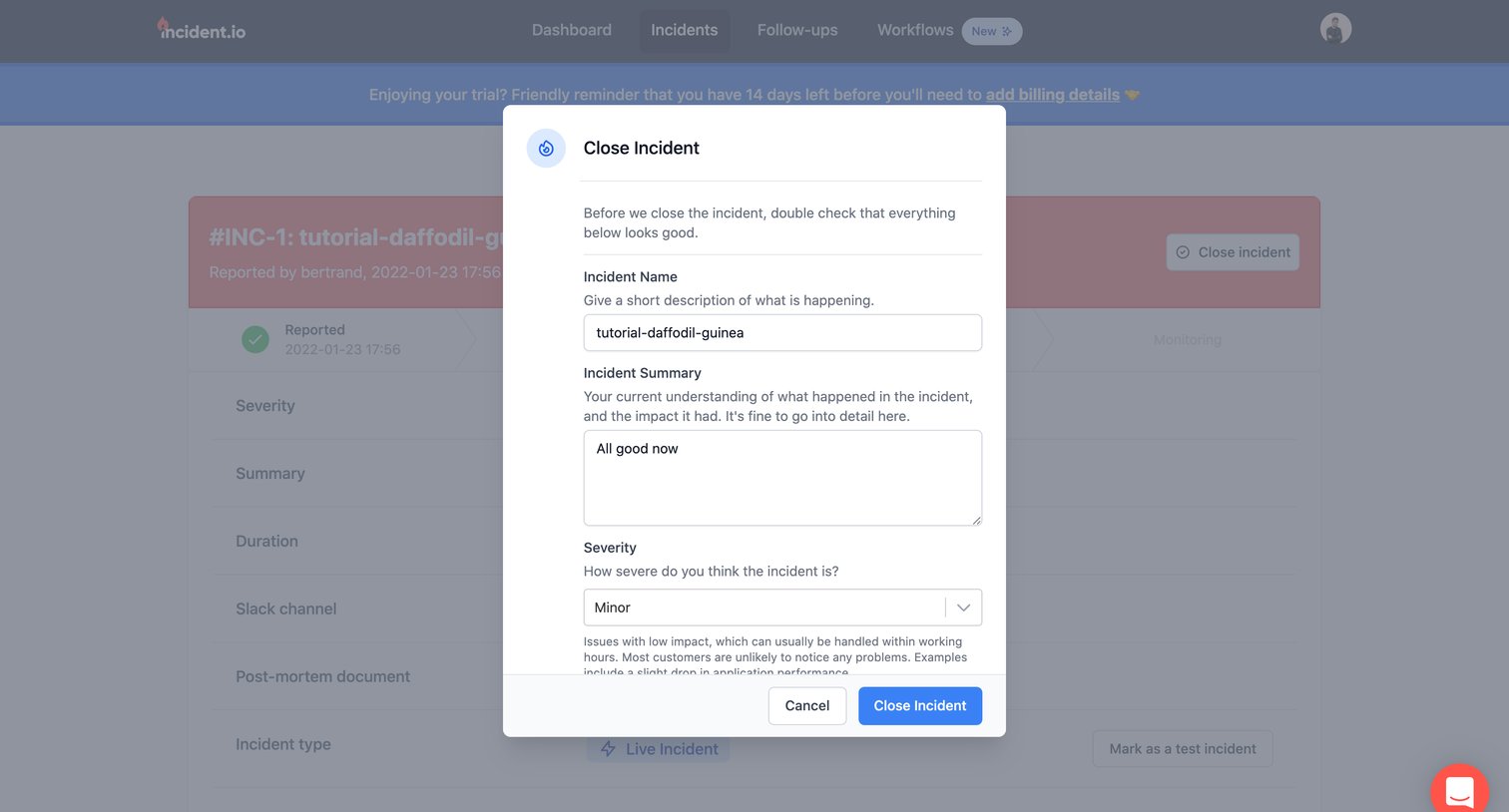
Detail page where the user confirms closing an incident by reviewing its name, summary, and severity in a modal overlay.
Explore the full SaaS screen library
Upgrade to unlock the full library.
Trusted by the best teams







