Hashnode product screens examples
Browse Hashnode screen design examples. Preview the interface screenshots and explore related UI patterns. Create, collaborate, and scale your blogs and docs
Explore the examples


Product page for Hashnode Docs detailing features like MDX editing, API references, and custom branding, ending with a tiered pricing comparison.
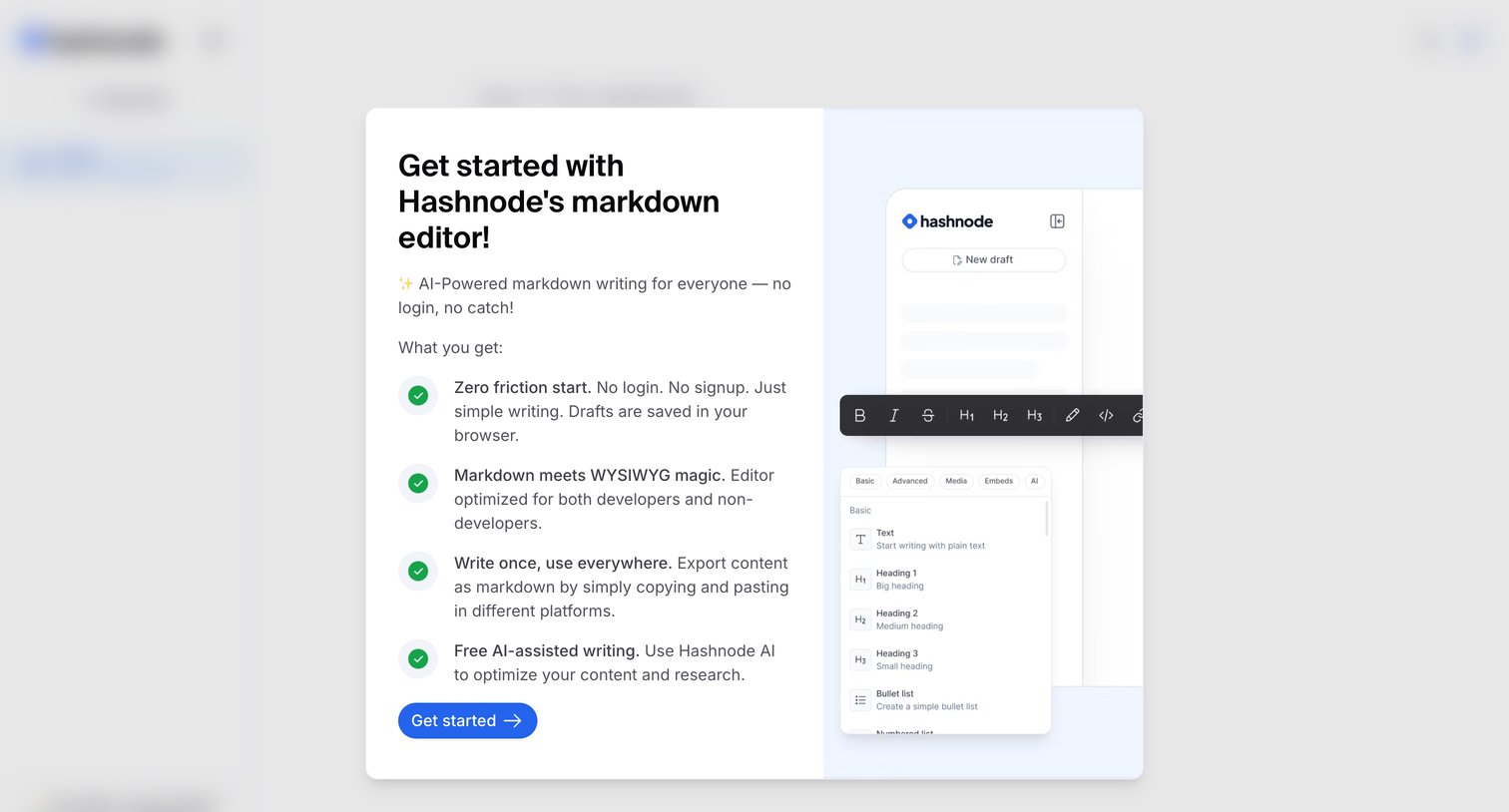
Onboarding modal introducing the markdown editor with a list of key benefits and a preview illustration.

Content editor where the user starts writing a new draft using slash commands for formatting.
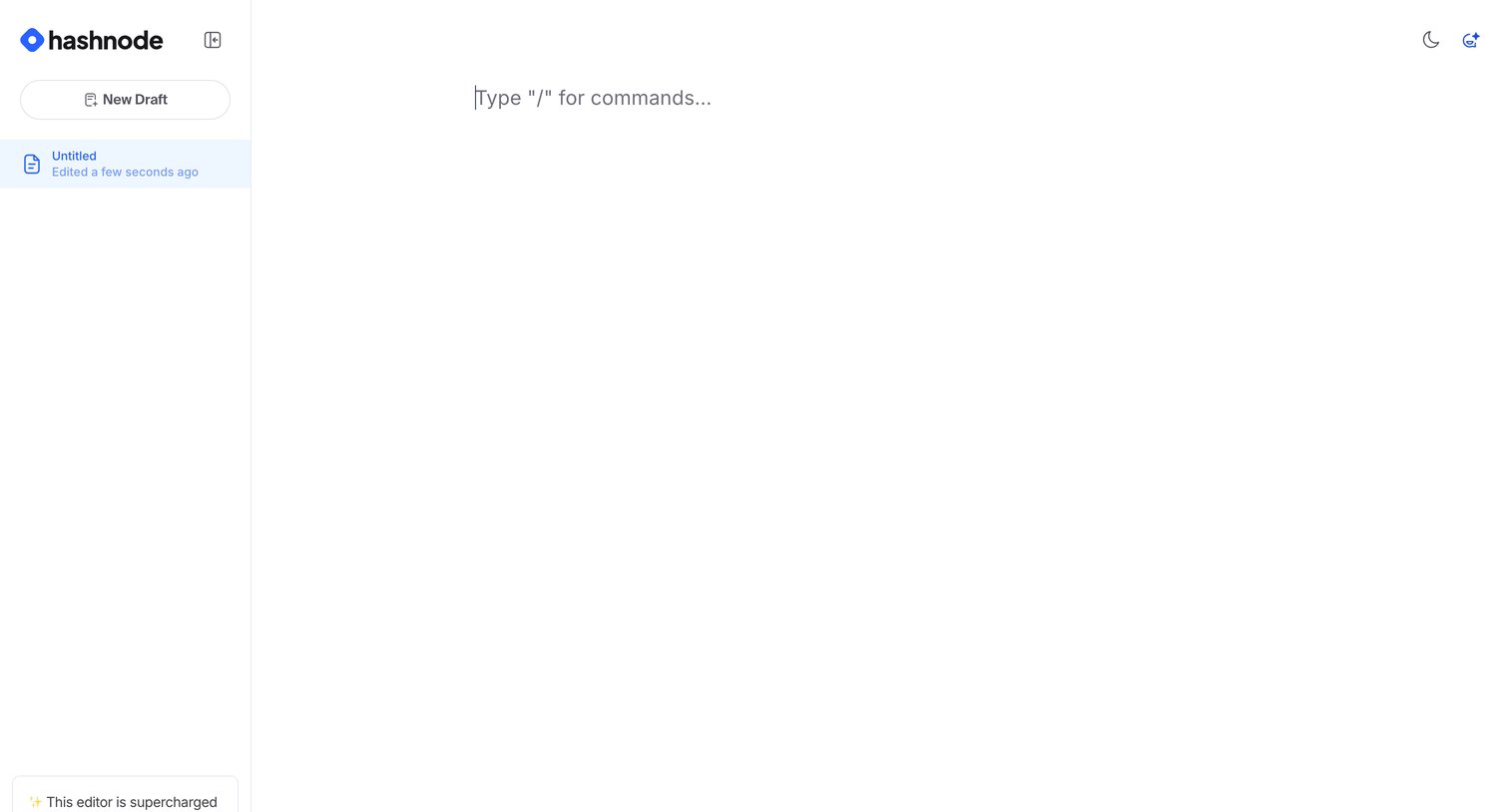
Content editor where the user starts a new draft with a slash-command prompt and manages recent drafts in the sidebar.
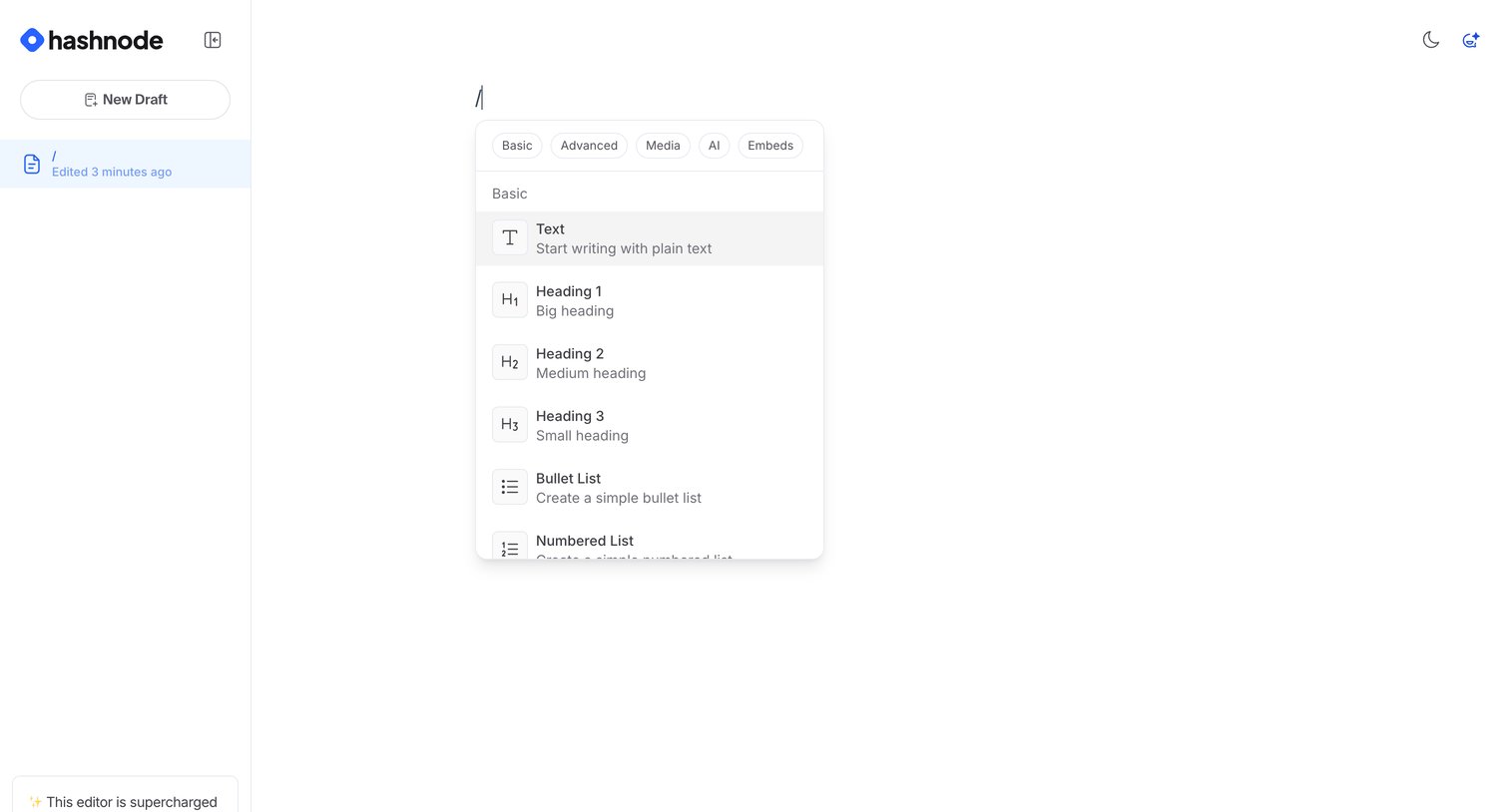
Content editor where the user triggers a slash command menu to insert blocks like text, headings, or lists into a new draft.
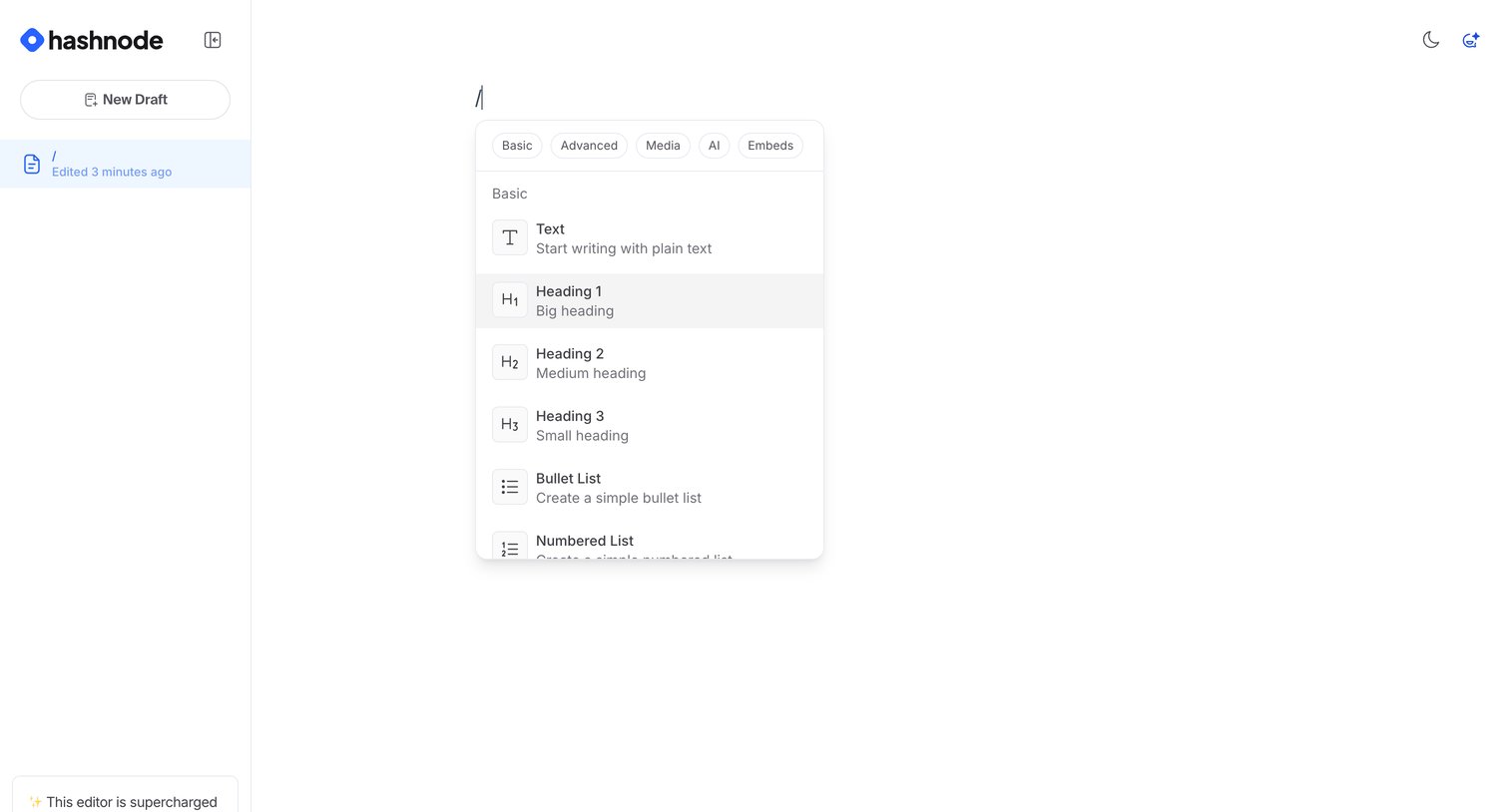
Content editor where the user triggers a slash command menu to insert blocks like headings, lists, or media into their draft.
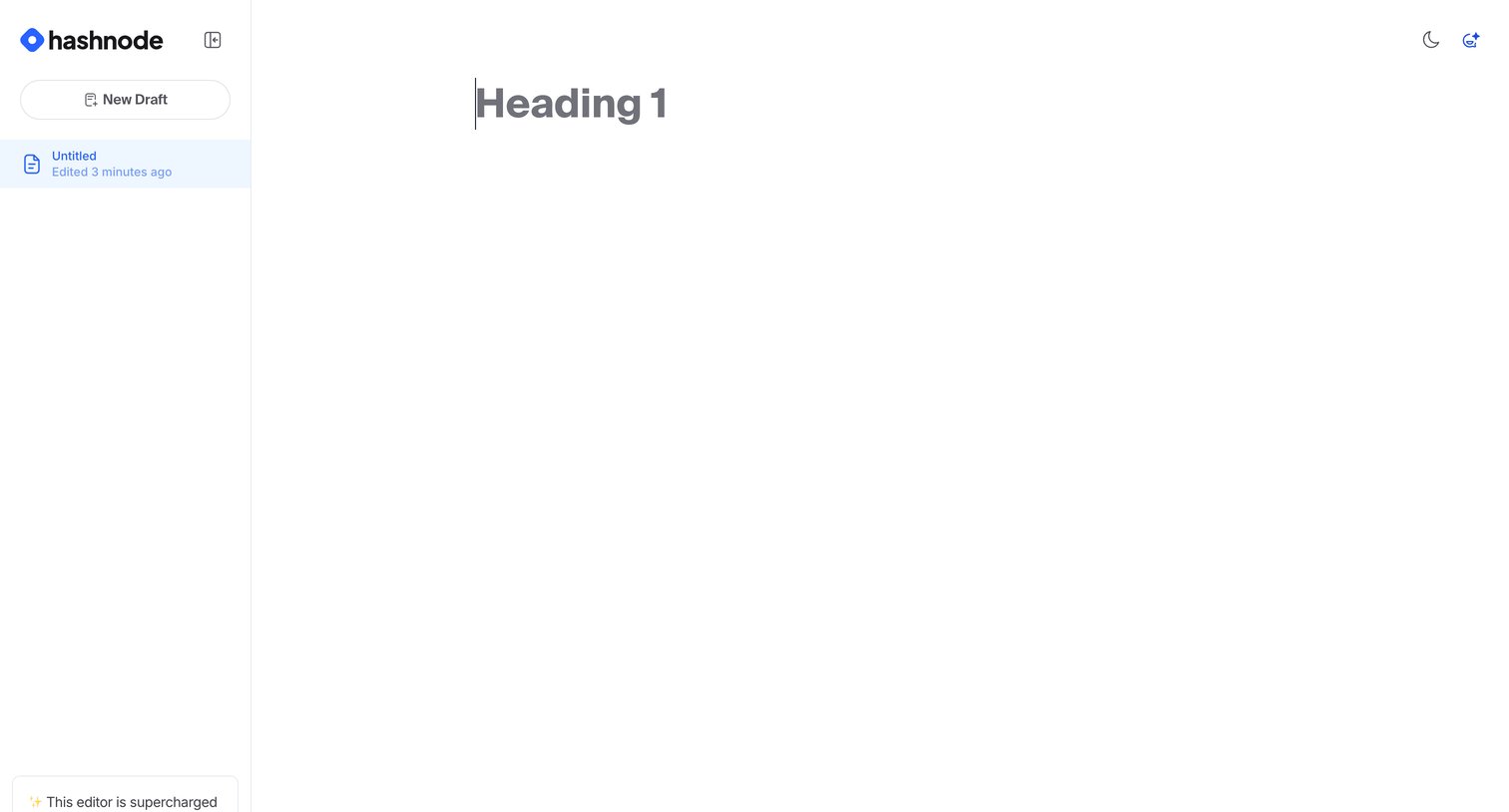
Content editor where the user writes a new draft, featuring a sidebar with recent drafts and AI assistance tools.
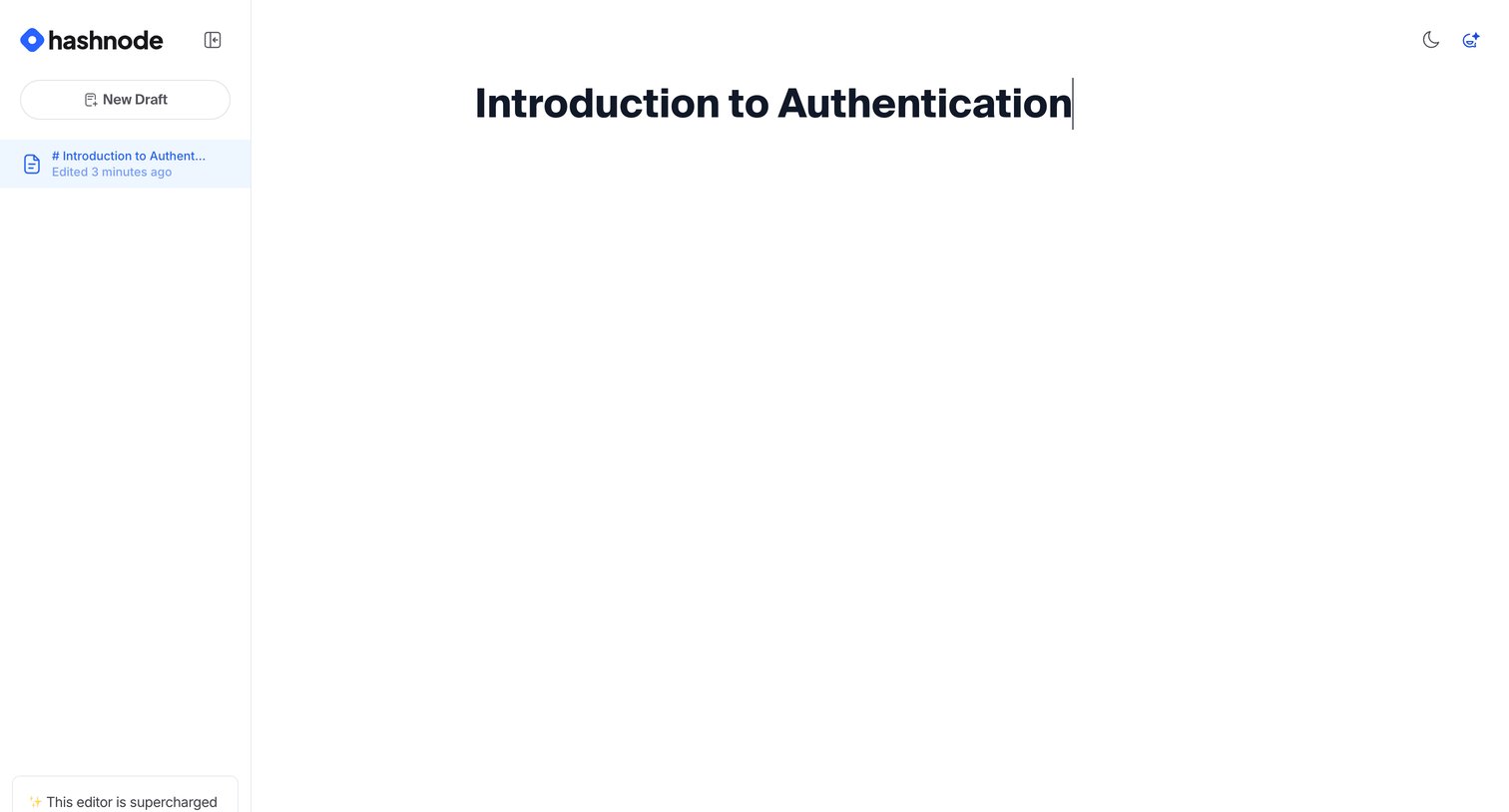
Content editor where the user drafts a new article, featuring a minimalist canvas and a sidebar with recent drafts and an AI feature promotion.
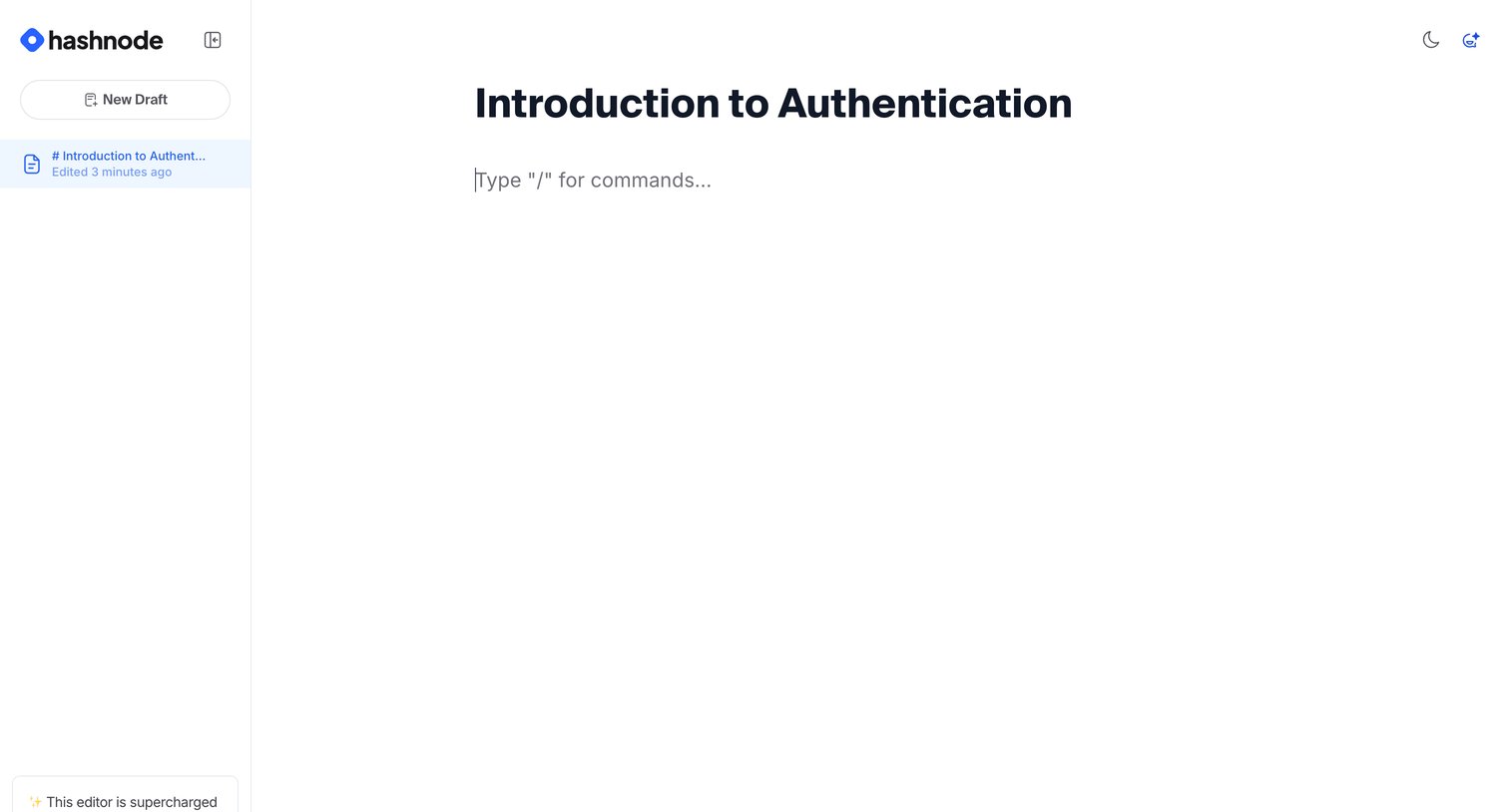
Content editor where the user drafts a blog post using a block-based interface and manages their recent drafts in the sidebar.
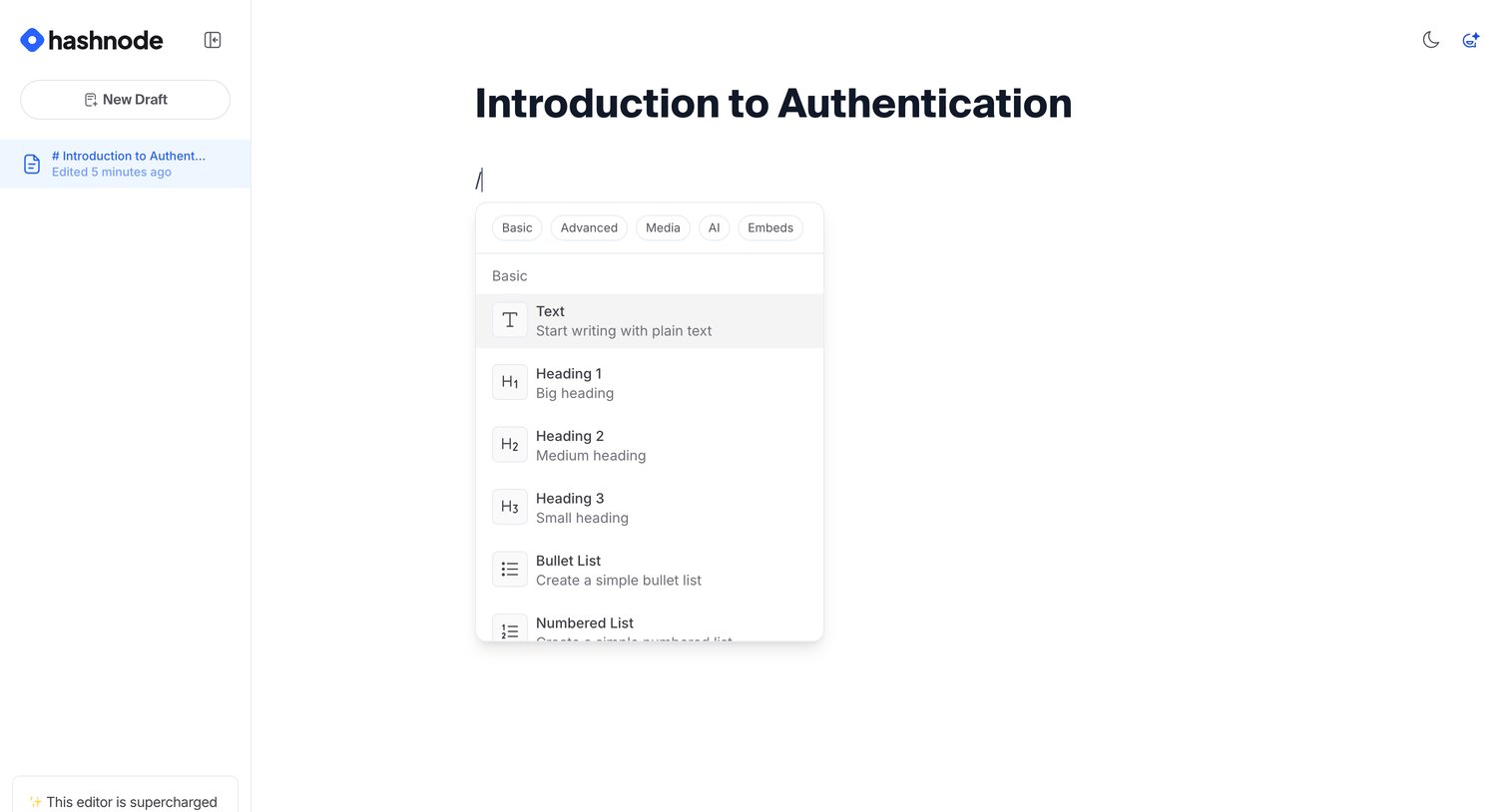
Content editor where the user is writing a draft and has opened the slash command menu to insert a new block type.
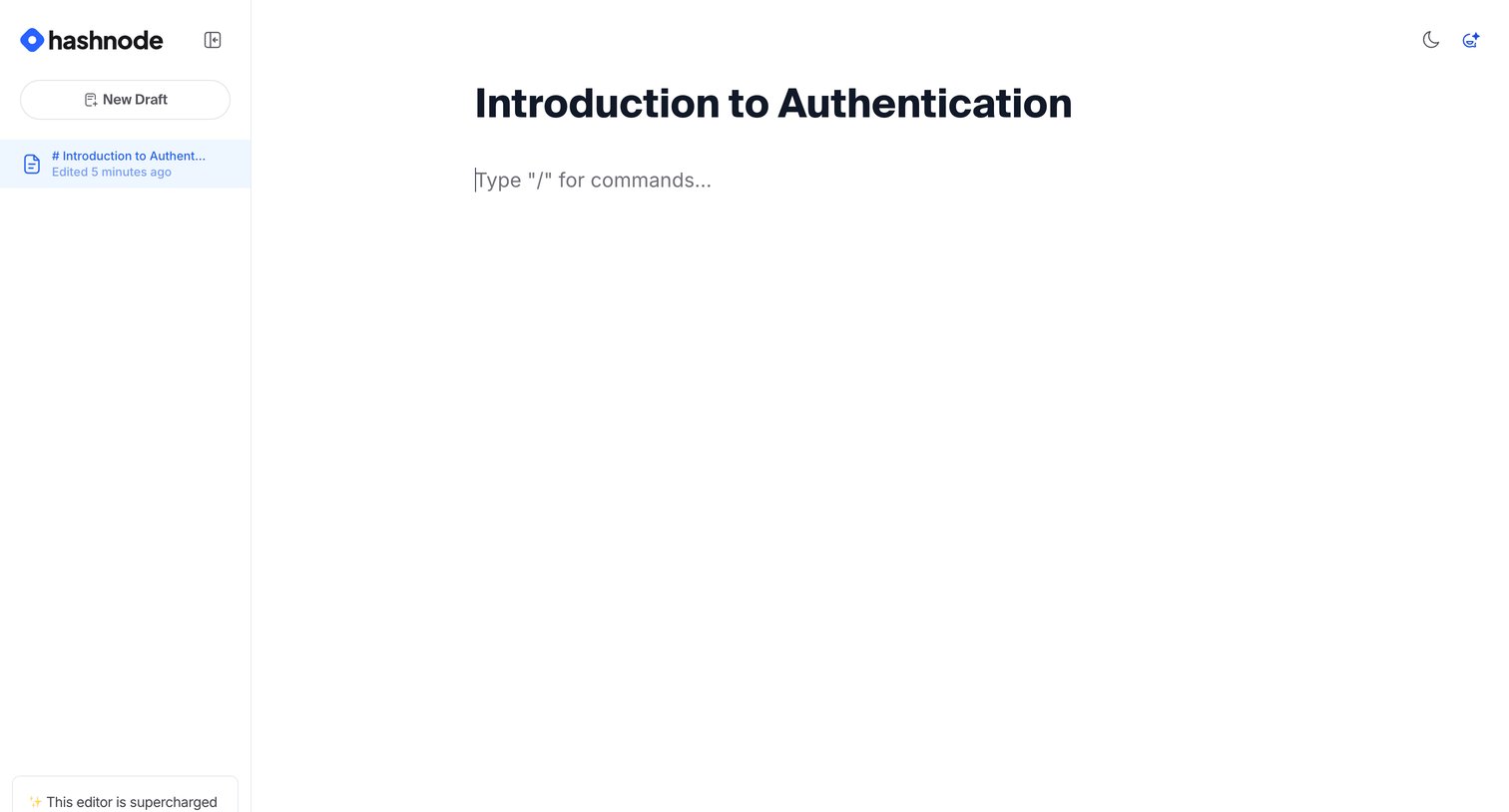
Block-style content editor where the user drafts a post with a slash-command prompt and an AI feature promotion in the sidebar.
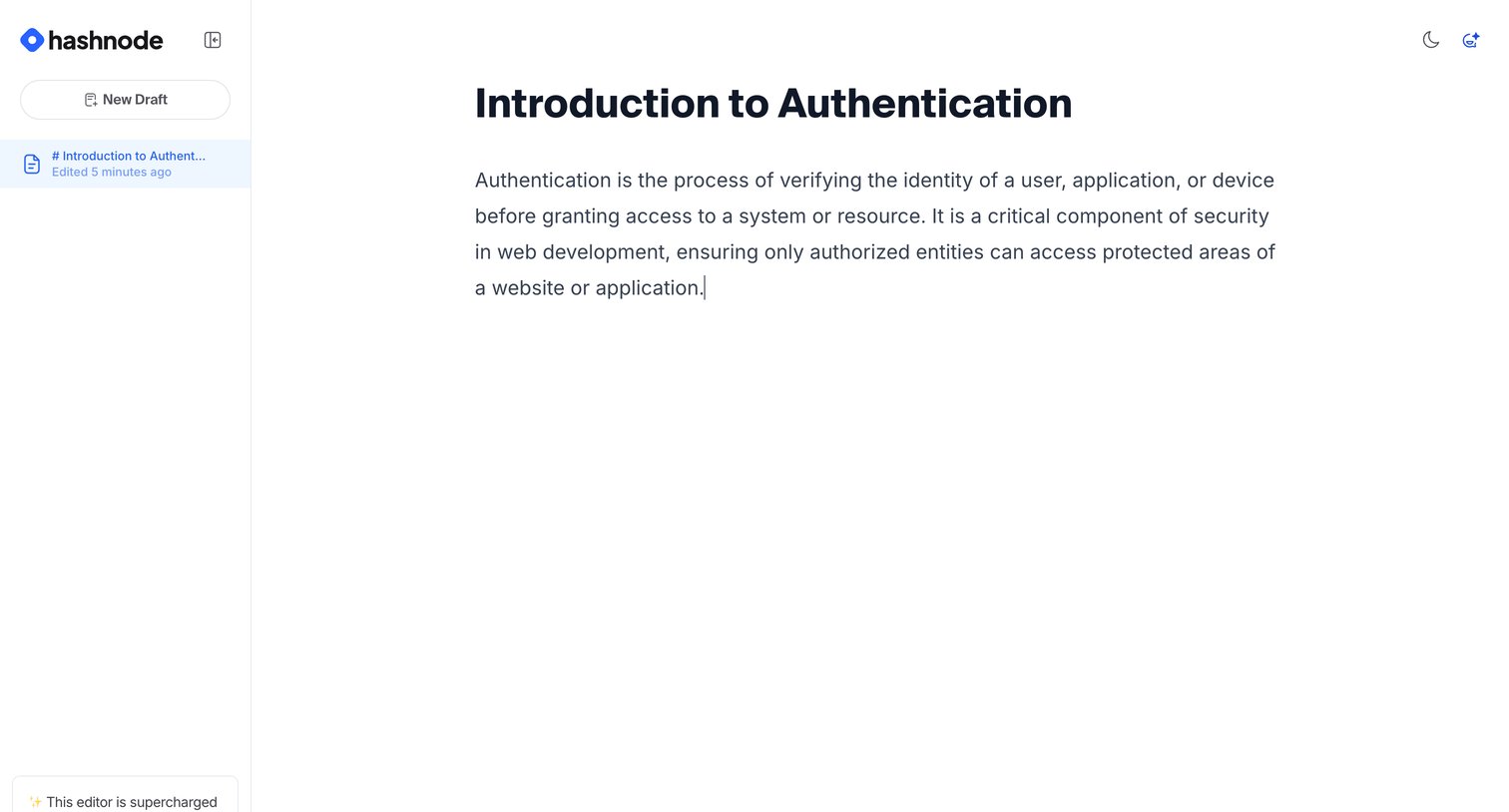
Content editor where the user writes a blog post about authentication, featuring a left sidebar for draft management and AI feature access.
Explore the full SaaS screen library
Upgrade to unlock the full library.
Trusted by the best teams







