Gitbook product screens examples
Browse Gitbook screen design examples. Preview the interface screenshots and explore related UI patterns. Where technical teams document.
Explore the examples
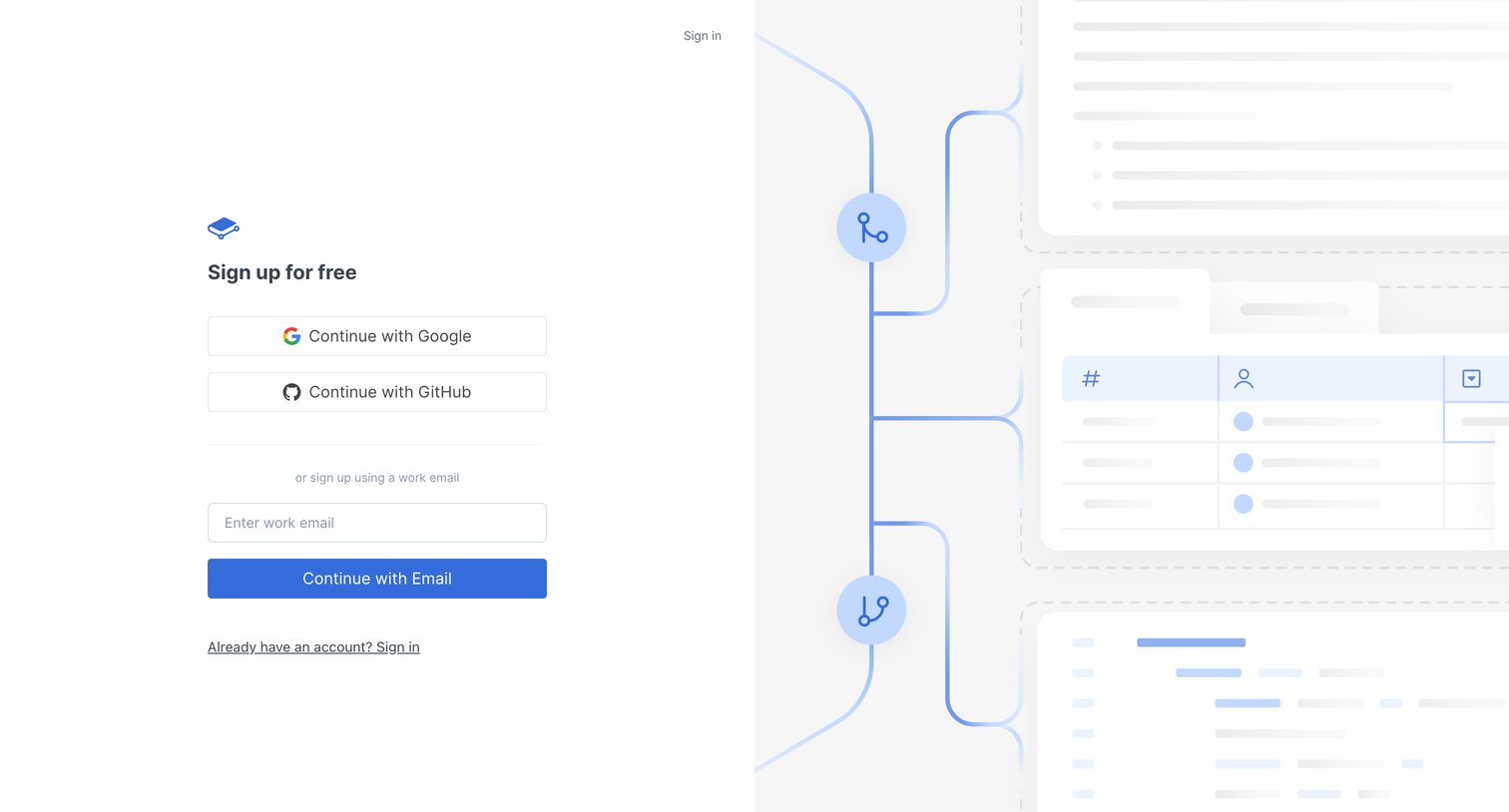
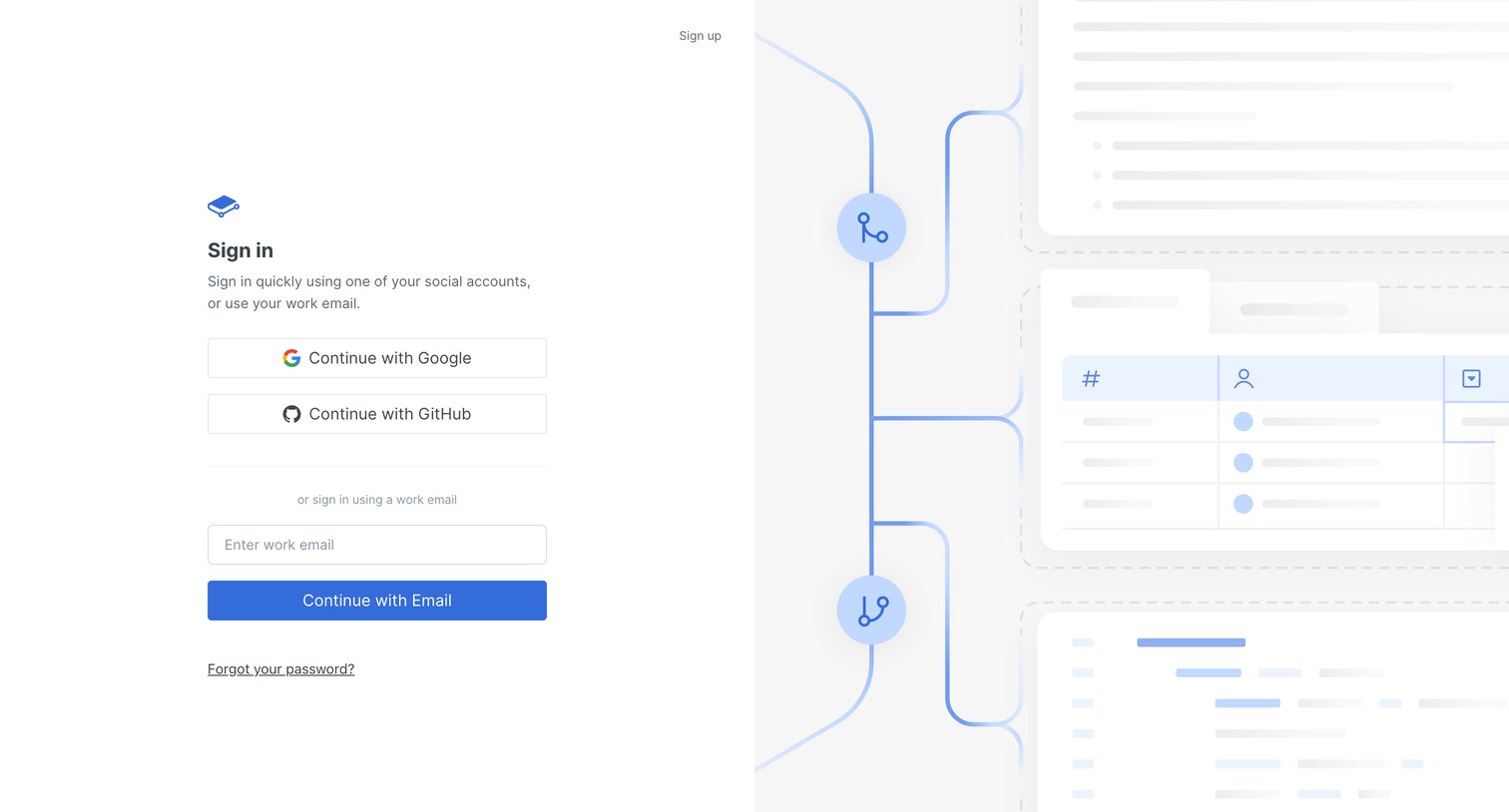

Sign-in screen where the user authenticates with Google, GitHub, or a work email.
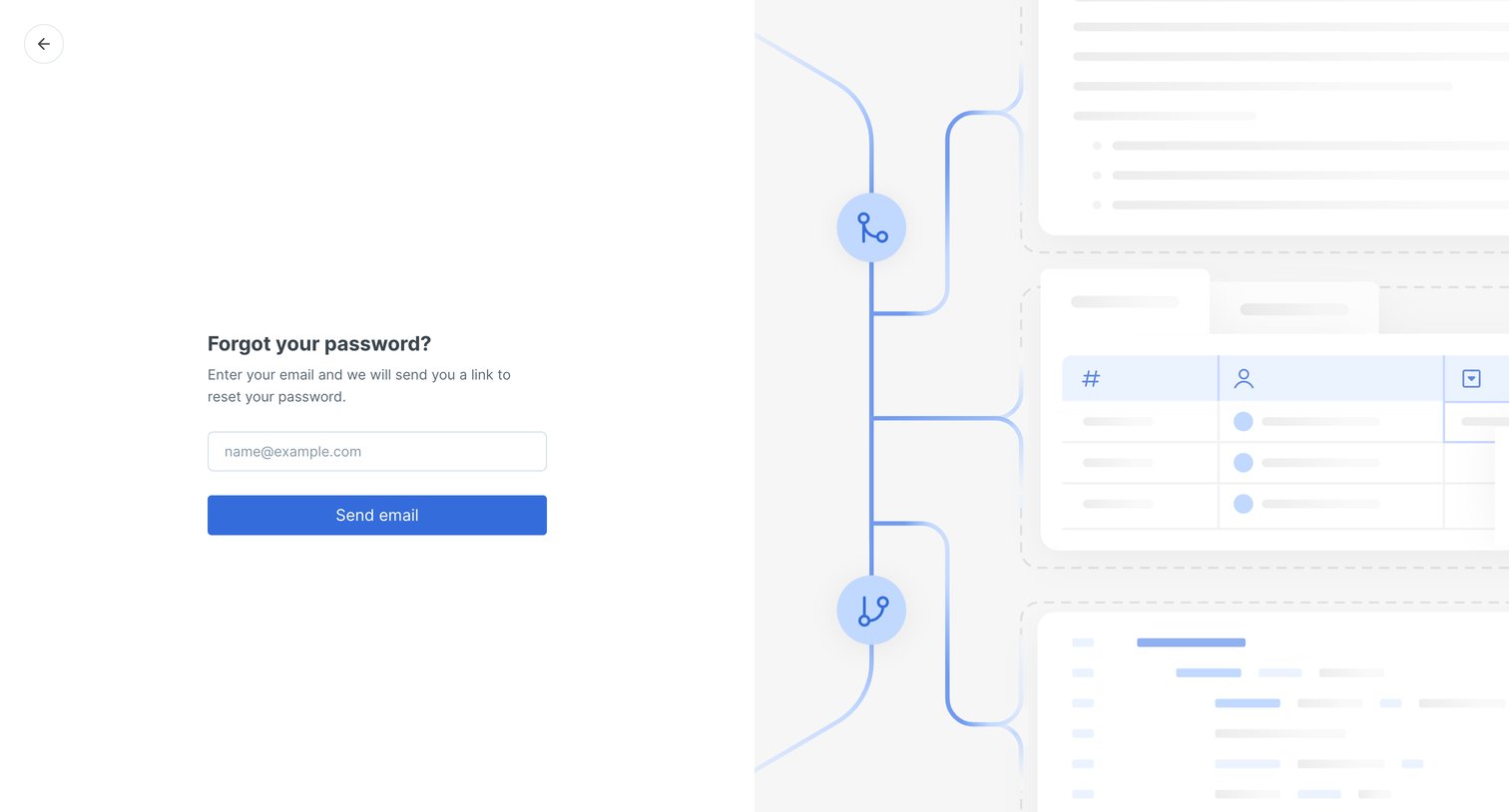
Password recovery screen where the user enters their email address to receive a reset link.
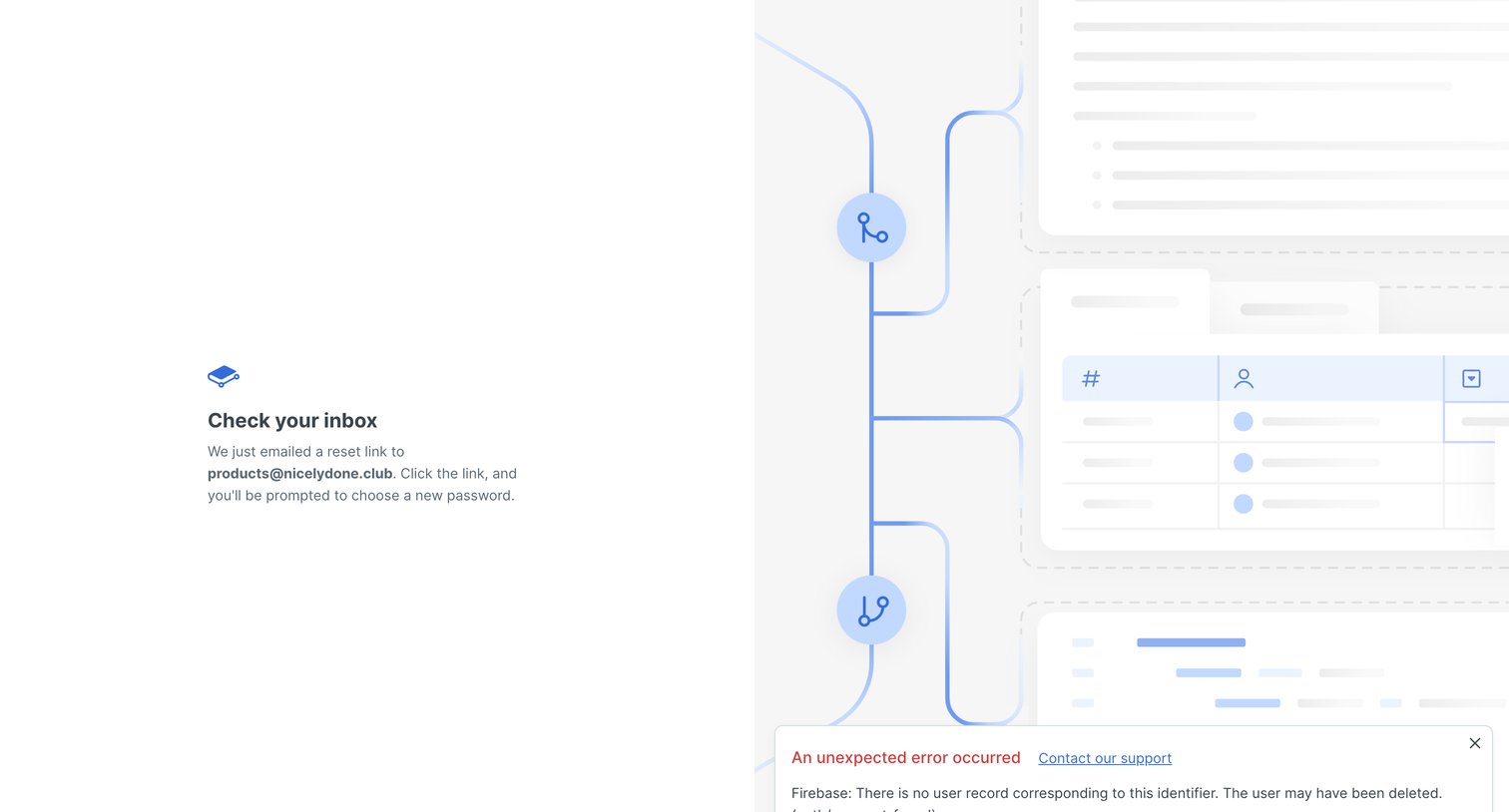
Password recovery screen instructing the user to check their email for a reset link, while simultaneously displaying an error toast indicating the user record was not found.
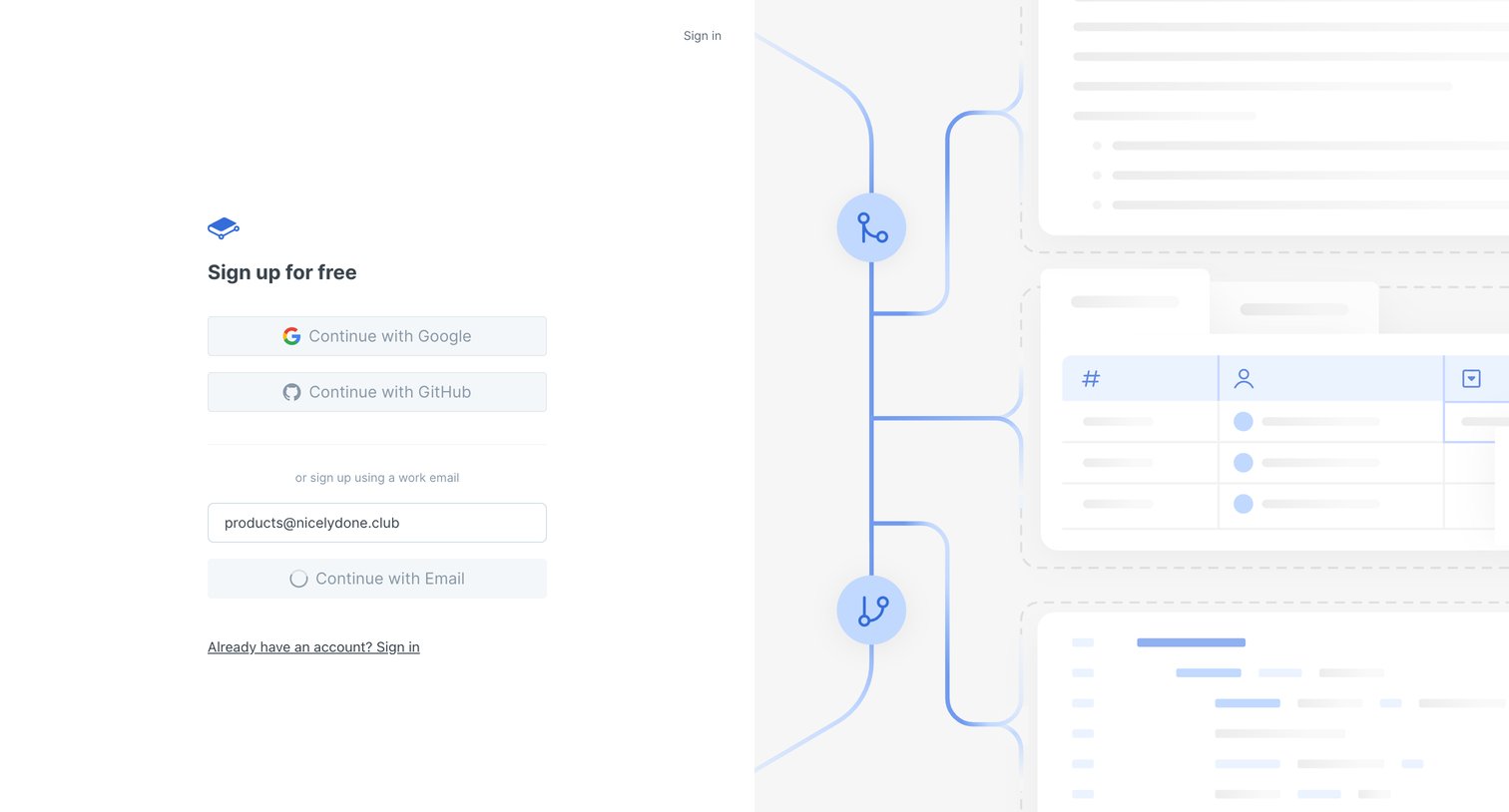
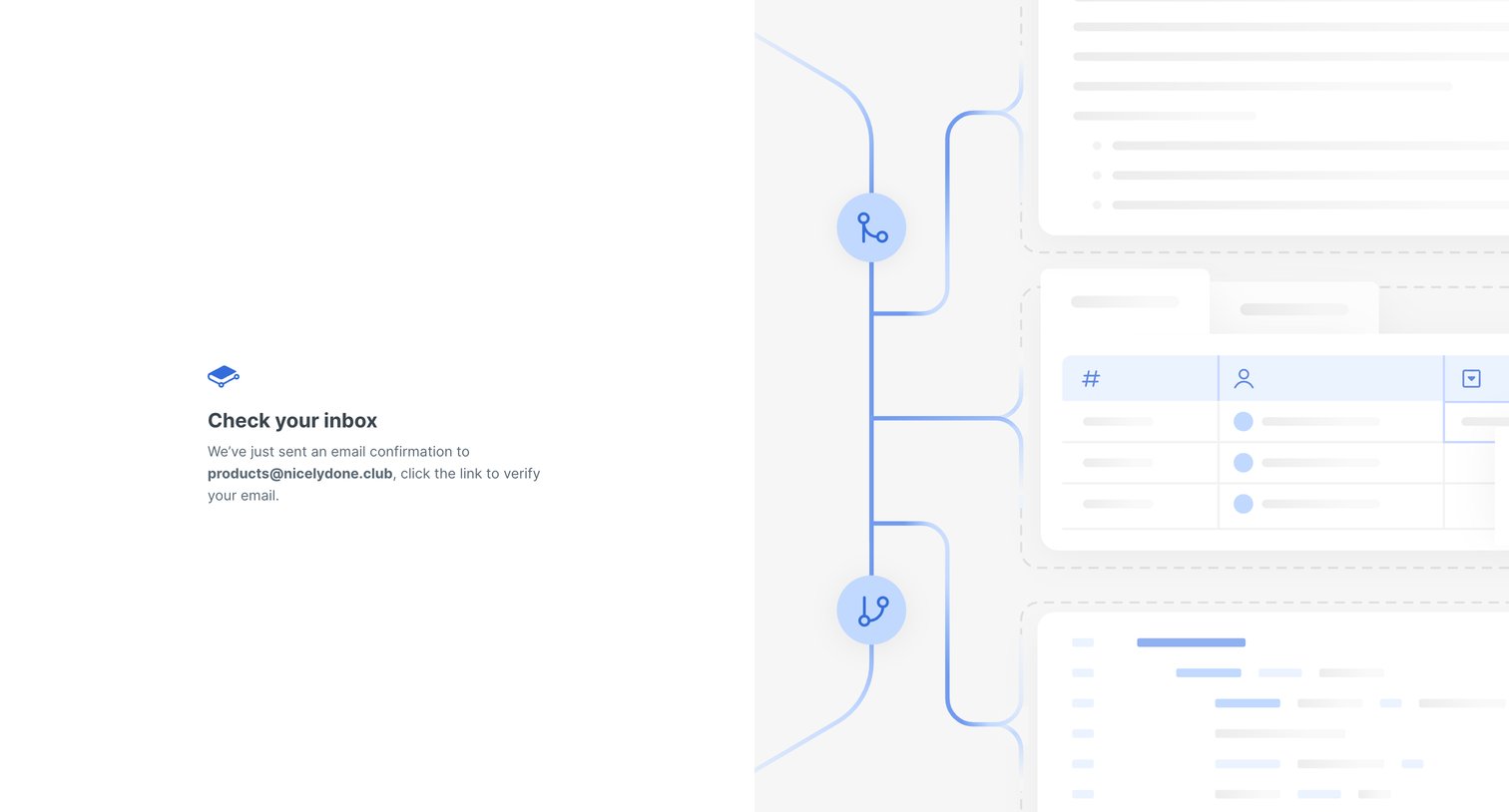
Verification screen where the user is instructed to check their inbox for a confirmation link sent to their email address.

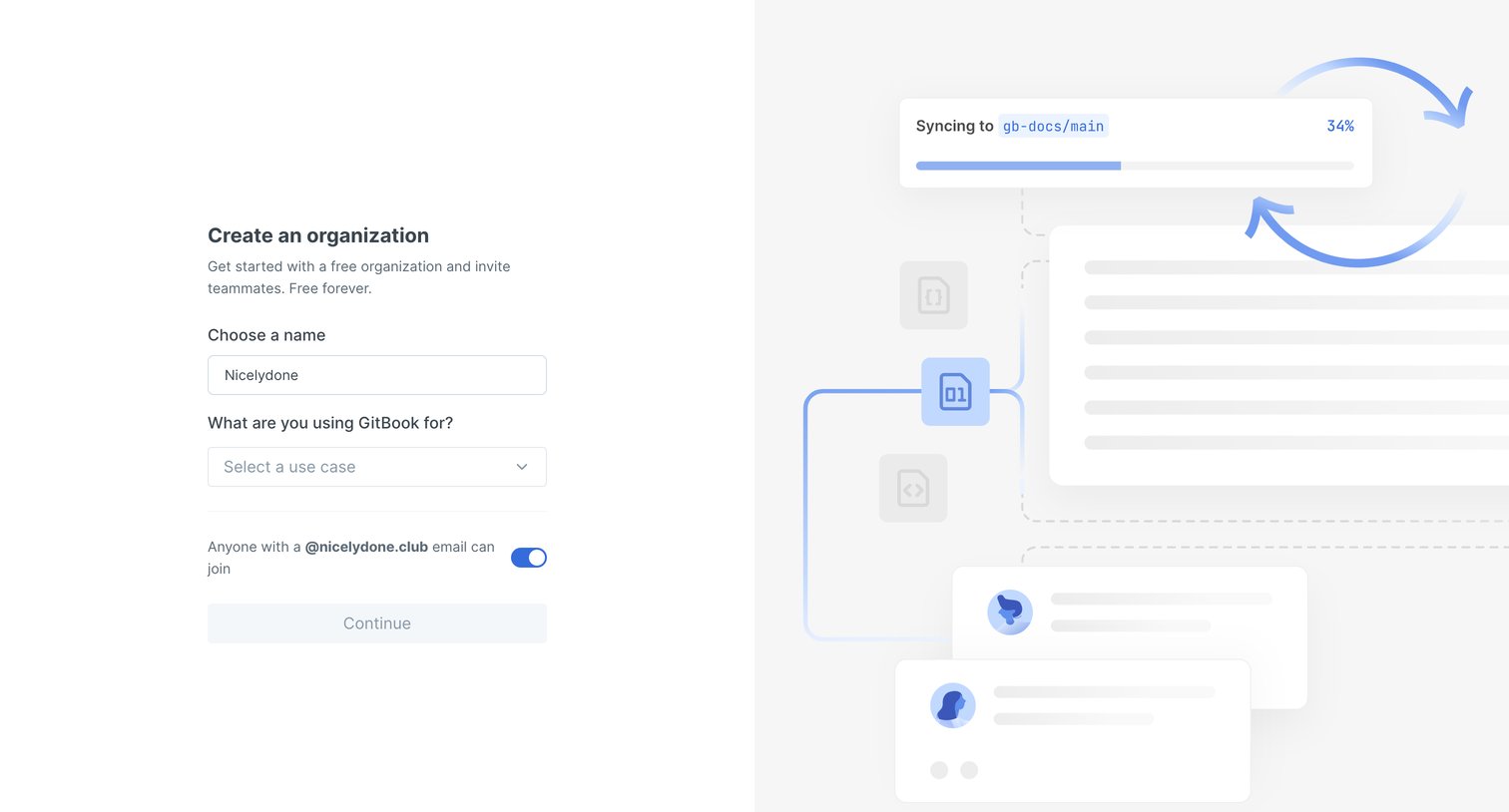
Onboarding step where the user names their organization, selects a primary use case, and toggles domain-based access before continuing.
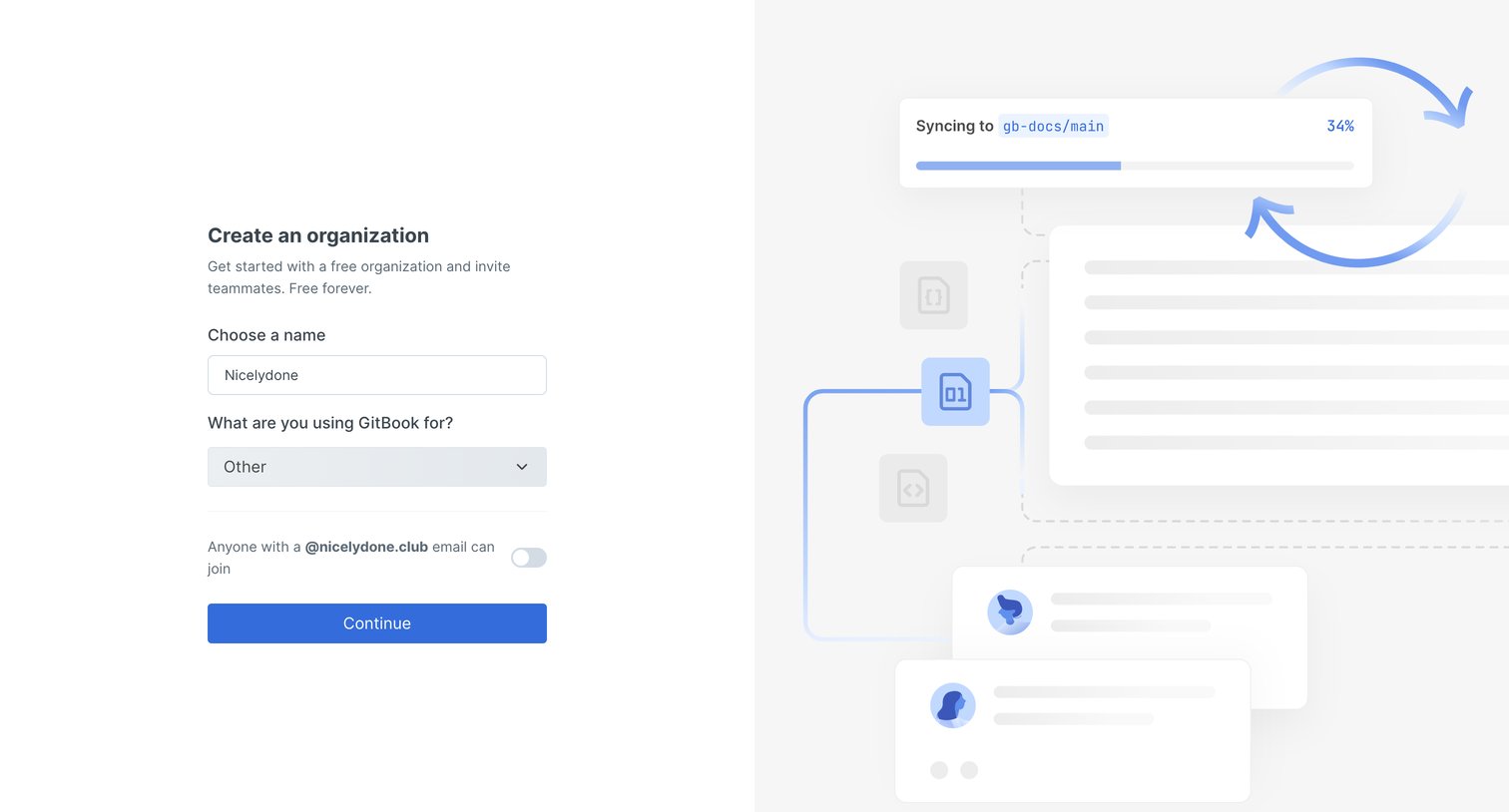
Onboarding step where the user creates an organization by providing a name, selecting a primary use case, and configuring domain-based auto-join.
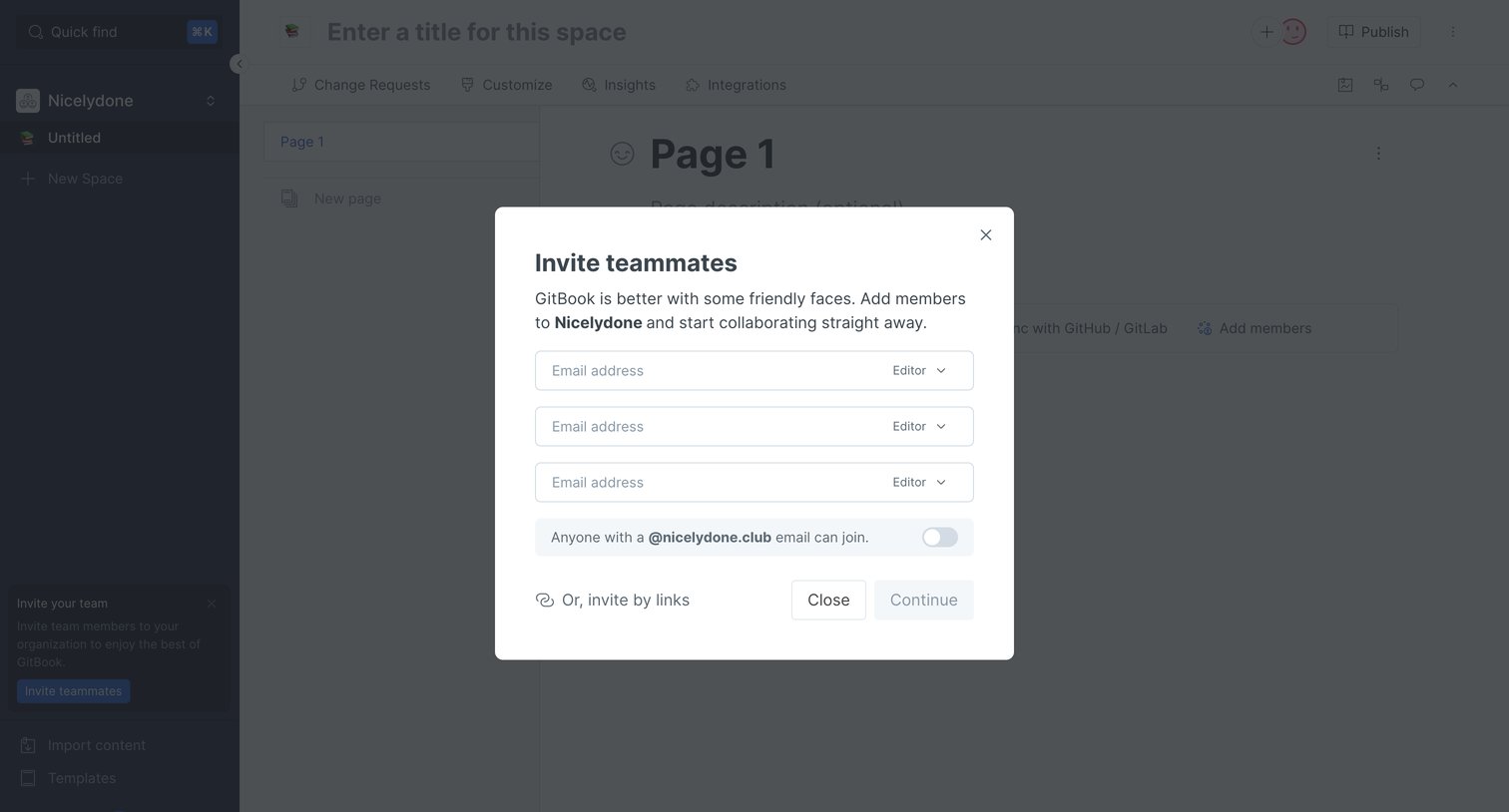
Content editor with a modal open to invite teammates by email address and assign them roles.
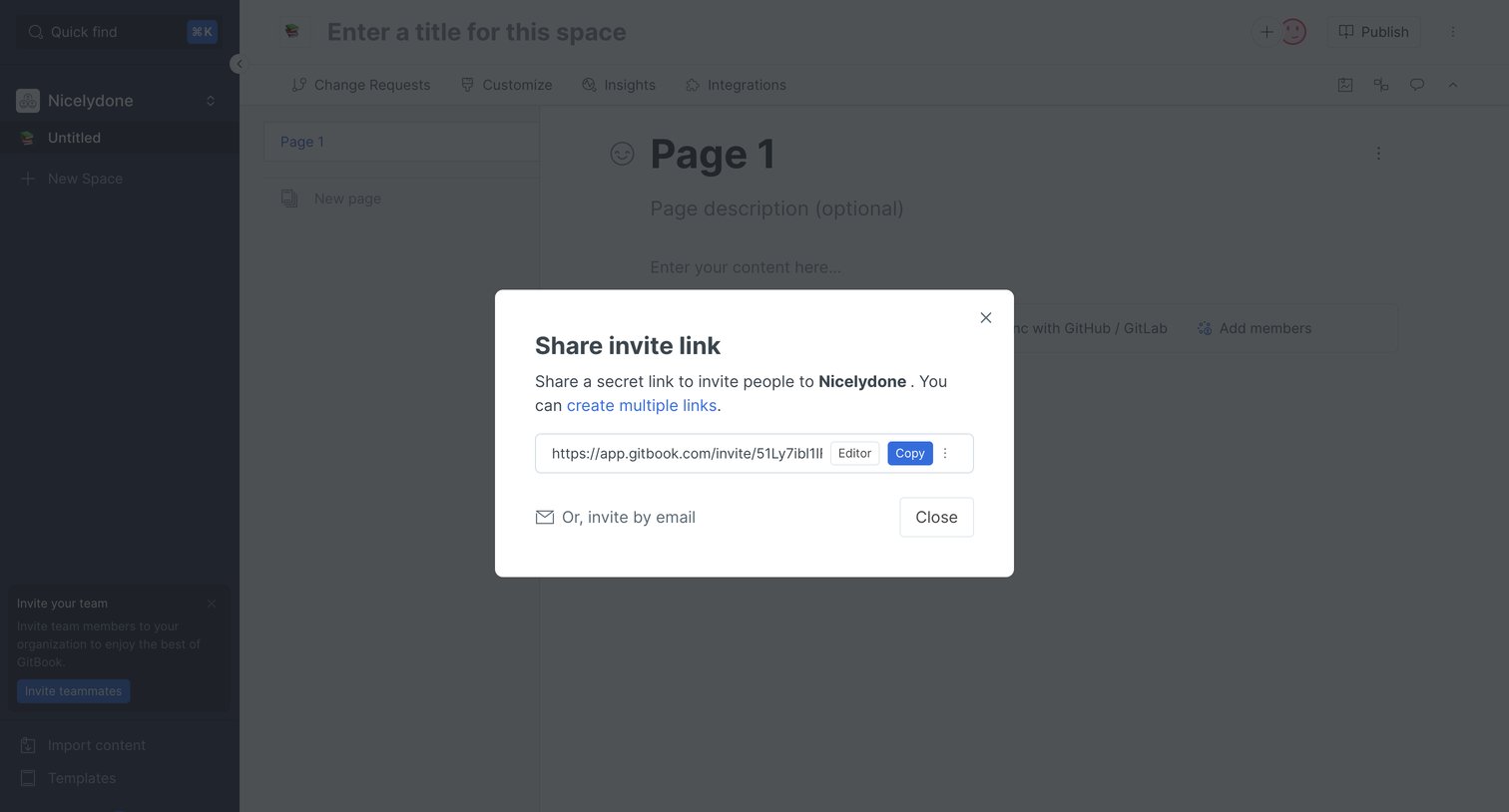
Content editor where the user has opened a modal to copy a secret invite link or invite teammates by email to their Nicelydone workspace.
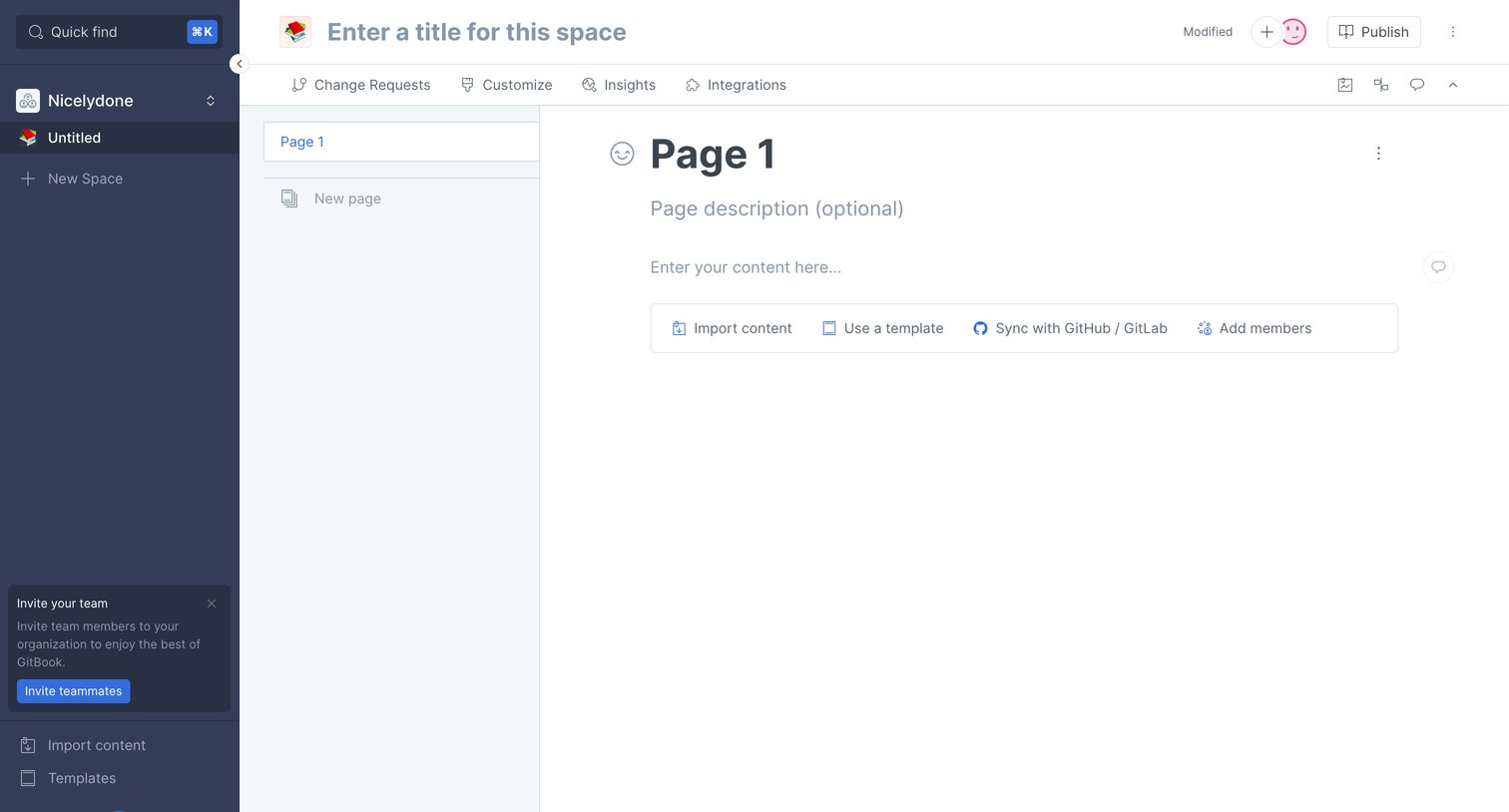
Empty document editor where the user can start writing or choose to import content, use a template, sync with GitHub, or add members.
Explore the full SaaS screen library
Upgrade to unlock the full library.
Trusted by the best teams







