Figma product screens examples
Browse Figma screen design examples. Preview the interface screenshots and explore related UI patterns. The collaborative interface design tool
Explore the examples


Signup modal where the user can create an account using Google OAuth or by entering their email and password.
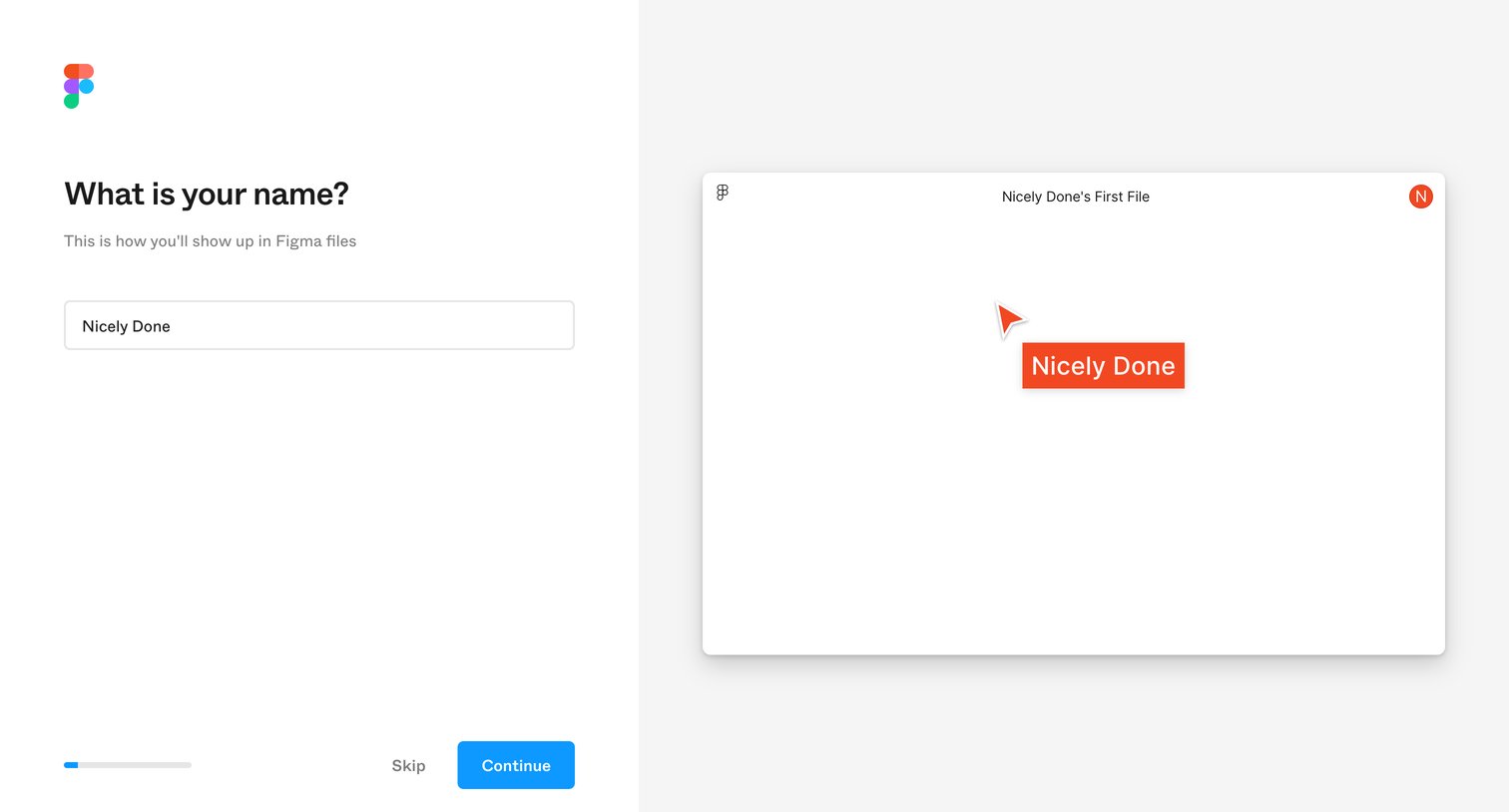
Onboarding step where the user enters their name and sees a live preview of how it will appear on their multiplayer cursor.
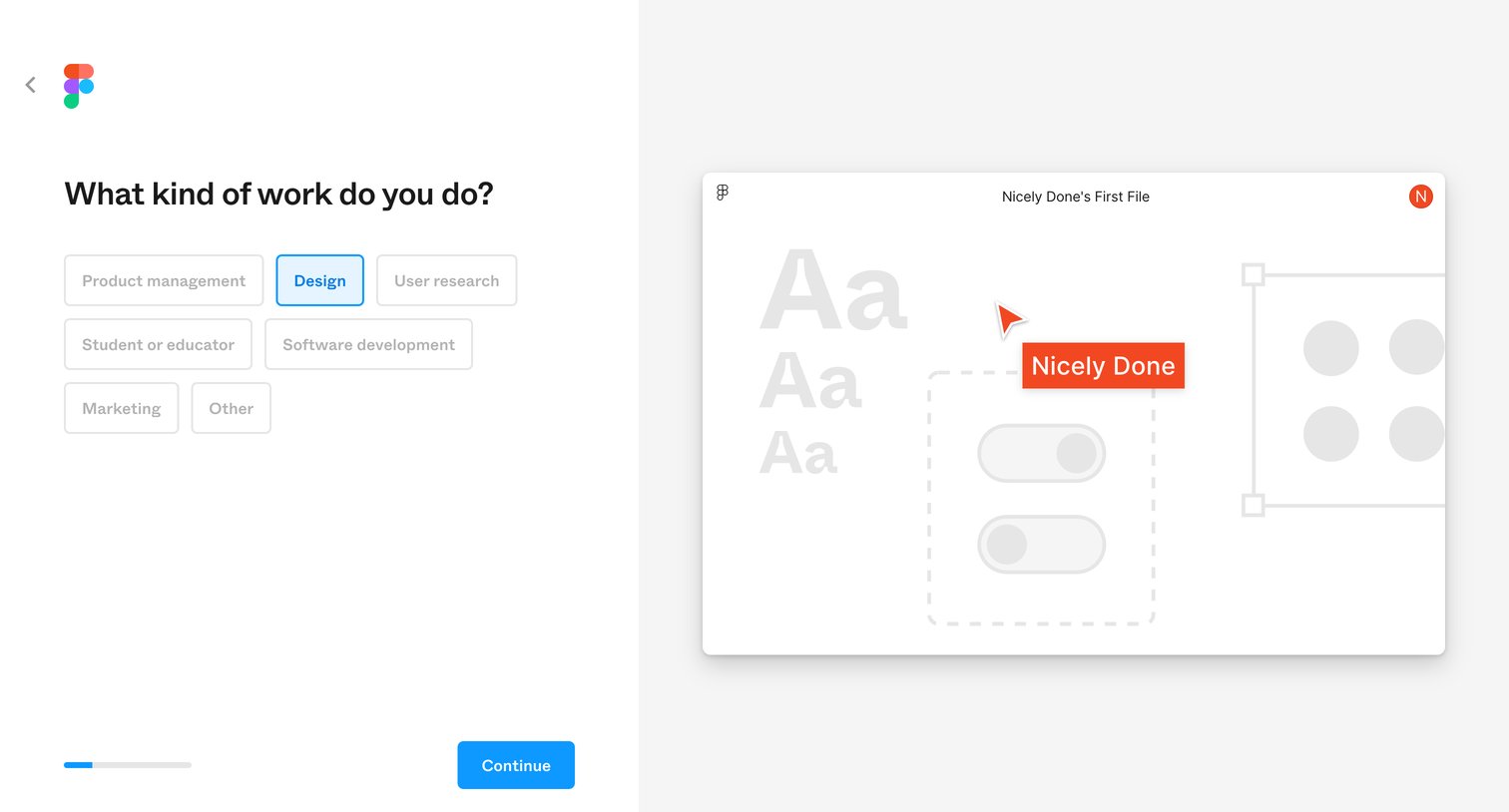
Onboarding step where the user selects their primary role from a grid of options to personalize their experience.
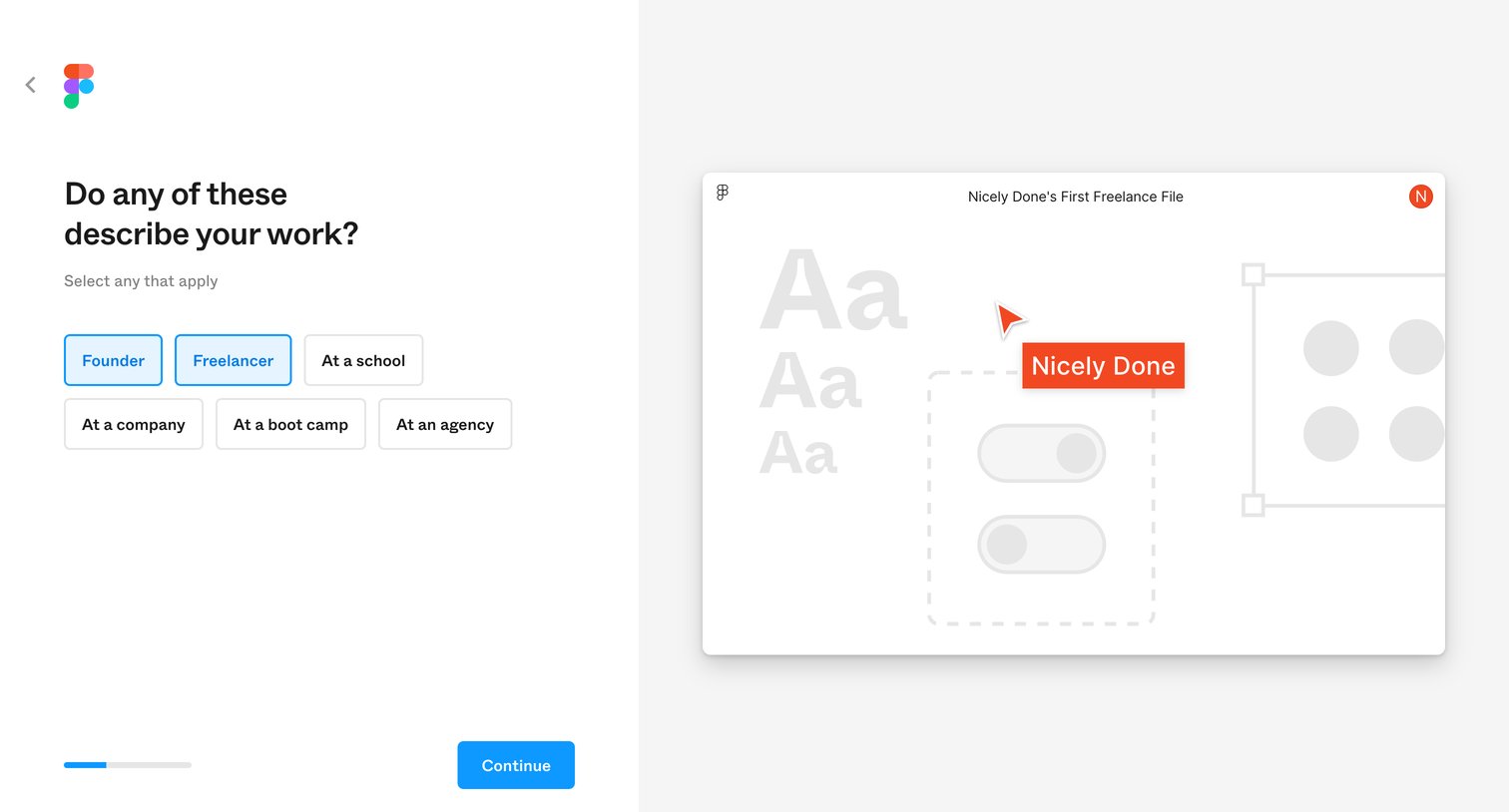
Onboarding step where the user selects their work role, such as Founder or Freelancer, to customize their workspace experience.
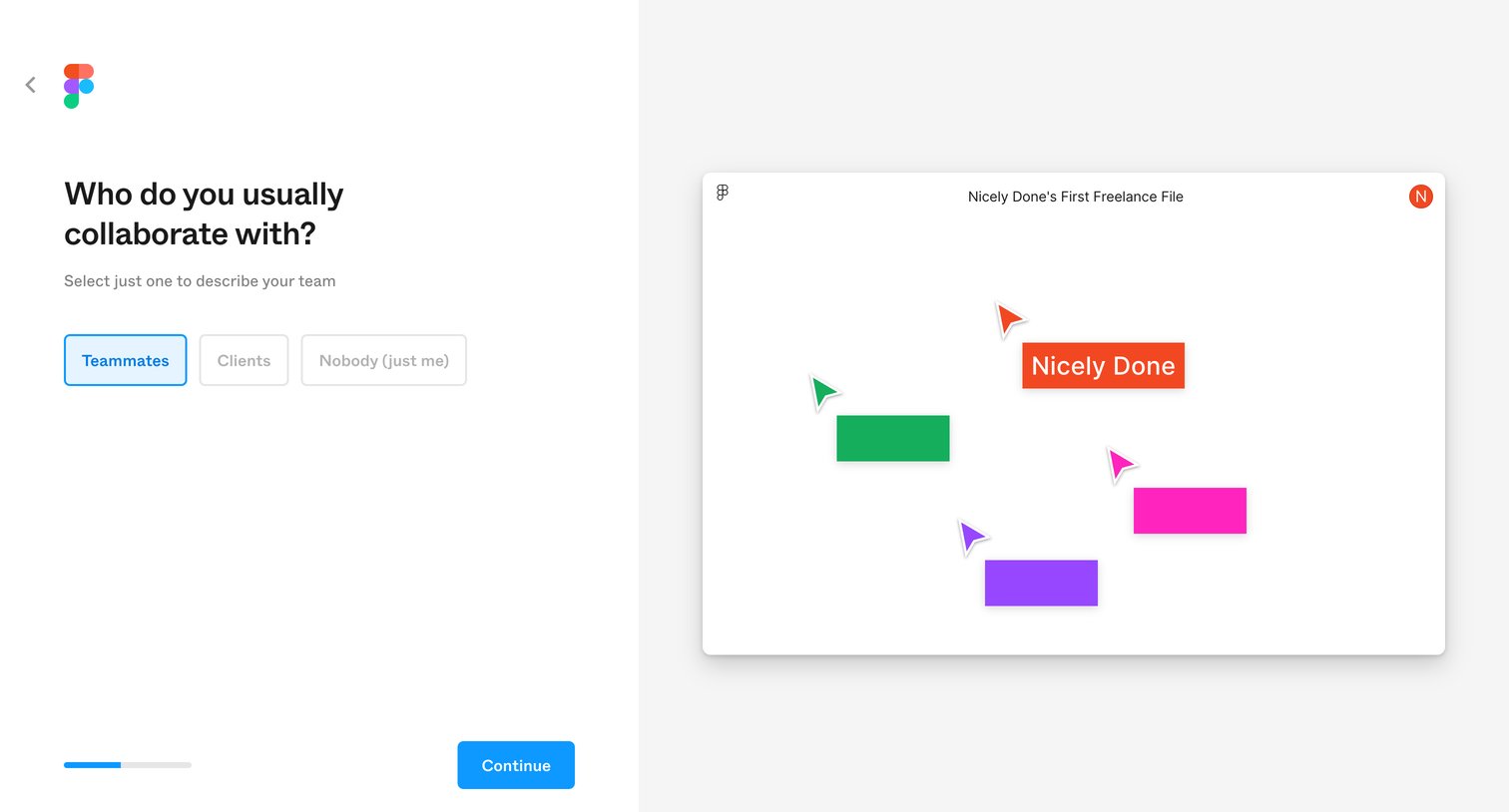
Onboarding step where the user selects their typical collaboration style between teammates, clients, or solo work.
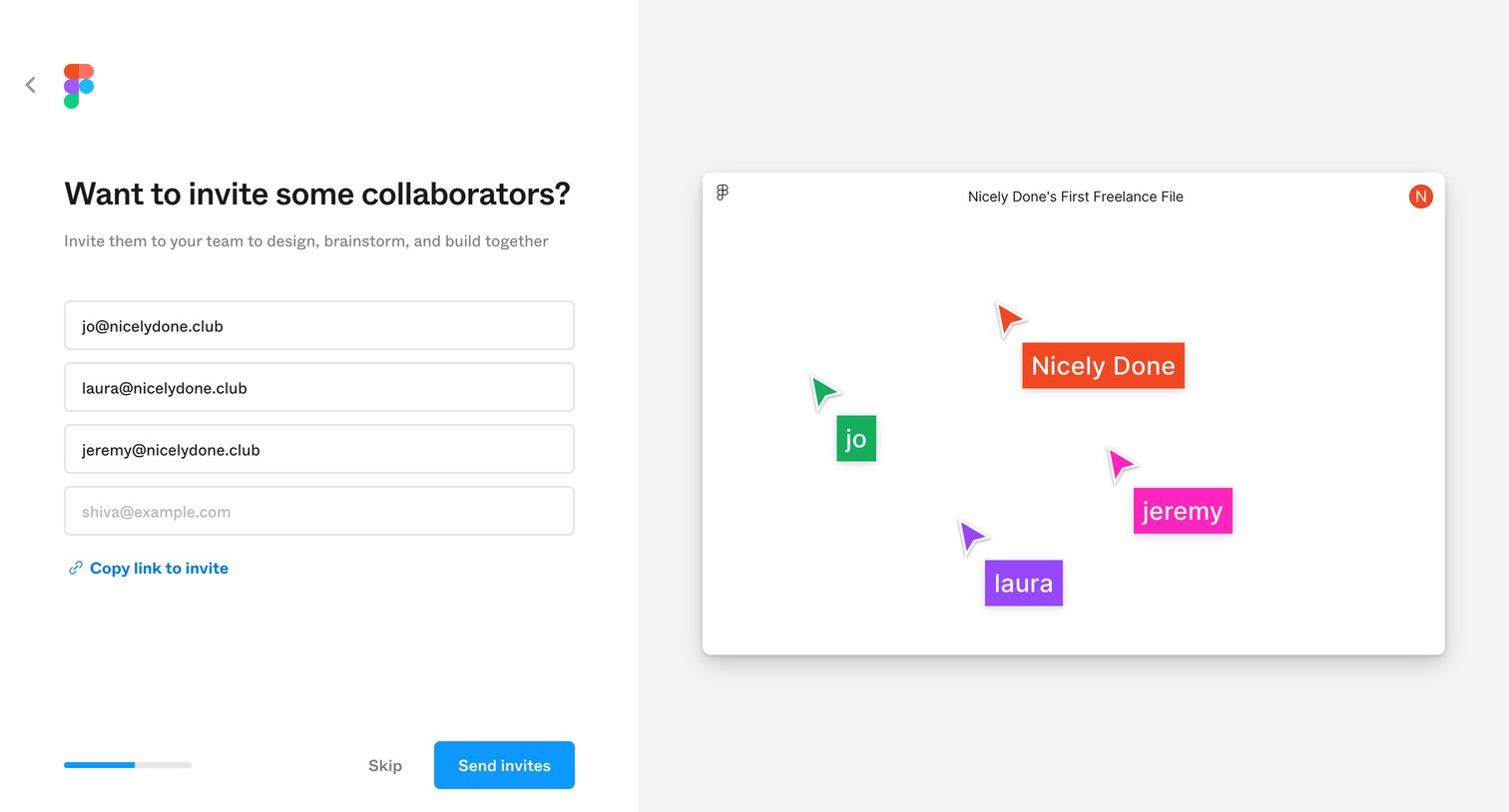
Onboarding step where the user invites collaborators to their team via email addresses or a shareable link.
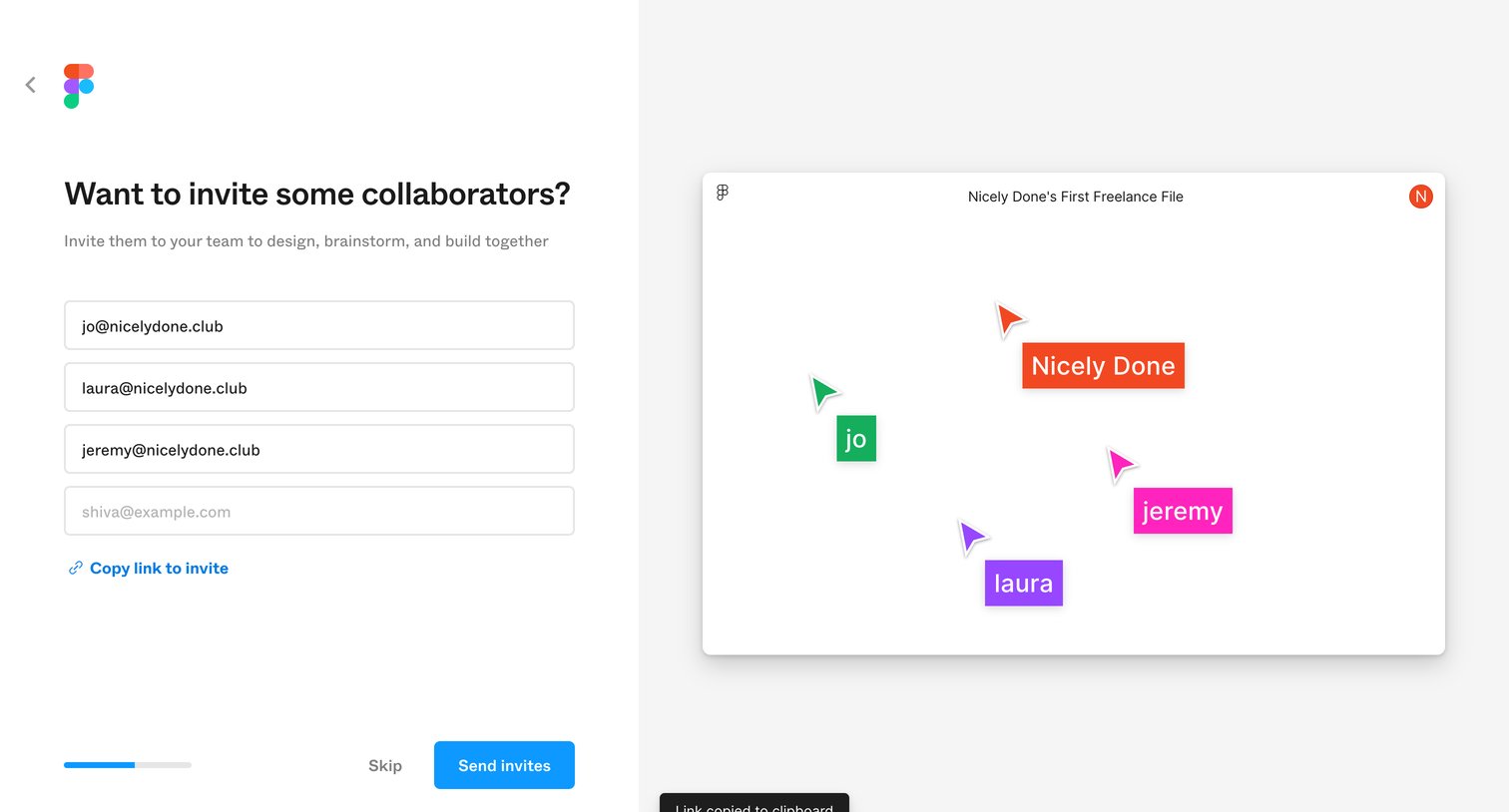
Onboarding step where the user invites collaborators to their team via email inputs or a shareable link, while a toast confirms a copied link.
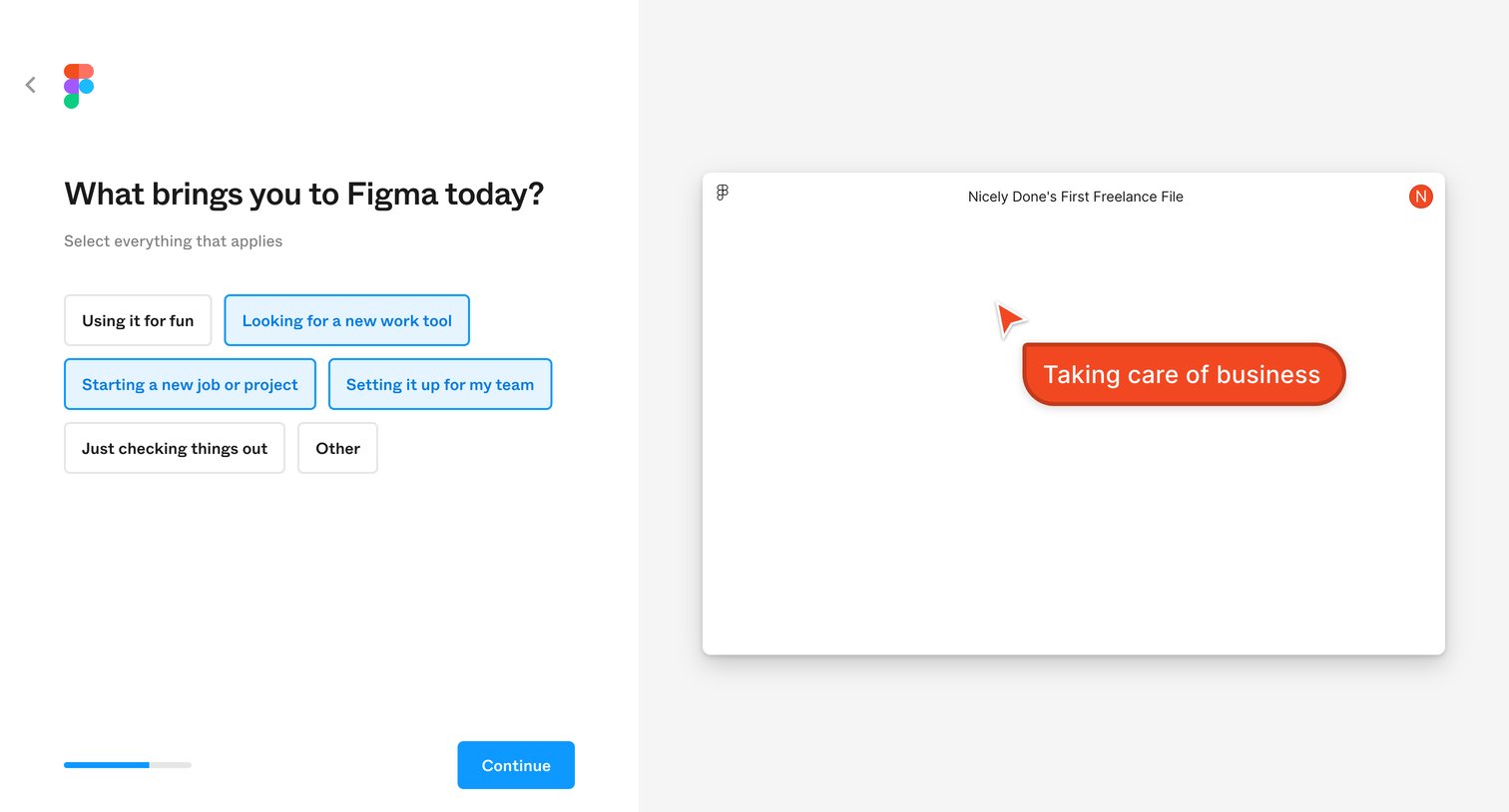
Onboarding step where the user selects their primary reasons for using the product from a set of multi-select toggle buttons.
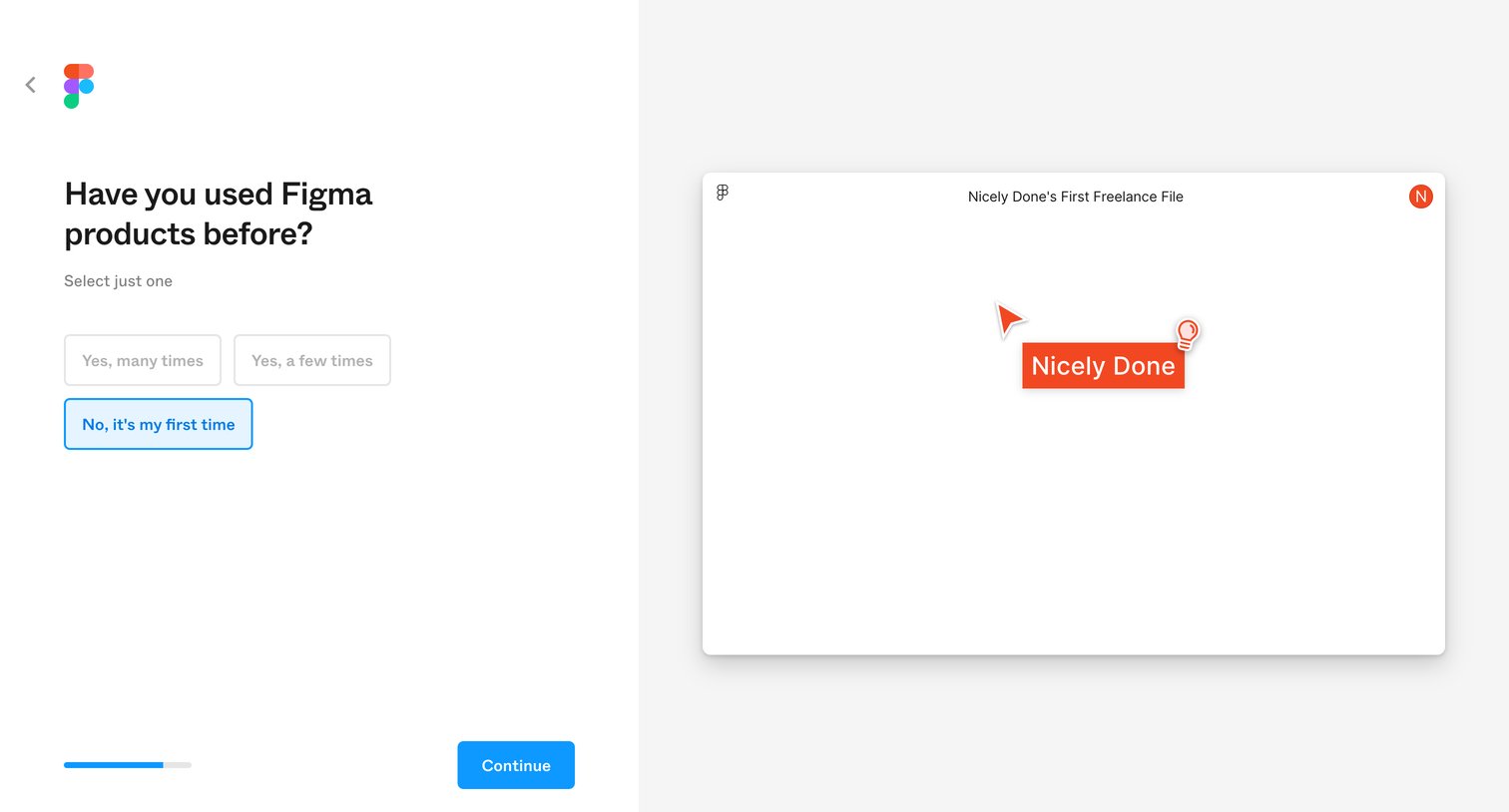
Onboarding step where the user selects their prior experience level with Figma products before continuing.
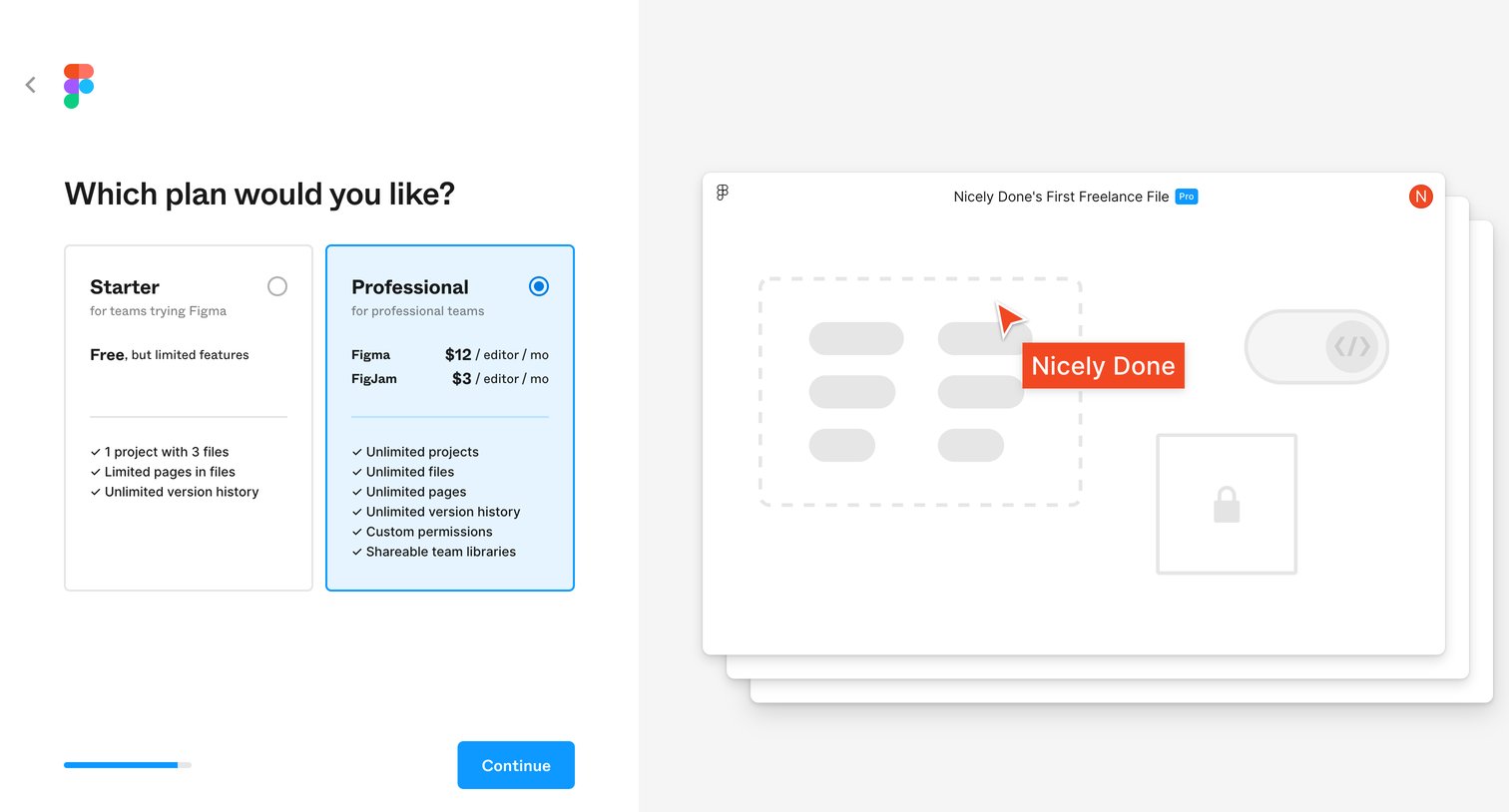
Onboarding step where the user selects between a free Starter plan and a paid Professional plan before continuing.
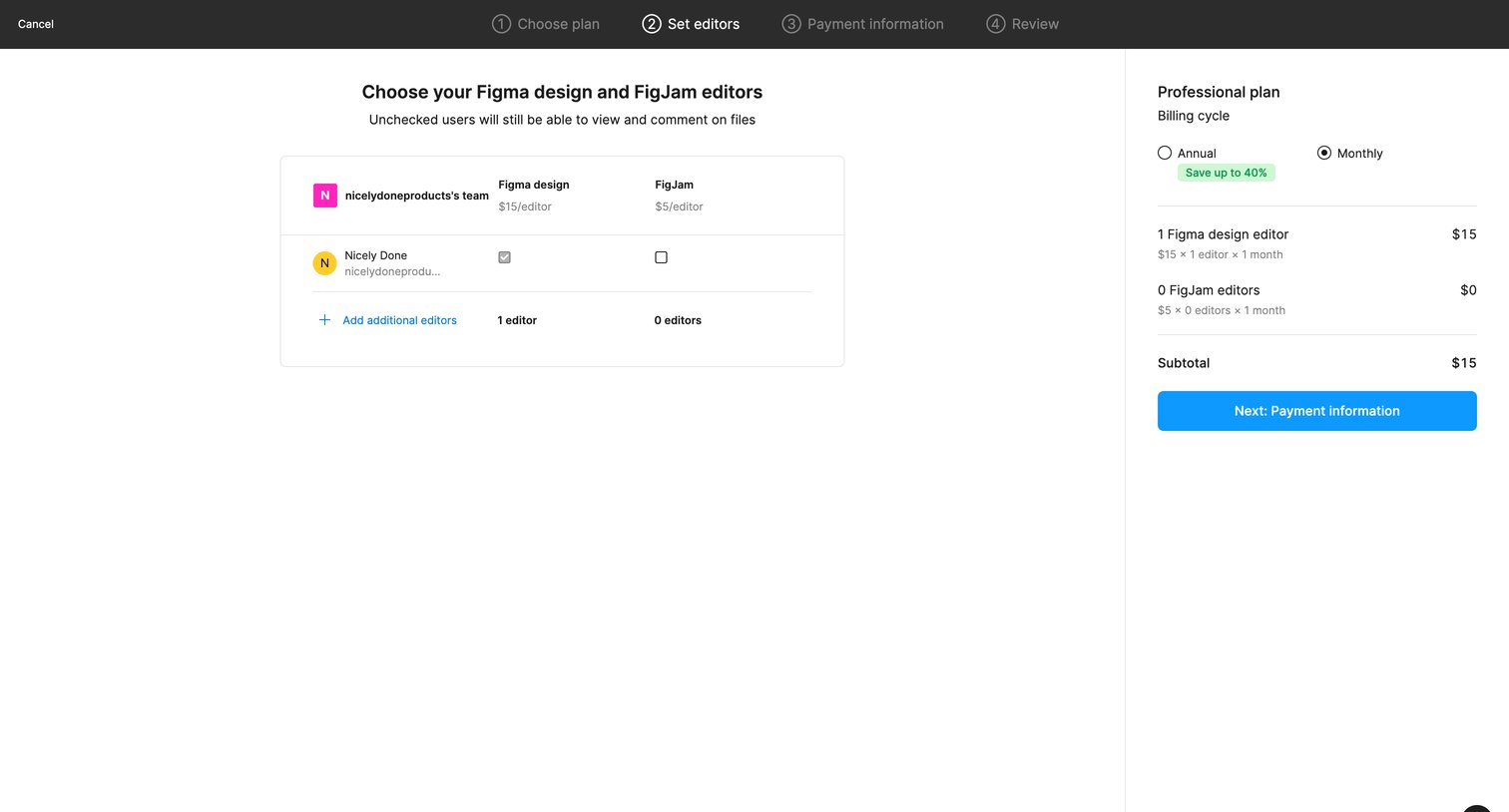
Upgrade checkout step where the user assigns Figma design and FigJam editor seats to team members and reviews the order subtotal.
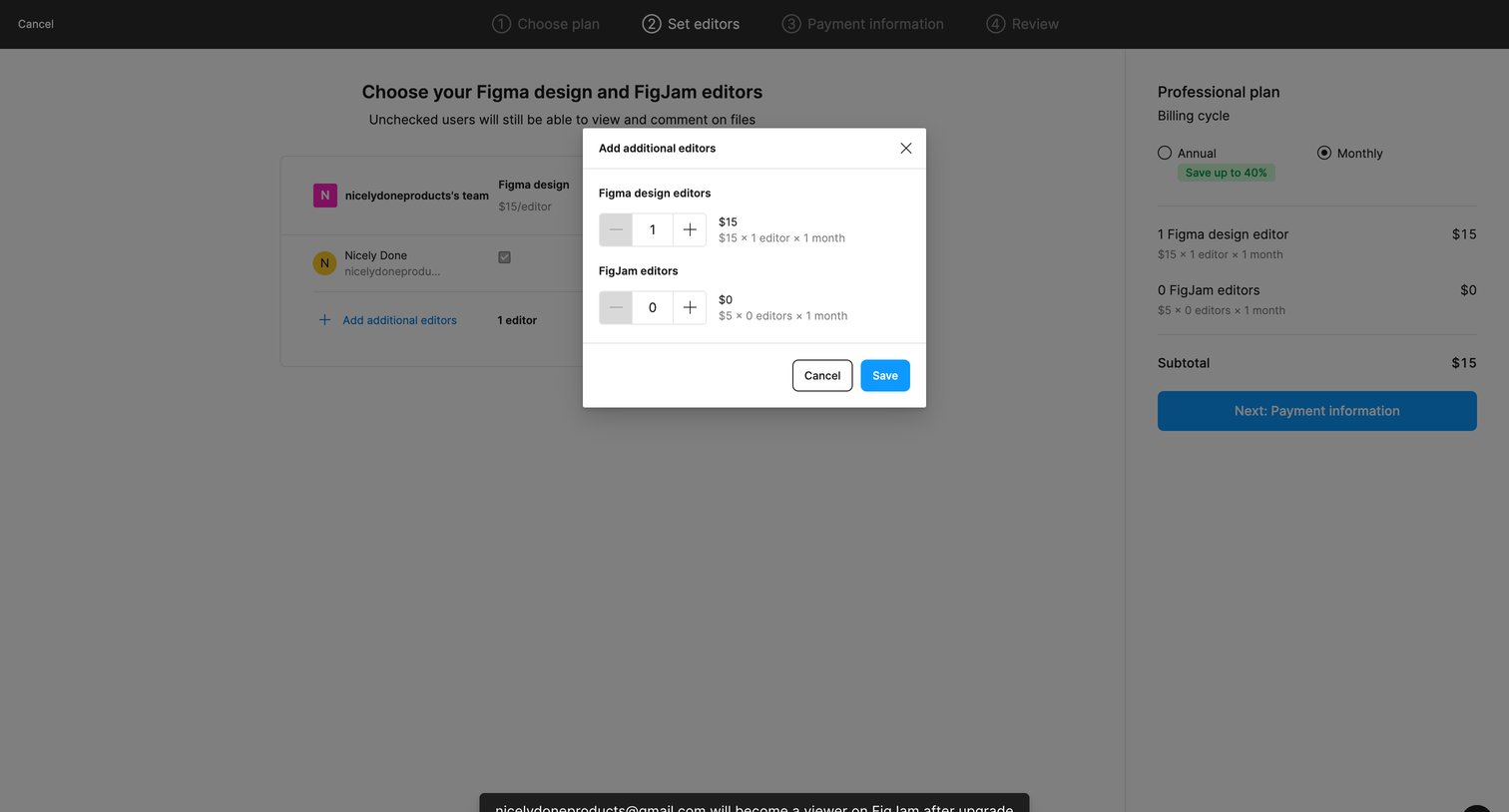
Checkout flow where the user specifies the number of additional Figma and FigJam editors to add to their plan via a modal before proceeding to payment.
Explore the full SaaS screen library
Upgrade to unlock the full library.
Trusted by the best teams







