
Fancy product screens examples
Browse Fancy screen design examples. Preview the interface screenshots and explore related UI patterns. Discover and buy amazing things
Explore the examples
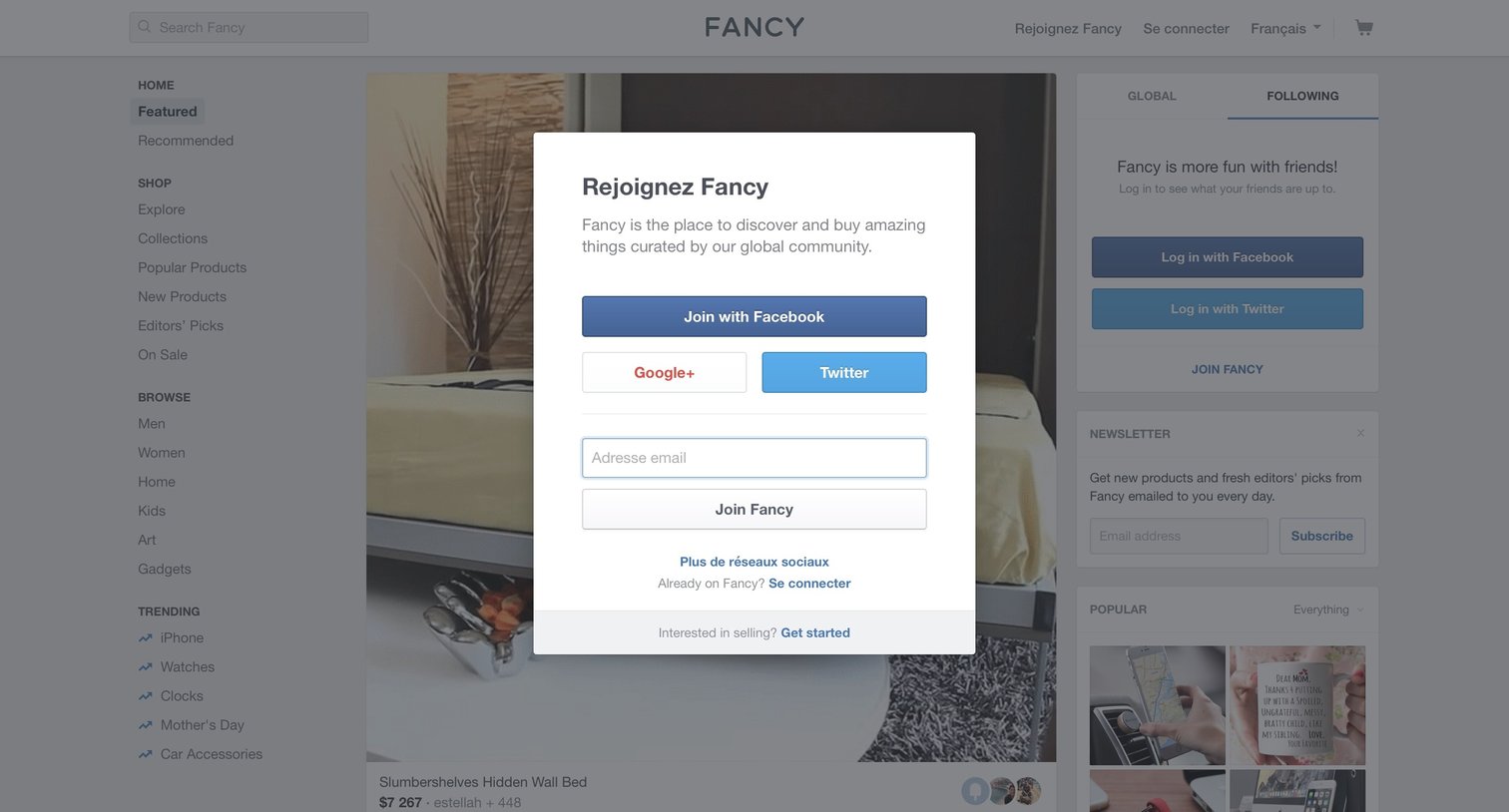
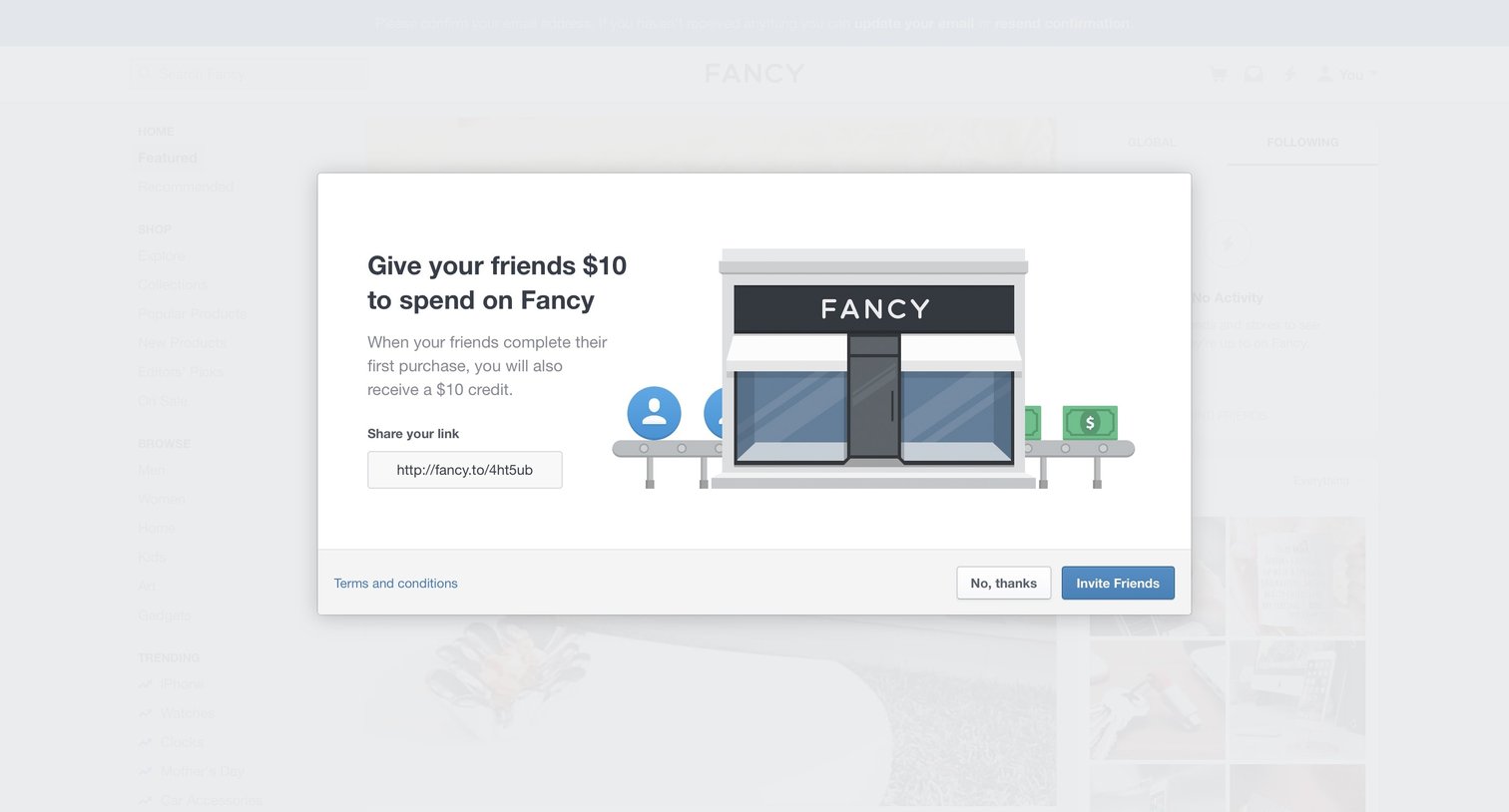
E-commerce Modal screen
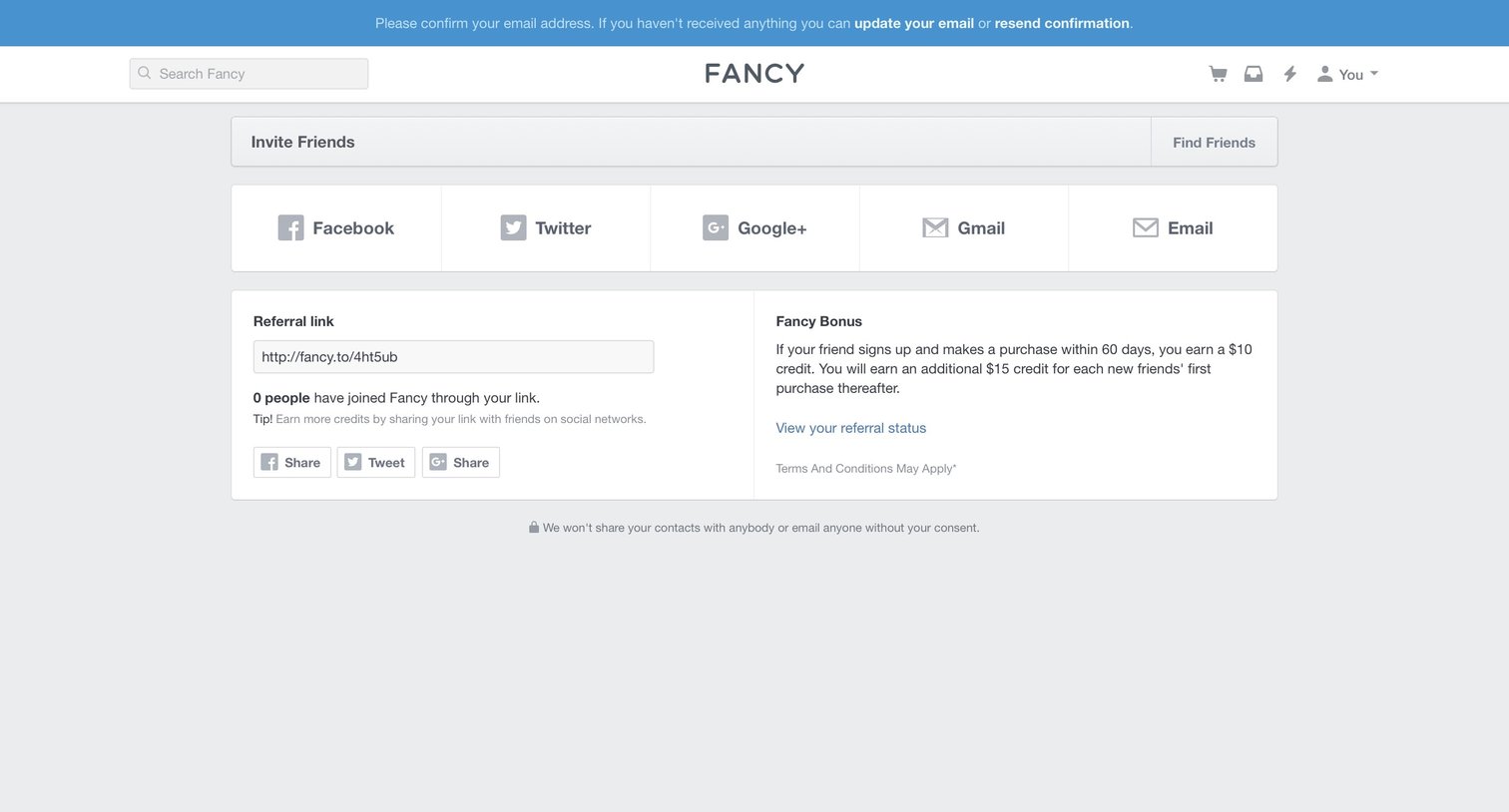
Settings page where the user can invite friends via social networks or email to earn referral credits, and view their unique referral link.
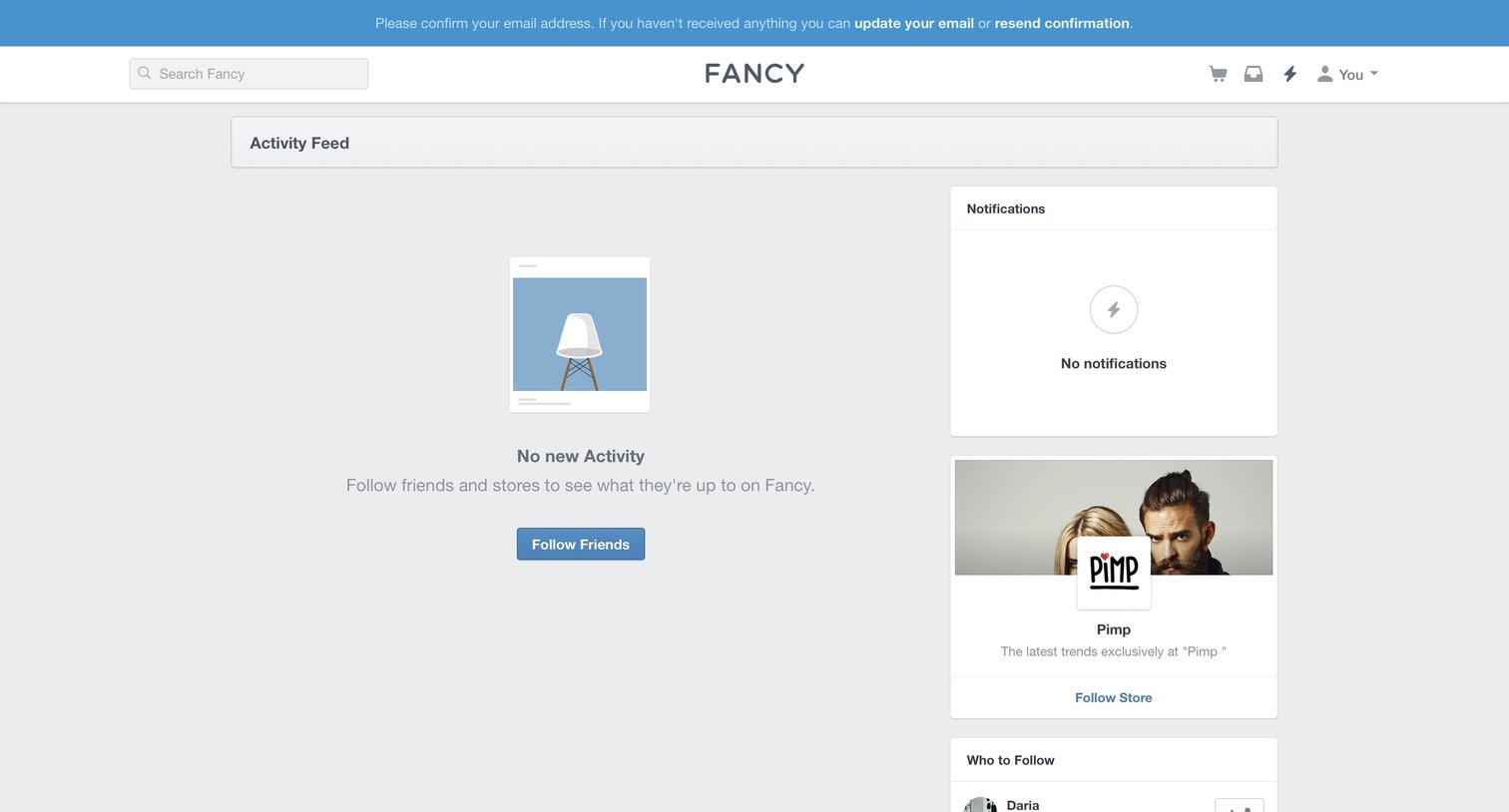
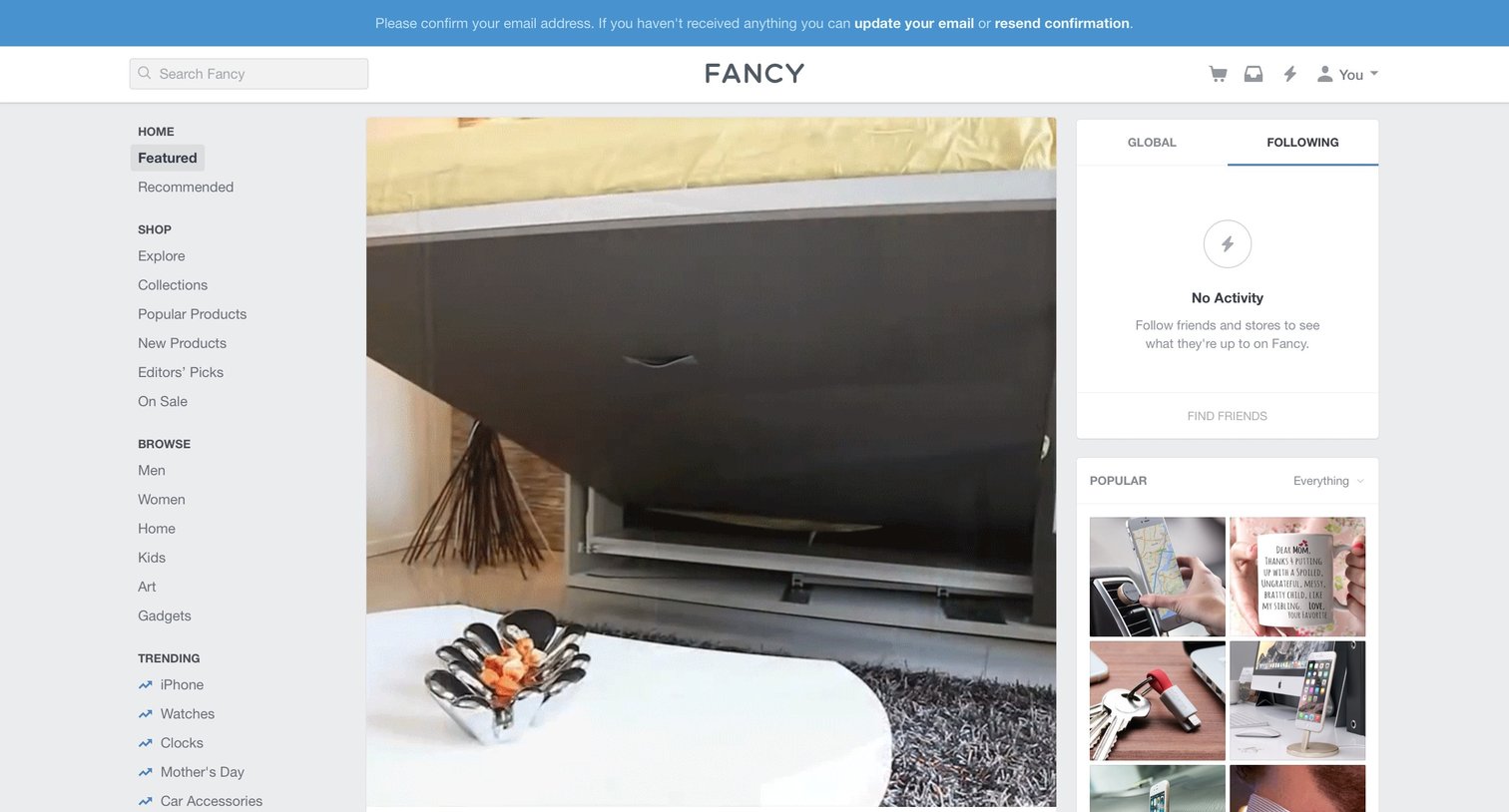
Activity feed where the user is prompted to follow friends and stores to populate their empty timeline, alongside a pending email verification banner.
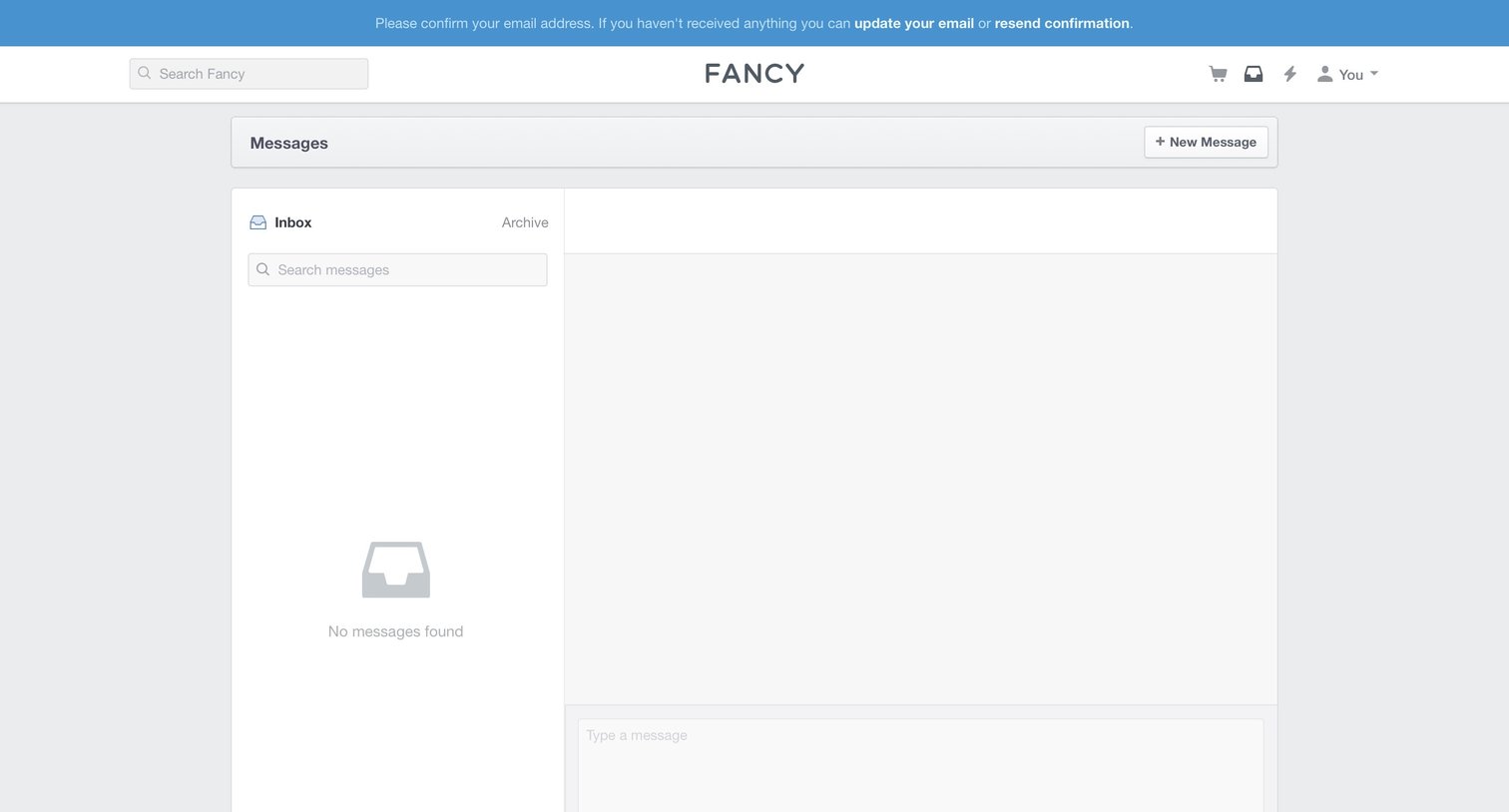
Messages inbox where the user views their conversations, currently showing an empty state with a global banner prompting them to confirm their email address.
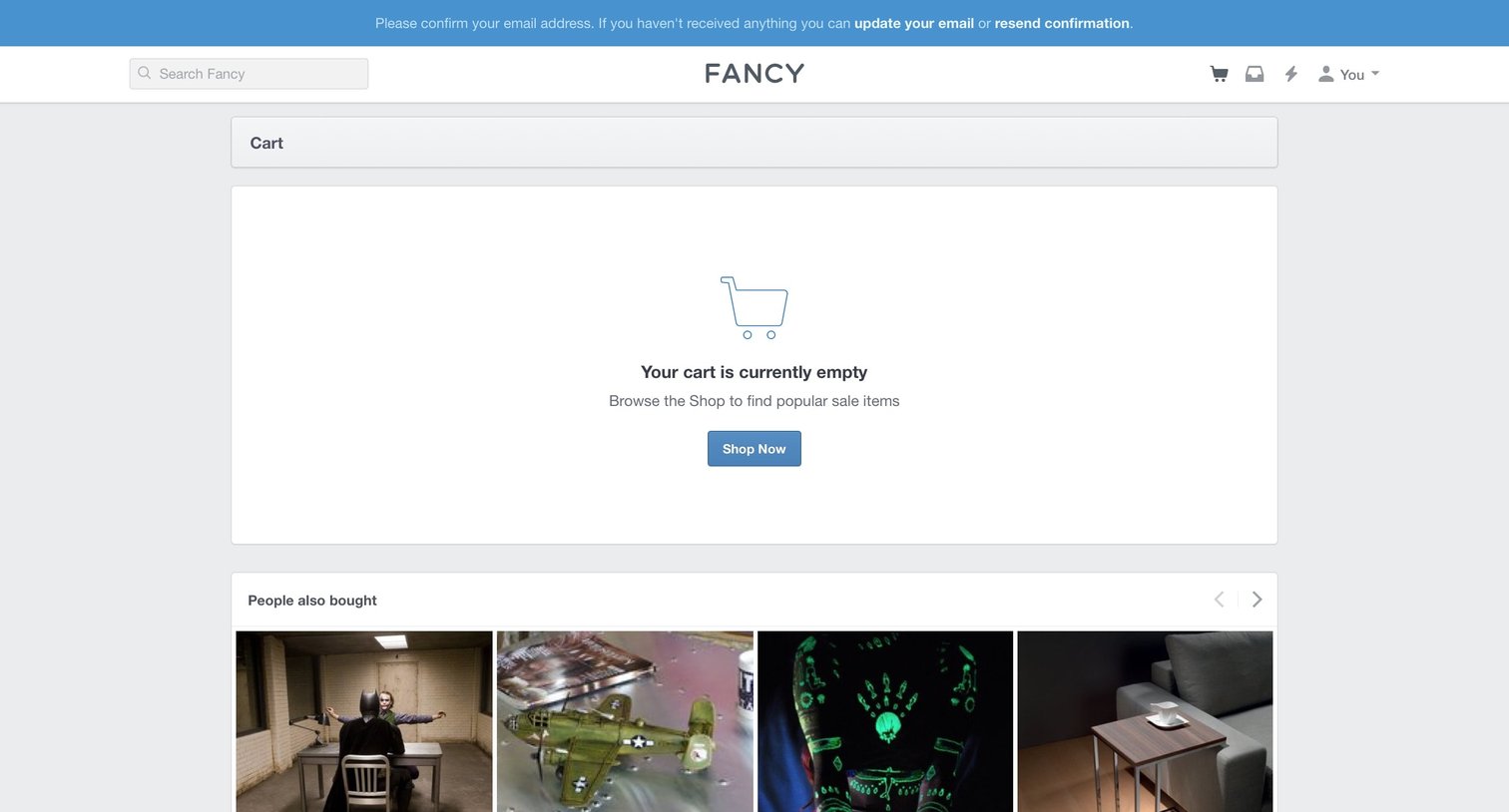
Shopping cart page showing an empty state with a prompt to browse the shop, an email verification banner at the top, and a carousel of recommended products below.
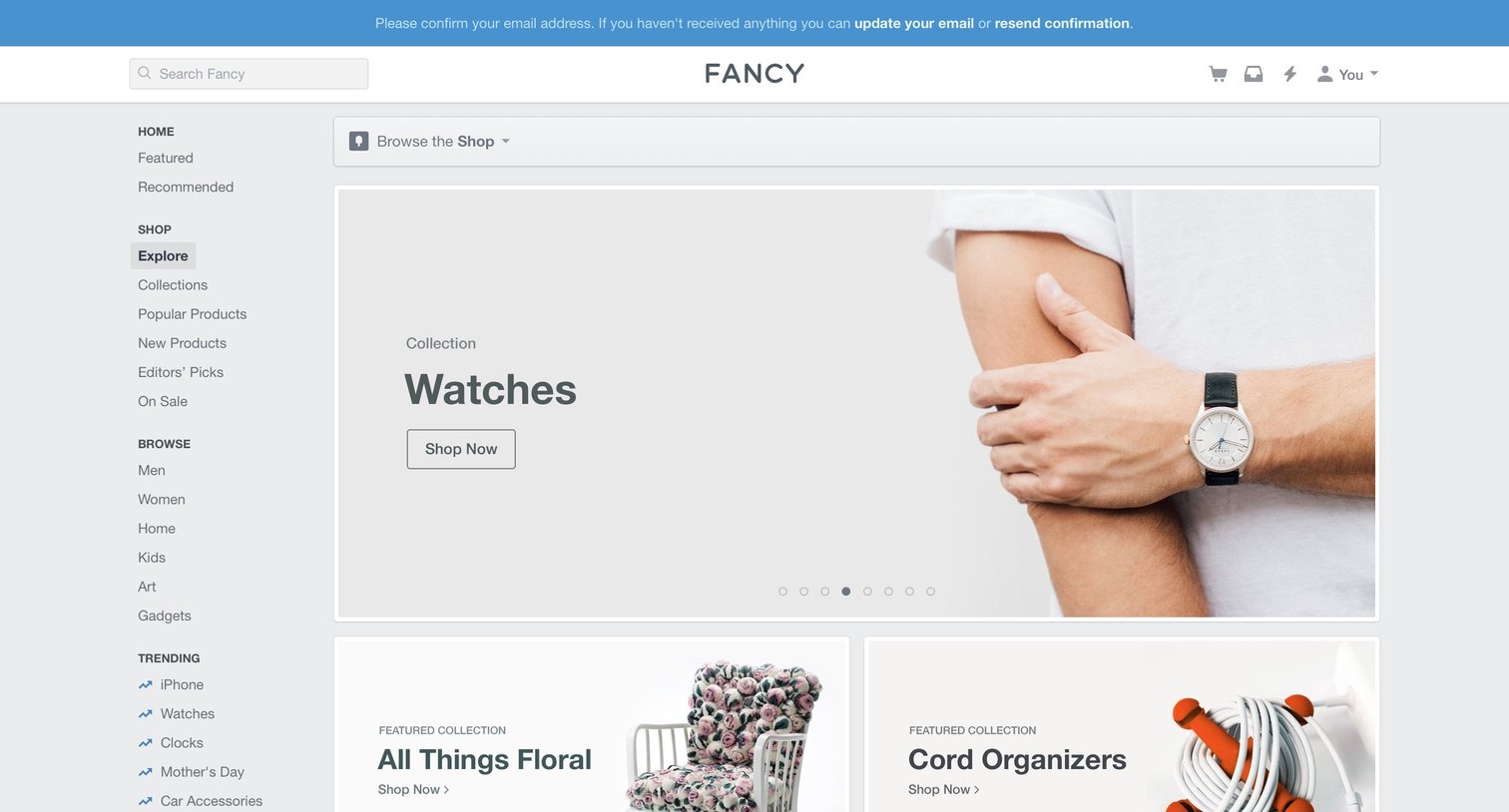
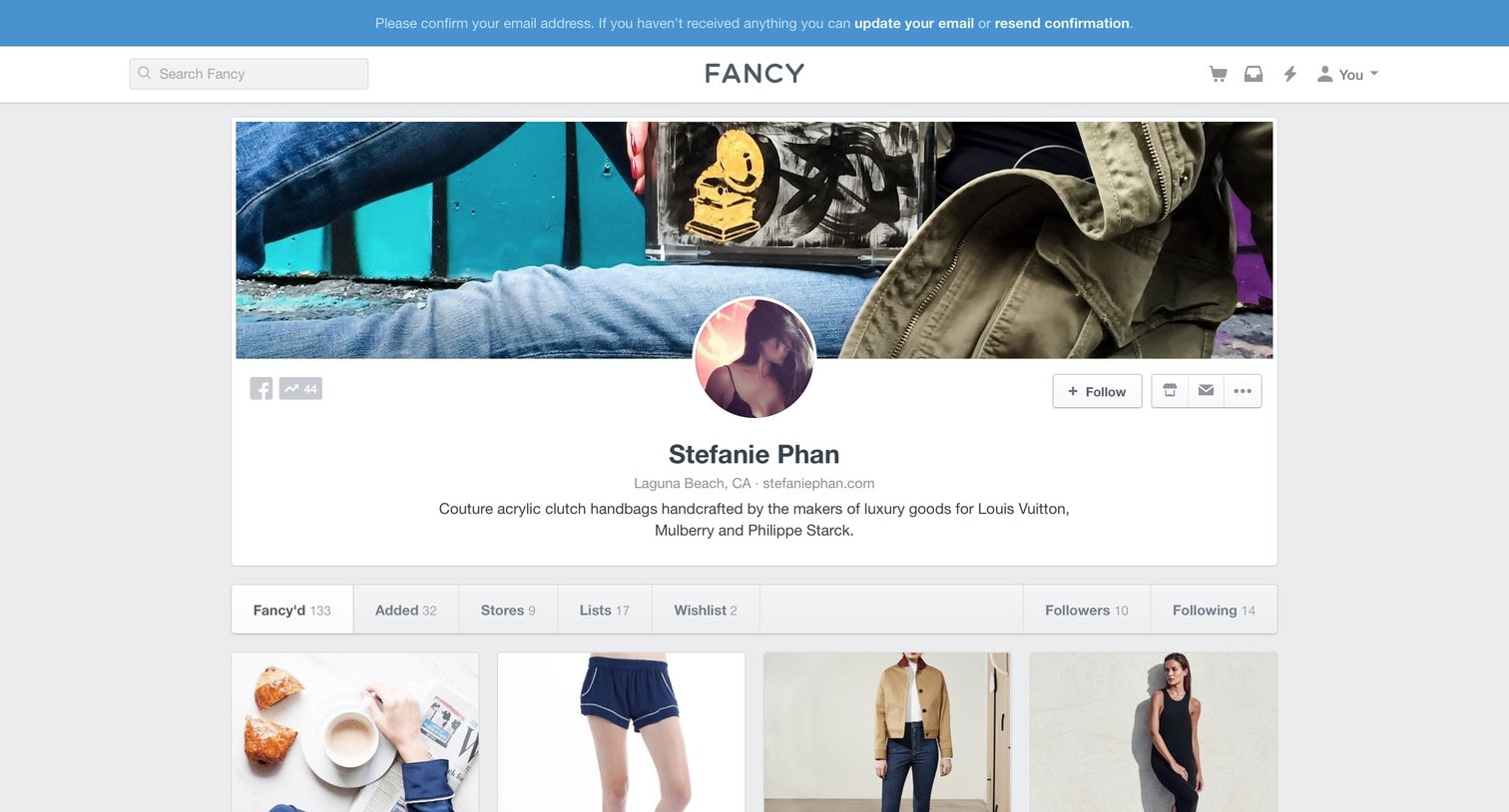
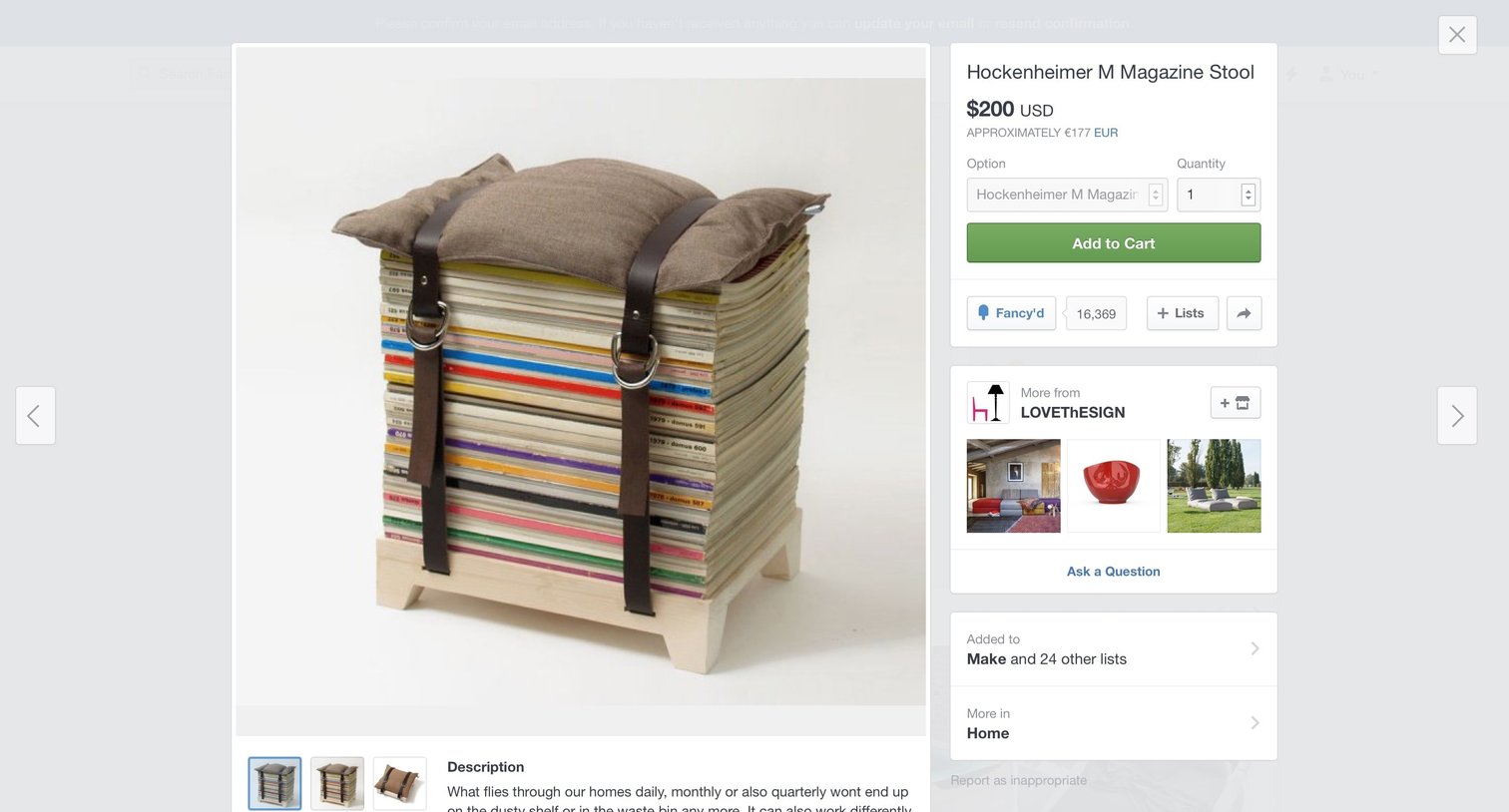
Detail page where the user views product images, selects an option and quantity, and adds the item to their cart or curated lists.
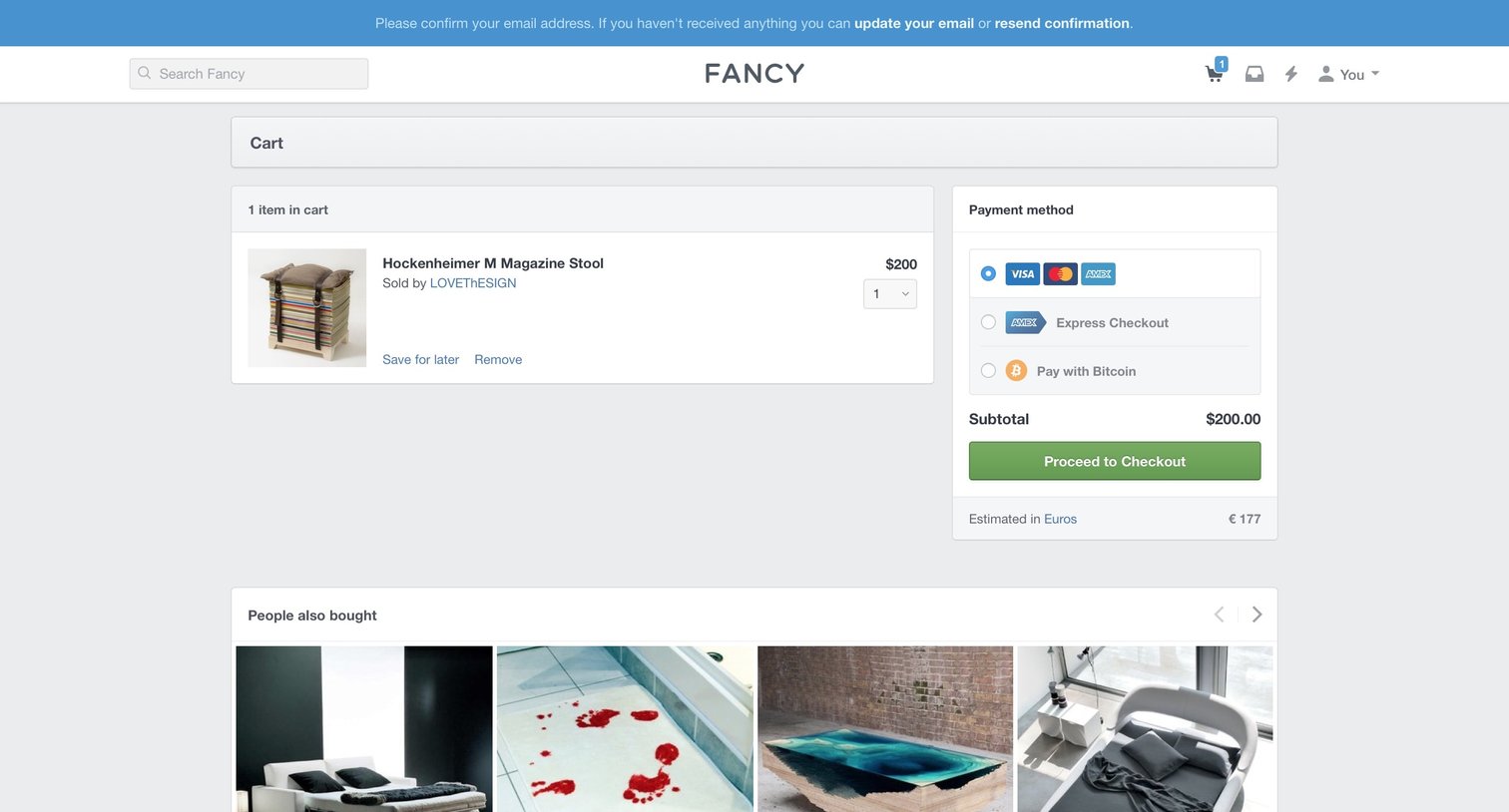
Shopping cart page where the user reviews their selected item, chooses a payment method like credit card or Bitcoin, and proceeds to checkout, with a prompt to confirm their email address.
Explore the full SaaS screen library
Upgrade to unlock the full library.
Trusted by the best teams







