Fable product screens examples
Browse Fable screen design examples. Preview the interface screenshots and explore related UI patterns. The web-based motion design platform
Explore the examples
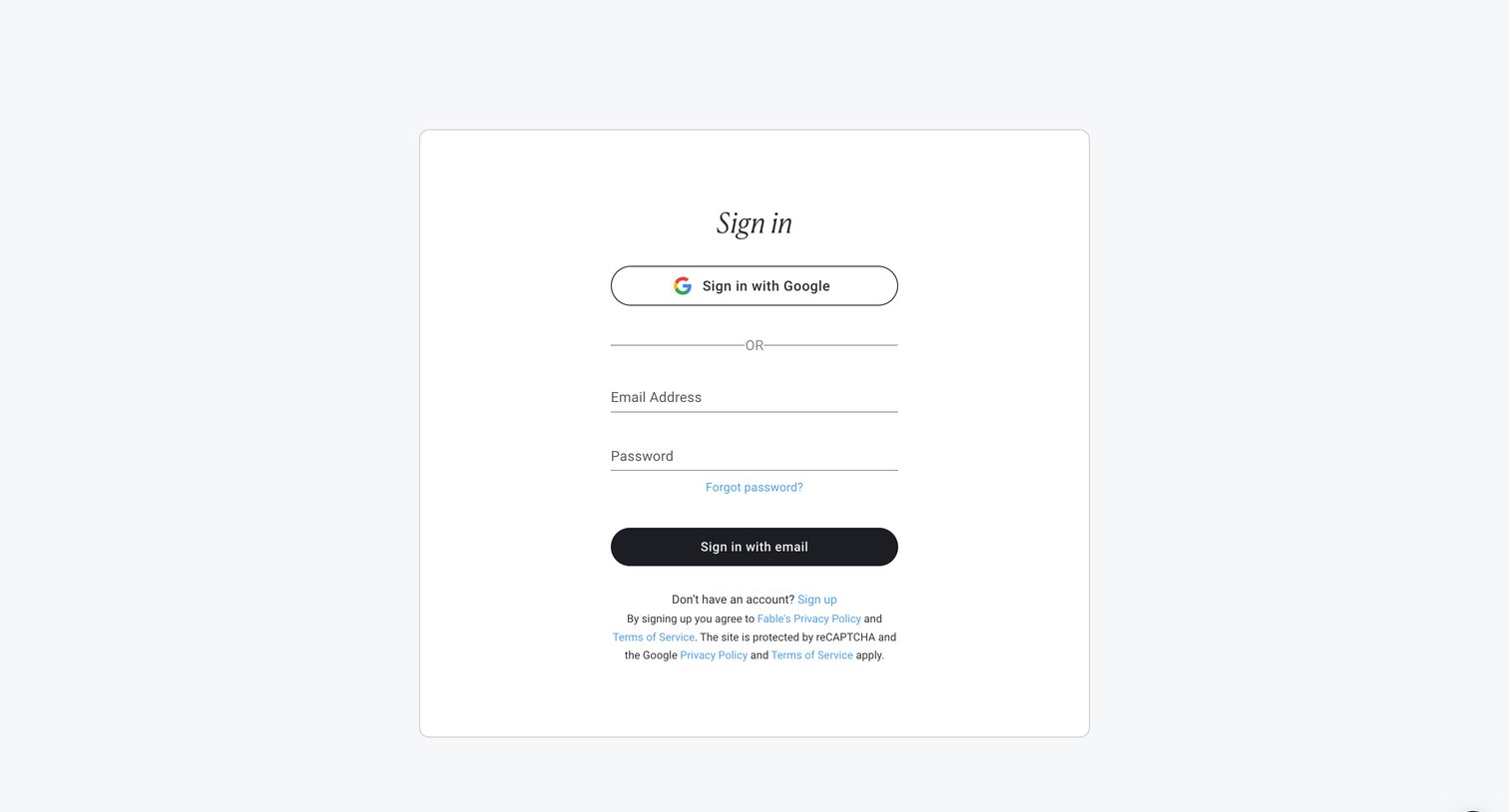
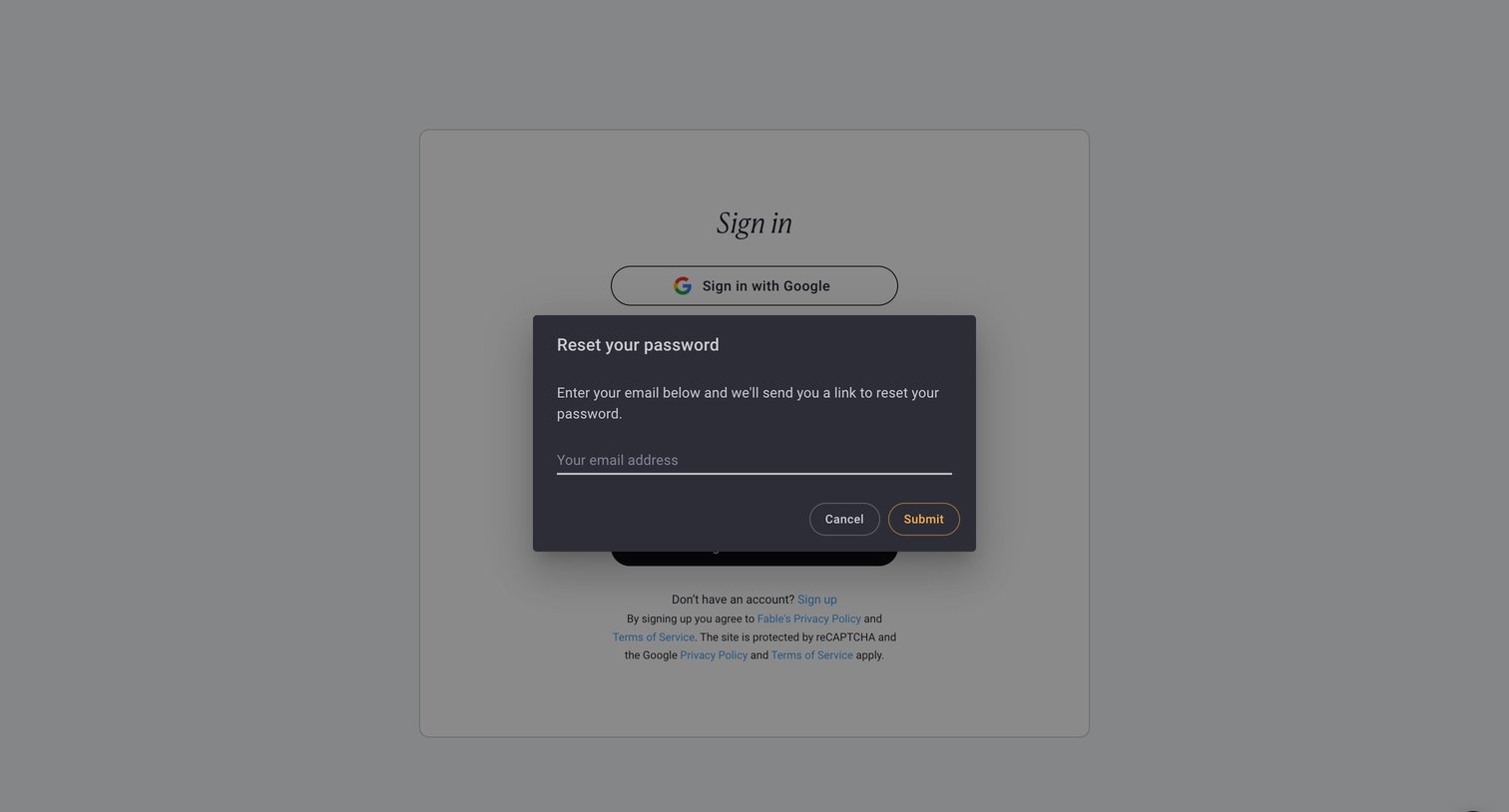
Authentication screen where the user requests a password reset link by entering their email address in a modal overlaying the main sign-in view.
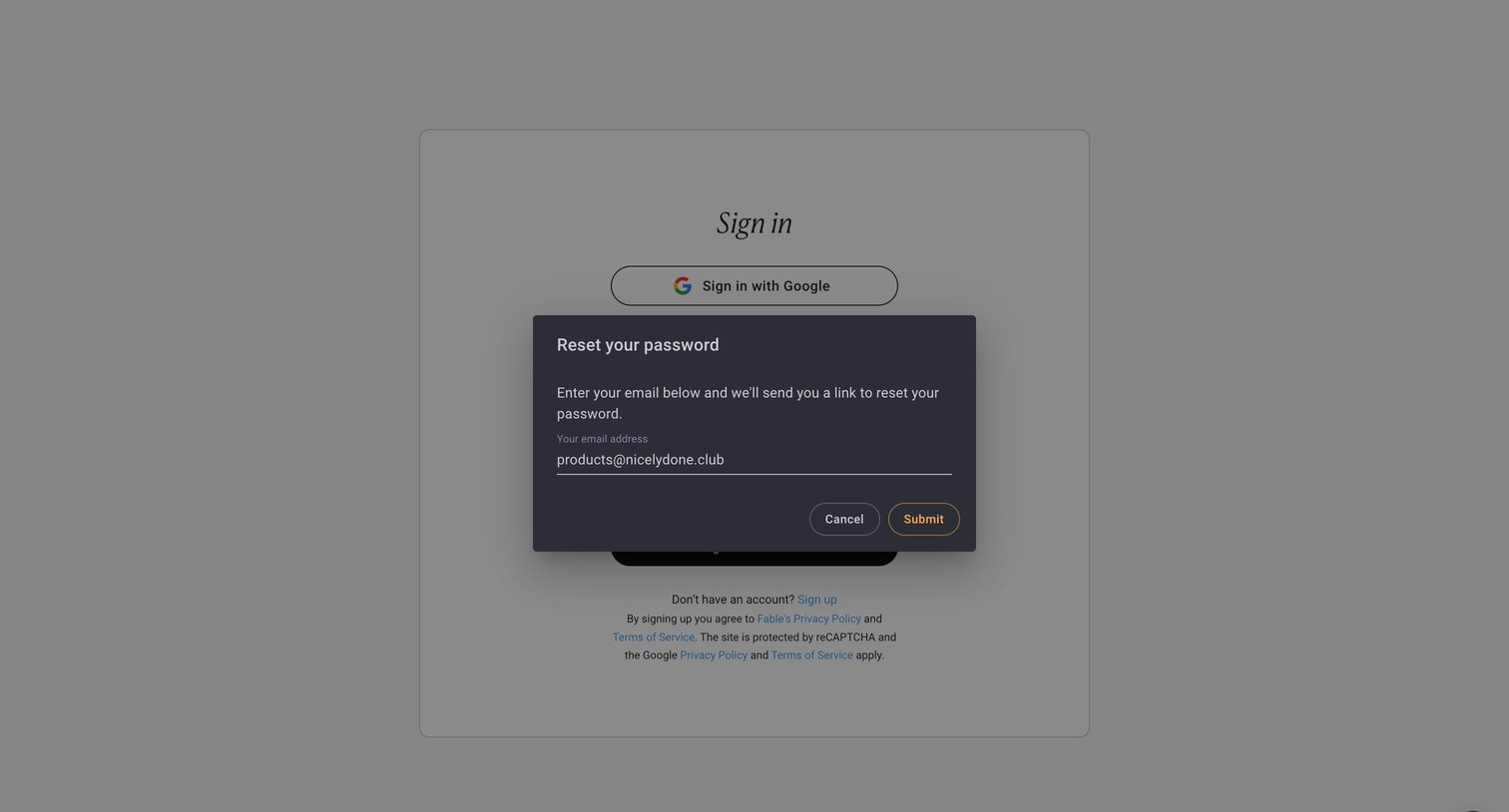
Password recovery modal where the user submits their email address to receive a reset link.
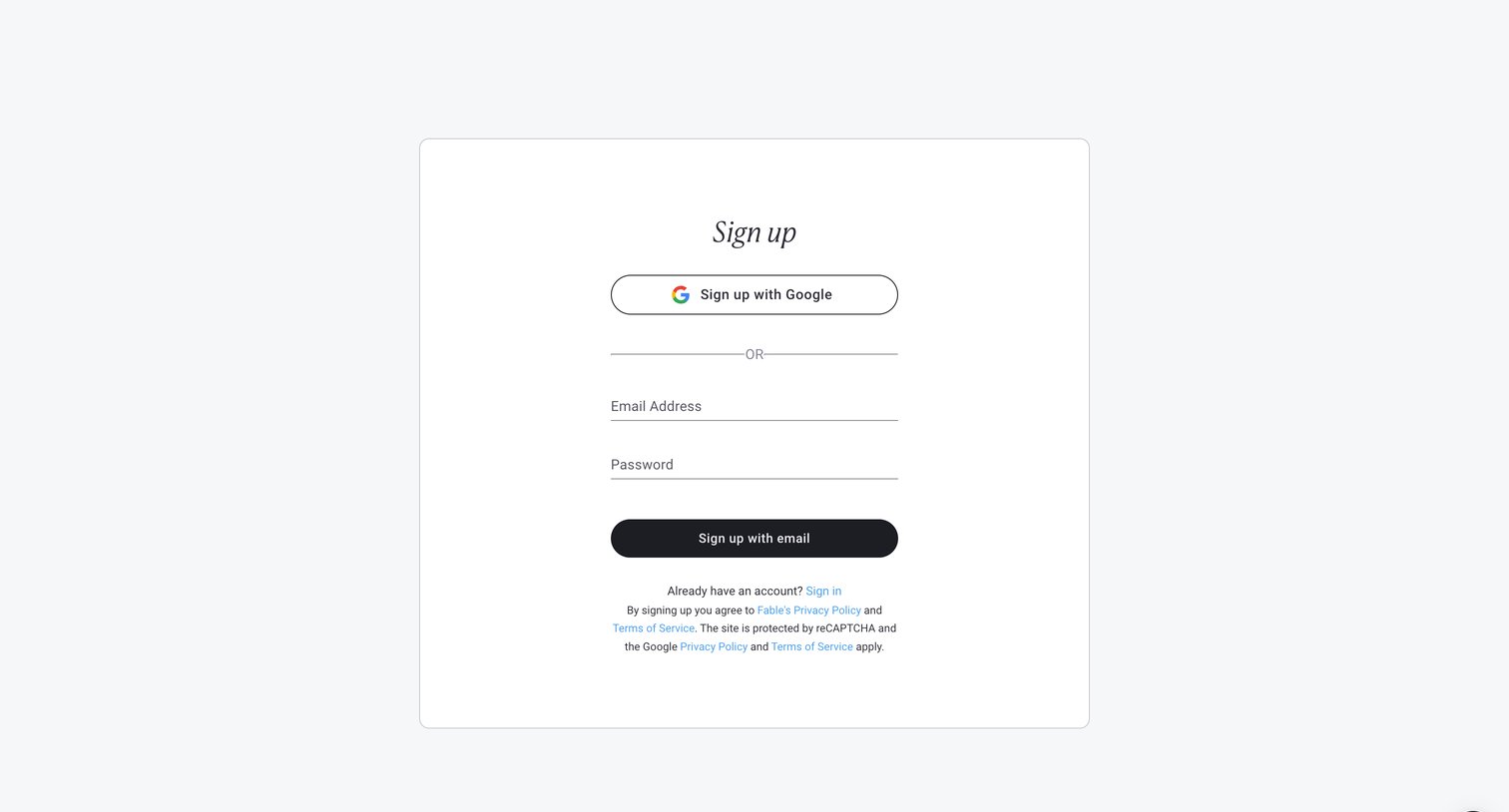
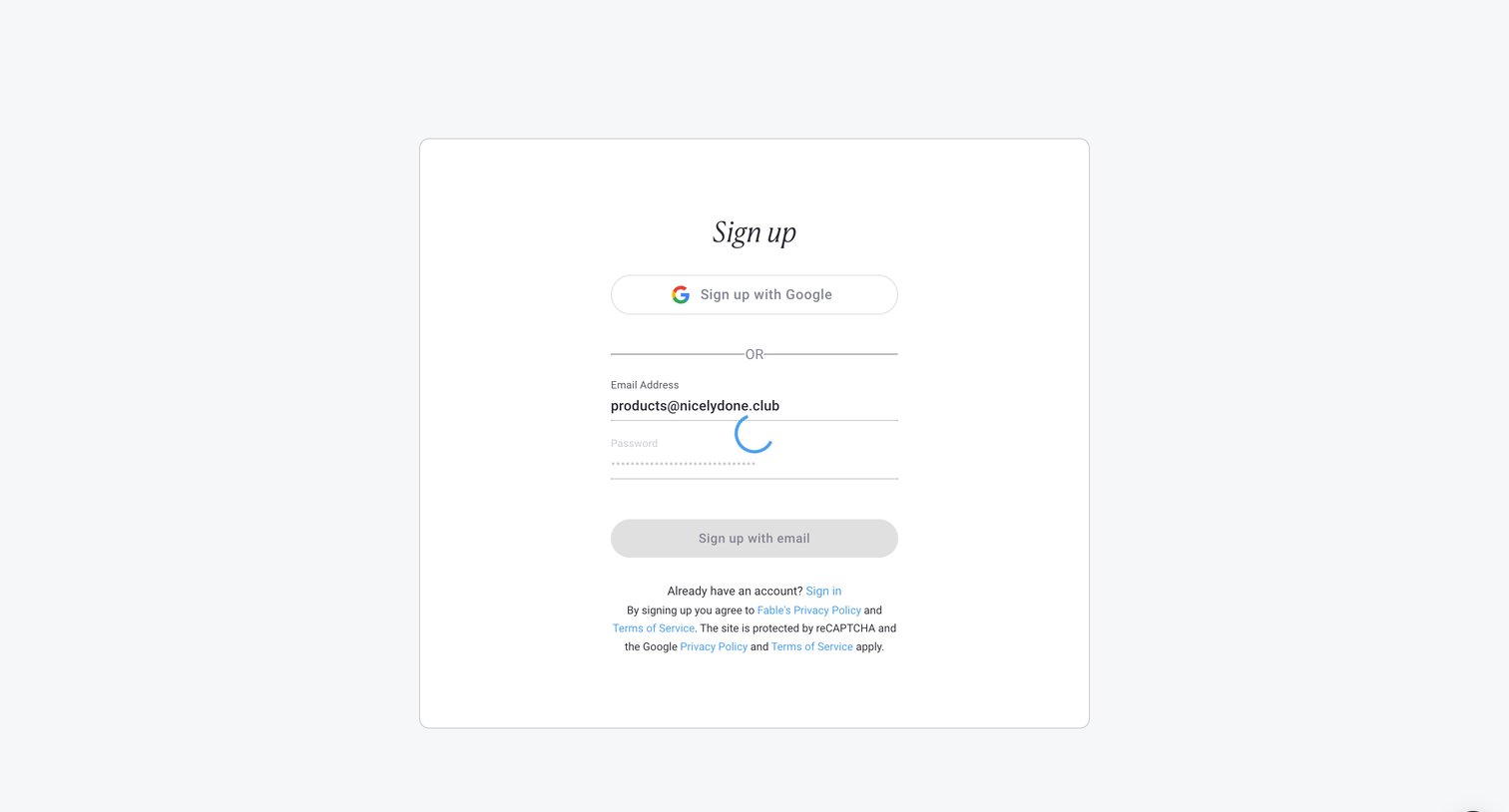
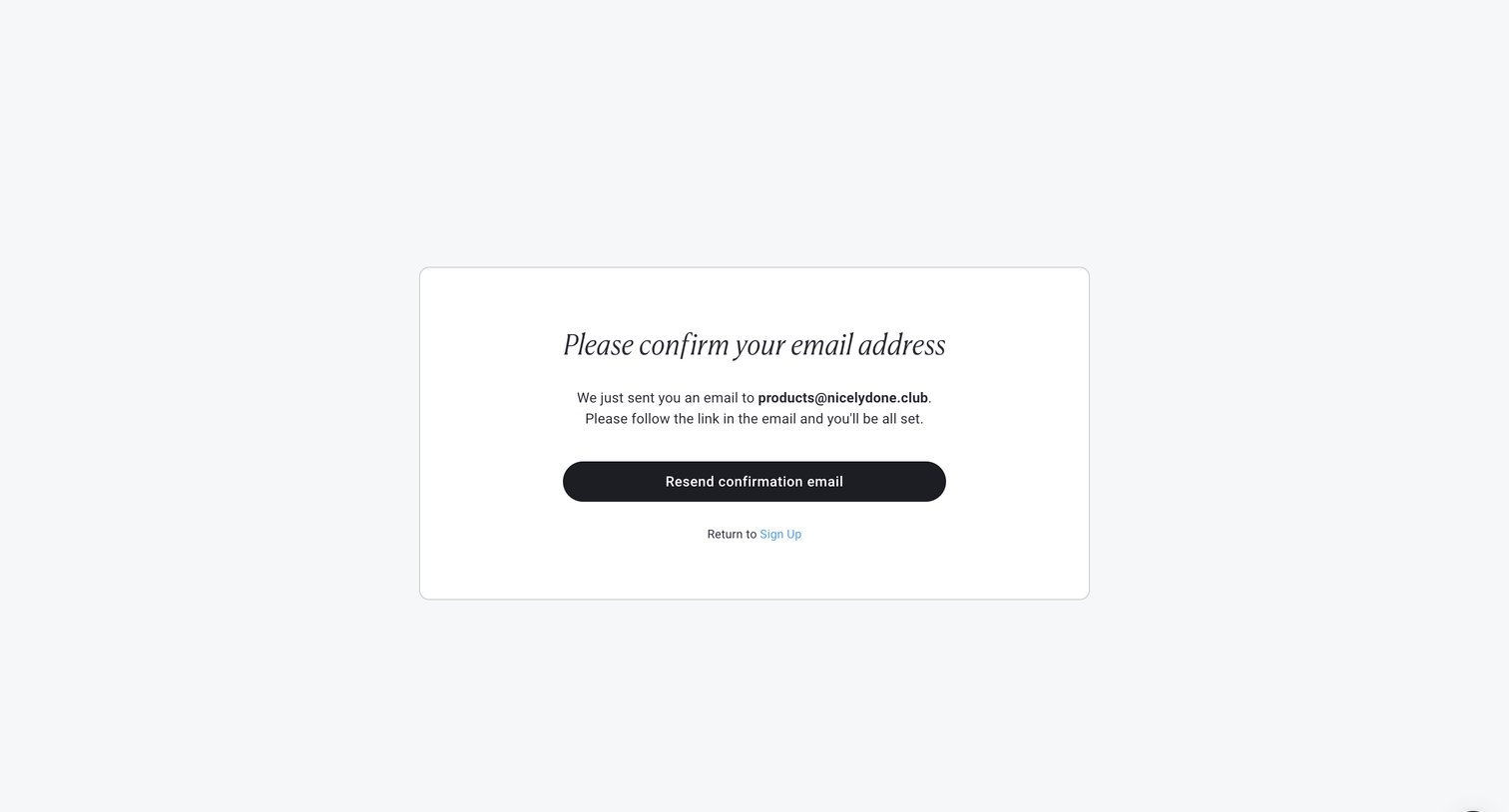
Verification screen where the user is instructed to check their inbox to confirm their email address, with an option to resend the link.
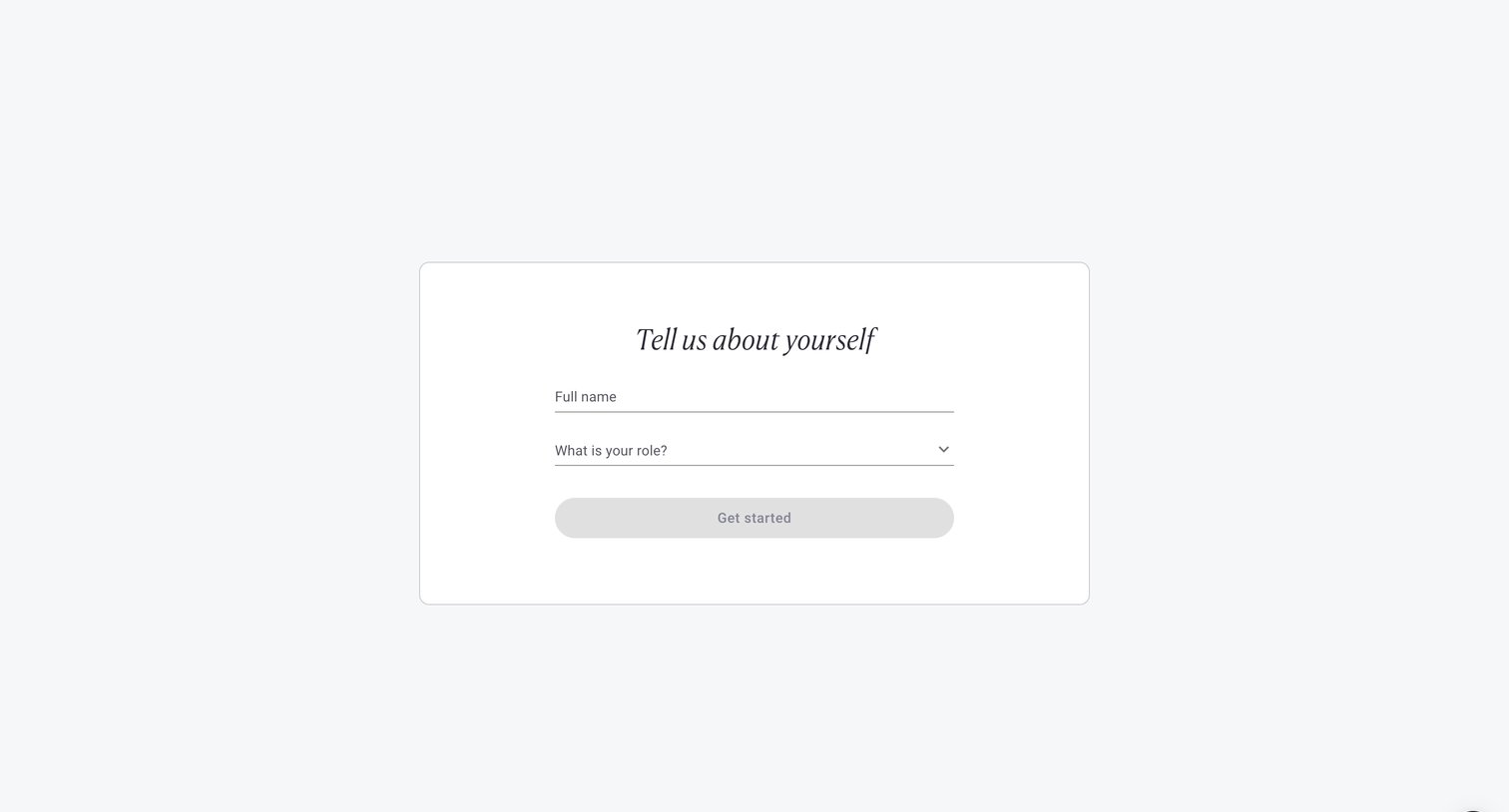
Onboarding step where the user provides their full name and selects their role to complete account setup.
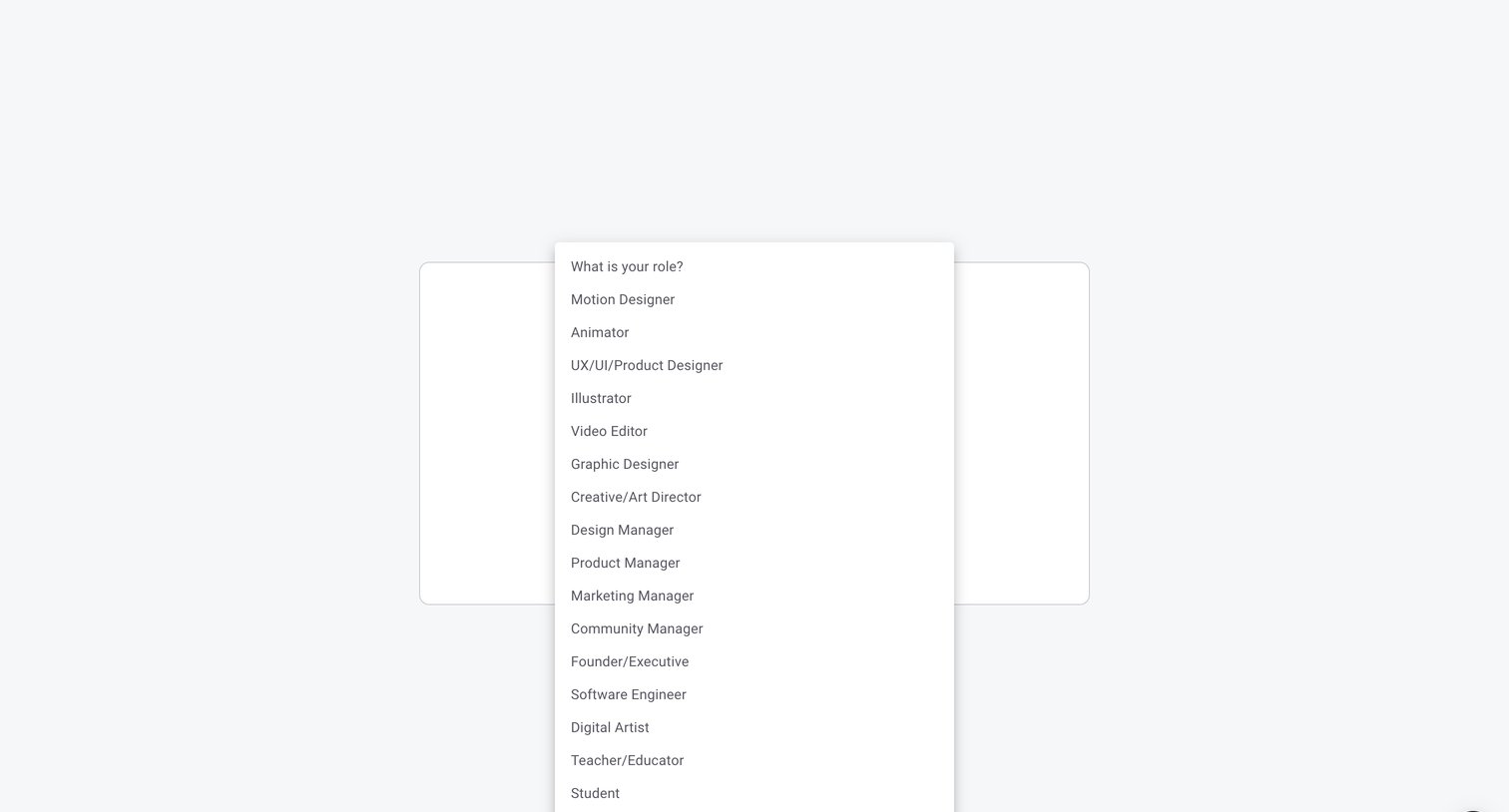
Onboarding step where the user selects their professional role from a dropdown list including options like Motion Designer, Animator, and UX/UI/Product Designer.
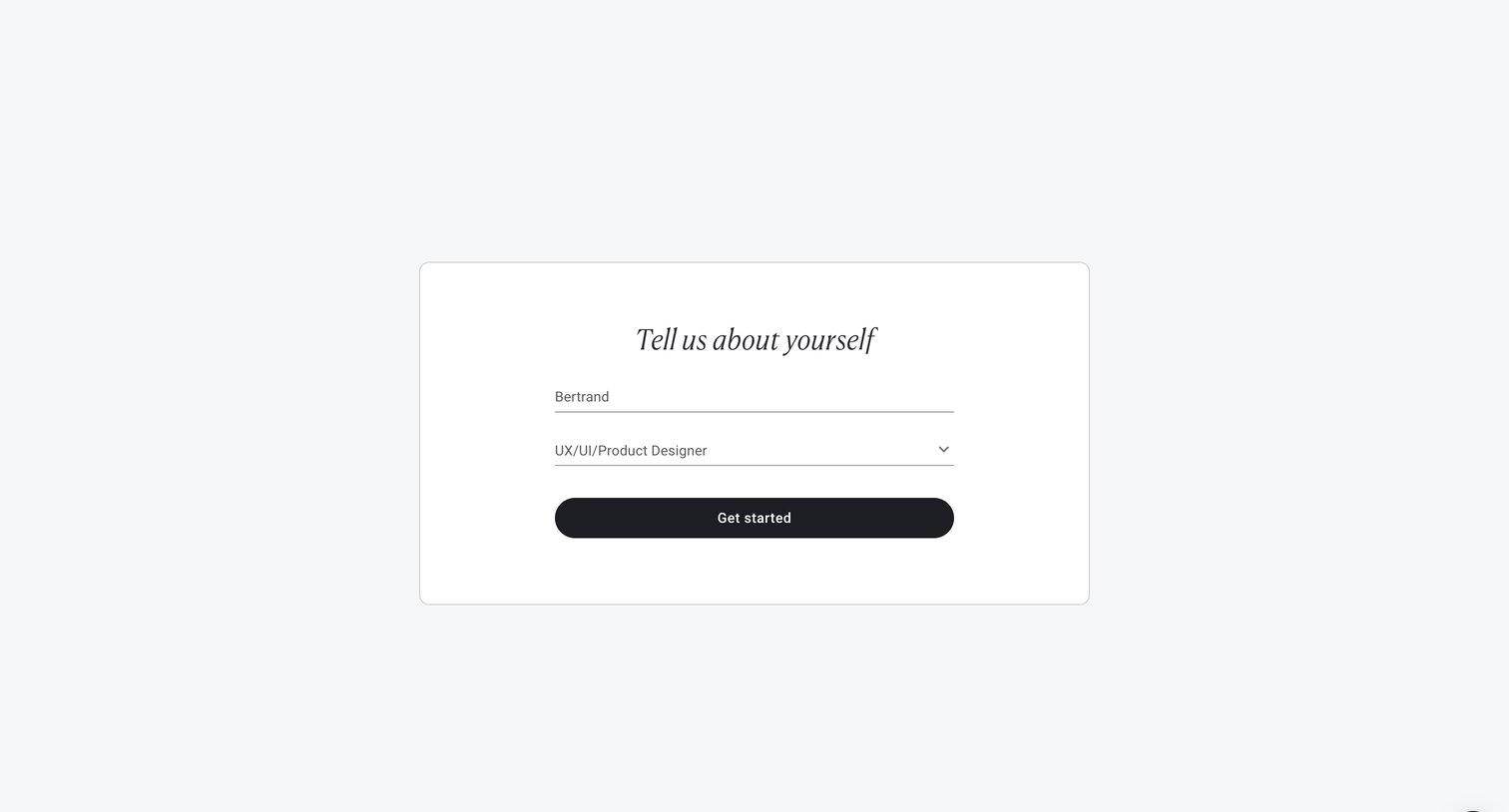
Onboarding step where the user provides their name and selects their professional role before getting started.
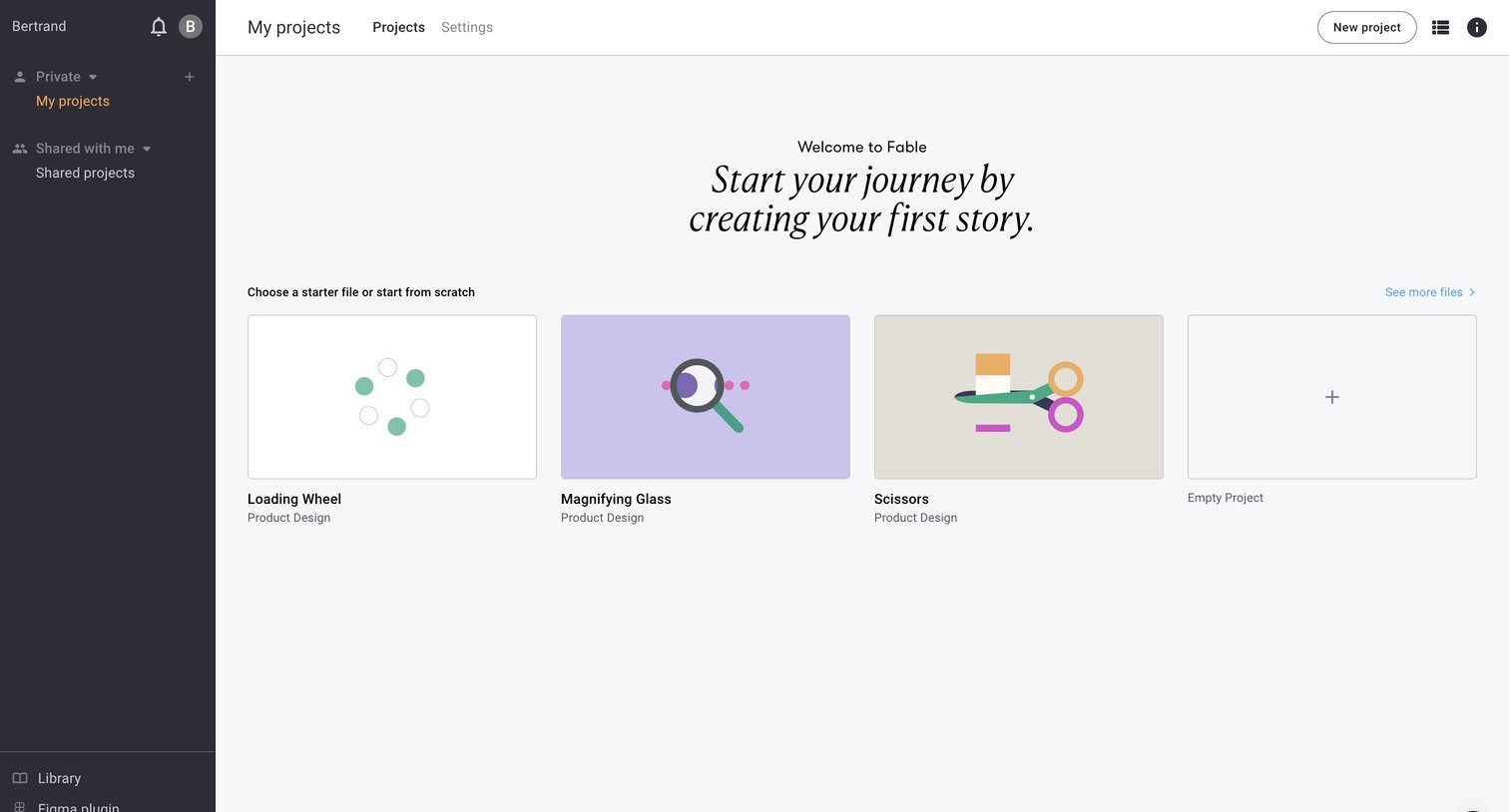
Dashboard empty state where the user is prompted to start their journey by choosing a starter file like a loading wheel or scissors, or by creating a blank project.
Explore the full SaaS screen library
Upgrade to unlock the full library.
Trusted by the best teams







