Dropbox paper product screens examples
Browse Dropbox paper screen design examples. Preview the interface screenshots and explore related UI patterns. Get your team on the same page
Explore the examples
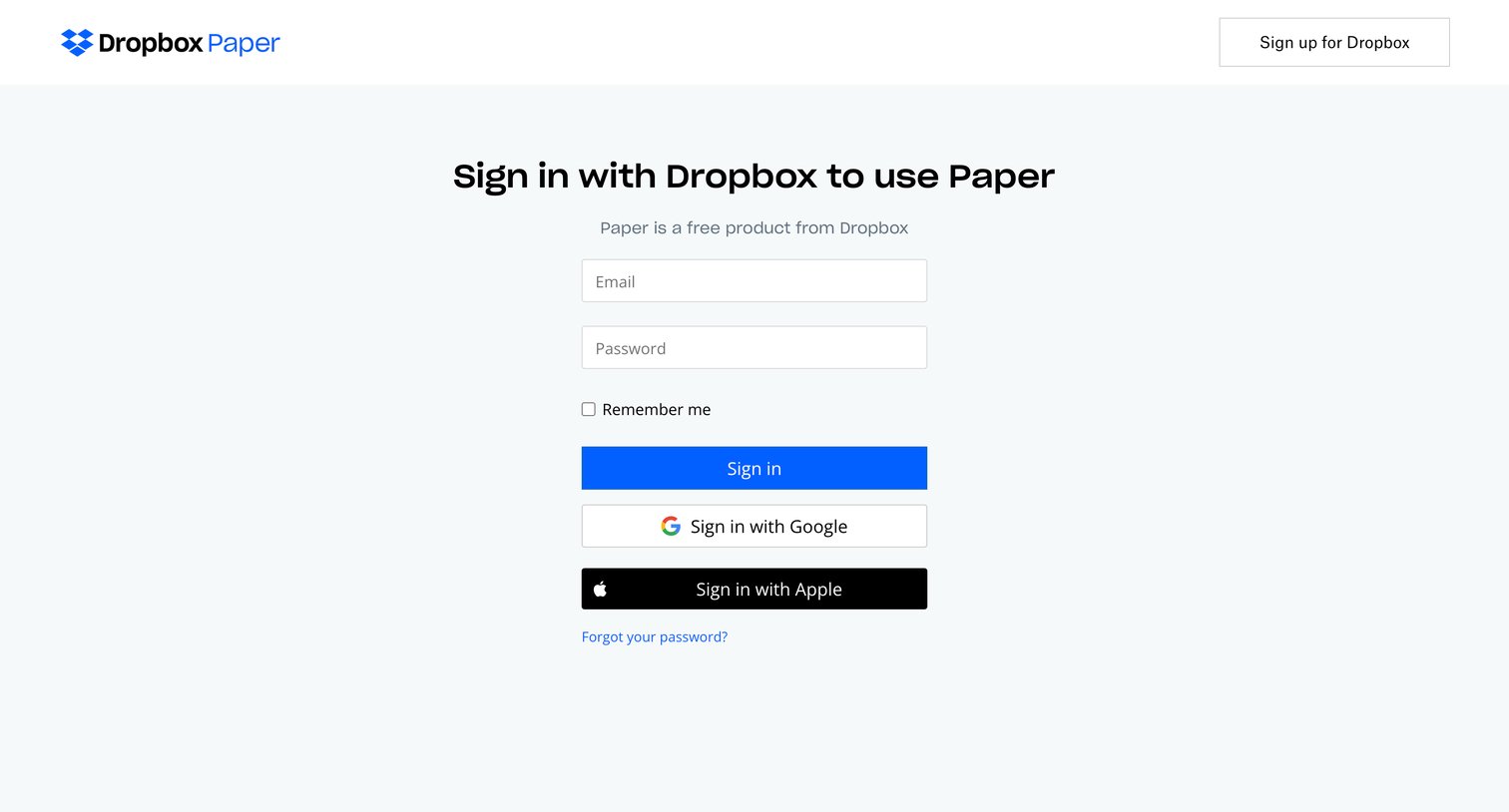

Sign-in screen where the user authenticates with their Dropbox email and password, or via Google and Apple SSO.
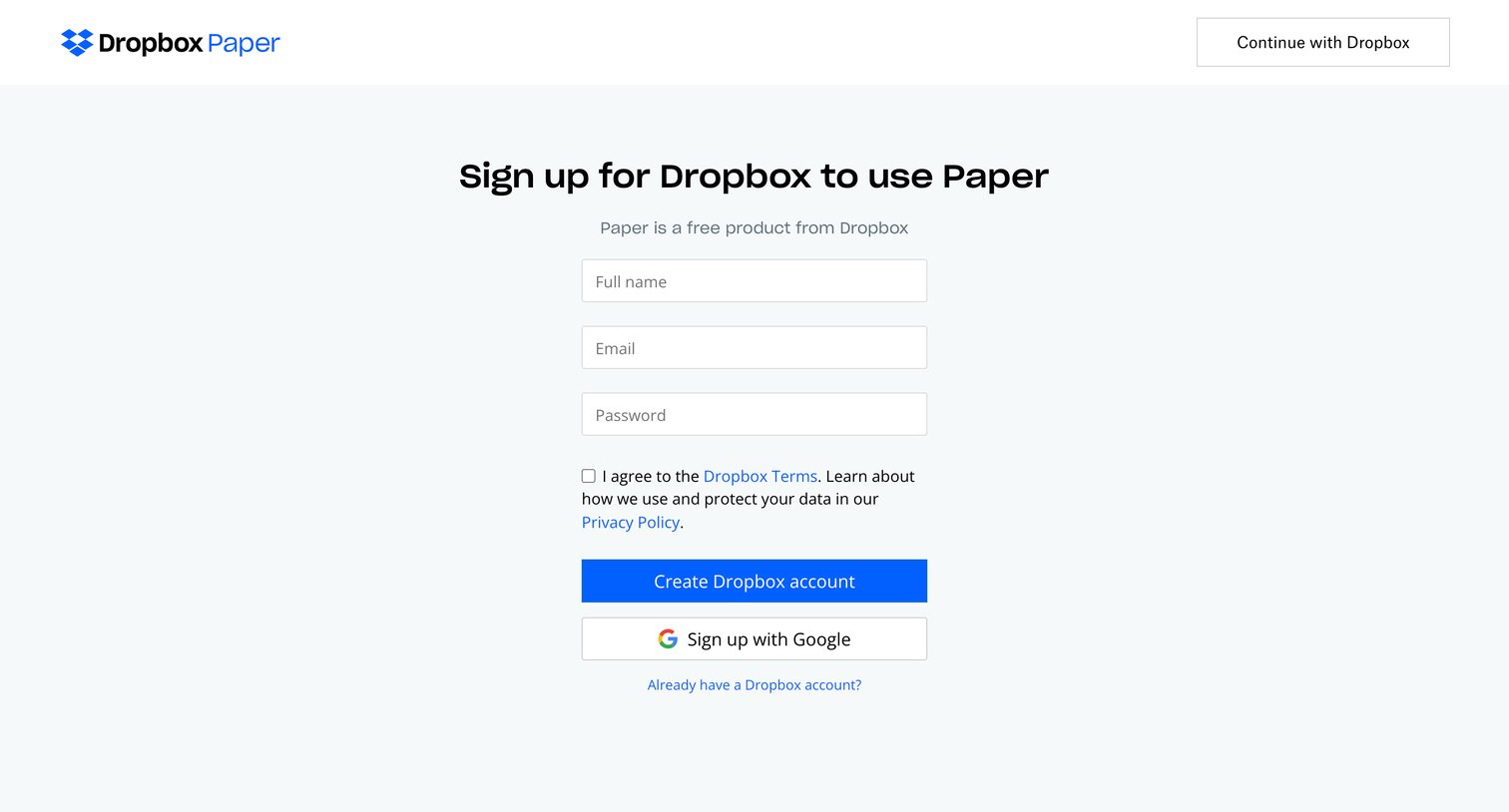
Signup page where the user creates a new Dropbox account using email and password or Google OAuth to access Paper.
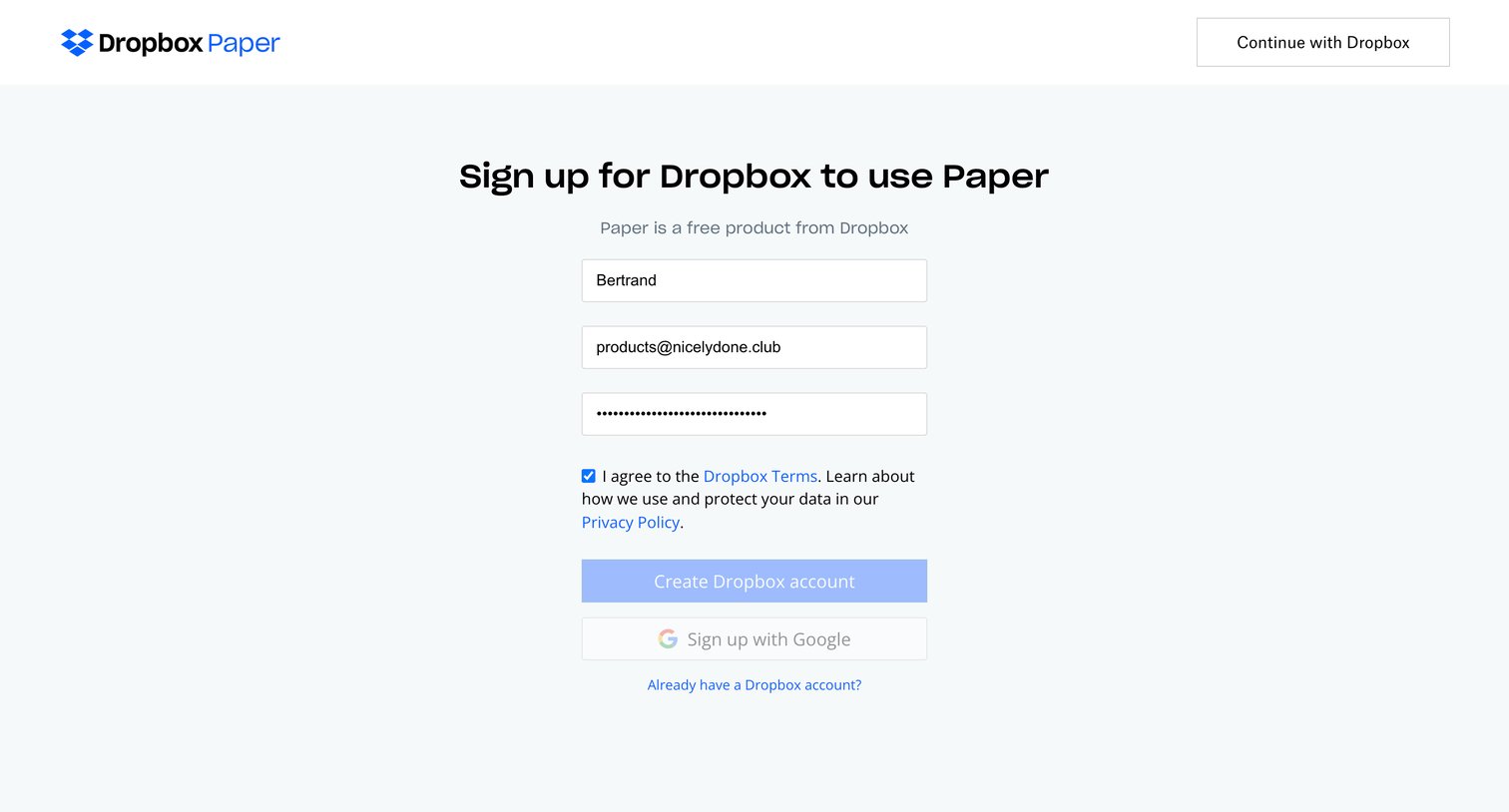
Signup screen where the user creates a Dropbox account to access Paper, providing their name, email, and password, or authenticating via Google.
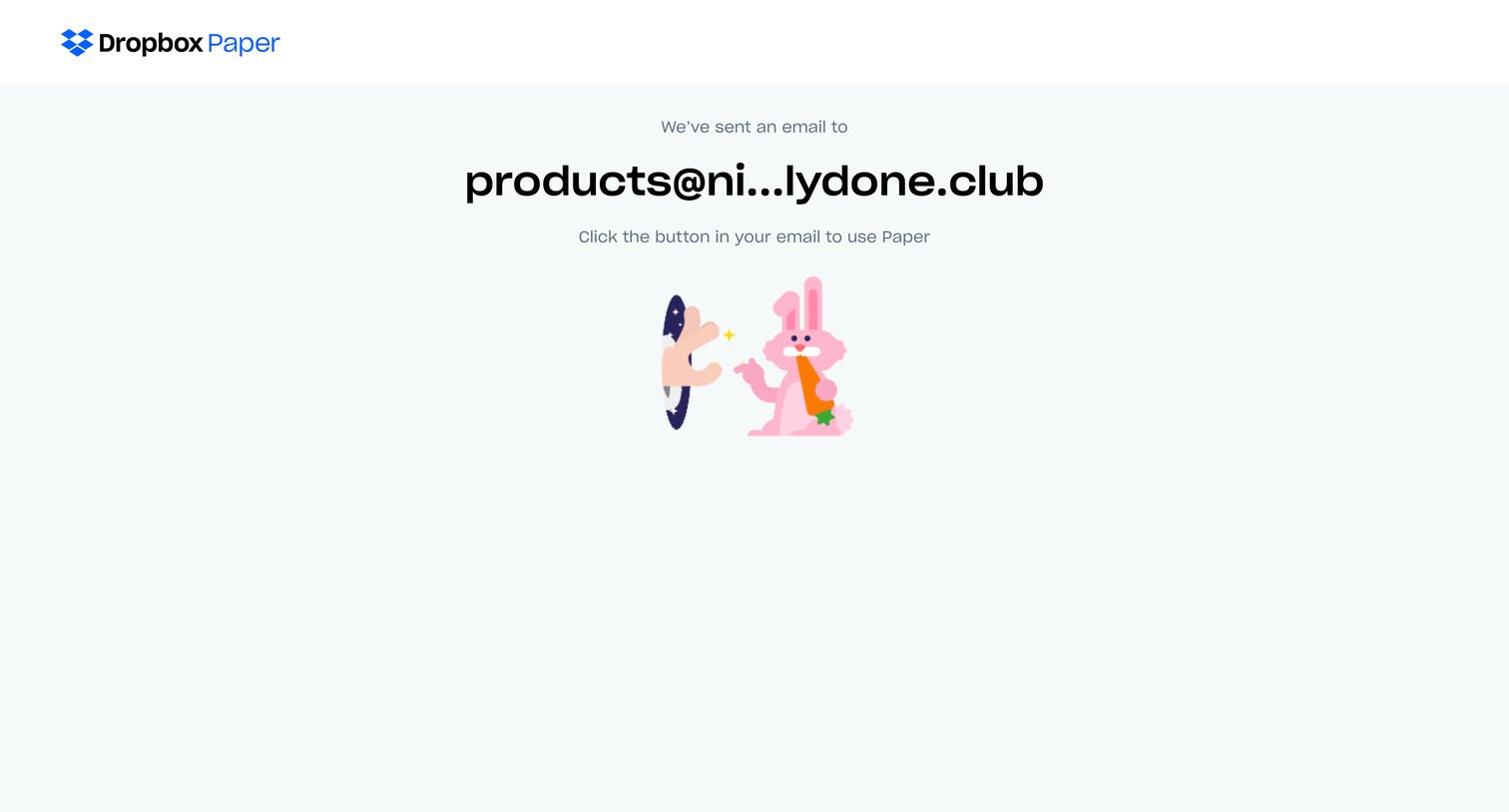
Verification screen instructing the user to check their inbox for a magic link to access Paper.
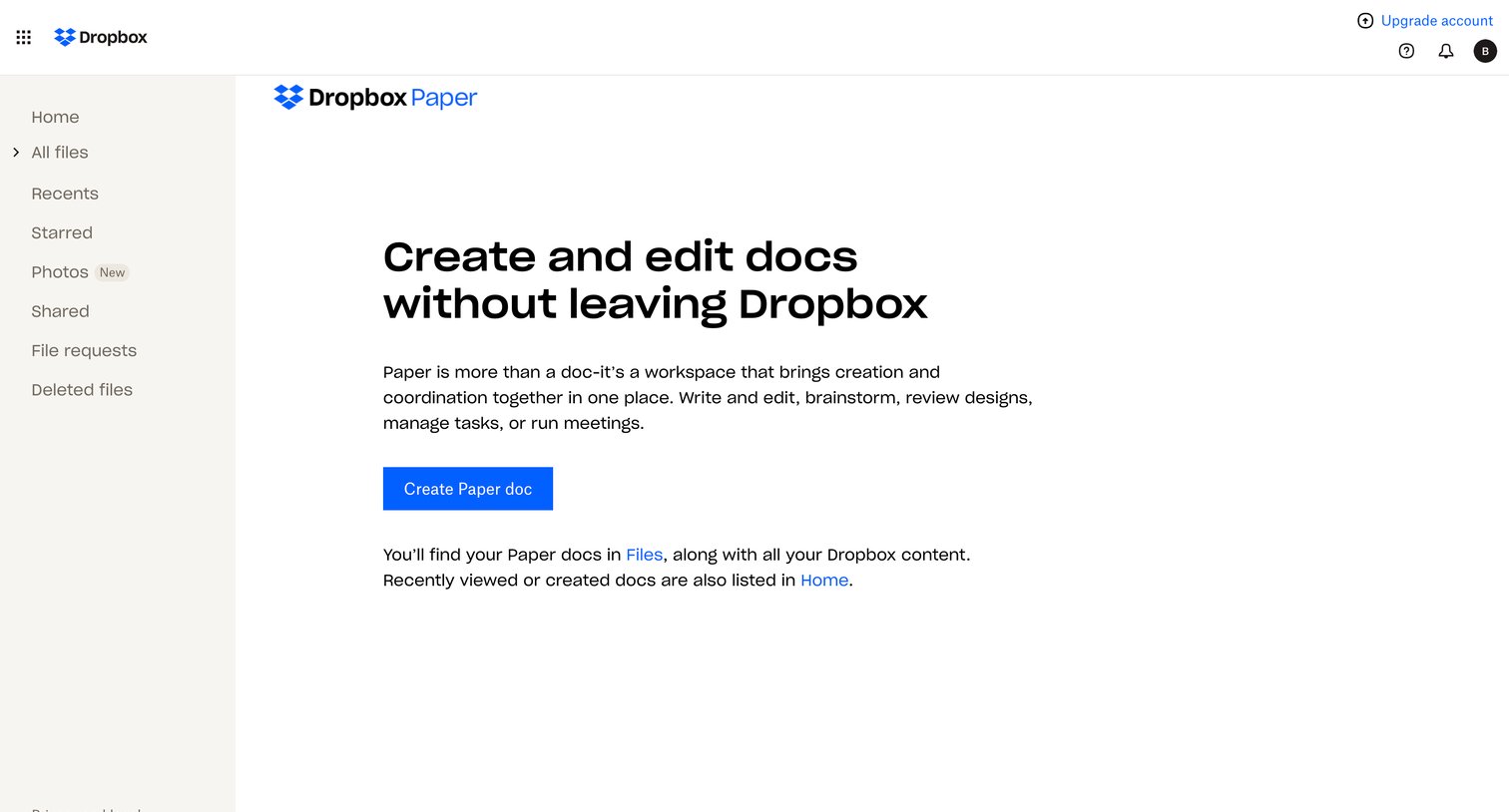
Empty state for Dropbox Paper where the user is prompted to create their first document.

Onboarding modal for a document editor featuring a product preview carousel and a prompt to get started.
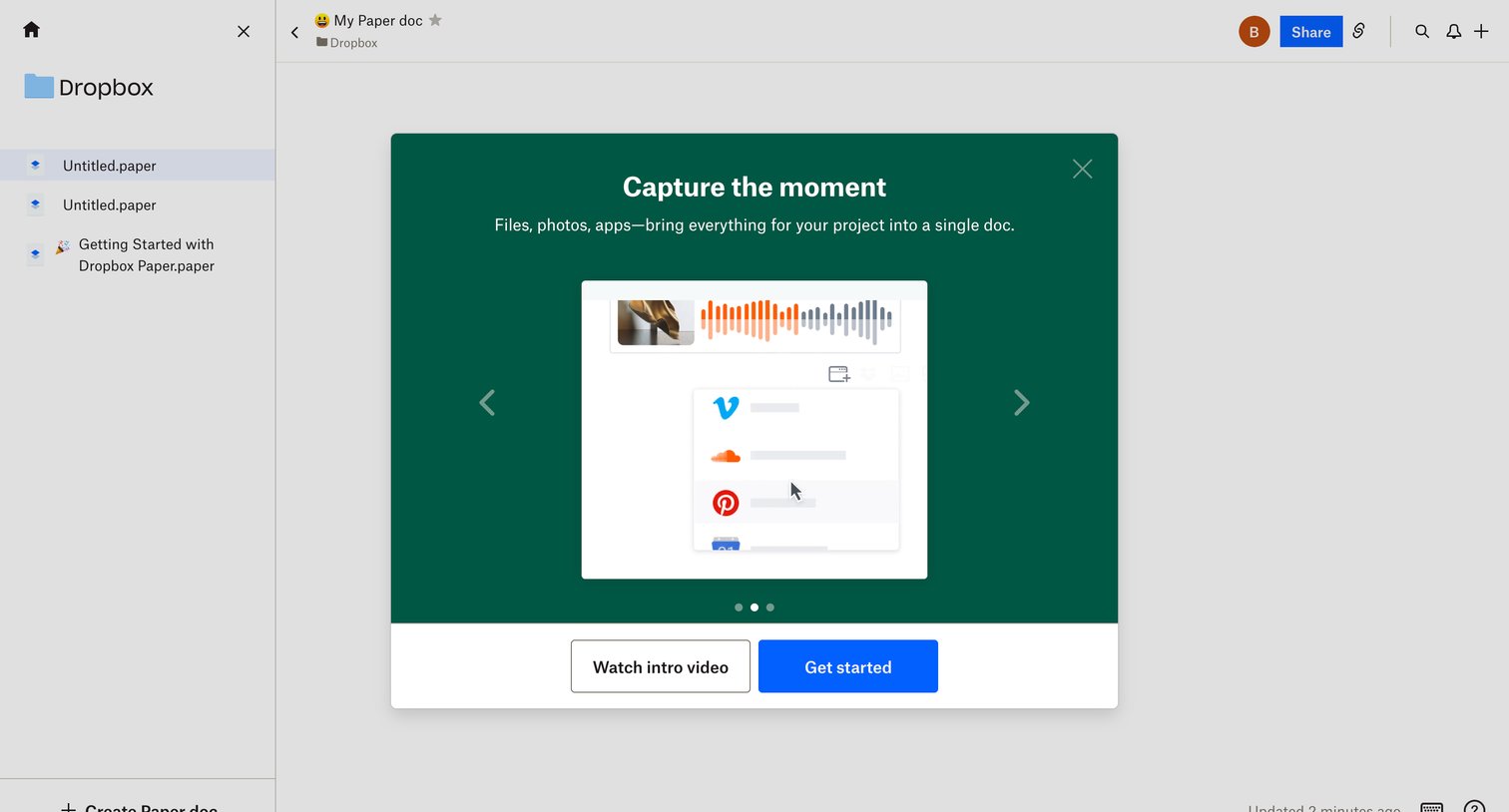
Document editor where a product tour modal introduces features for bringing files, photos, and apps into a single doc.
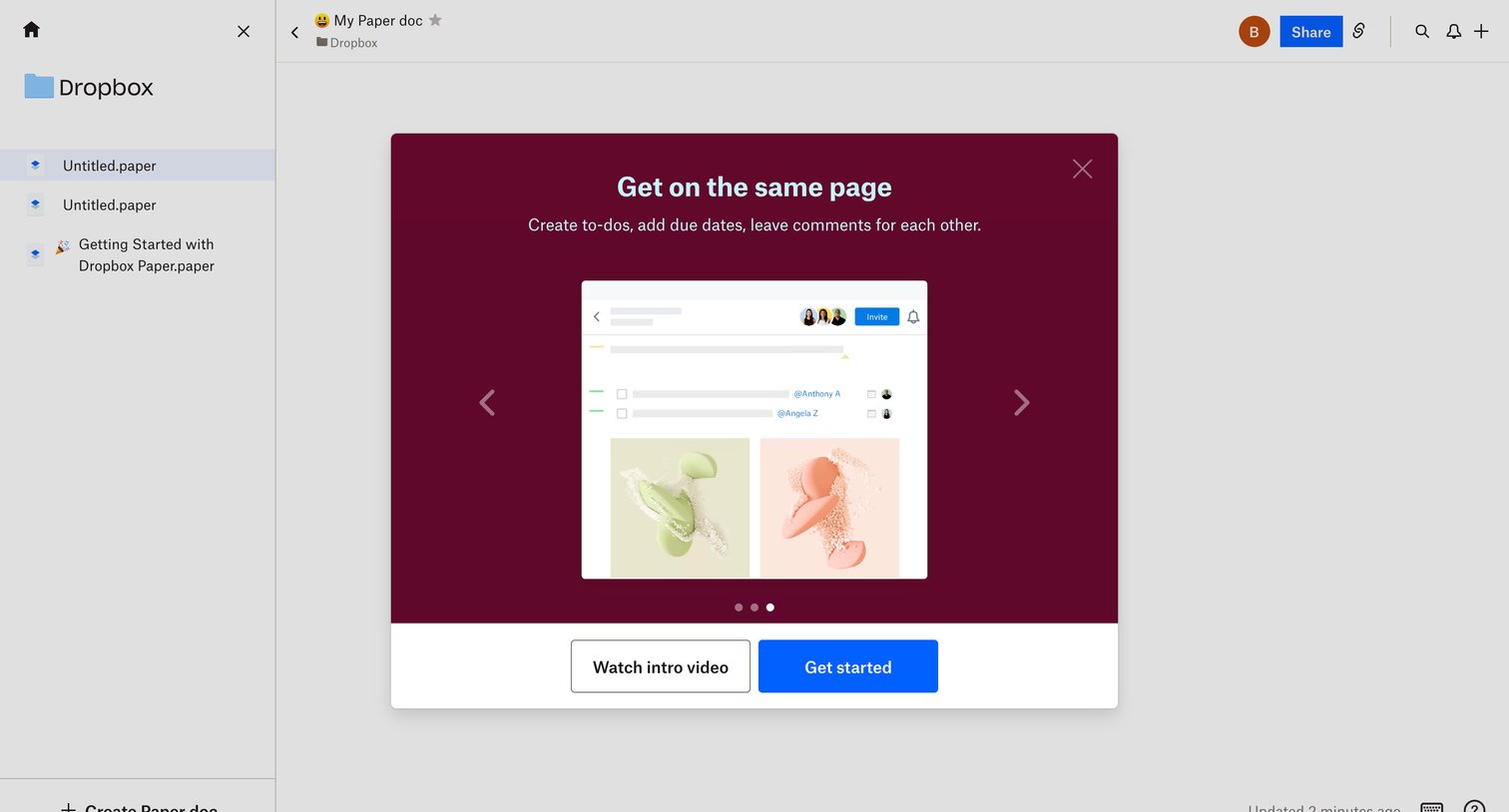
Content editor where a welcome modal introduces the user to collaboration features via a carousel and prompts them to get started.
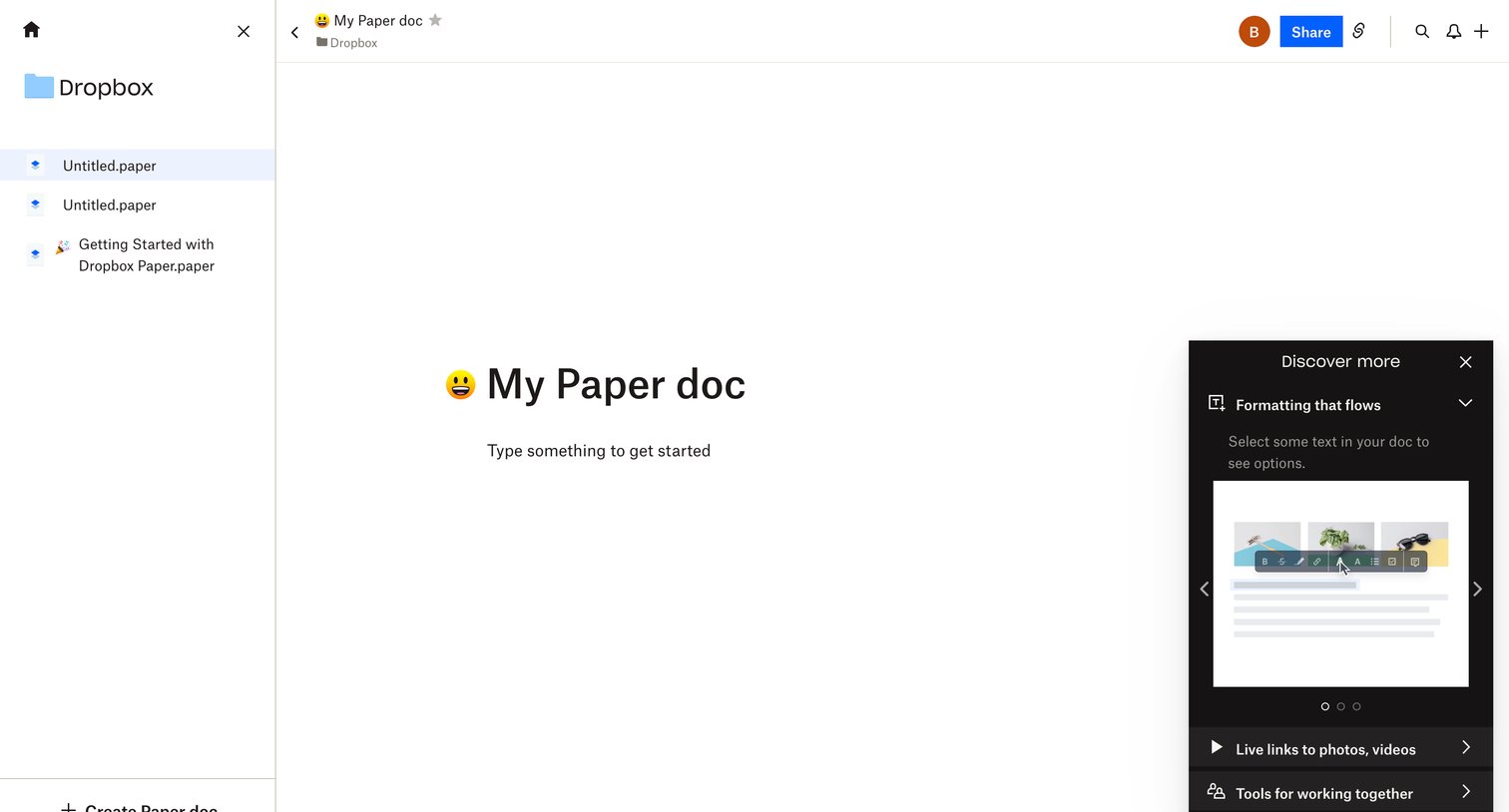
Content editor where the user starts a new document and views a floating feature discovery tour panel.
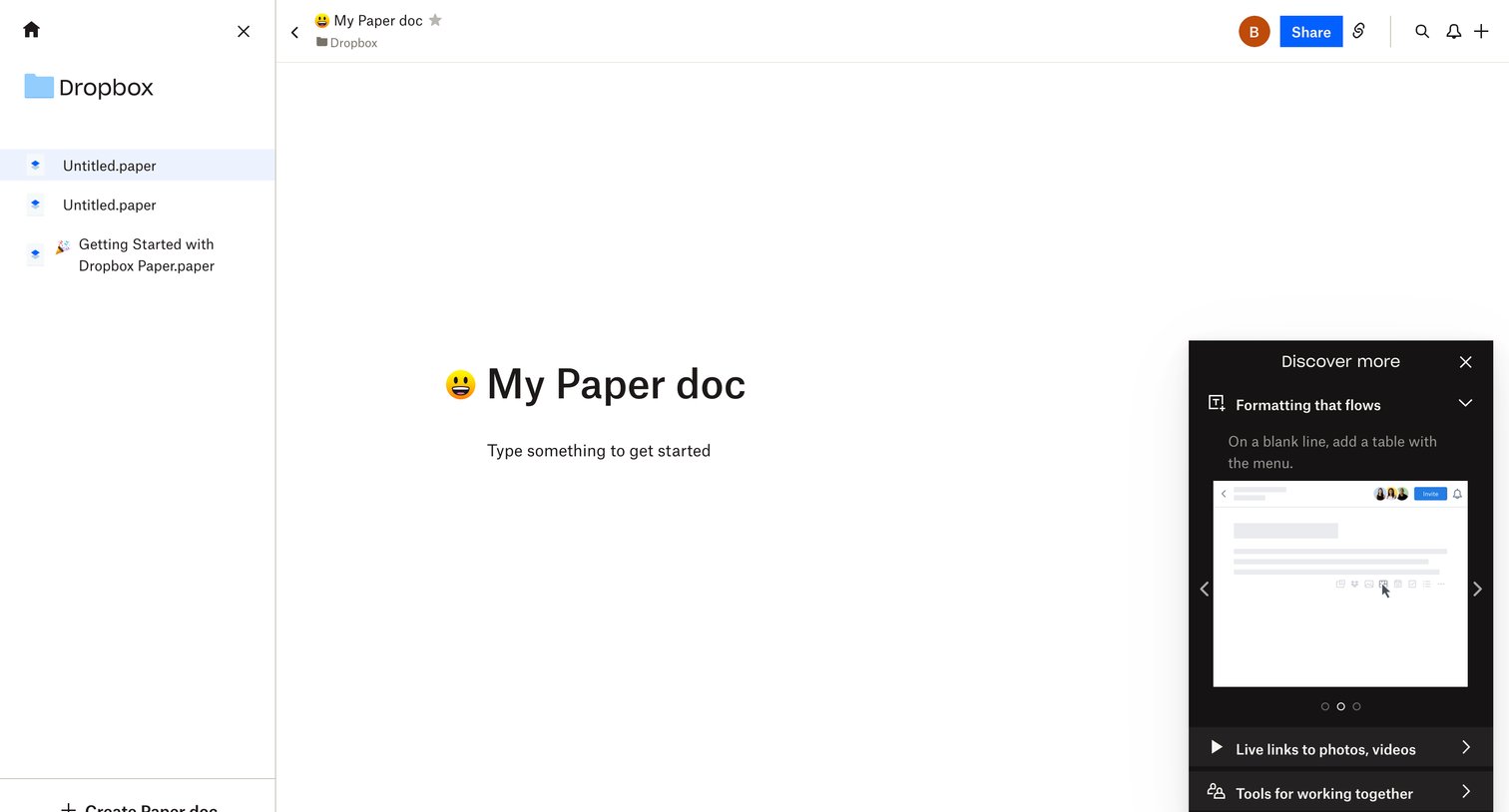
Document editor where the user can write content, share the document, and follow a floating product tour panel to learn about formatting and collaboration features.
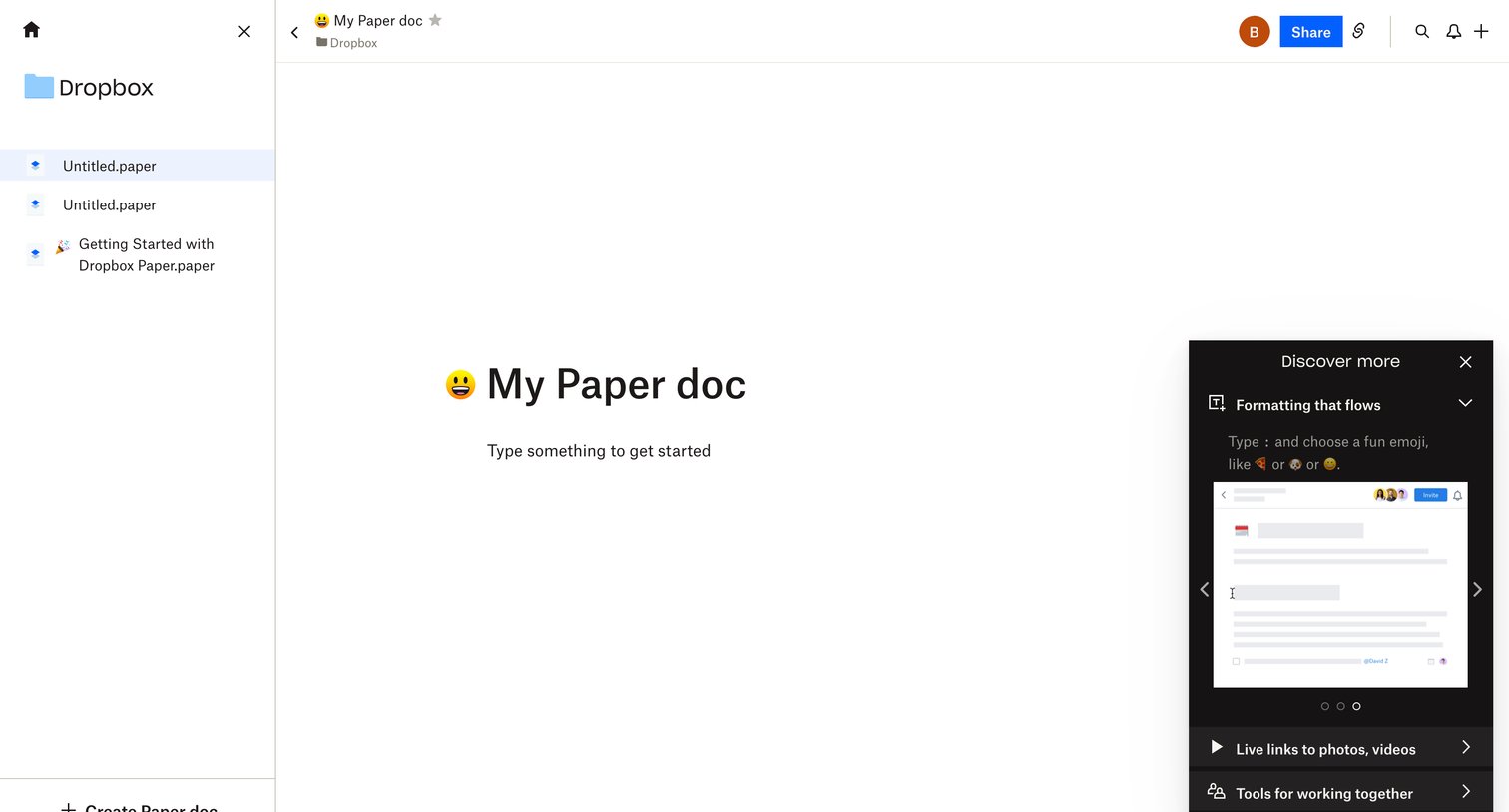
Document editor where the user starts a new 'My Paper doc', featuring a left sidebar for navigating Dropbox folders and a floating 'Discover more' panel demonstrating formatting features.
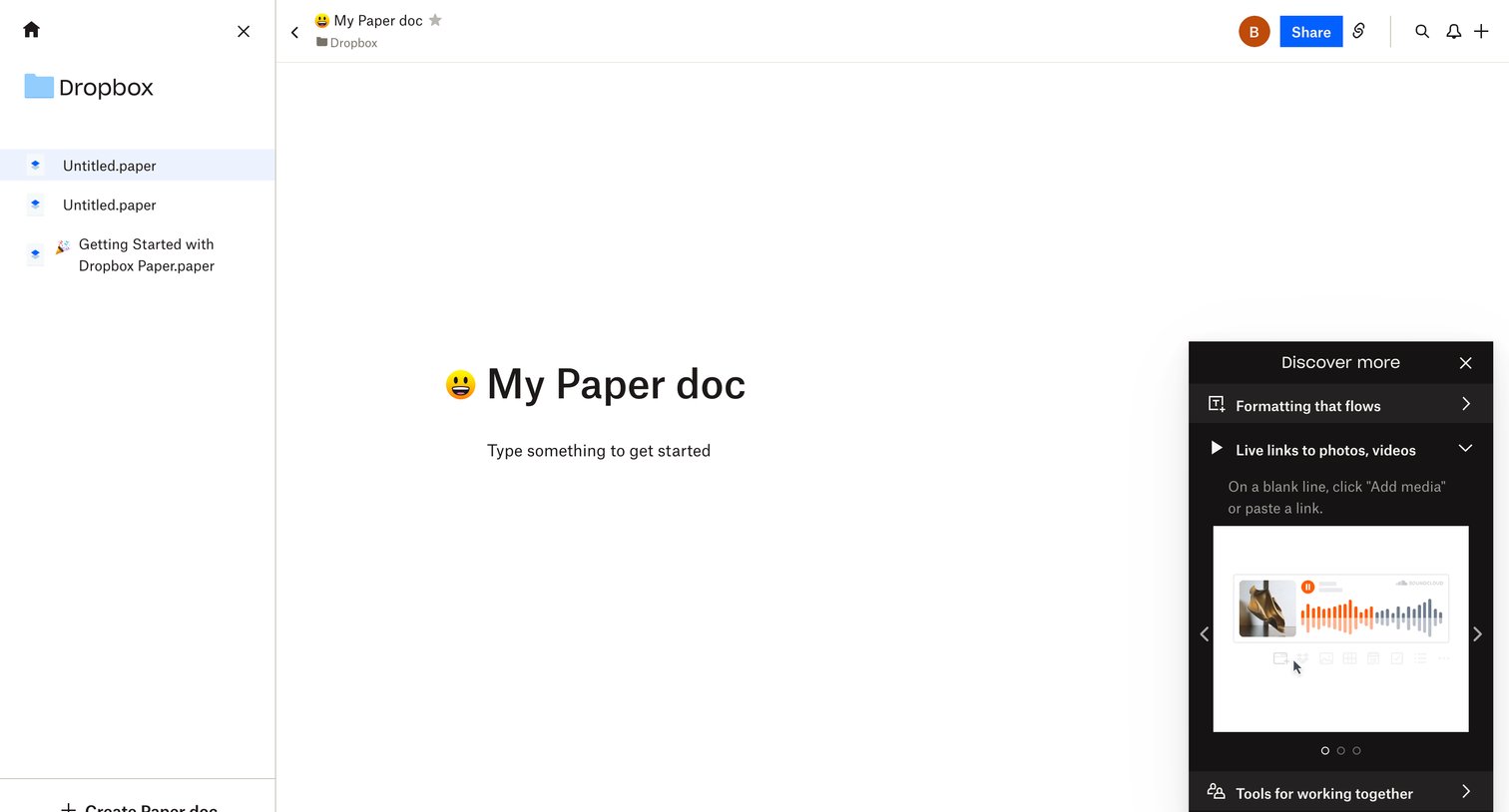
Document editor where the user can write content, share the document, and view a product tour panel explaining features like live links and formatting.
Explore the full SaaS screen library
Upgrade to unlock the full library.
Trusted by the best teams







