Dropbox paper user flows examples
Explore Dropbox paper user flow examples. Preview the opening screens and steps for each task. Get your team on the same page
Preview these flows

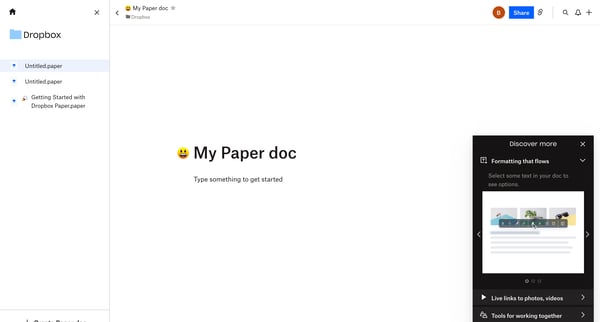
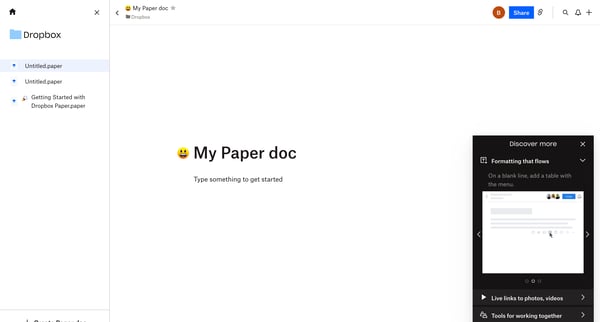
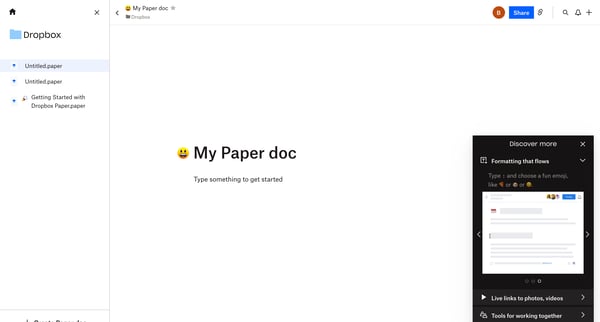
This user flow introduces users to key features of Dropbox Paper, guiding them through document creation, formatting enhancements, and collaboration.
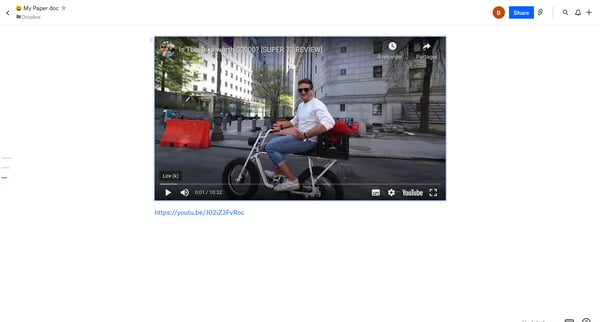
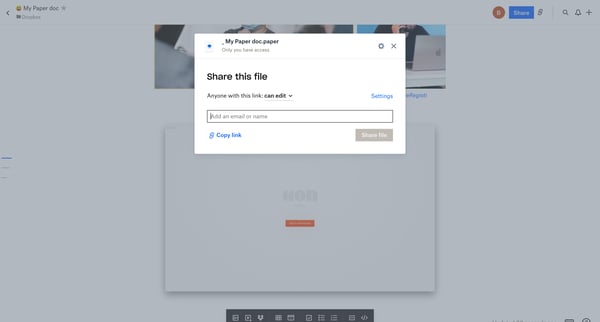
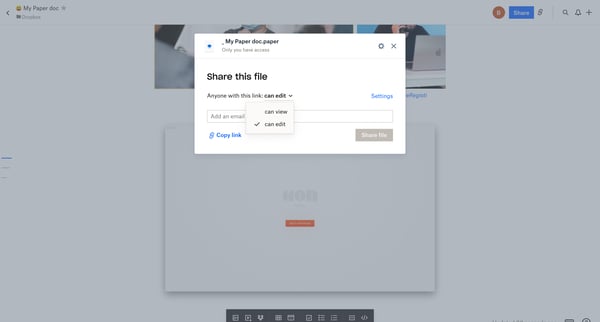
This flow enables a user to share a Dropbox Paper document by setting up access permissions, editing link settings, and informing specific users via email.
Explore the full SaaS flow library
Browse the full SaaS flow library.
Trusted by the best teams







