Dribbble product screens examples
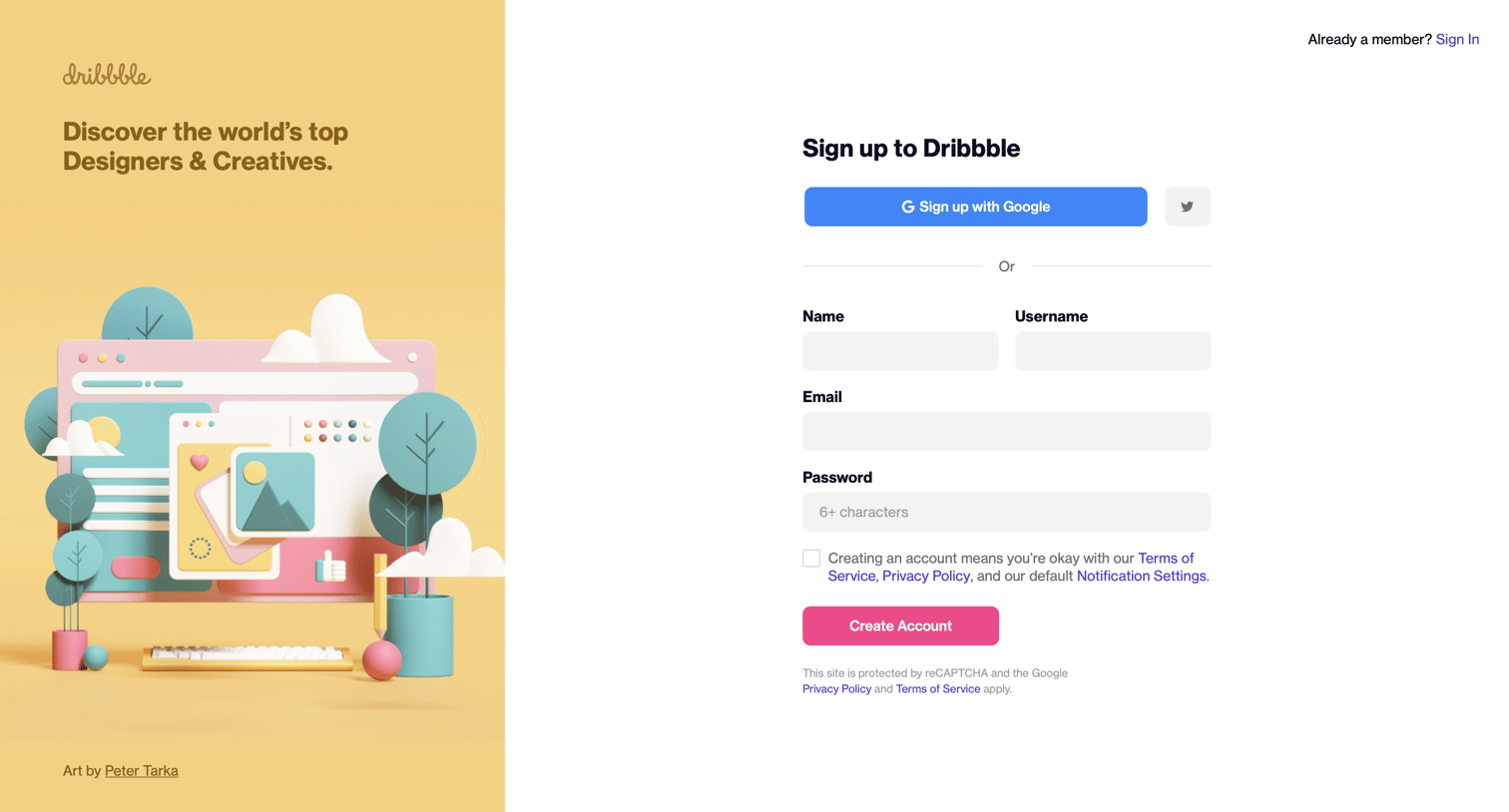
Browse Dribbble screen design examples. Preview the interface screenshots and explore related UI patterns. Discover the world’s top designers & creative professionals
Explore the examples
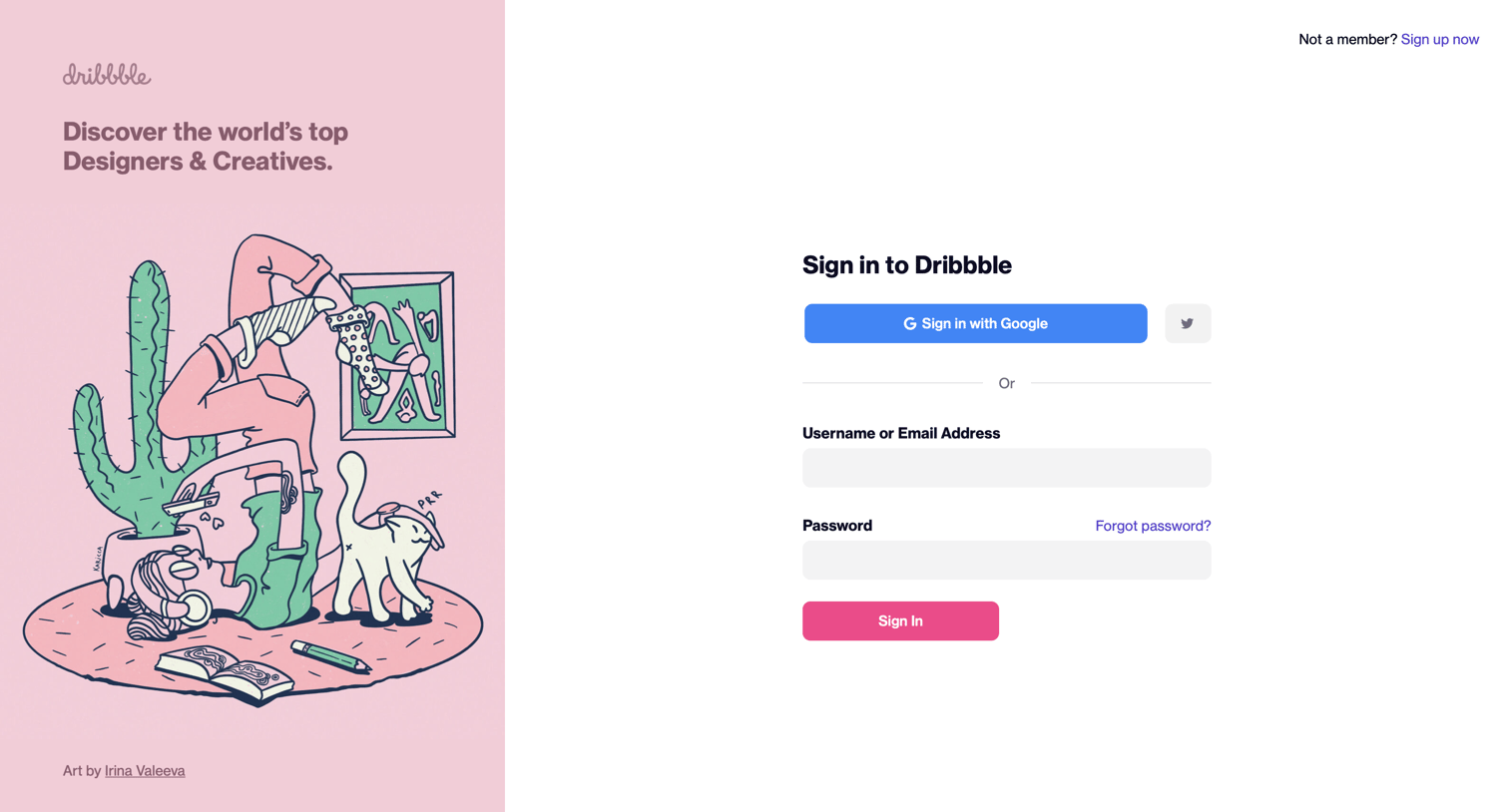
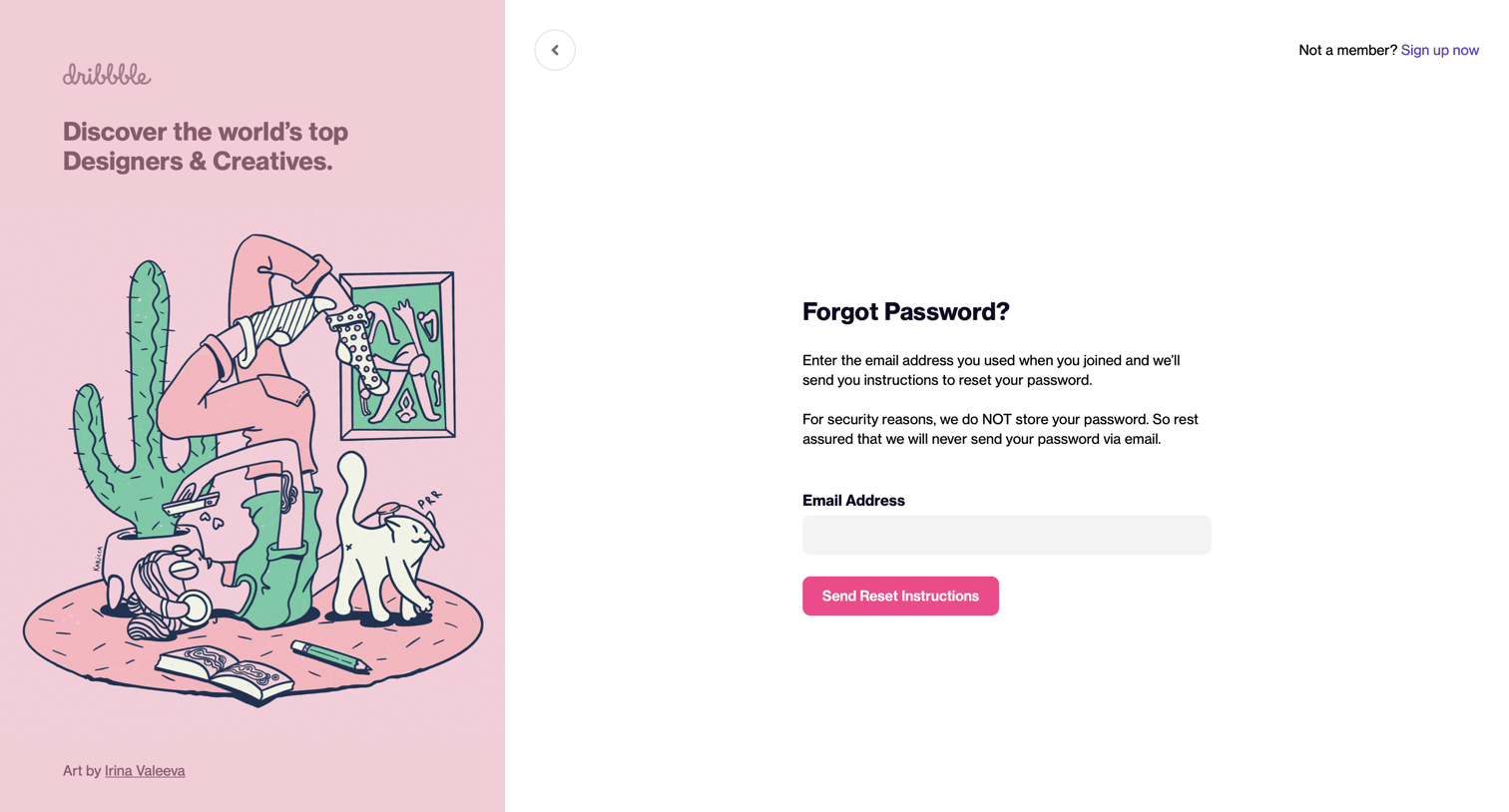

Password recovery screen where the user enters their email address to receive reset instructions, featuring a branded illustration panel on the left.
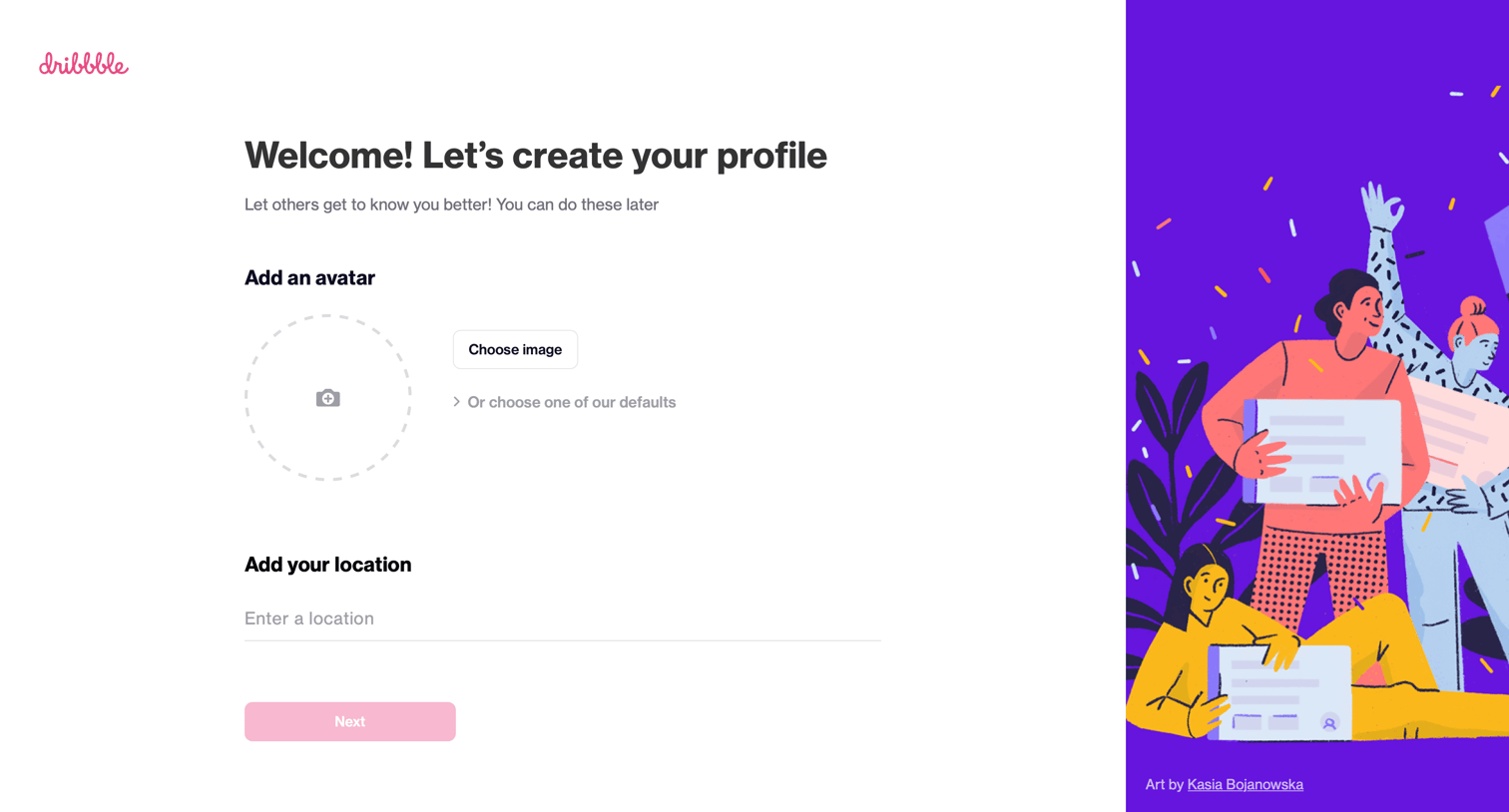
Onboarding step where the user uploads an avatar and enters their location to complete their profile.
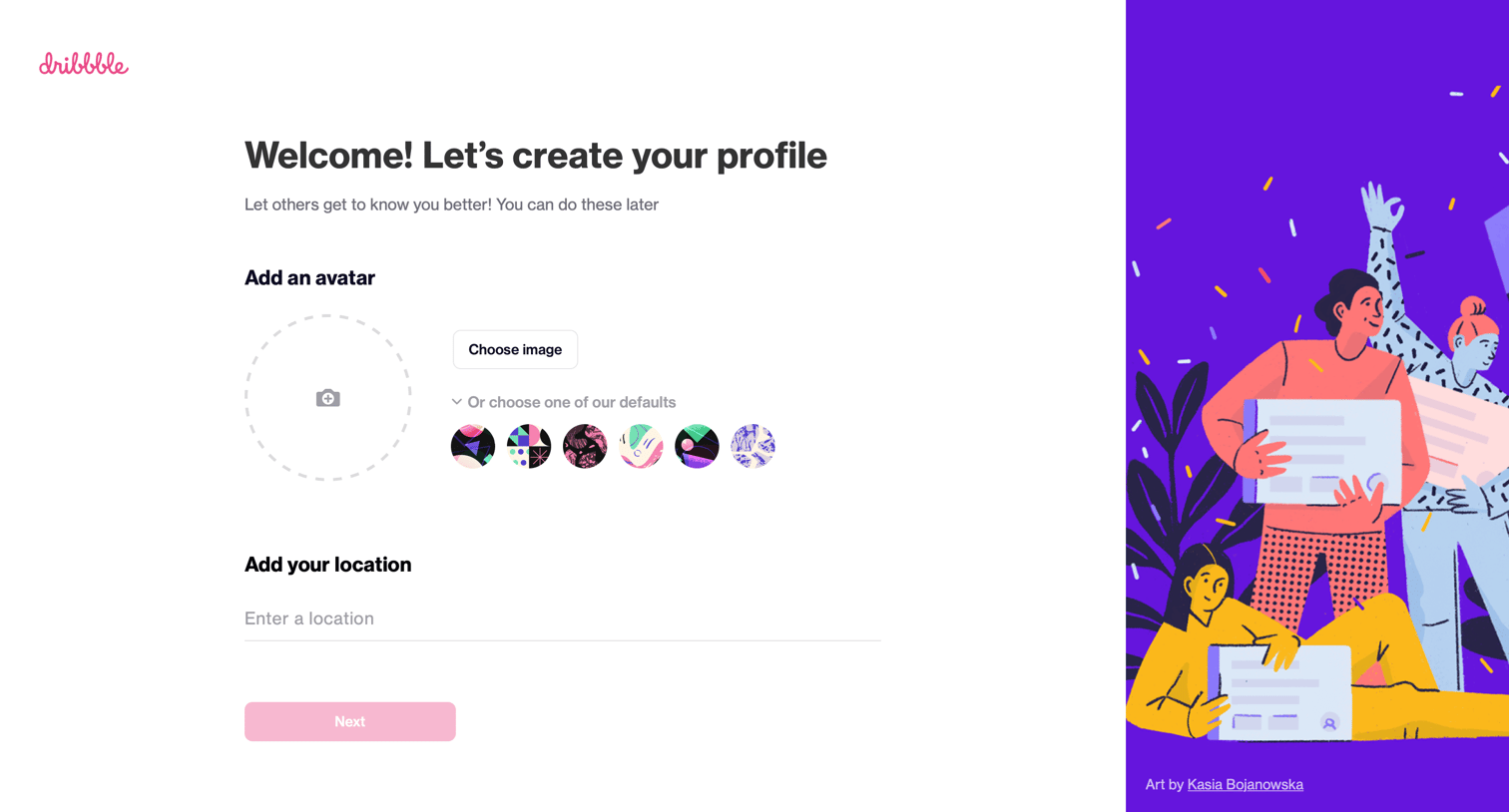
Onboarding step where the user uploads an avatar, selects a default avatar, and enters their location to complete their profile.
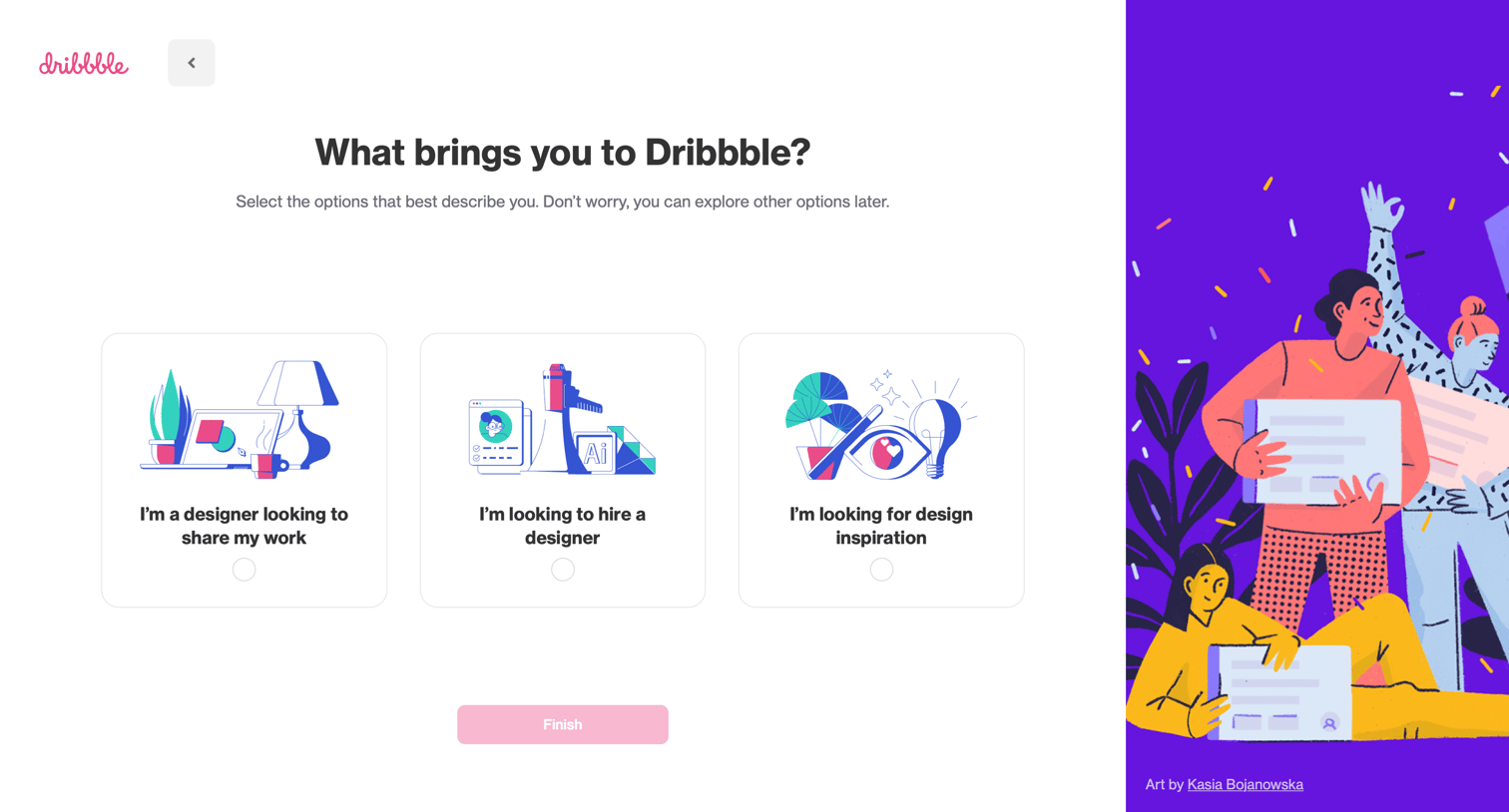
Onboarding step where the user selects their primary intent for joining Dribbble—such as sharing work, hiring a designer, or finding inspiration—from three illustrated cards.
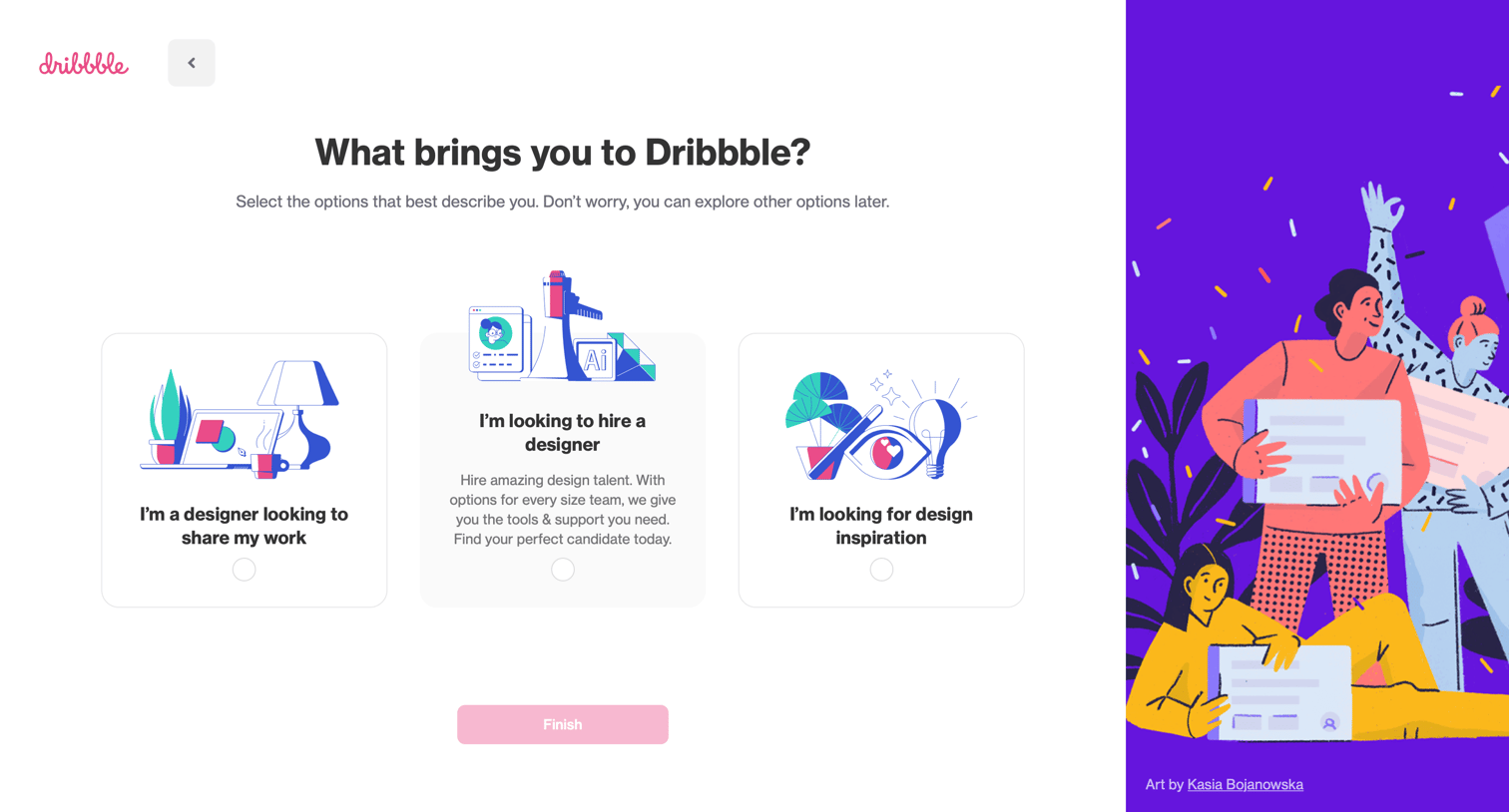
Onboarding step where the user selects their primary reason for joining Dribbble, such as sharing work, hiring a designer, or finding inspiration.
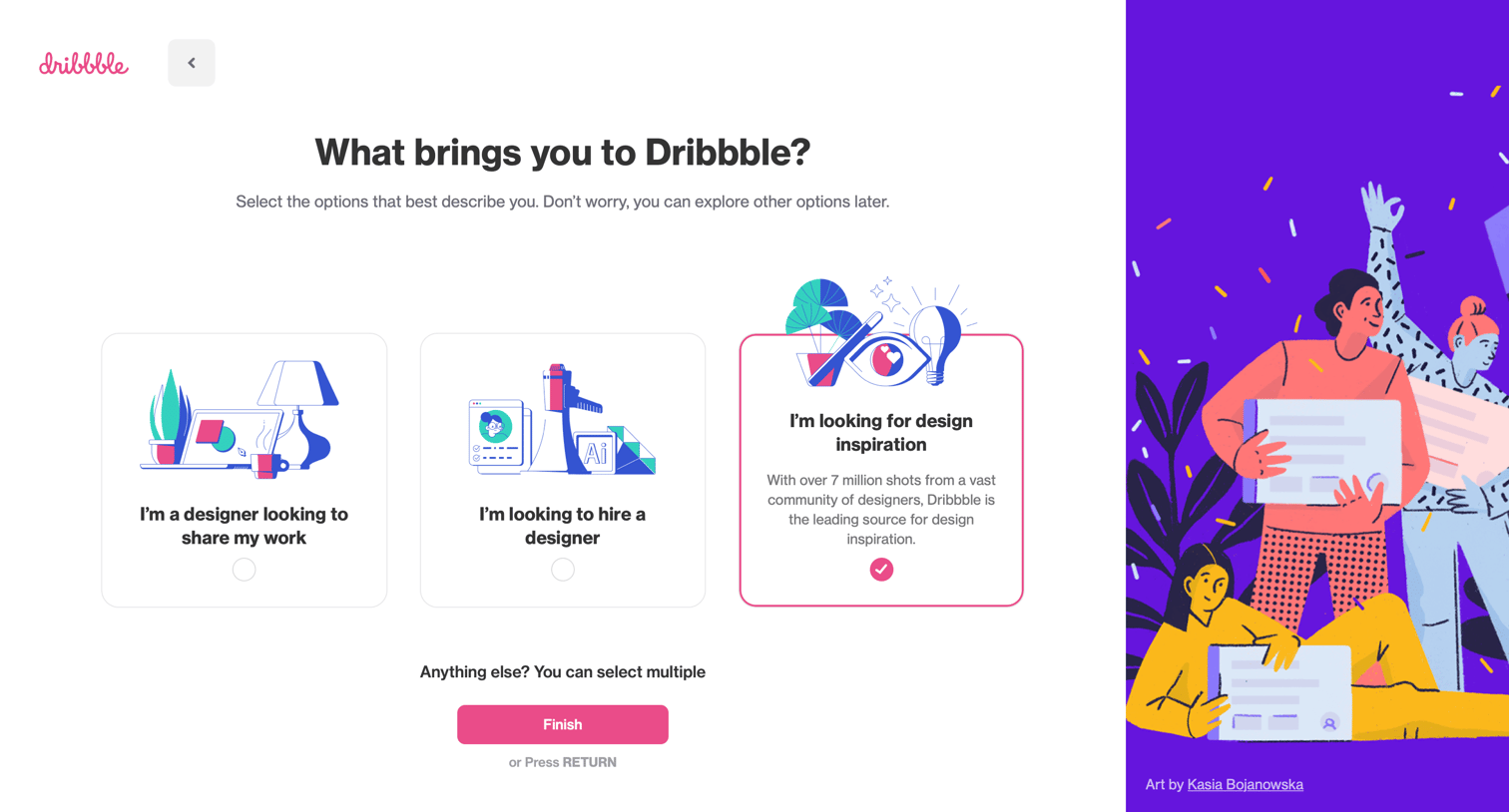
Onboarding step where the user selects their primary goals, such as sharing work, hiring, or finding inspiration, to personalize their experience.
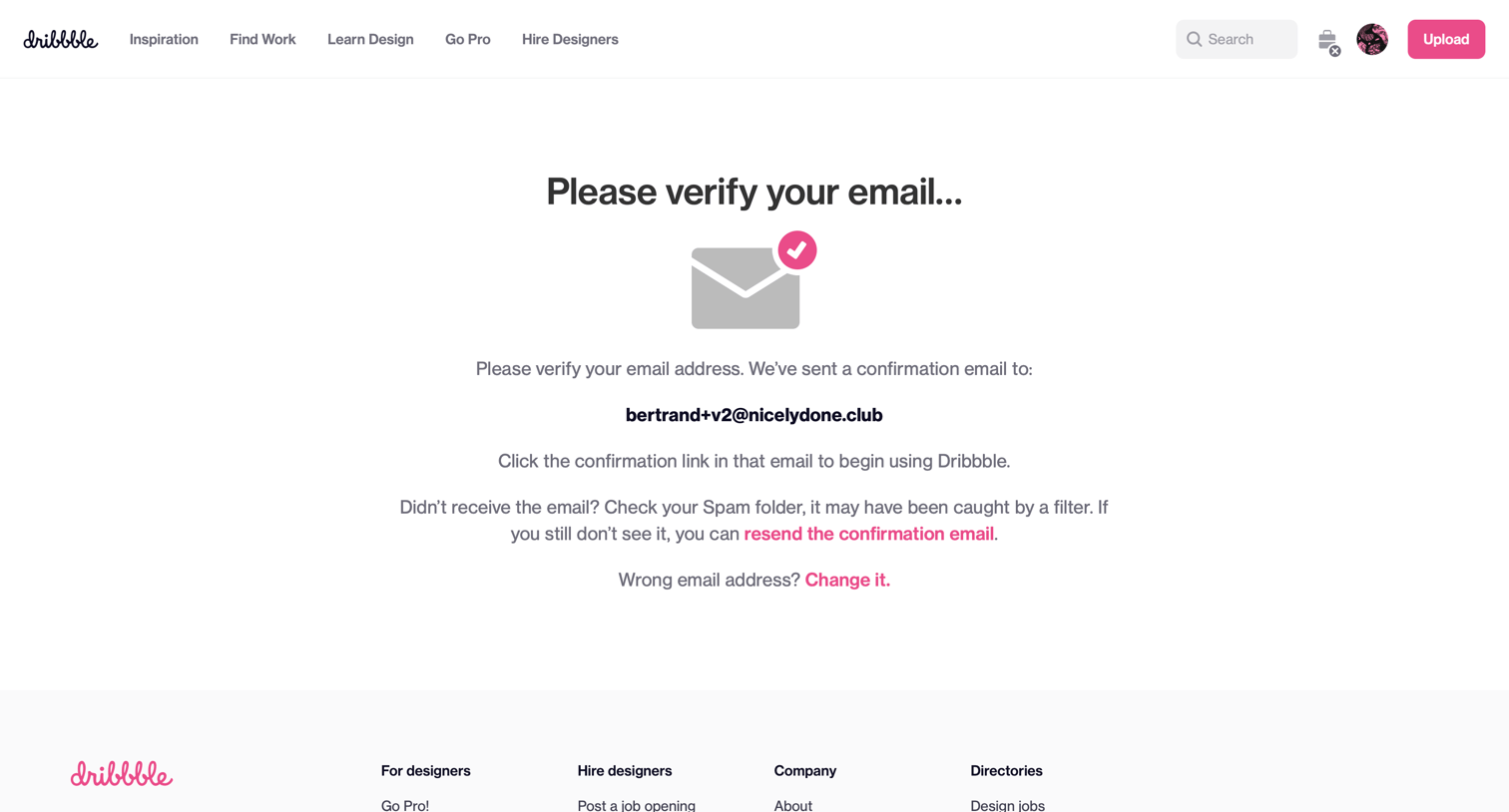
Verification screen where the user is instructed to check their inbox for a confirmation link to activate their account, with fallback options to resend the email or change the address.
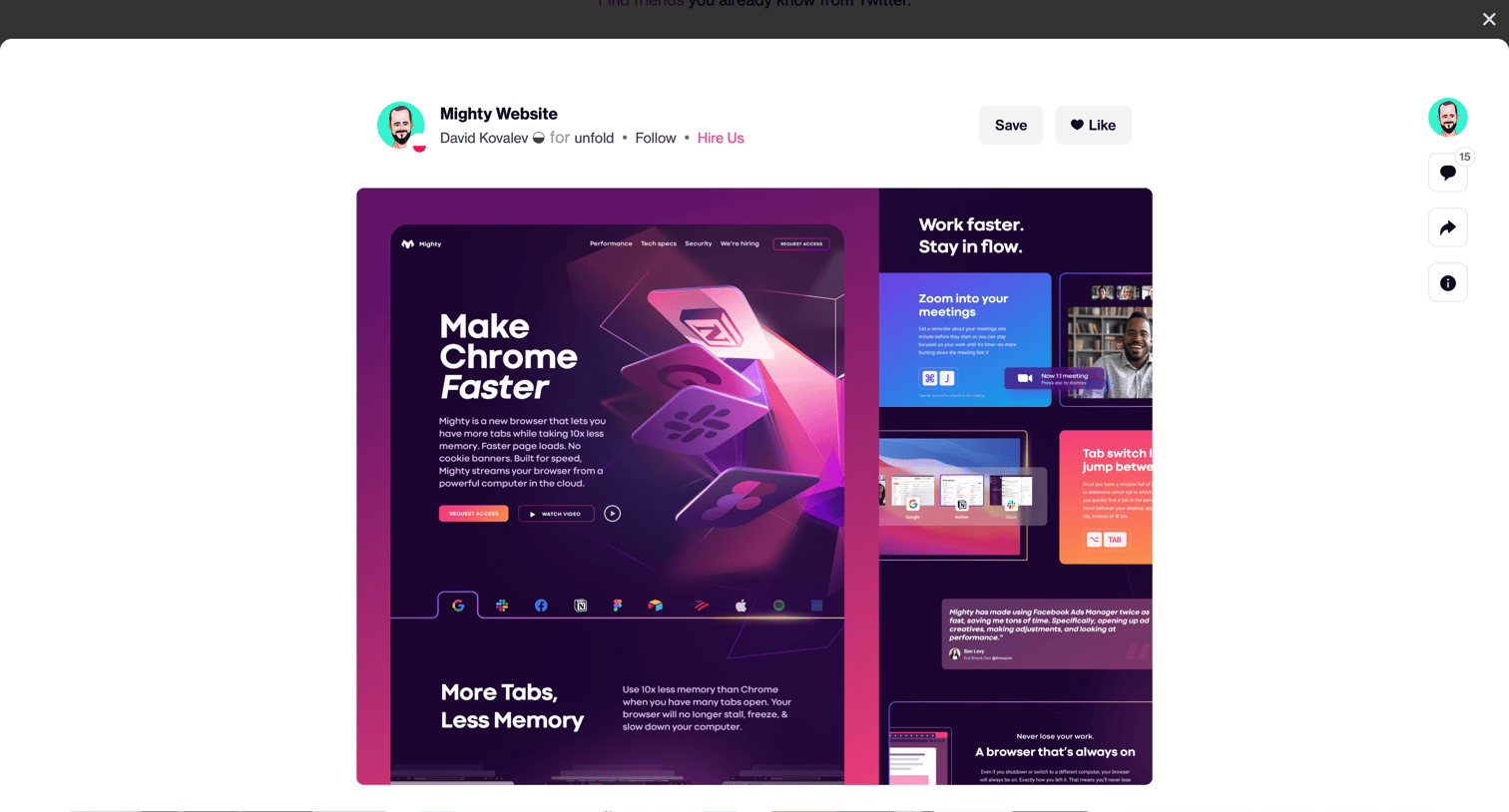
Detail modal where a user views a design shot, with options to save, like, follow the creator, and view comments.
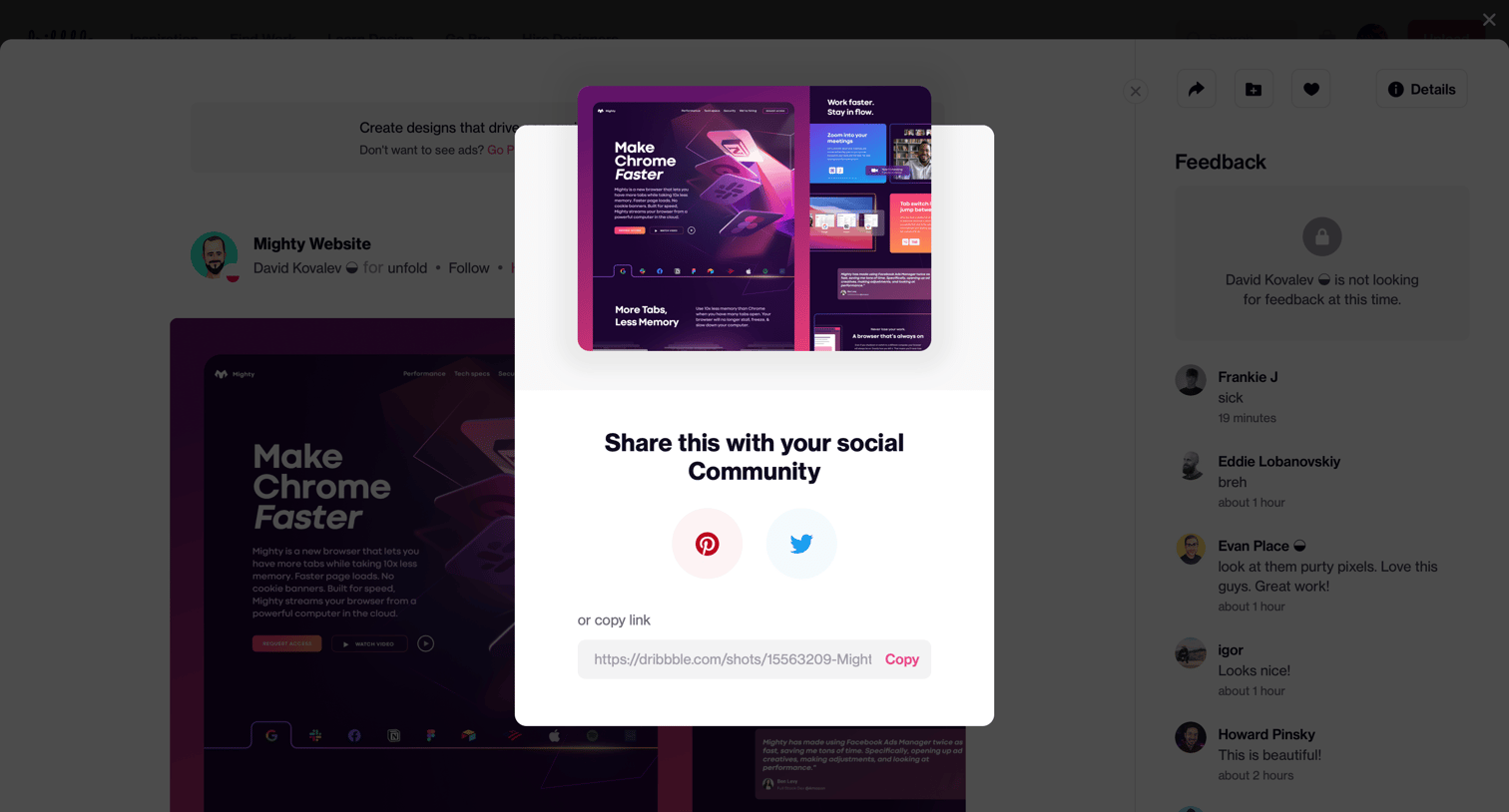
Detail page where the user can share a design shot to Pinterest or Twitter, or copy the direct link.
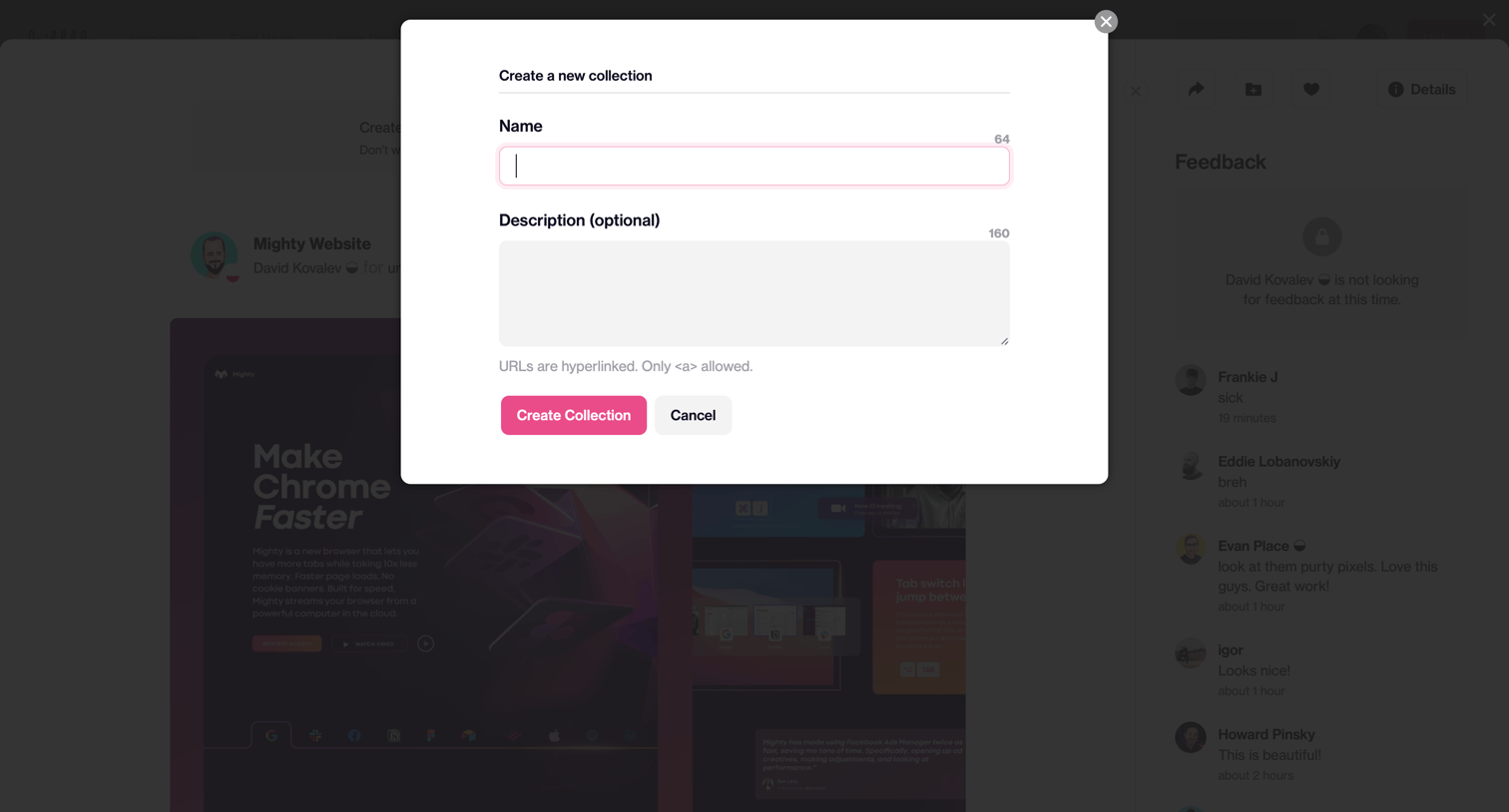
Modal overlay where the user creates a new collection by providing a name and an optional description.
Explore the full SaaS screen library
Upgrade to unlock the full library.
Trusted by the best teams







