
Artboard Studio product screens examples
Browse Artboard Studio screen design examples. Preview the interface screenshots and explore related UI patterns. Design and animate like never before
Explore the examples

Sign-in screen where the user authenticates with Google, Facebook, or email, featuring a product UI preview on the right.
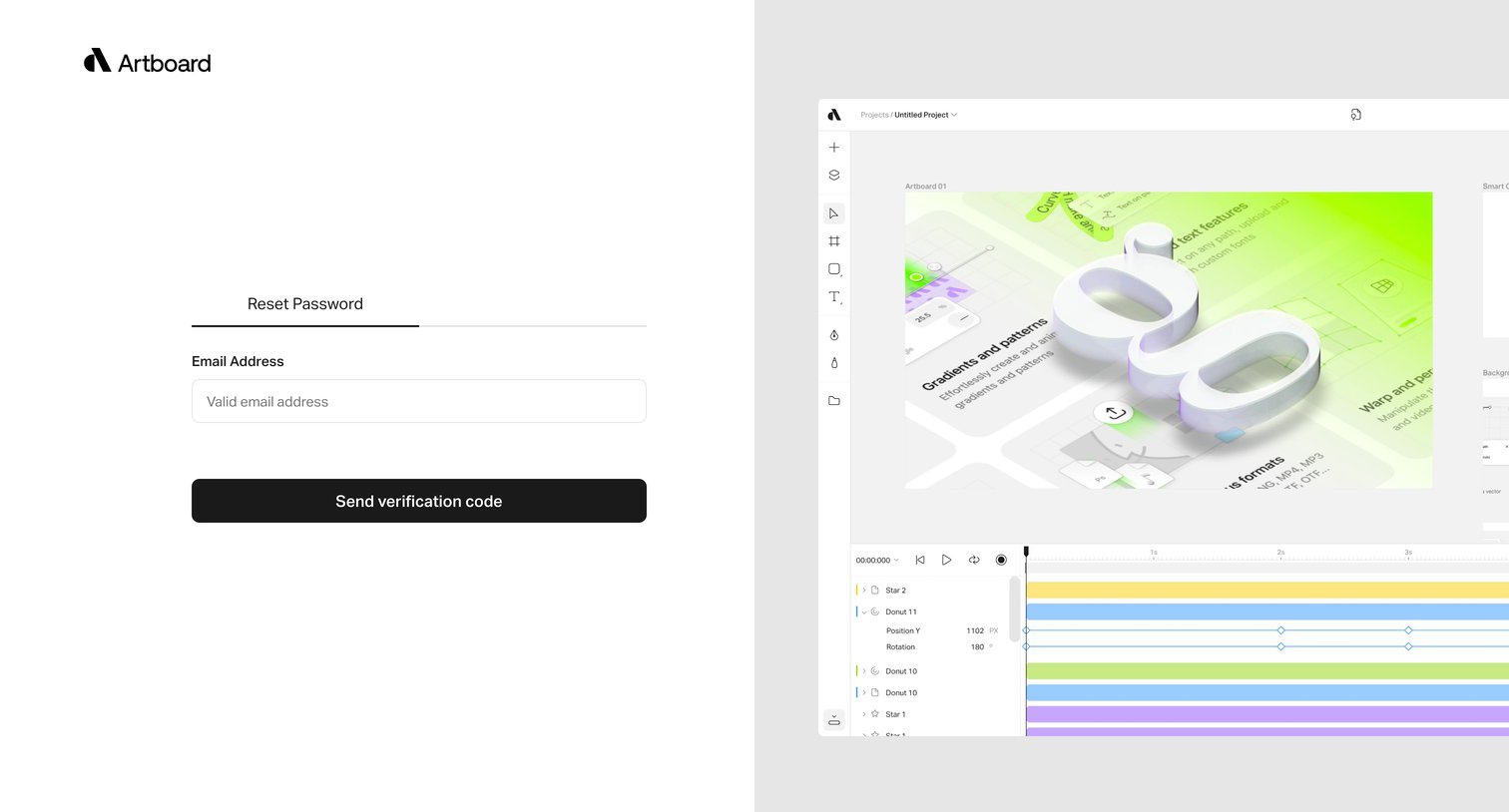
Password recovery screen where the user enters their email address to receive a verification code.
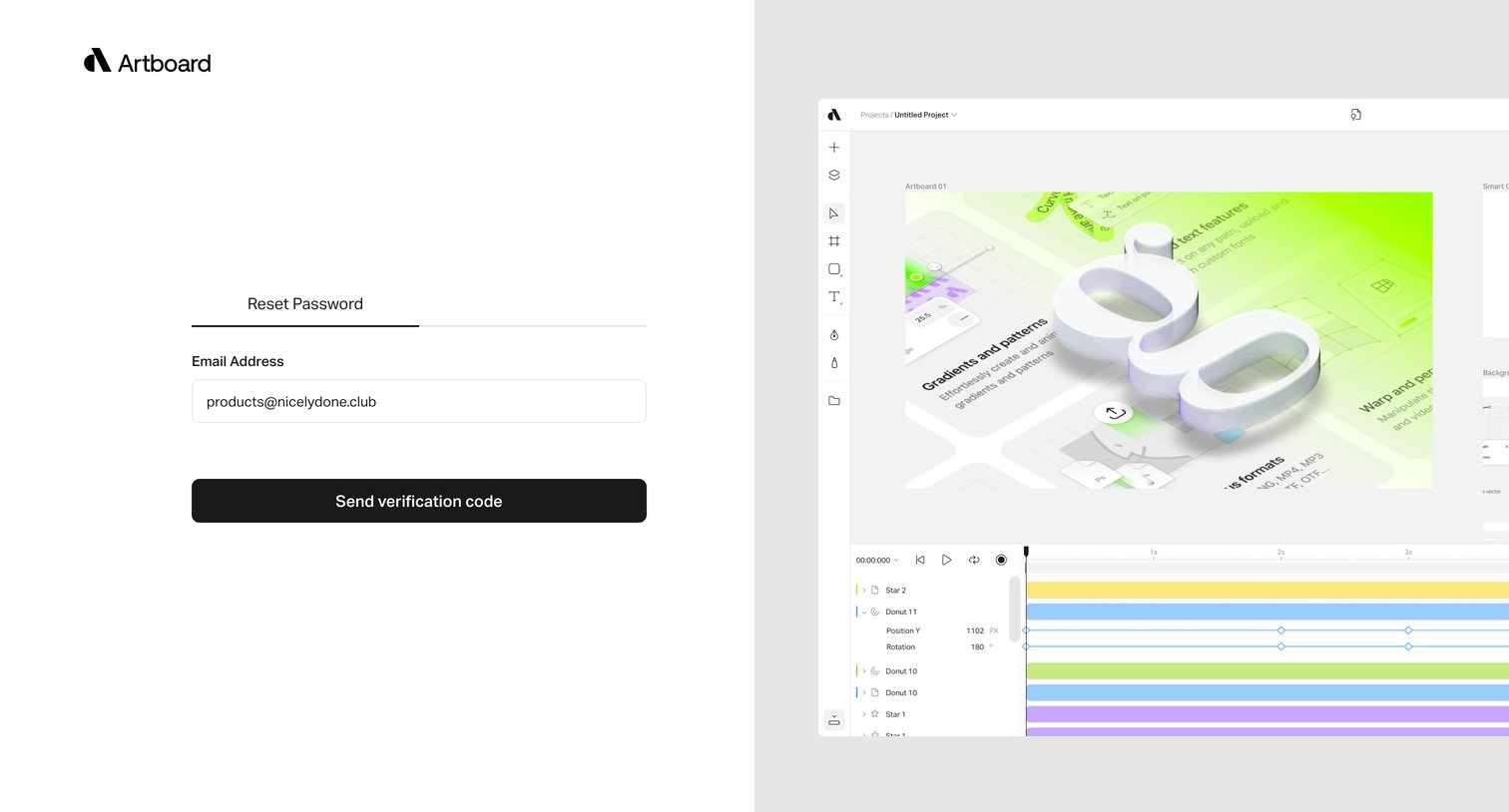
Password recovery screen where the user enters their email address to receive a verification code.
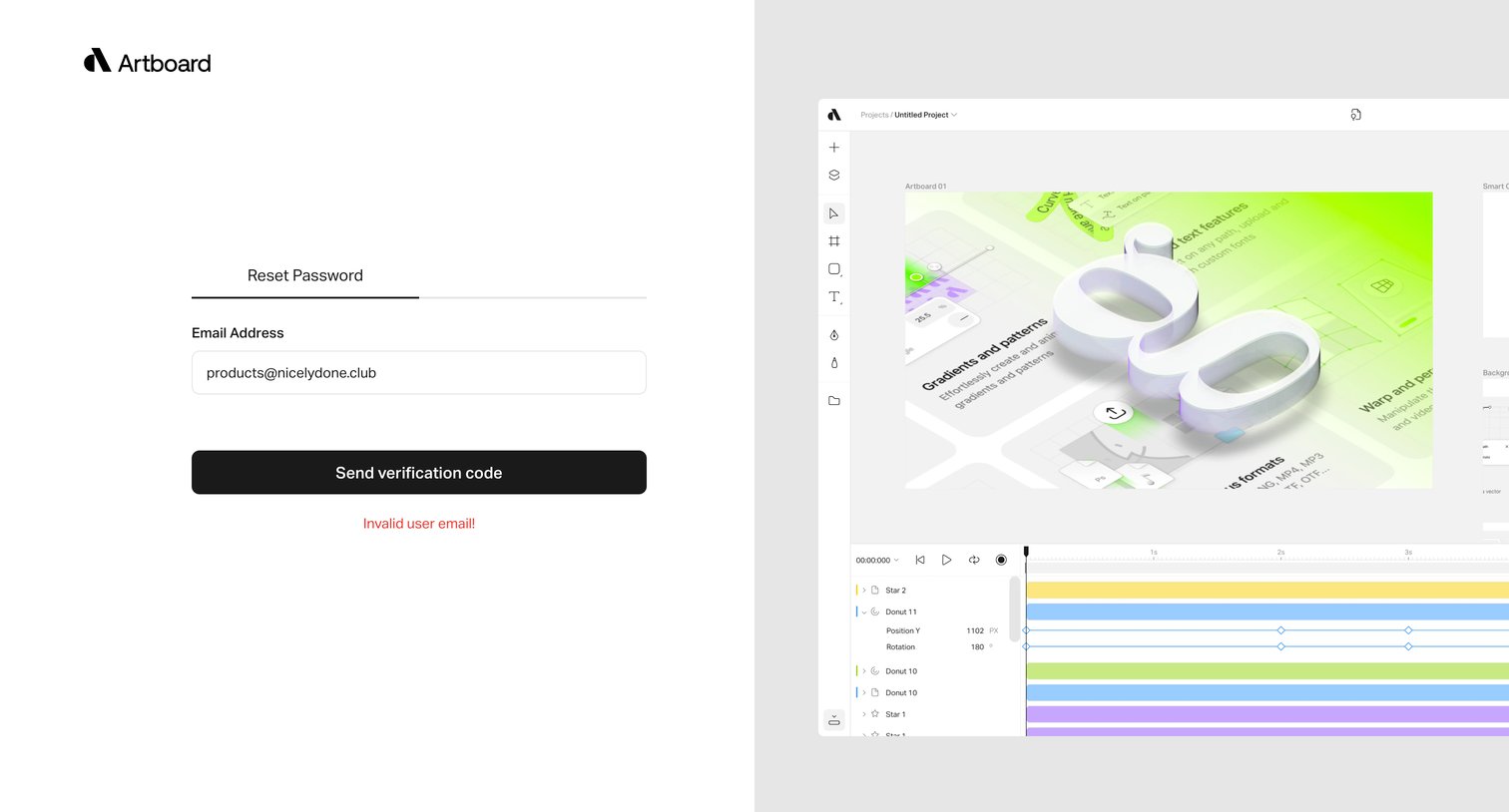
Password recovery screen where the user attempts to request a verification code but encounters an invalid email error, presented in a split-screen layout with a product preview.
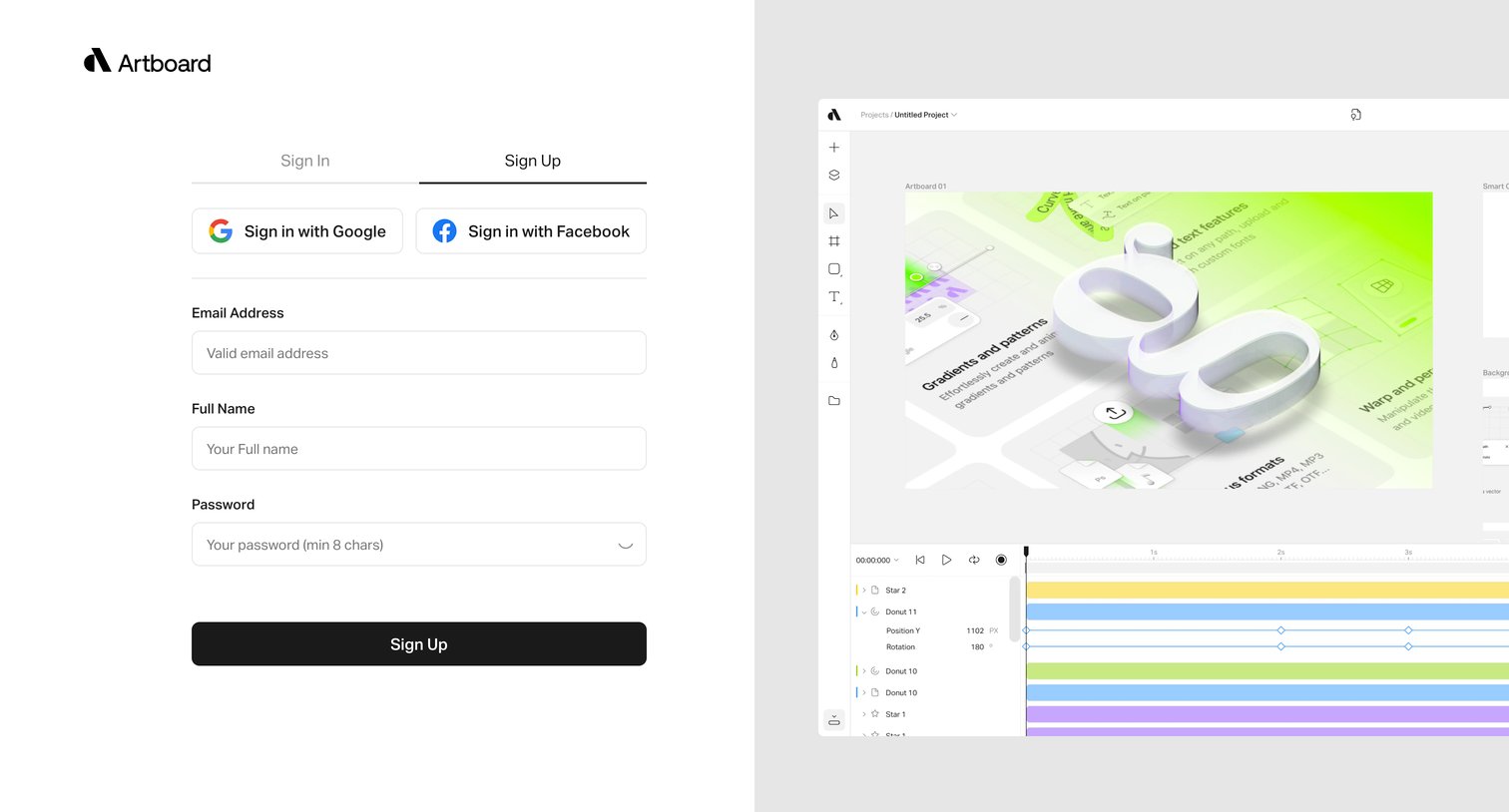
Signup page where the user can create an account using email, Google, or Facebook, featuring a product interface preview on the right.
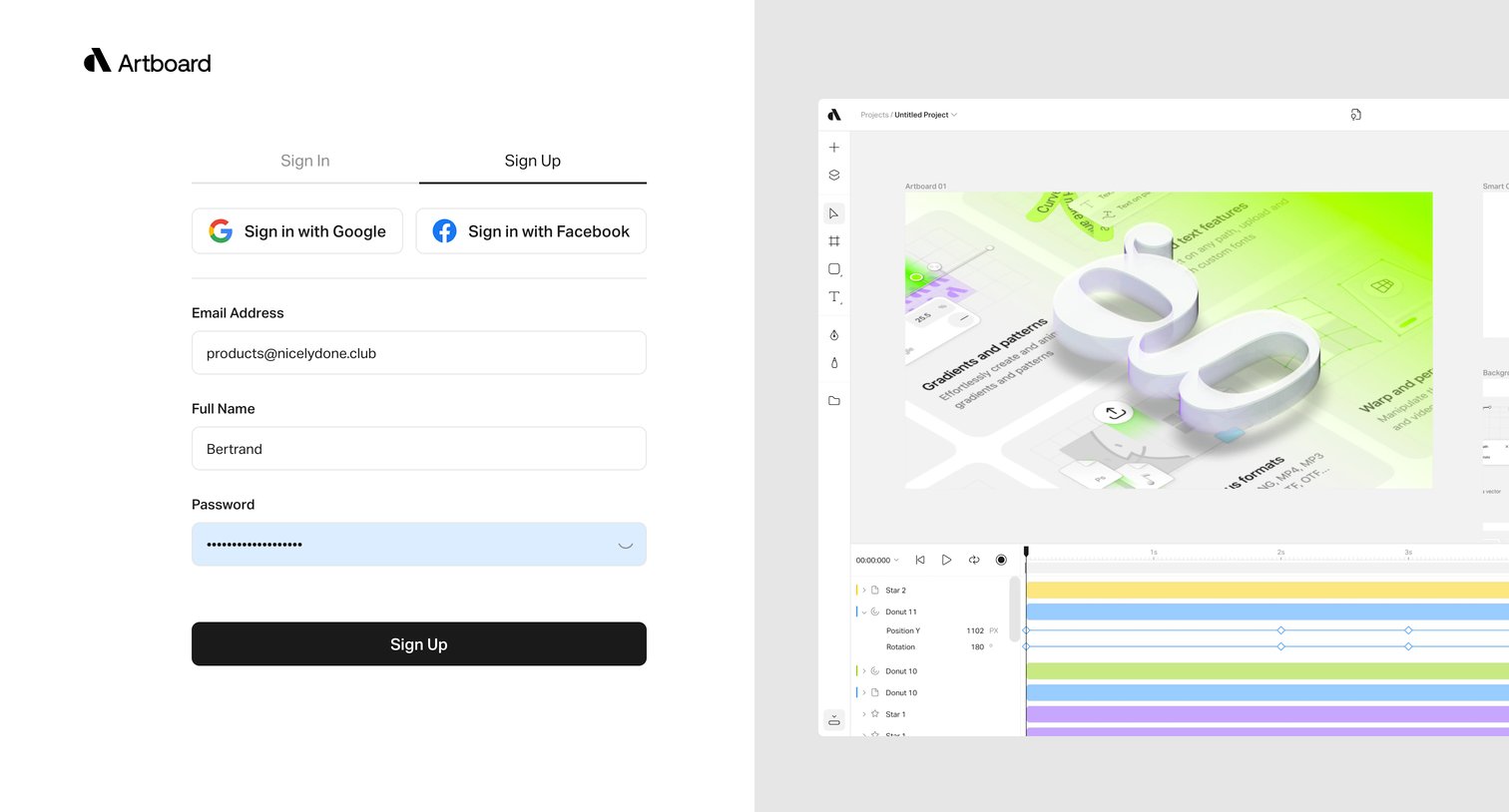
Sign-up page where the user creates an account using an email and password or social login, alongside a product interface preview.
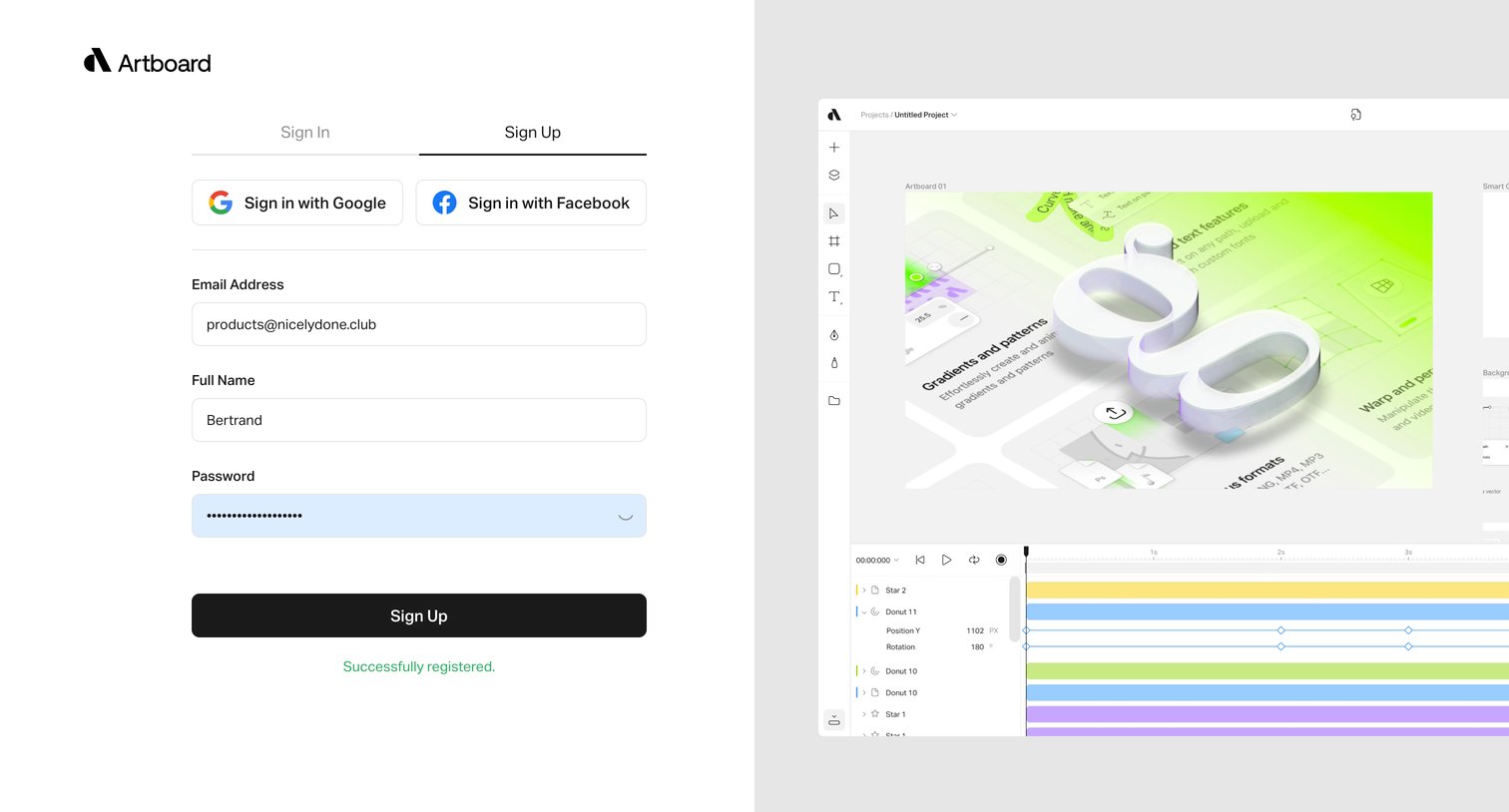
Signup page where the user has successfully registered an account using an email address and password, alongside a product preview.
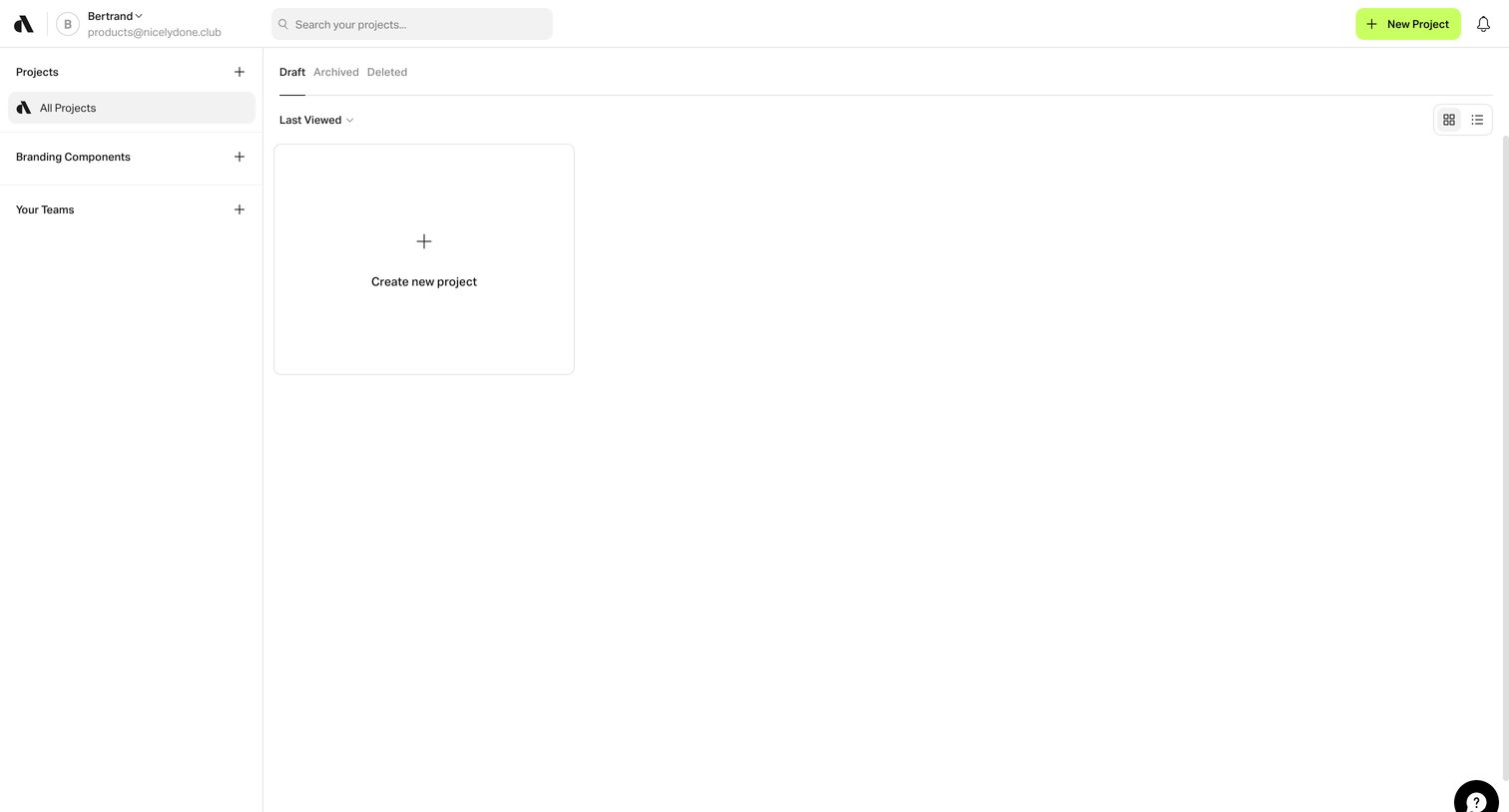
List view where the user can search, filter, and create new projects, currently showing an empty state for drafts.
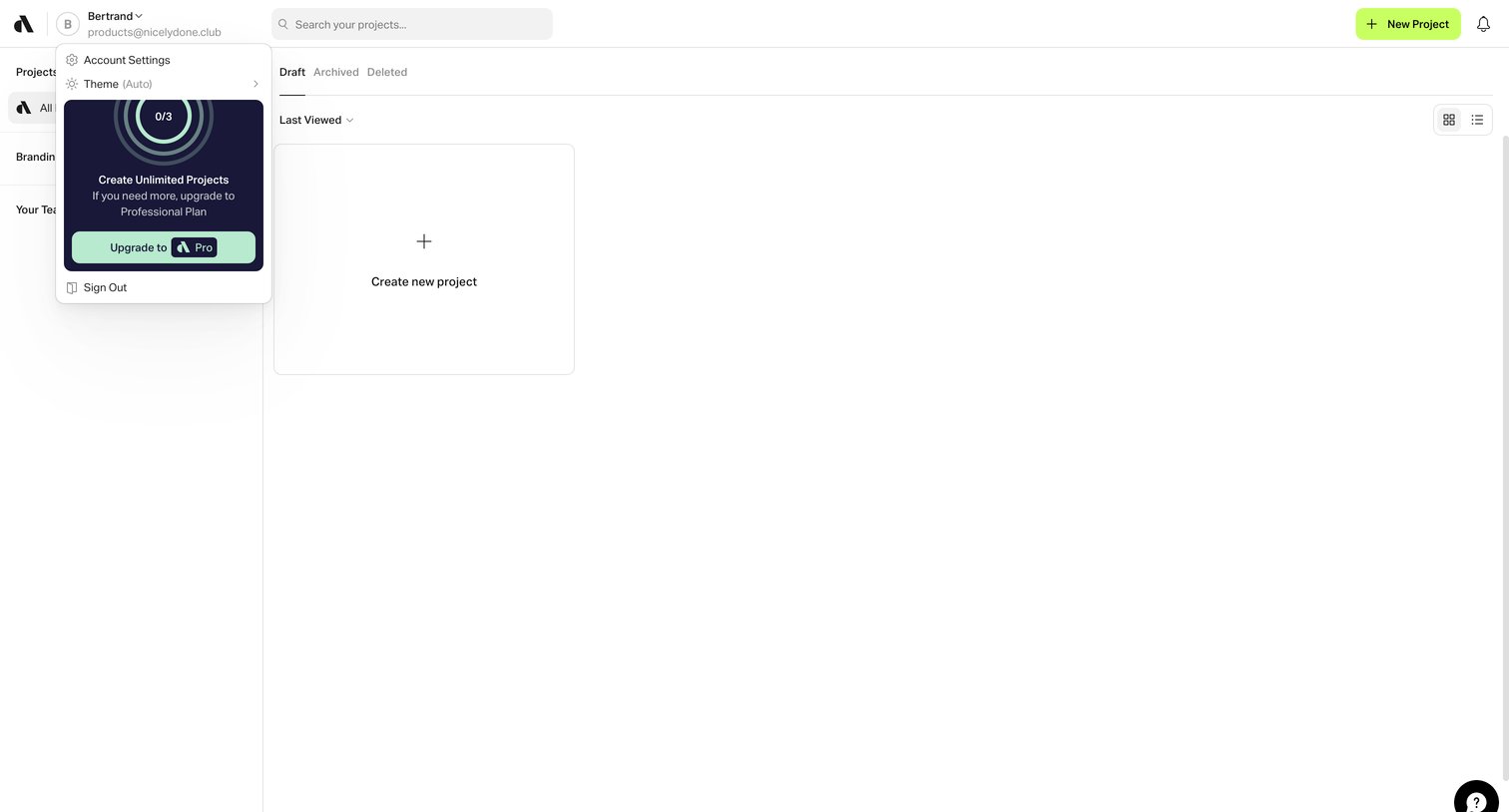
List view where the user can create their first project, with the user profile dropdown captured open to reveal an upgrade prompt and usage limits.
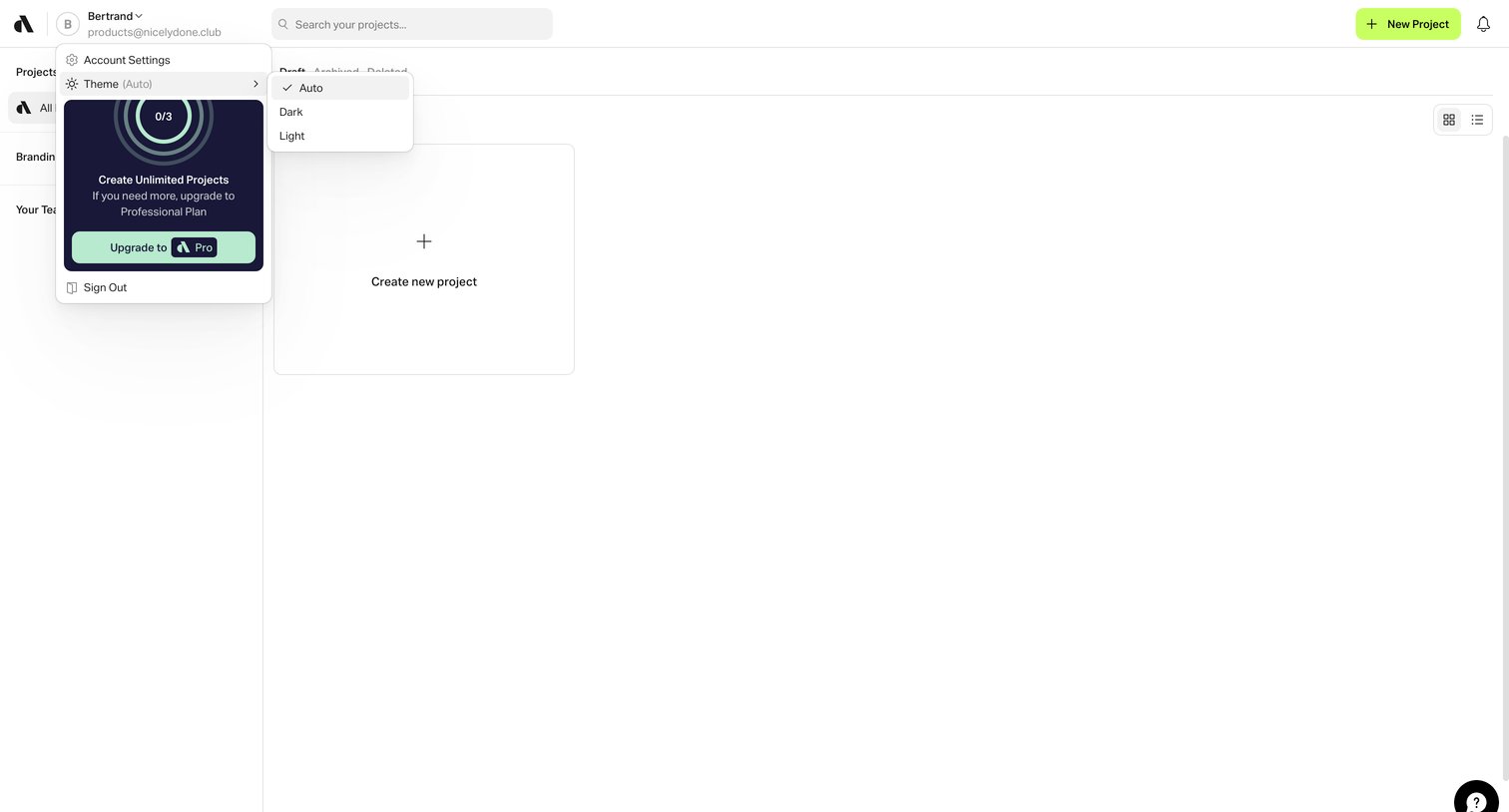
Projects list view where the user can create a new project, currently showing an open user menu with a usage donut chart and an upgrade prompt.
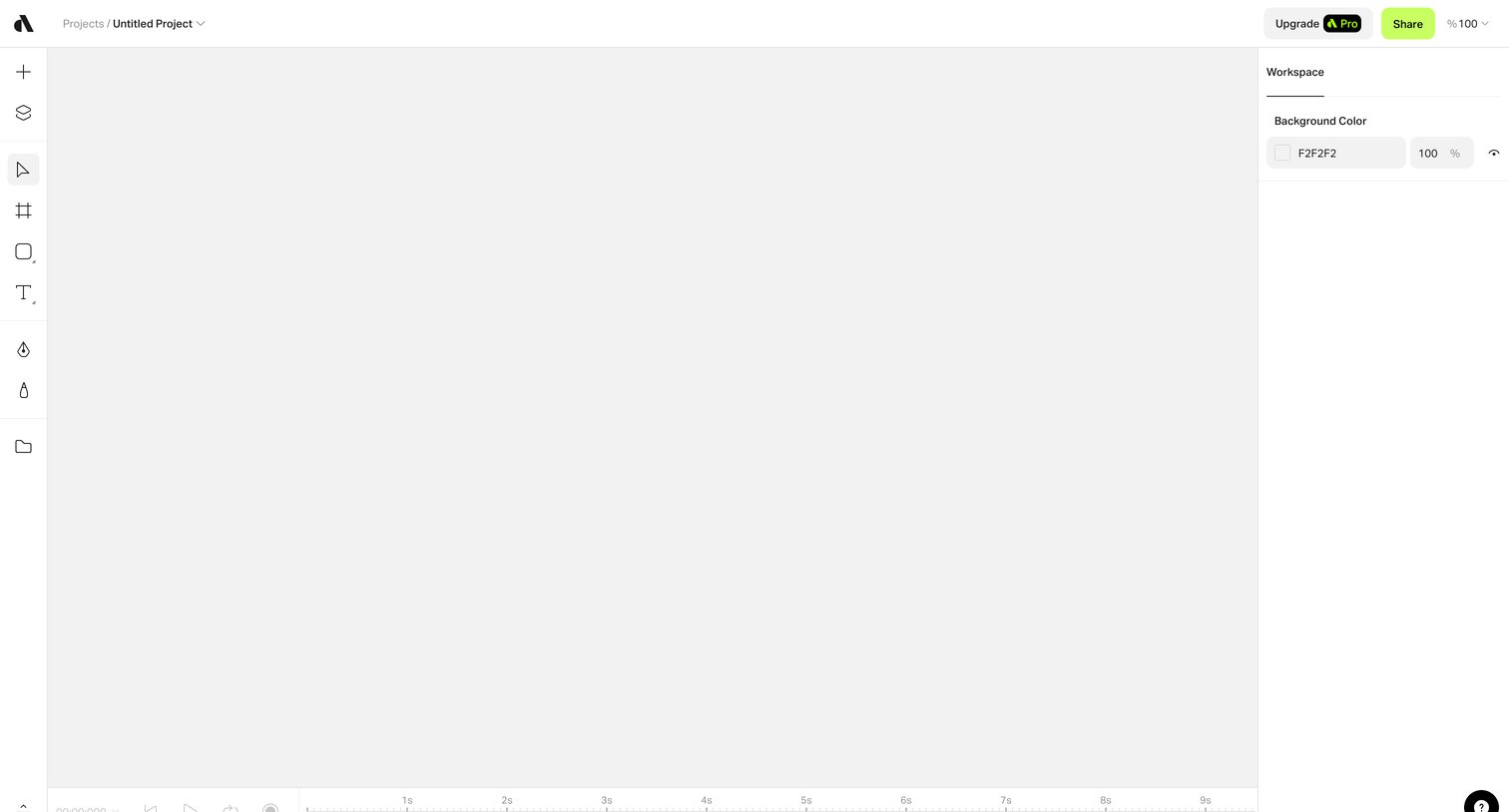
Design editor interface featuring a blank canvas, a left-hand tool palette, a right-hand workspace inspector for background color, and a bottom timeline for animation.
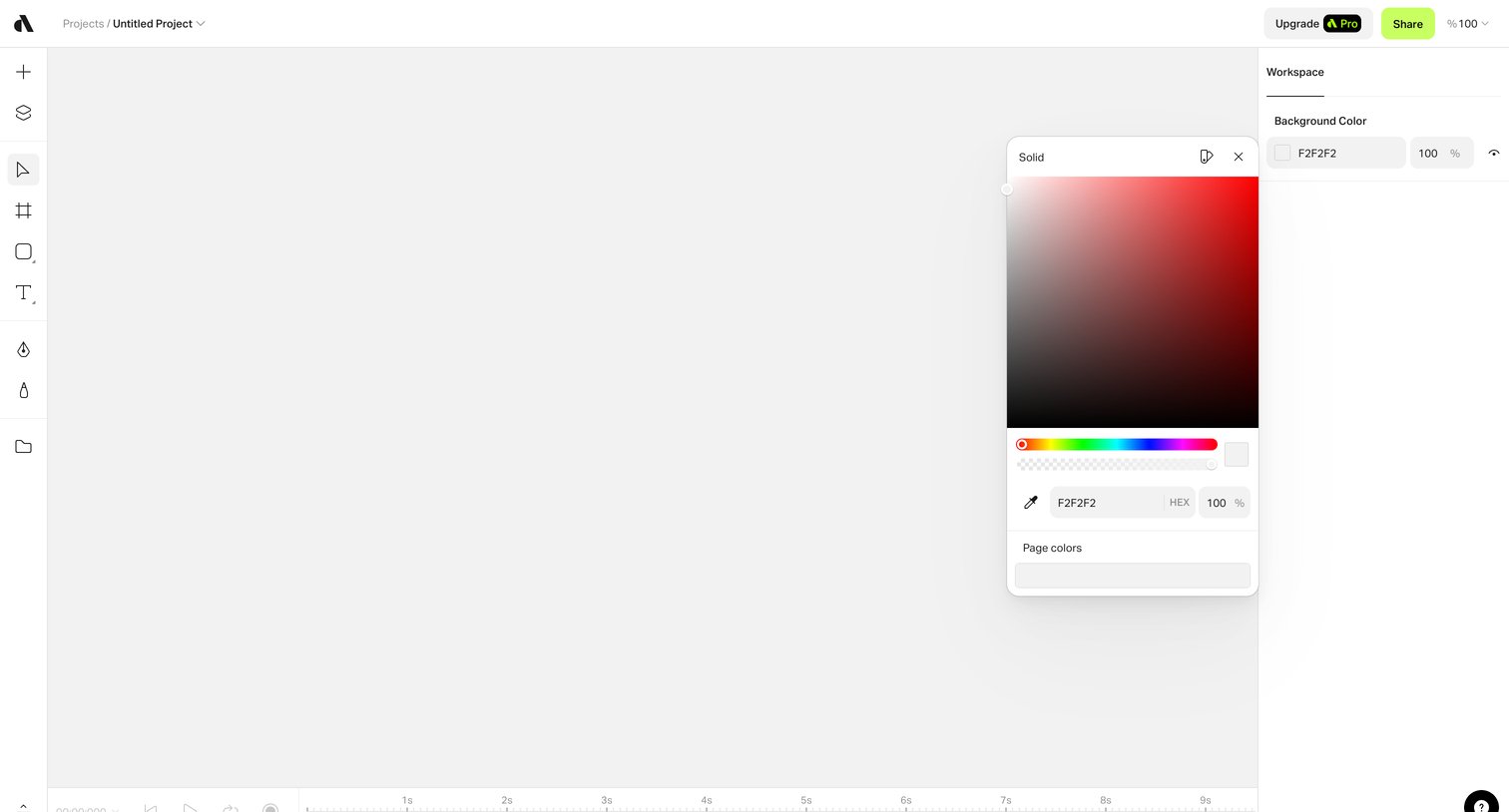
Design editor canvas where the user is selecting a background color using a floating color picker popover.
Explore the full SaaS screen library
Upgrade to unlock the full library.
Trusted by the best teams







