Aboard product screens examples
Browse Aboard screen design examples. Preview the interface screenshots and explore related UI patterns. Bring joy to your workplace with Aboard
Explore the examples

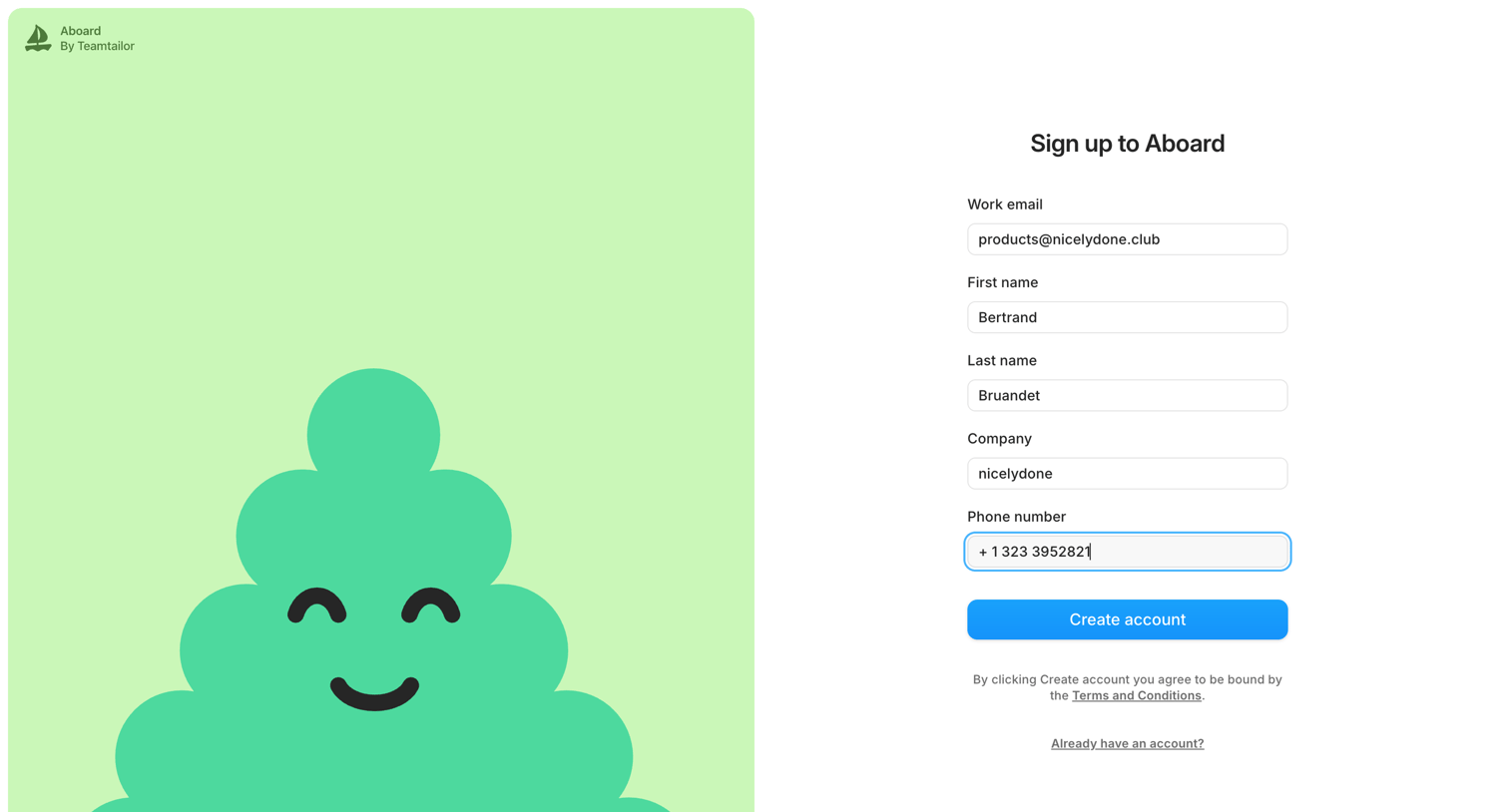
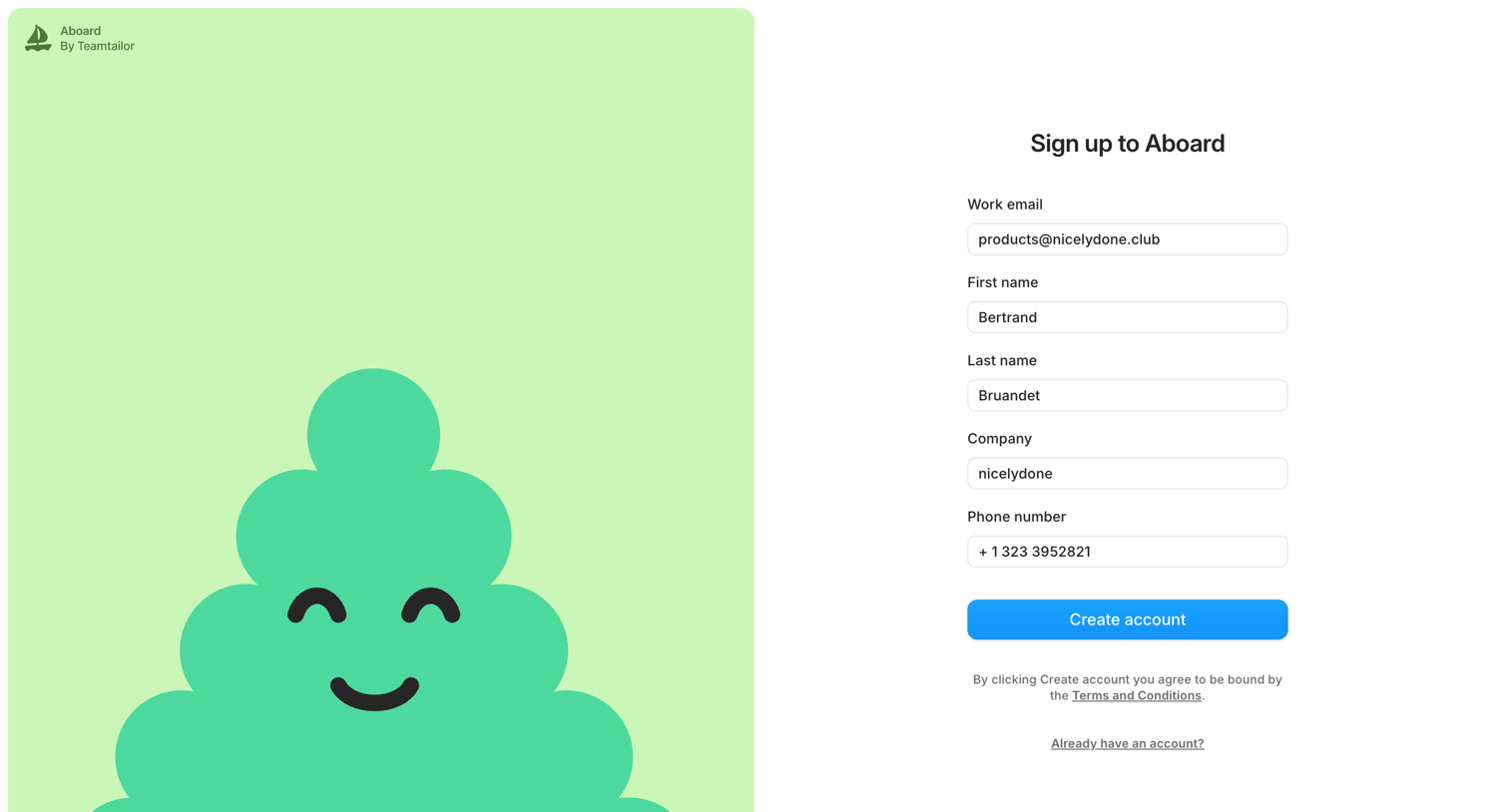

Signup screen where the user provides their work email, name, company, and phone number to create a new account.
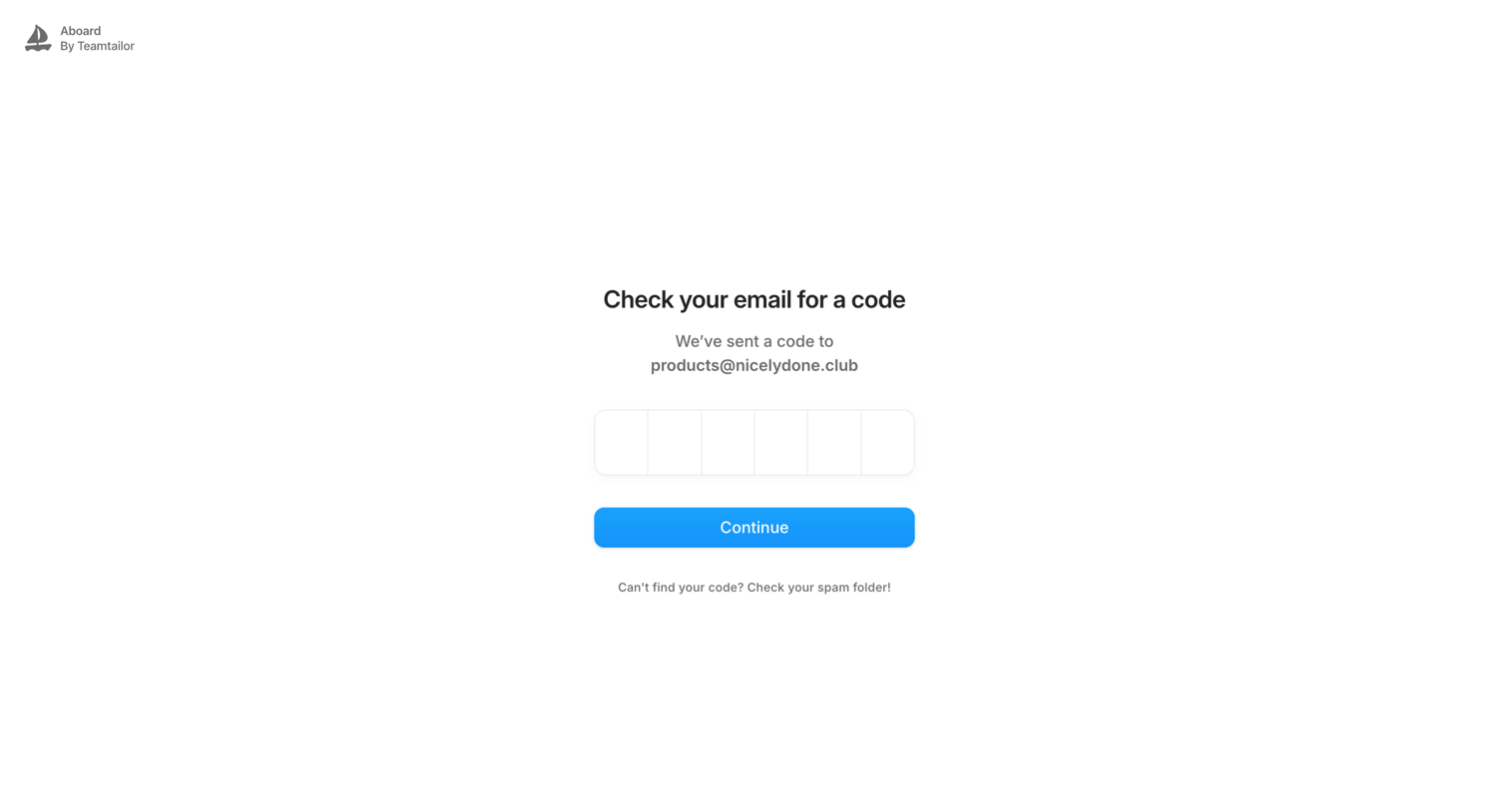
Verification screen where the user enters a 6-digit code sent to their email address to authenticate.
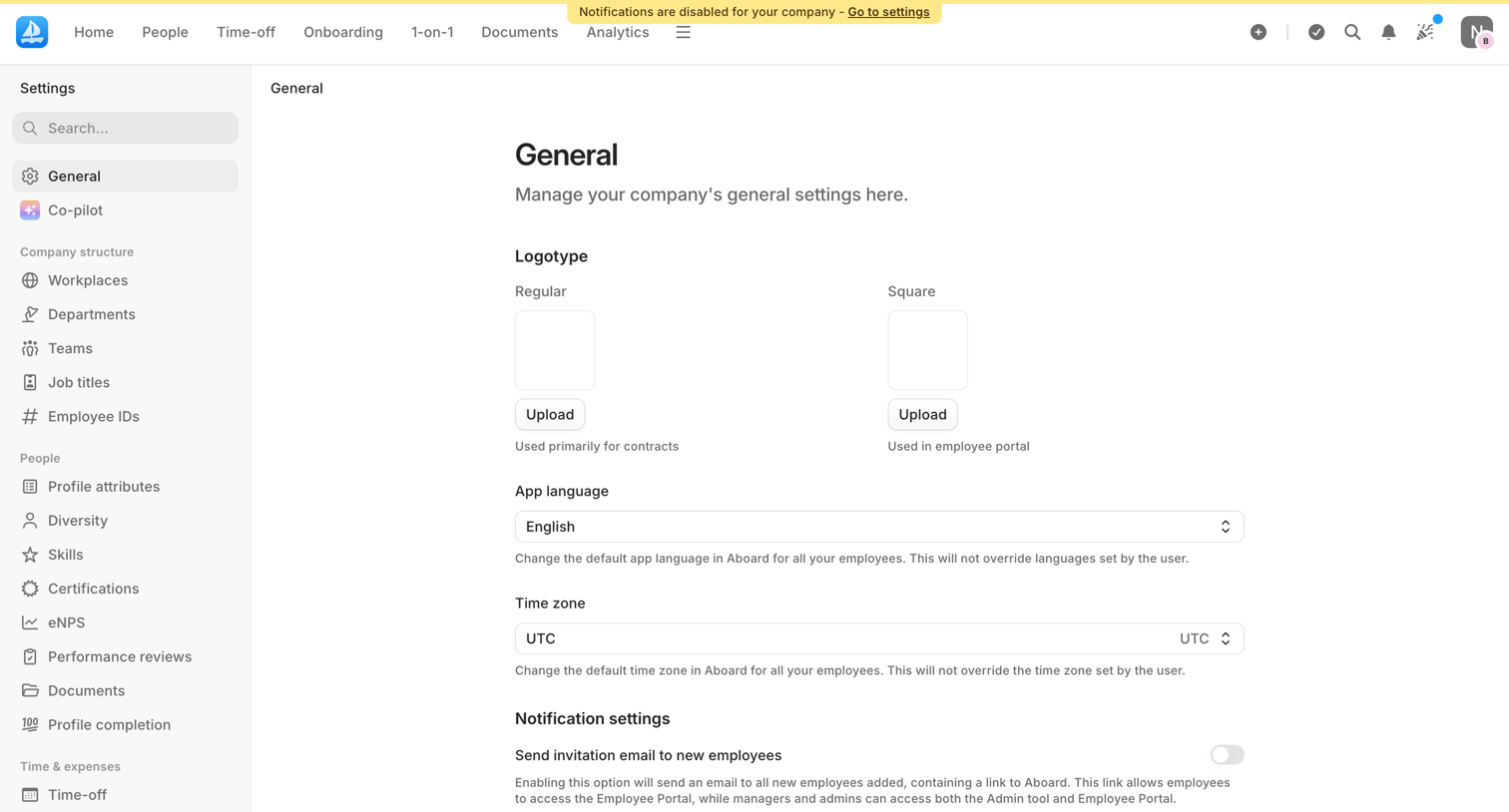
Settings page where the user configures general company preferences including logotypes, default app language, time zone, and global notification toggles.
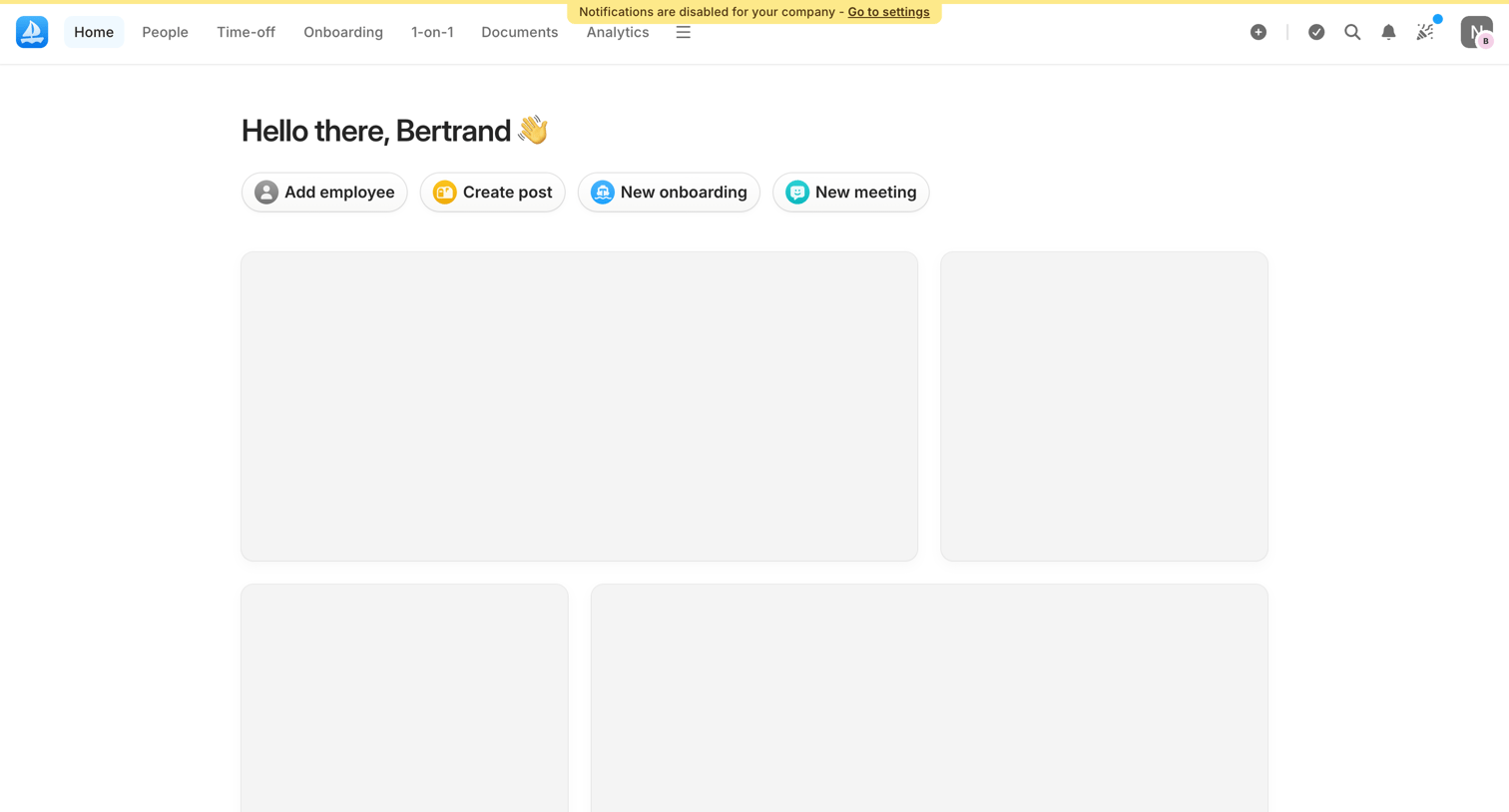
Home screen for an HR application showing a personalized greeting, quick action buttons for common tasks like adding employees or booking meetings, and skeleton placeholders for loading widgets.
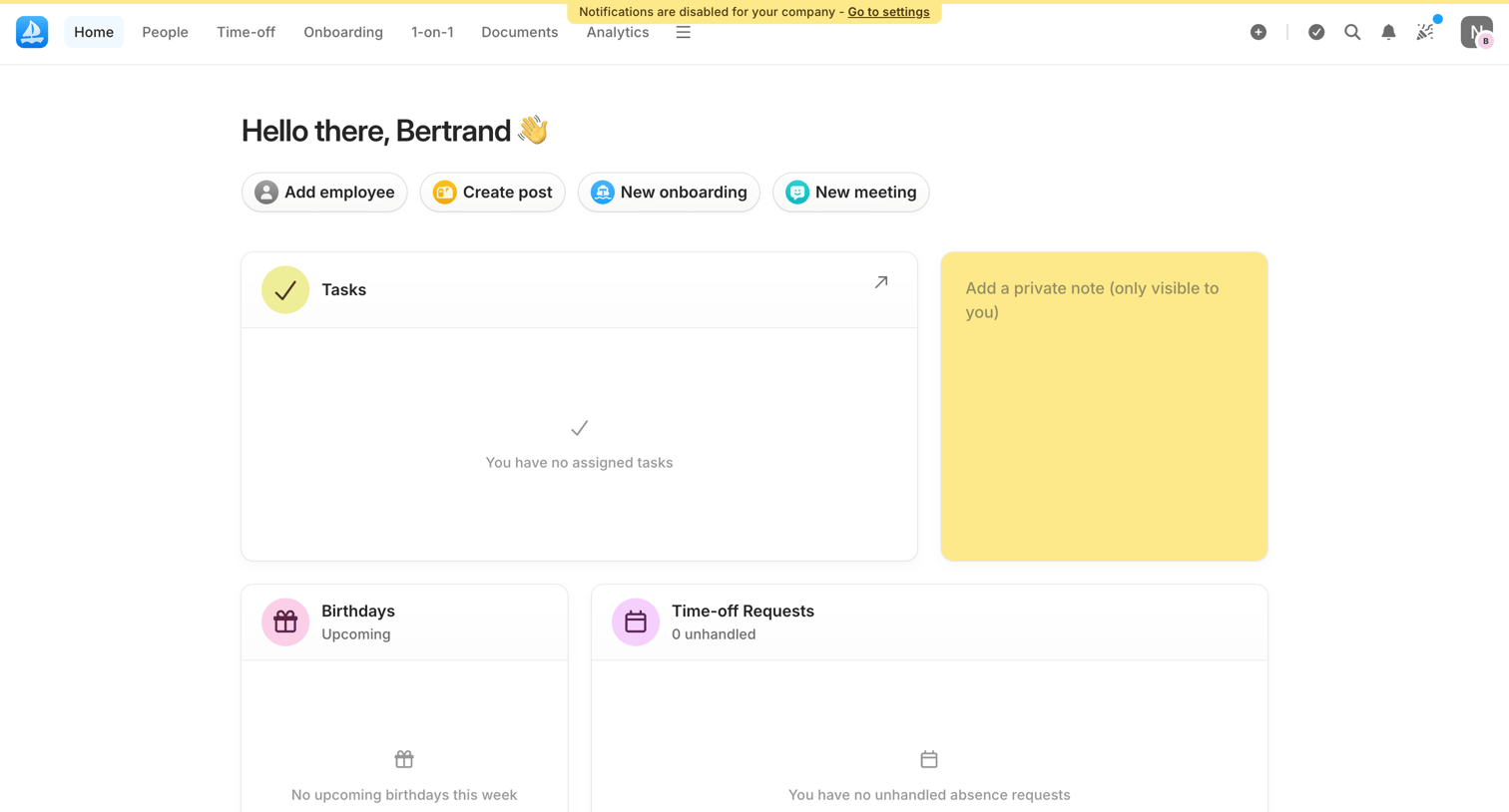
Home screen for an HR admin featuring quick actions to add employees or create posts, alongside empty widgets for tasks, birthdays, and time-off requests.
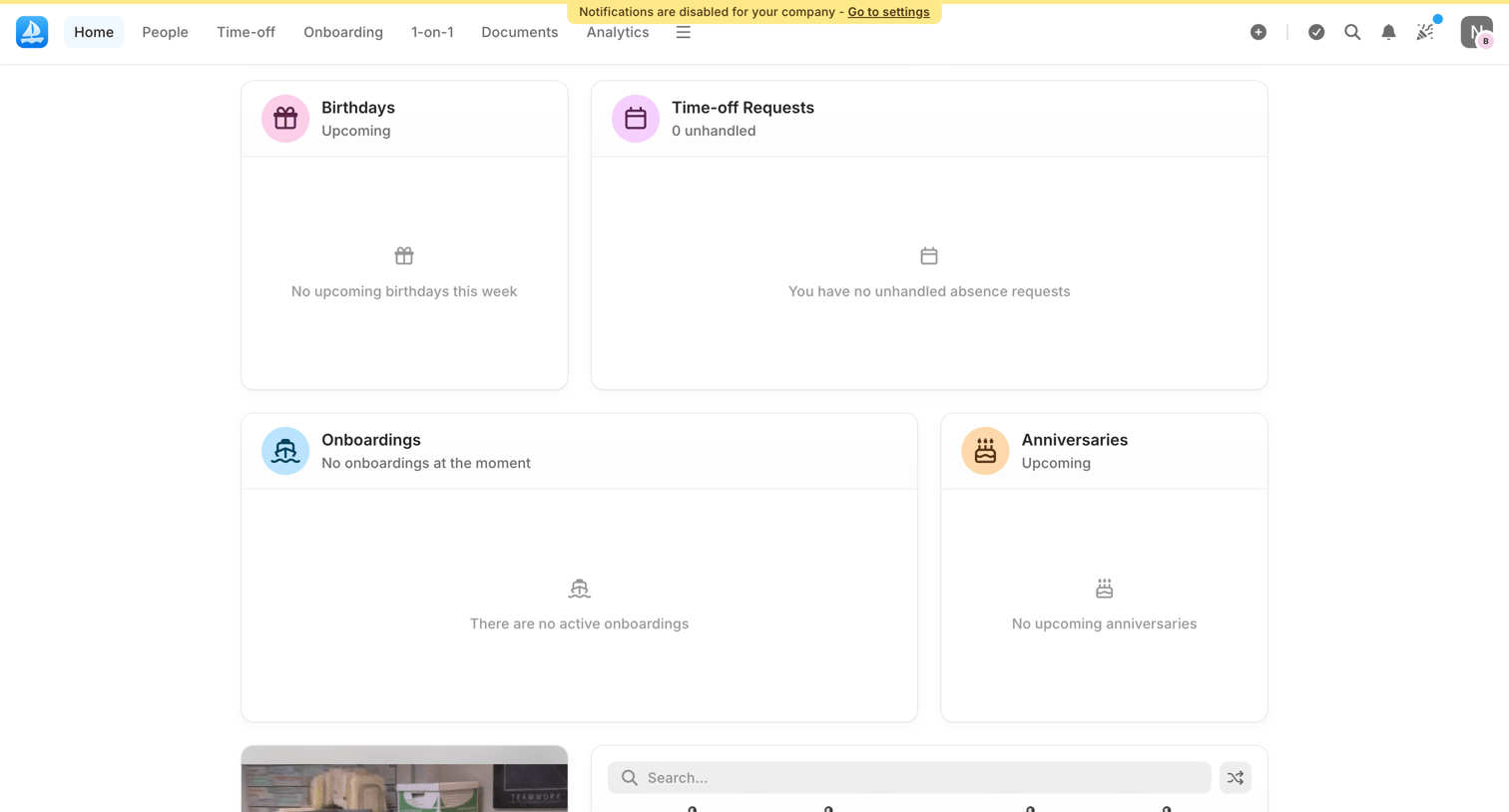
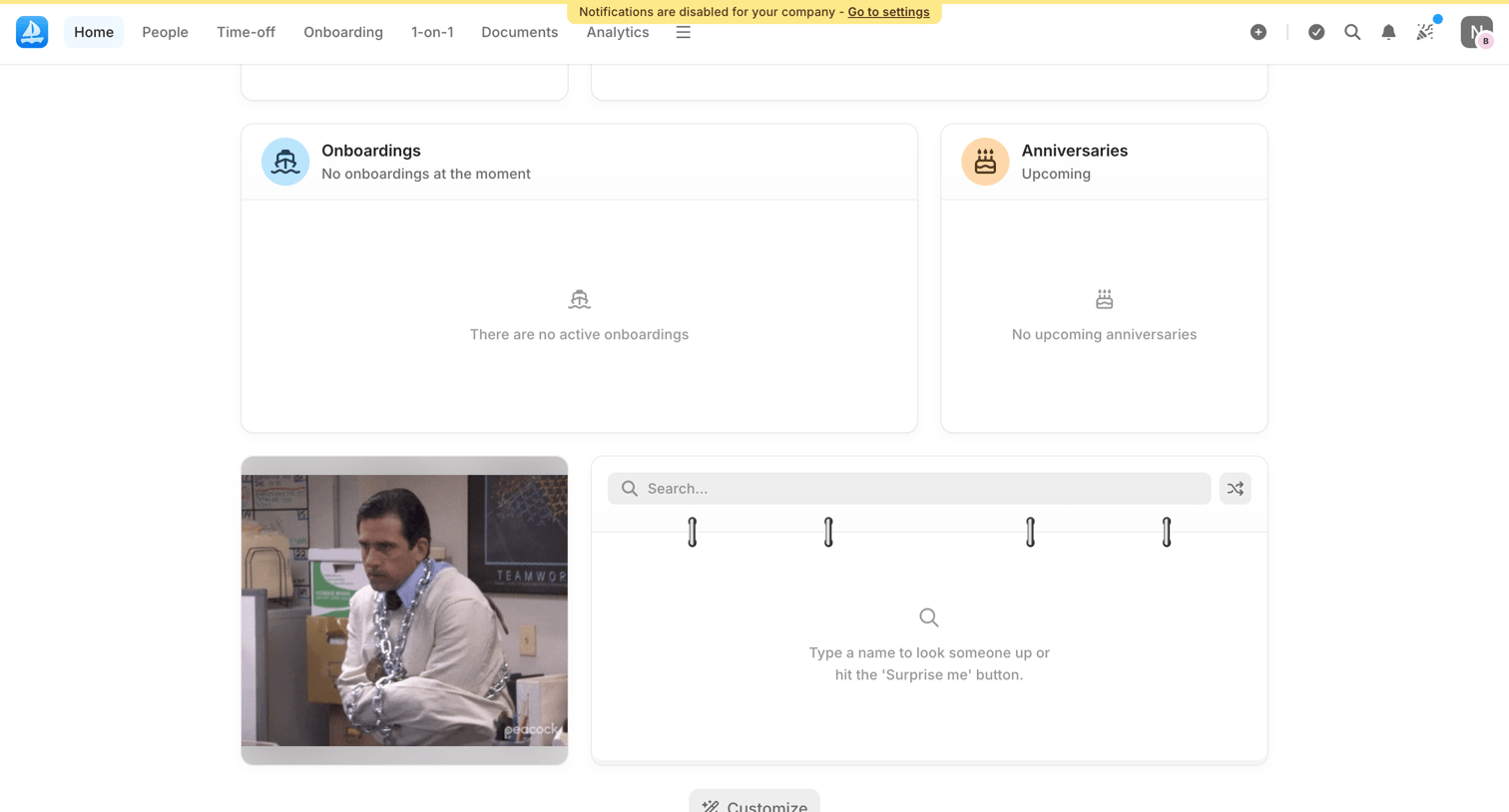
Home screen where the user can view upcoming onboardings, anniversaries, and search for employees, currently showing empty states for the widgets.
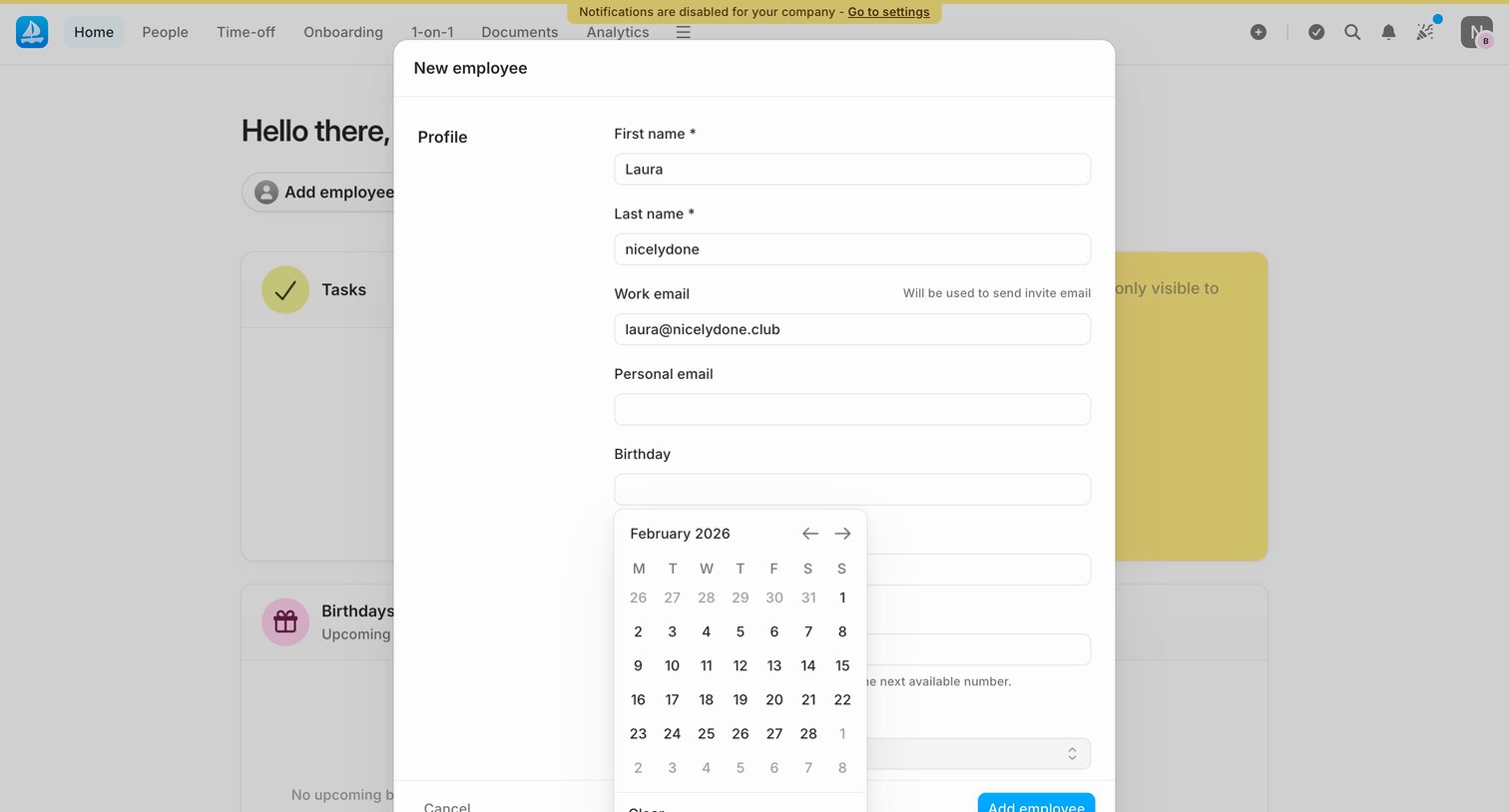
Dashboard with an open modal for adding a new employee, showing a form with personal details and an active date picker for their birthday.
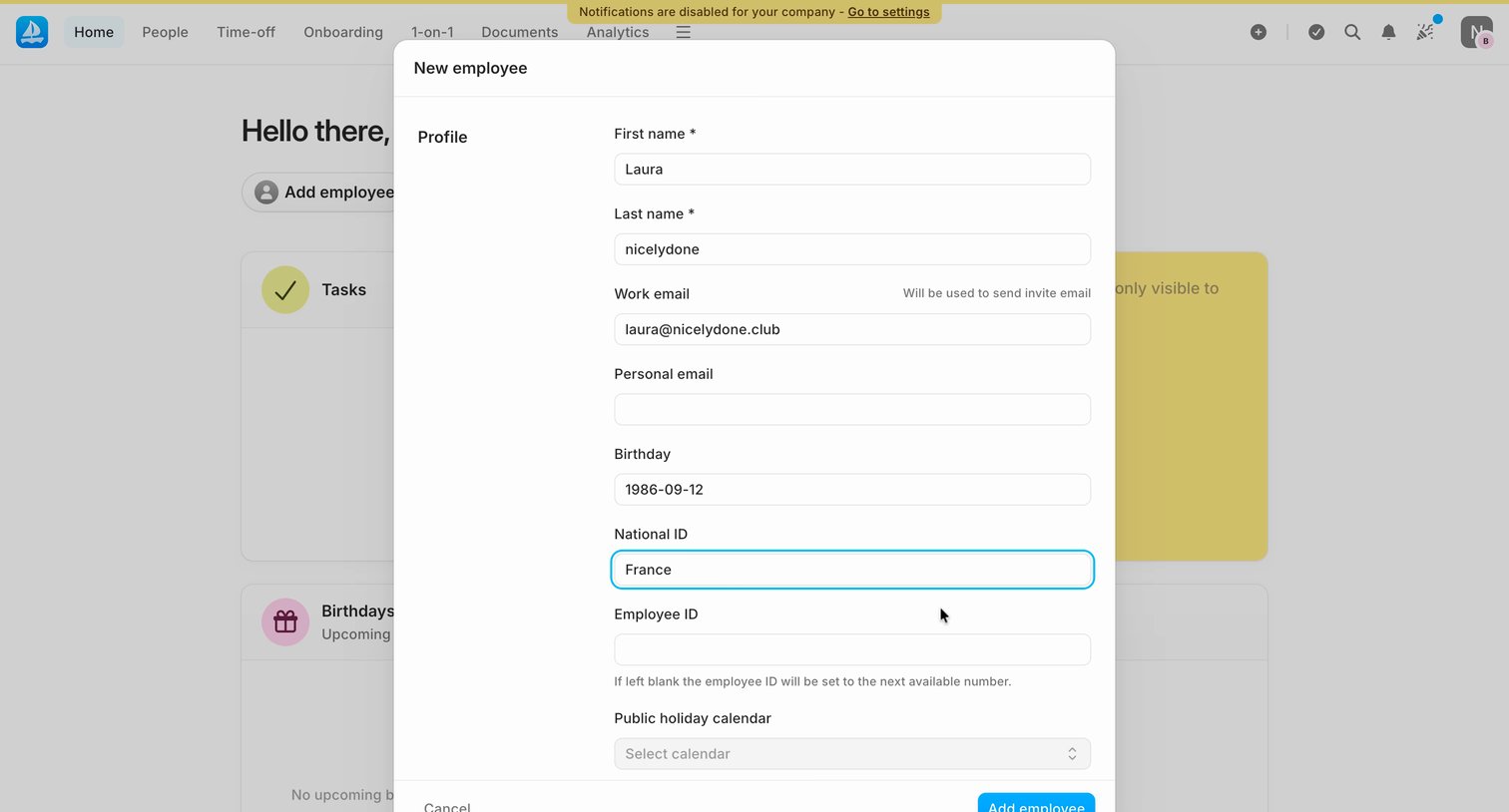
Dashboard with an open modal for creating a new employee profile, requiring details like name, work email, birthday, and national ID.
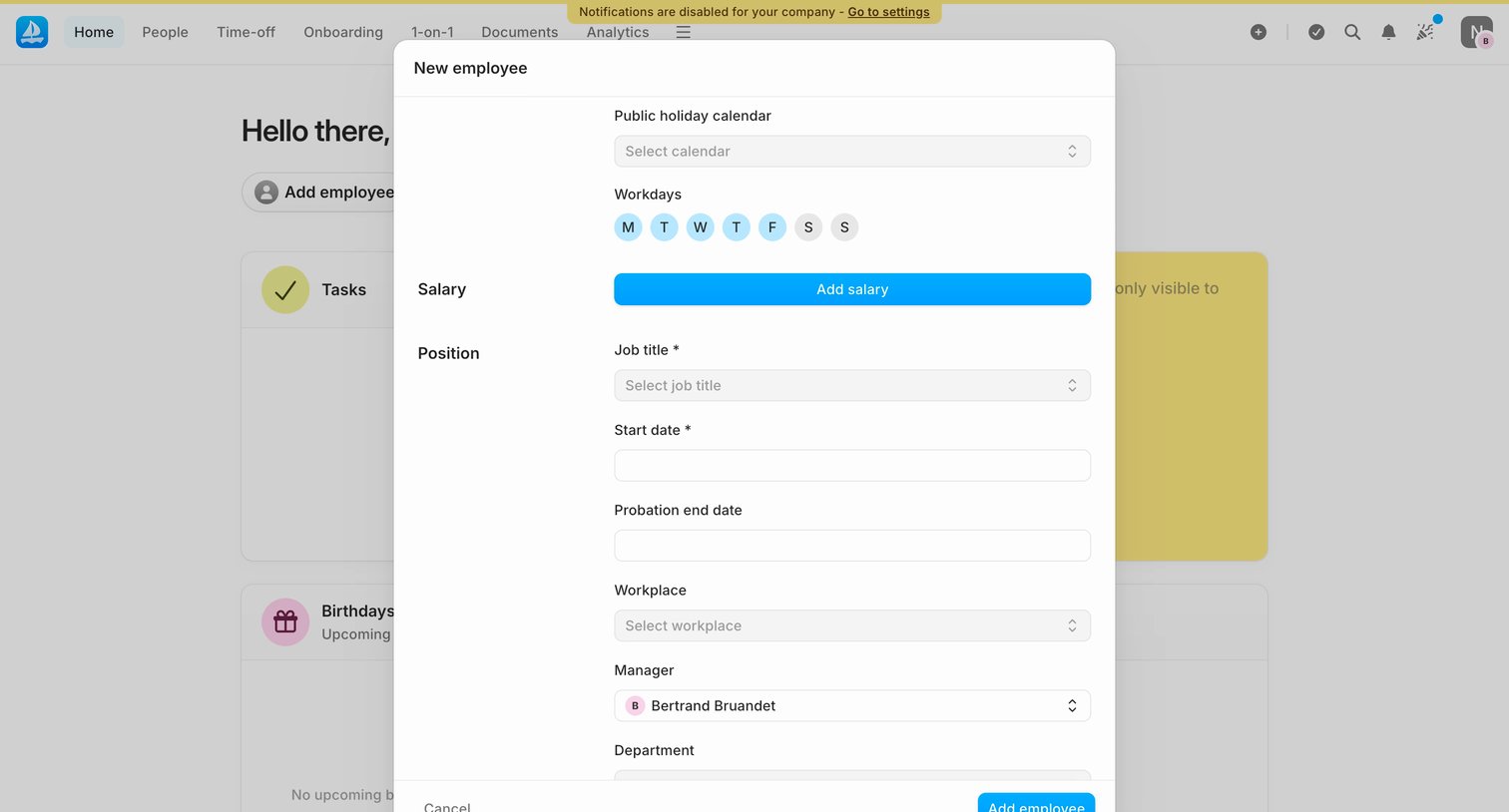
Home dashboard with an open modal for adding a new employee, requiring details like job title, start date, and manager.
Explore the full SaaS screen library
Upgrade to unlock the full library.
Trusted by the best teams







