Input date UI examples
Input date UI design examples from SaaS apps. Explore how forms ask people to enter a date. Look at how field labels, format hints, and calendar access communicate the expected value.
Explore the examples


A row of date and time range selectors with chart type options for data visualization.
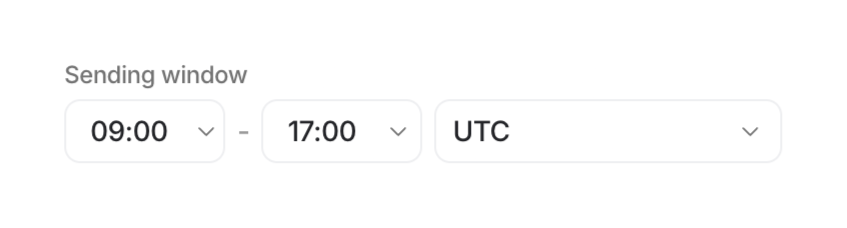

A time selection interface with dropdowns for start time, end time, and timezone.
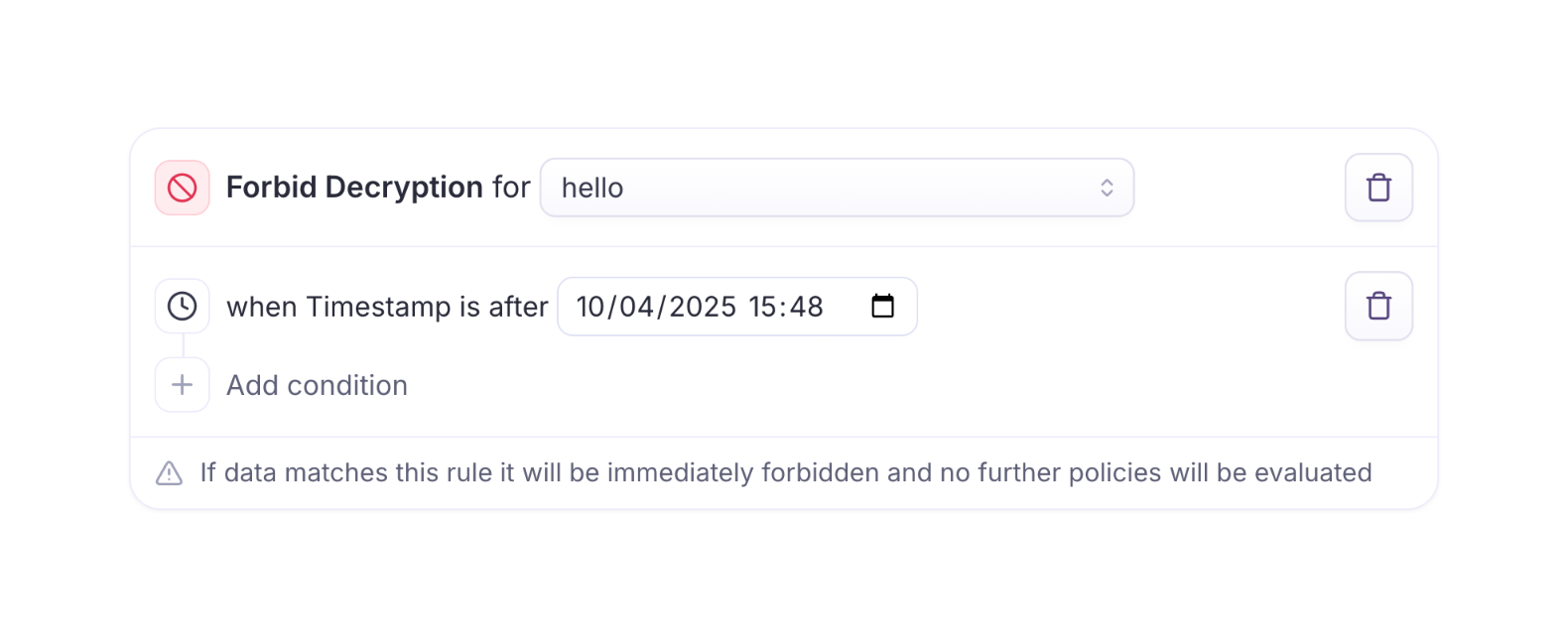

A card component for building logic rules, containing a primary action dropdown, a conditional timestamp input, an add condition button, and an informational footer.
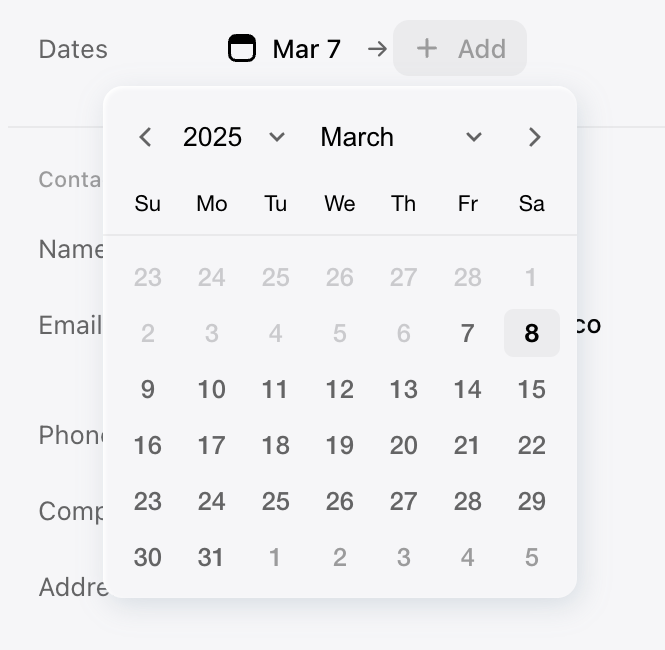

A date picker modal.
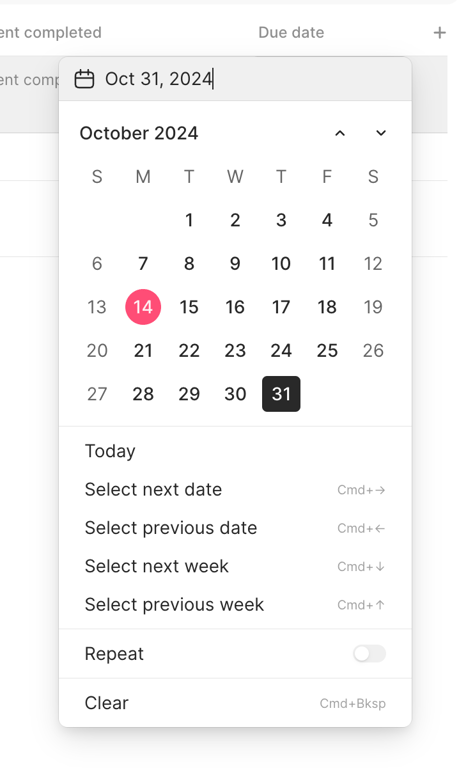

A date picker modal
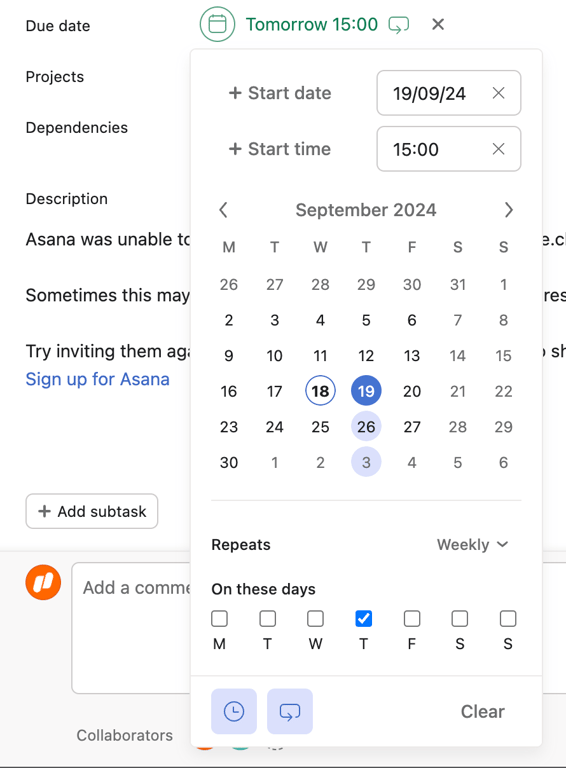

A date and time picker modal
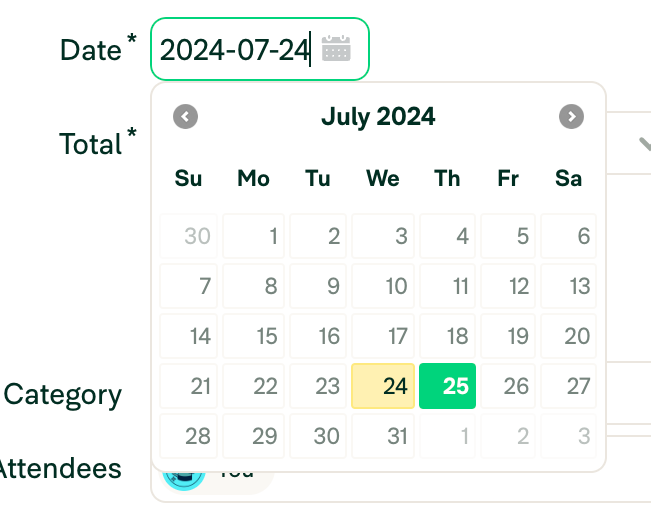

A date input field with an open calendar popover. The input field shows a selected date and has a green focus border. The calendar displays a month view with a selected date highlighted in yellow and the current date highlighted in green.
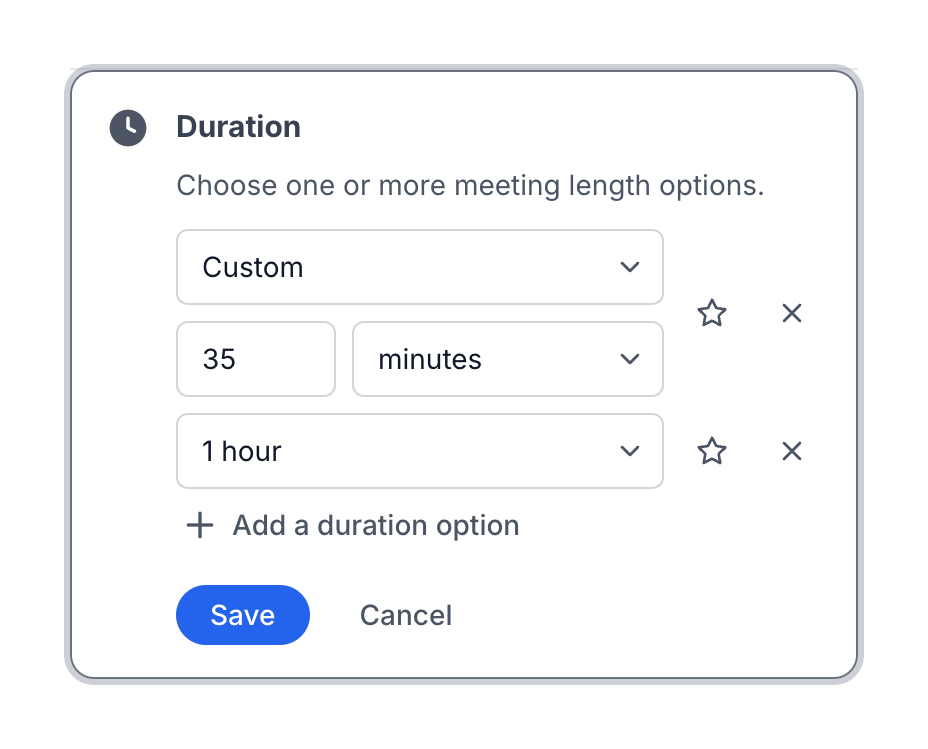

A card component allowing users to configure multiple meeting duration options. It includes dropdowns for preset times, a custom time input, and actions to add, save, or cancel.
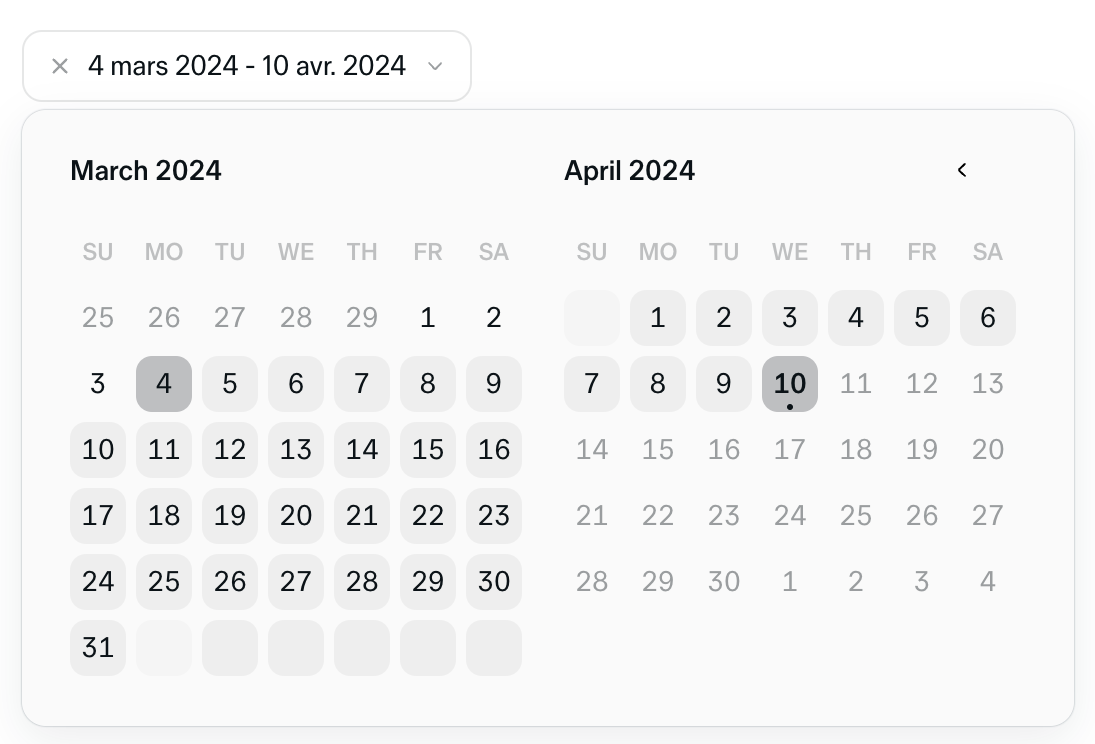

A date range picker component showing two consecutive months with a selected range highlighted.
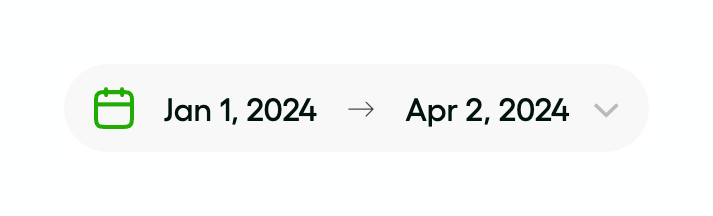

A pill-shaped button displaying a selected date range, with a calendar icon and a dropdown arrow.
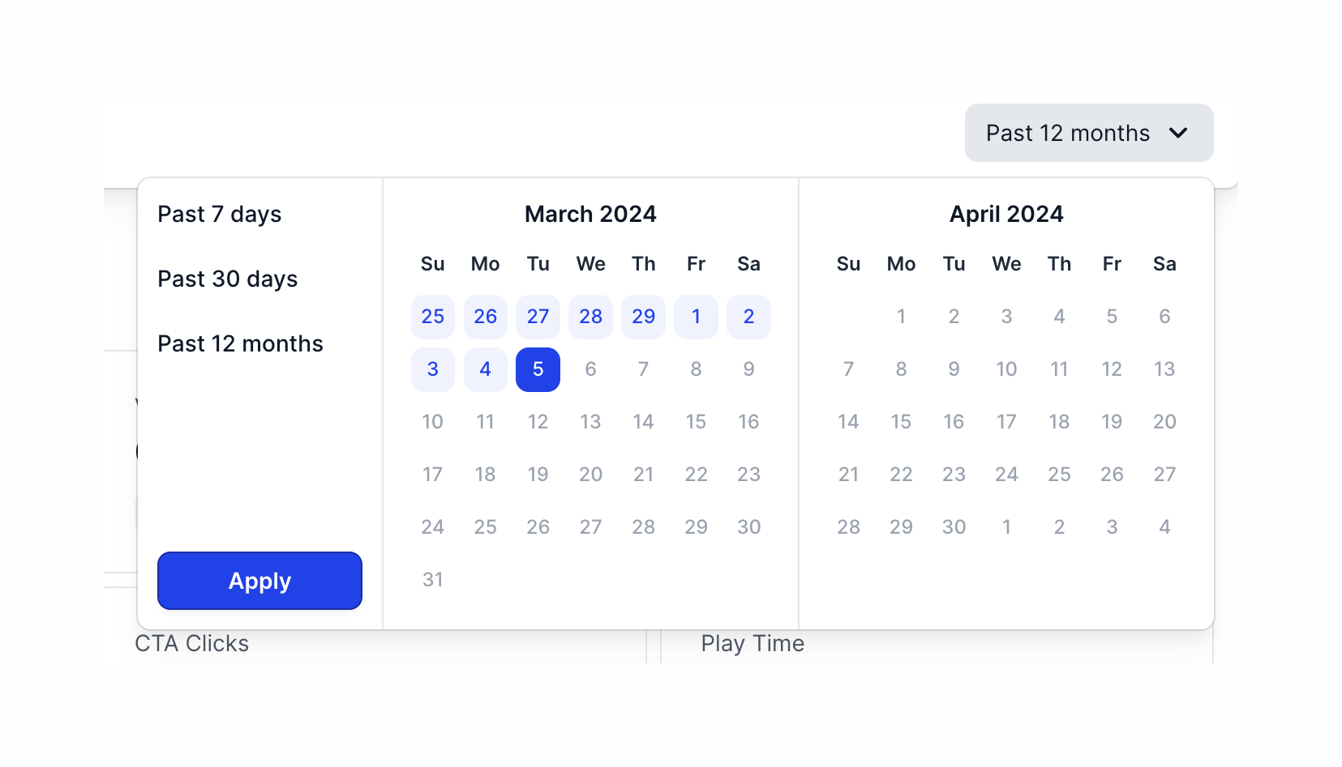
A date range picker popover with preset options on the left and a two-month calendar view on the right. A date range is currently selected.
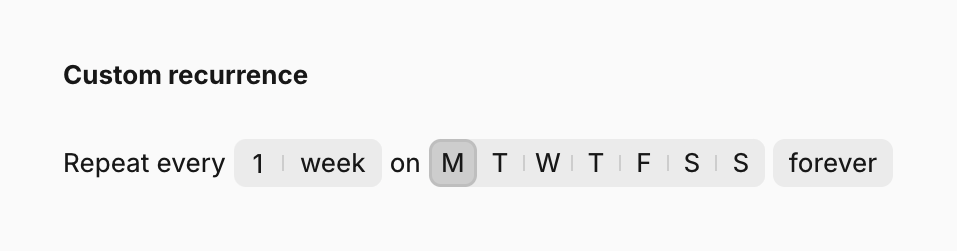

A form section for setting up a custom recurrence schedule, allowing the user to specify frequency and specific days of the week.
Browse the full component library
See 30 more Components.
Trusted by the best teams








About Input date
Explore how forms ask people to enter a date. Look at how field labels, format hints, and calendar access communicate the expected value.