Skip to content
WorkOs logo

WorkOs design examples

Explore WorkOs UI design examples. Your app, enterprise-ready

Product screens
HireOS | Log in with Email from WorkOs
WorkOs logo
WorkOs

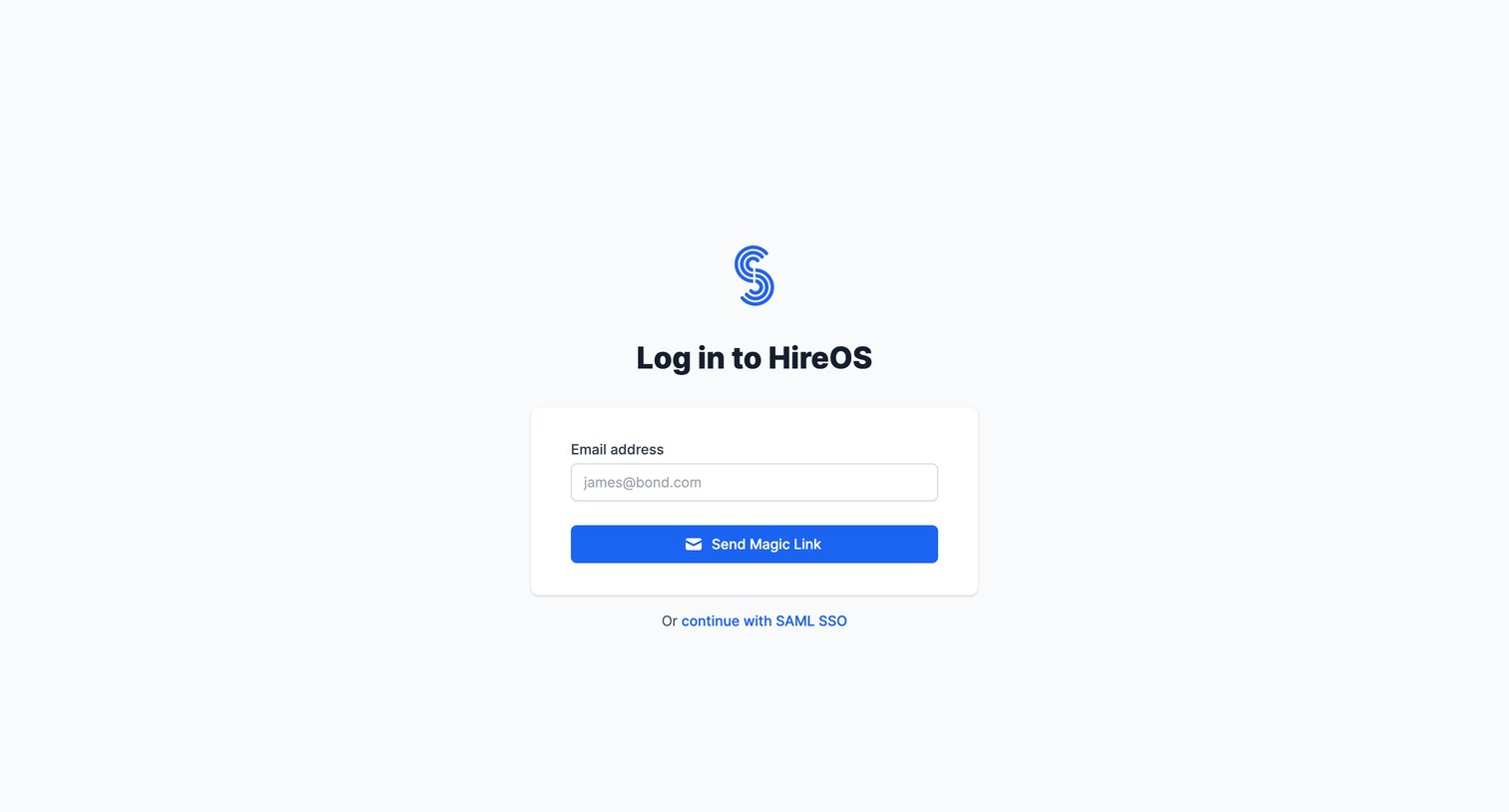
Sign-in screen where the user enters their email to receive a magic link or opts to continue with SAML SSO.

HireOS | Log in with Email from WorkOs
WorkOs logo
WorkOs

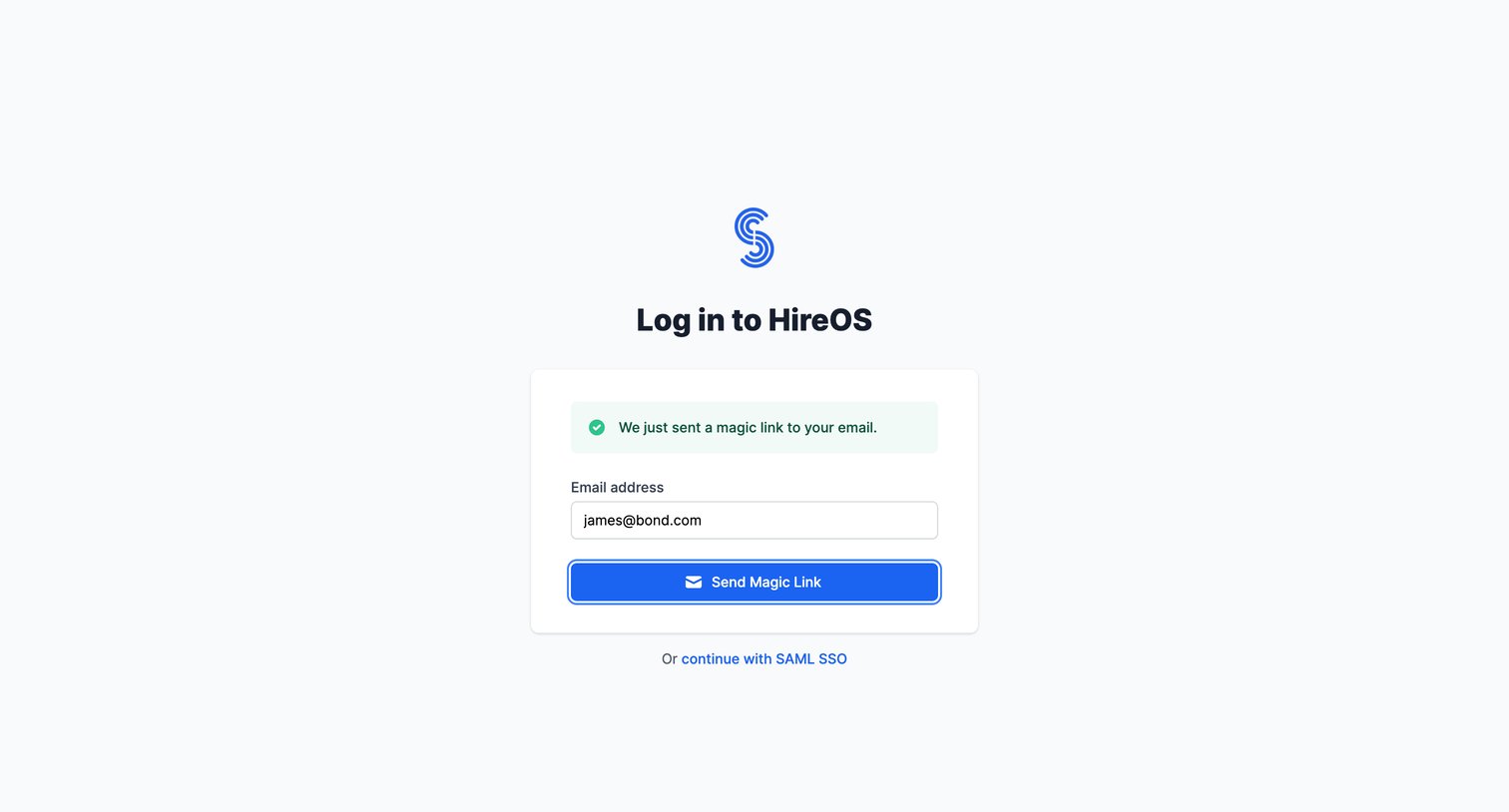
Sign-in screen where the user has requested a magic link and sees a success confirmation before checking their email.

HireOS | Log in with SSO from WorkOs
WorkOs logo
WorkOs

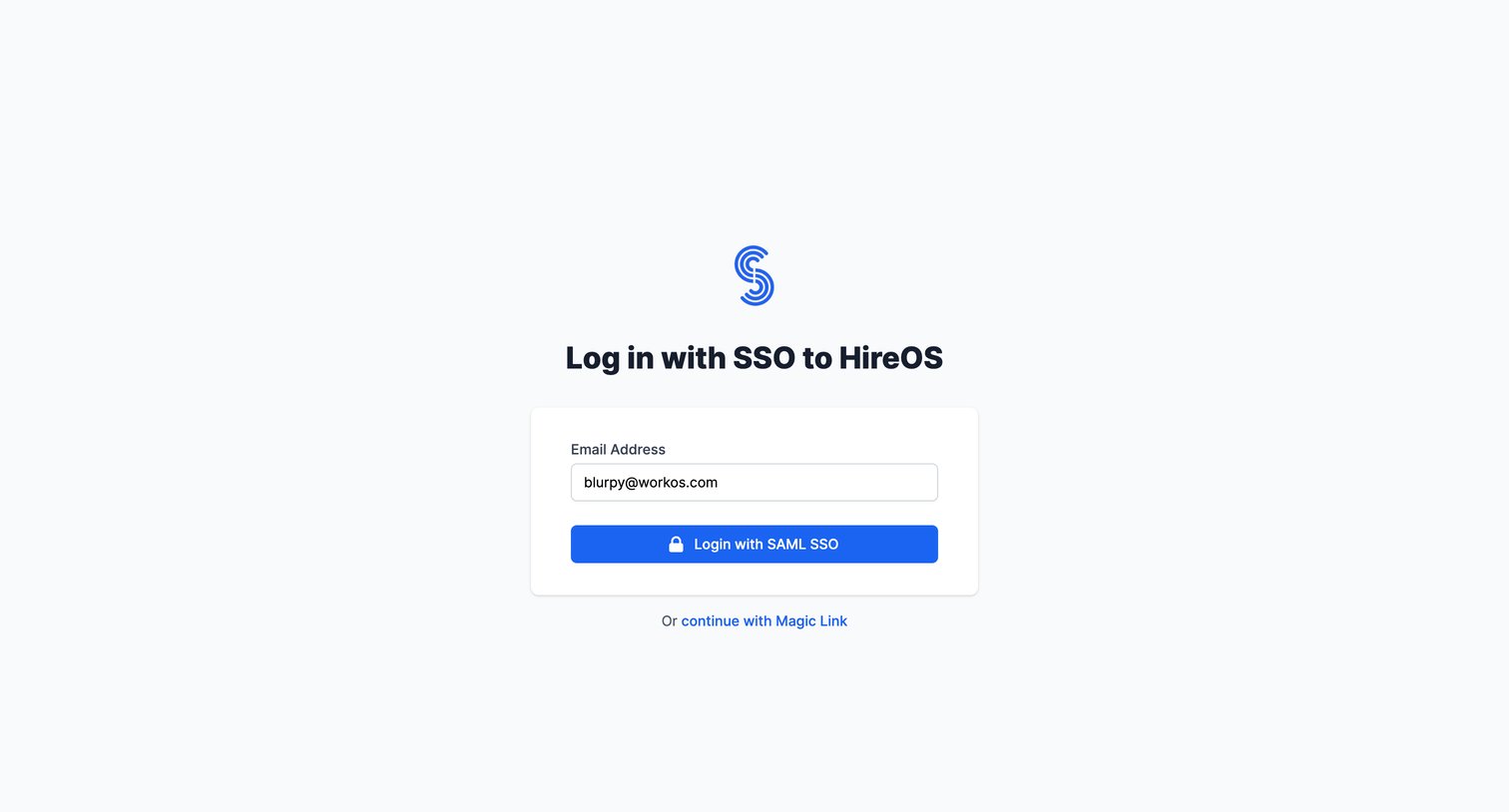
Sign-in screen where the user authenticates into HireOS using SAML SSO or an alternative magic link.

Pricing — WorkOS from WorkOs
WorkOs logo
WorkOs

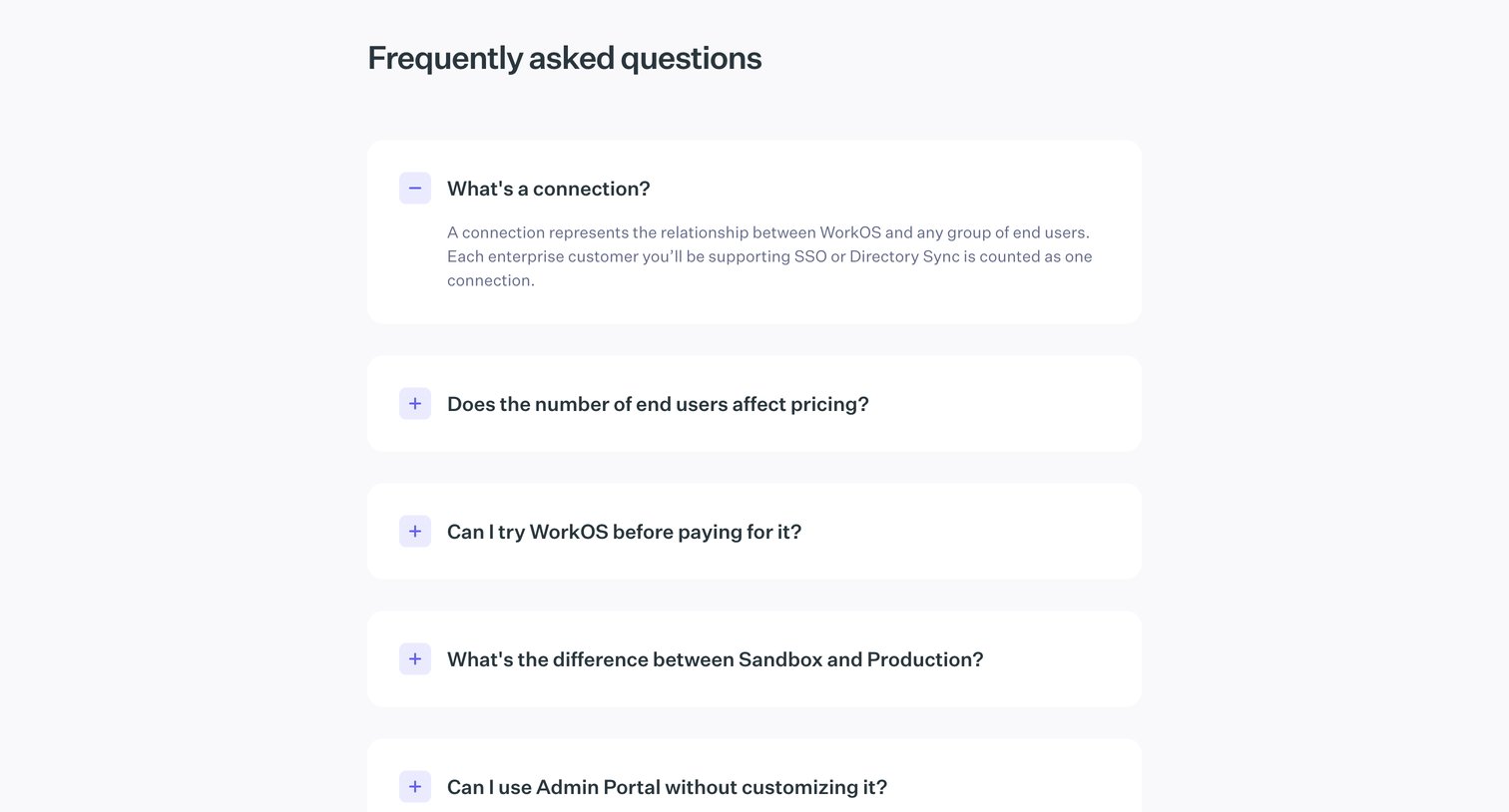
Pricing page section answering frequently asked questions about connections, end users, and environments.

Legal Policies — WorkOS from WorkOs
WorkOs logo
WorkOs

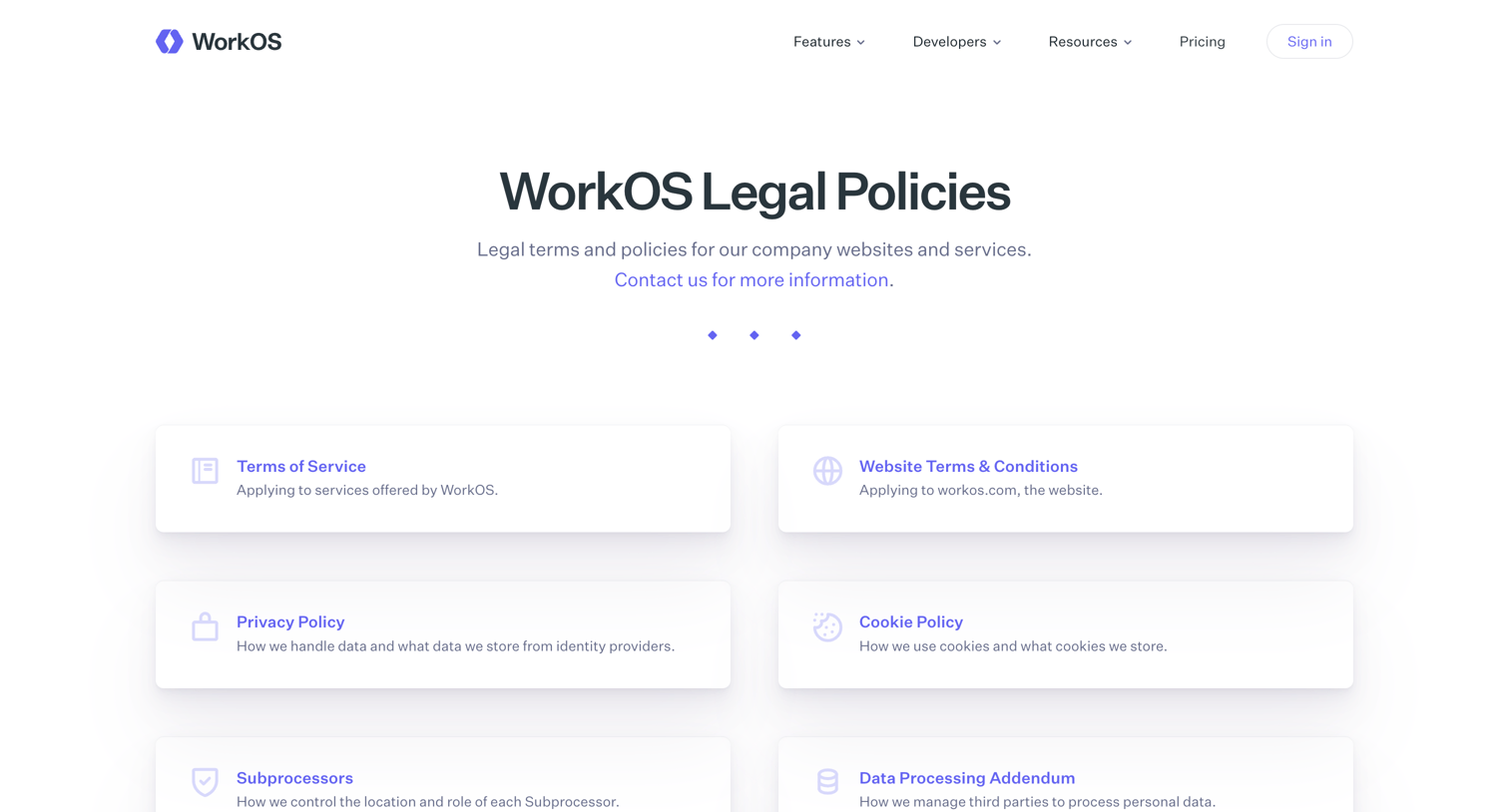
Legal directory page where the user navigates to specific policies like terms of service, privacy, and subprocessor agreements.
Terms of Service from WorkOs
WorkOs logo
WorkOs

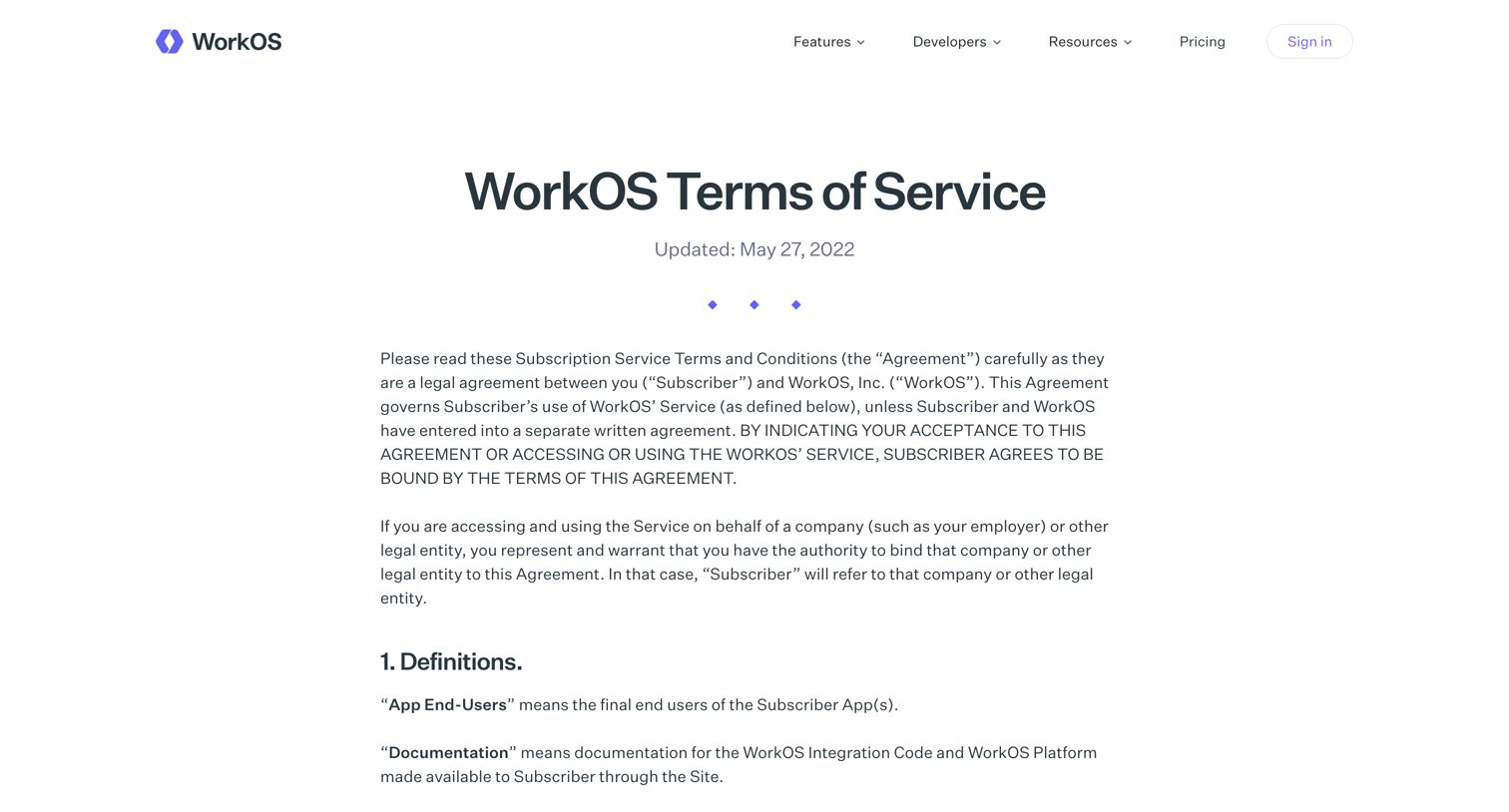
Terms of service page outlining the legal agreement, definitions, and usage rules for the WorkOS platform.
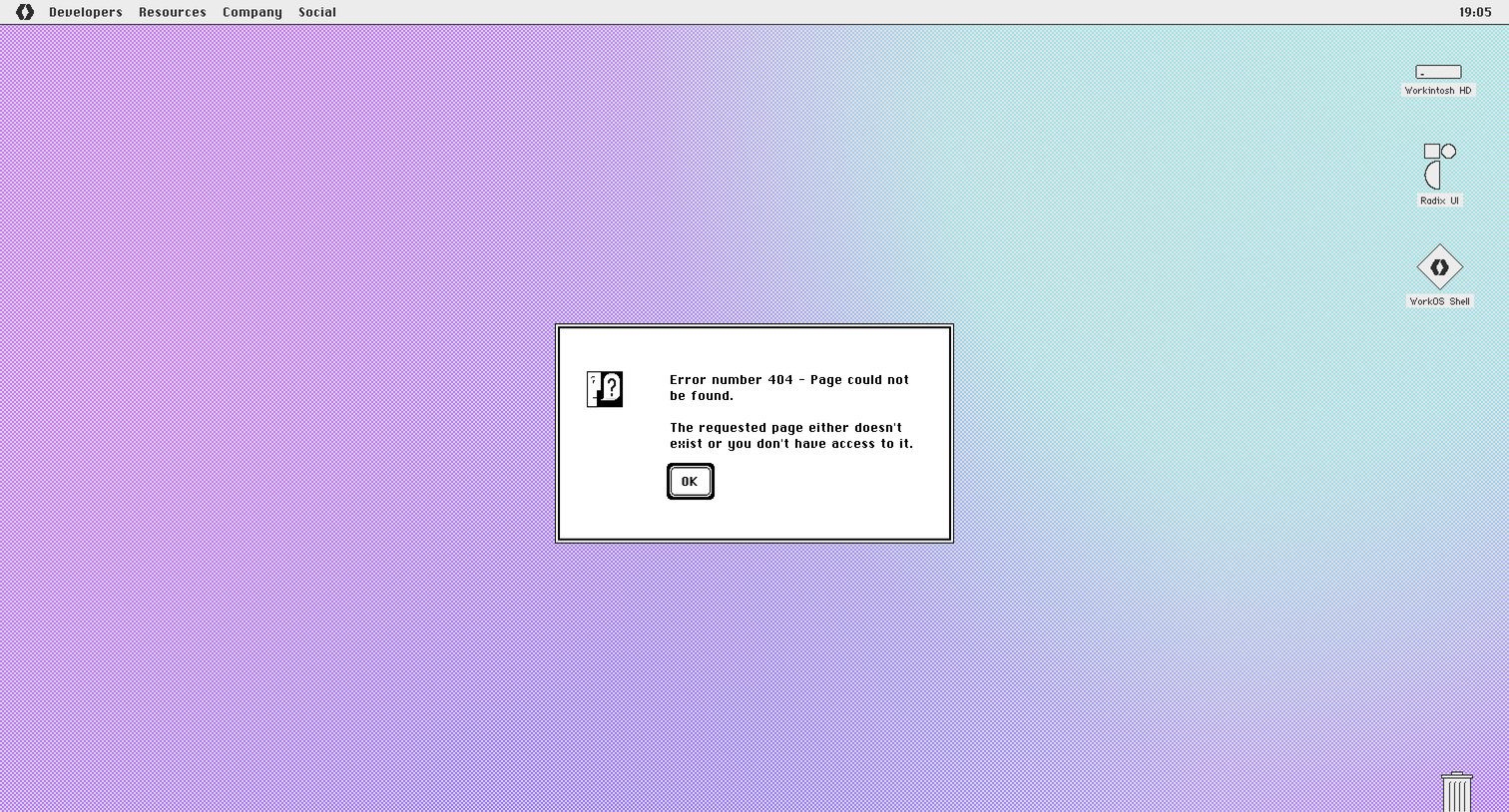
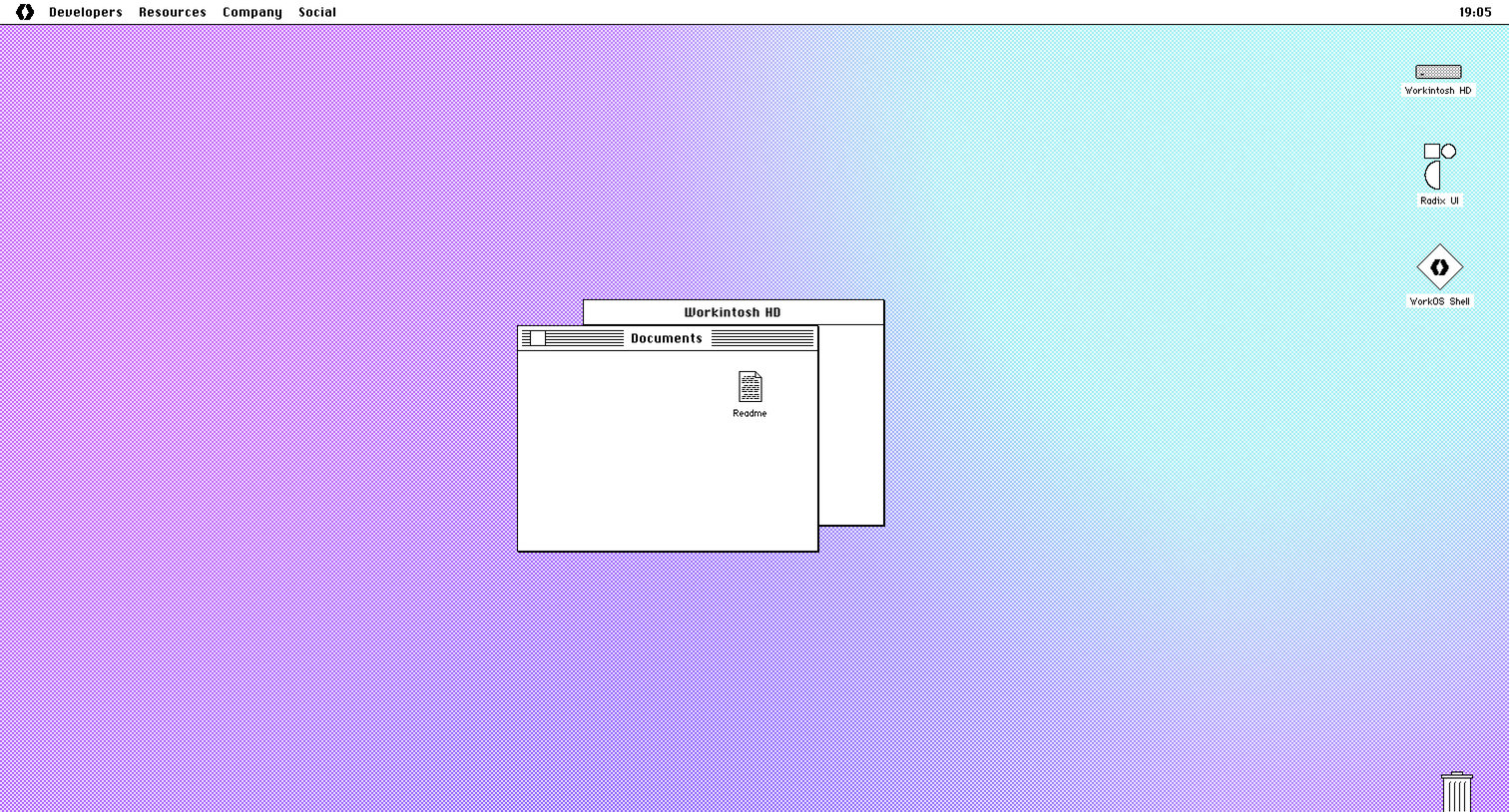
WorkOS - Page Not Found from WorkOs
WorkOs logo
WorkOs

404 error page styled as a classic Mac OS desktop with an alert dialog explaining the page is missing.

WorkOS - Page Not Found from WorkOs
WorkOs logo
WorkOs

404 error page styled as a classic retro operating system desktop with draggable windows and clickable file icons.

WorkOS - Page Not Found from WorkOs
WorkOs logo
WorkOs

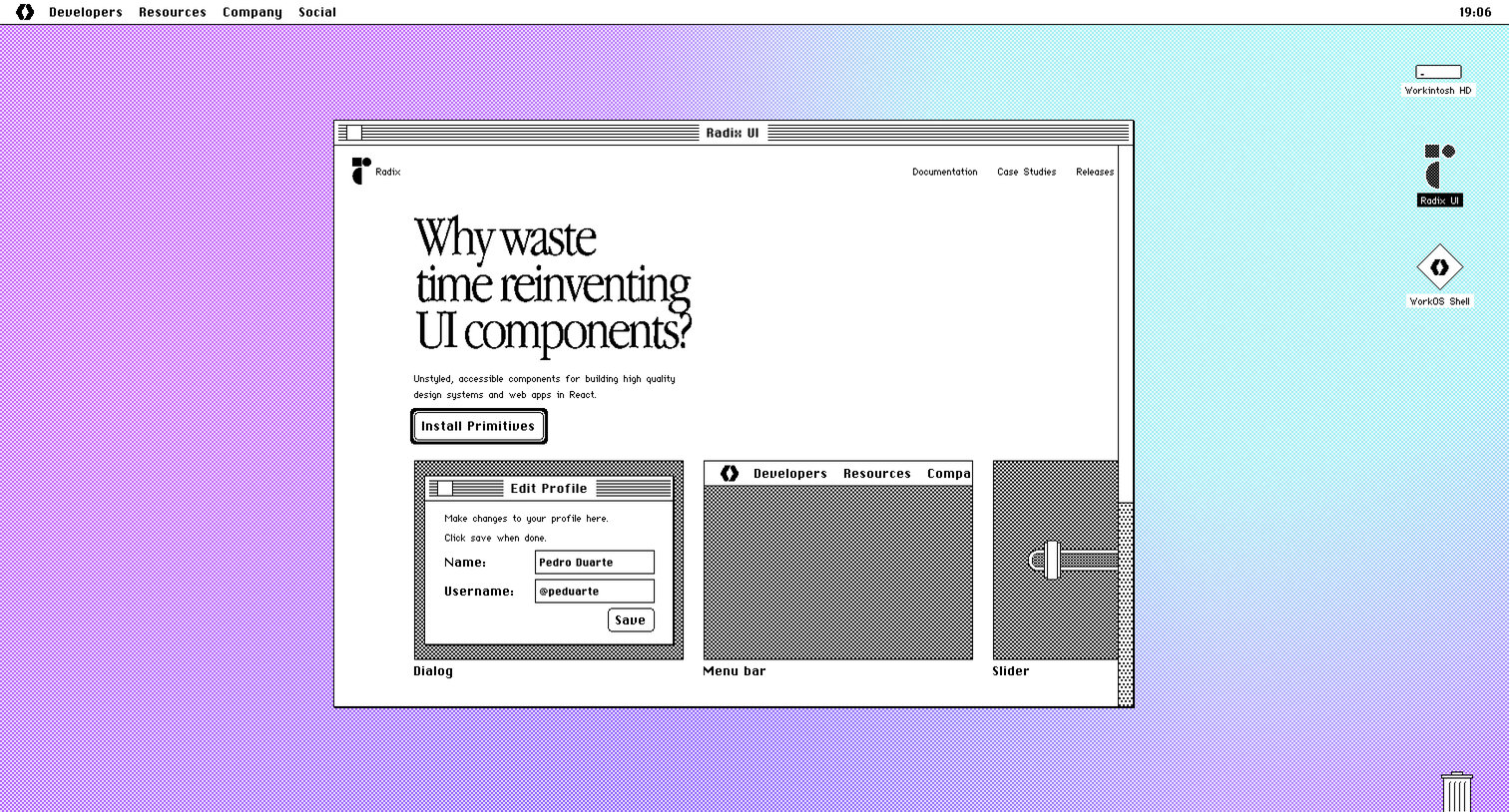
404 error page styled as a retro graphical operating system desktop featuring an interactive mock window for Radix UI components.

WorkOS - Page Not Found from WorkOs
WorkOs logo
WorkOs

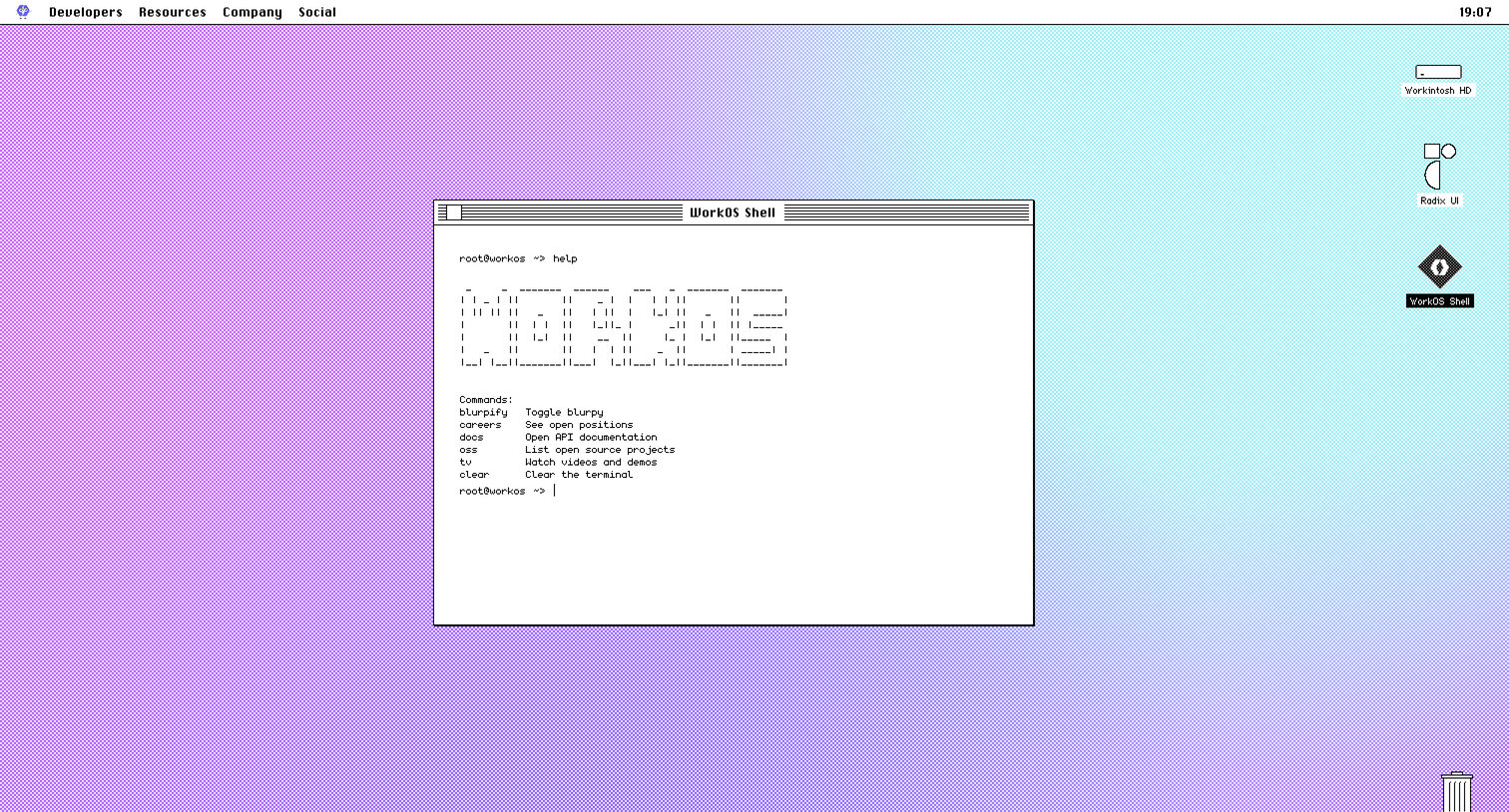
404 error page styled as a retro Mac OS desktop where the user can type terminal commands to navigate the site.
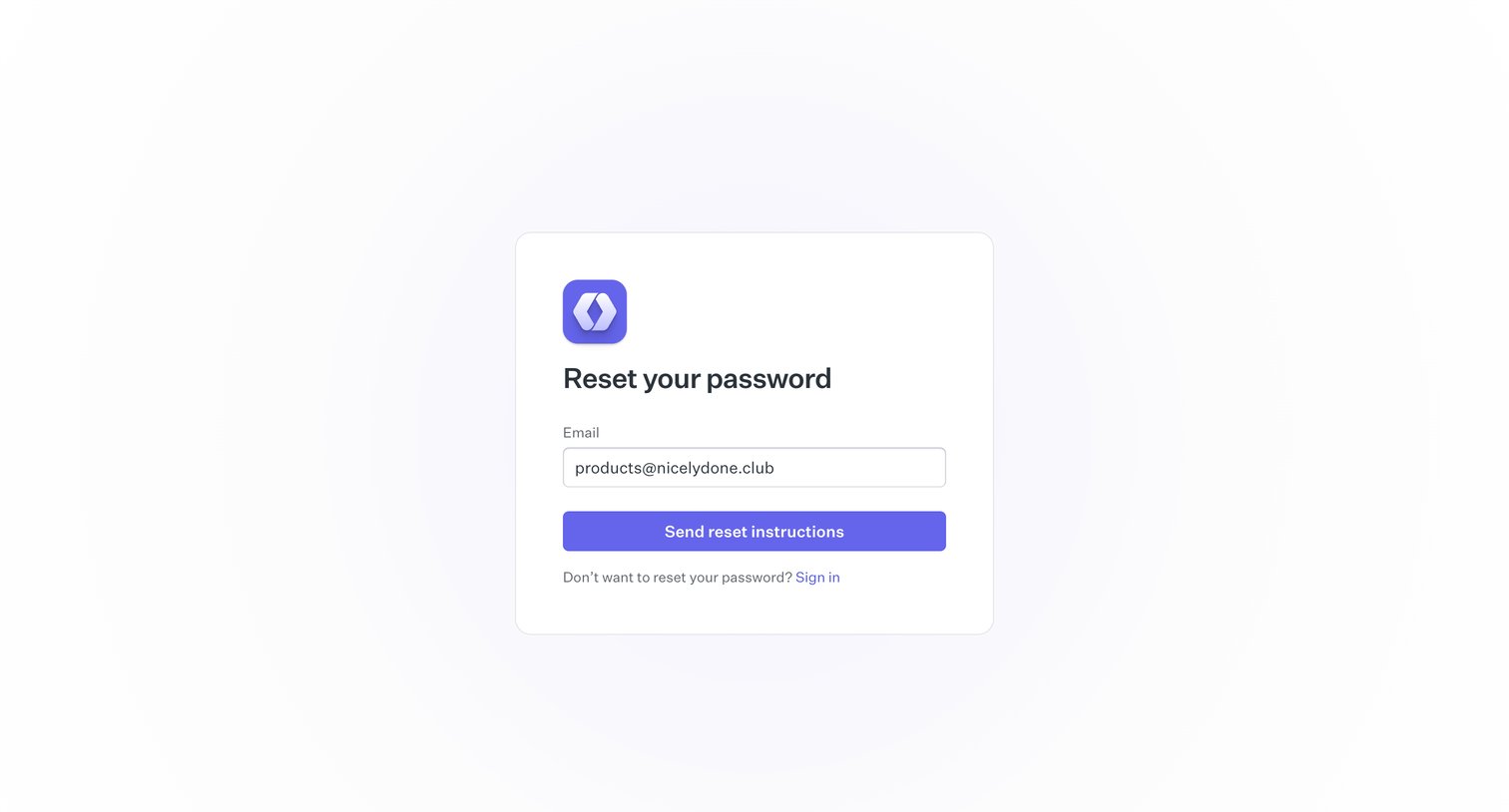
Reset password | WorkOS from WorkOs
WorkOs logo
WorkOs

Password recovery screen where the user enters their email address to receive reset instructions.
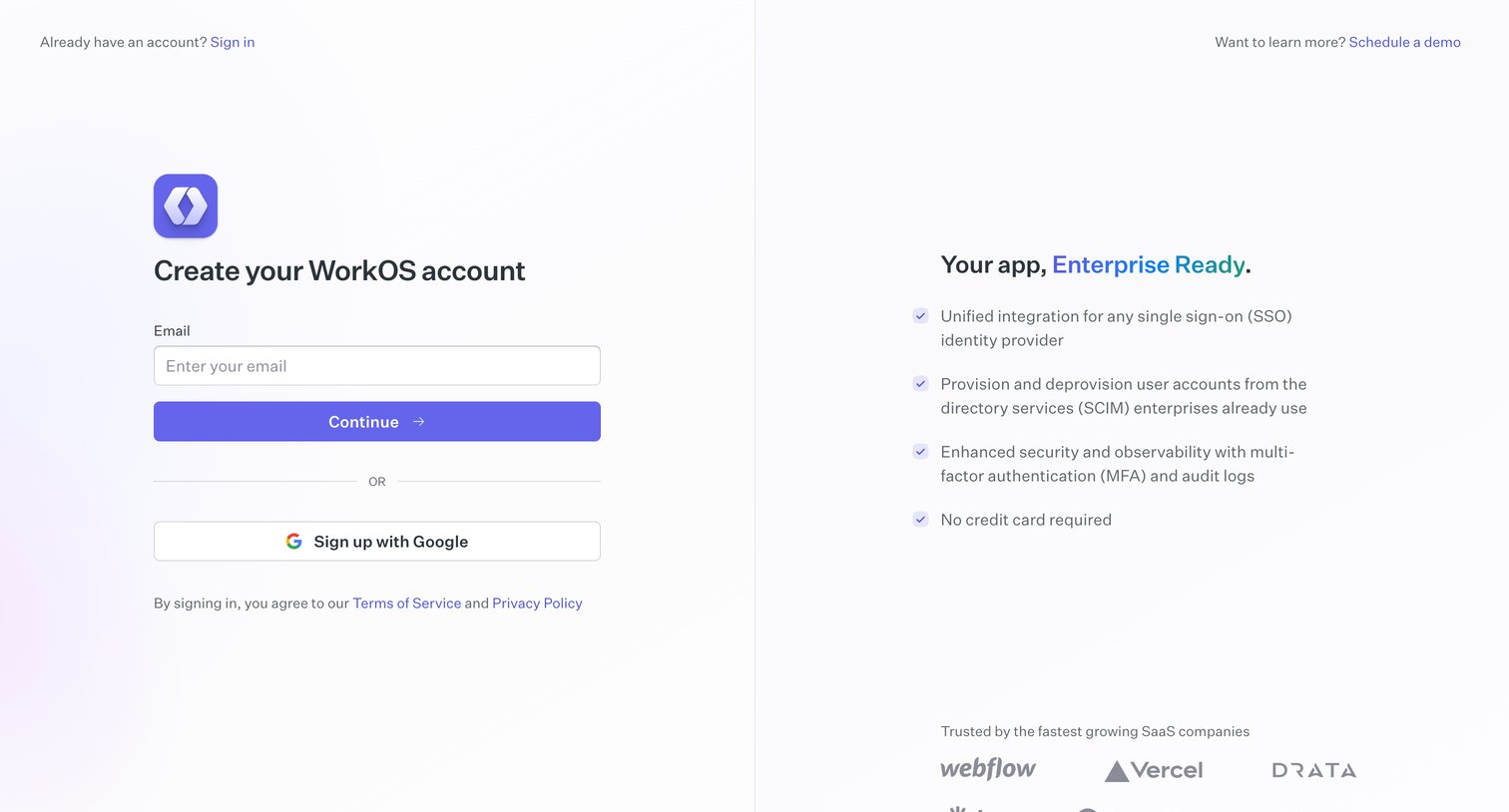
Sign up | WorkOS from WorkOs
WorkOs logo
WorkOs

Signup screen where the user can create an account via email or Google, alongside enterprise value propositions and a customer logo wall.

Browse the full SaaS app library

Explore real SaaS apps with their product screens, marketing screens, flows, and components.

Trusted by the best teams