WorkOs marketing pages examples
Explore WorkOs website design examples. Preview marketing pages and browse related SaaS page designs. Your app, enterprise-ready
Explore the examples
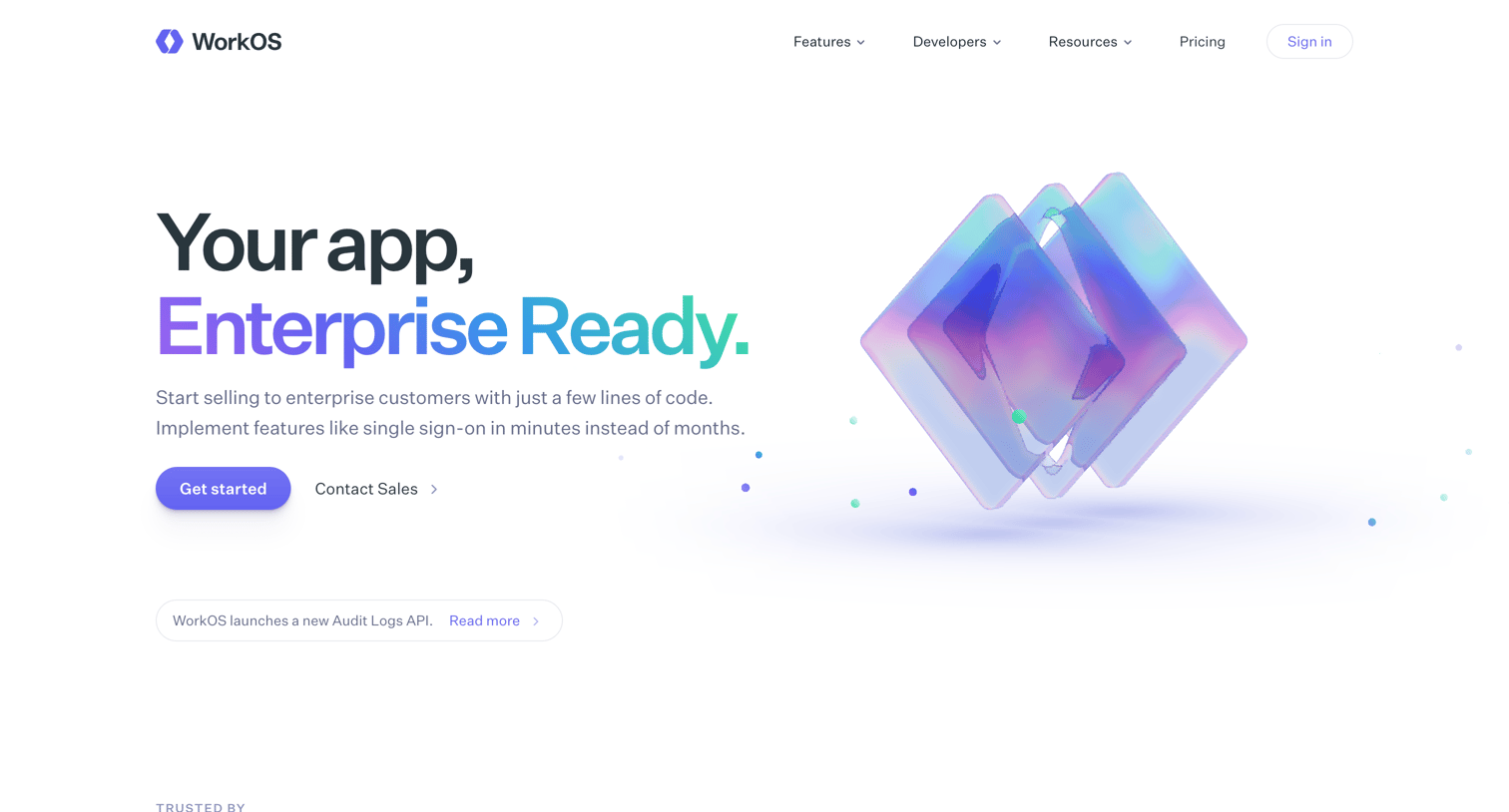

Landing page where the user explores enterprise SSO, directory sync, and IT admin features, with code snippets and customer testimonials.
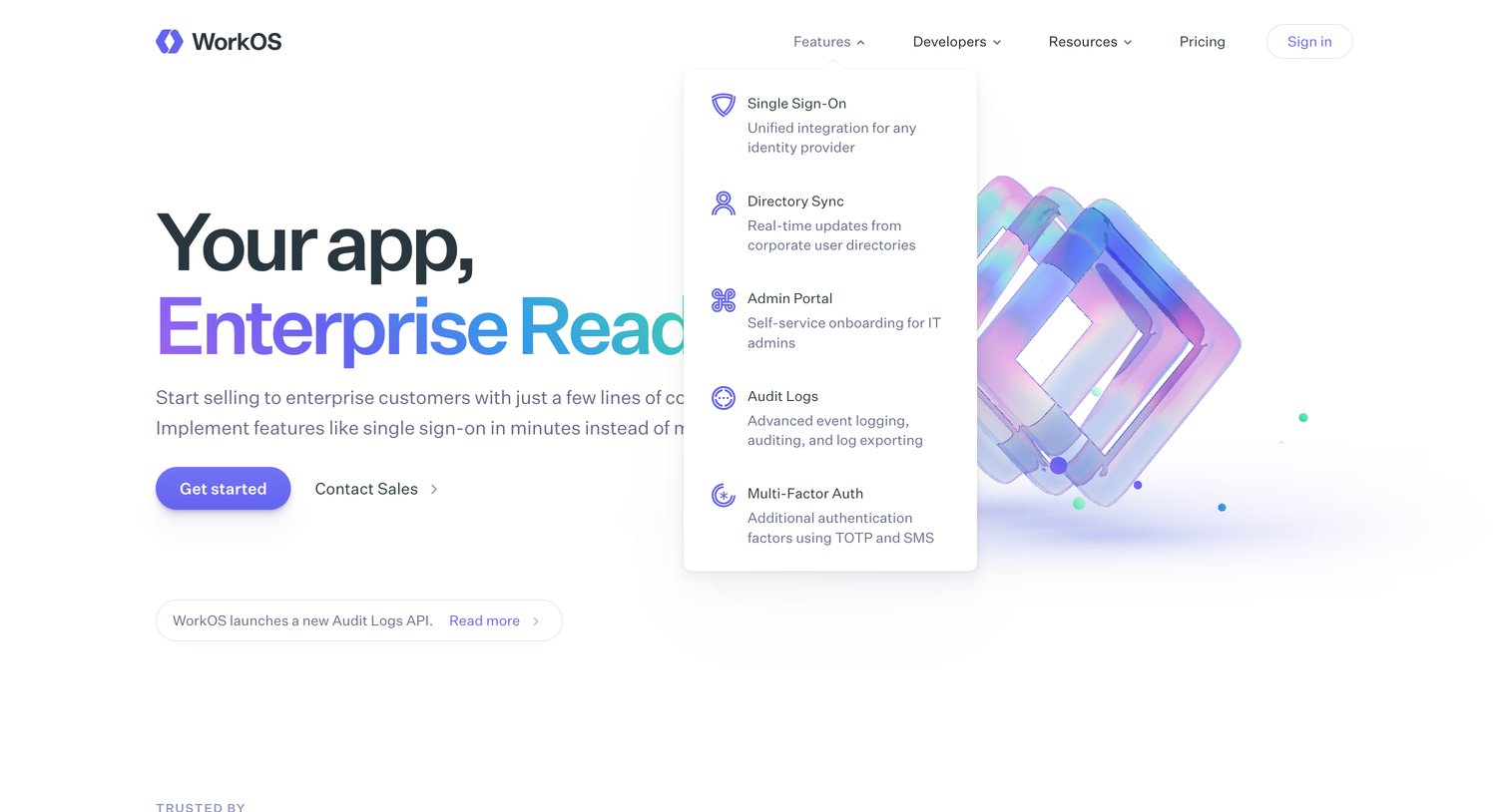
Landing page where the user can explore enterprise features like Single Sign-On and Directory Sync via a navigation dropdown and start integrating the API.
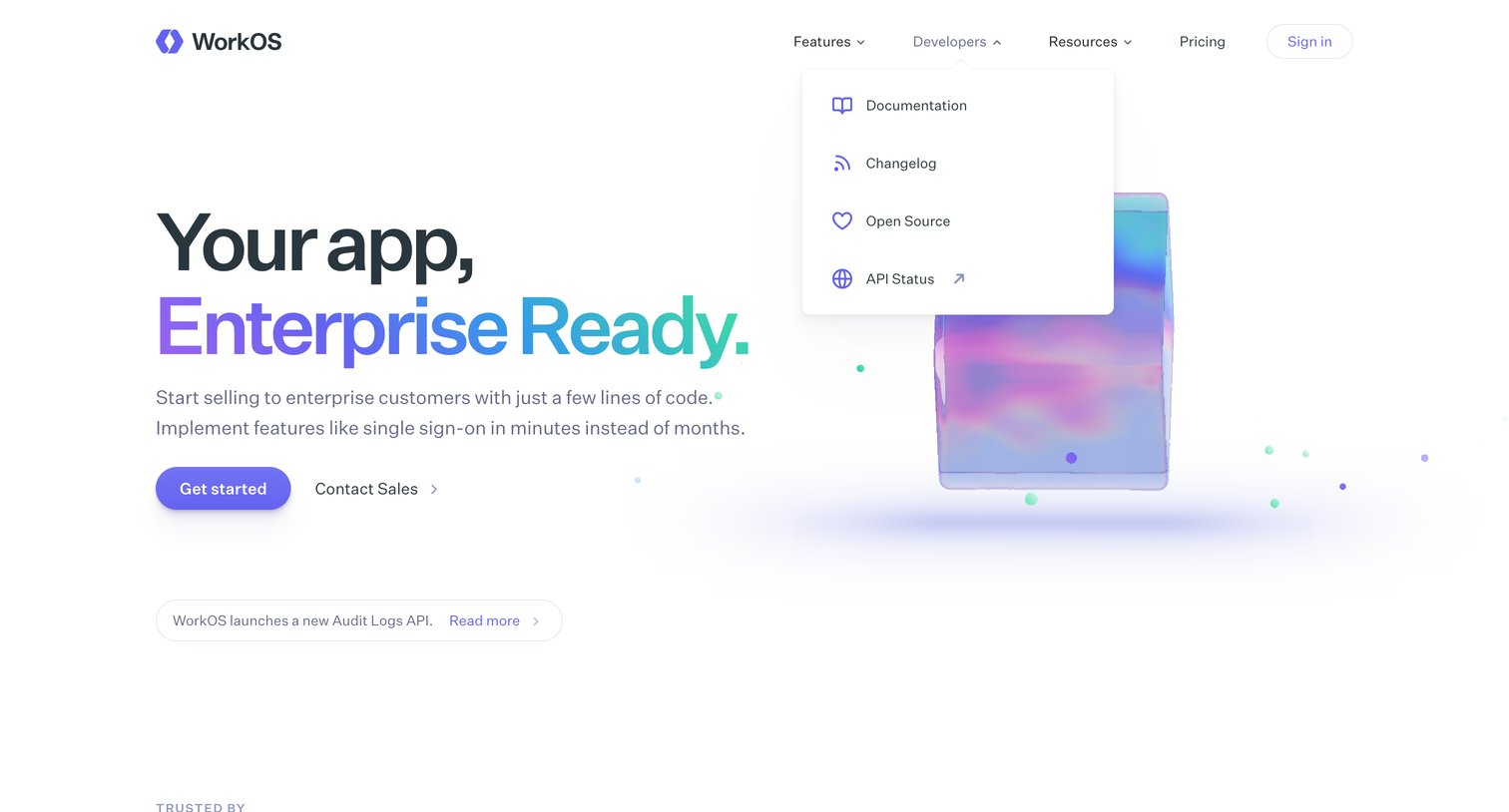
Landing page where the user can explore developer documentation via an open dropdown menu, view trusted brands, or start integrating enterprise features.
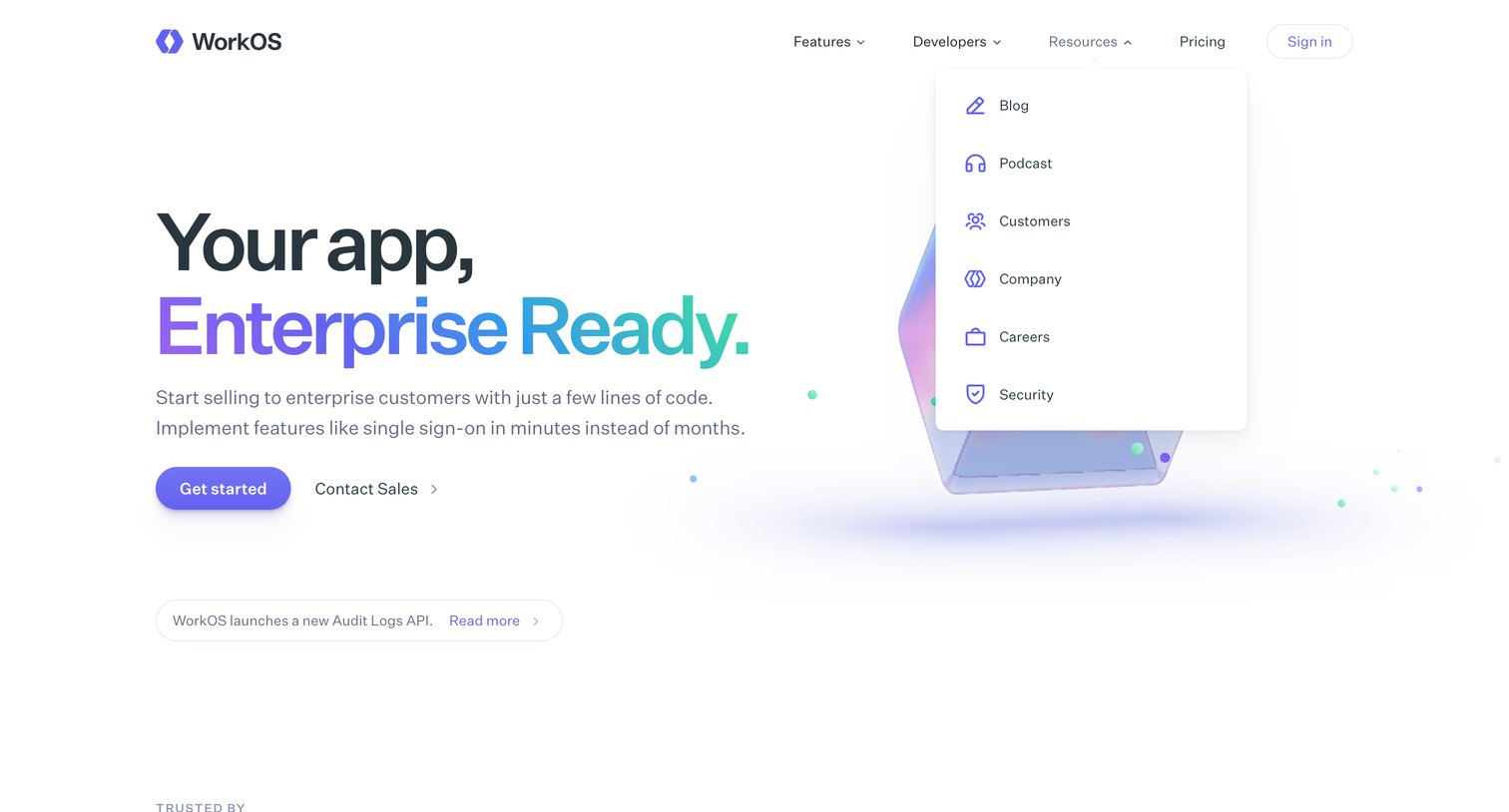
Landing page where WorkOS pitches enterprise-ready features for apps, showing an open dropdown menu for resources like the blog, podcast, and security.
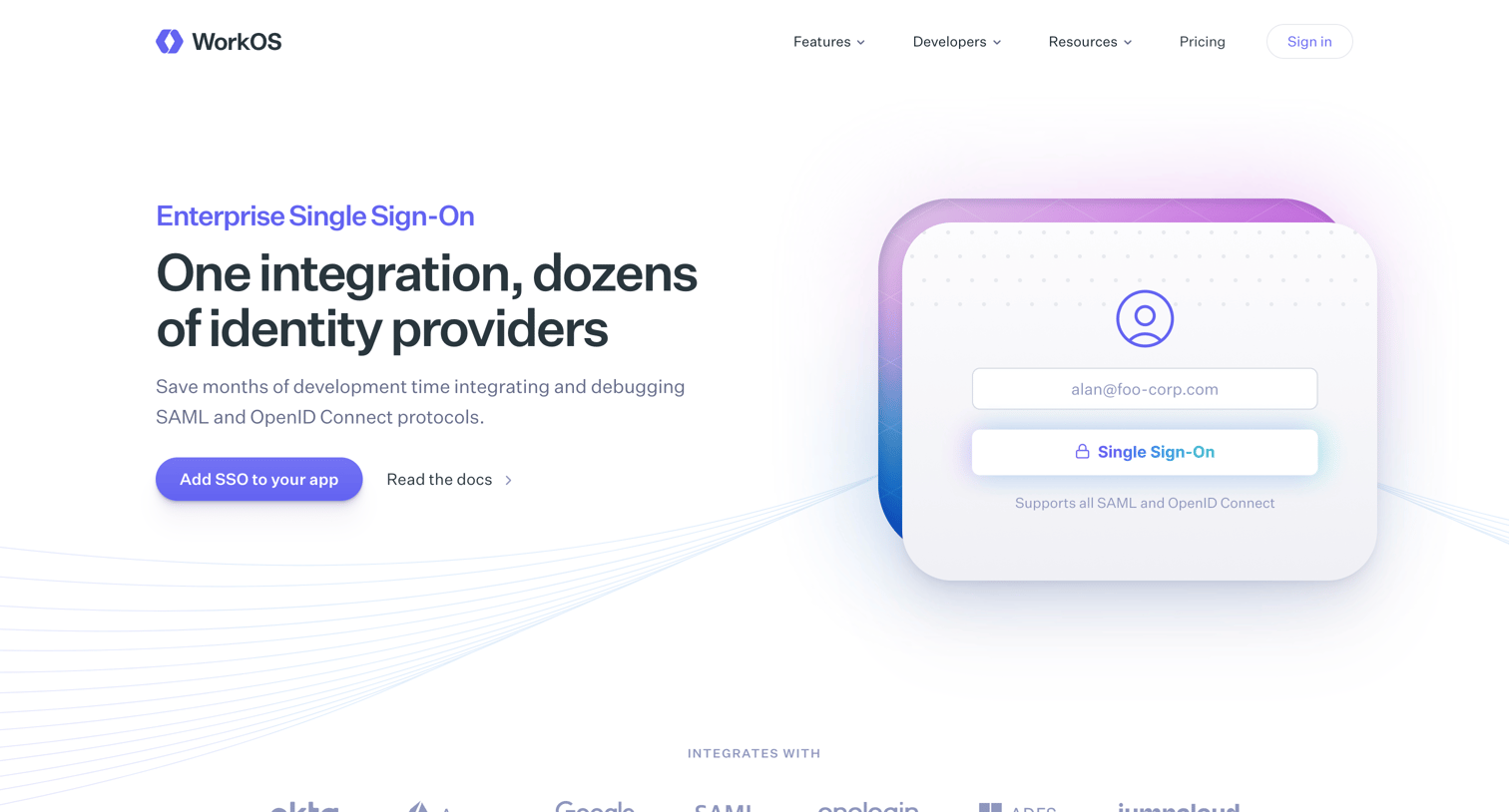
Feature page explaining WorkOS Single Sign-On capabilities, highlighting identity provider integrations, API design, magic links, and pricing with developer-focused documentation links.
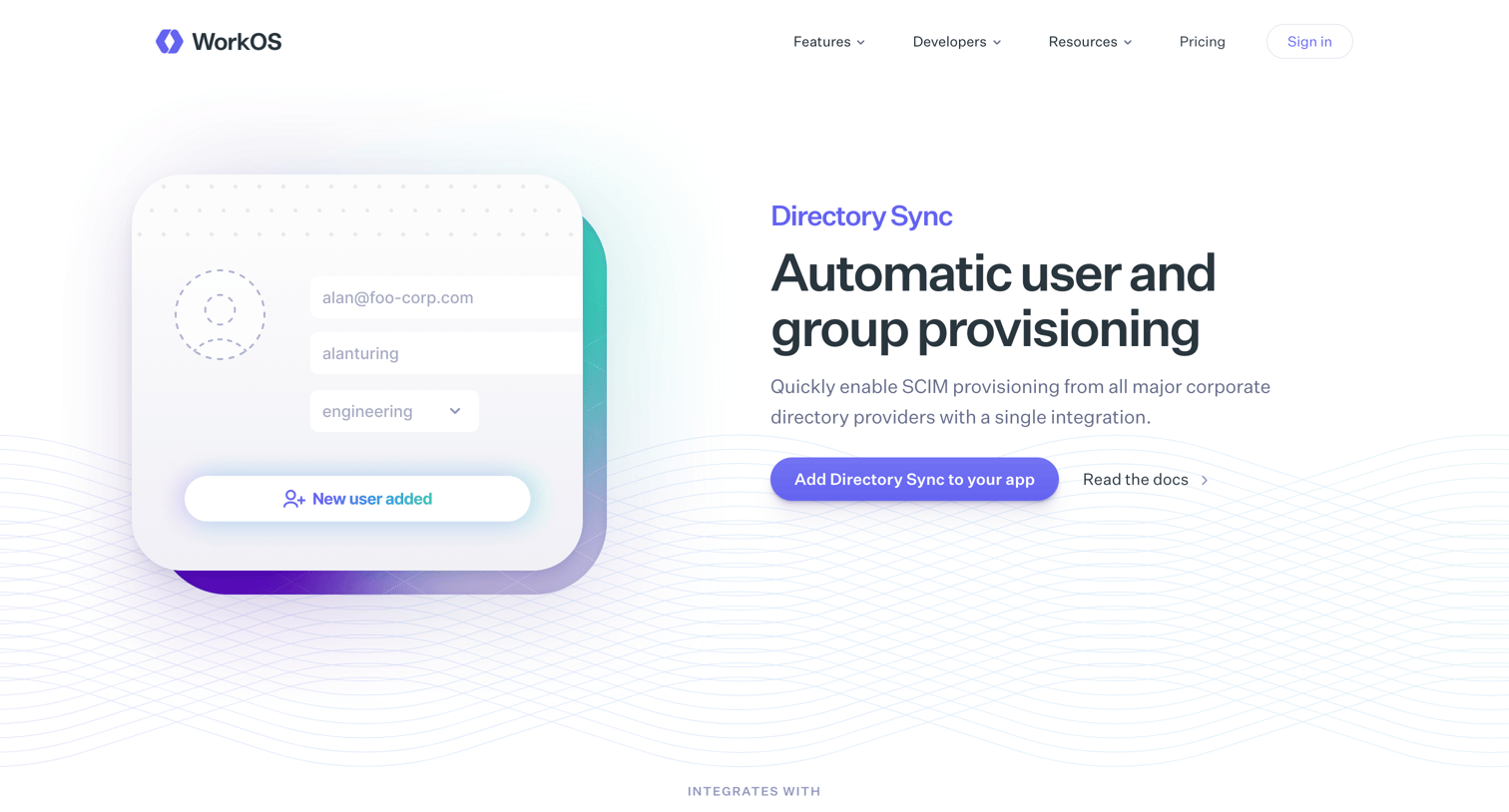
Feature page for Directory Sync detailing SCIM provisioning, HRIS integrations, code examples, and transparent pricing for developers.
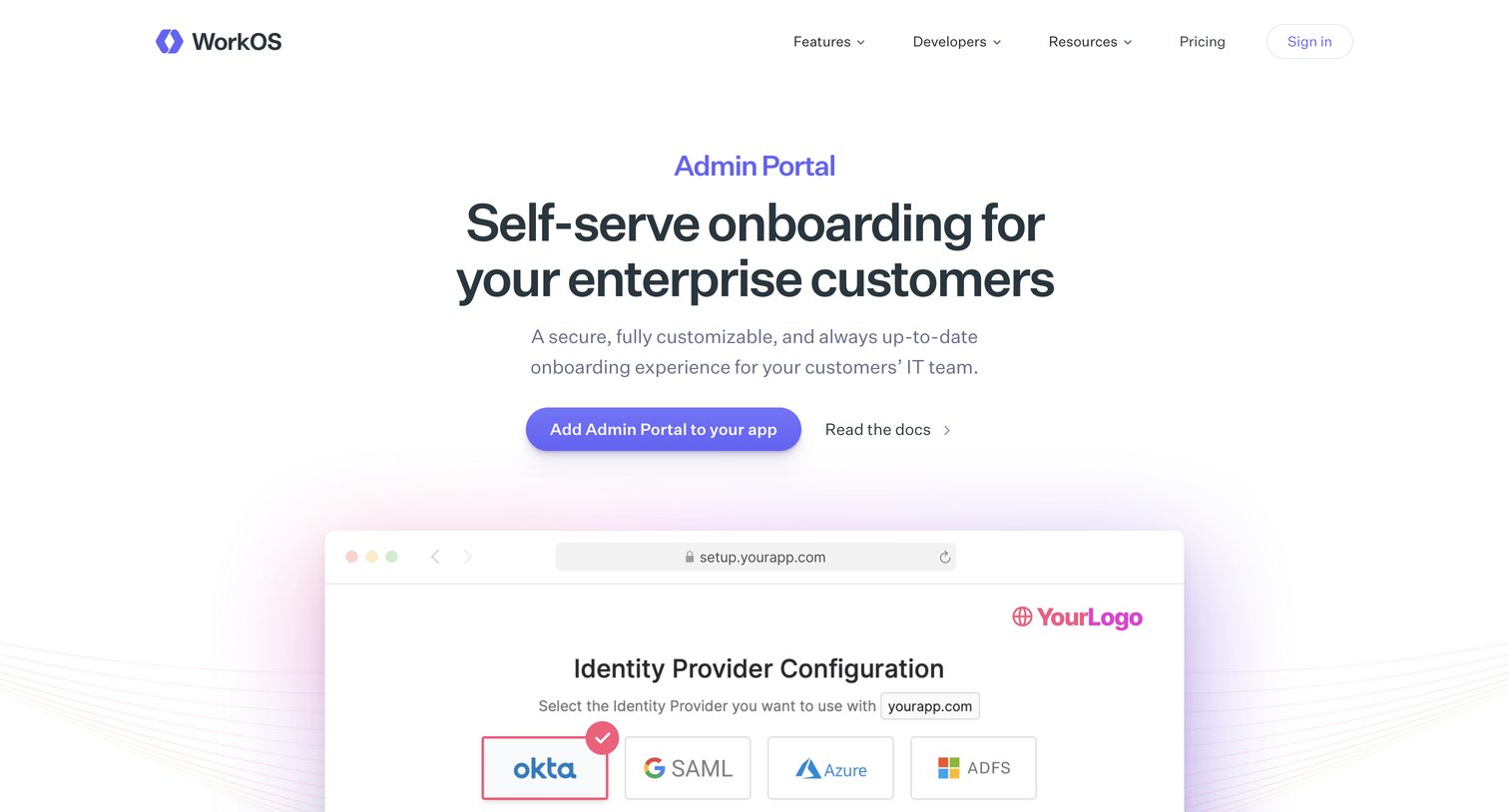
Feature page for the Admin Portal product detailing how enterprise customers can self-serve their SSO and Directory Sync integration.
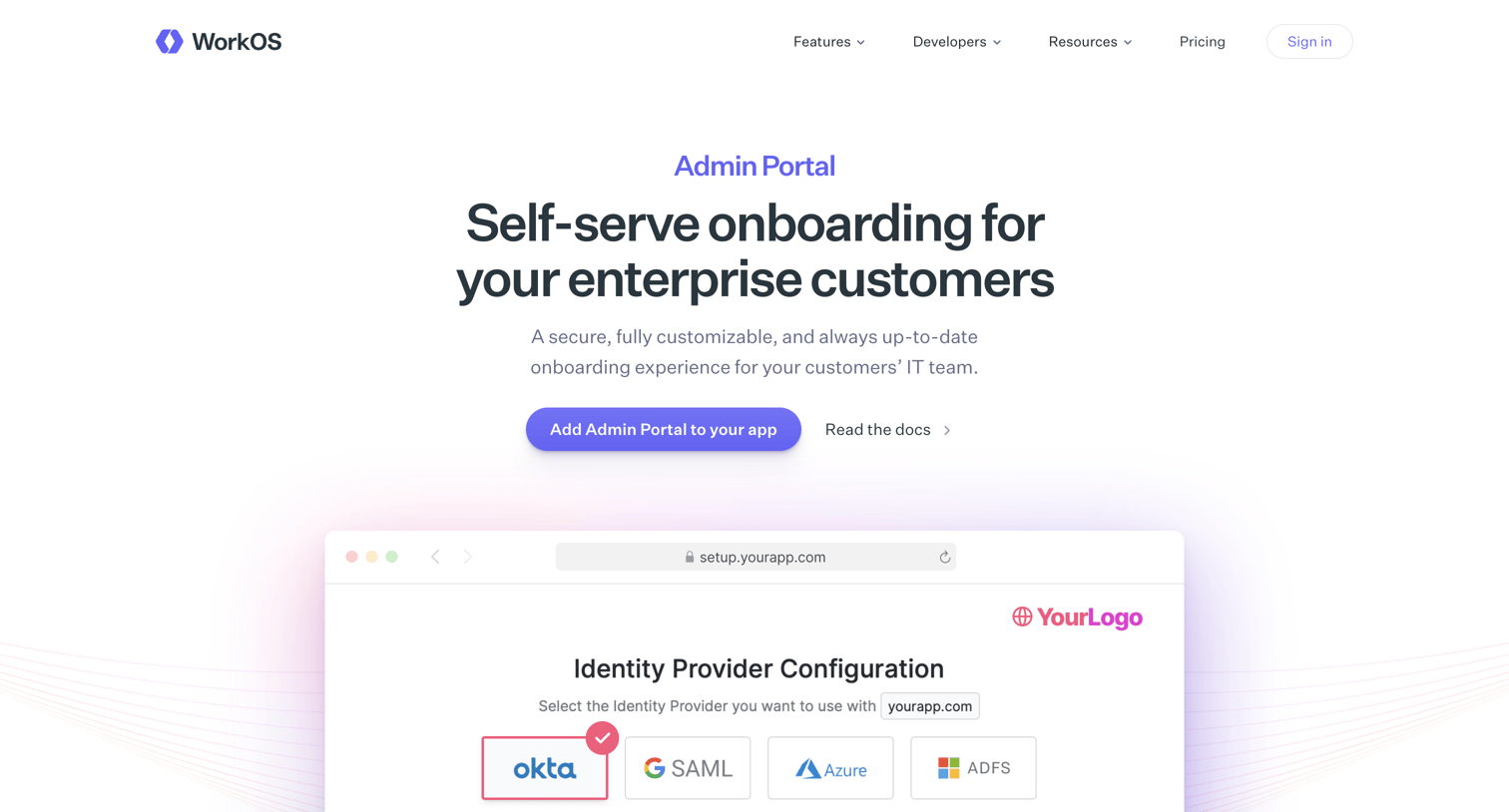
Product page for an enterprise admin portal feature, highlighting self-serve SSO onboarding, programmatic link generation, and custom attribute mapping.
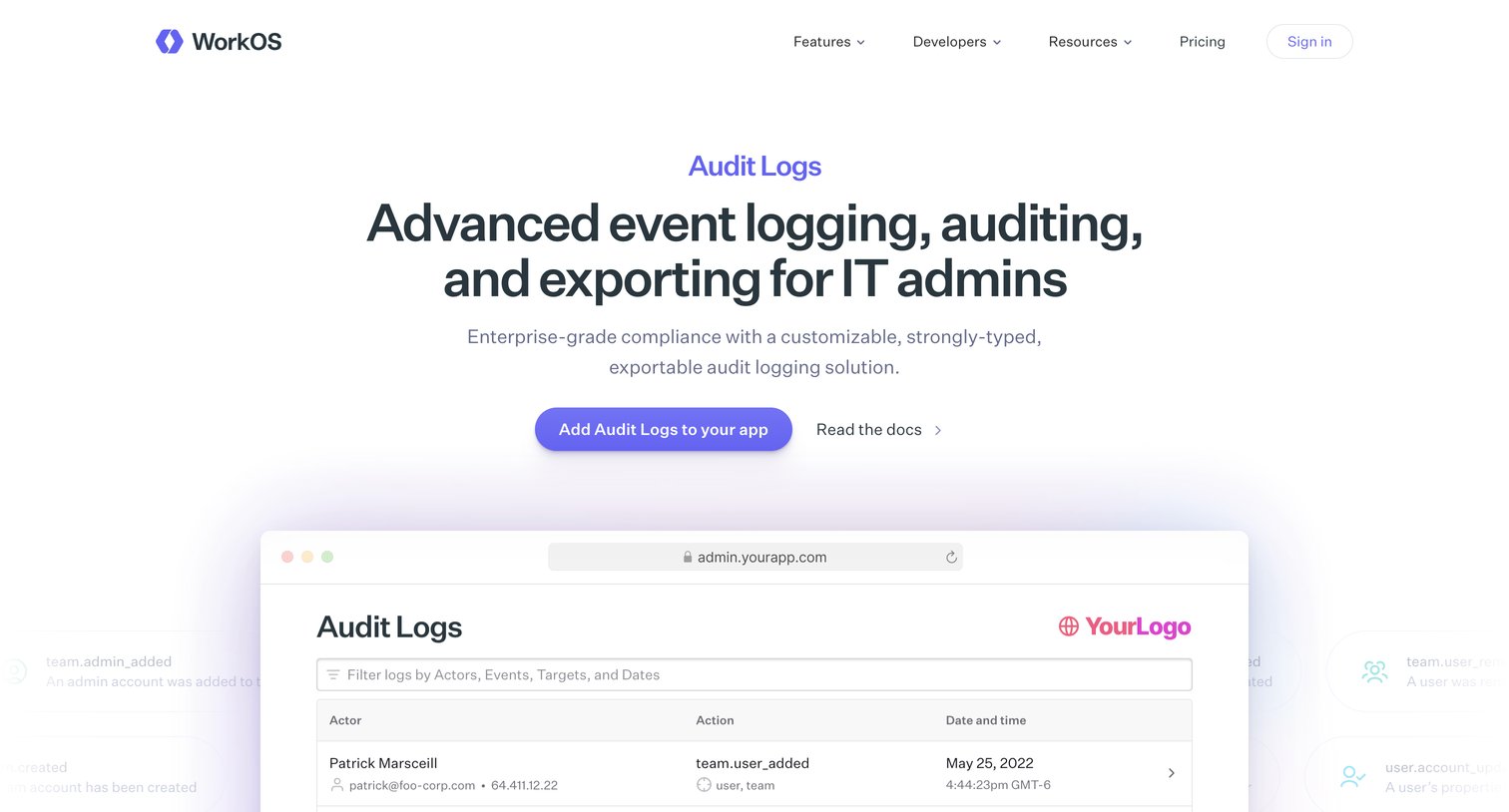
Product page for an audit logging API, featuring interactive UI mockups, code snippets for multiple languages, SIEM integration details, and a simple pricing comparison.
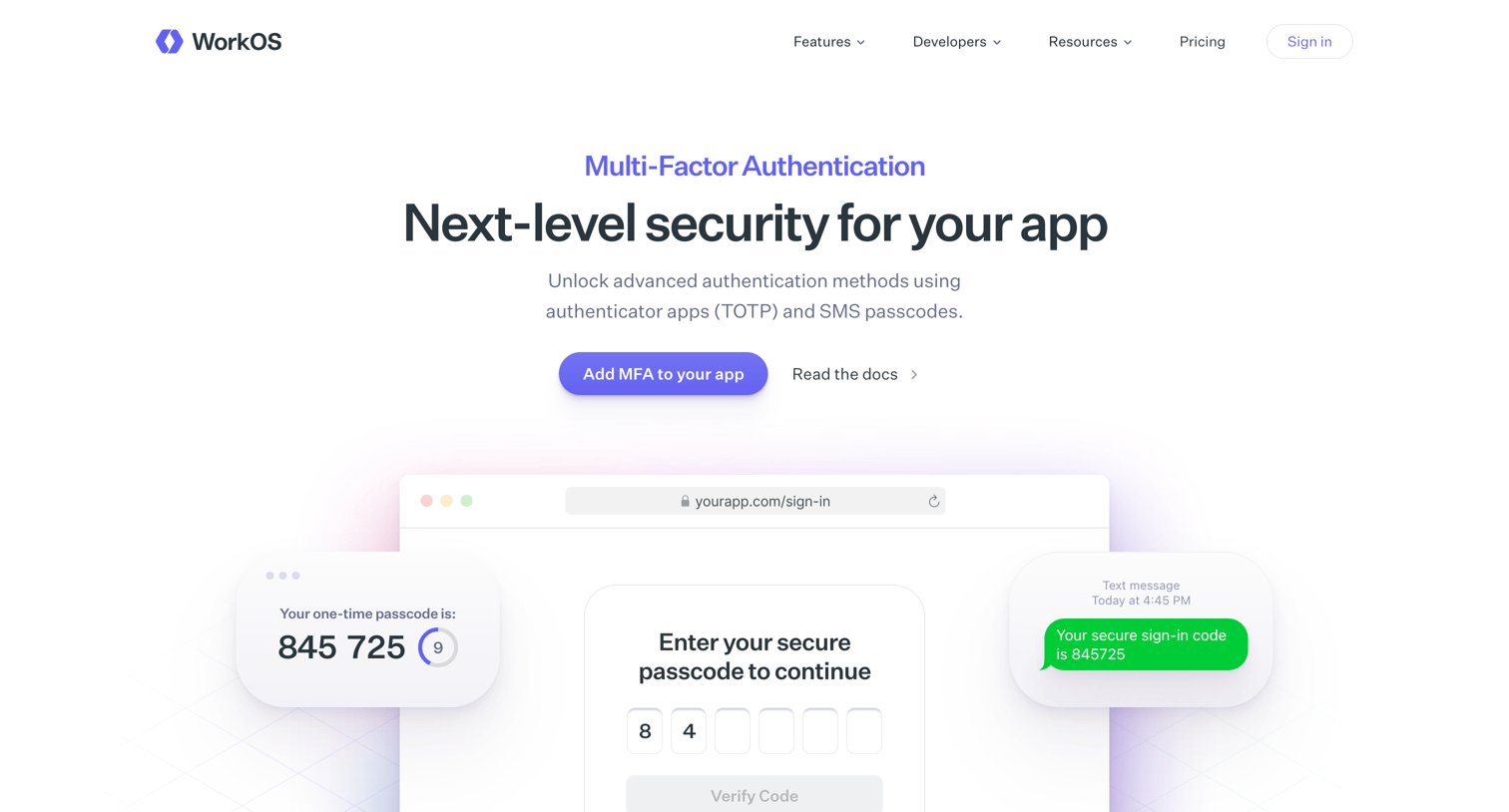
Marketing feature page detailing the Multi-Factor Authentication API, highlighting TOTP and SMS support, integration code snippets, and customer testimonials.
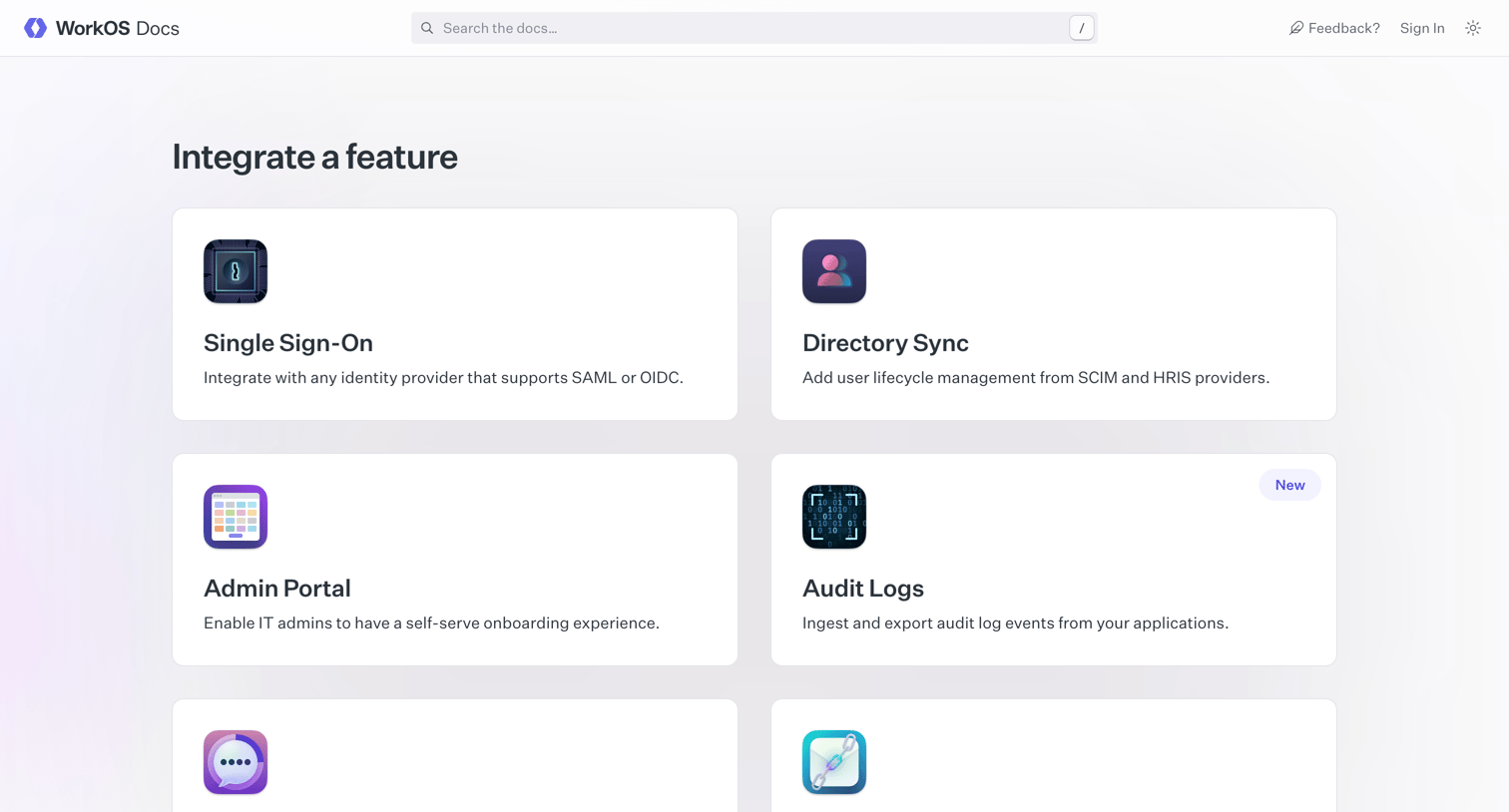
Developer documentation home page where the user can search the docs, browse feature integration guides like Single Sign-On and Directory Sync, or explore platform resources like API reference and SDKs.
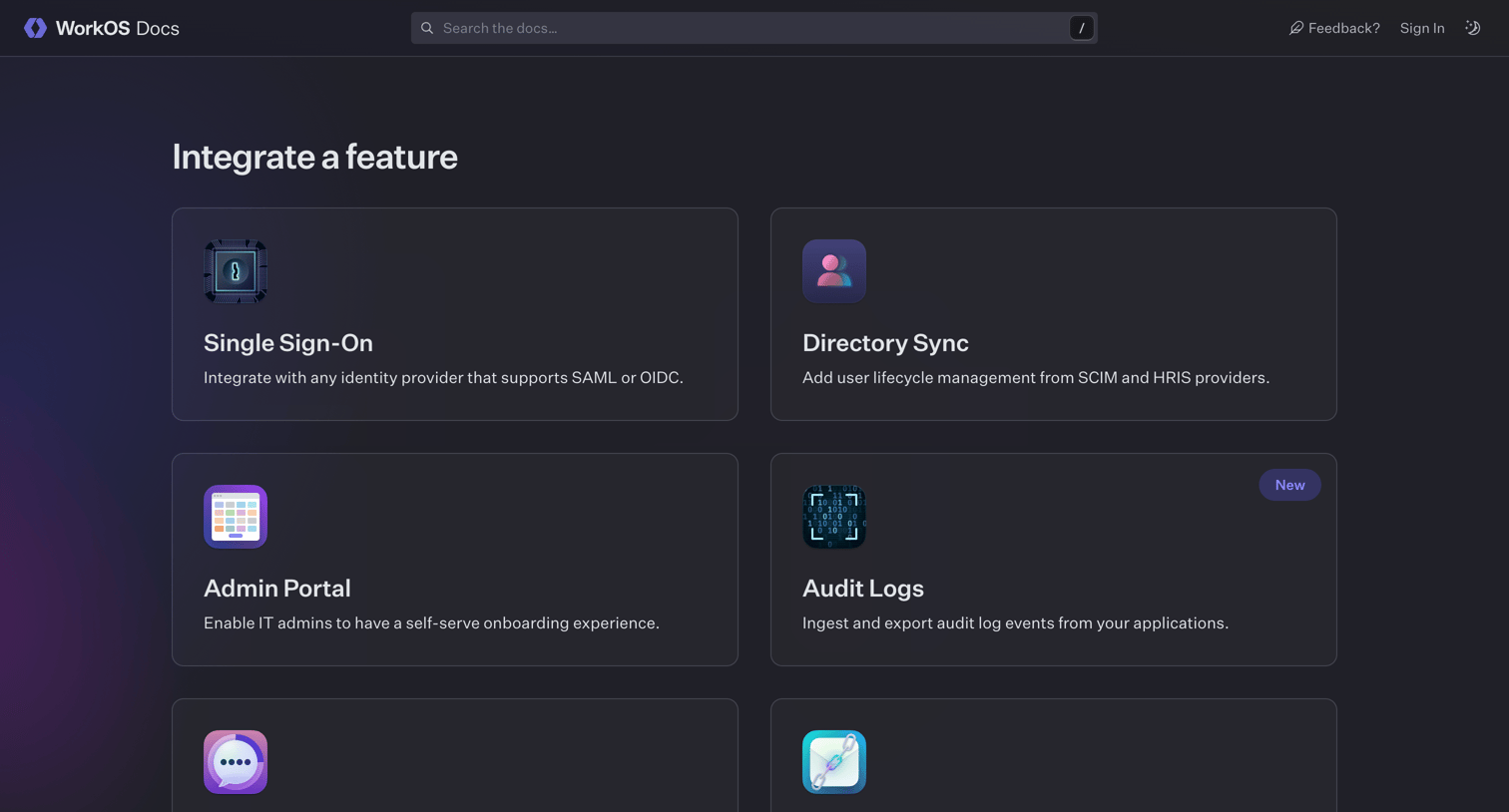
Developer documentation home page where the user can navigate to specific feature guides, API reference, and platform resources.
Explore the full SaaS screen library
Upgrade to unlock the full library.
Trusted by the best teams







