User authentication screen examples
User authentication screen design examples from SaaS apps. Browse examples from Dock, Beside, Flora.
Explore the examples
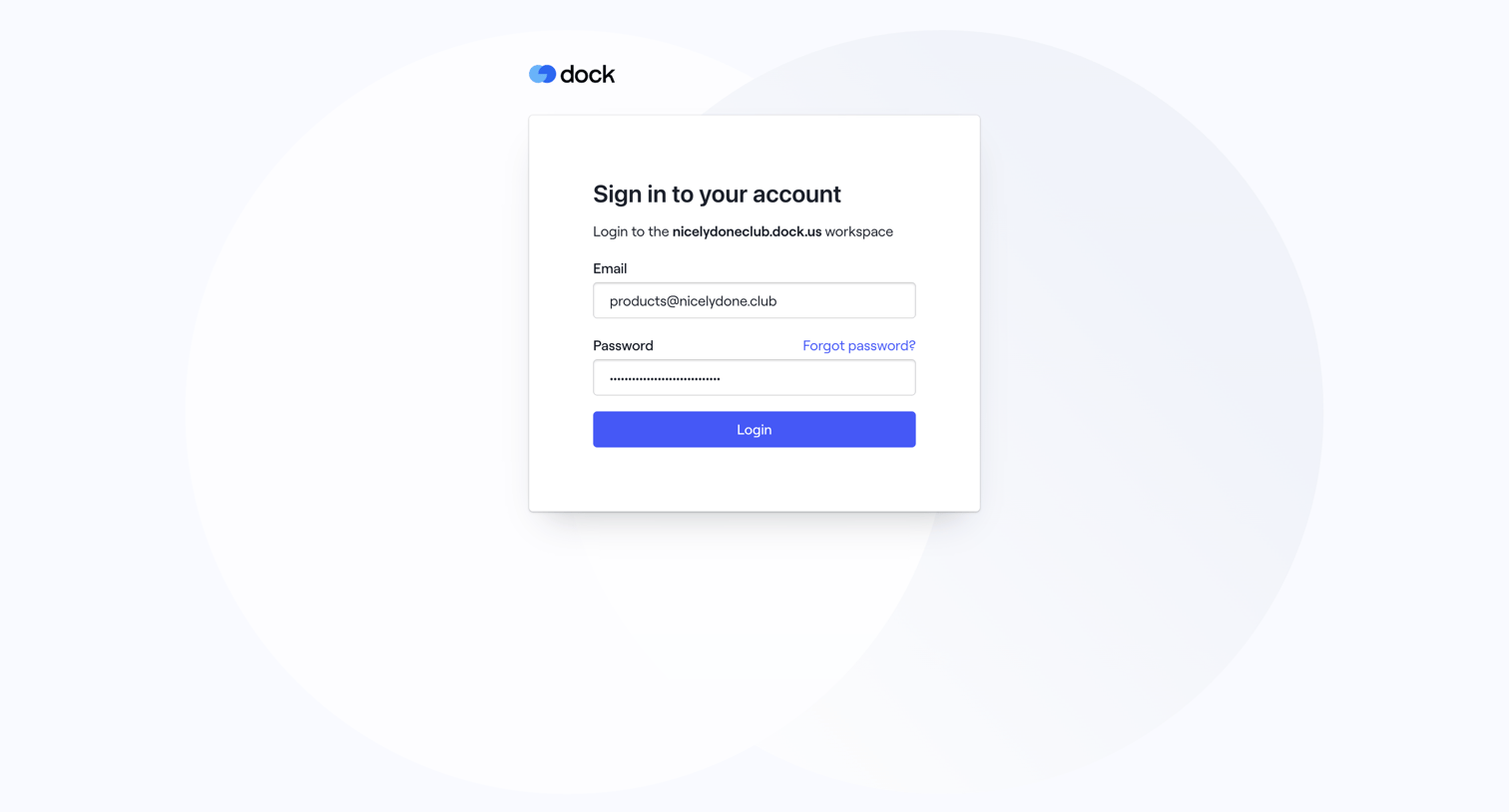

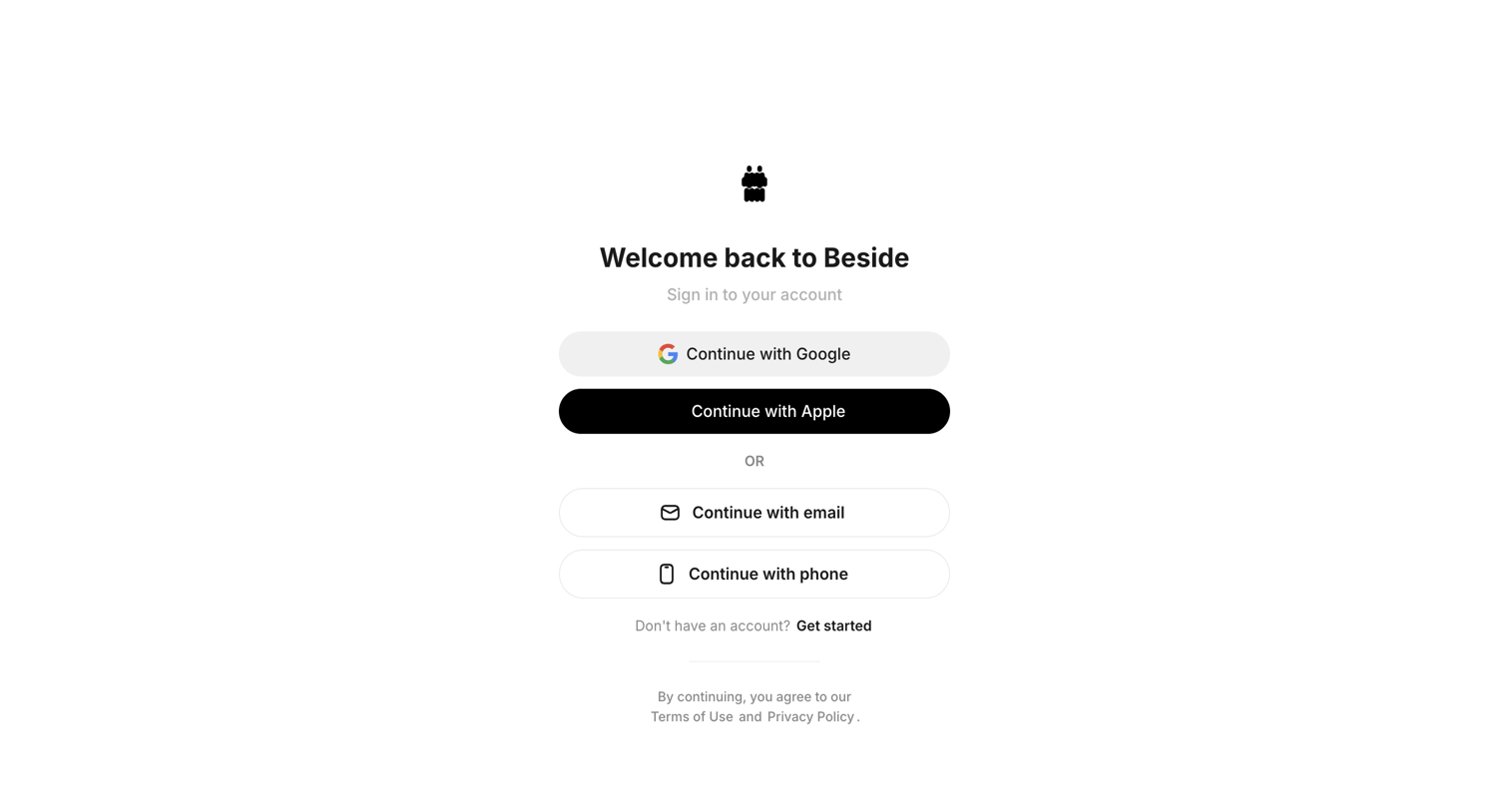

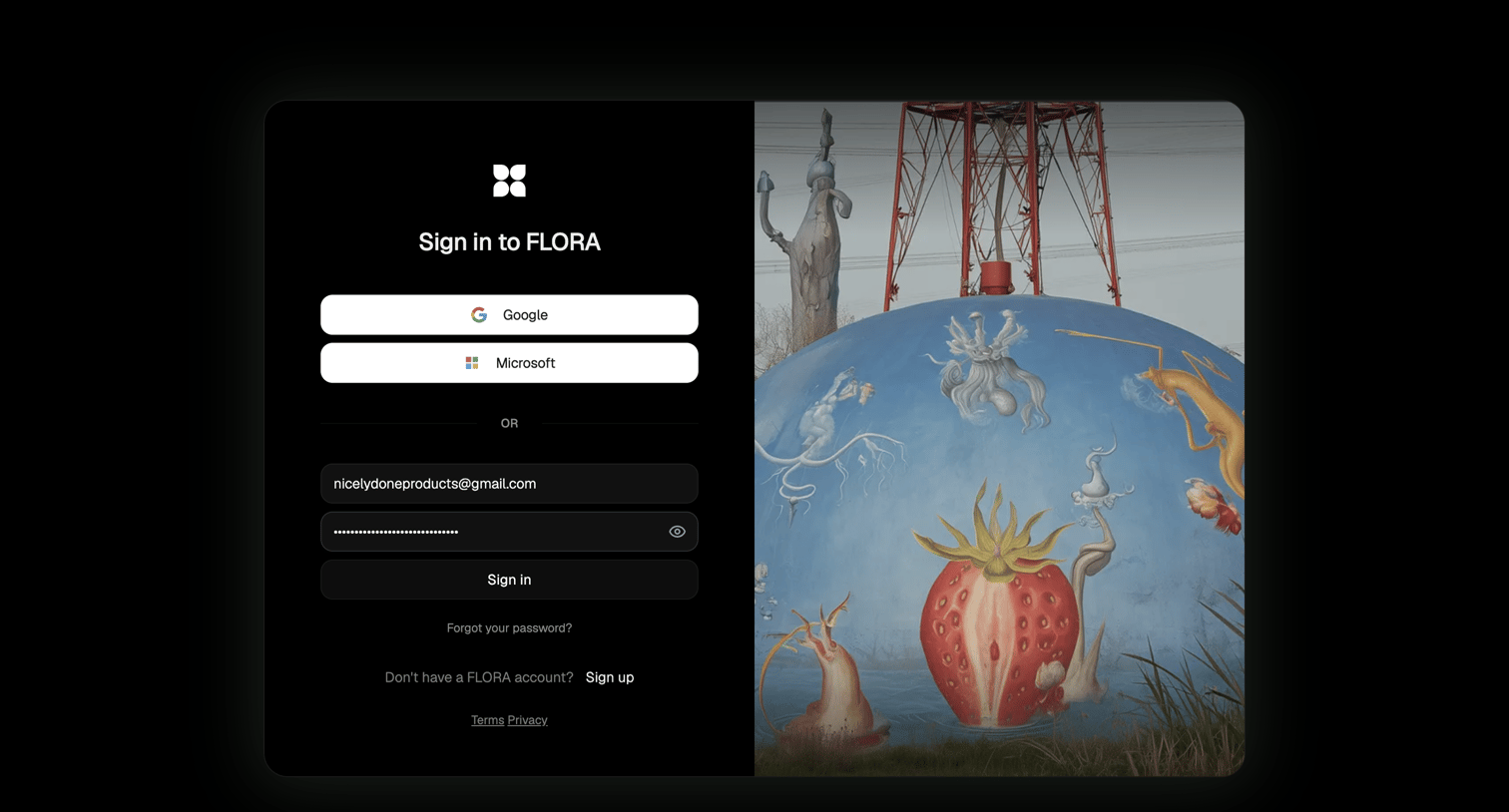

Sign-in screen where the user authenticates with Google, Microsoft, or email and password, featuring a split layout with a surreal image.
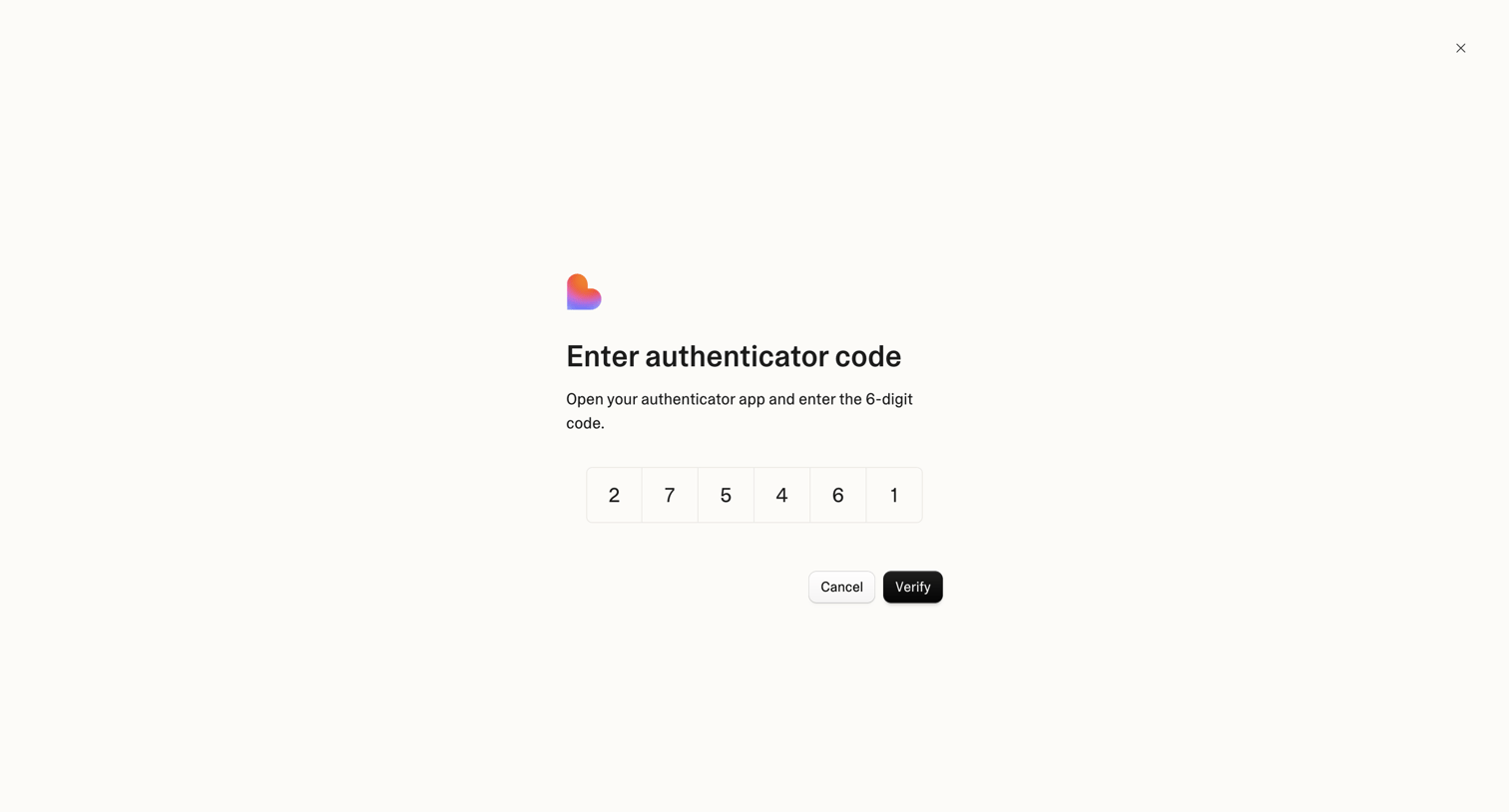

Verification screen where the user enters a 6-digit authenticator code to complete sign-in.
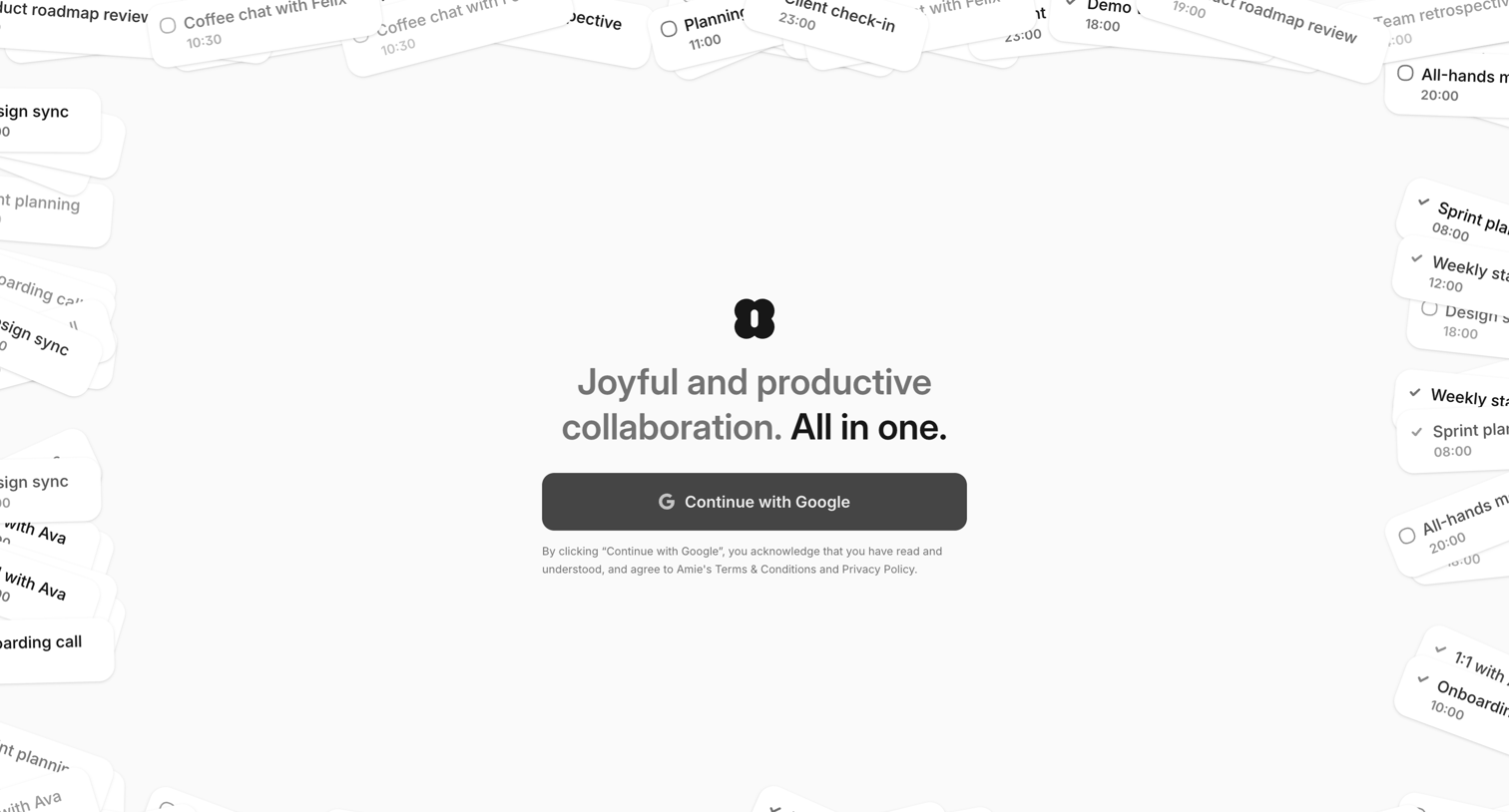

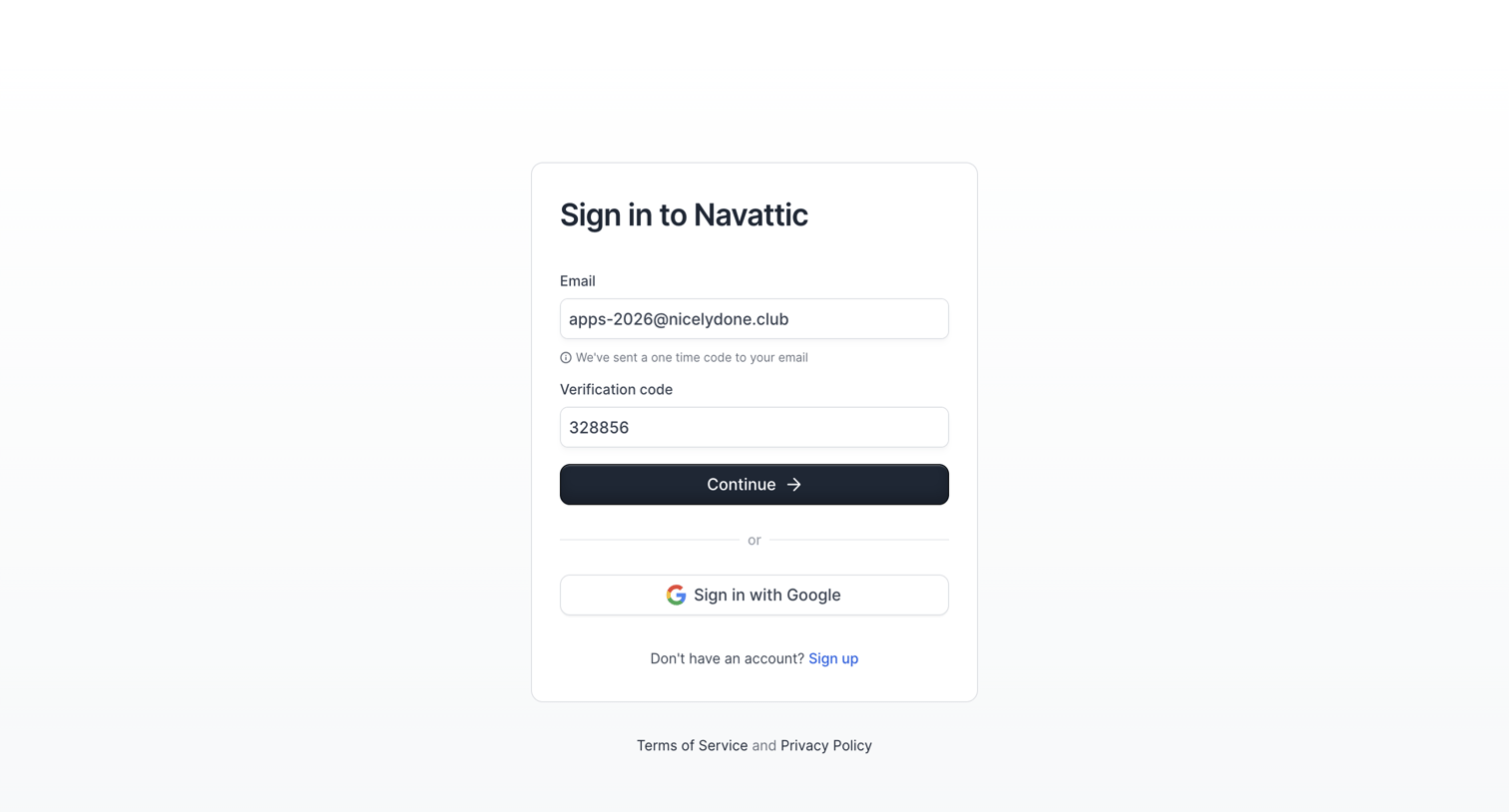

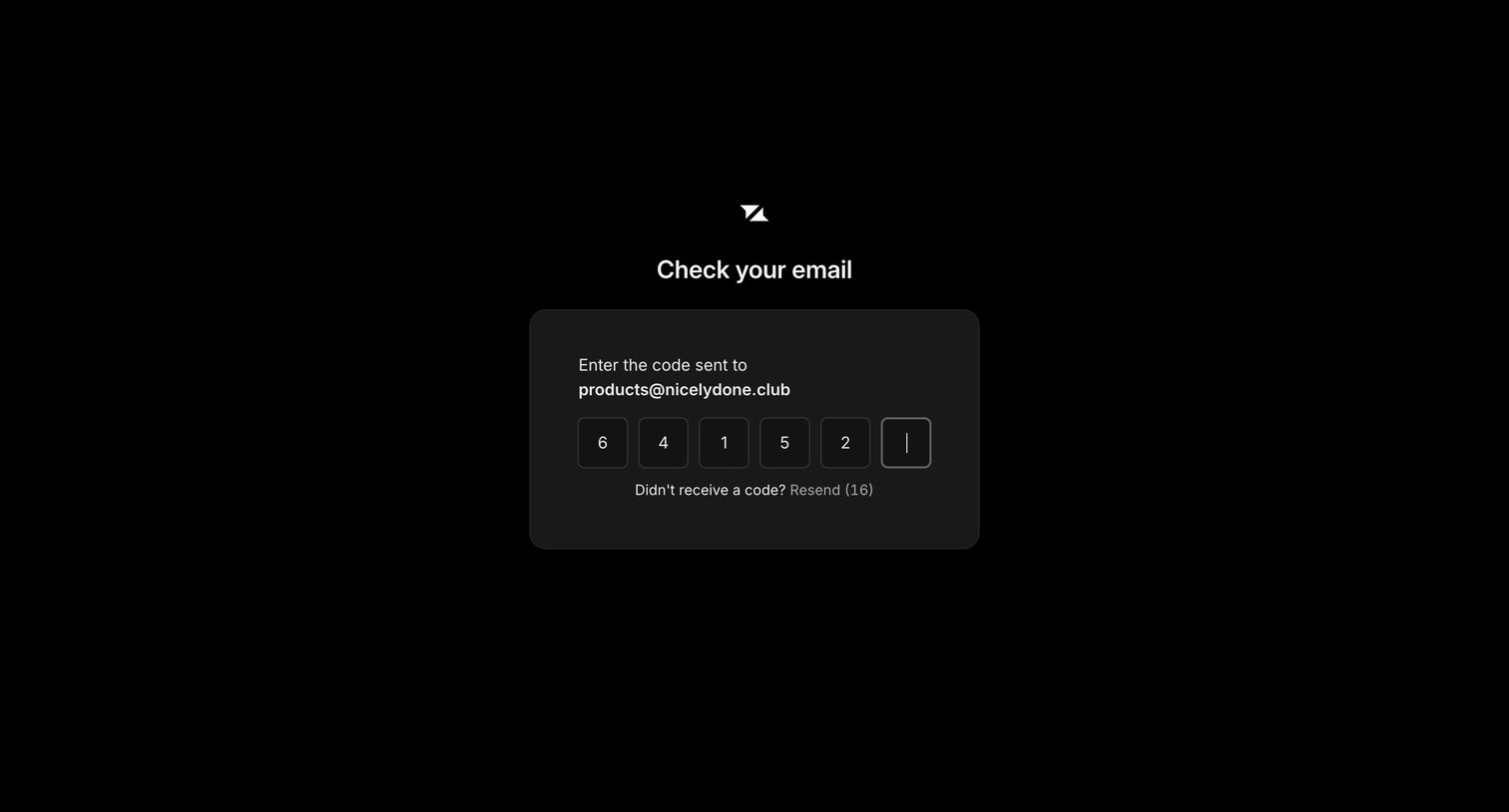

Verification screen where the user enters a 6-digit code sent to their email address to authenticate.
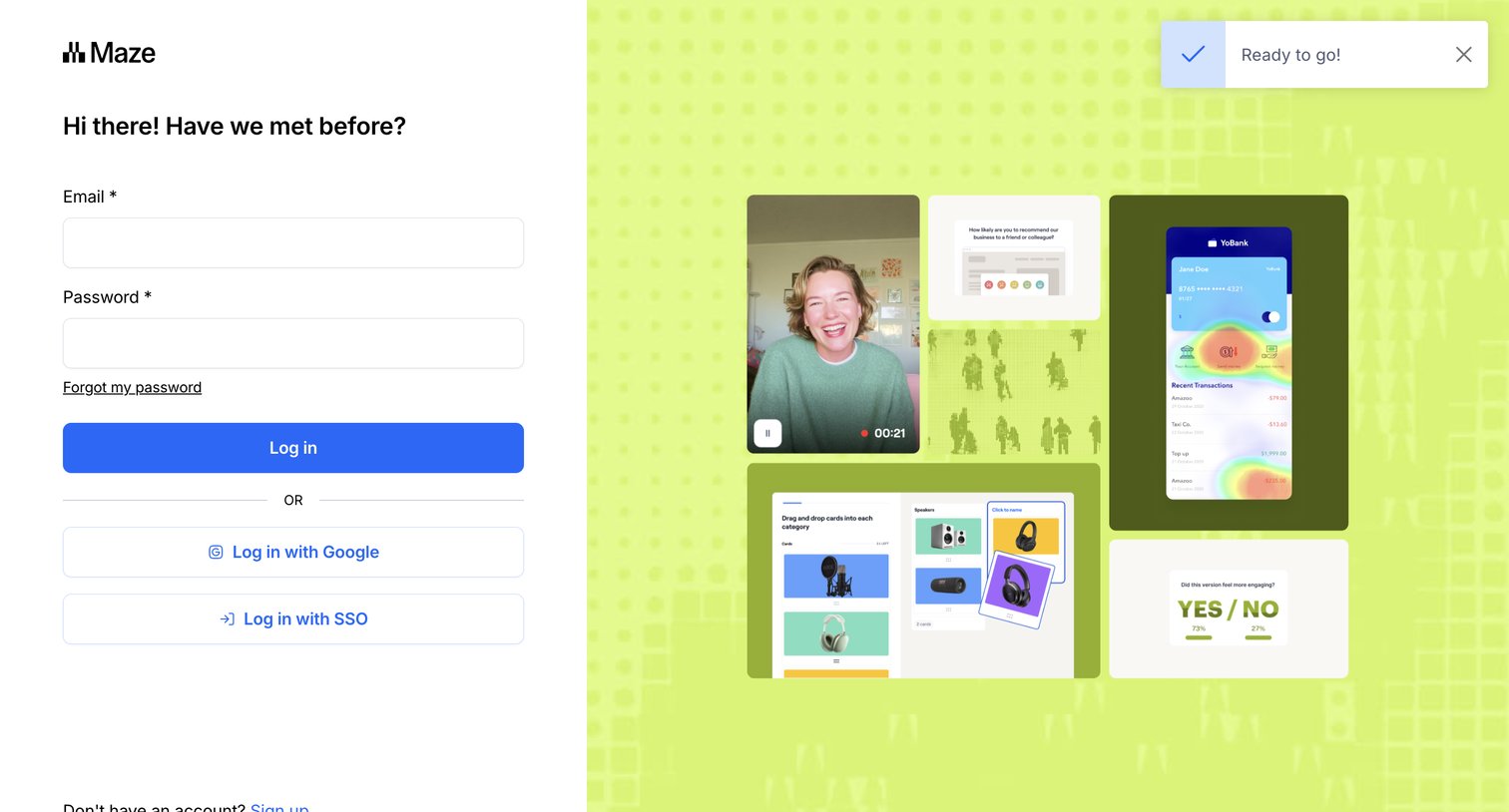

Sign-in screen where the user authenticates with email, Google, or SSO, featuring a success notification toast.
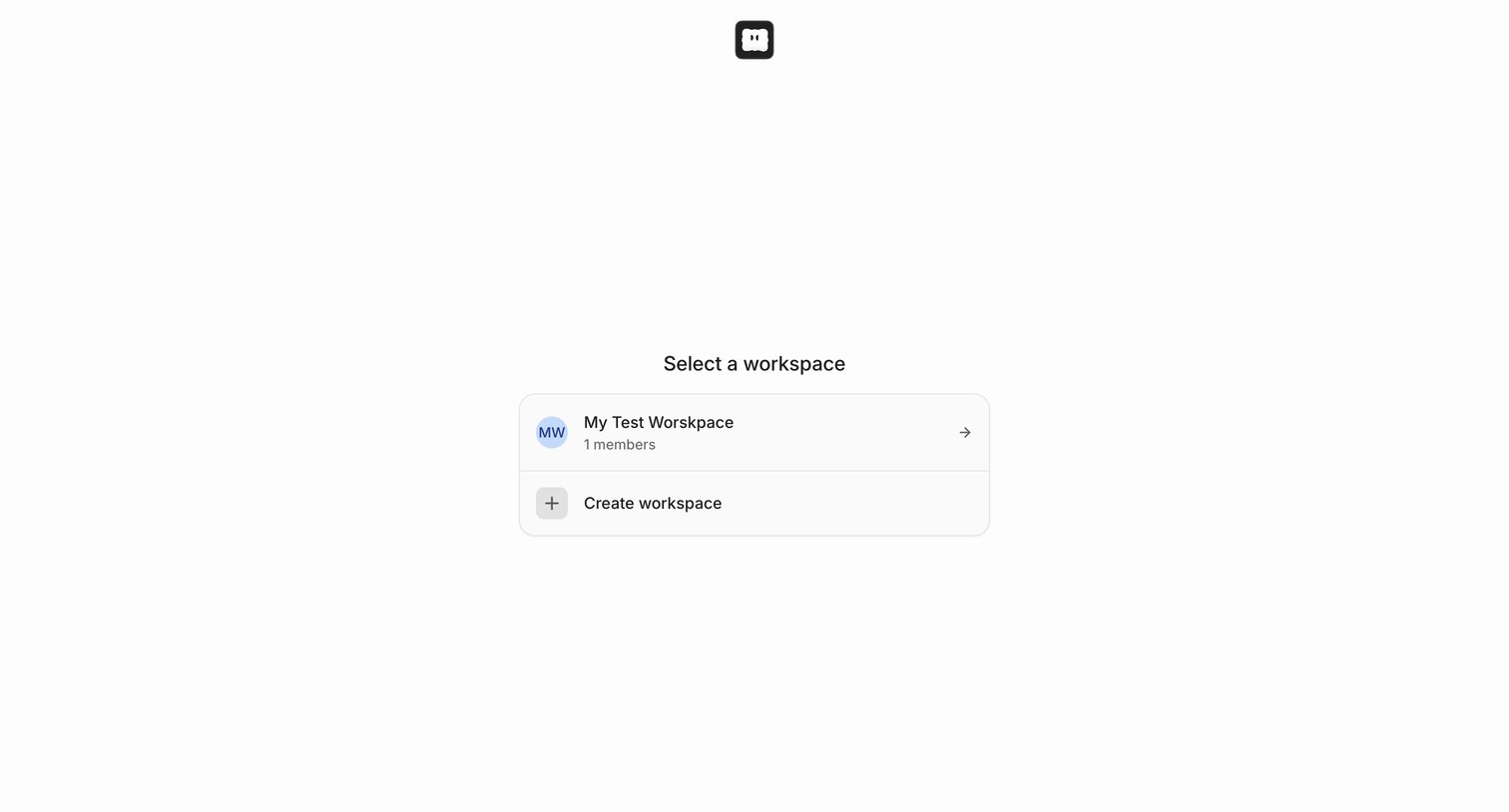

Onboarding screen where the user selects an existing workspace or creates a new one to proceed into the application.
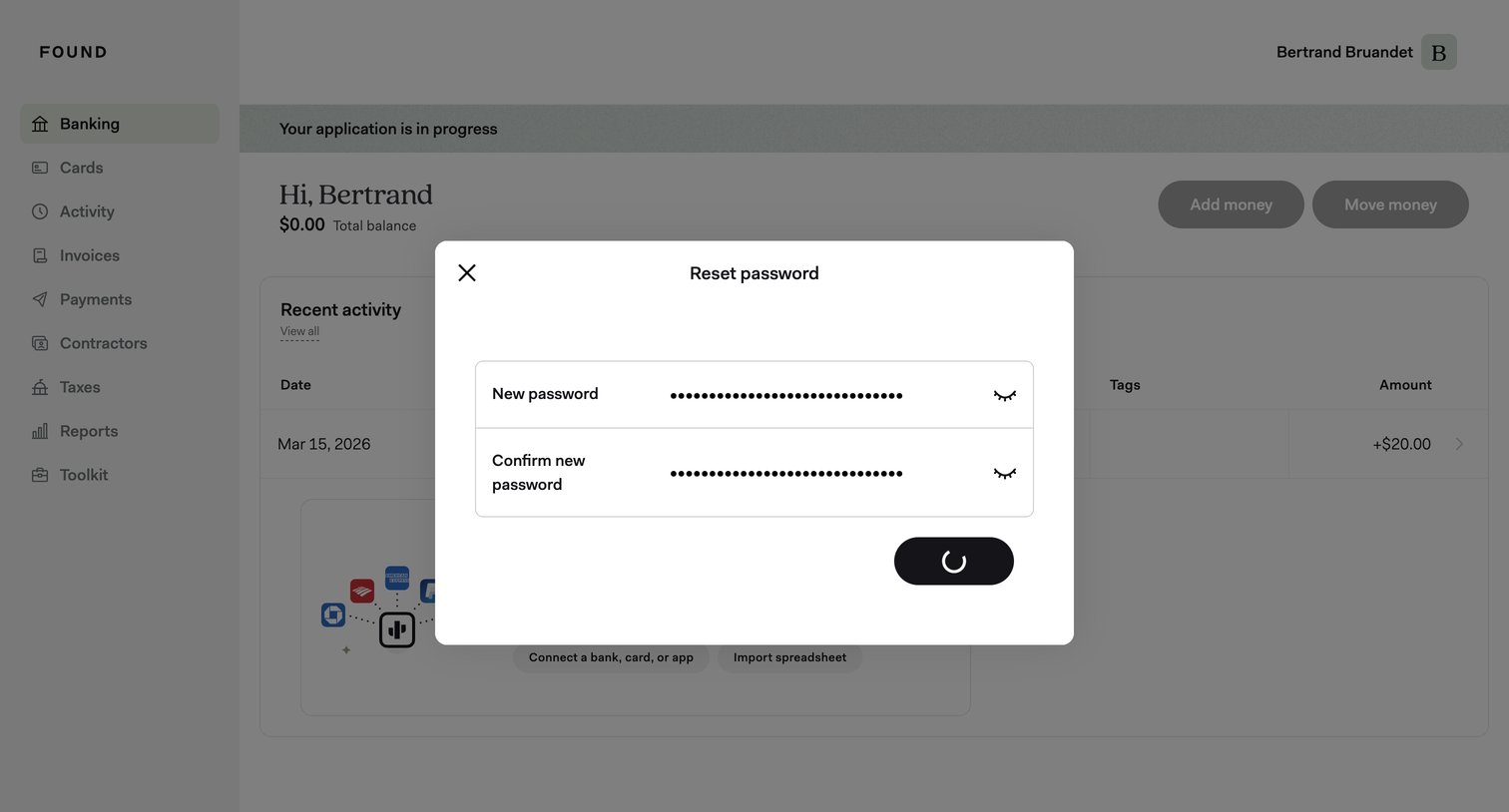

Dashboard with a modal overlay where the user is submitting a new password, currently showing a loading spinner.
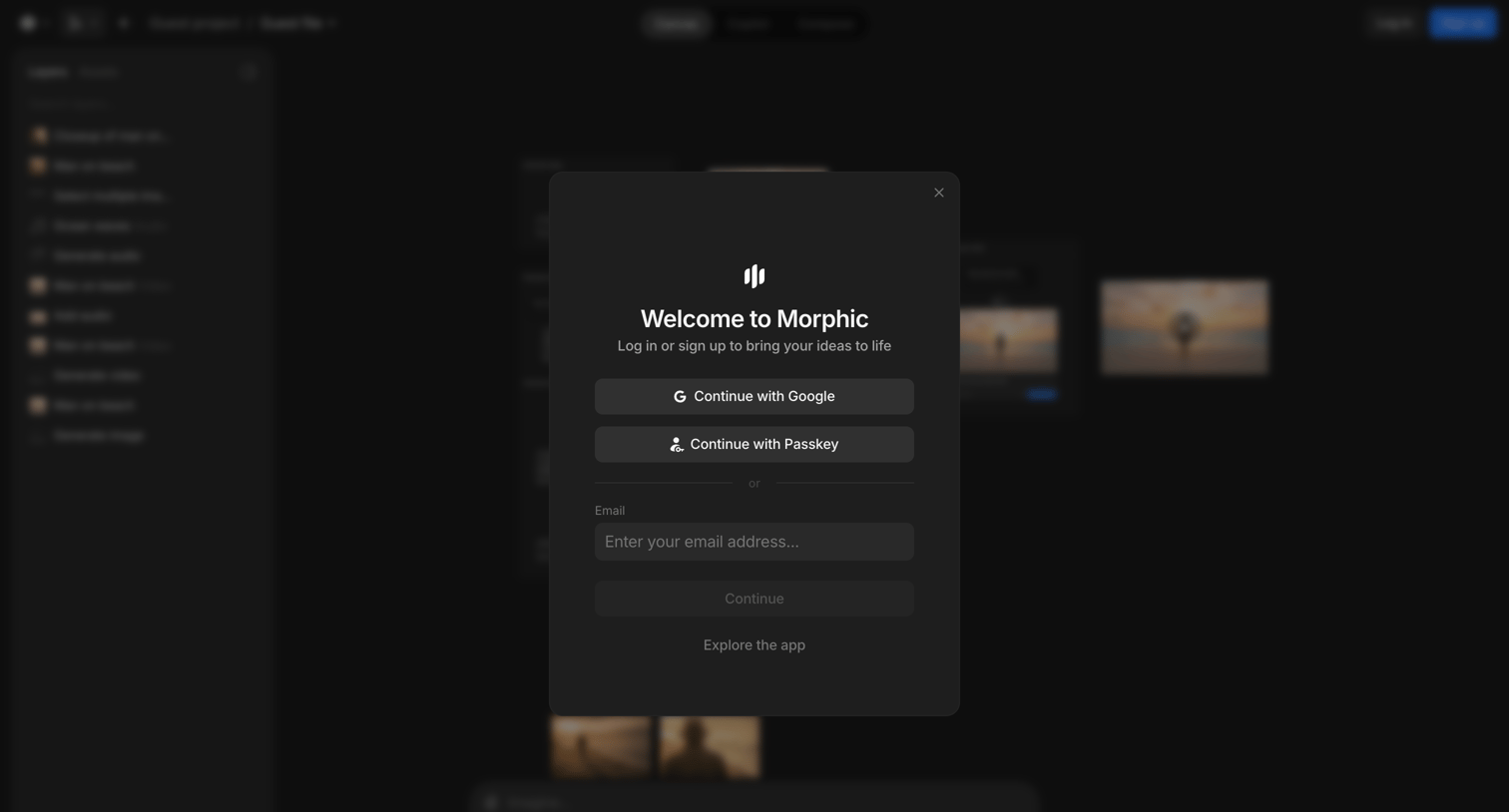

Signup screen where the user authenticates with Google, Passkey, or email to access the canvas editor.
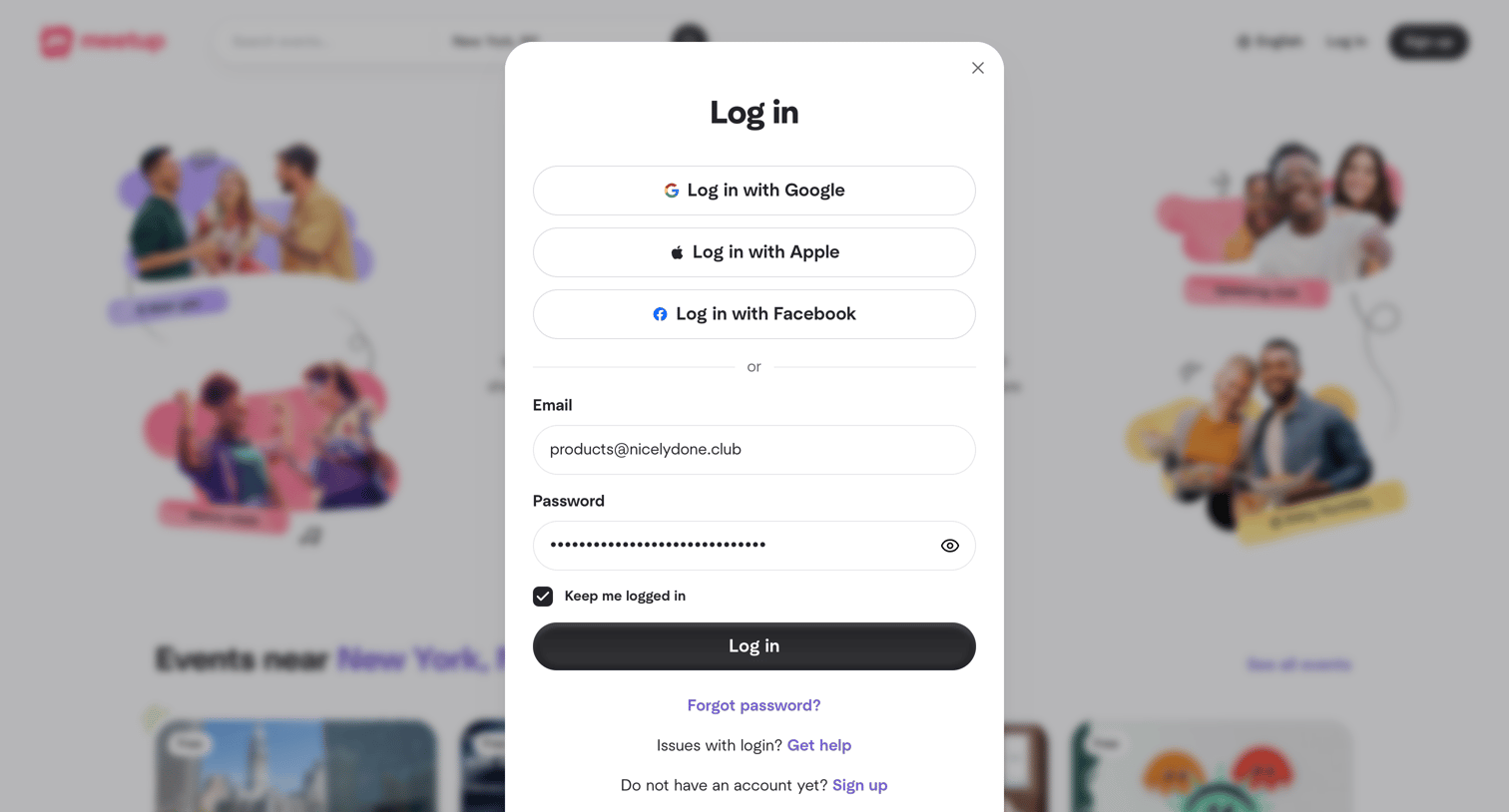

Sign-in screen where the user authenticates with Google, Apple, Facebook, or an existing email and password.
Explore the full SaaS screen library
Upgrade to unlock the full library.
Trusted by the best teams







