
Stark design examples
Explore Stark UI design examples. Make the world’s software more accessible
Product screens
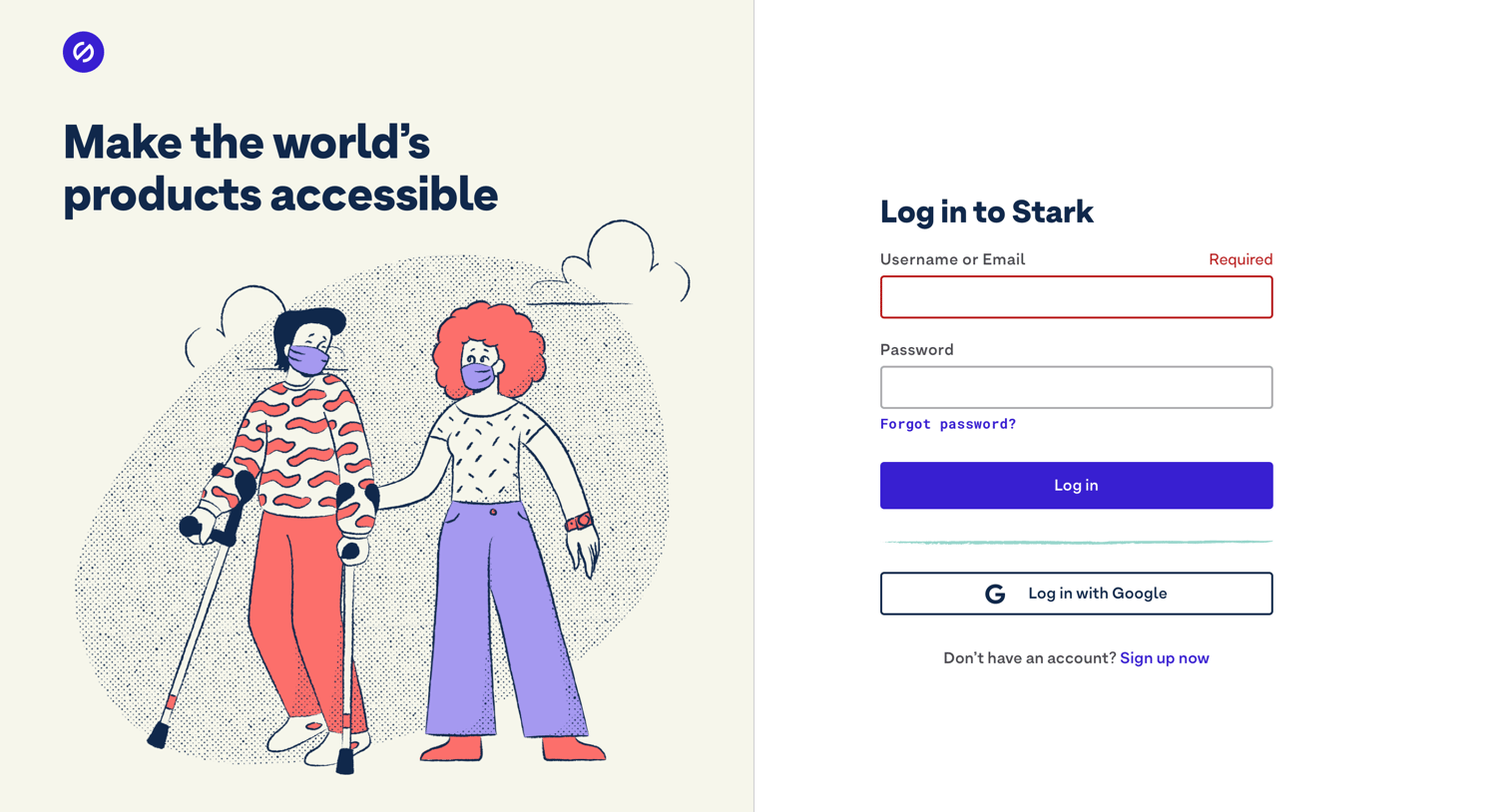
Sign-in screen where the user authenticates with their username, email, or Google account, currently showing a validation error.
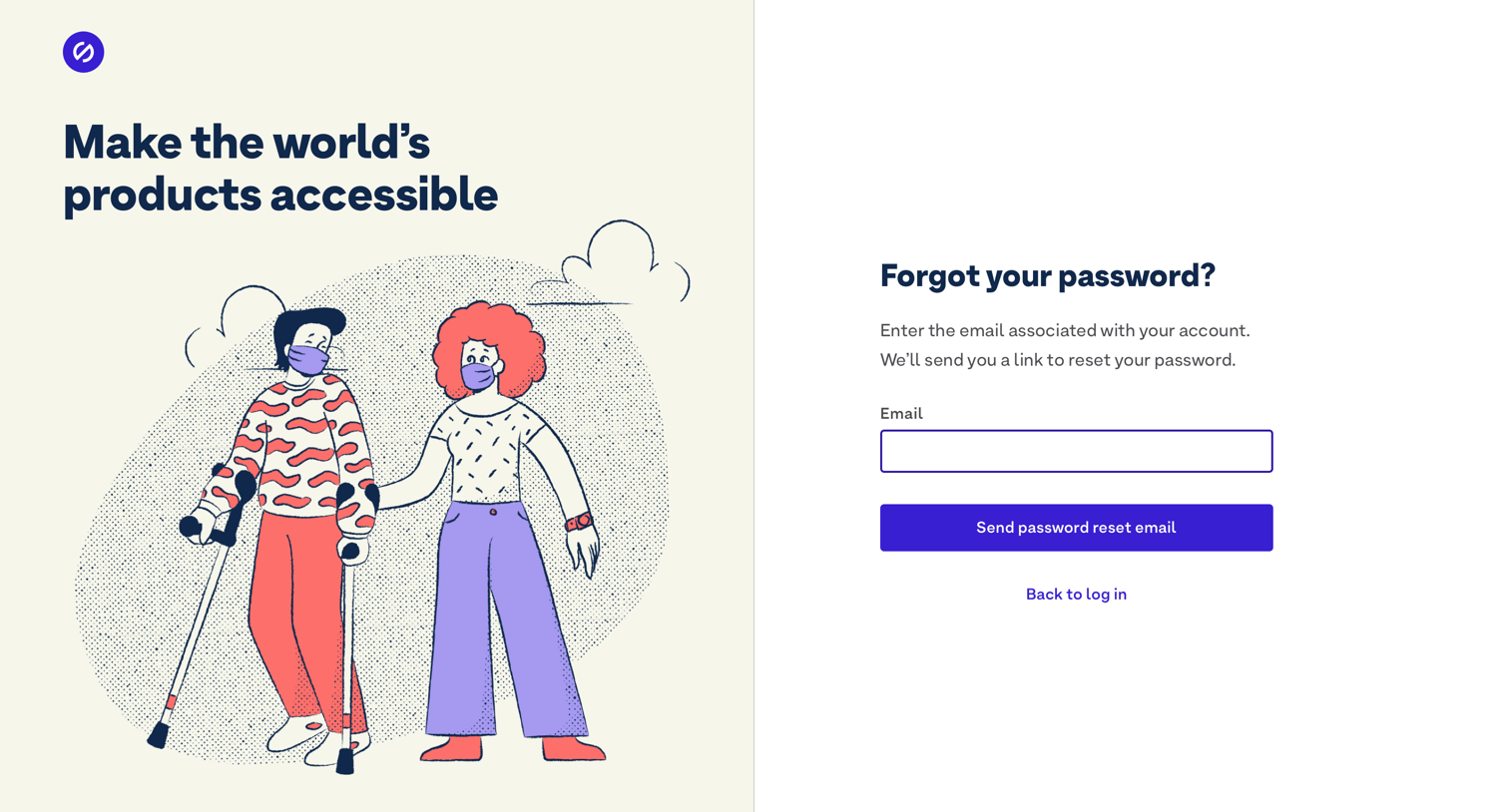
Password recovery screen where the user enters their email address to receive a reset link.
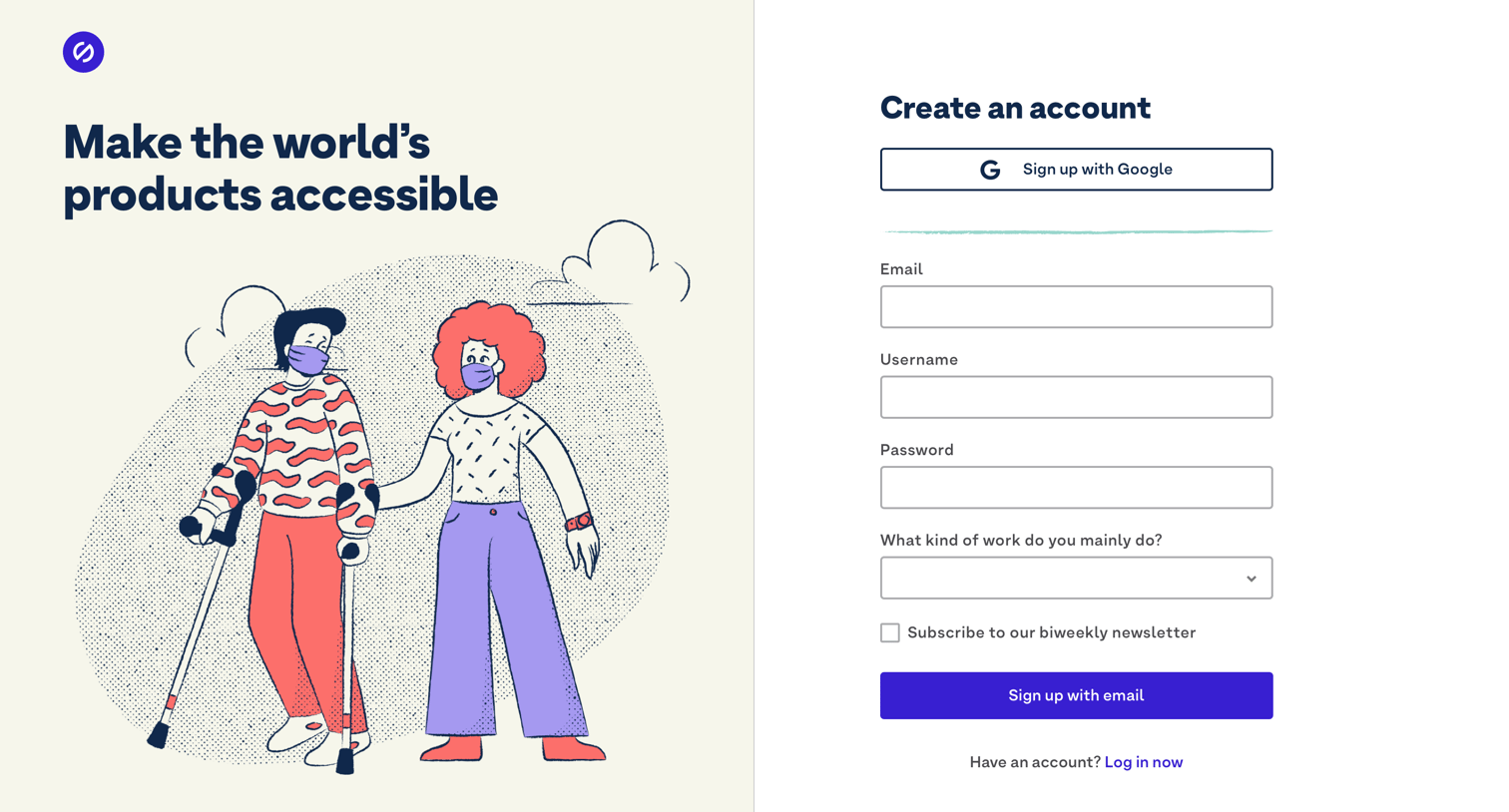
Sign-up screen where the user creates an account using Google SSO or by providing an email, username, password, and selecting their primary work role.
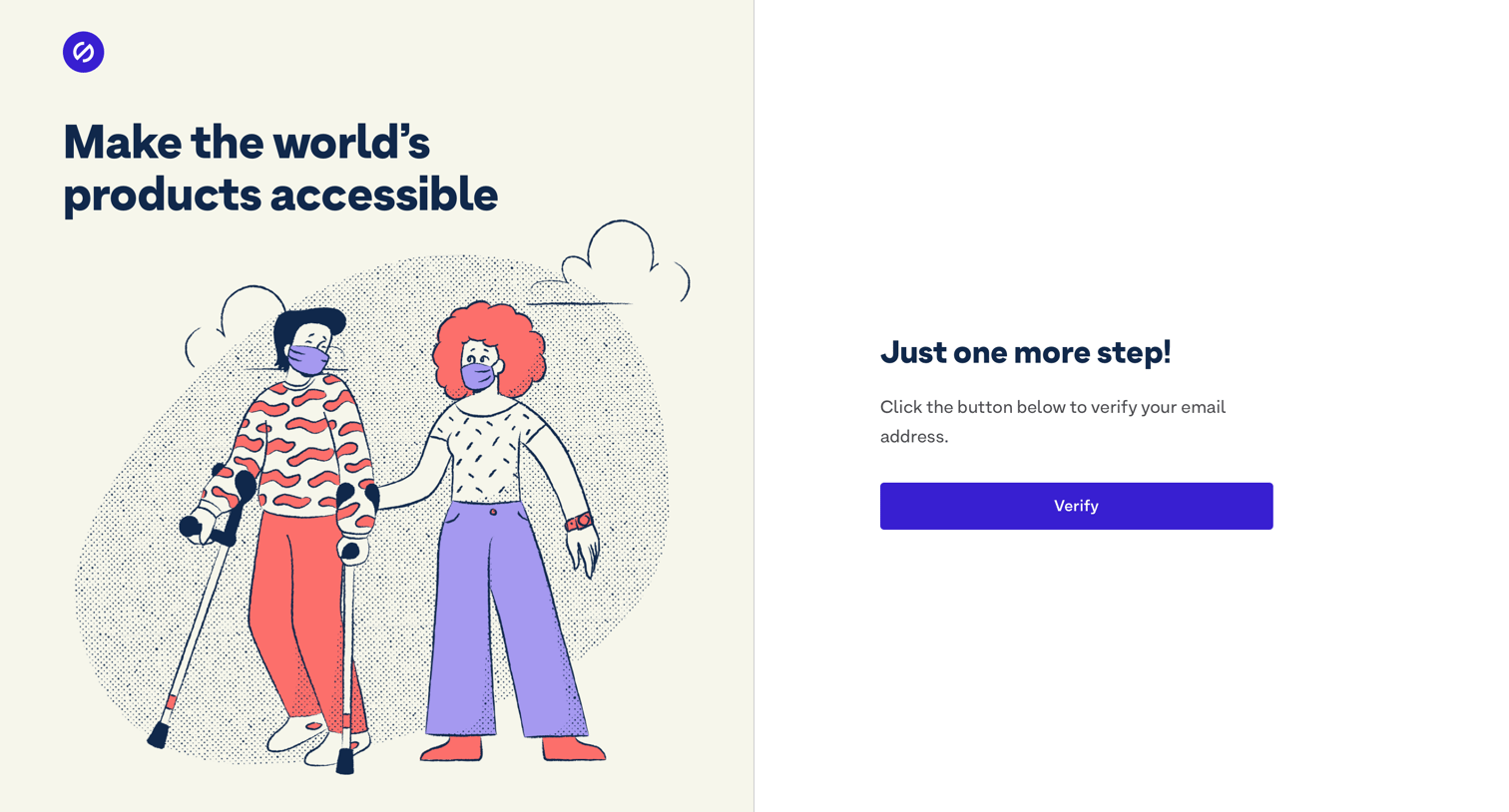
Verification screen where the user clicks a button to confirm their email address, featuring a split layout with a brand illustration.
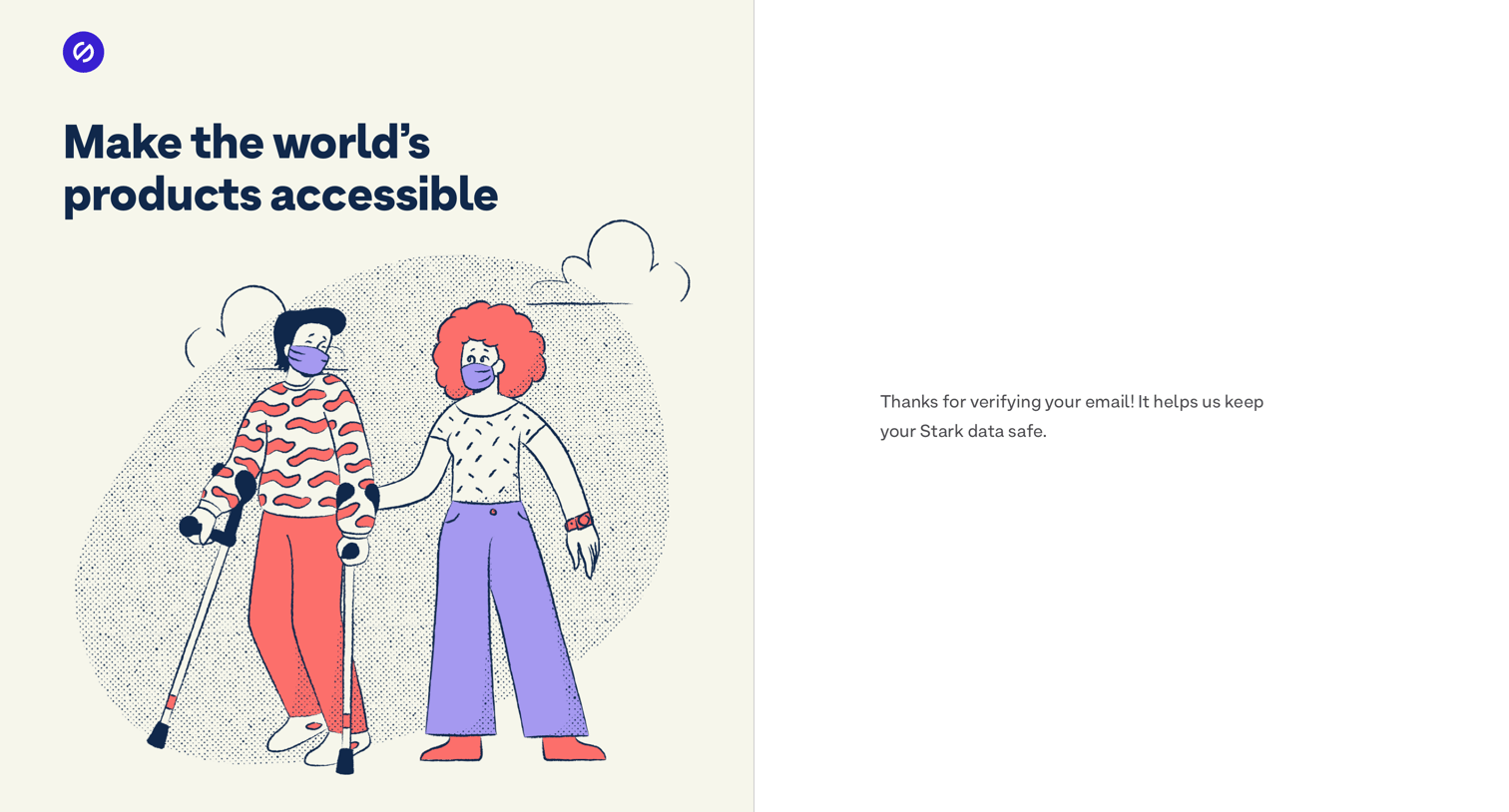
Verification screen where a success message confirms the user's email has been verified to keep their data safe.
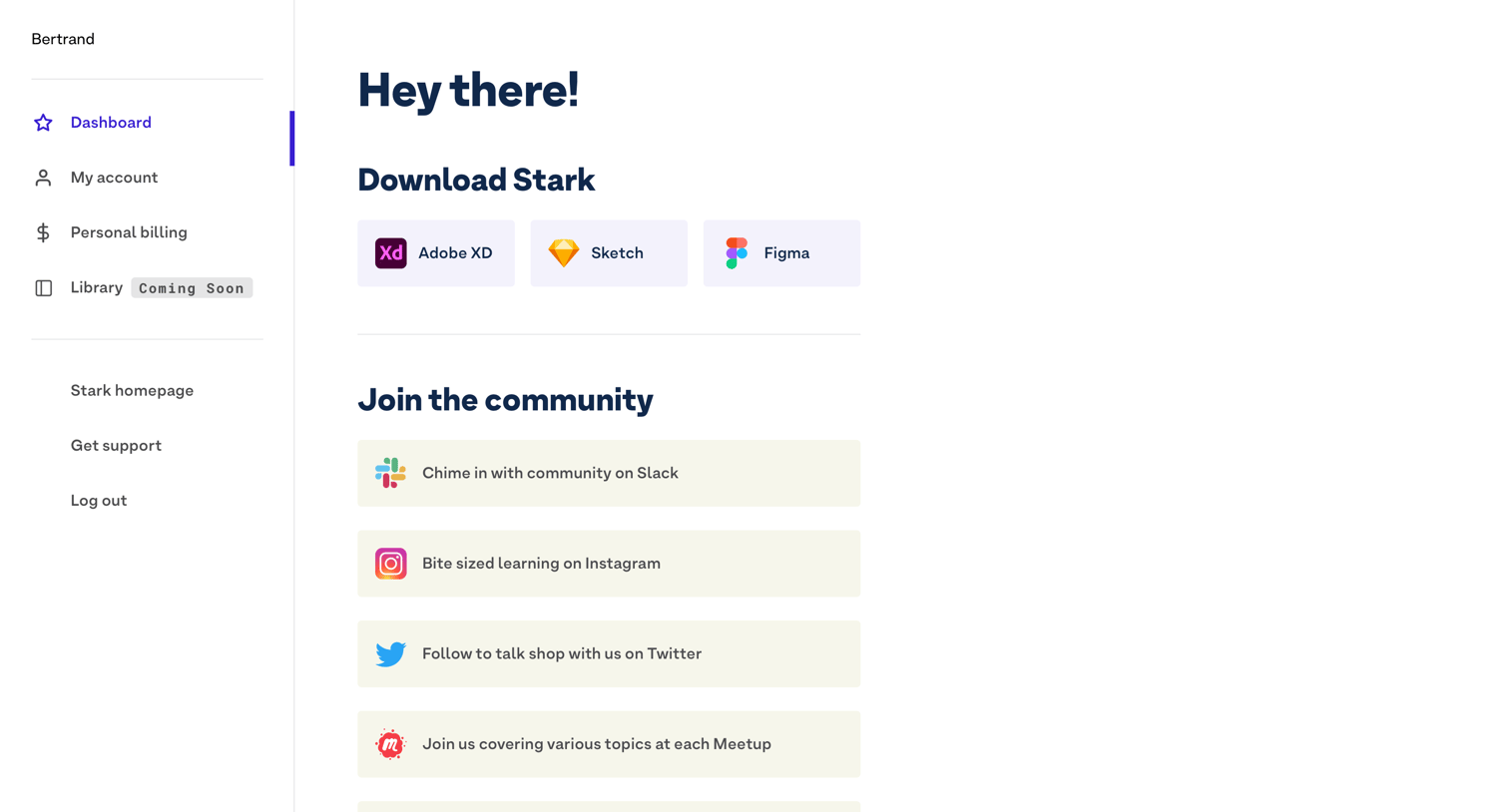
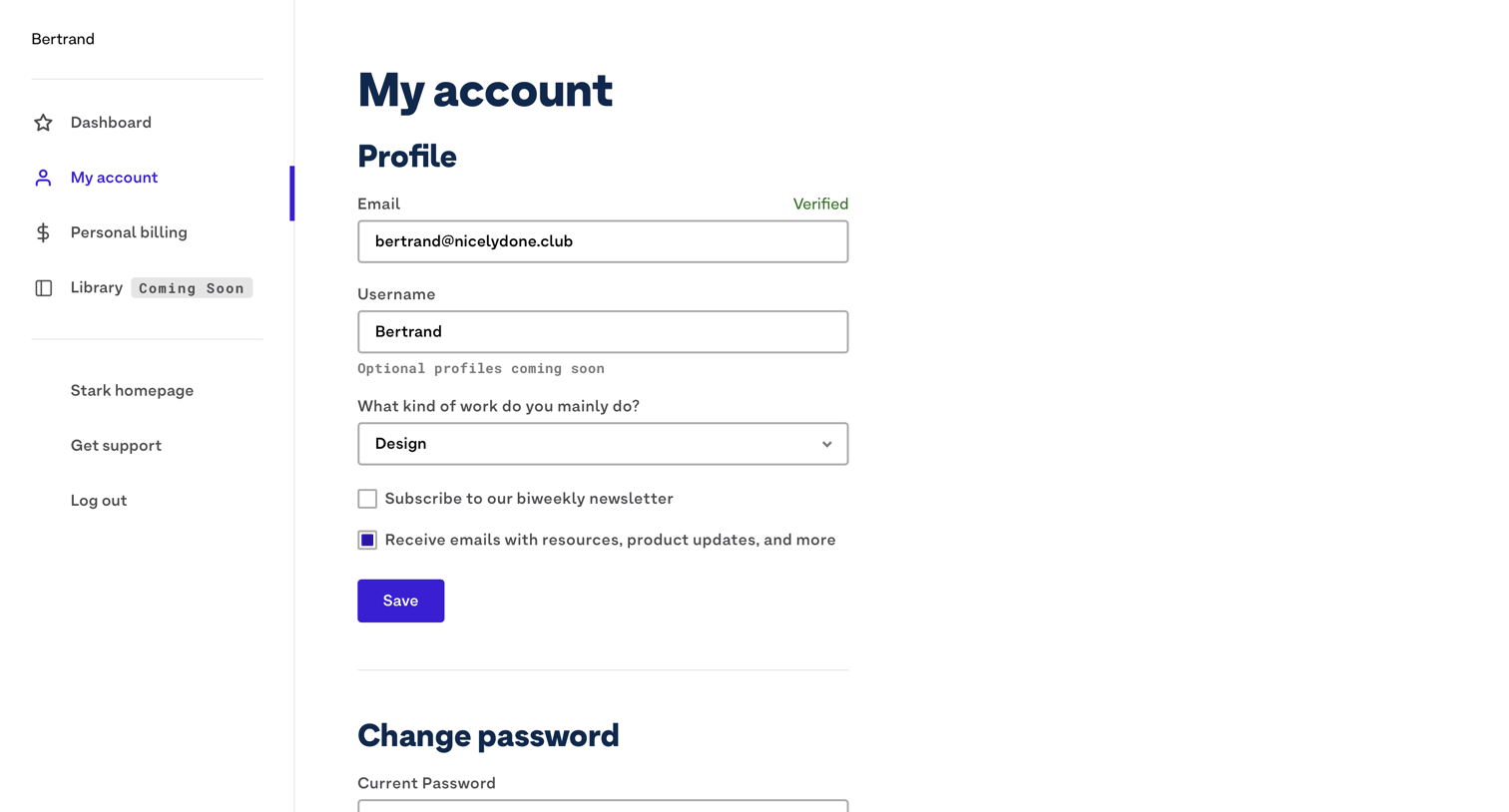
Settings page where the user updates their profile information, email preferences, and password.
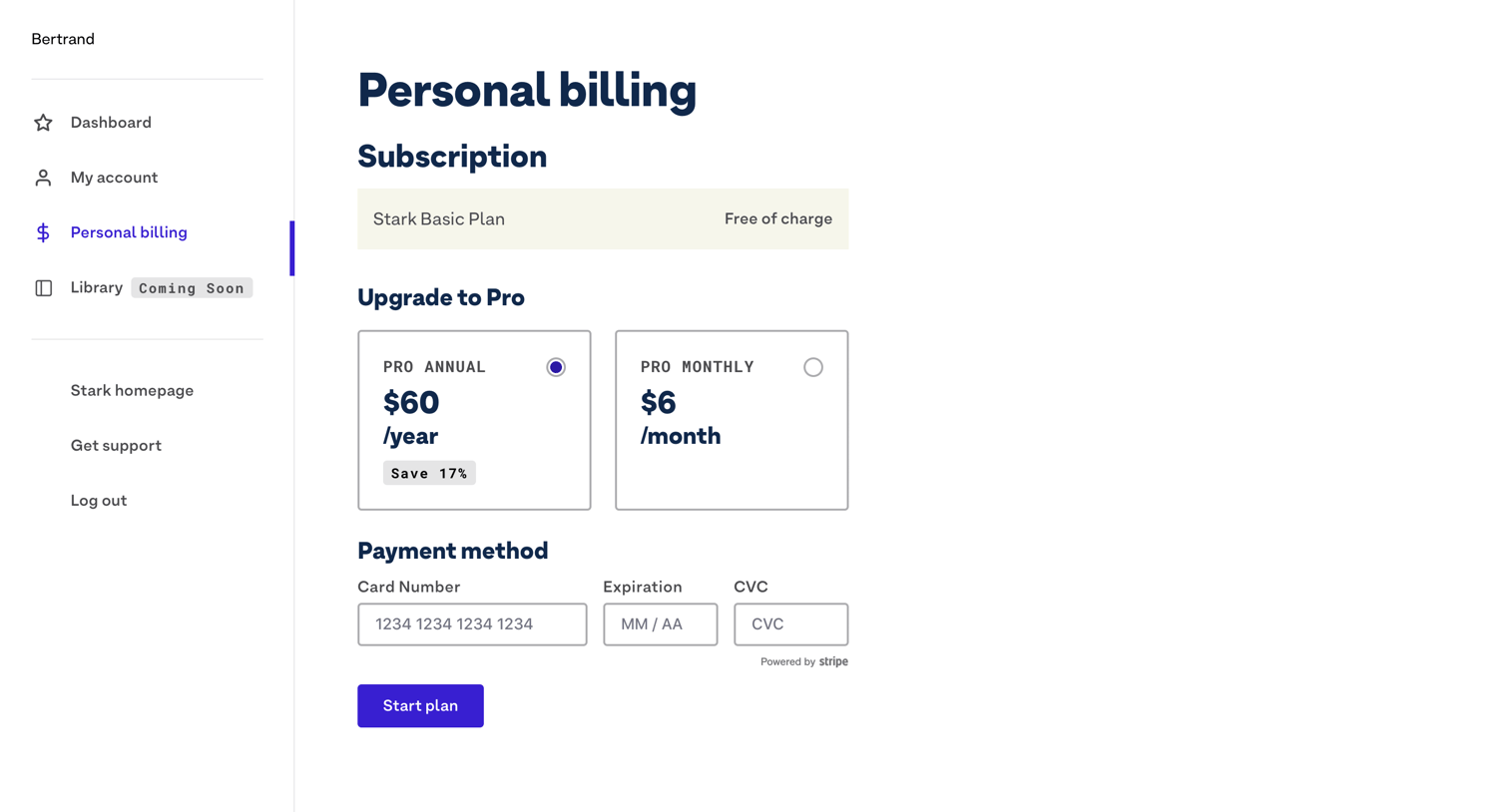
Settings page where the user manages their personal billing, views their current free plan, selects an annual or monthly Pro upgrade, and enters payment details.
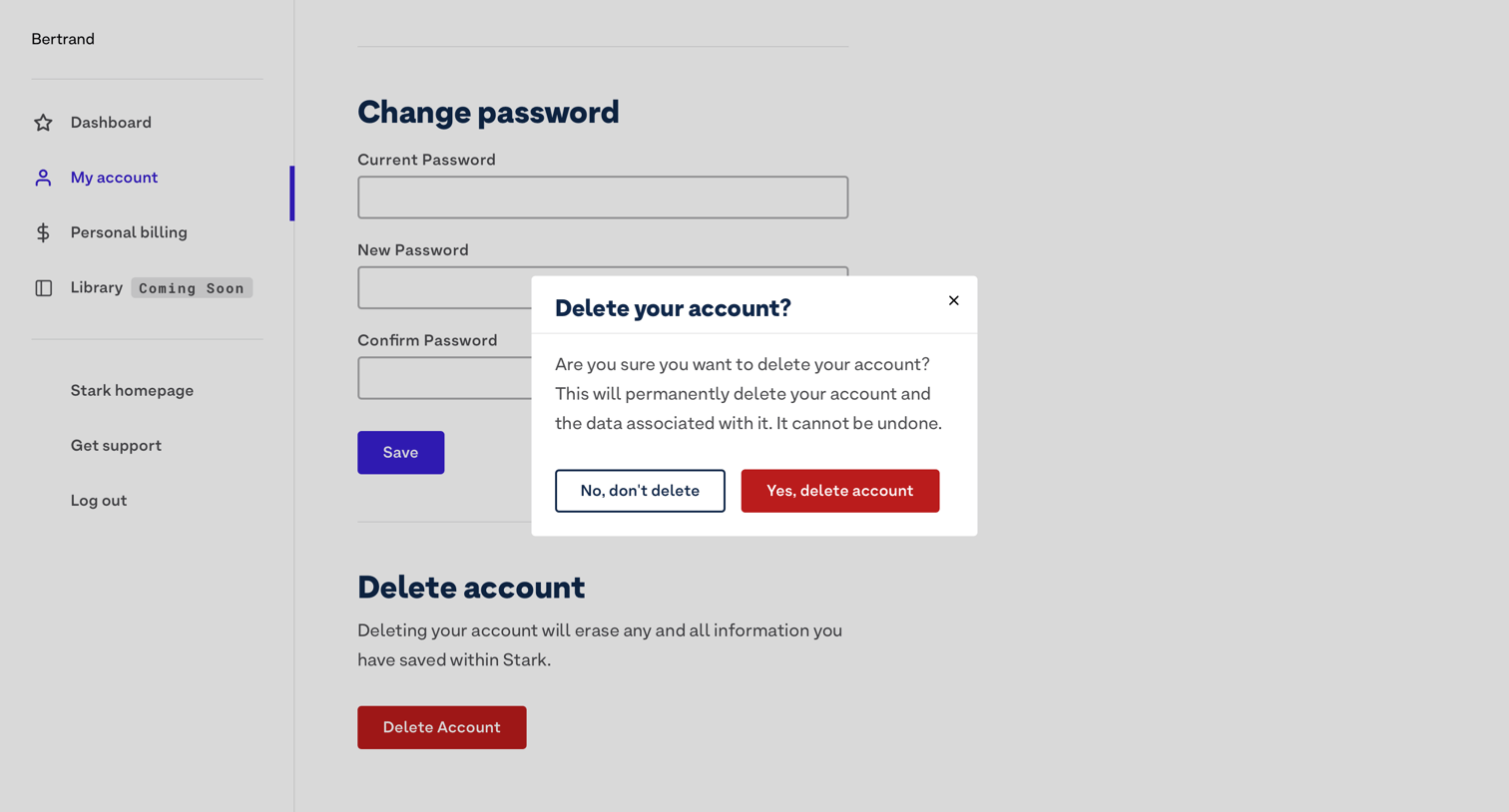
Settings page where the user is prompted to confirm permanent account deletion.
Browse the full SaaS app library
Explore real SaaS apps with their product screens, marketing screens, flows, and components.
Trusted by the best teams







