
Ramp design examples
Explore Ramp UI design examples. The corporate card built for savings
Product screens
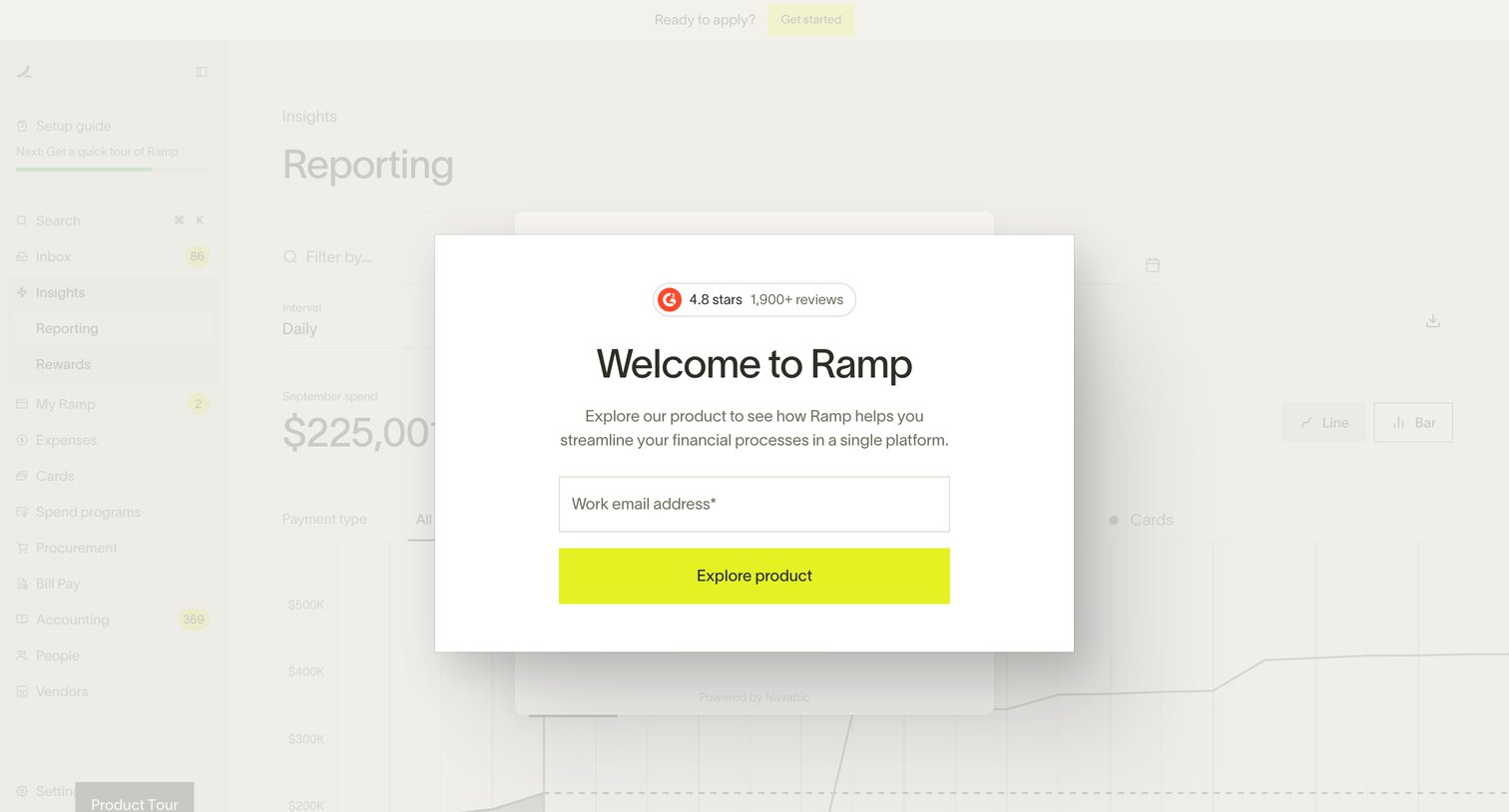
Interactive product demo landing page where the user must enter their work email address in a centered modal to unlock the tour.
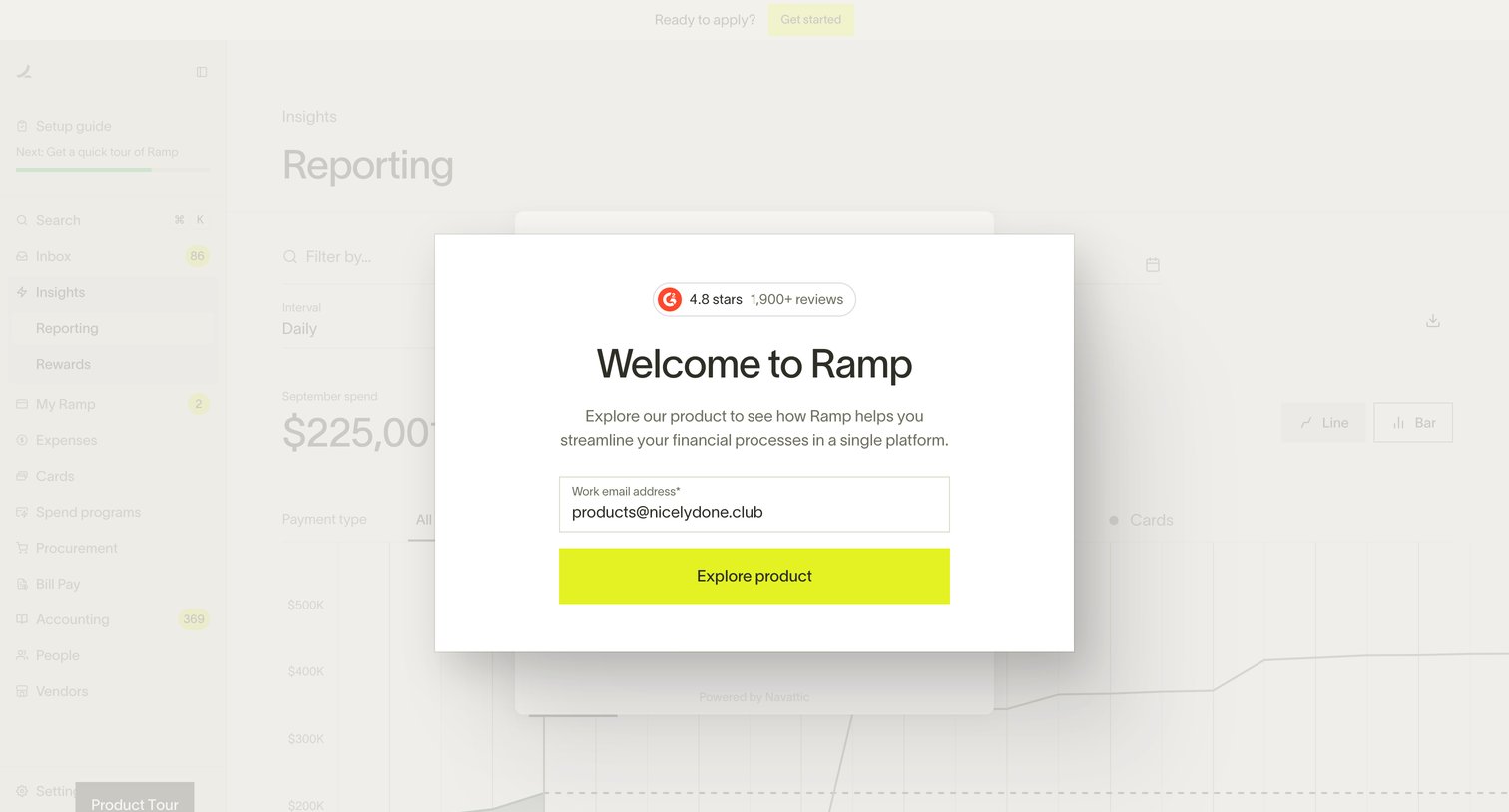
Marketing demo page where the user must enter their work email address to unlock an interactive product tour of the reporting dashboard.
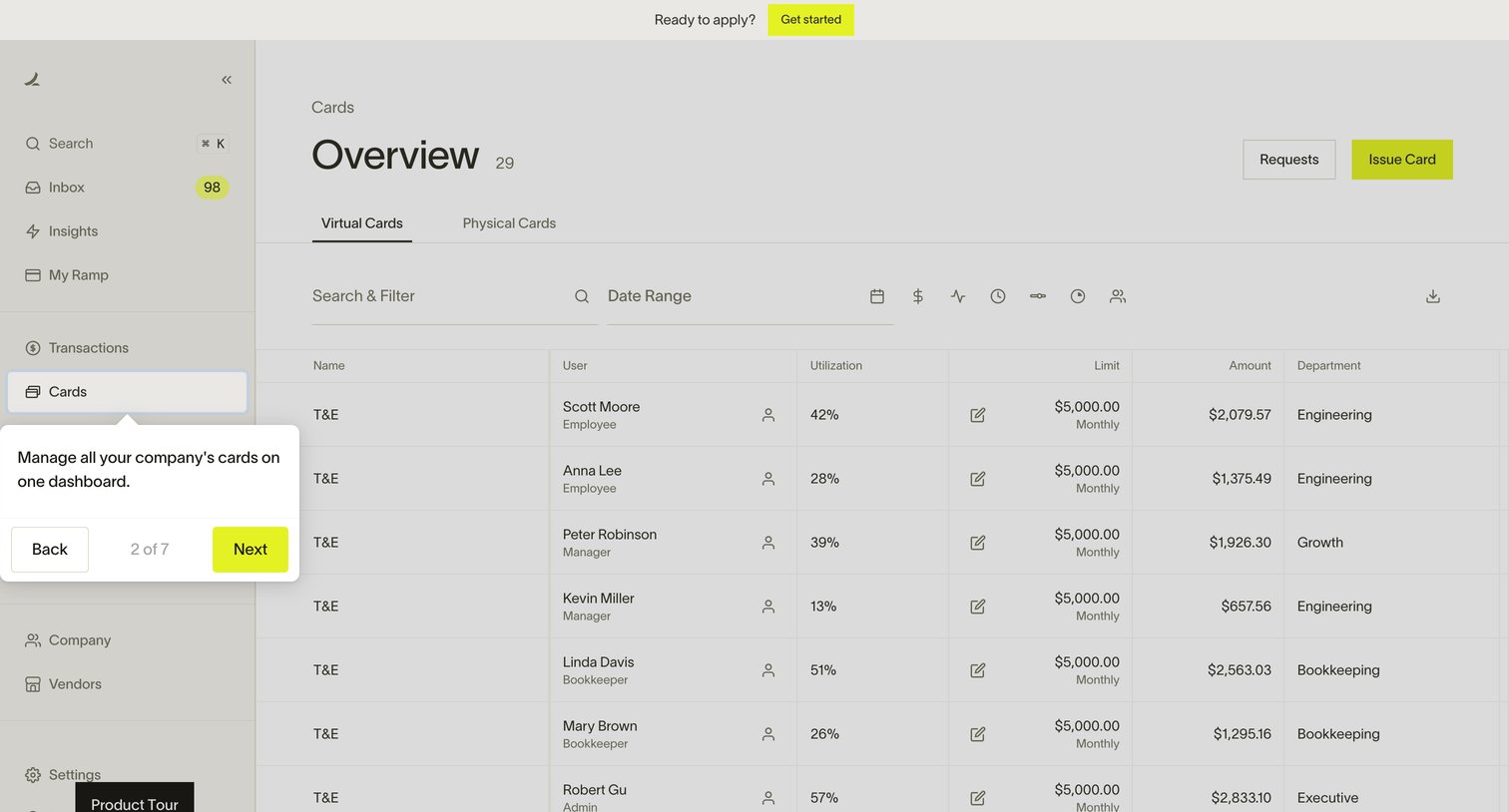
Interactive demo of a corporate cards dashboard where a product tour popover guides the user through the virtual cards list.
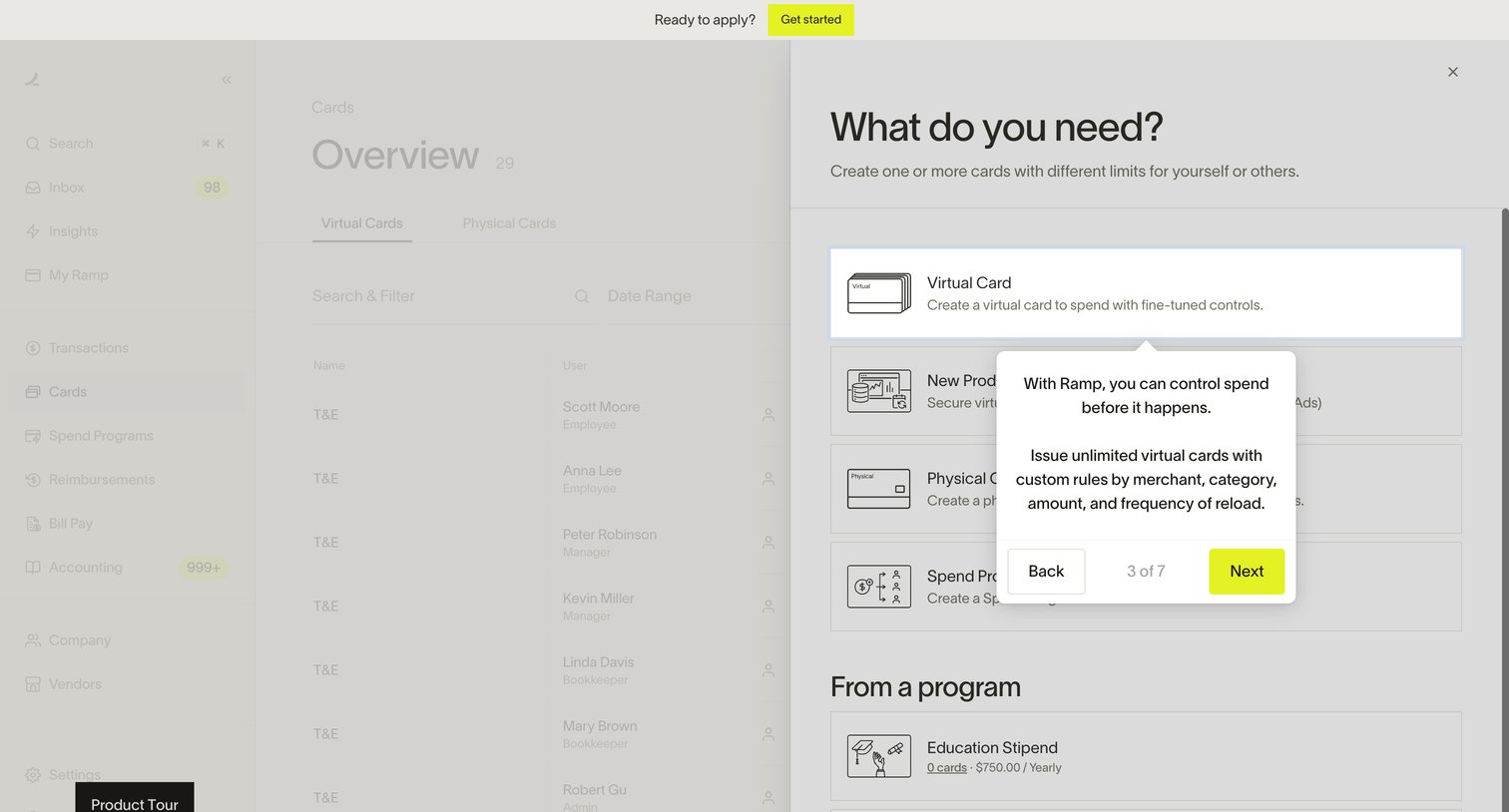
Interactive product tour demonstrating how to create virtual and physical cards with spend controls via a side drawer.
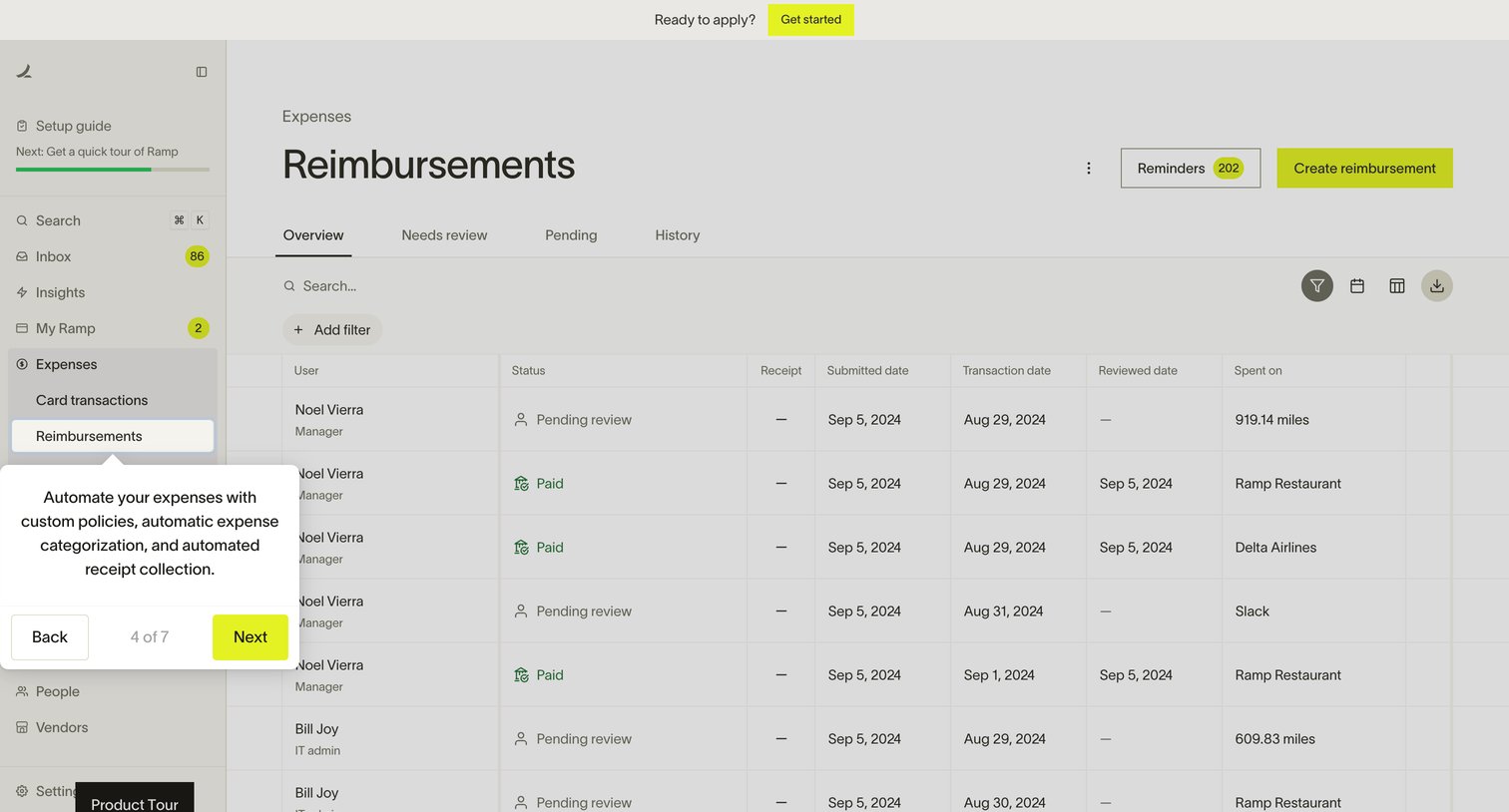
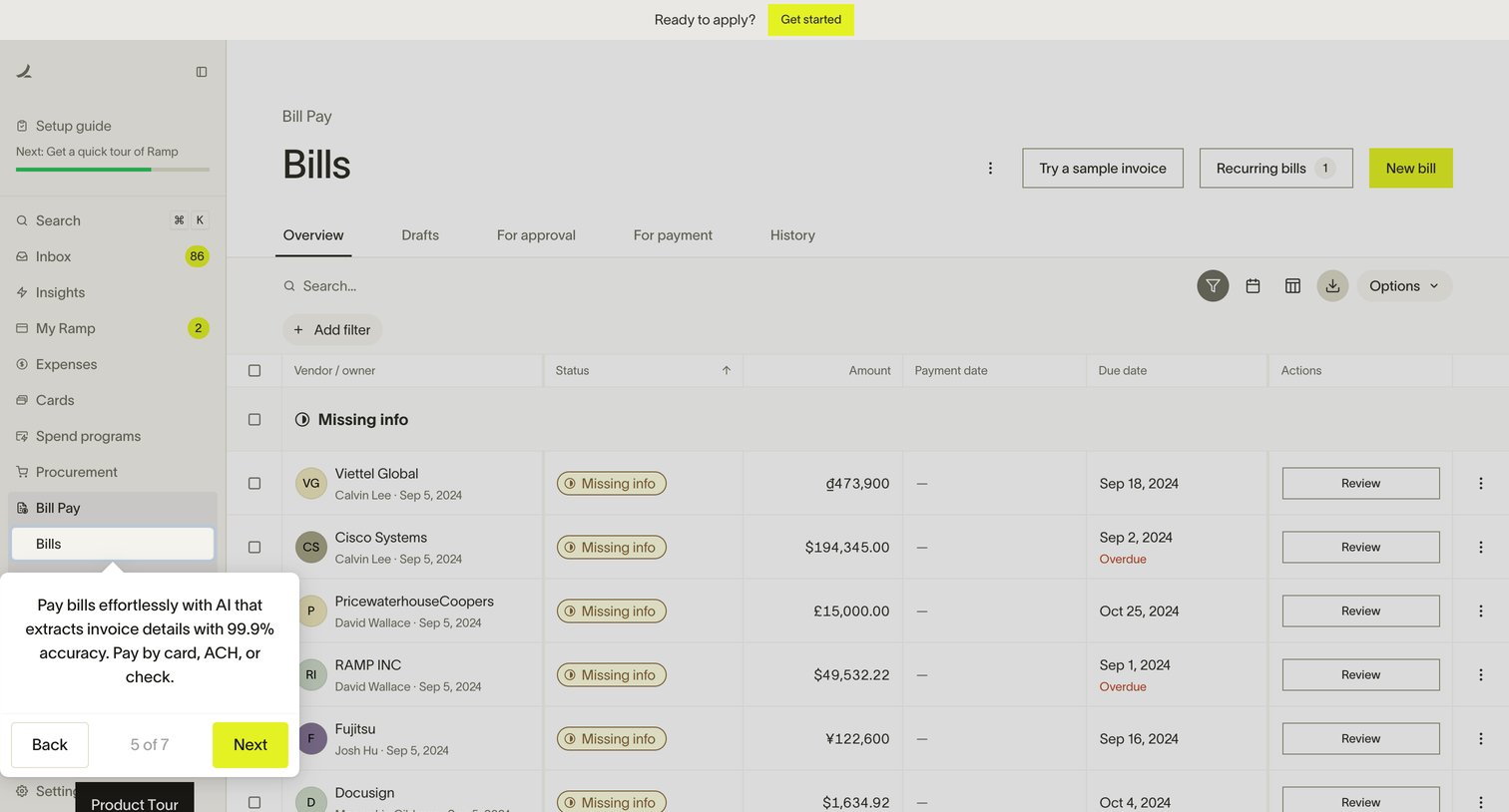
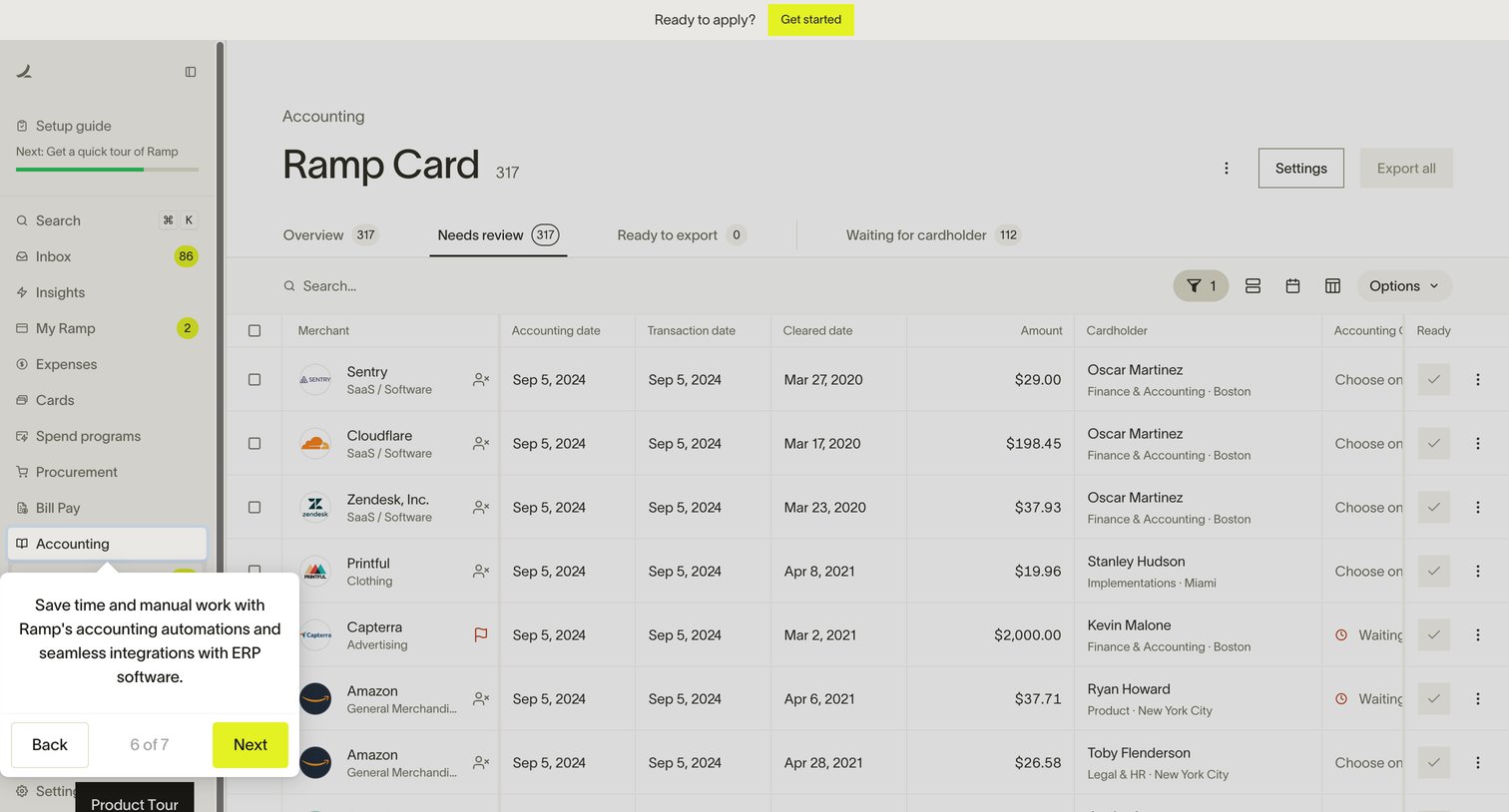
Interactive product tour step showing an accounting dashboard where the user views a filtered list of Ramp card transactions needing review.
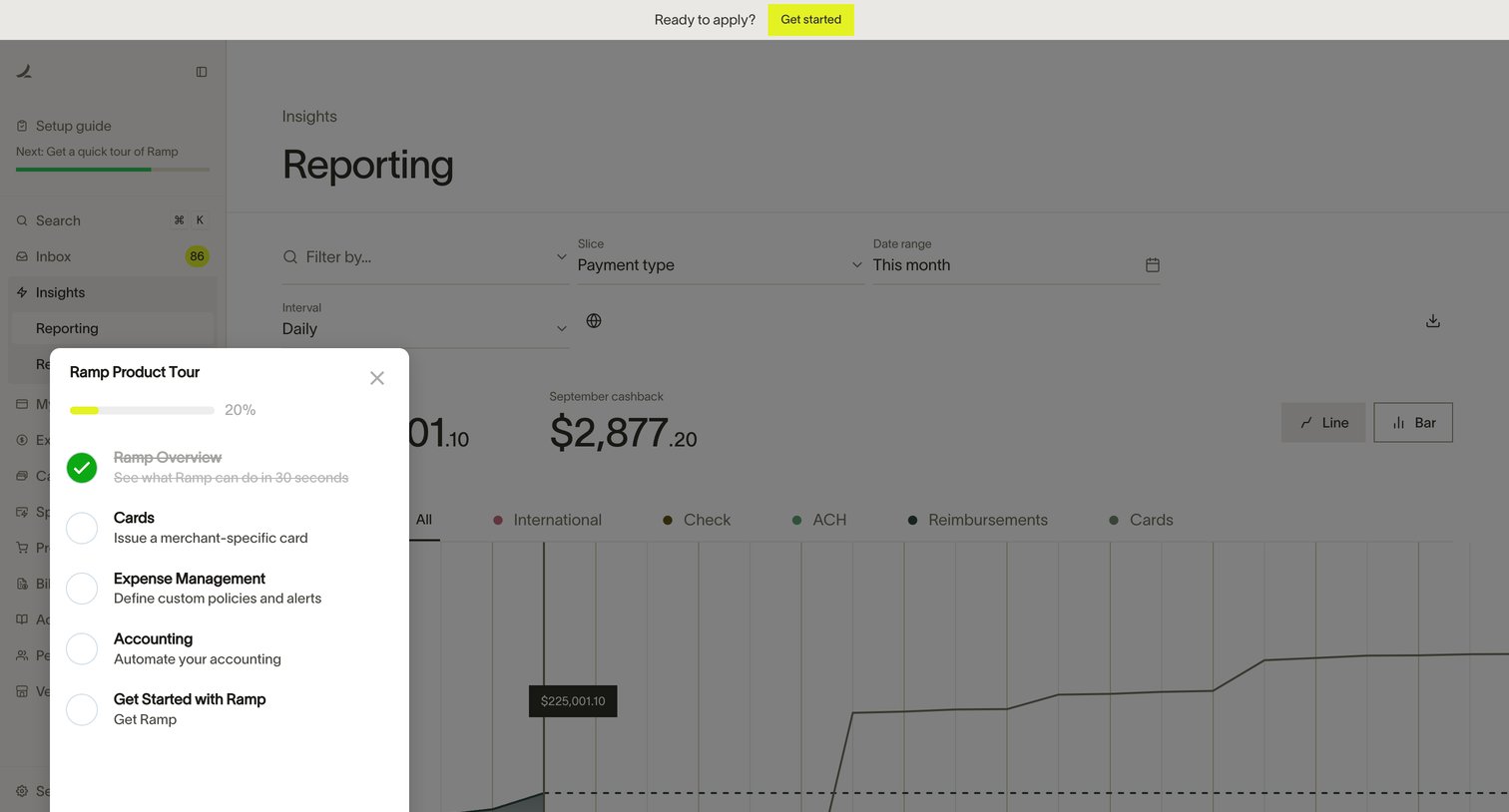
Interactive product demo of a reporting dashboard featuring a modal that guides the user through different features like cards and expense management.
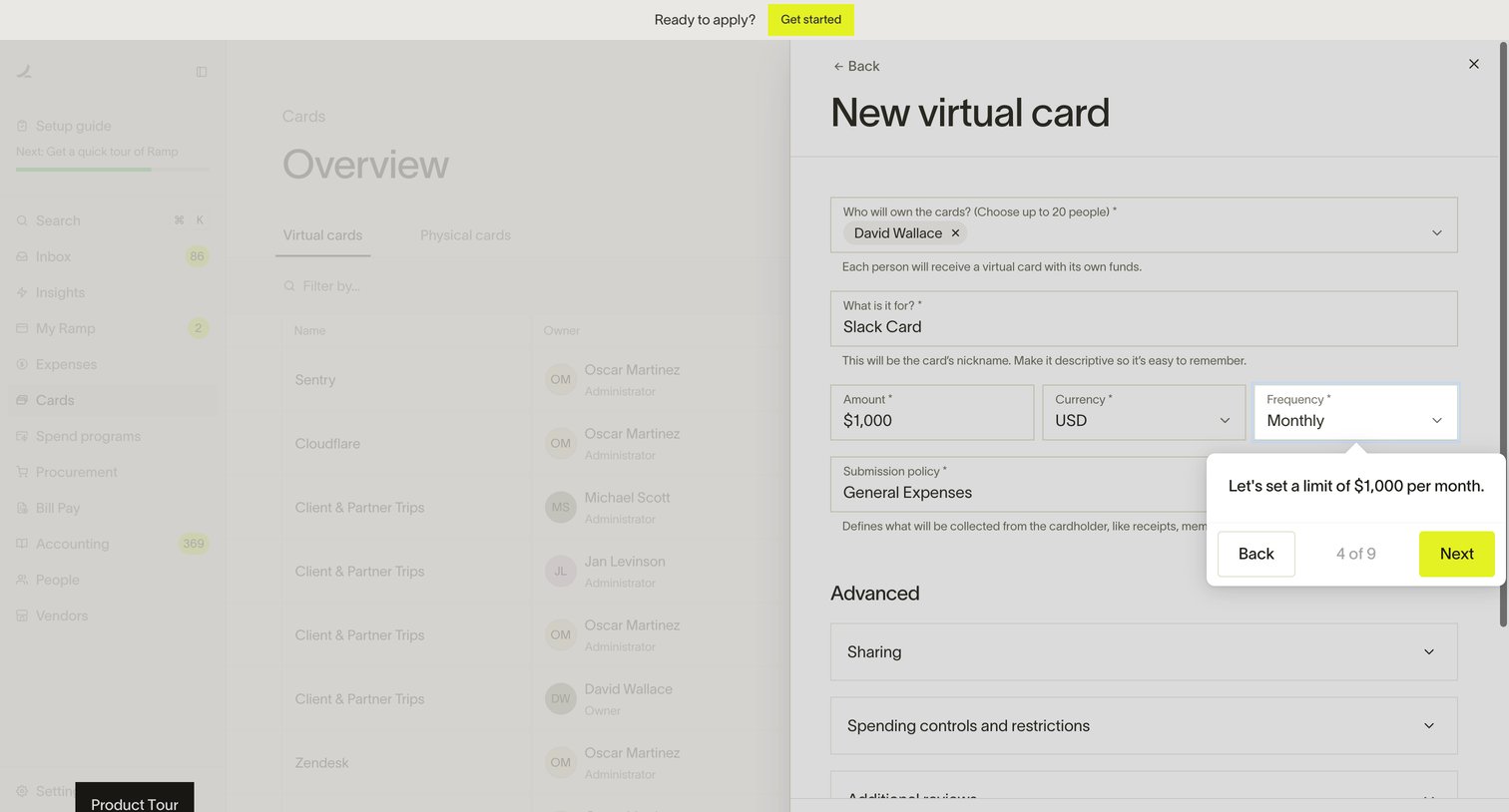
App interface featuring an interactive product tour that guides the user through creating a new virtual card with specific limits and frequency.
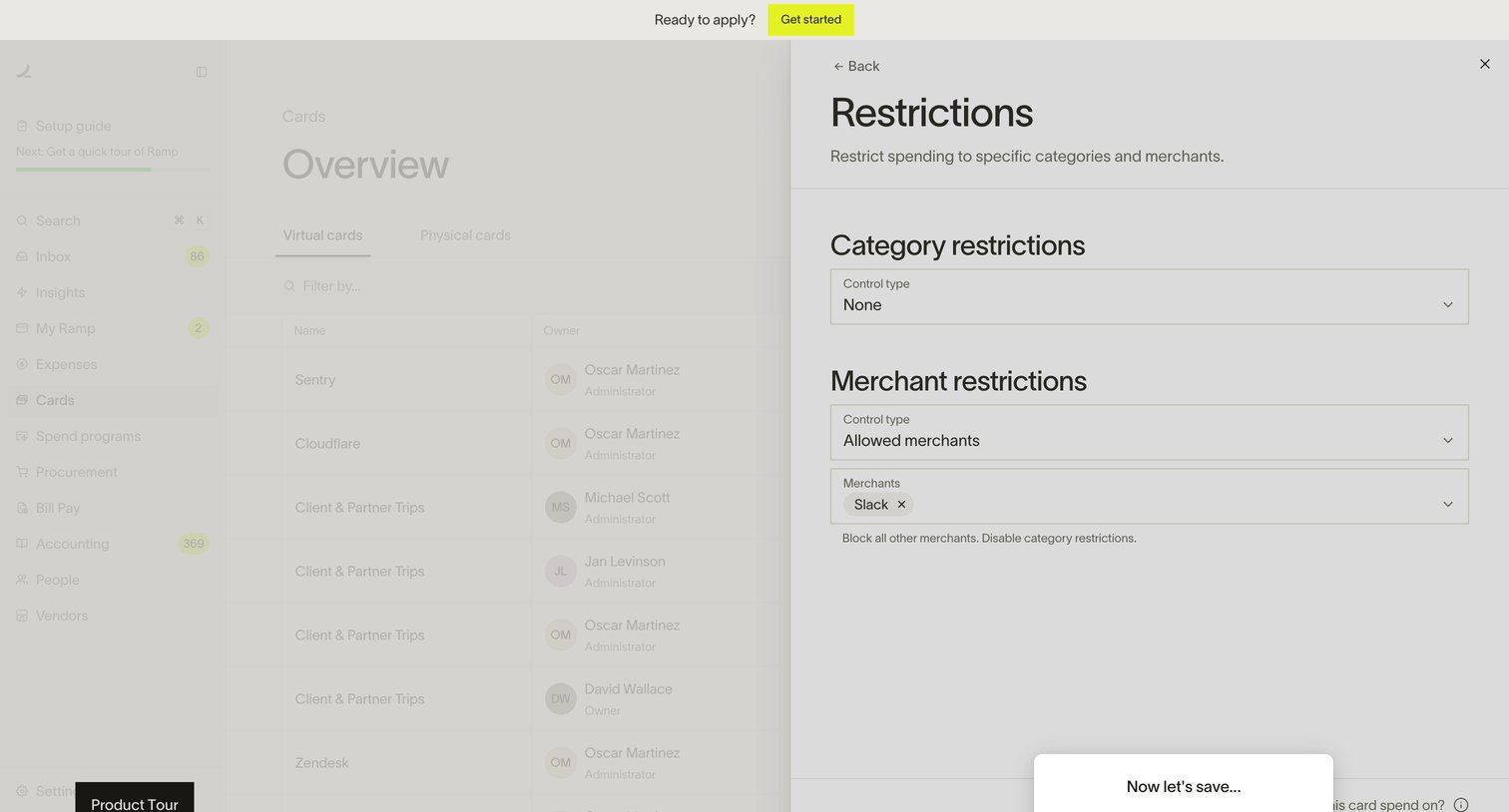
Interactive product demo where the user explores how to set category and merchant spend restrictions on a corporate card.
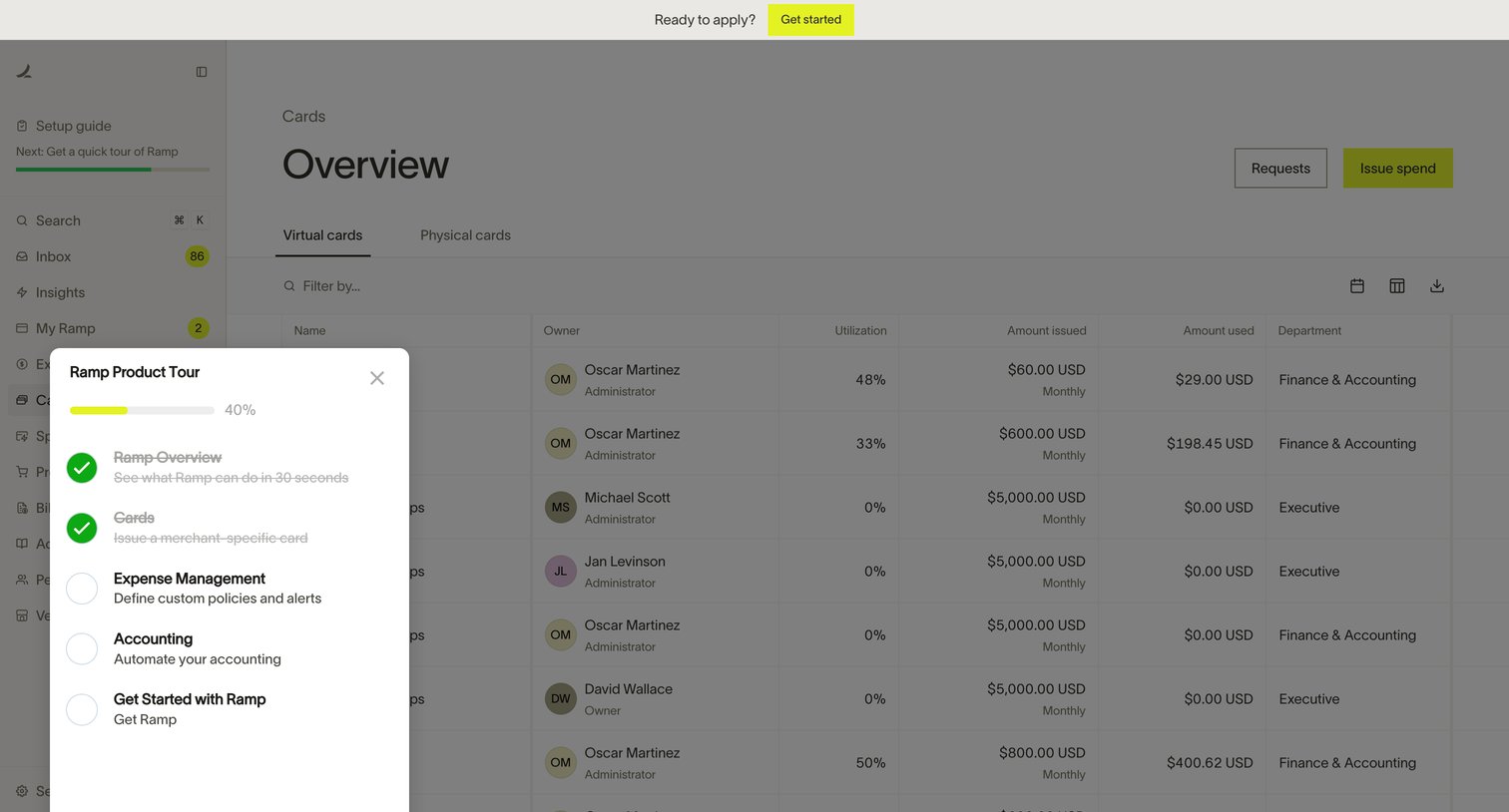
Interactive product demo where an overlay modal guides the user through an onboarding checklist covering expense management and accounting.
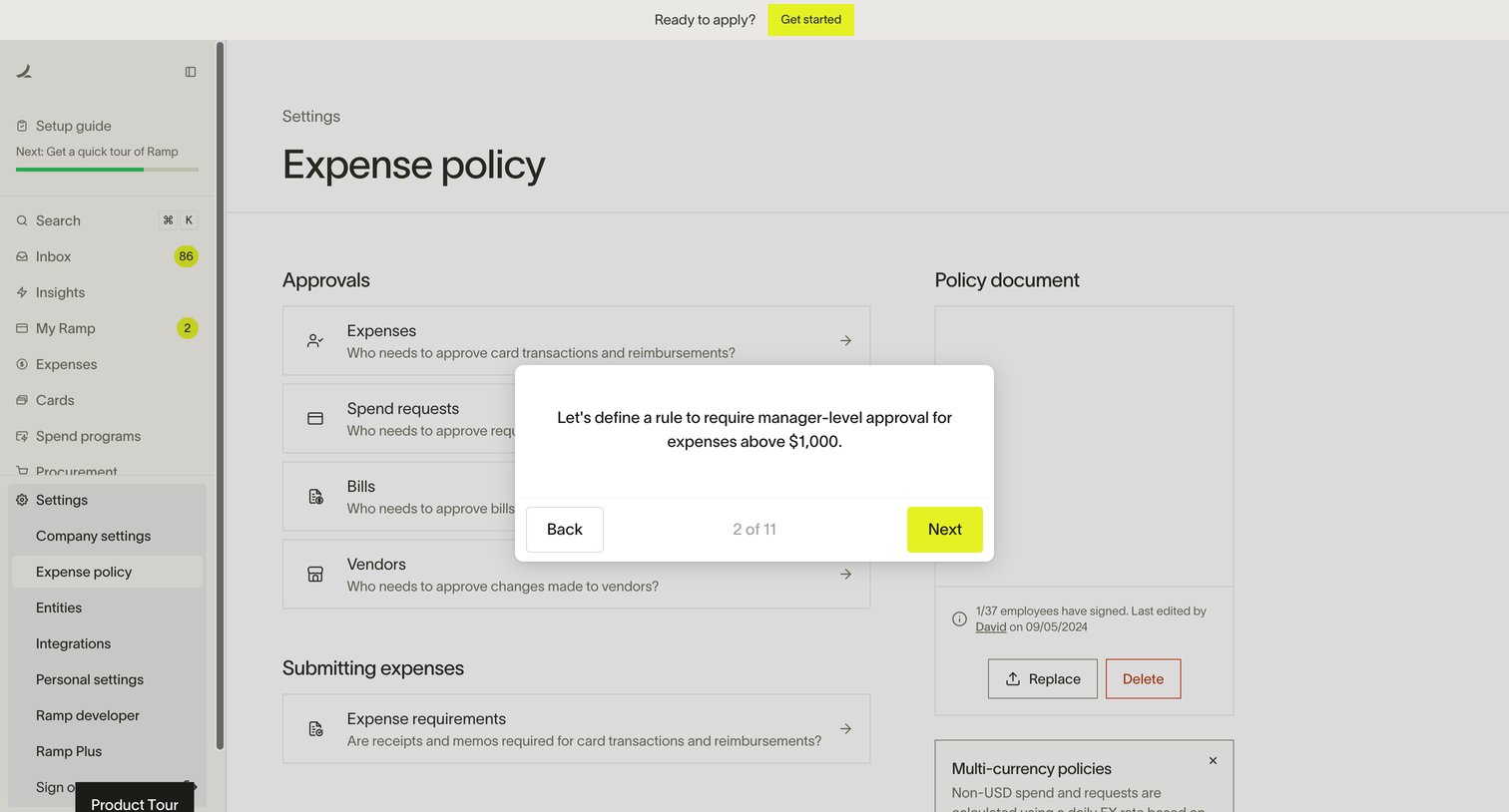
Interactive product tour of an expense management platform, showing a modal tooltip that guides the user to define a manager-level approval rule for expenses above $1,000.
Browse the full SaaS app library
Explore real SaaS apps with their product screens, marketing screens, flows, and components.
Trusted by the best teams







