
PlanetScale design examples
Explore PlanetScale UI design examples. The database for developers
Product screens
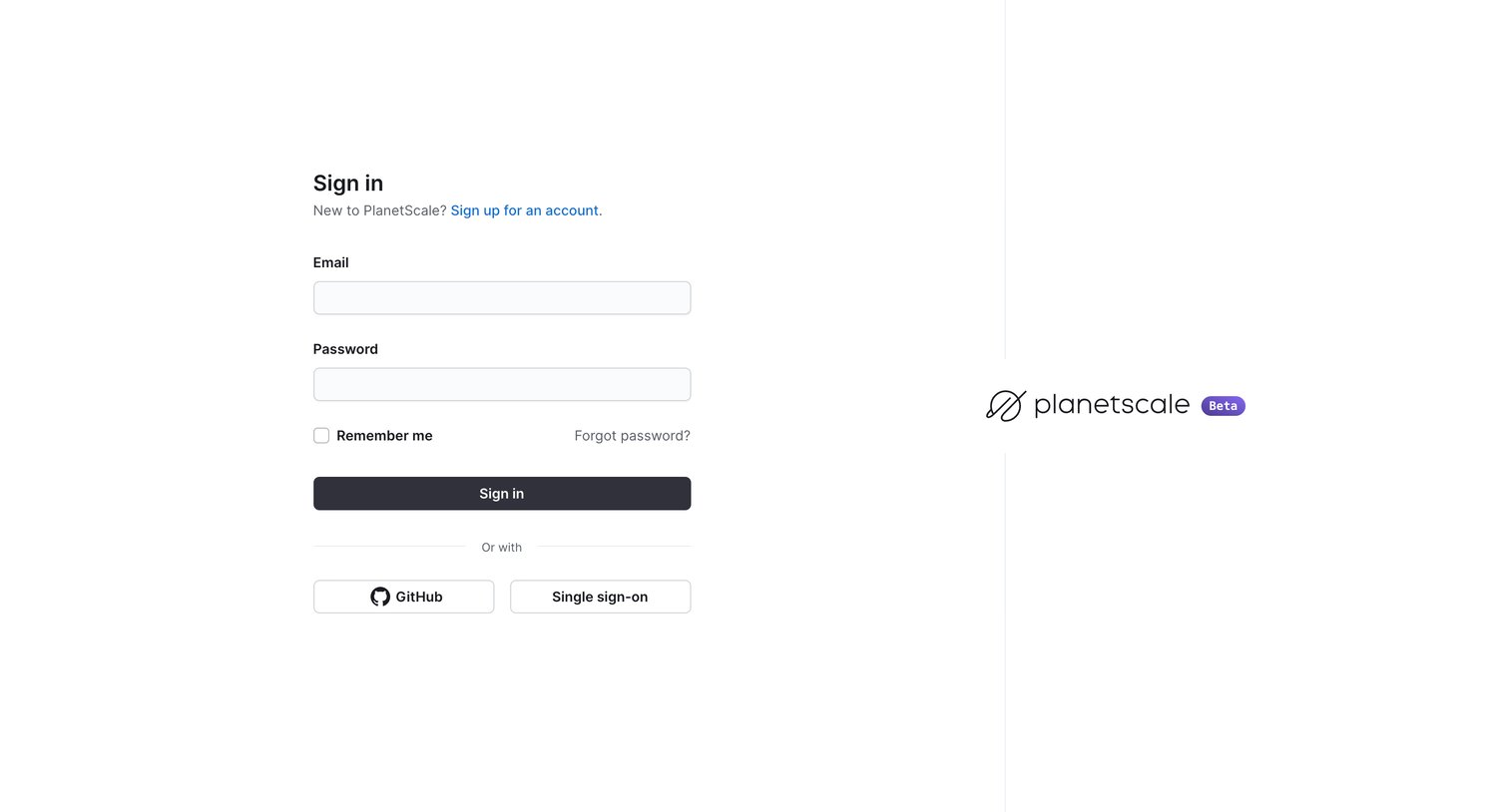
Sign-in screen where the user authenticates with email and password, GitHub, or Single sign-on.
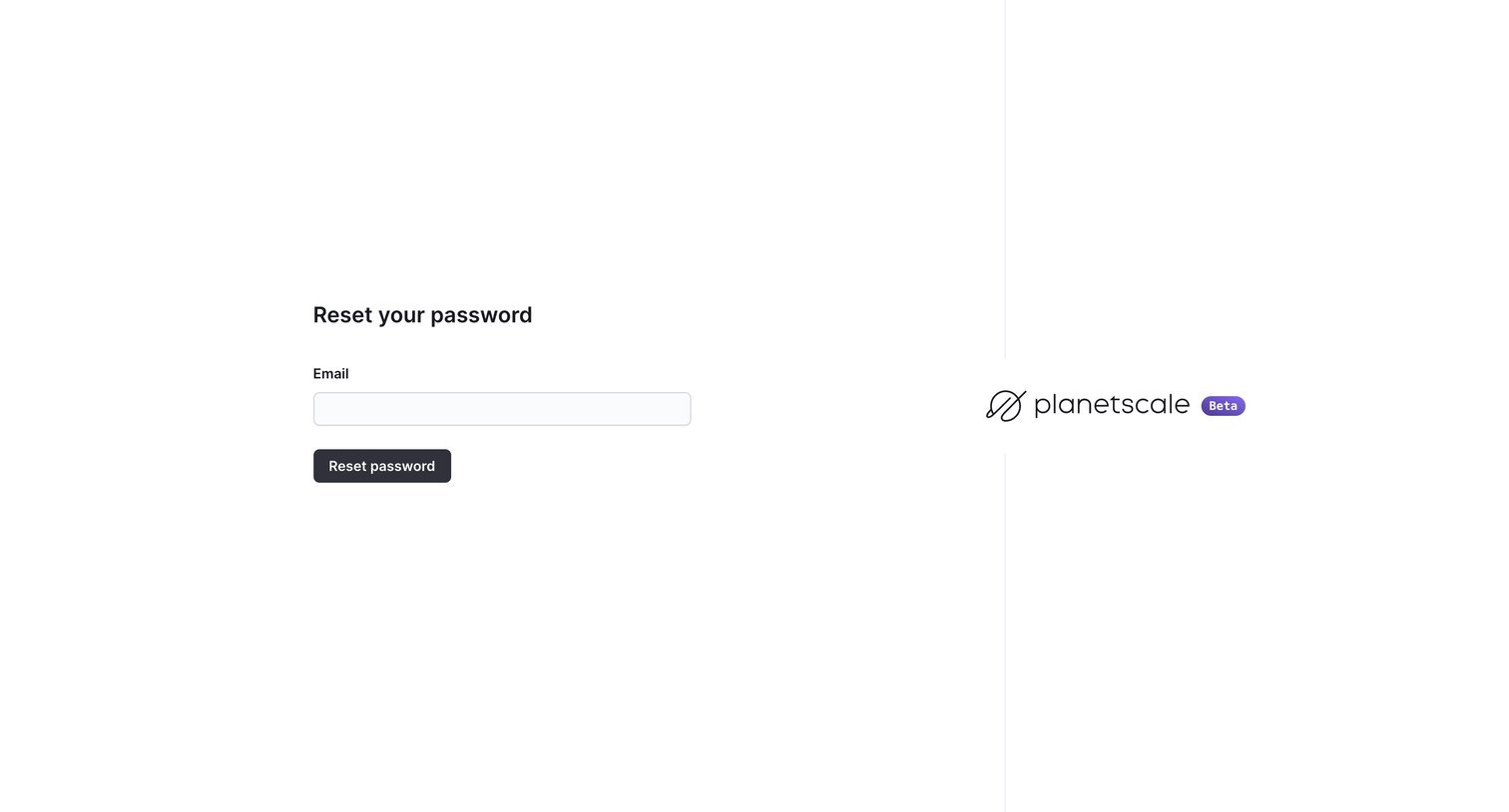
Password recovery screen where the user enters their email address to receive a reset link.
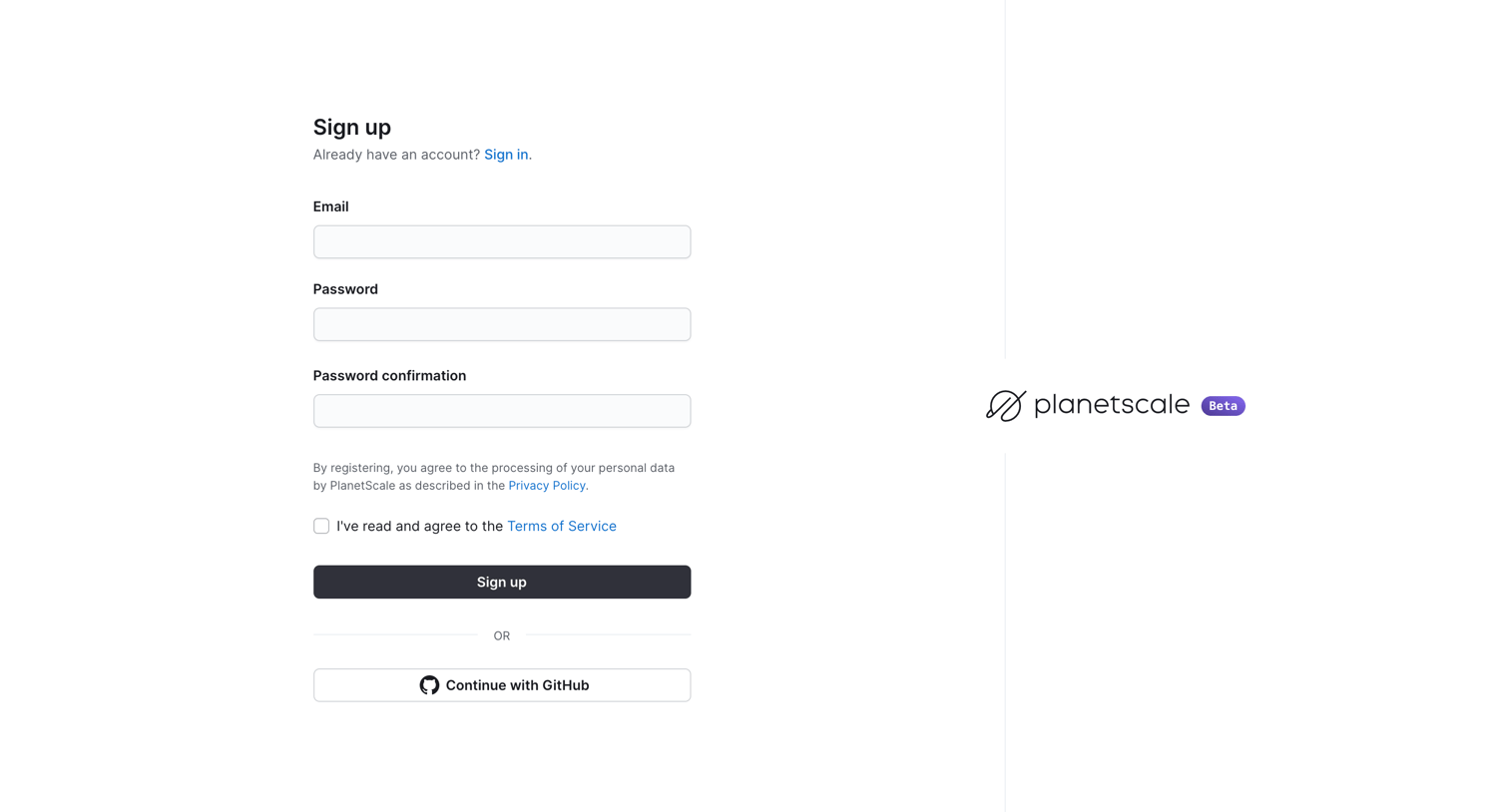
Sign-up page where the user creates an account using an email and password or authenticates via GitHub.
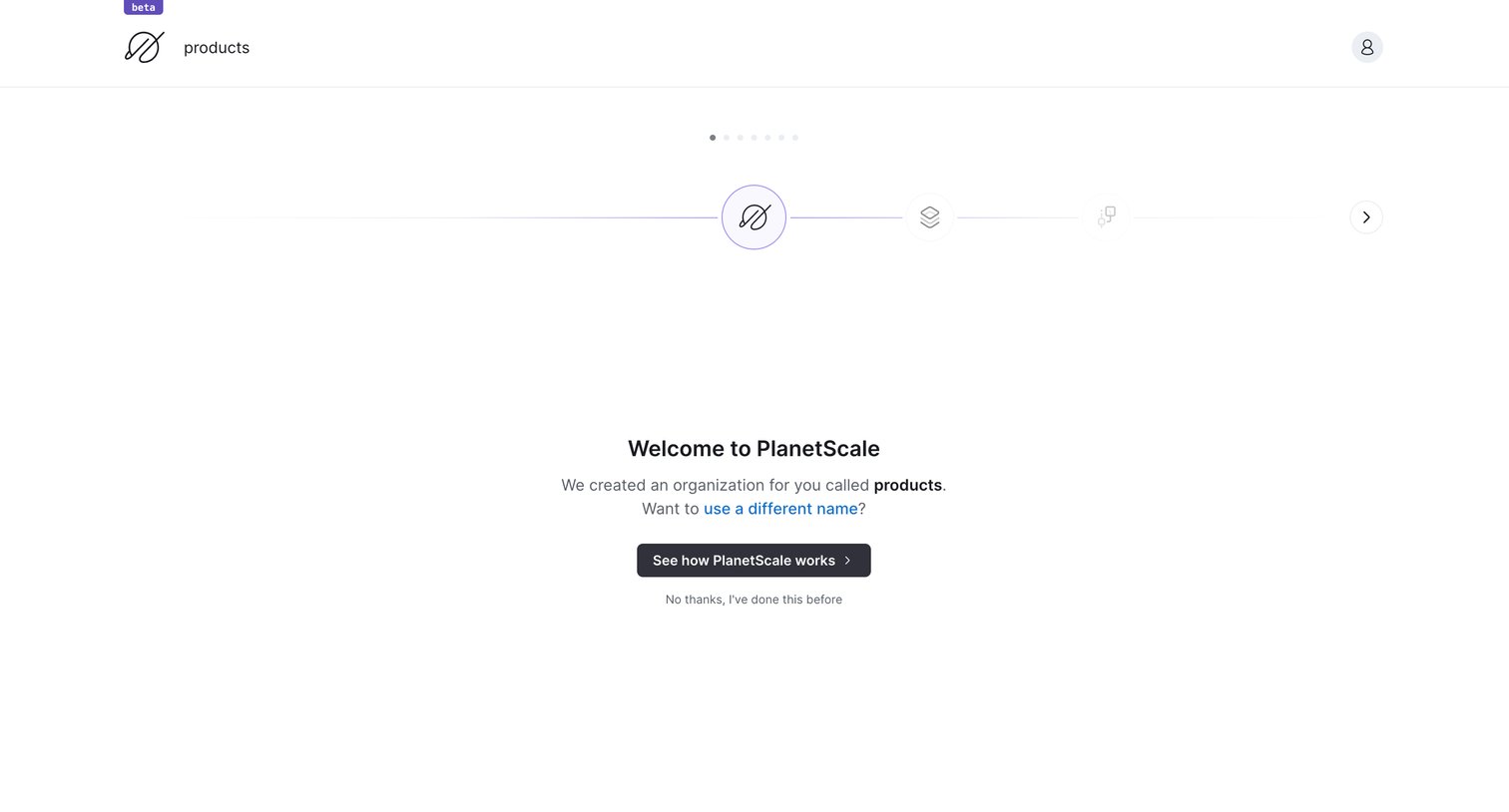
Onboarding step where the user is welcomed to their newly created organization and prompted to take a product tour.
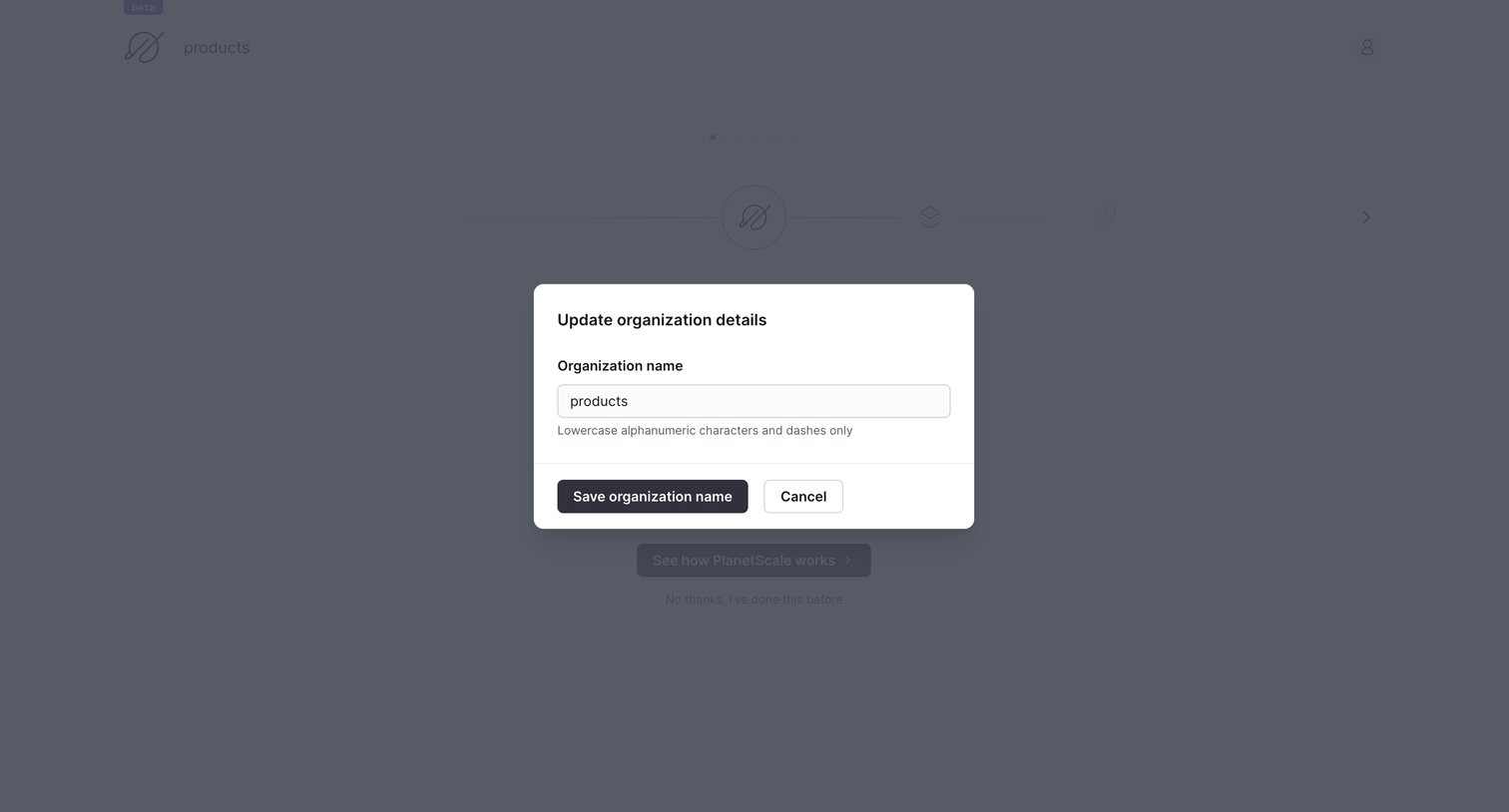
Settings modal where the user updates their organization name, with helper text enforcing lowercase alphanumeric characters and dashes.
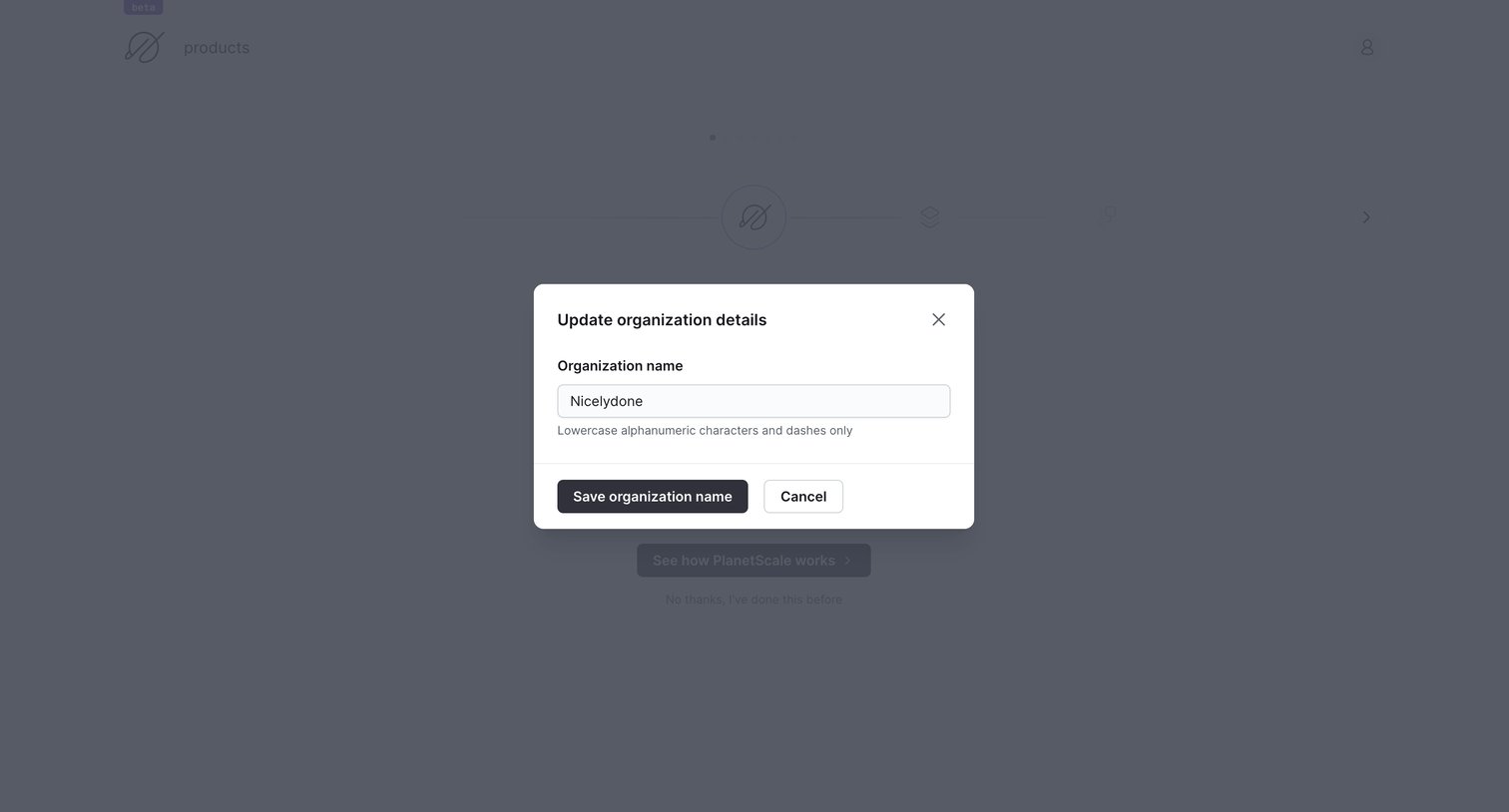
Onboarding step where the user is prompted to update their organization name via a modal dialog before proceeding.
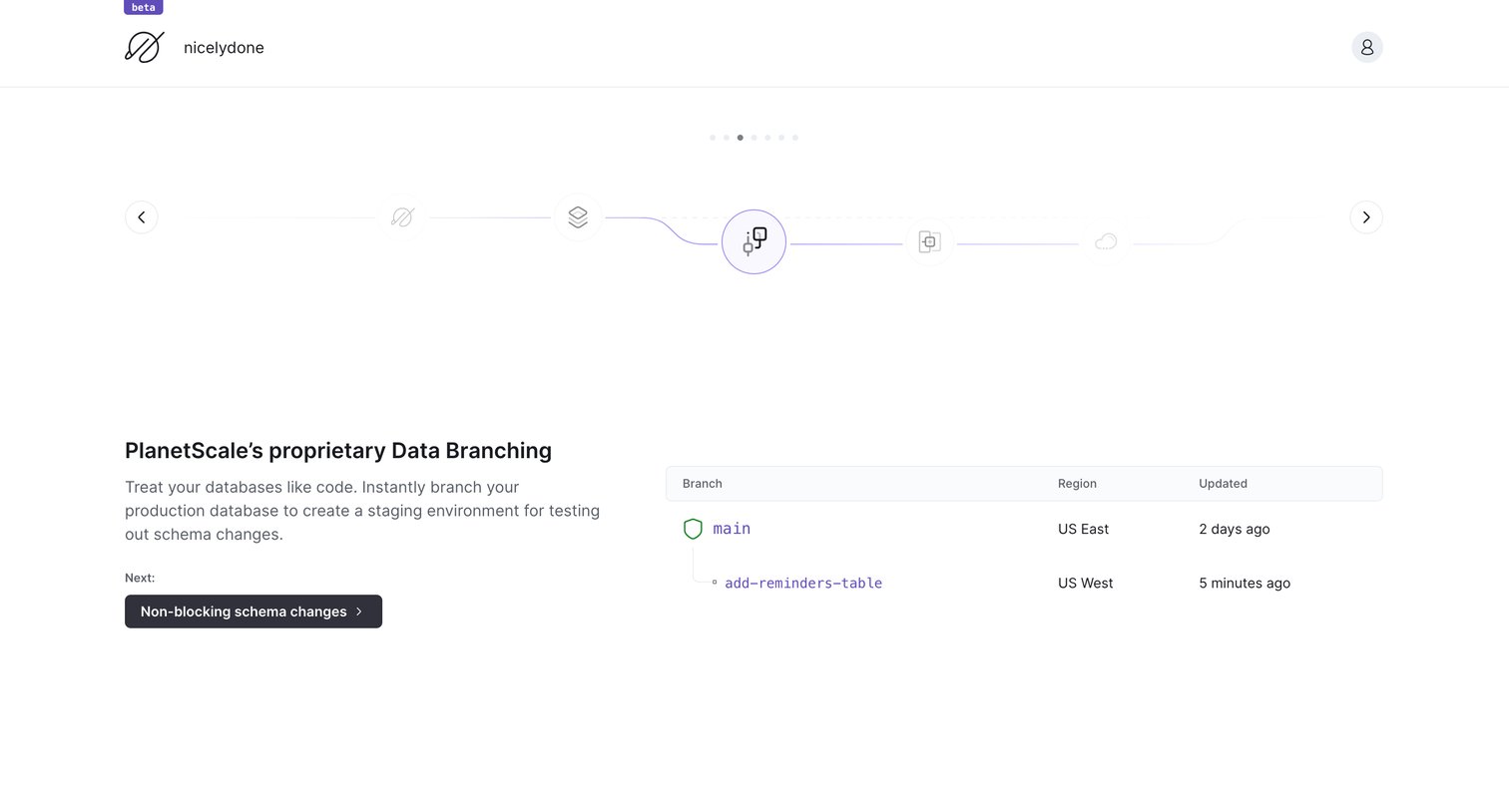
Onboarding step explaining the data branching feature with an interactive diagram and a mock table showing branch relationships.
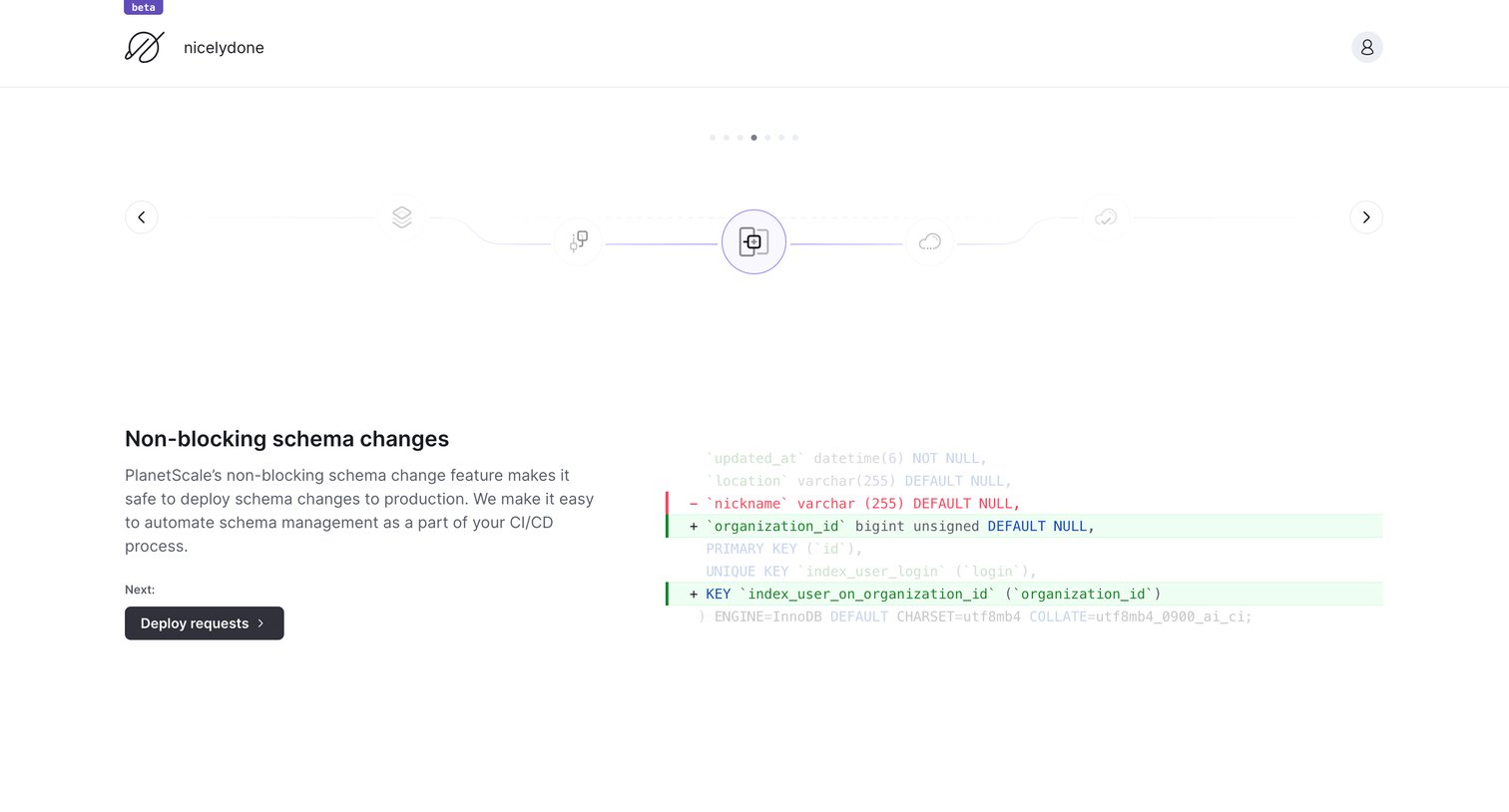
Onboarding product tour step where the user learns about non-blocking schema changes via a visual timeline and a code diff example.
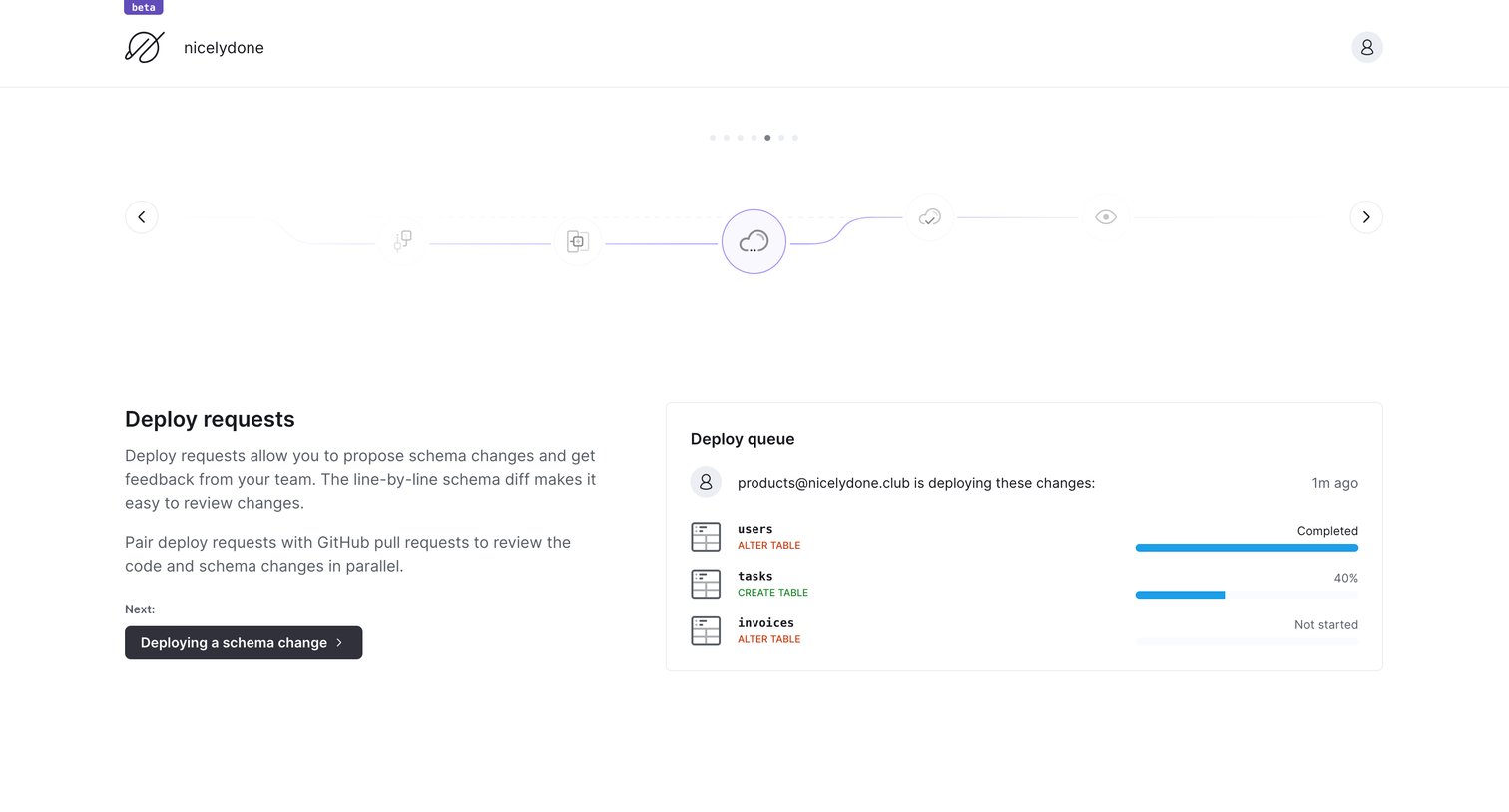
Onboarding step explaining deploy requests with a visual timeline and a deploy queue example, prompting the user to continue to the next step.
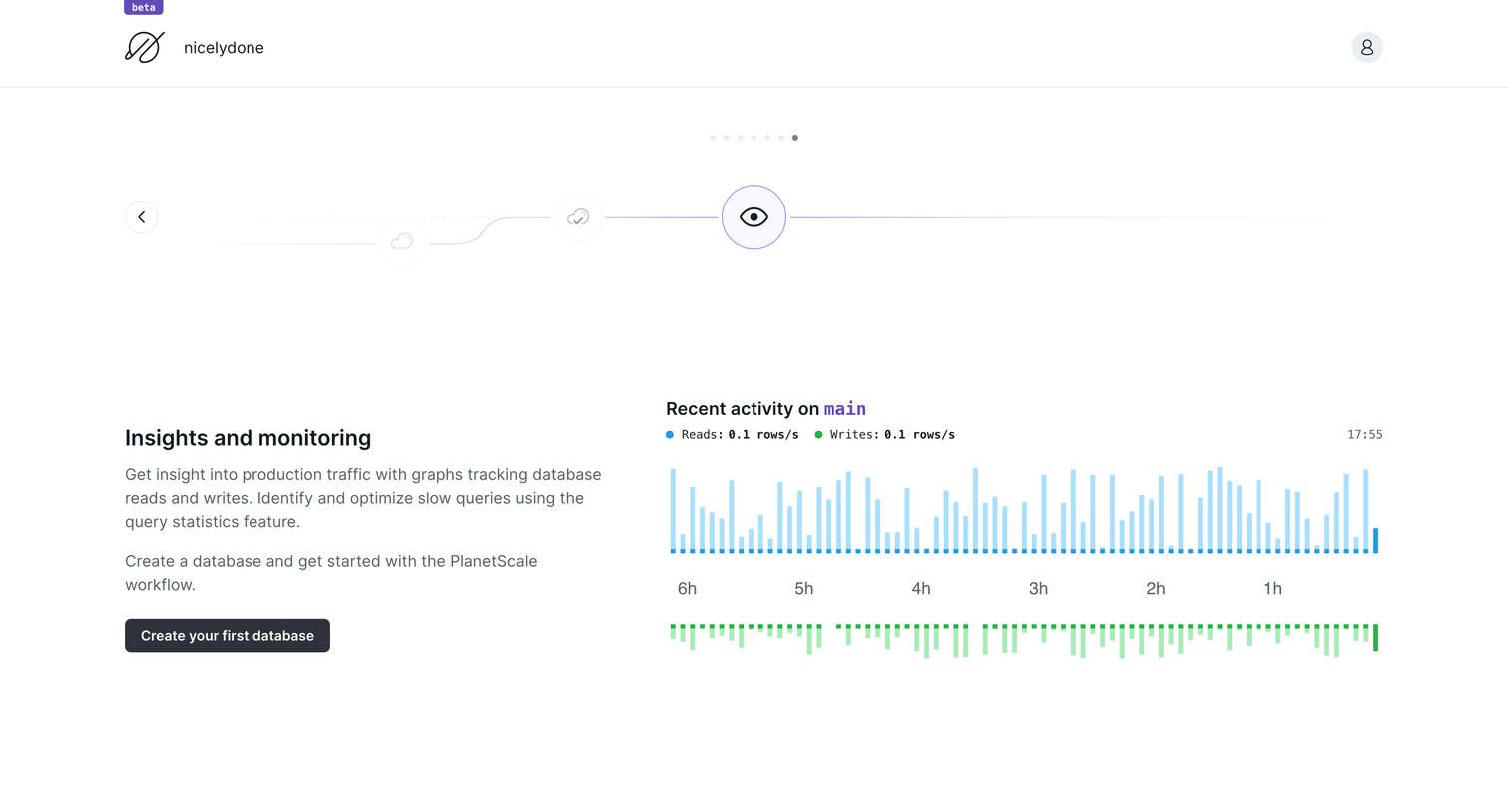
Dashboard empty state where the user is guided through a feature tour and prompted to create their first database.
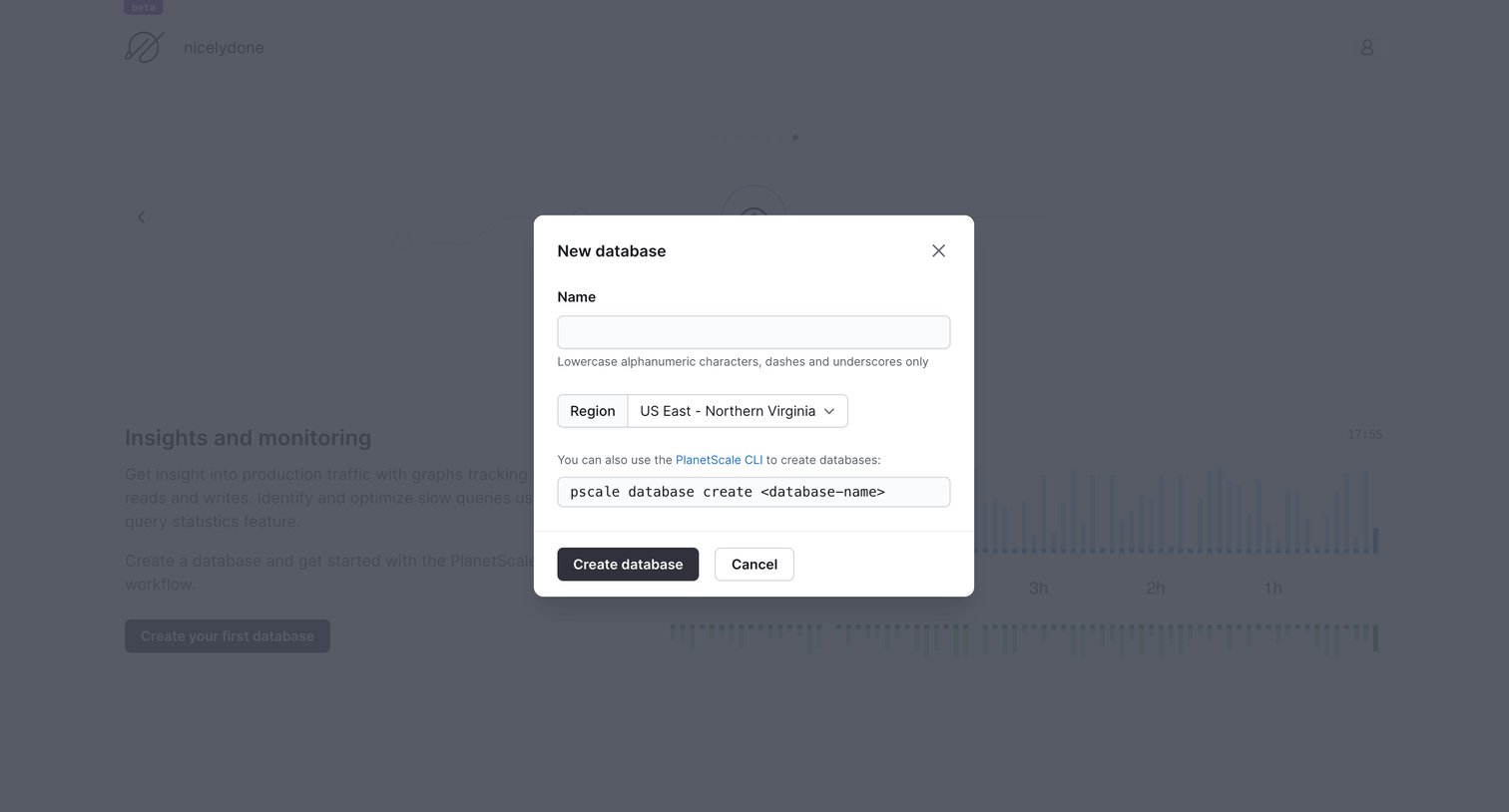
Modal where the user creates a new database by entering a name, selecting a region, or copying a CLI command.
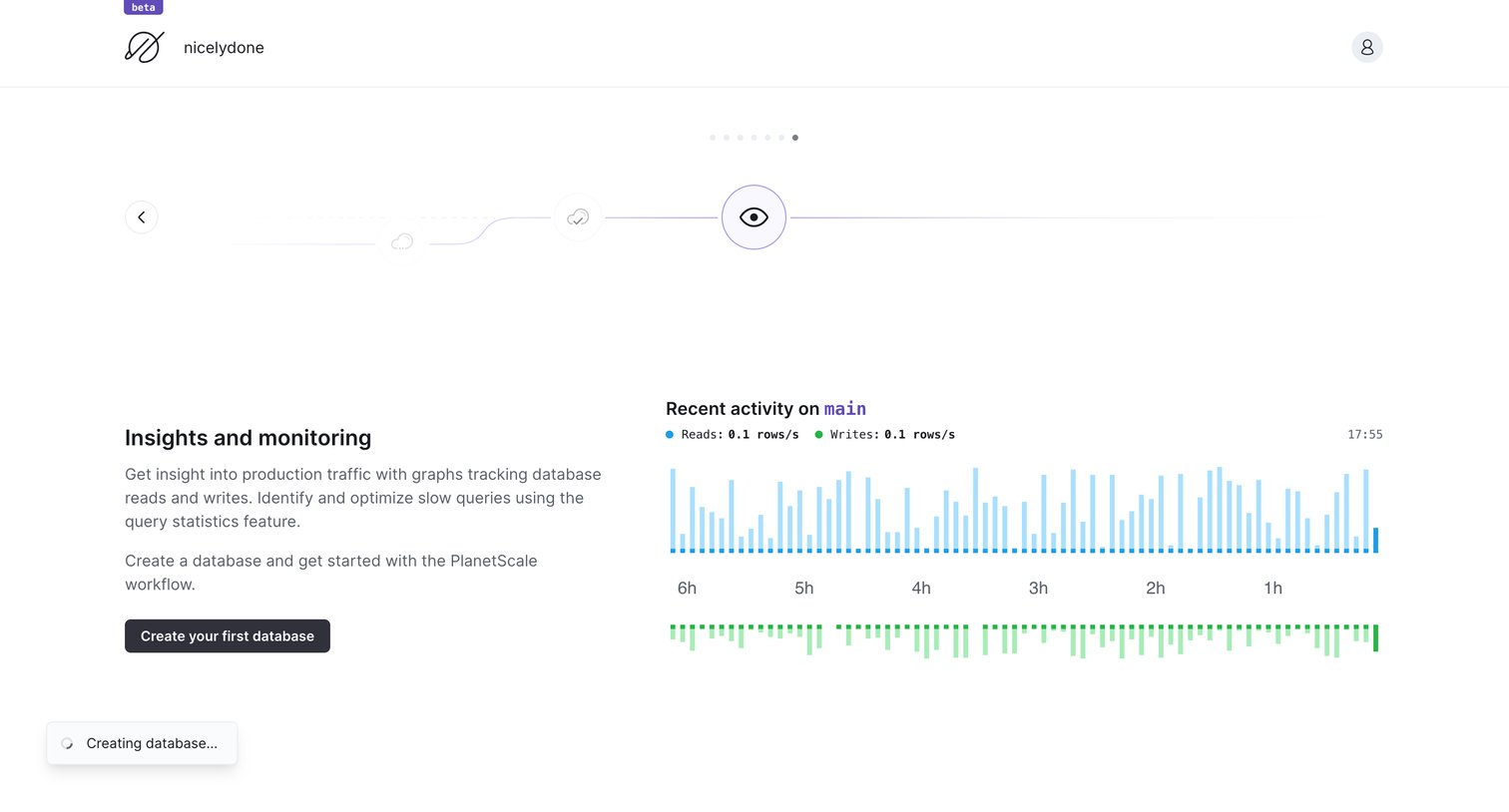
Dashboard empty state where the user is prompted to create their first database, featuring an onboarding illustration and a placeholder activity chart.
Browse the full SaaS app library
Explore real SaaS apps with their product screens, marketing screens, flows, and components.
Trusted by the best teams







