
MindMeister design examples
Explore MindMeister UI design examples. Create your mind maps online
Product screens
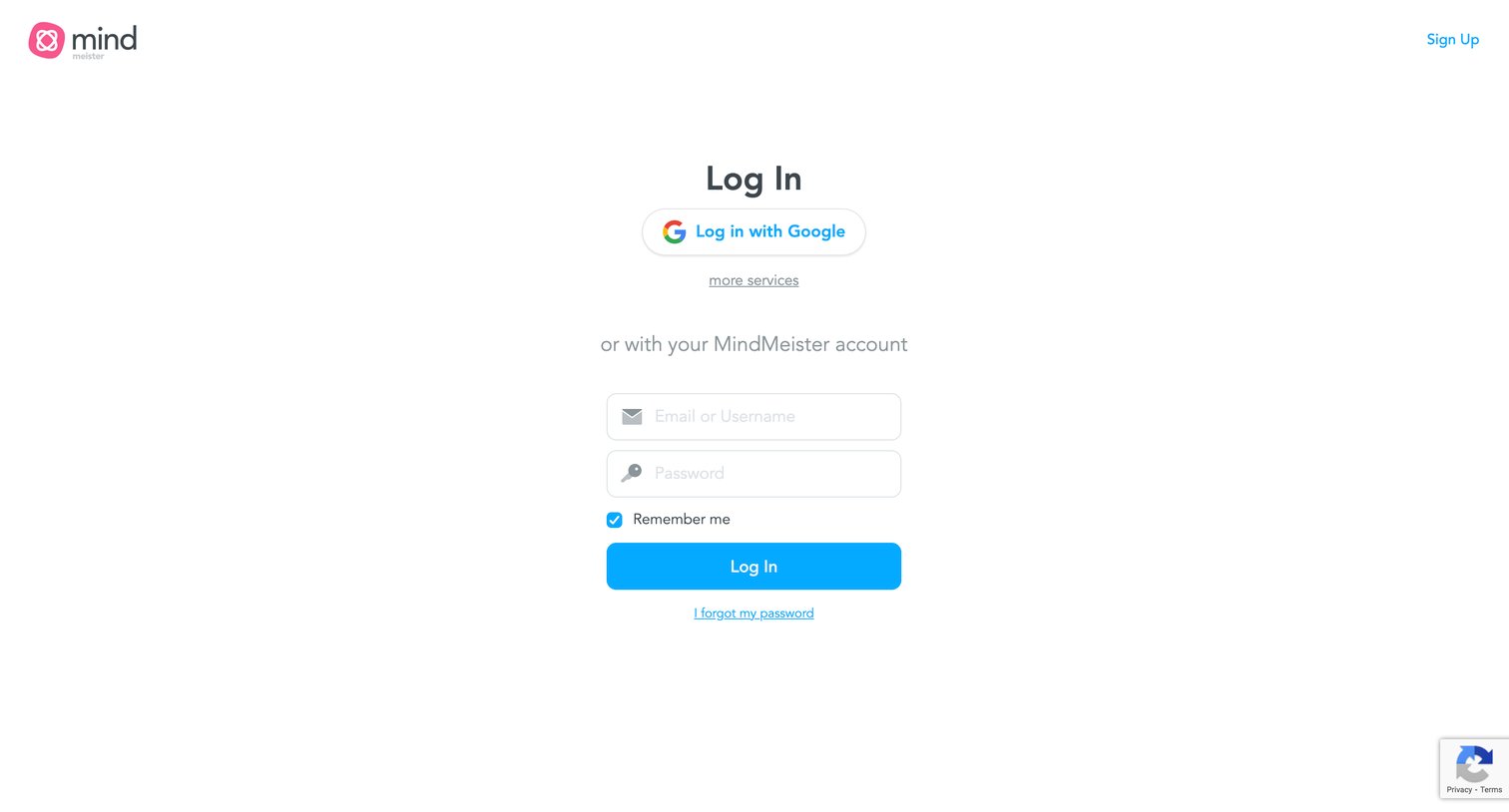
Sign-in screen where the user authenticates with Google or their MindMeister email and password.
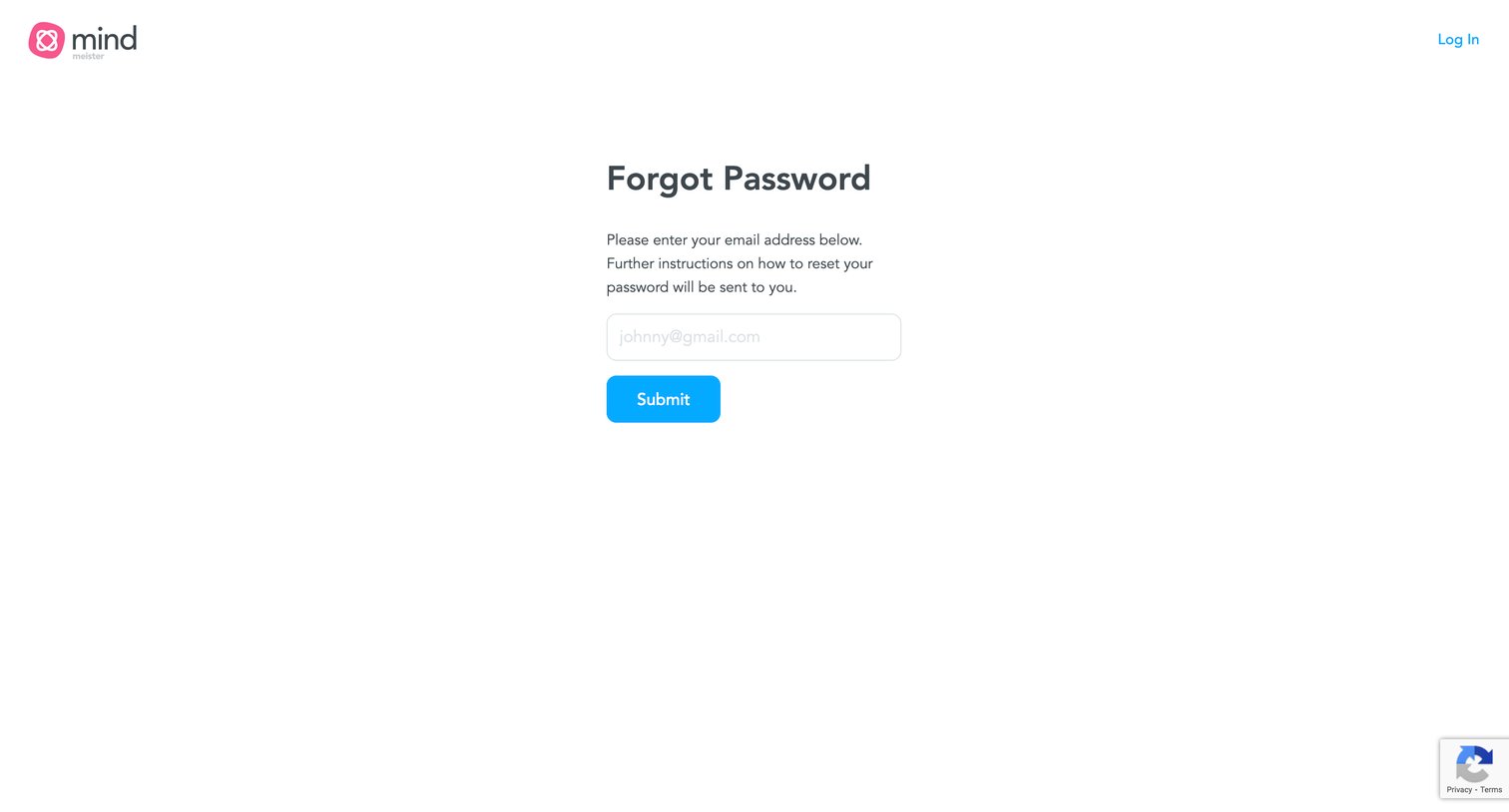
Password recovery screen where the user enters their email address to receive reset instructions.
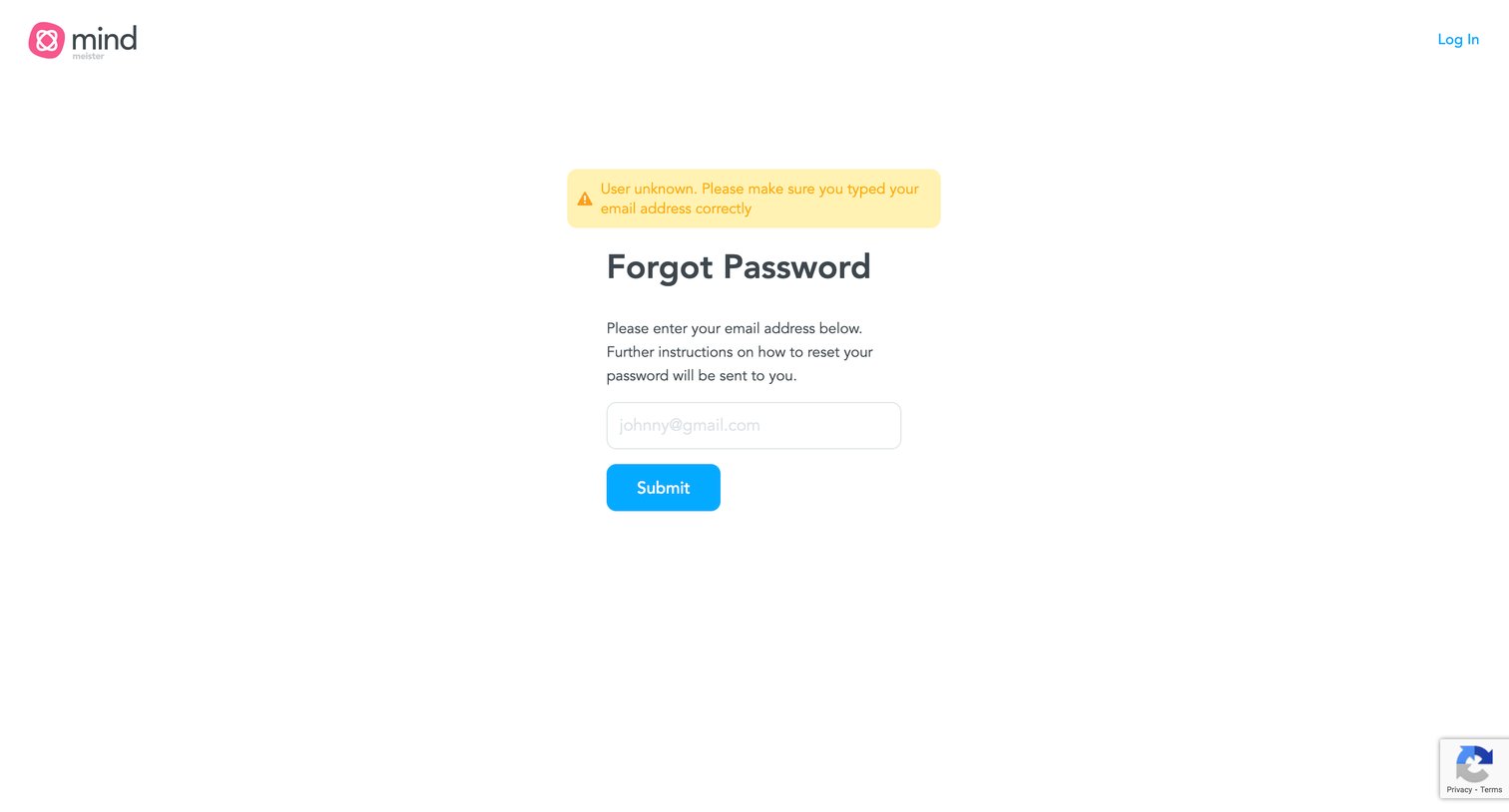
Password recovery screen showing a warning alert for an unknown user email.
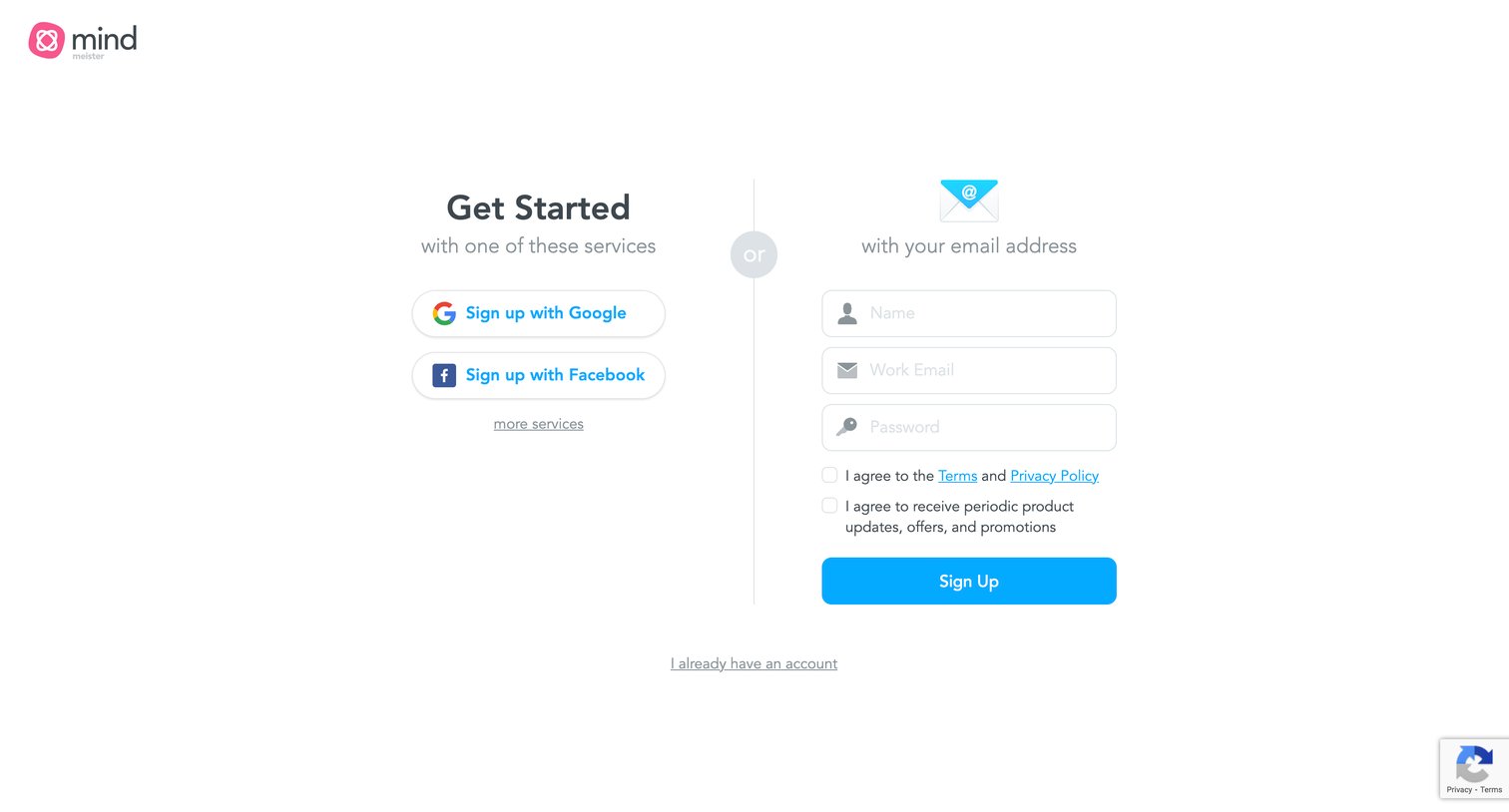
Signup page where the user can choose to authenticate via Google or Facebook on the left, or create an account using their work email and a password on the right.
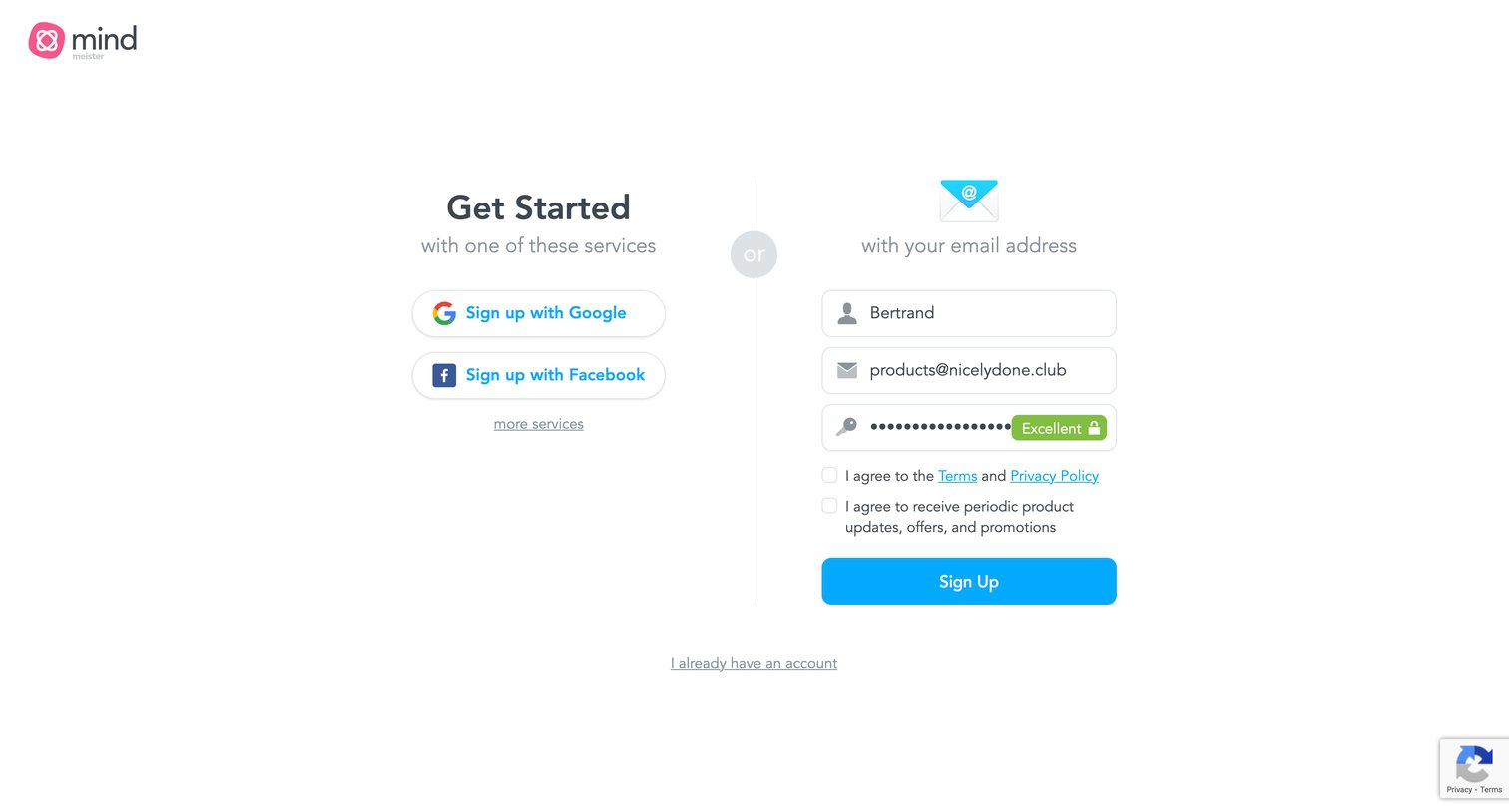
Signup page where the user can create an account using Google, Facebook, or an email address with a password strength indicator.
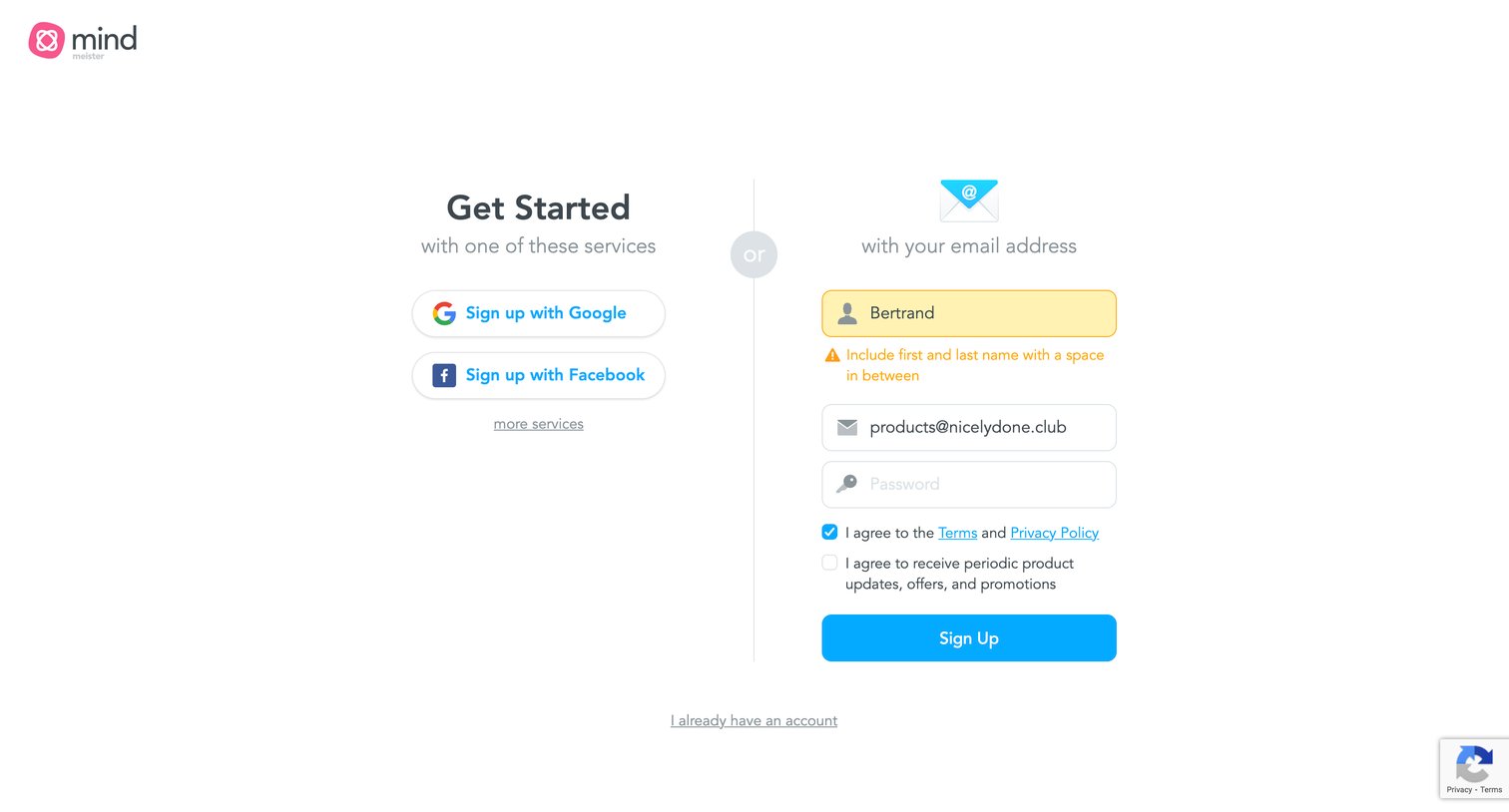
Sign-up screen where the user can create an account using Google, Facebook, or by filling out an email and password form, currently showing a validation error on the name field.
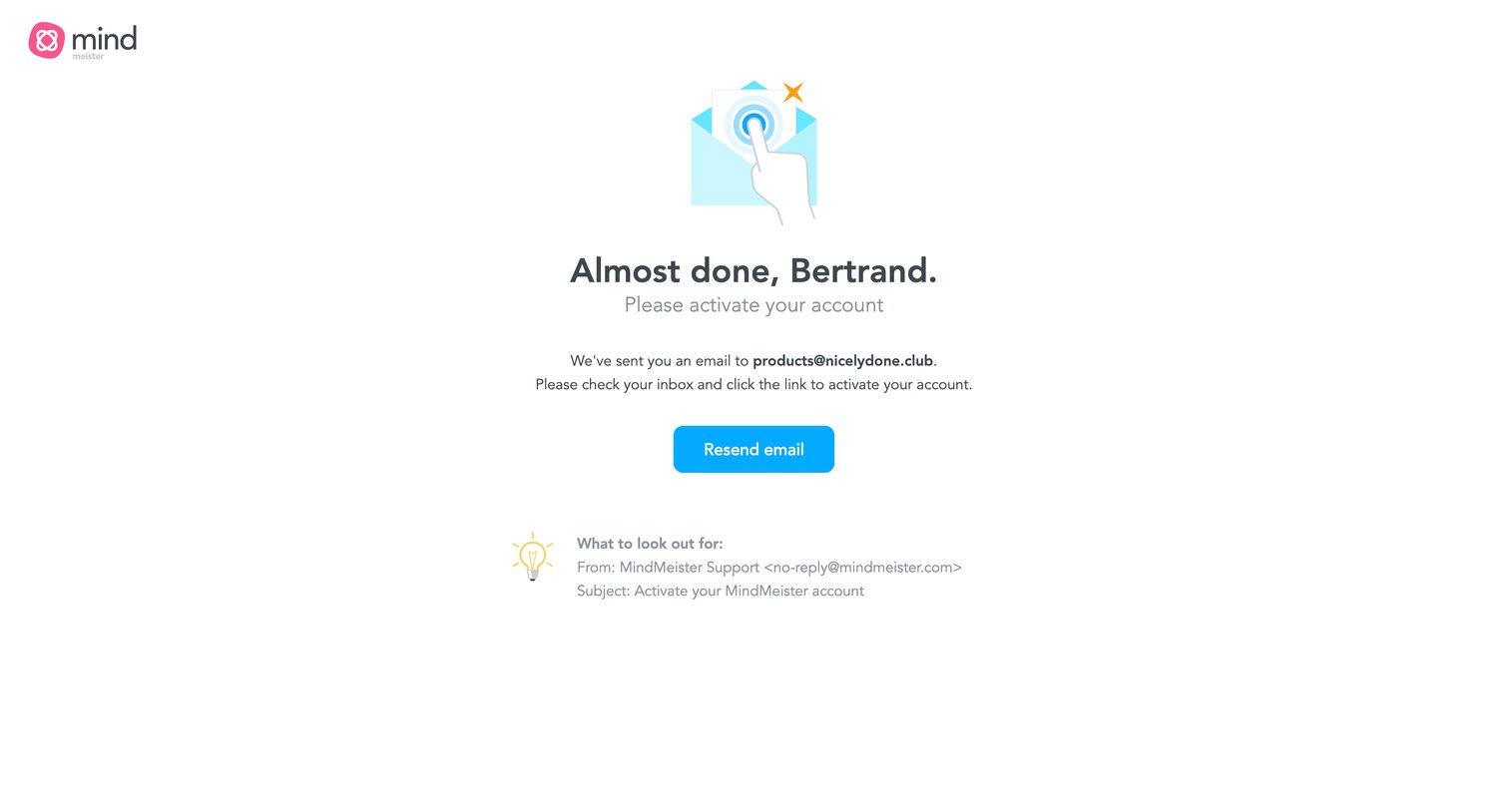
Verification screen where the user is instructed to check their inbox for an activation link and given an option to resend the email.
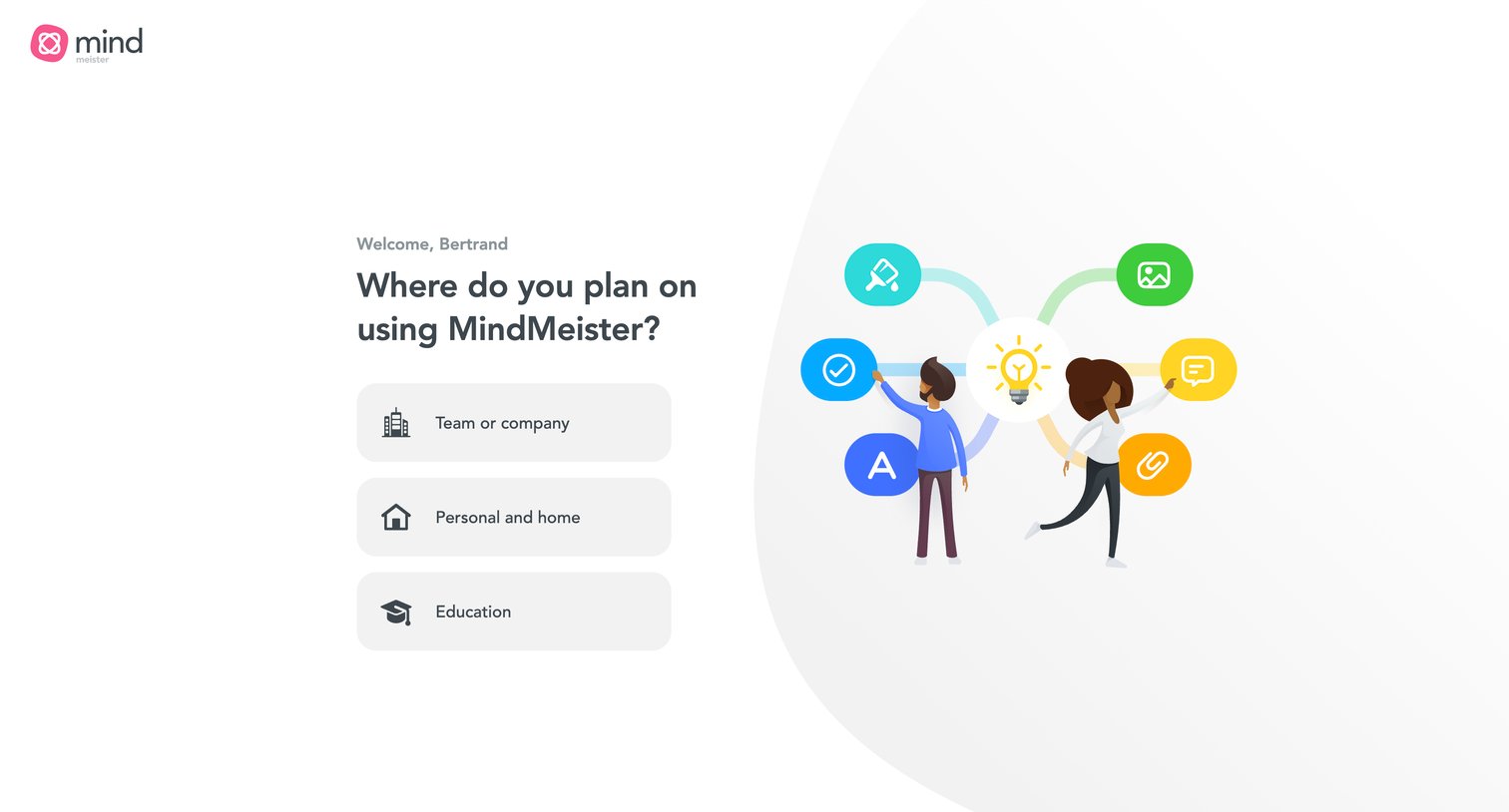
Onboarding step where the user selects their primary use case for the app, choosing between team, personal, or education.
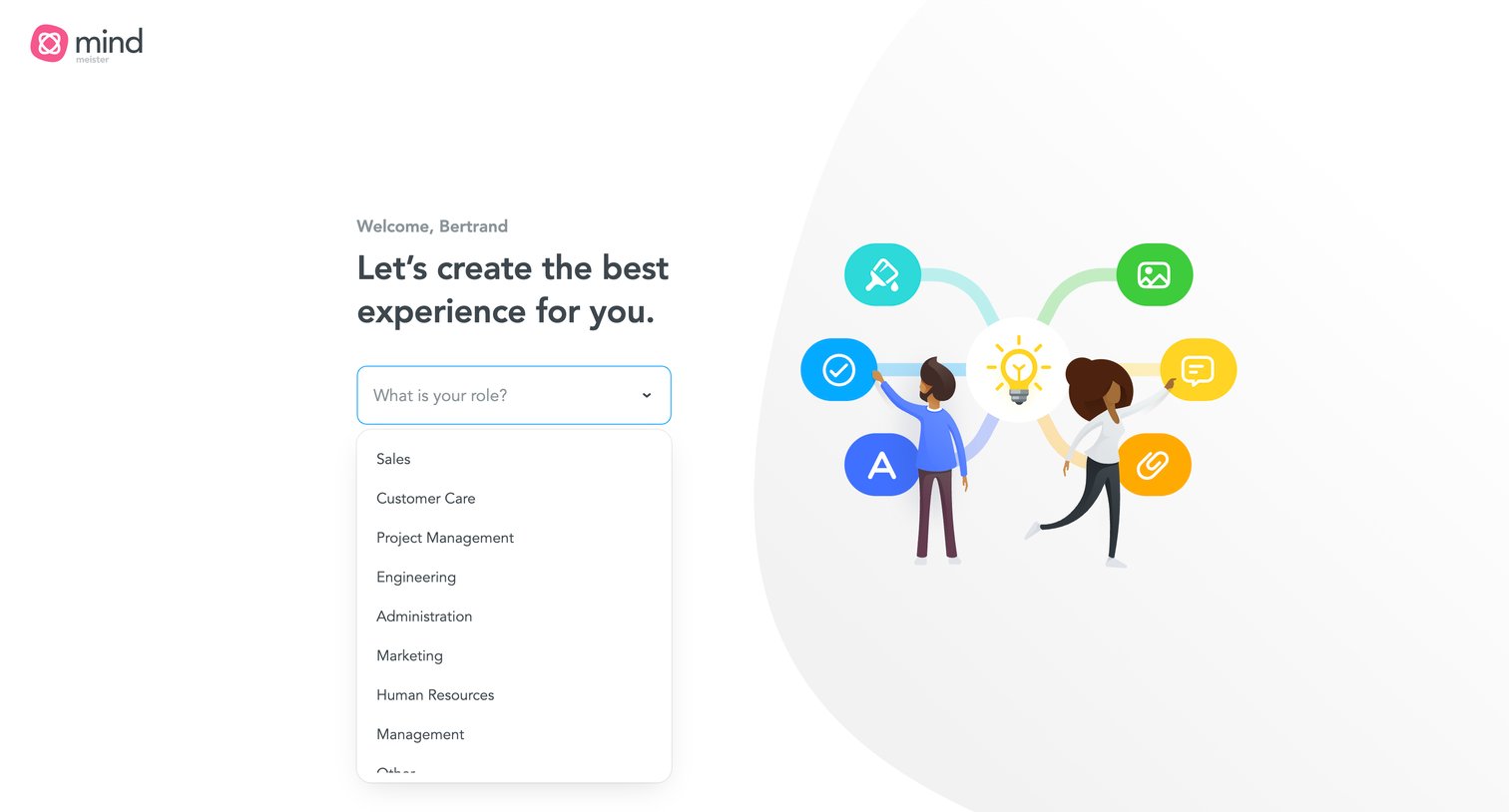
Onboarding step where the user selects their professional role from an open dropdown menu to personalize their workspace.
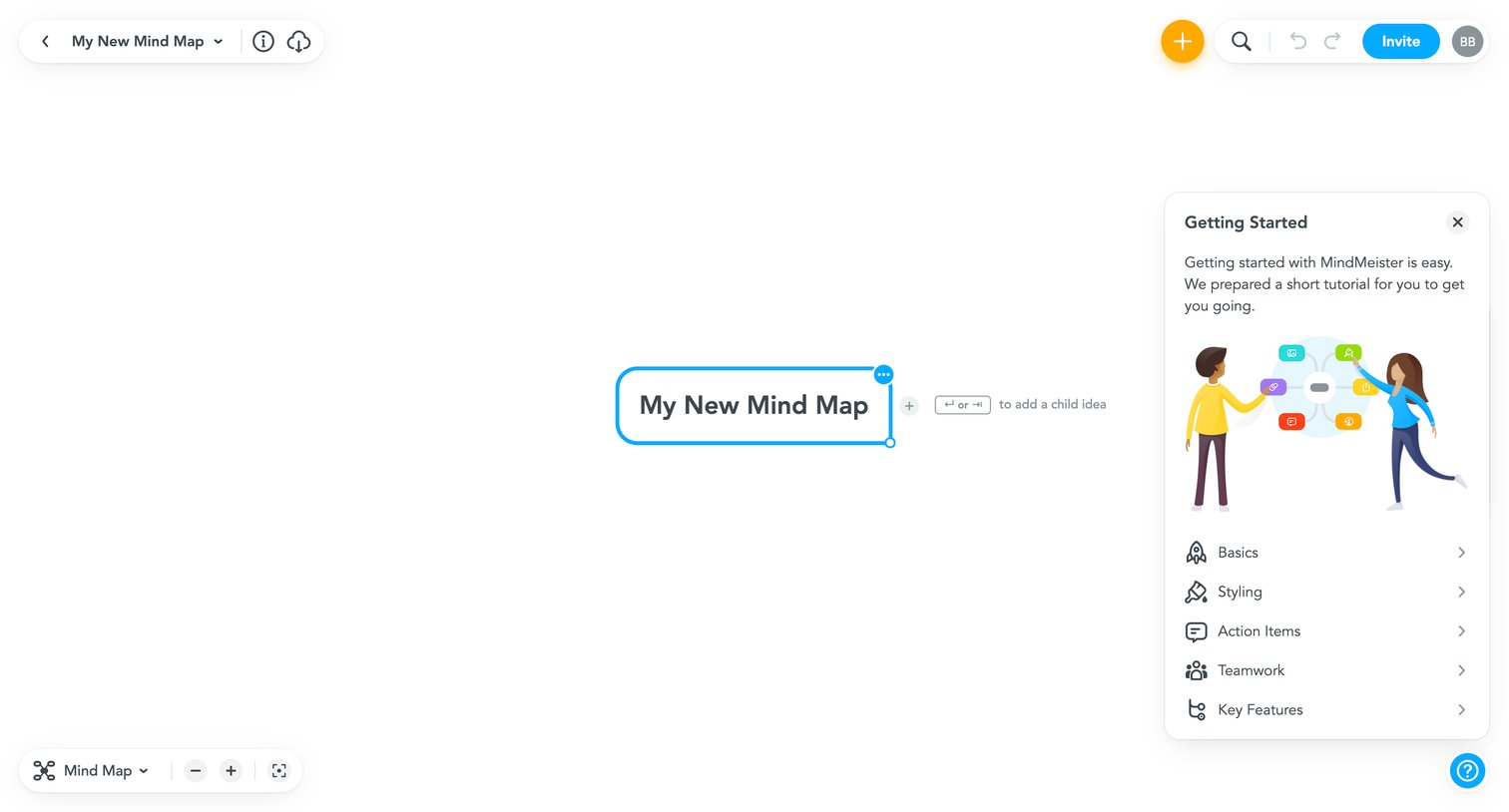
Design editor where the user builds a mind map from a central node, featuring a floating Getting Started tutorial panel.
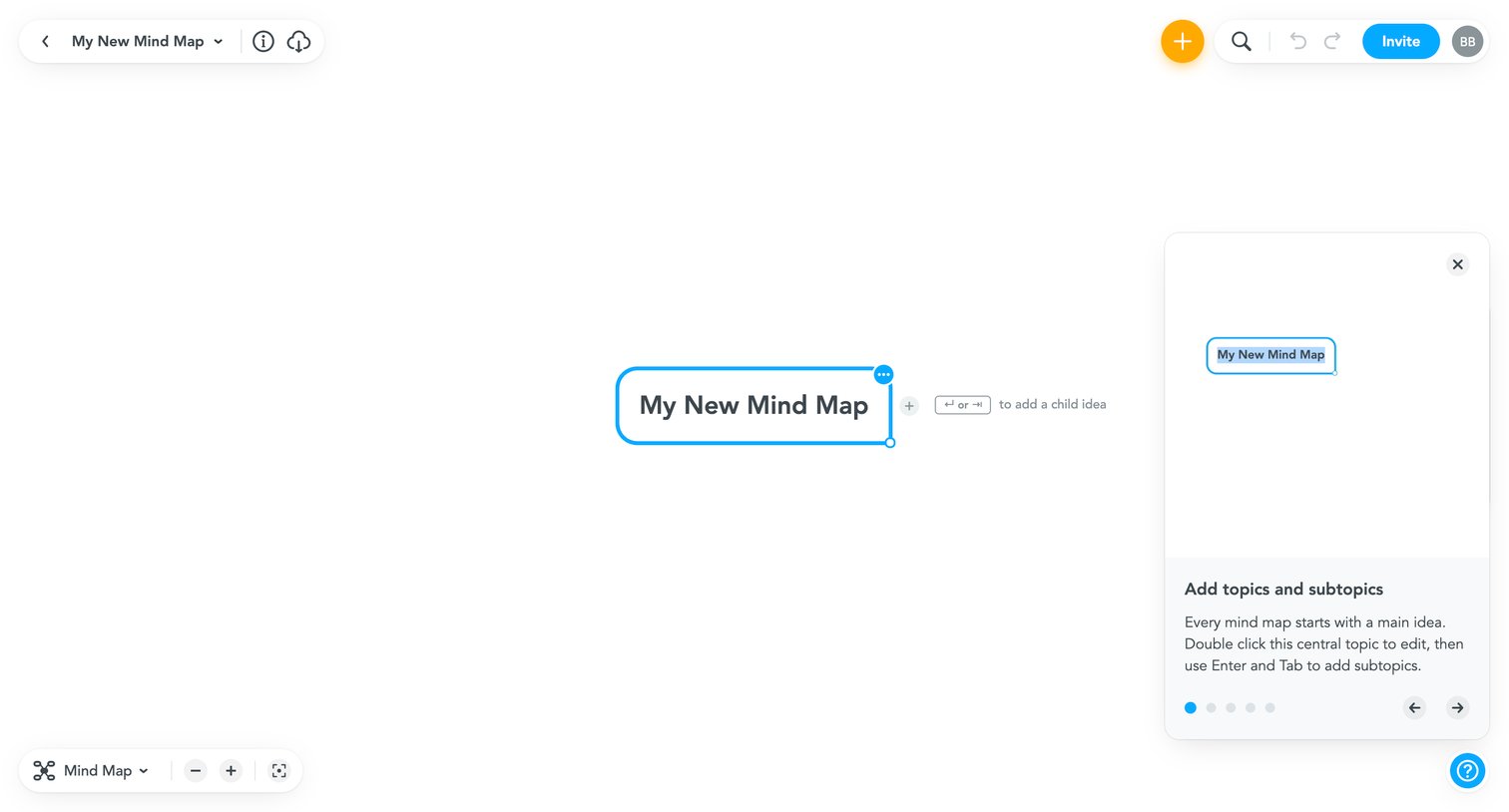
Design editor where the user creates a new mind map, starting with a central topic and guided by a product tour panel.
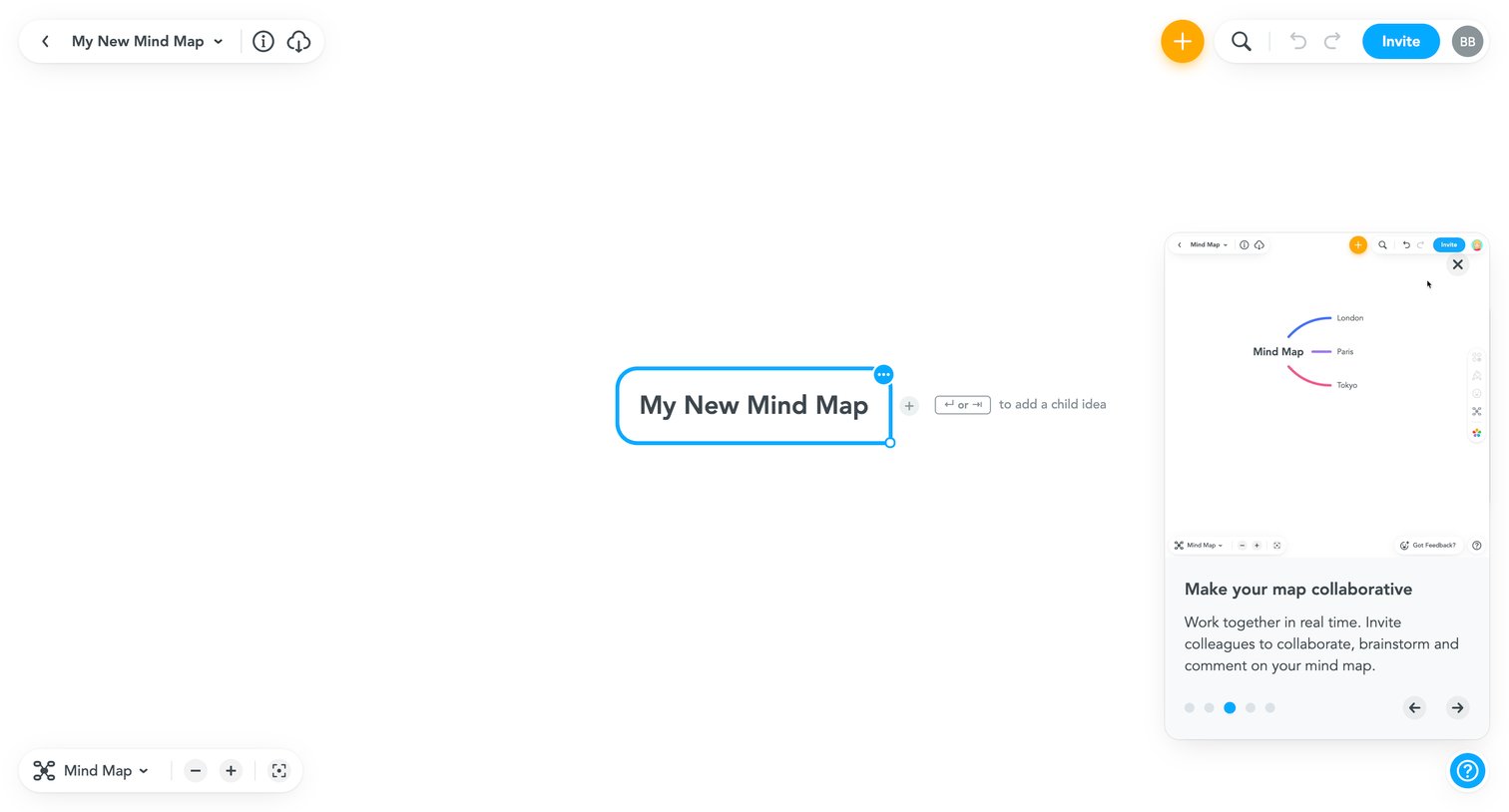
Whiteboard editor where the user builds a mind map, currently showing a floating onboarding card explaining real-time collaboration.
Browse the full SaaS app library
Explore real SaaS apps with their product screens, marketing screens, flows, and components.
Trusted by the best teams







