MindMeister user flows examples
Explore MindMeister user flow examples. Preview the opening screens and steps for each task. Create your mind maps online
Preview these flows

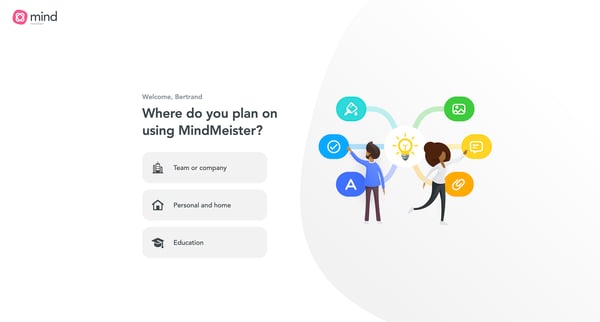


The flow helps Bertrand get started with MindMeister by asking questions to customize the user experience based on his needs and preferences.
This flow guides a new user through selecting their intended use for MindMeister, detailing their role, industry, team size, and primary goals with the platform to tailor the user experience.
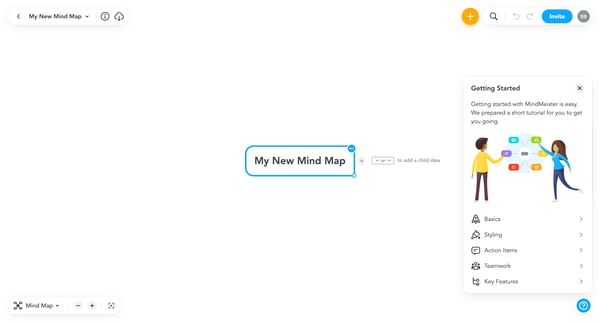
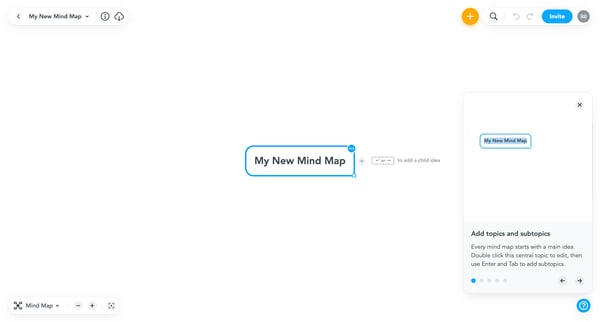
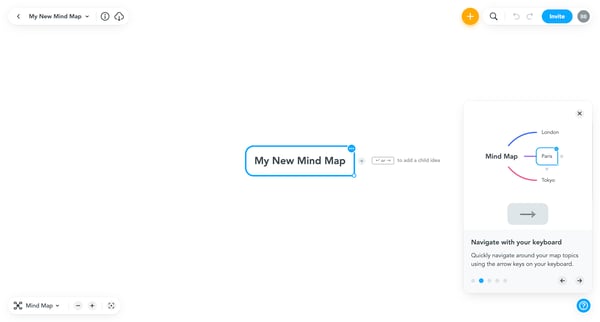
This flow guides users through the initial steps of creating and customizing a mind map in MindMeister, from starting a new map to refining its appearance and sharing it with collaborators.
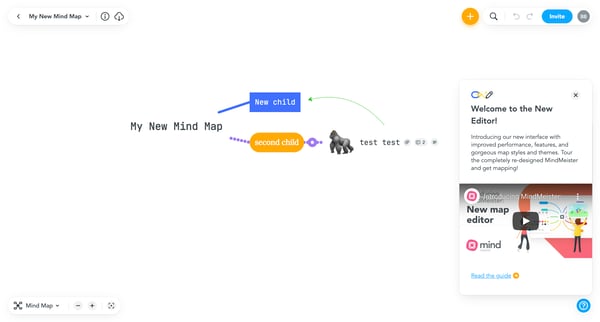
This user flow guides a new user through the steps to create, navigate, and collaborate on a MindMeister mind map, displaying features to enhance and personalize their mind maps along the way
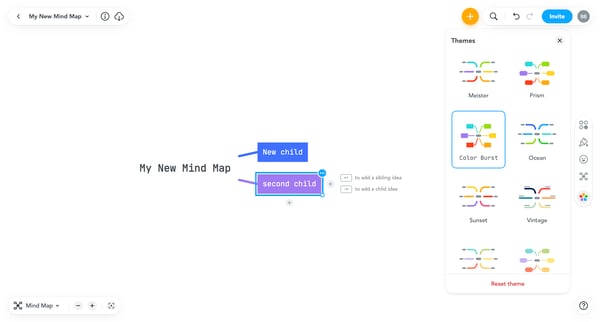
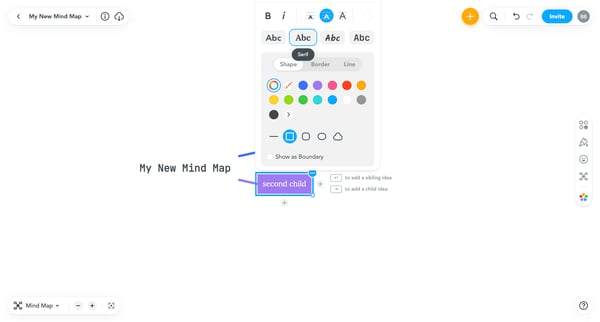
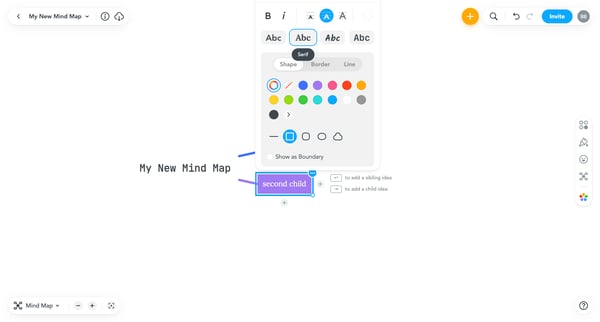
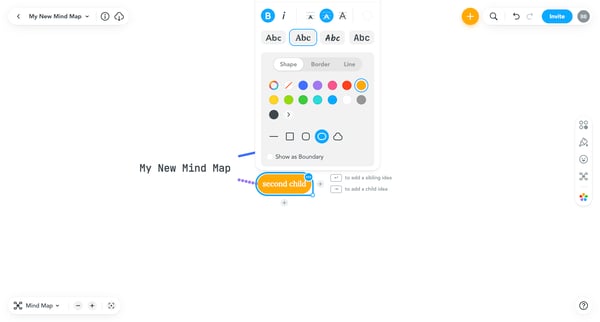
This flow allows users to customize a mind map by configuring various stylistic and functional elements through different settings and dropdowns.
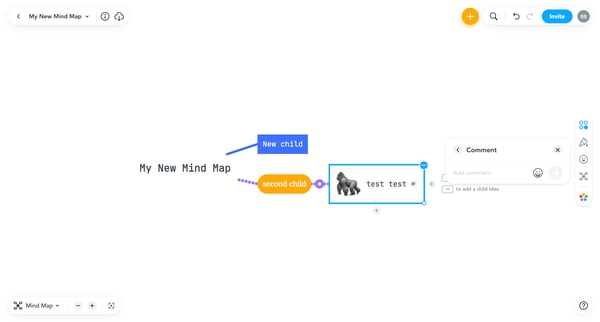
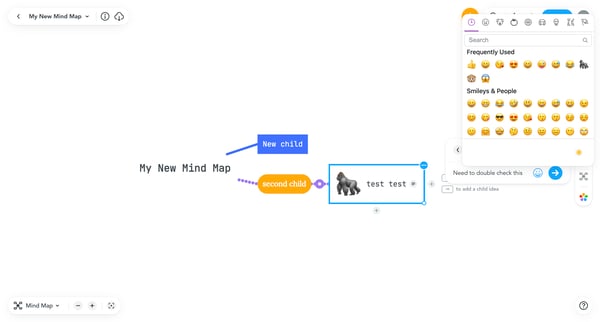
This flow enables users to add, edit, view, and react to comments within a mind map interface.
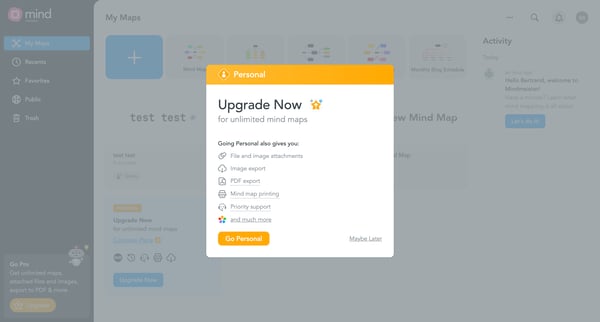
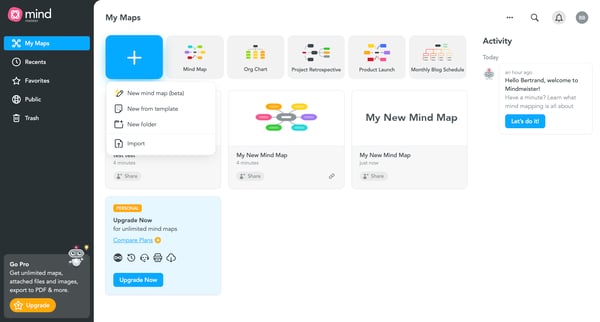
This flow guides users through the steps required to upgrade their MindMeister subscription for additional features and functionality.
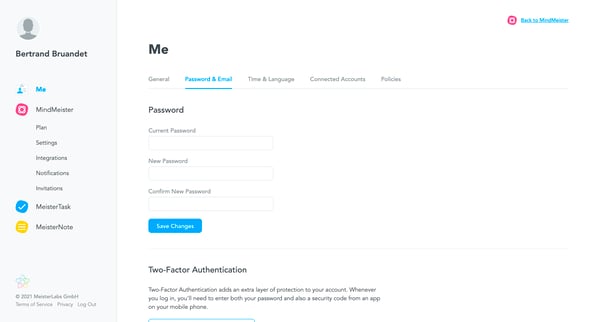
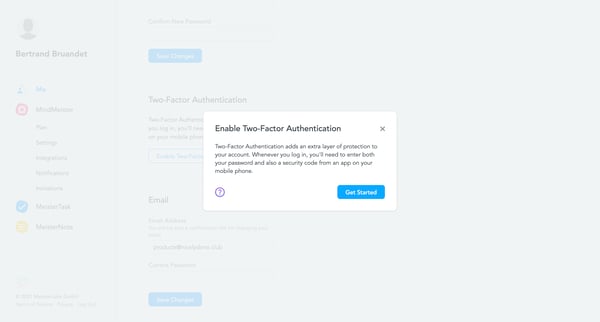
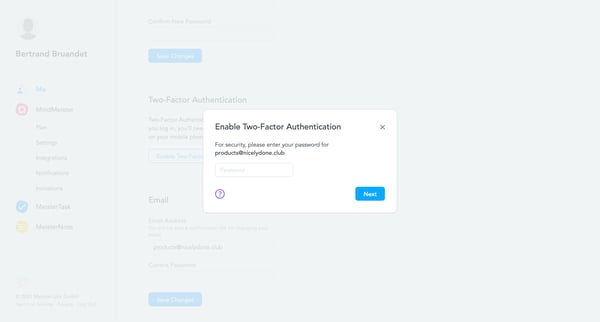
This flow guides users through the process of enabling Multi-factor Authentication (MFA) to enhance their account security by requiring both a password and a security code from a mobile app.
Explore the full SaaS flow library
Browse the full SaaS flow library.
Trusted by the best teams







