
Mapbox design examples
Explore Mapbox UI design examples. Mapping platform for developers
Product screens
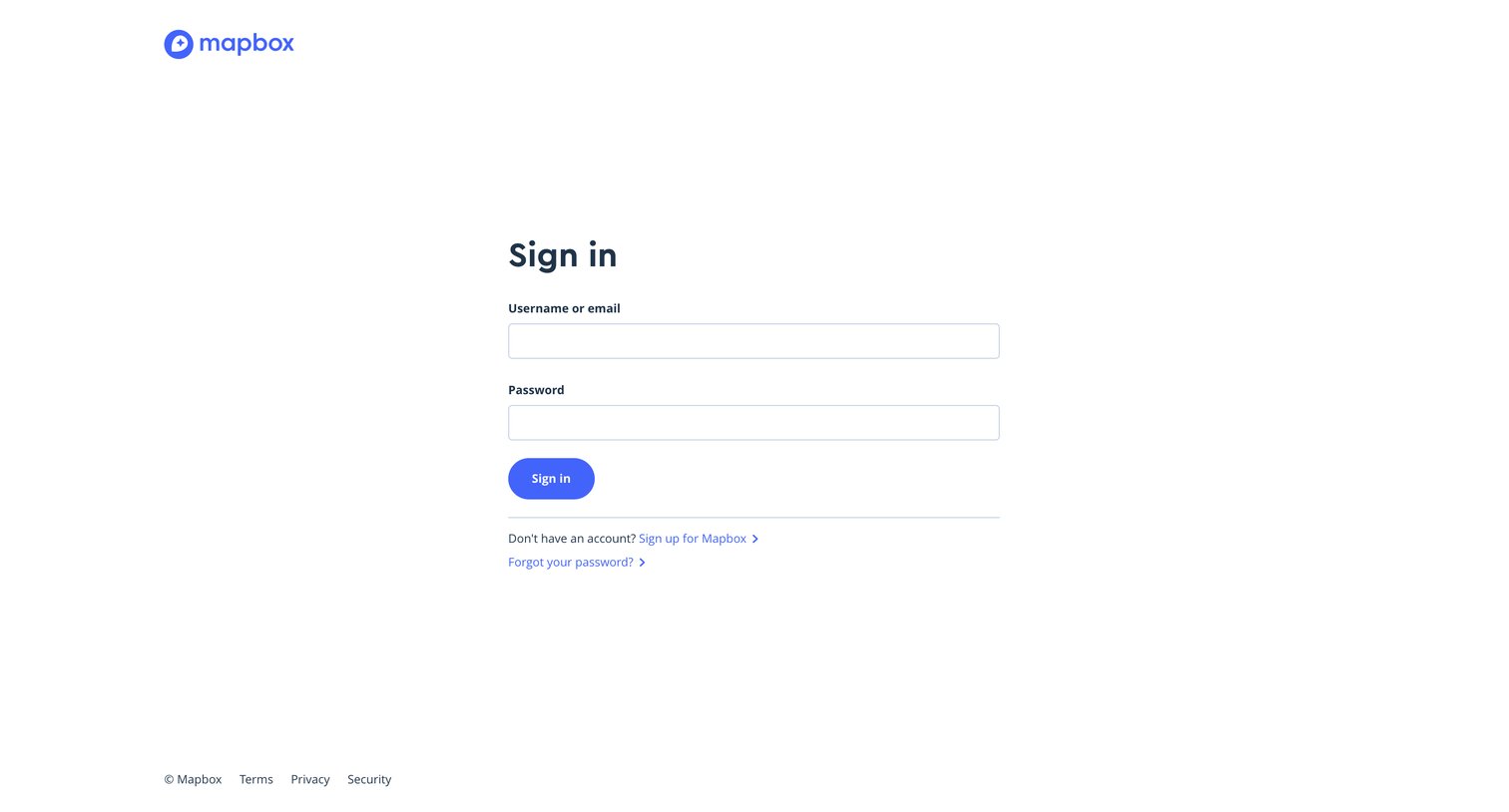
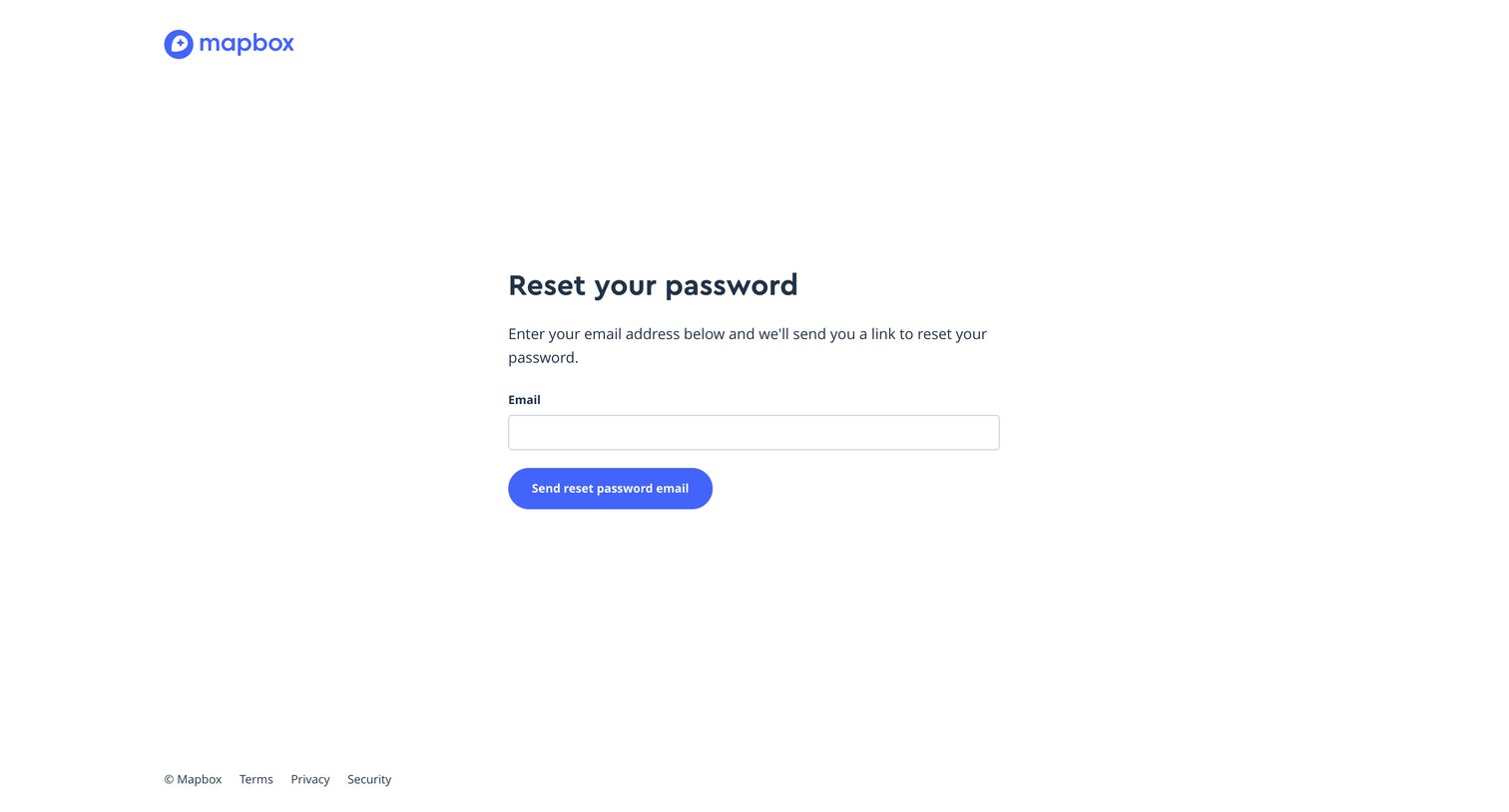
Password recovery screen where the user enters their email address to receive a reset link.
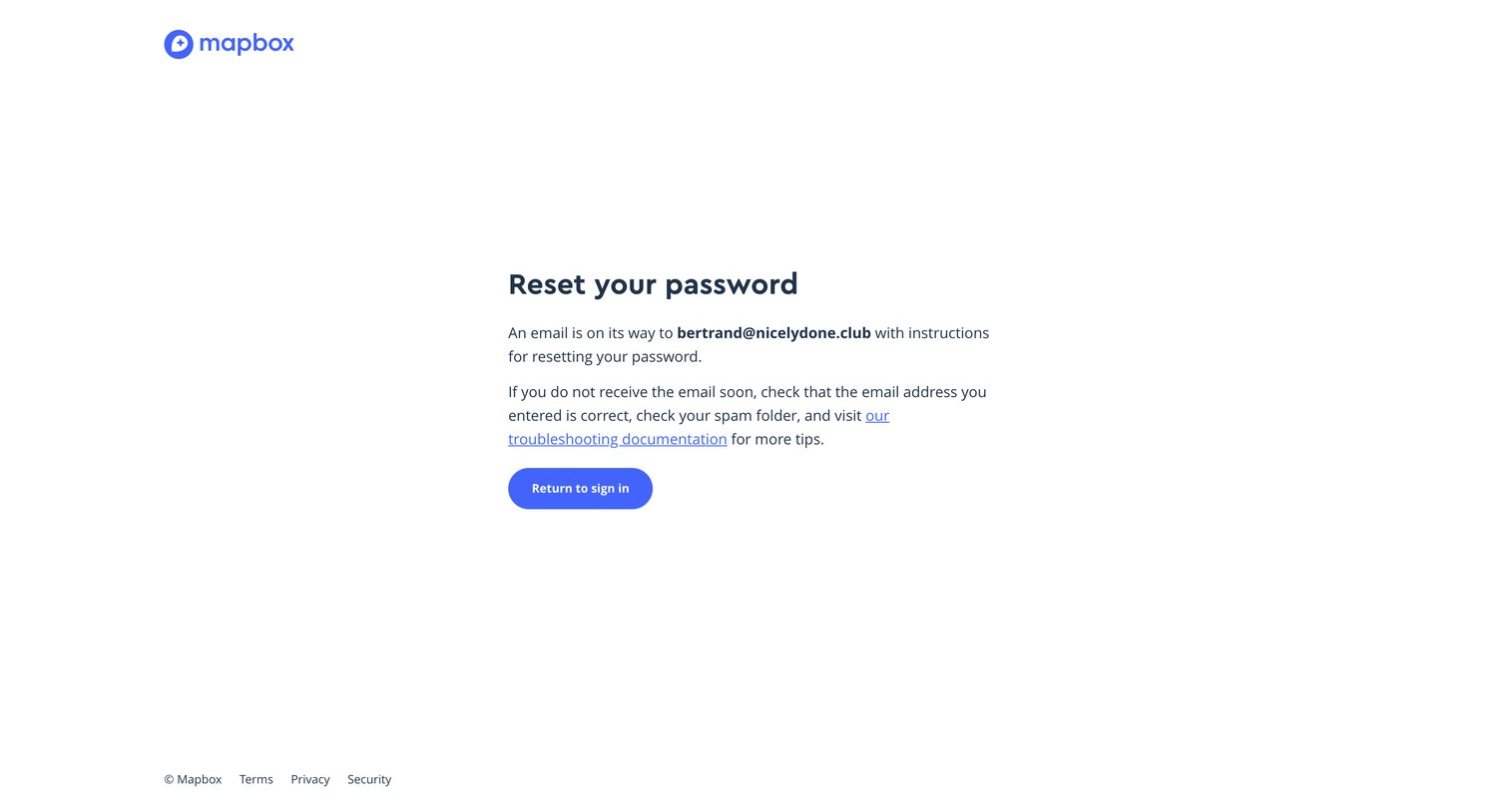
Password recovery screen confirming that reset instructions have been sent to the user's email address.
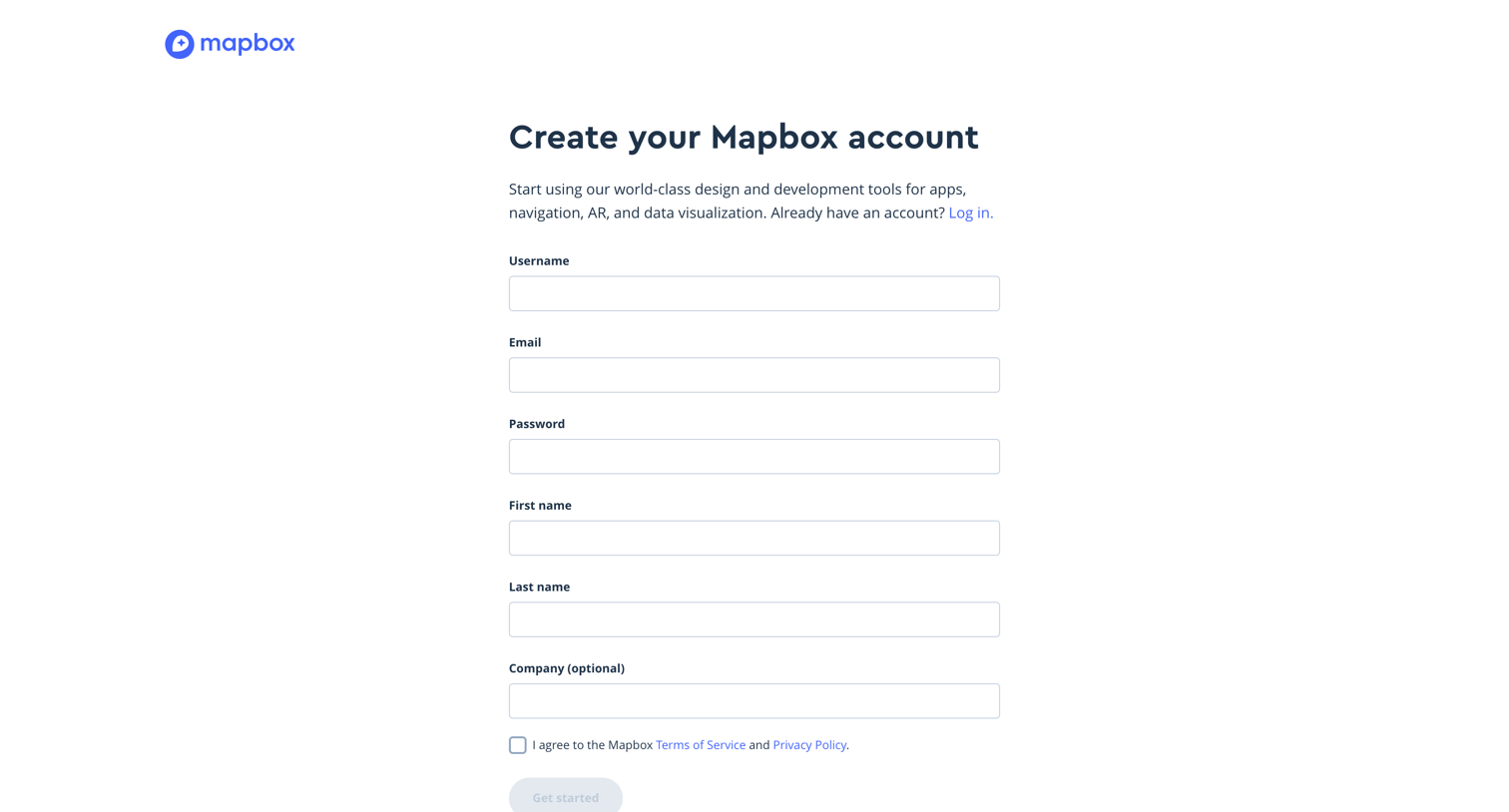
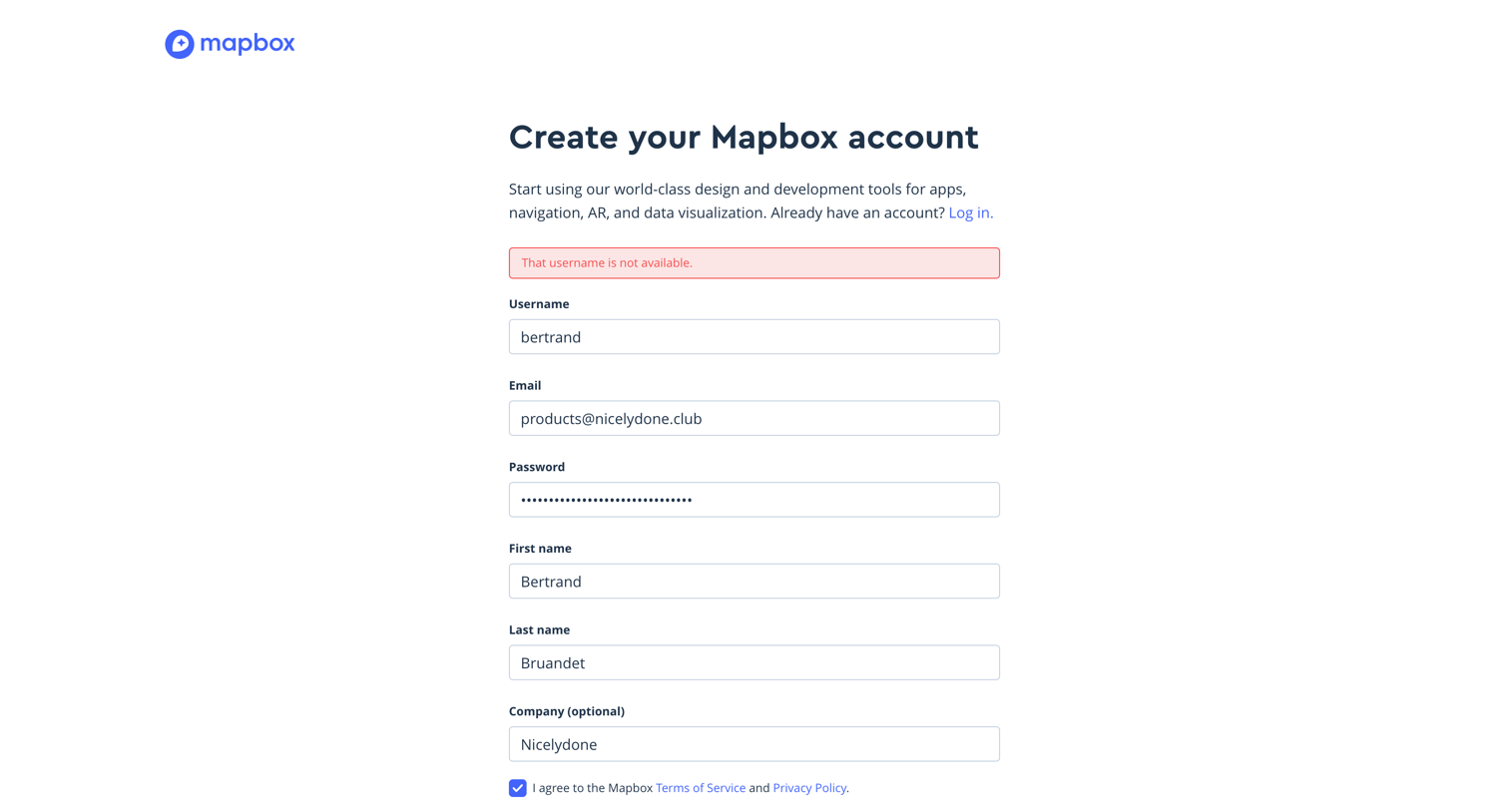
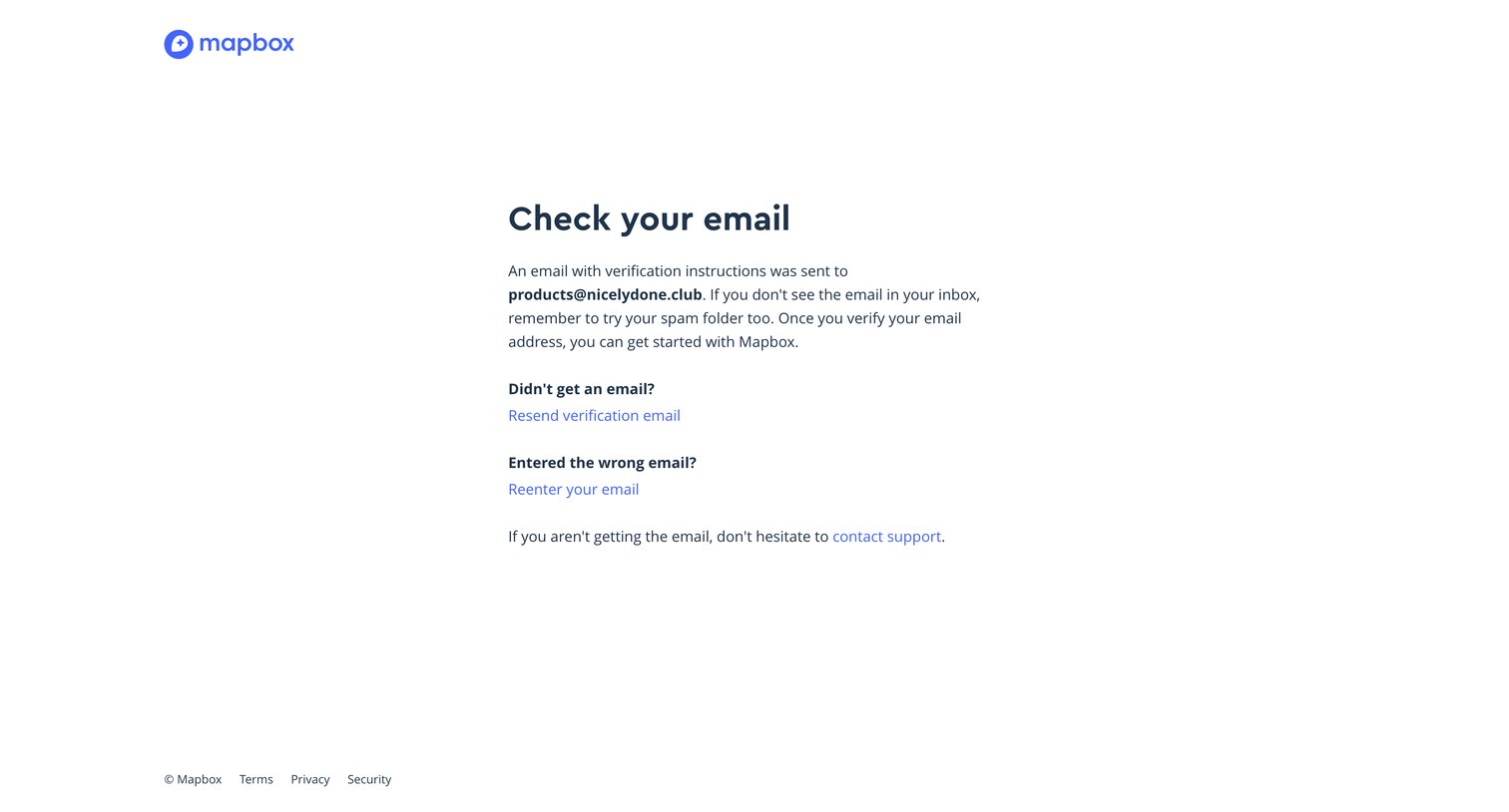
Verification screen where the user is instructed to check their inbox for a confirmation link, with options to resend the email or change the address.

Email verification screen displaying a loading spinner while processing the confirmation token.
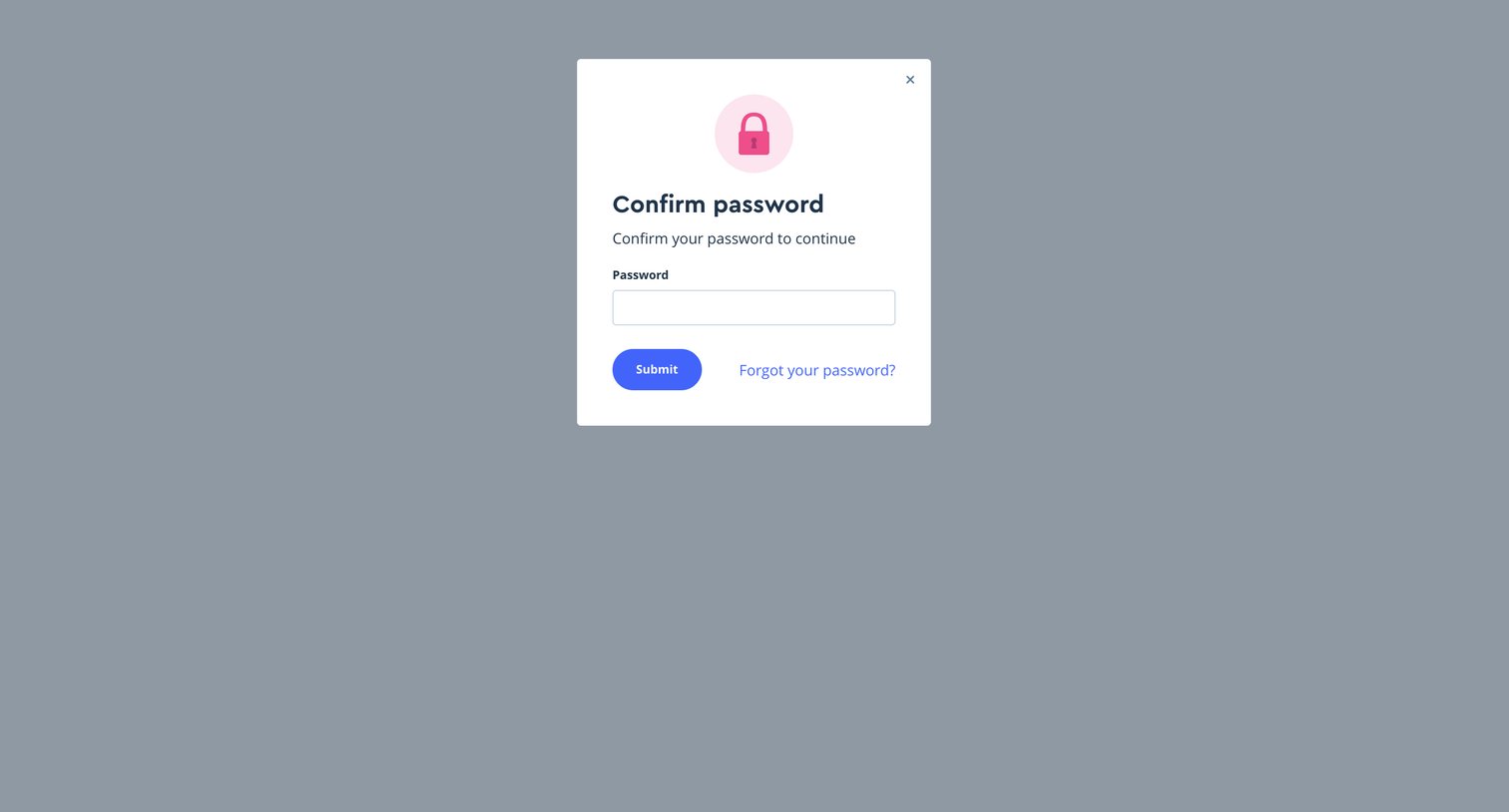
Verification screen where the user must re-enter their password to confirm their identity before proceeding.
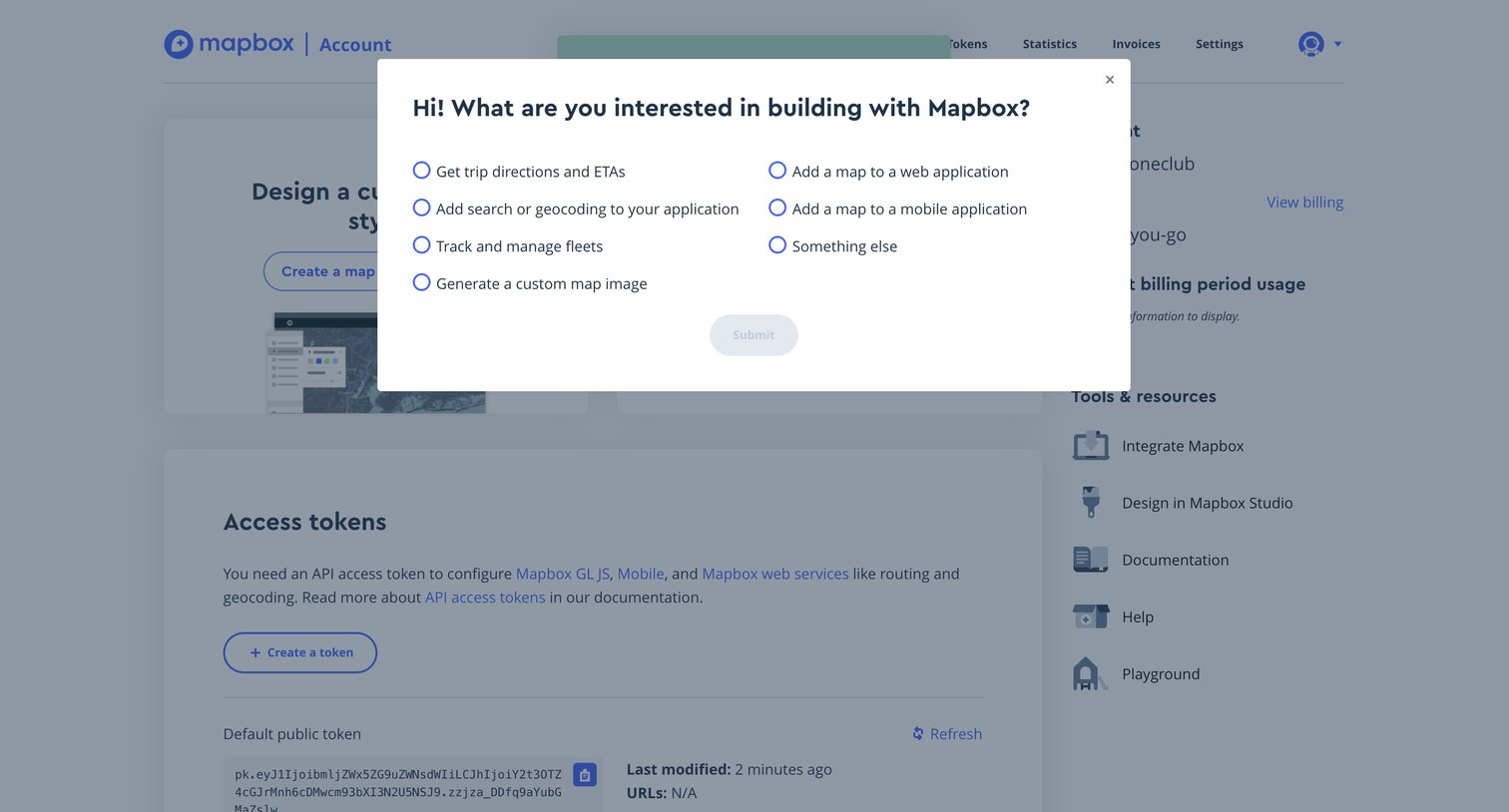
Dashboard overlay where a new user selects their primary use case, such as web applications or fleet management, to personalize their experience.
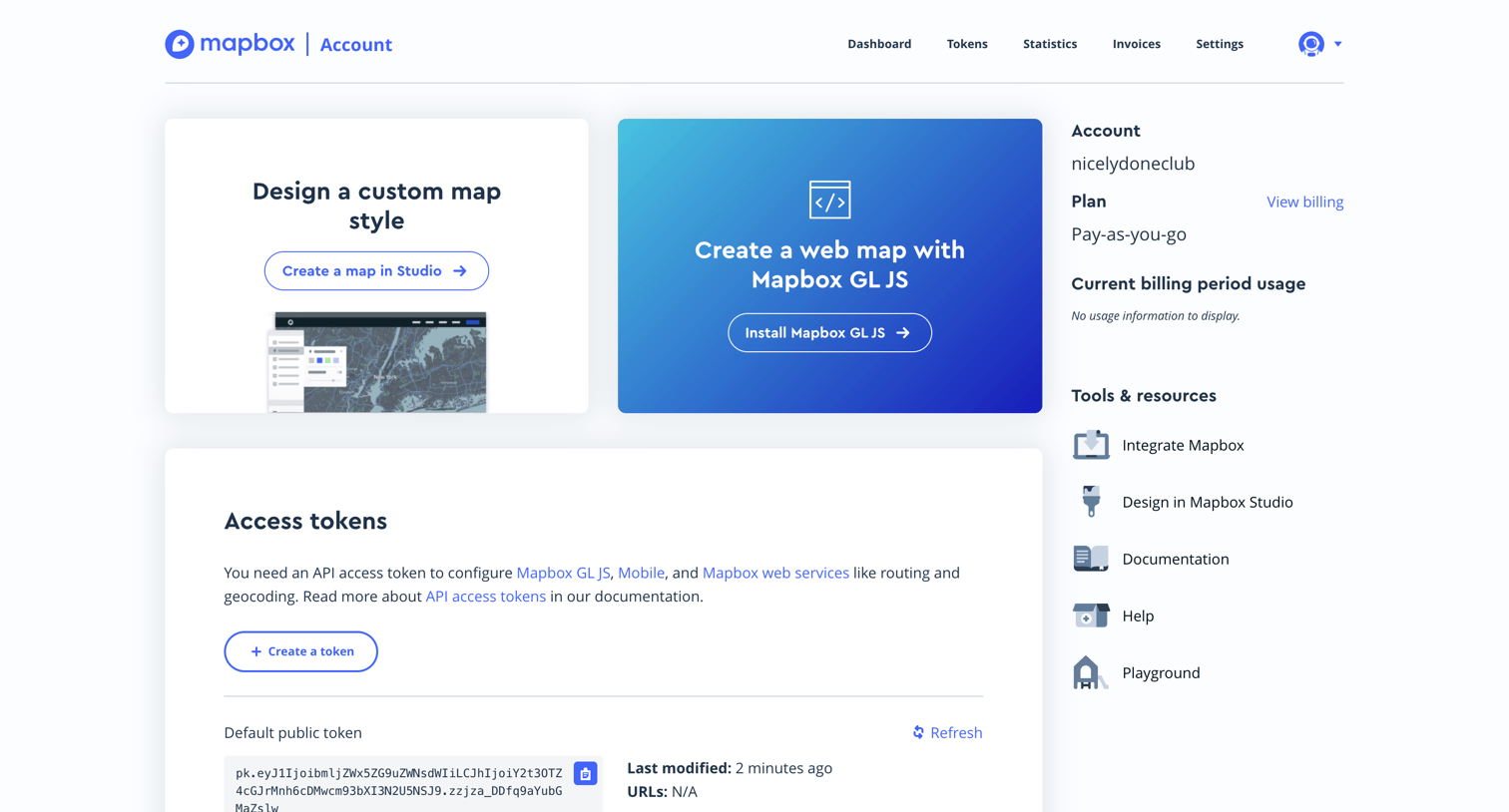
Dashboard overview providing quick start actions for map creation, a summary of account and billing details, and access to default API tokens.
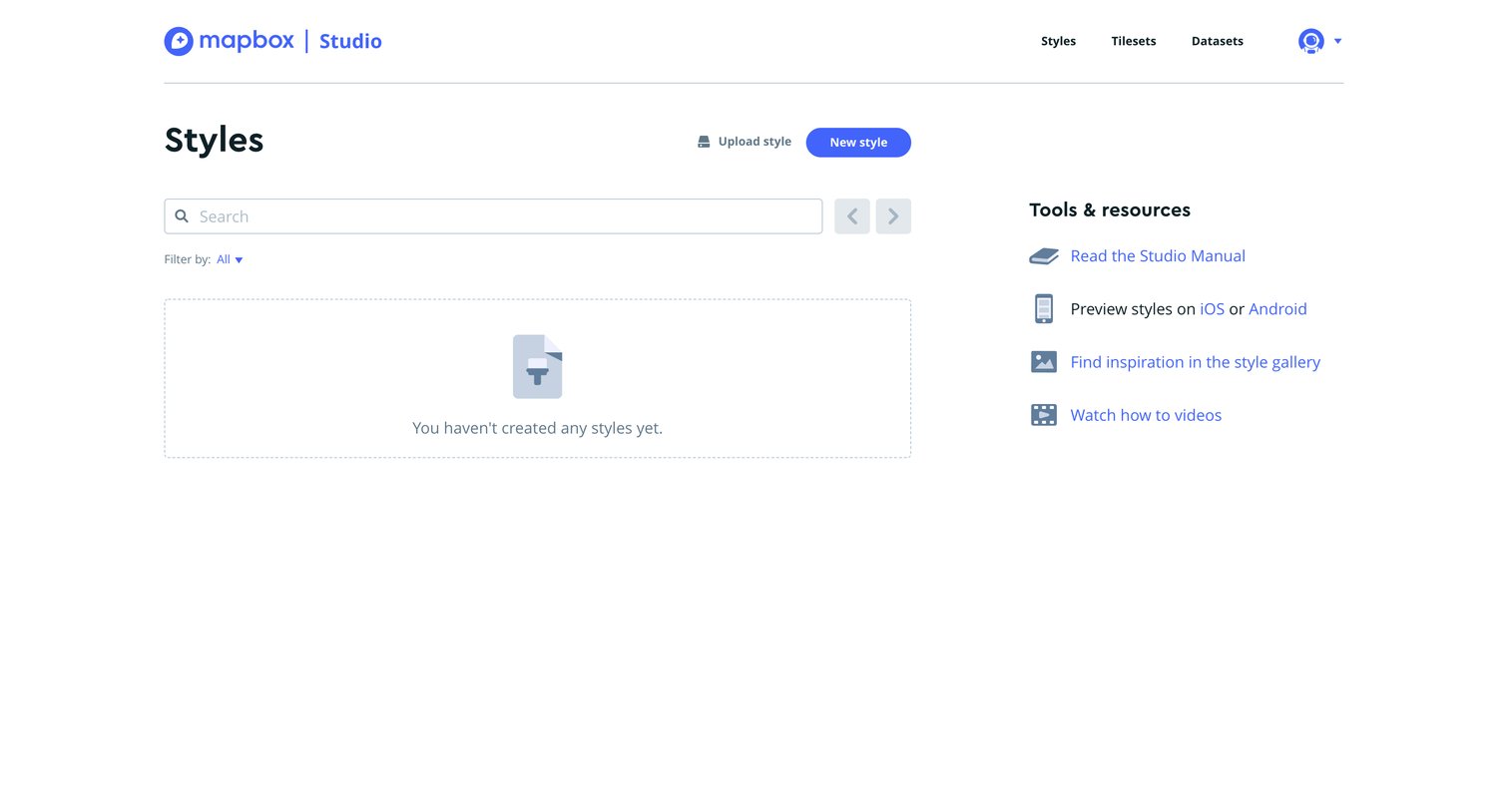
Empty list view where the user can create a new map style or upload an existing one, alongside links to documentation and resources.
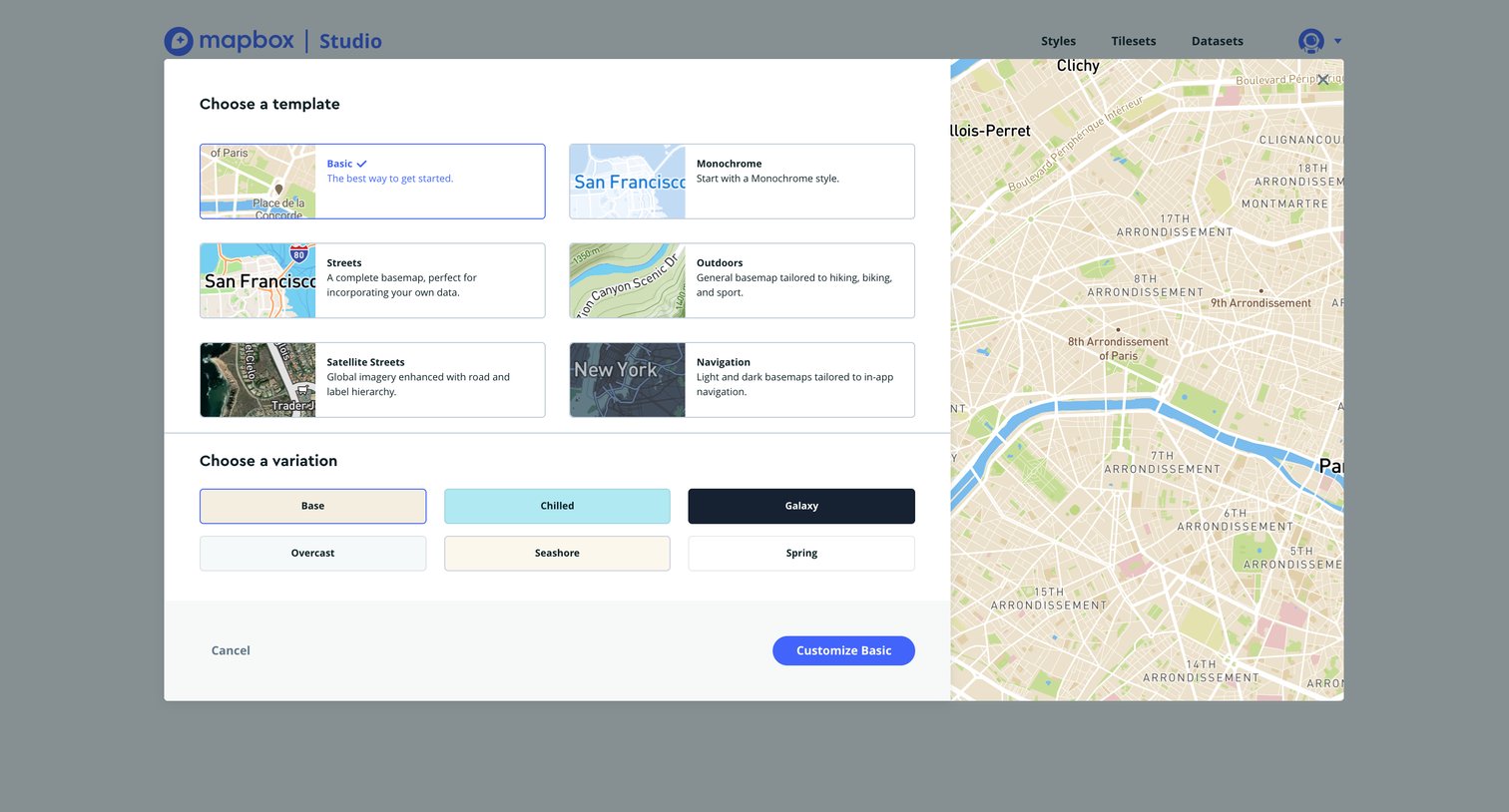
Creation modal where the user selects a map style template like Basic or Streets and a variation like Base or Chilled to start a new map.
Browse the full SaaS app library
Explore real SaaS apps with their product screens, marketing screens, flows, and components.
Trusted by the best teams







