Digital profile design examples
Explore Digital profile UI design examples. Recruitment without recruiters
Product screens

Landing page for returning users featuring a prominent login form, a customer testimonial, and a callout to explore new platform features.
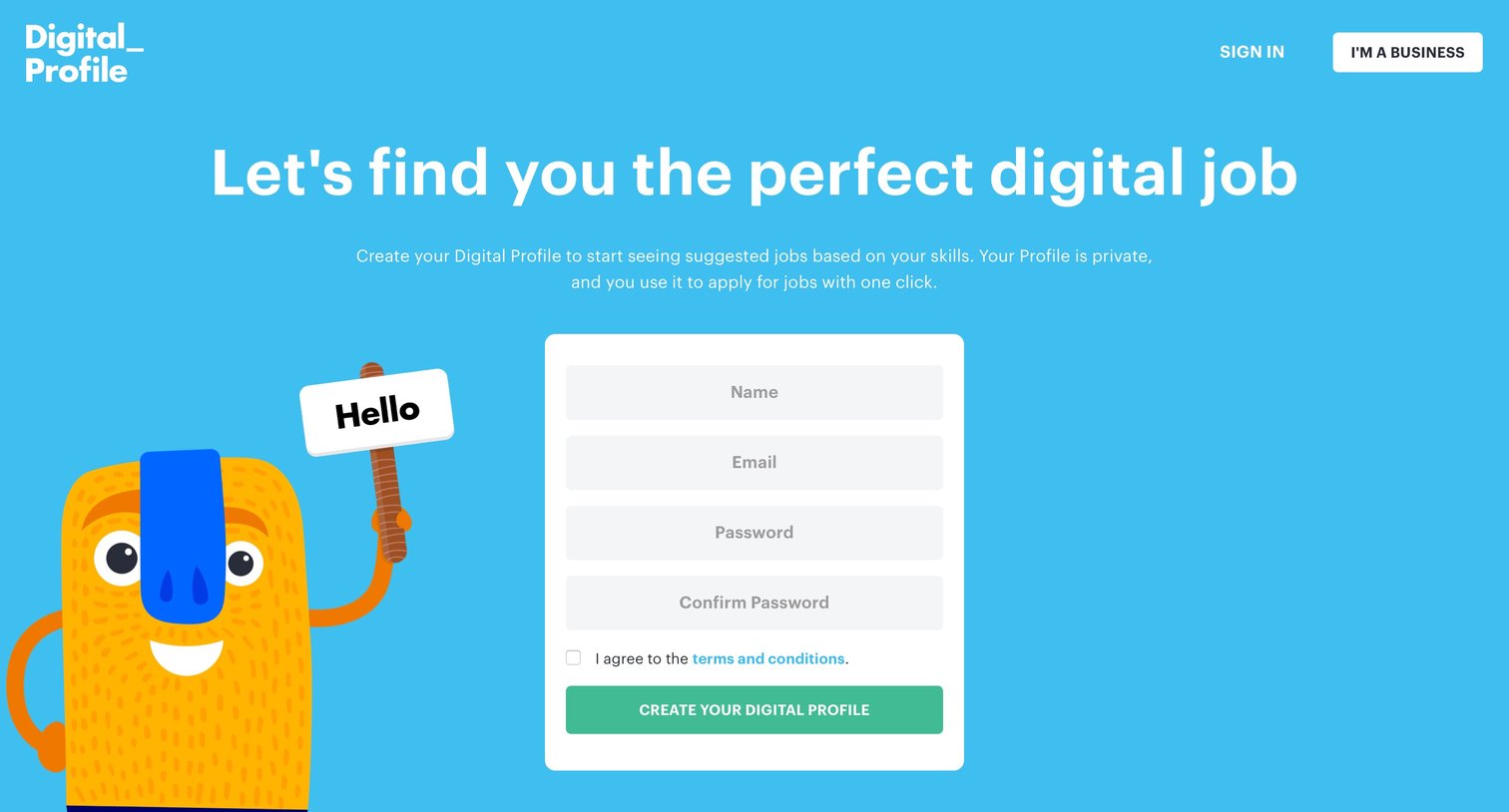
Landing page where a job seeker can create a digital profile to find tech jobs.

Onboarding screen where the user selects an avatar, sets a custom username URL, adds skills, and provides their location to complete their profile.

Onboarding step where a welcome modal introduces the user to their new digital profile and explains its privacy and purpose.

List view showing an empty state modal acknowledging that no jobs were found in the user's selected area and promising to source some.

Search page where the user filters job listings by title, location, and employment type to find relevant roles.

Detail page where a user views the requirements, skills, and benefits for an Embedded Software Engineer role at CircuitWorx and can apply.
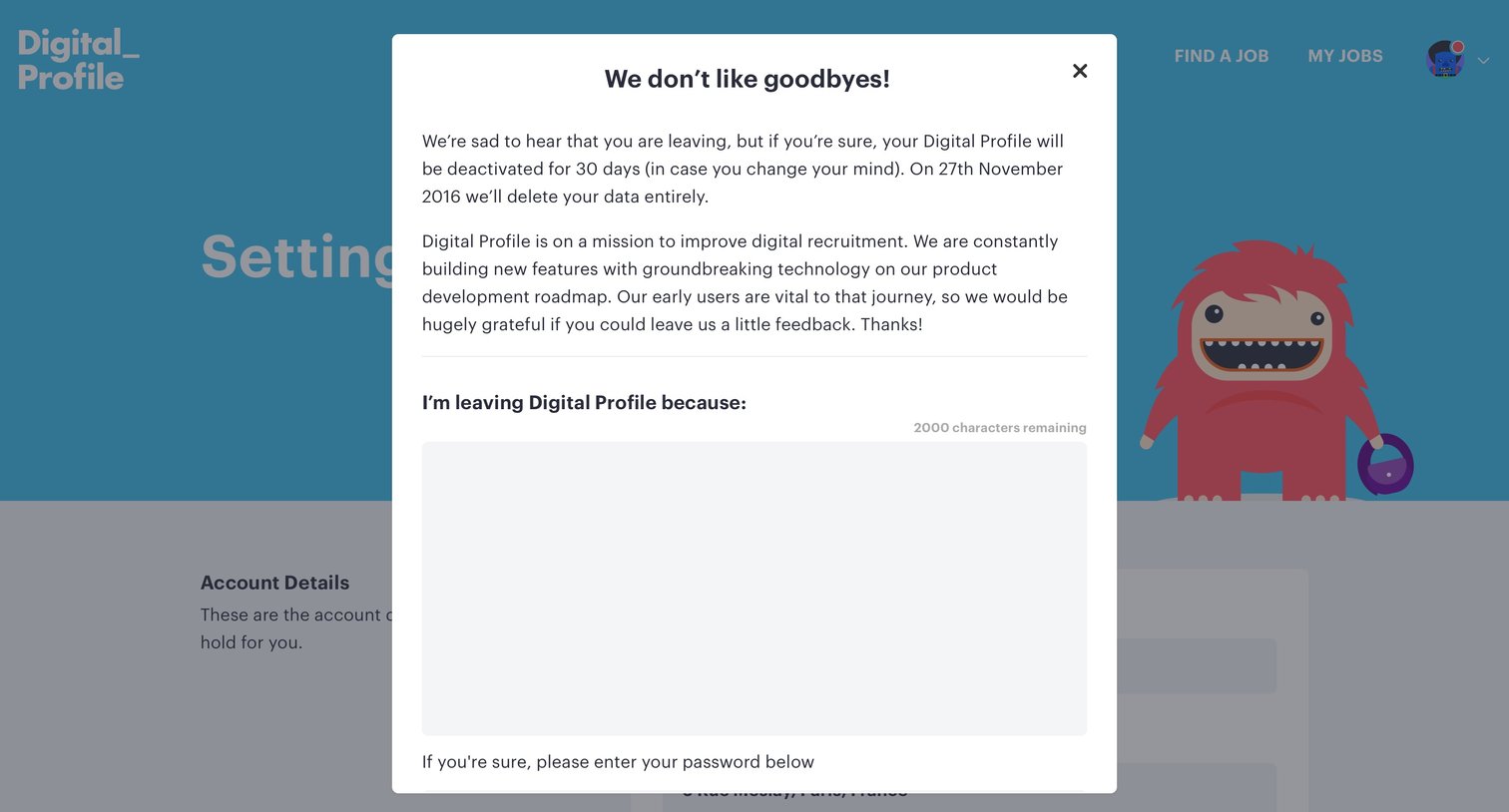
Settings page where an overlay prompts the user for feedback and password confirmation before deactivating their account.

Password recovery screen where the user enters their email to receive a reset link, featuring a customer testimonial below.

Profile editing page where the user can add their bio, skills, experience, education, and contact links to build their portfolio.

User settings Settings Form Account setup Account deletion

Detail page where a user views a company's profile, including their mission, social links, and latest job openings, with an option to follow them.
Browse the full SaaS app library
Explore real SaaS apps with their product screens, marketing screens, flows, and components.
Trusted by the best teams







