
Skip to content
Capsule logo

Capsule design examples

Explore Capsule UI design examples. CRM Made Simple

Product screens

Capsule from Capsule
Capsule logo
Capsule

Sign-in screen where the user enters their Capsule site address or authenticates via Intuit to access their account.

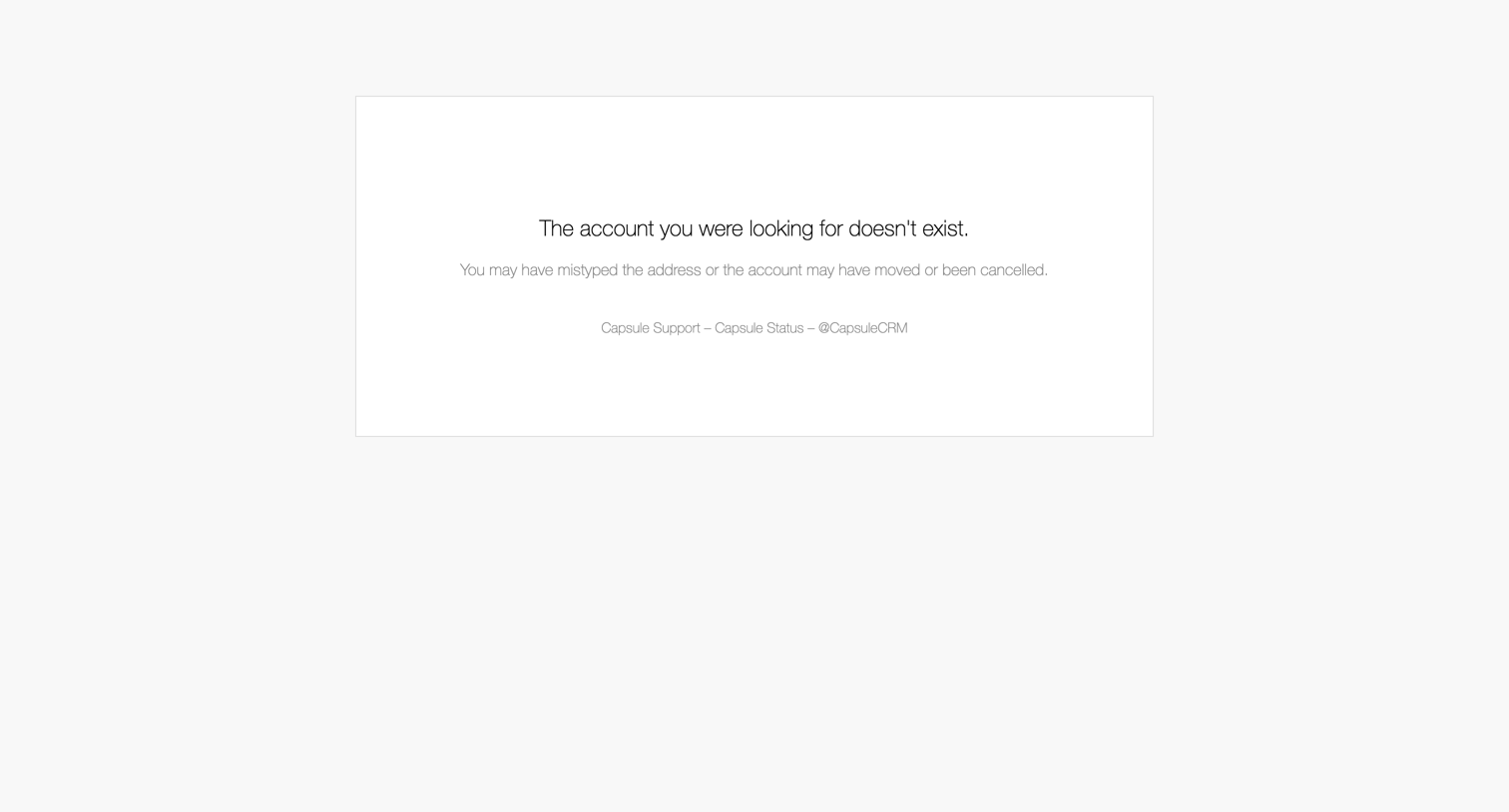
The account you were looking for doesn't exist. from Capsule
Capsule logo
Capsule

Error page where the user is informed that the requested account does not exist, with links to support and system status.

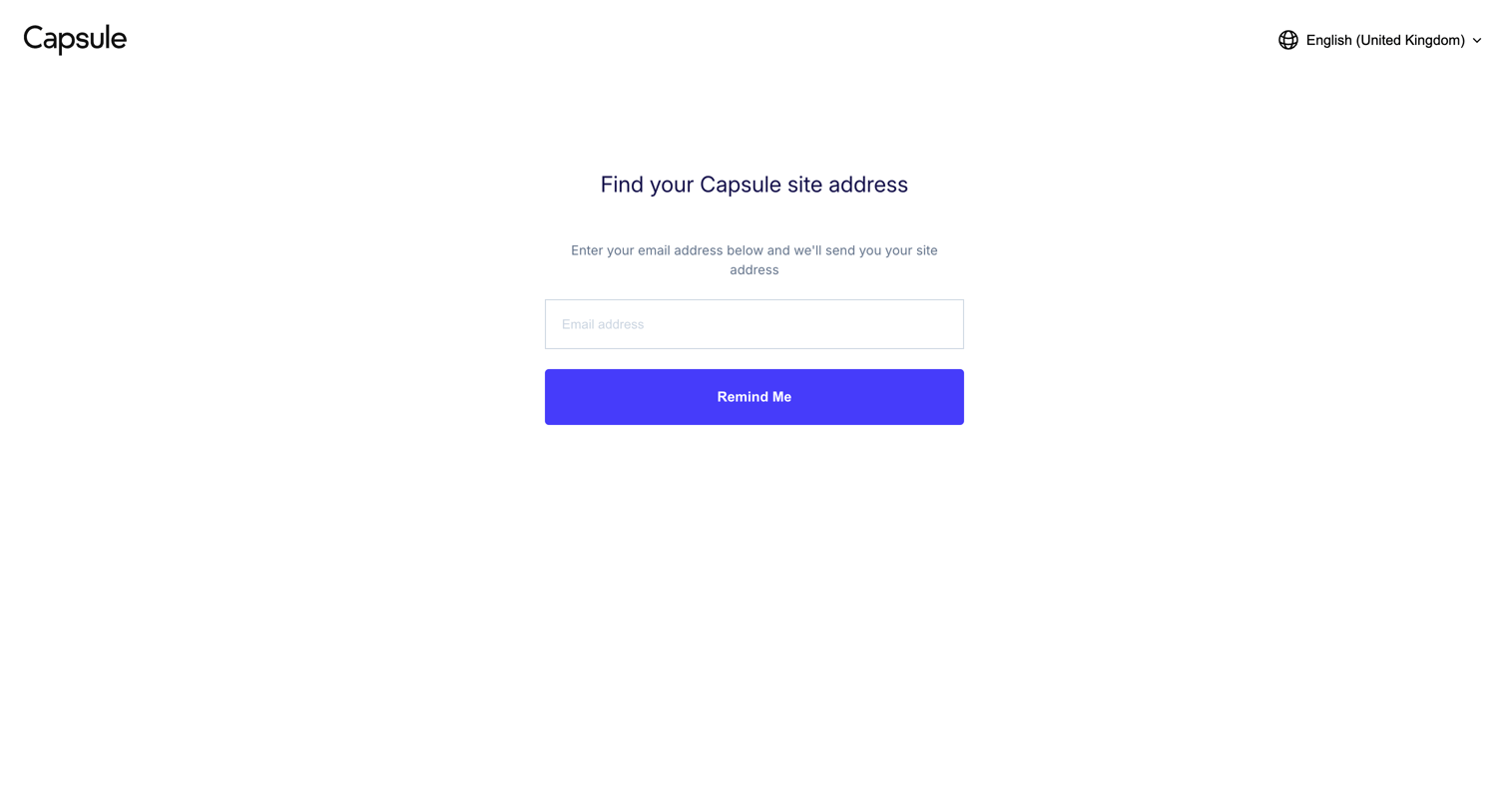
Capsule from Capsule
Capsule logo
Capsule

Account recovery screen where the user enters their email to receive their workspace site address.
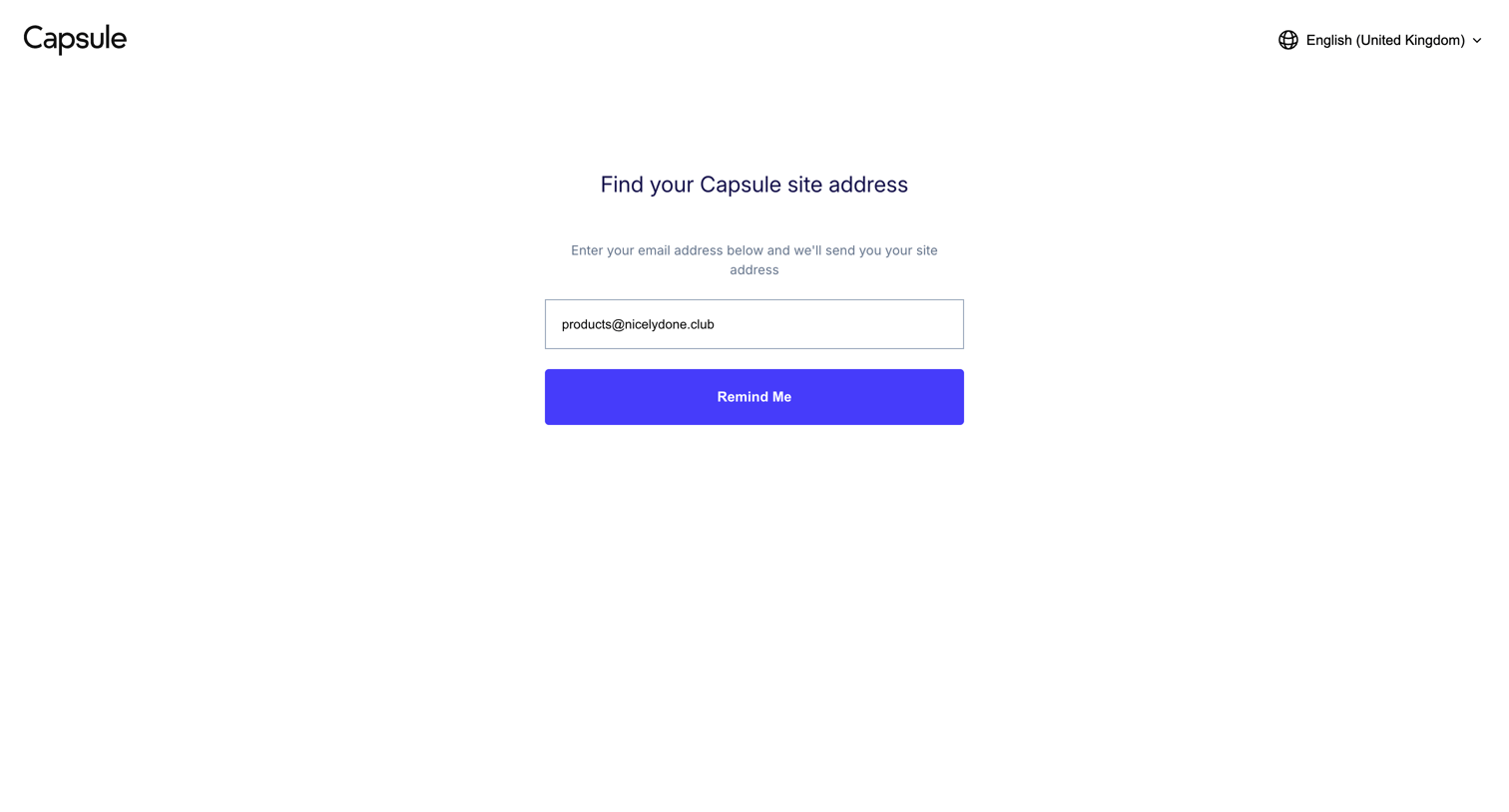
Capsule from Capsule
Capsule logo
Capsule

Account recovery screen where the user enters their email address to receive a reminder of their specific Capsule workspace URL.
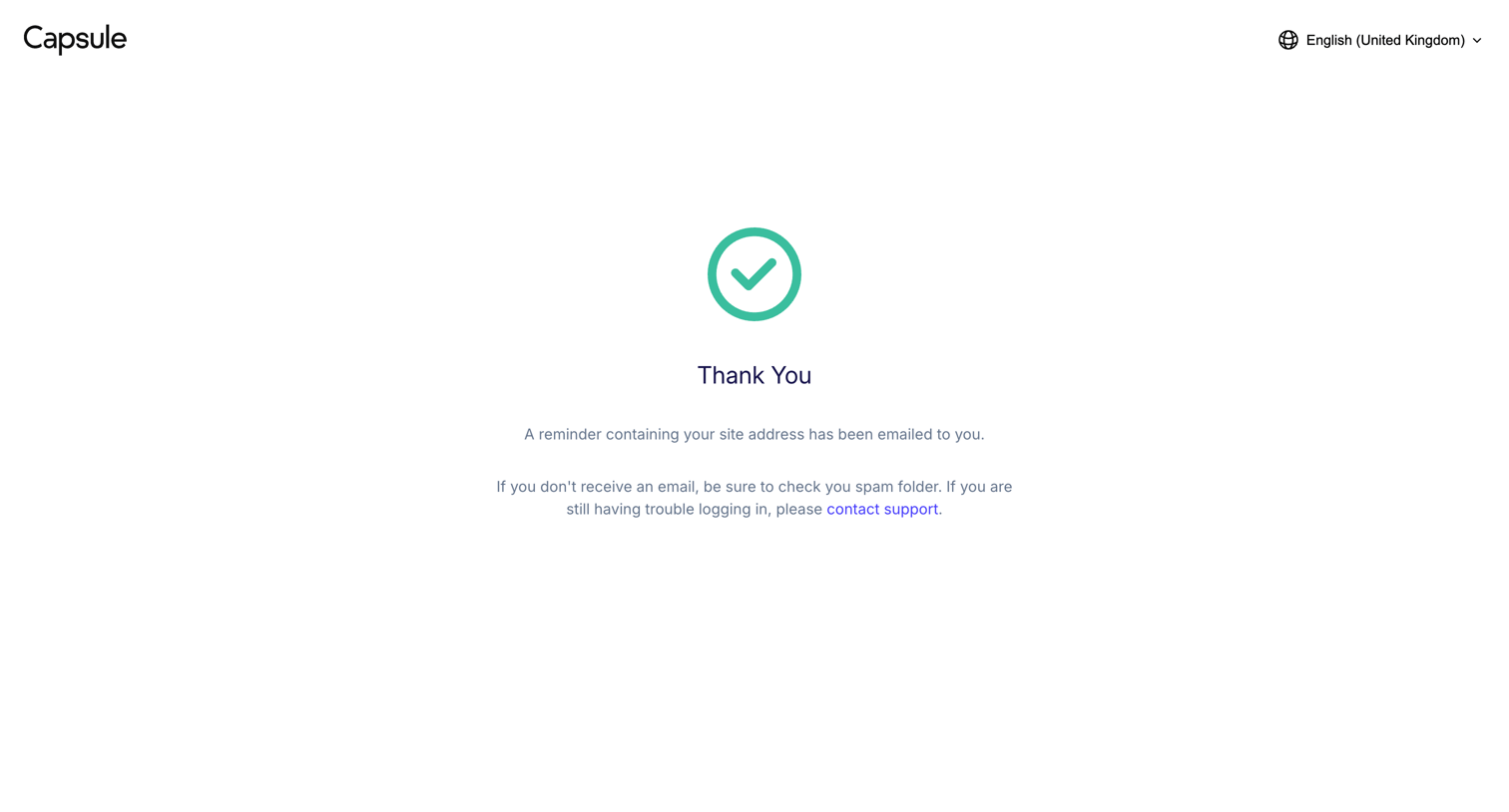
Capsule from Capsule
Capsule logo
Capsule

Success screen confirming that a reminder containing the user's site address has been emailed to them.
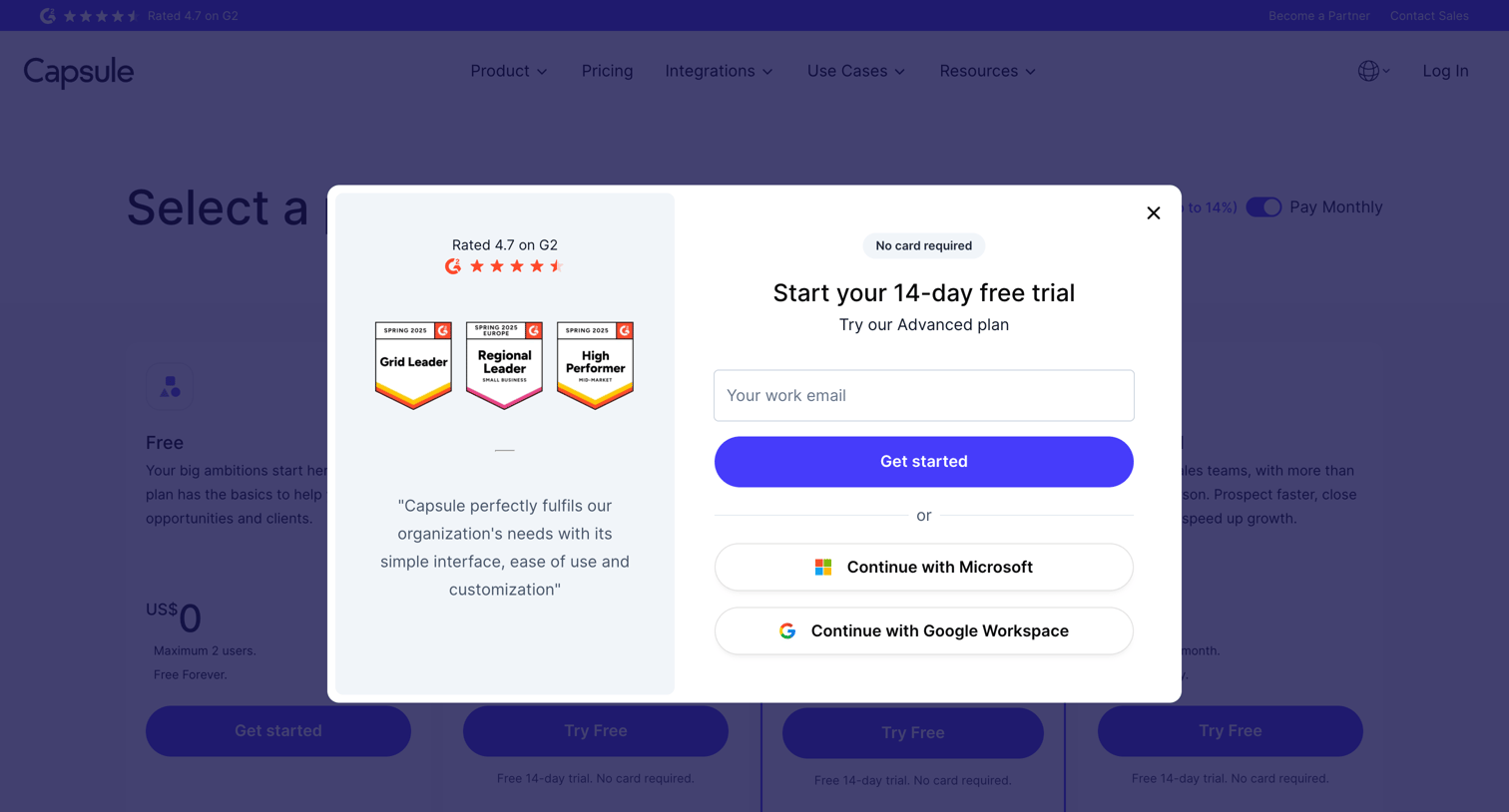
CRM Pricing & Sign-Up (Free Trial) | Capsule CRM from Capsule
Capsule logo
Capsule

Signup modal where the user can start a 14-day free trial by entering their work email or authenticating with Microsoft or Google Workspace, alongside G2 rating badges and a customer testimonial.

auth.capsulecrm.com/register/c2e7e368cd39167ee6446cacc18cb036007e6f1562/verify from Capsule
Capsule logo
Capsule

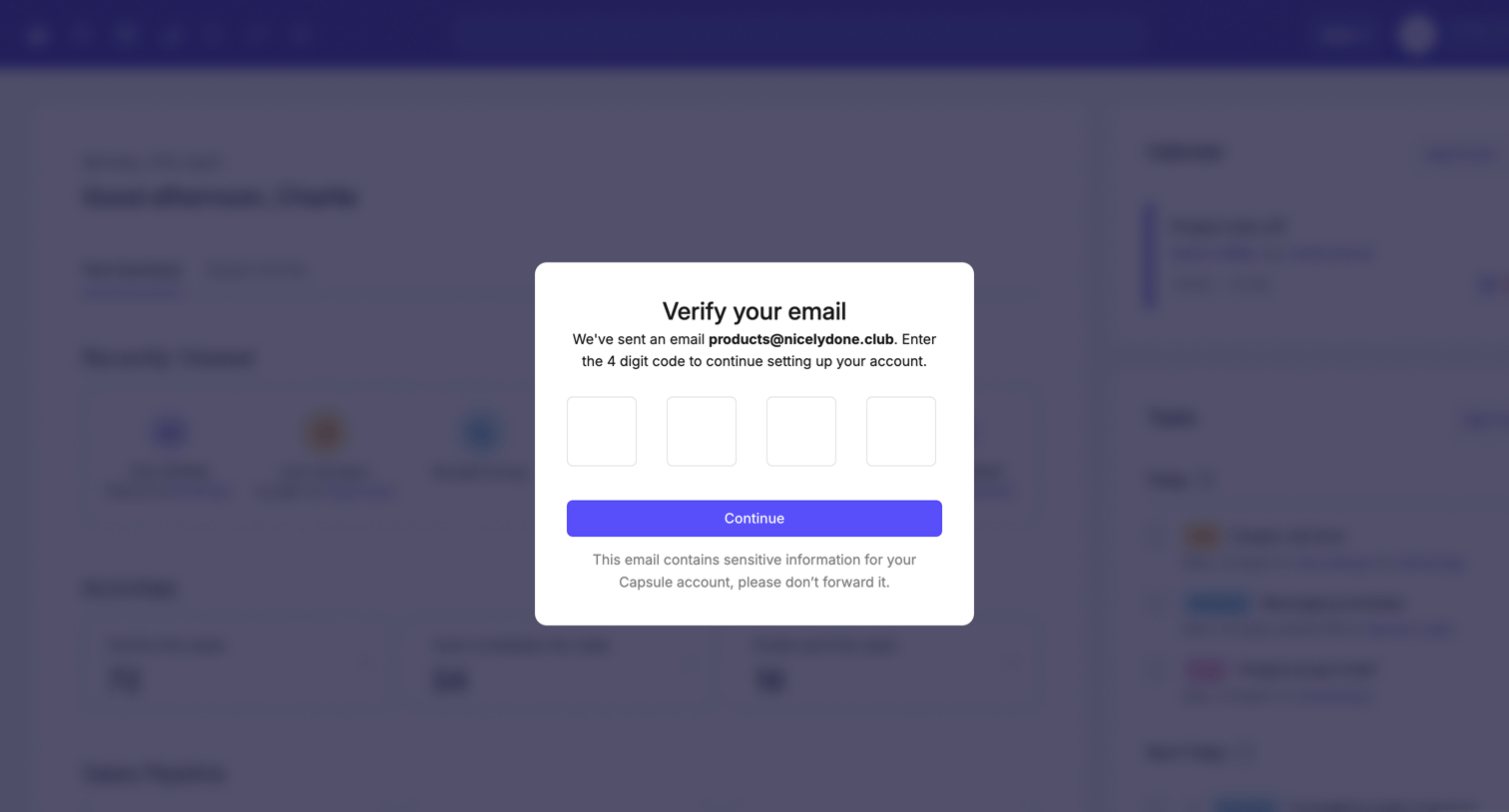
Verification screen where the user enters a 4-digit code sent to their email to continue setting up their account.
Your Summary | Nicelydone CRM from Capsule
Capsule logo
Capsule

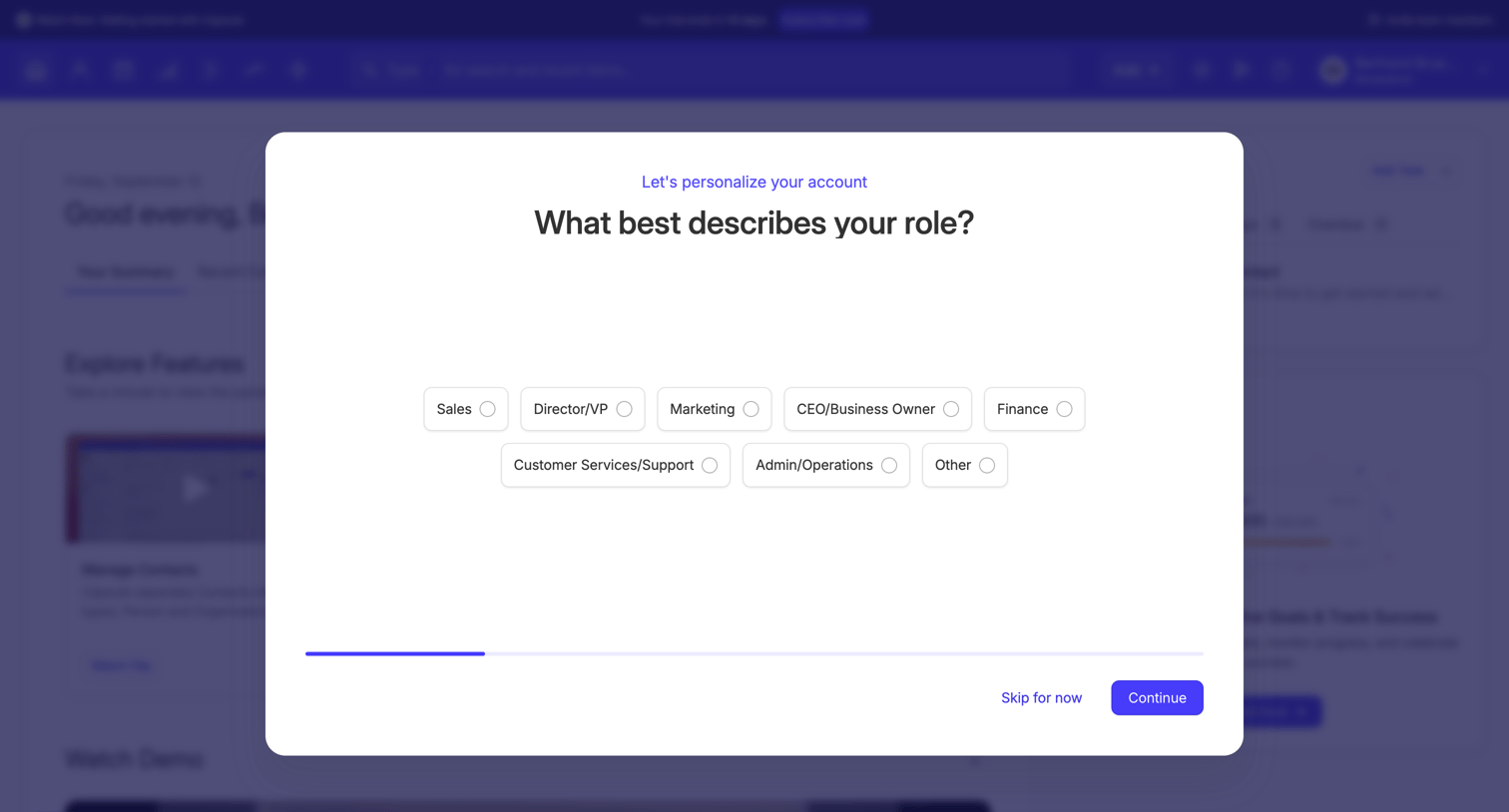
Onboarding step where the user selects their role from a set of pill-shaped options to personalize their account.
Your Summary | Nicelydone CRM from Capsule
Capsule logo
Capsule

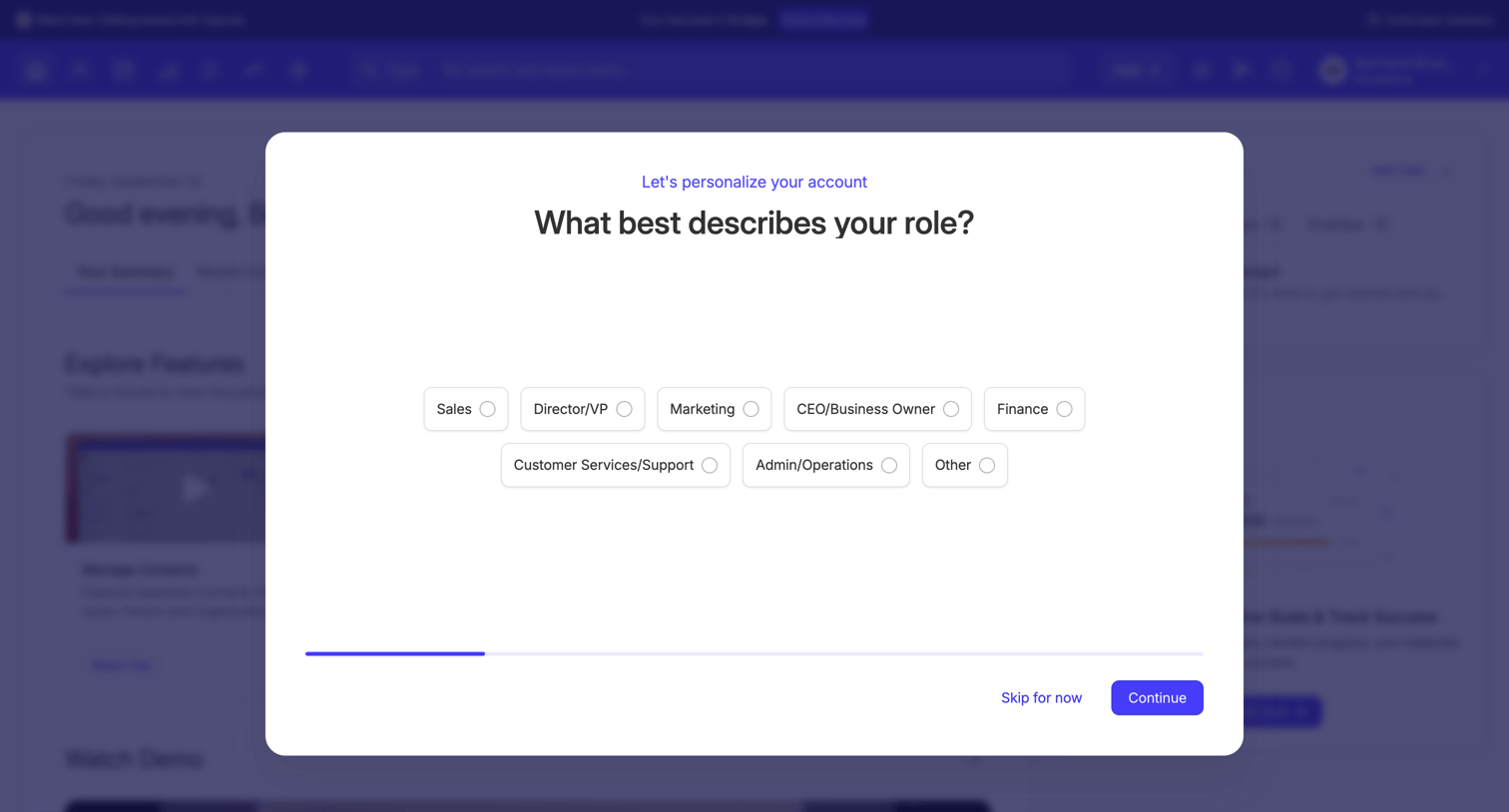
Onboarding step where the user selects their professional role from a set of pill-shaped options to personalize their account experience.
Your Summary | Nicelydone CRM from Capsule
Capsule logo
Capsule

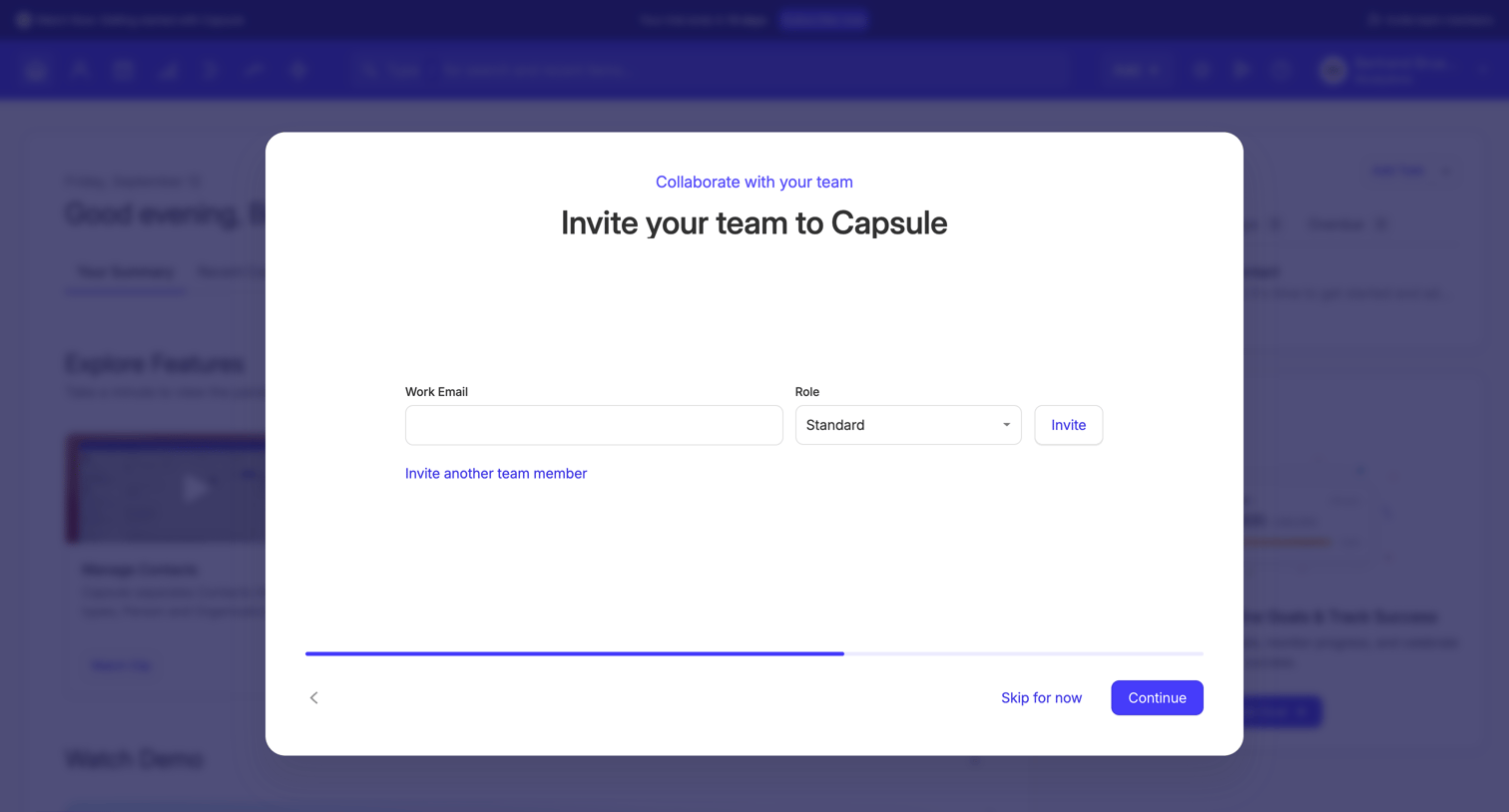
Onboarding step where the user invites teammates by entering their work email and assigning a role.
Your Summary | Nicelydone CRM from Capsule
Capsule logo
Capsule

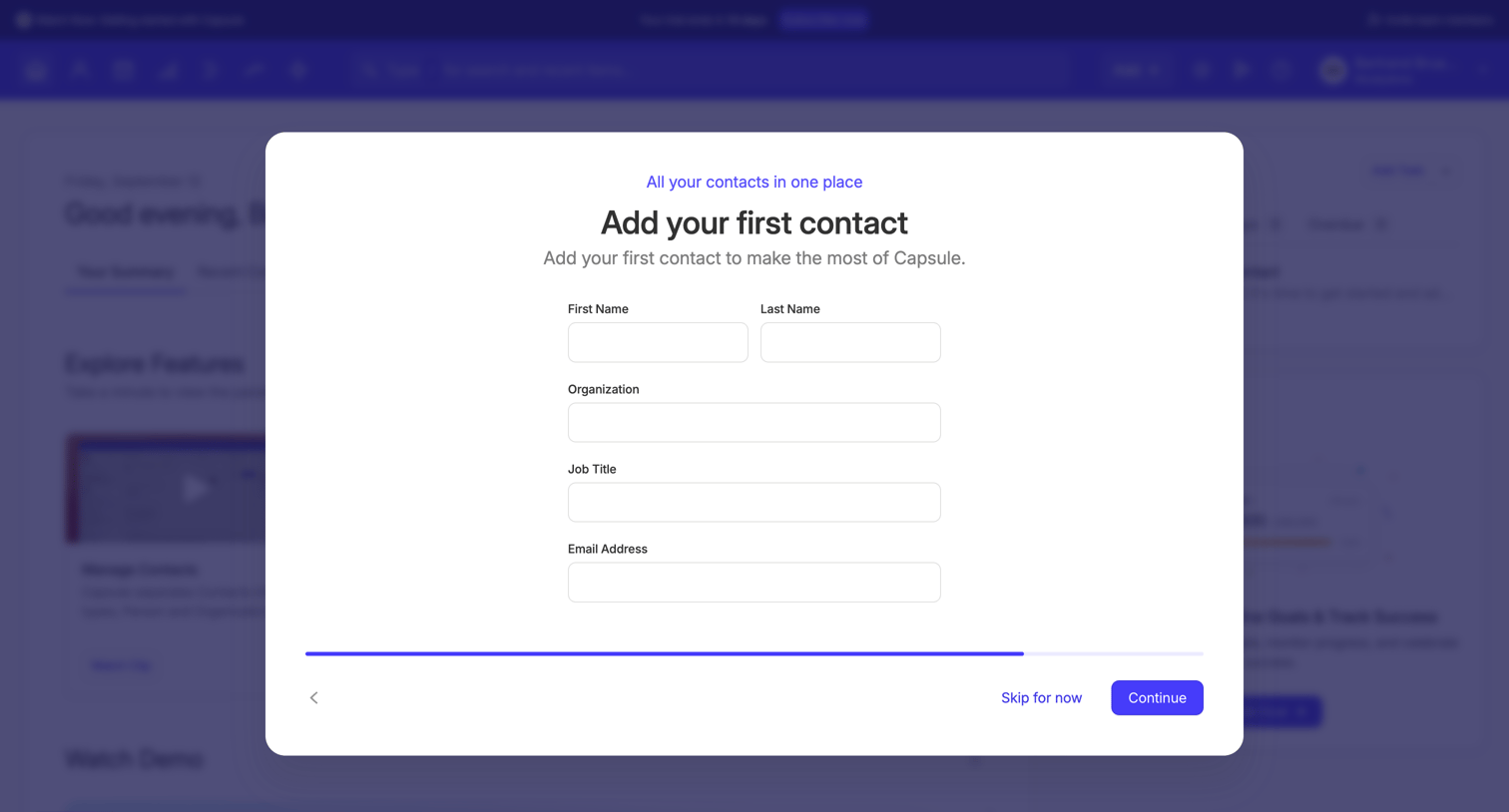
Onboarding step where the user adds their first contact by filling out a form with name, organization, job title, and email address.
Your Summary | Nicelydone CRM from Capsule
Capsule logo
Capsule

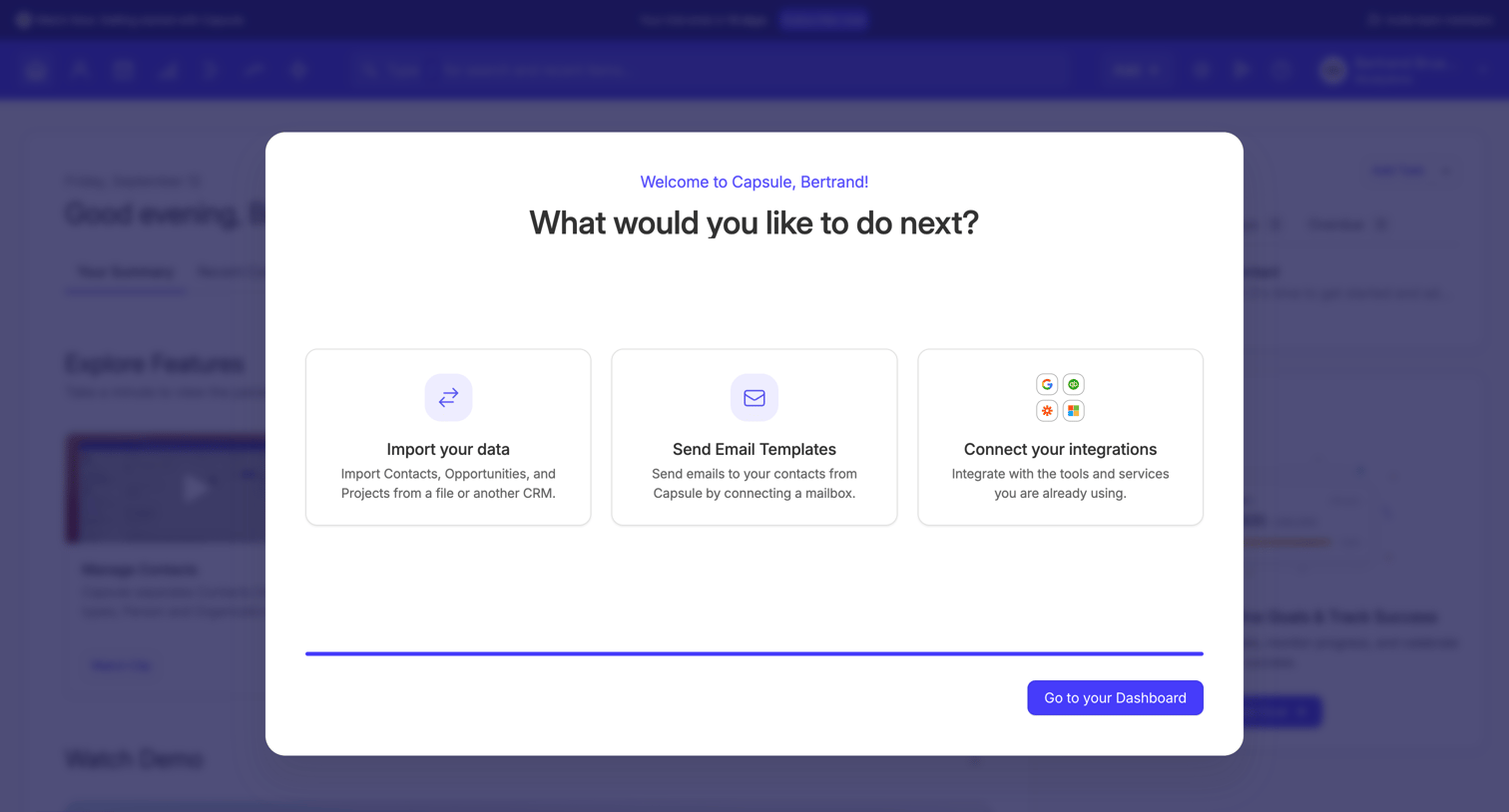
Onboarding modal where the user is welcomed and prompted to choose their next step, such as importing data, sending email templates, or connecting integrations.

Browse the full SaaS app library

Explore real SaaS apps with their product screens, marketing screens, flows, and components.

Trusted by the best teams






