Skip to content

Capsule UI components examples

Browse Capsule UI component design examples. Preview individual interface elements and explore related component categories. CRM Made Simple

Explore the examples
Capsule — Timeline & history component
Capsule logo
Capsule

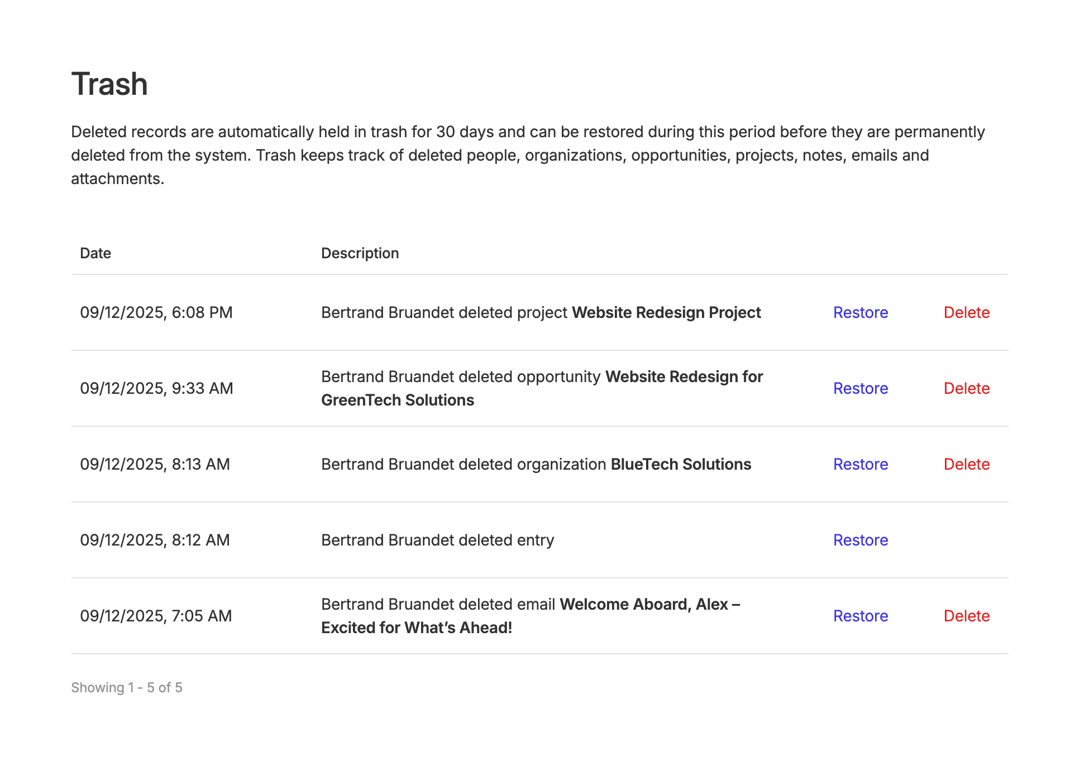
A trash bin interface showing deleted records with options to restore or permanently delete them.
Capsule — Theme settings component
Capsule logo
Capsule

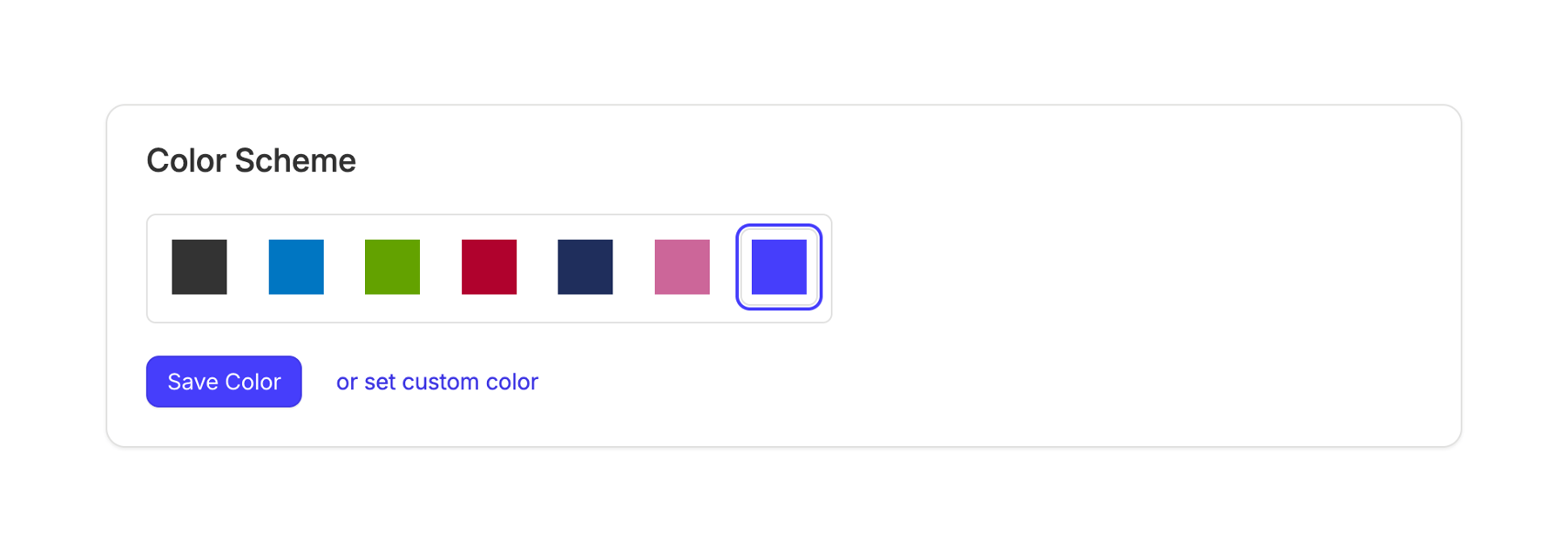
A color scheme selection interface.

Capsule — Upgrade your plan component
Capsule logo
Capsule

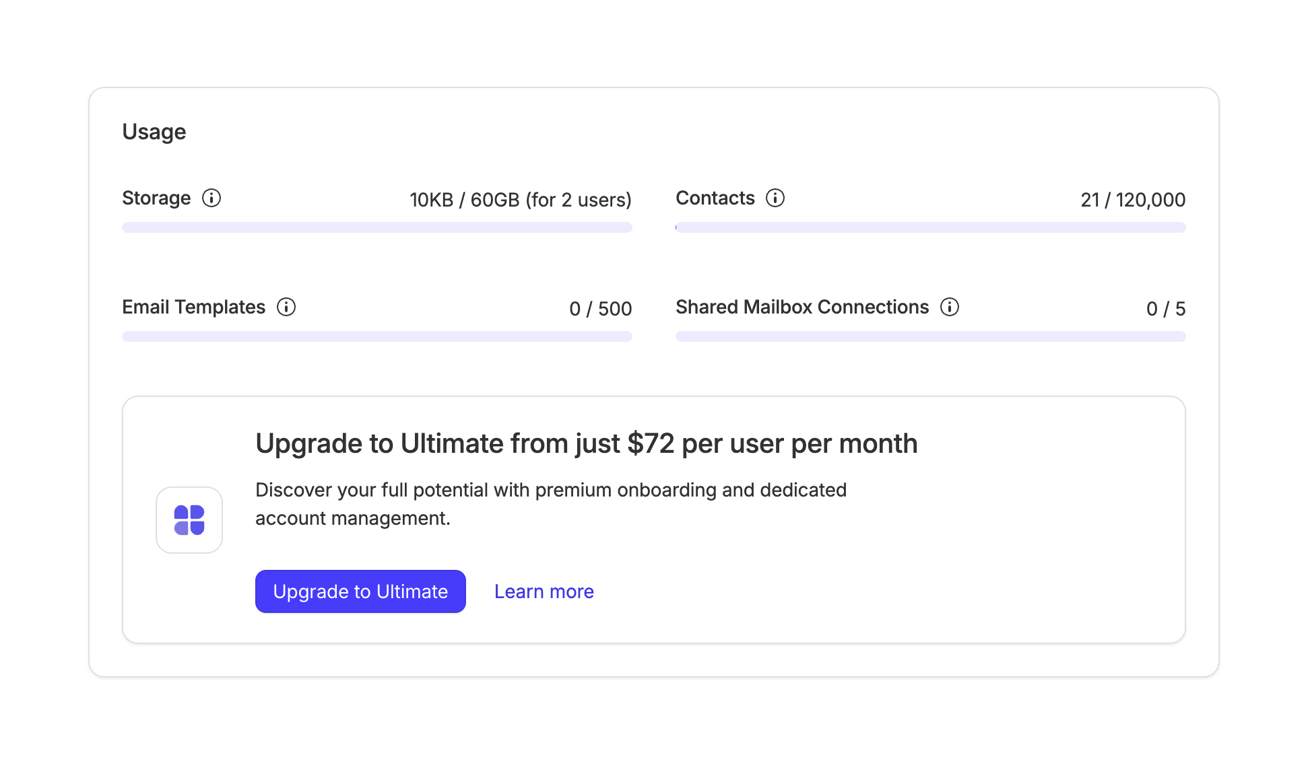
A usage dashboard with an upgrade prompt.

Capsule — Alert component
Capsule logo
Capsule

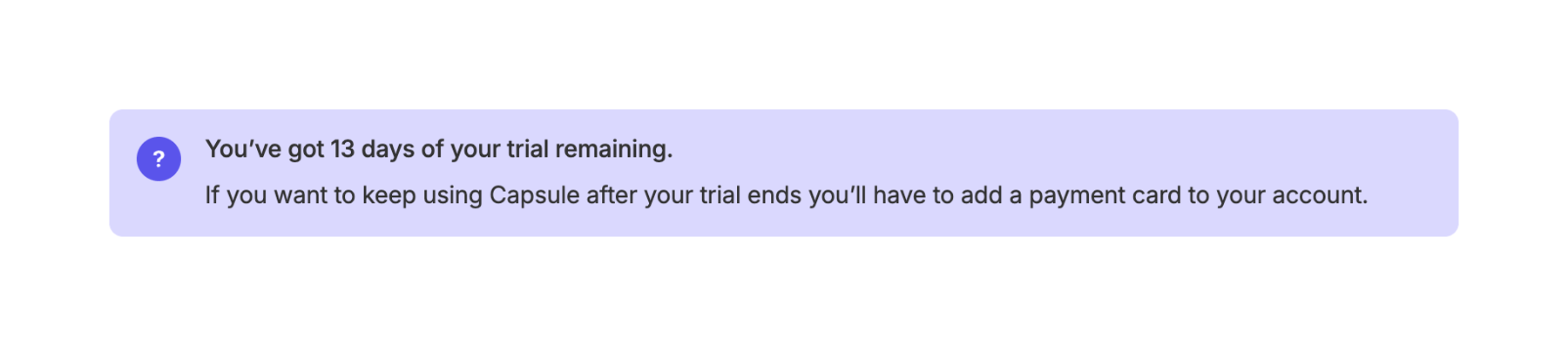
The screenshot shows a notification about the remaining trial days and a reminder to add a payment card.

Capsule — Stepper component
Capsule logo
Capsule

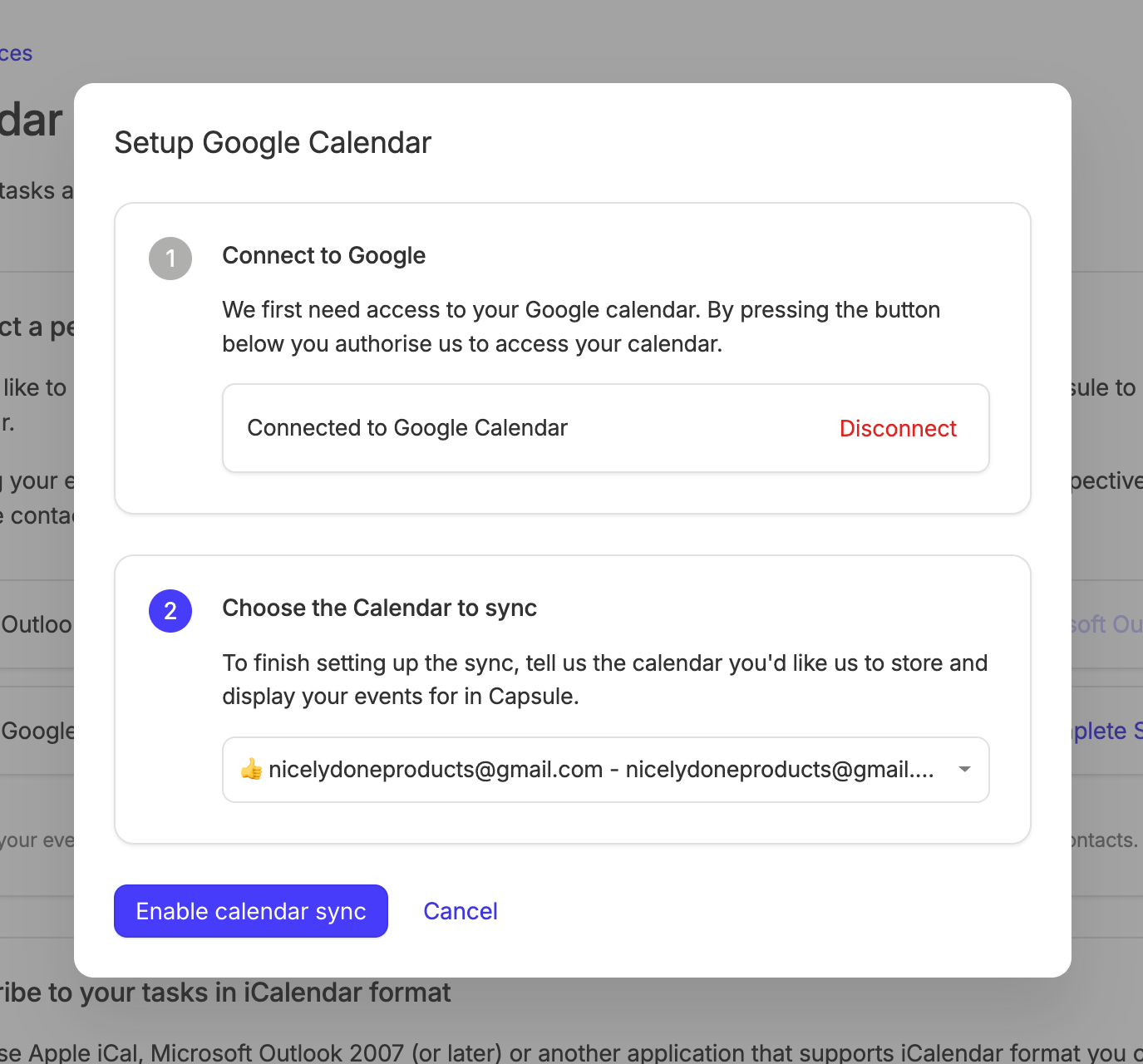
The screenshot shows a modal for setting up Google Calendar integration.

Capsule — Alert component
Capsule logo
Capsule

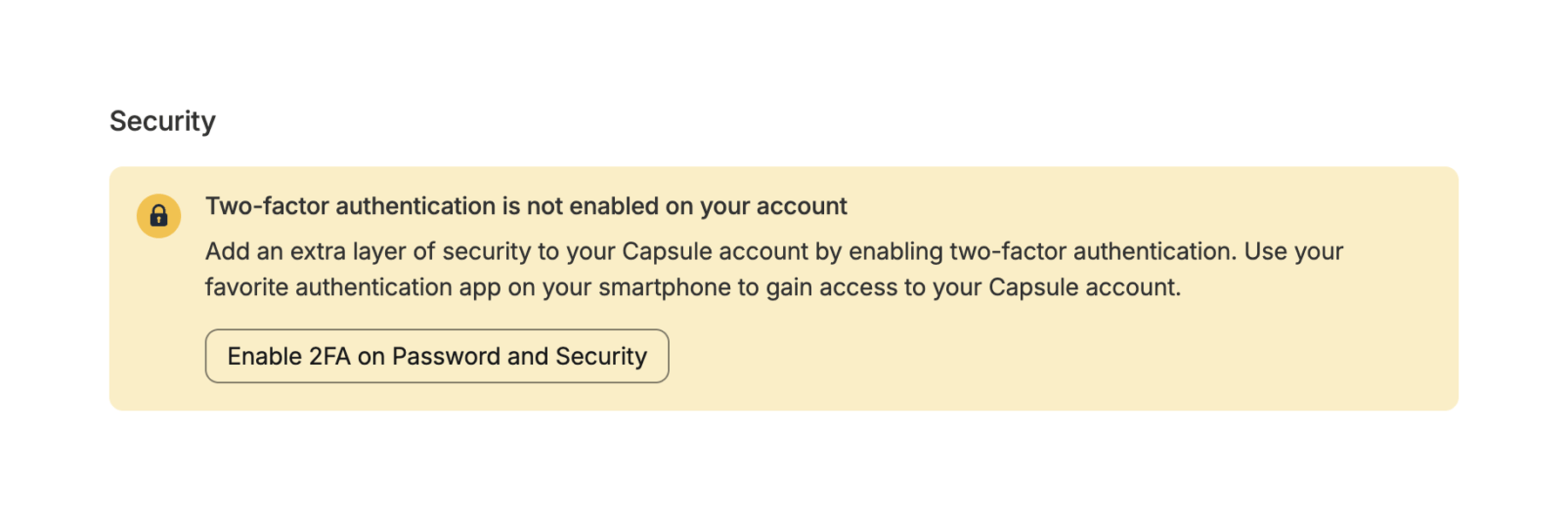
A security alert for enabling two-factor authentication.

Capsule — Charts component
Capsule logo
Capsule

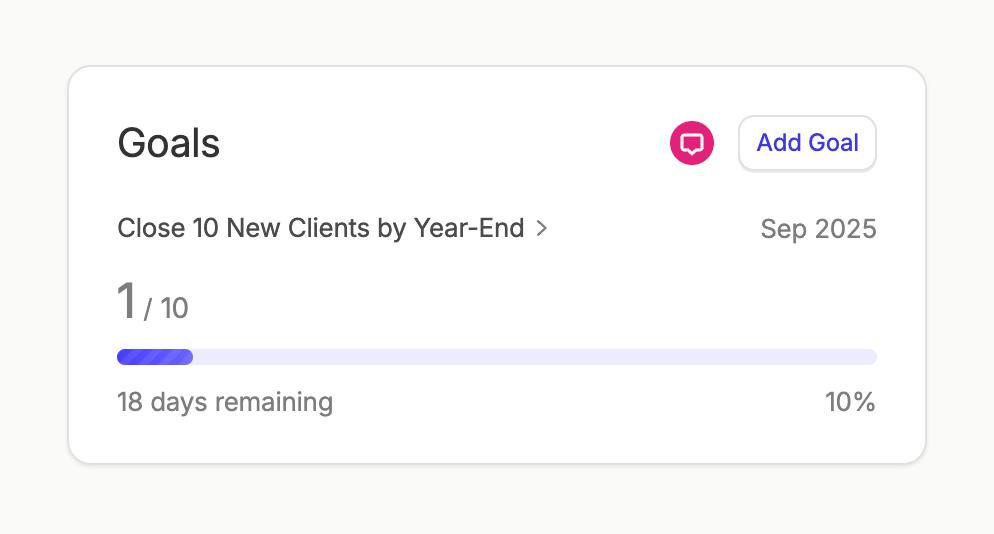
A goal tracking card.

Capsule — Sorting & filtering component
Capsule logo
Capsule

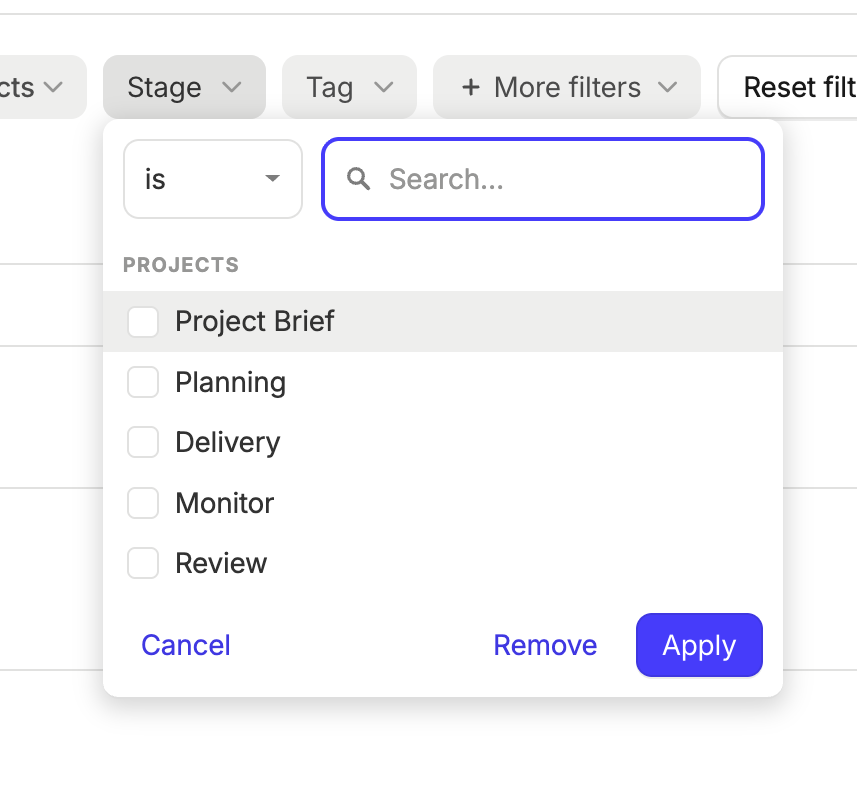
This is a modal with filter options for projects.

Capsule — Sorting & filtering component
Capsule logo
Capsule

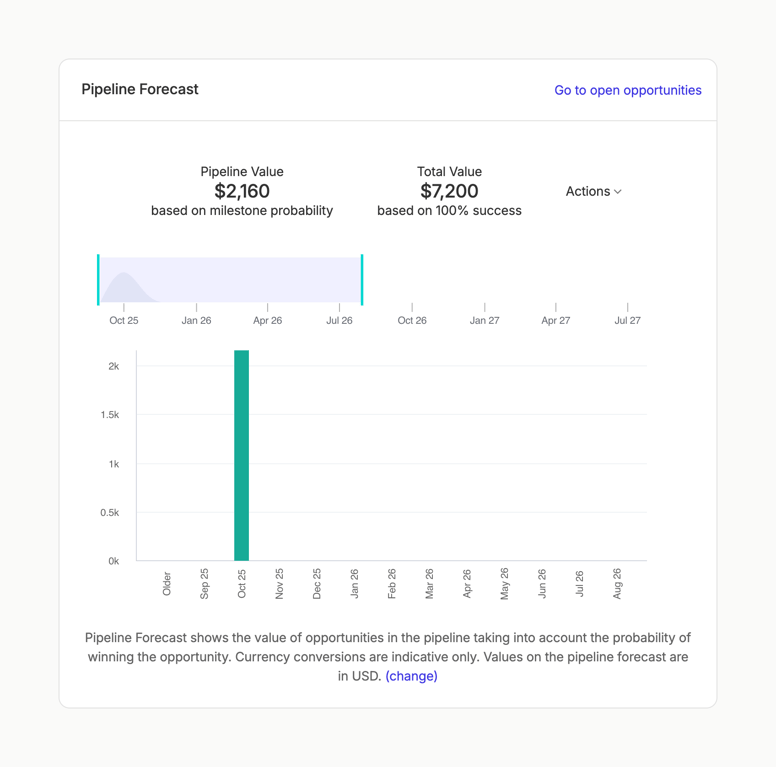
A pipeline forecast chart showing pipeline and total values.

Capsule — Sorting & filtering component
Capsule logo
Capsule

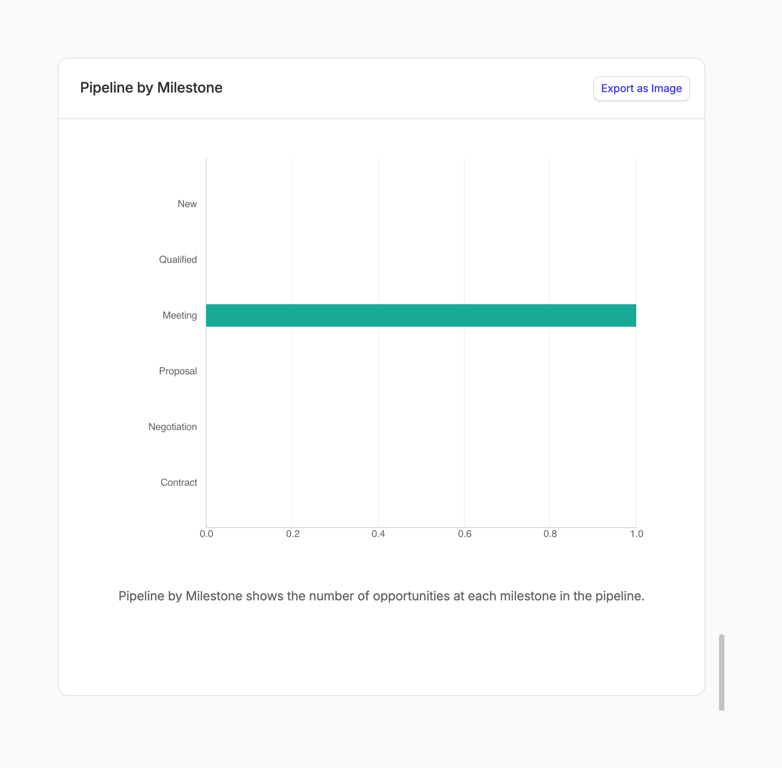
The image shows a horizontal bar chart visualizing a pipeline by milestone.
Capsule — Sorting & filtering component
Capsule logo
Capsule

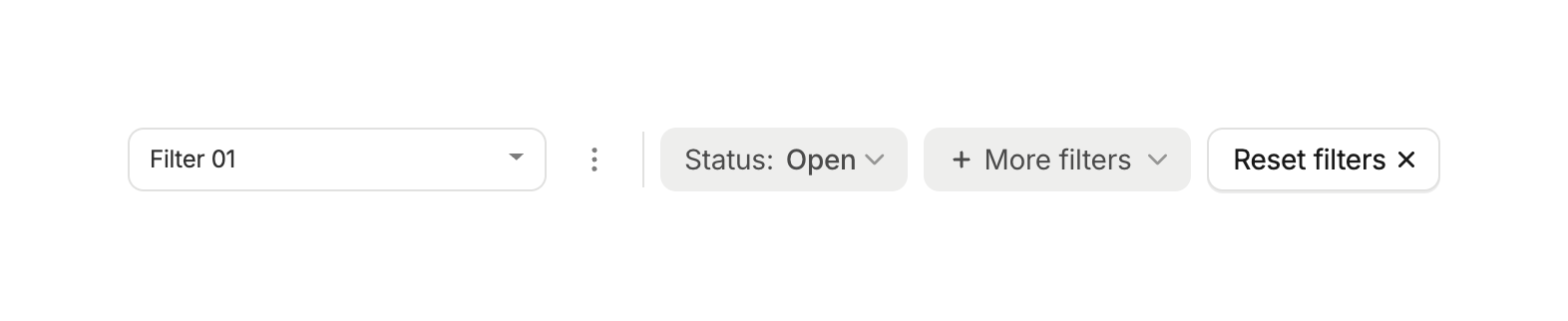
The image shows a filter bar with a dropdown menu, a status filter, a more filters option, and a reset filters button.
Capsule — Progress indicator component
Capsule logo
Capsule

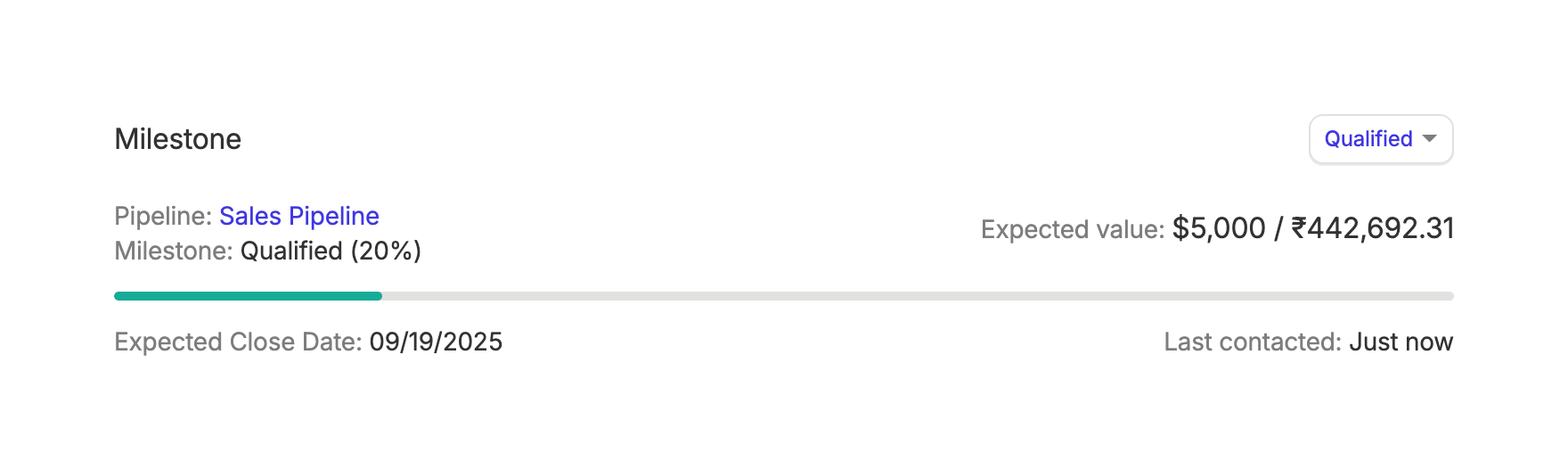
The screenshot shows a milestone progress indicator with details about the pipeline, milestone status, expected value, close date, and last contact date.

Browse the full component library

Browse the full UI component library.

Trusted by the best teams