
Basecamp design examples
Explore Basecamp UI design examples. The all-in-one toolkit for working remotely.
Product screens
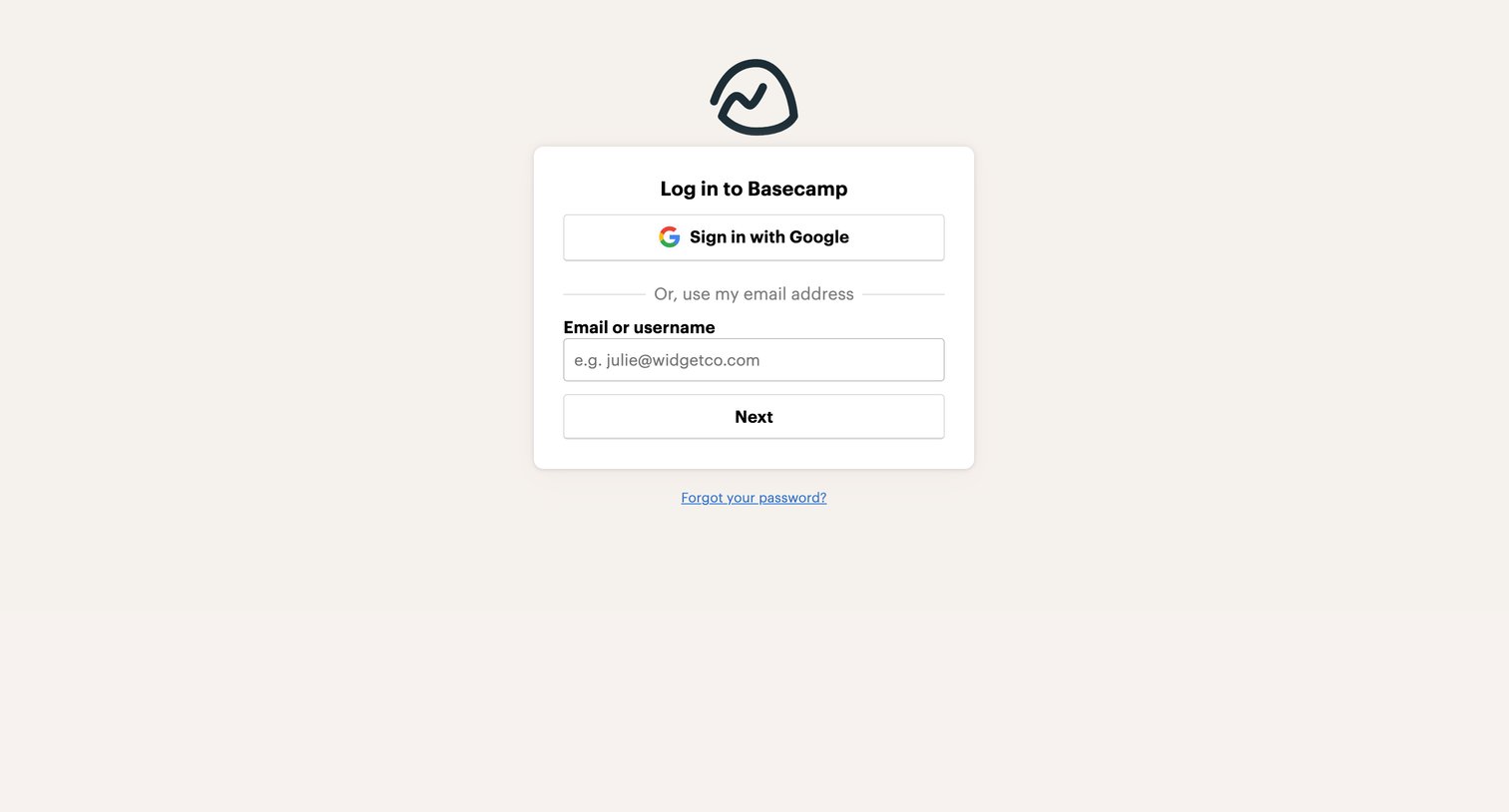
Sign-in screen where the user authenticates with Google or enters their email address to proceed.
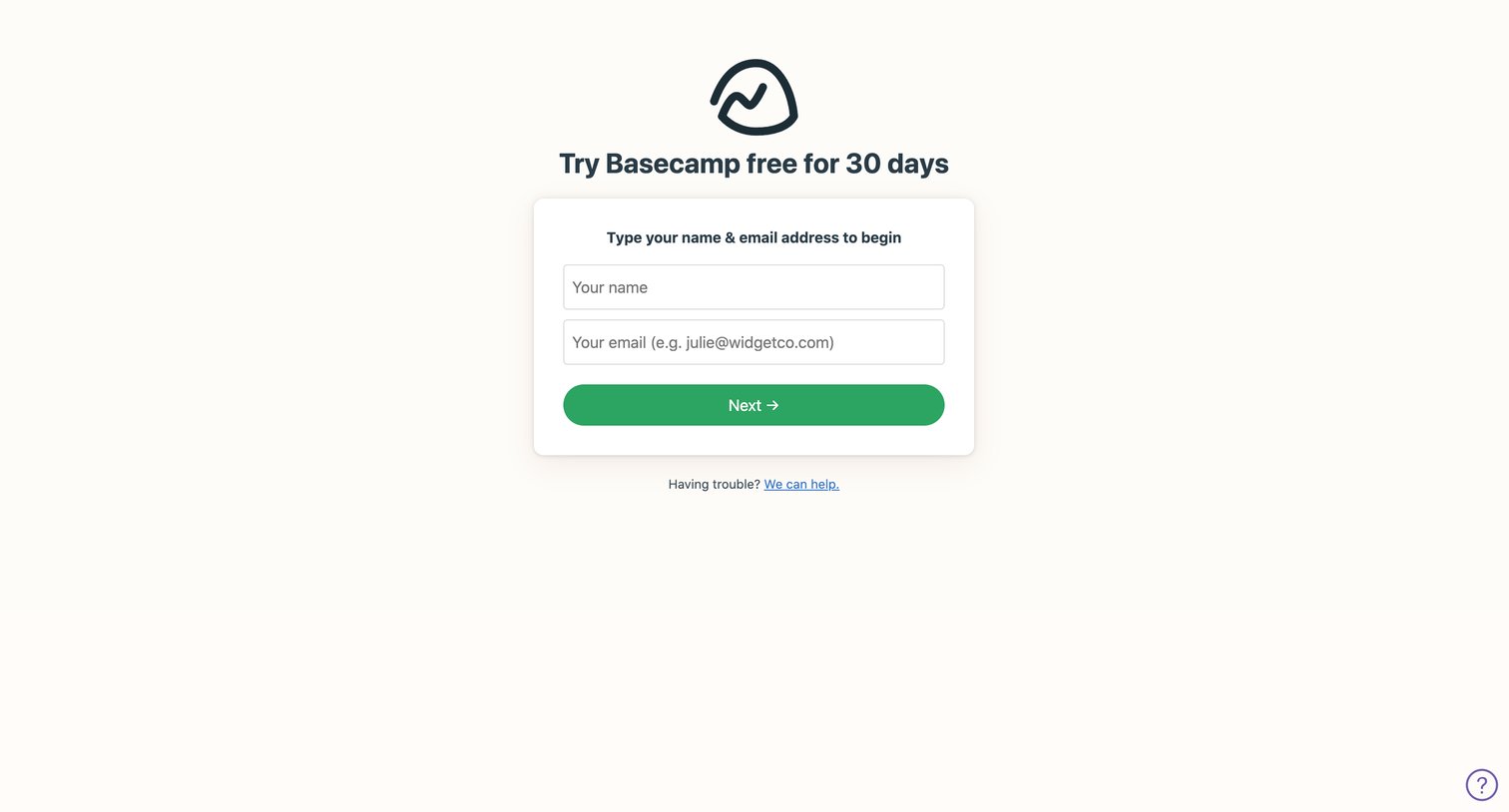
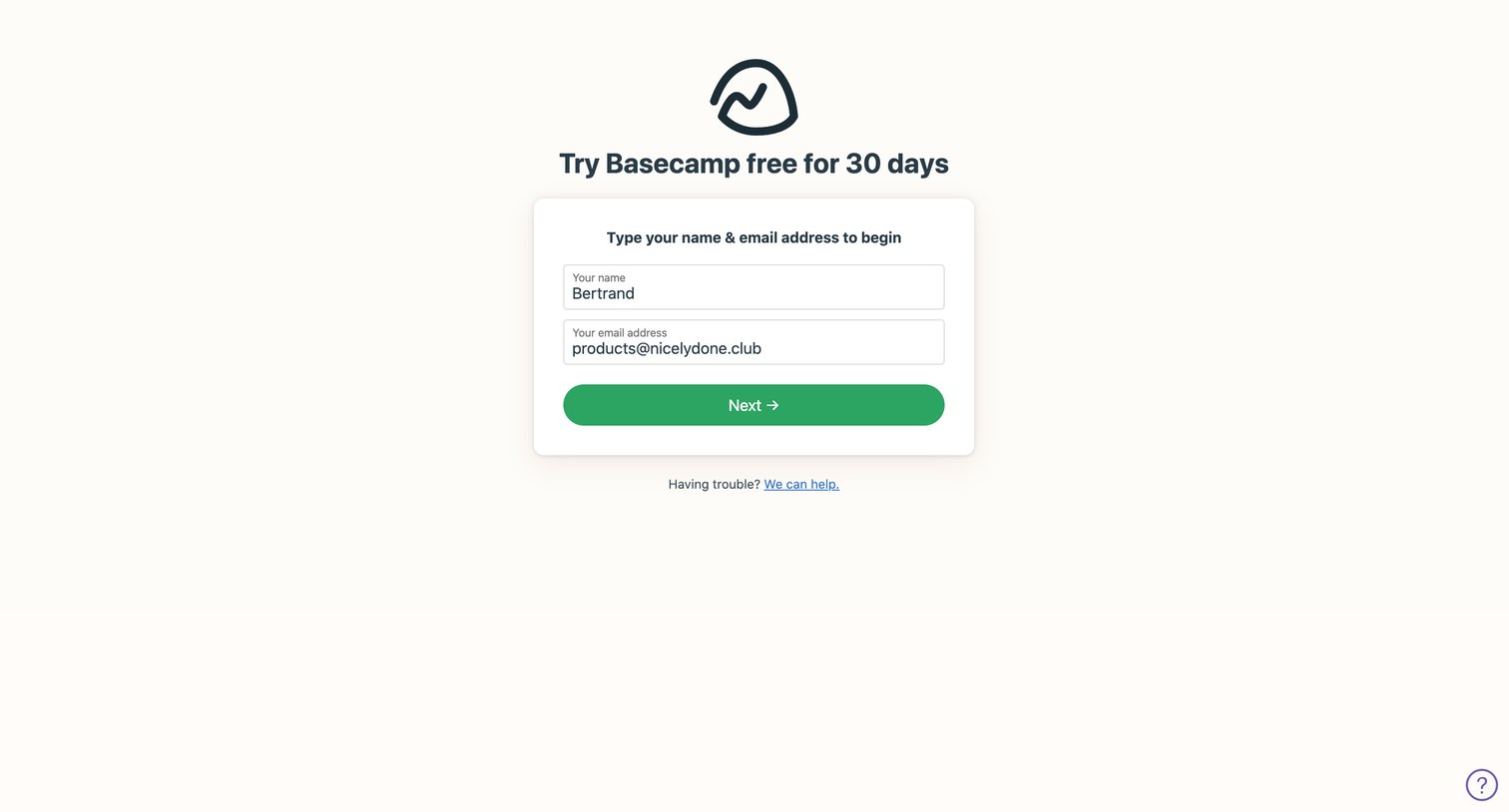
Signup screen where the user enters their name and email address to begin a 30-day free trial.
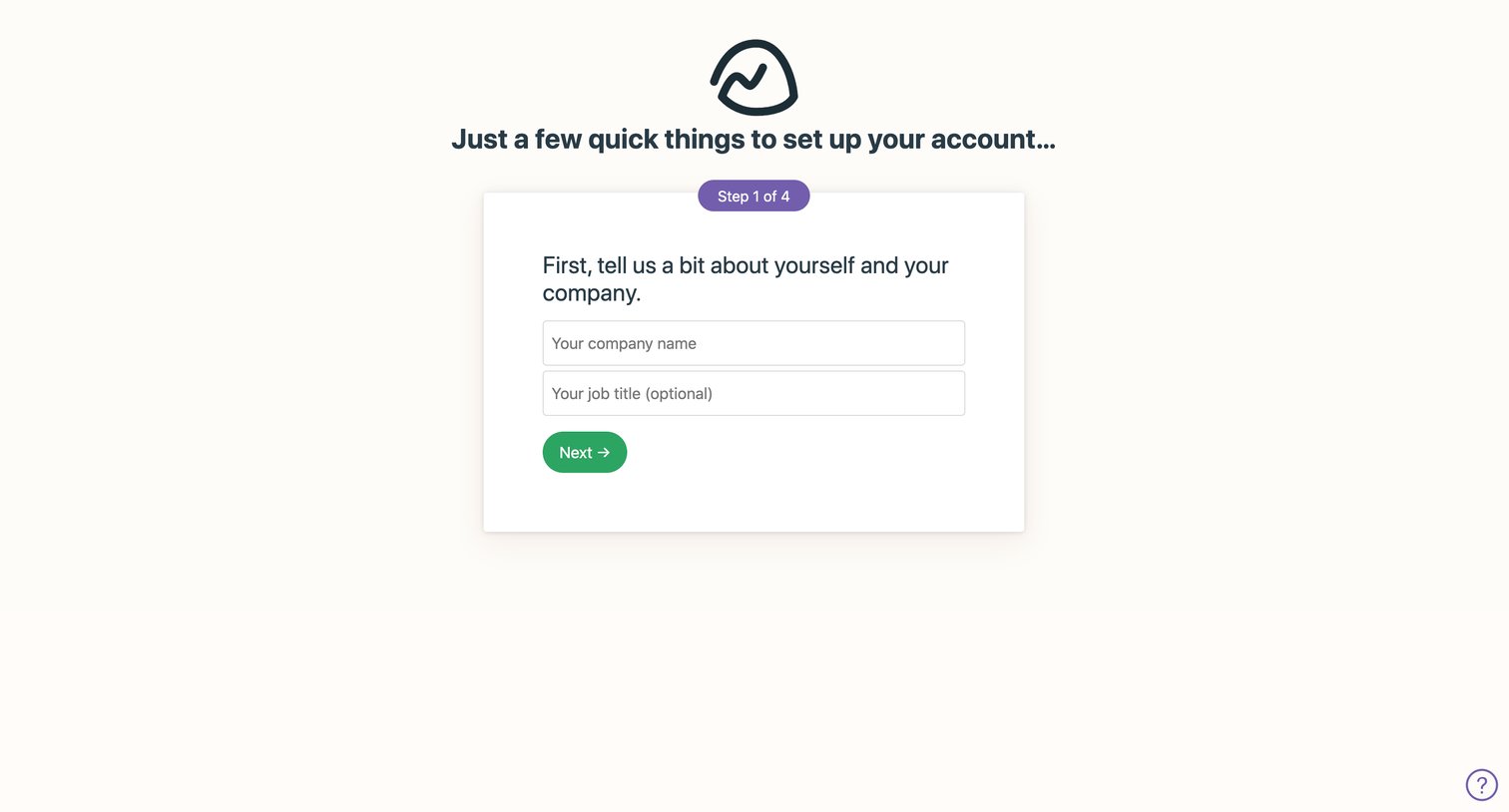
Onboarding step where the user enters their company name and optional job title to begin setting up their new account.
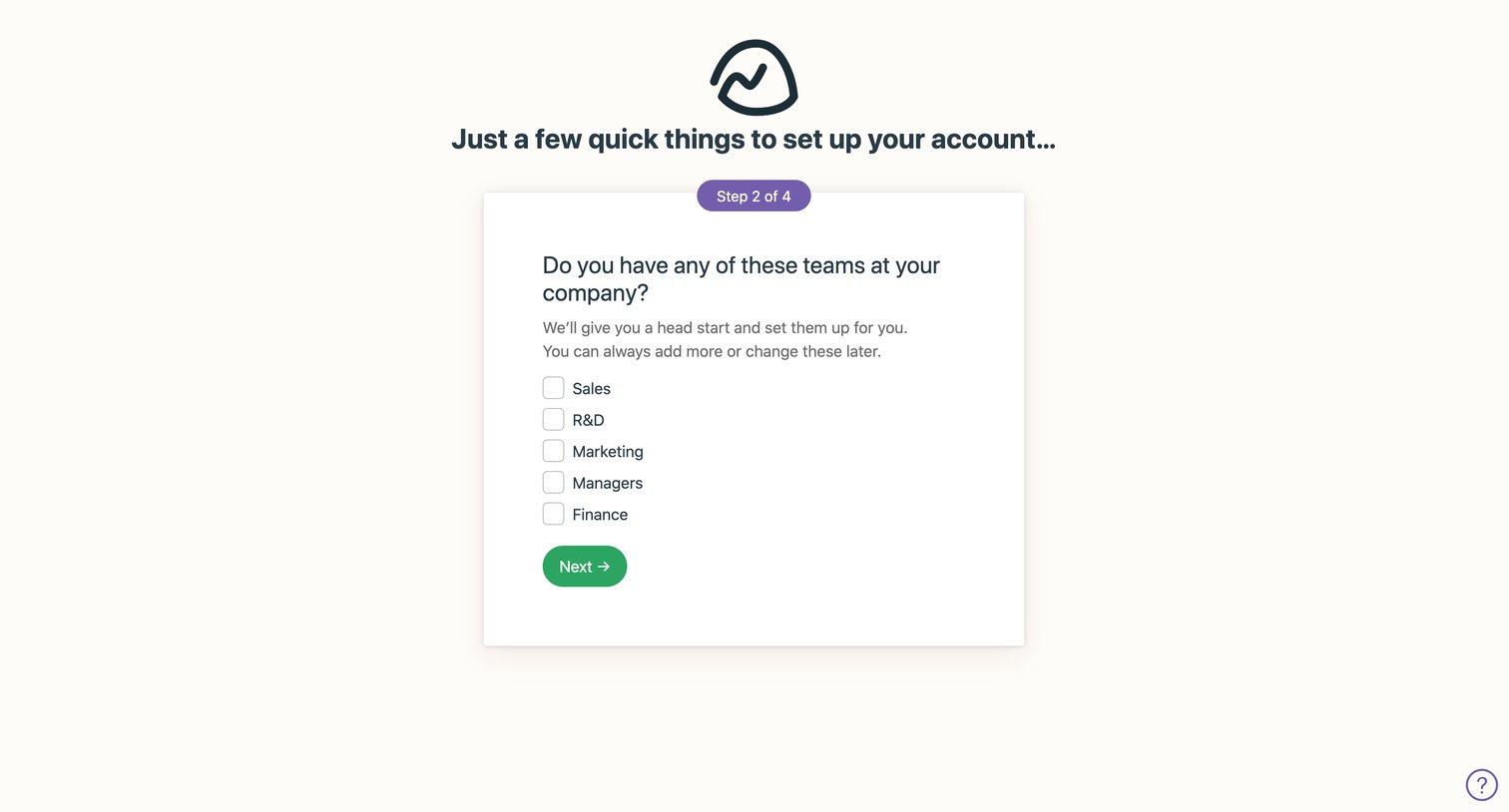
Onboarding step where the user selects which teams exist at their company to pre-populate their workspace.
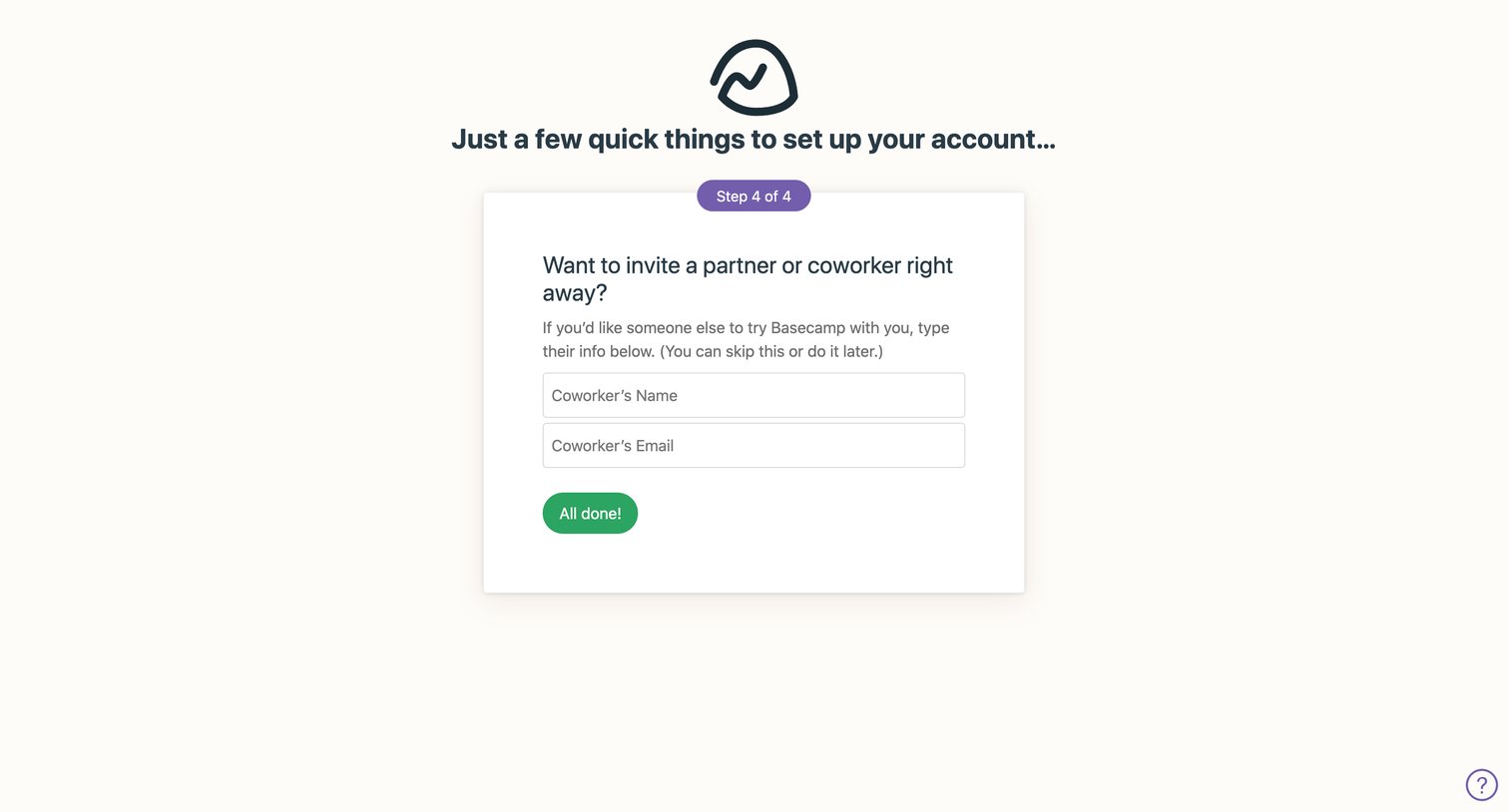
Onboarding step where the user can invite a partner or coworker by entering their name and email before finishing account setup.
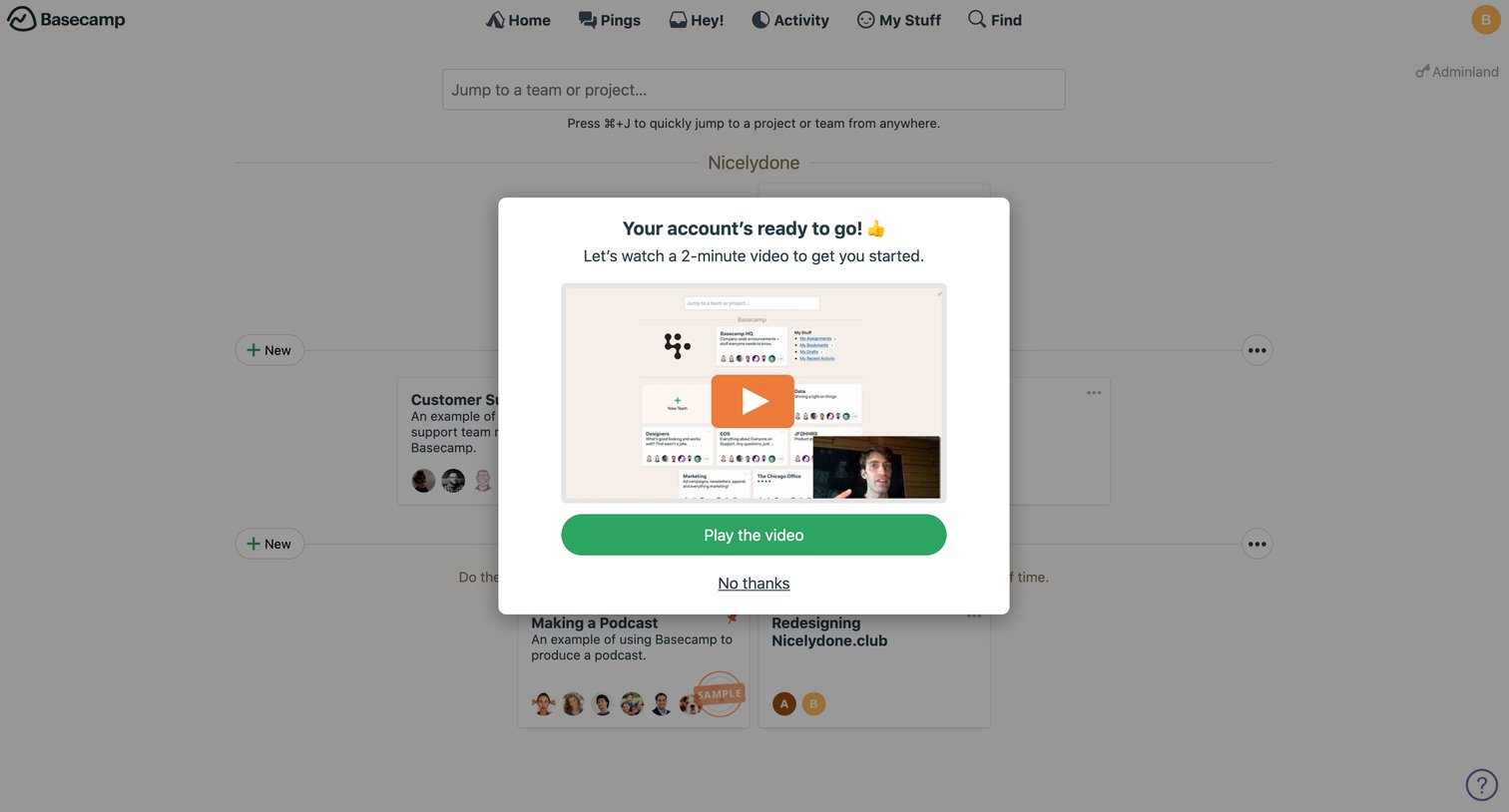
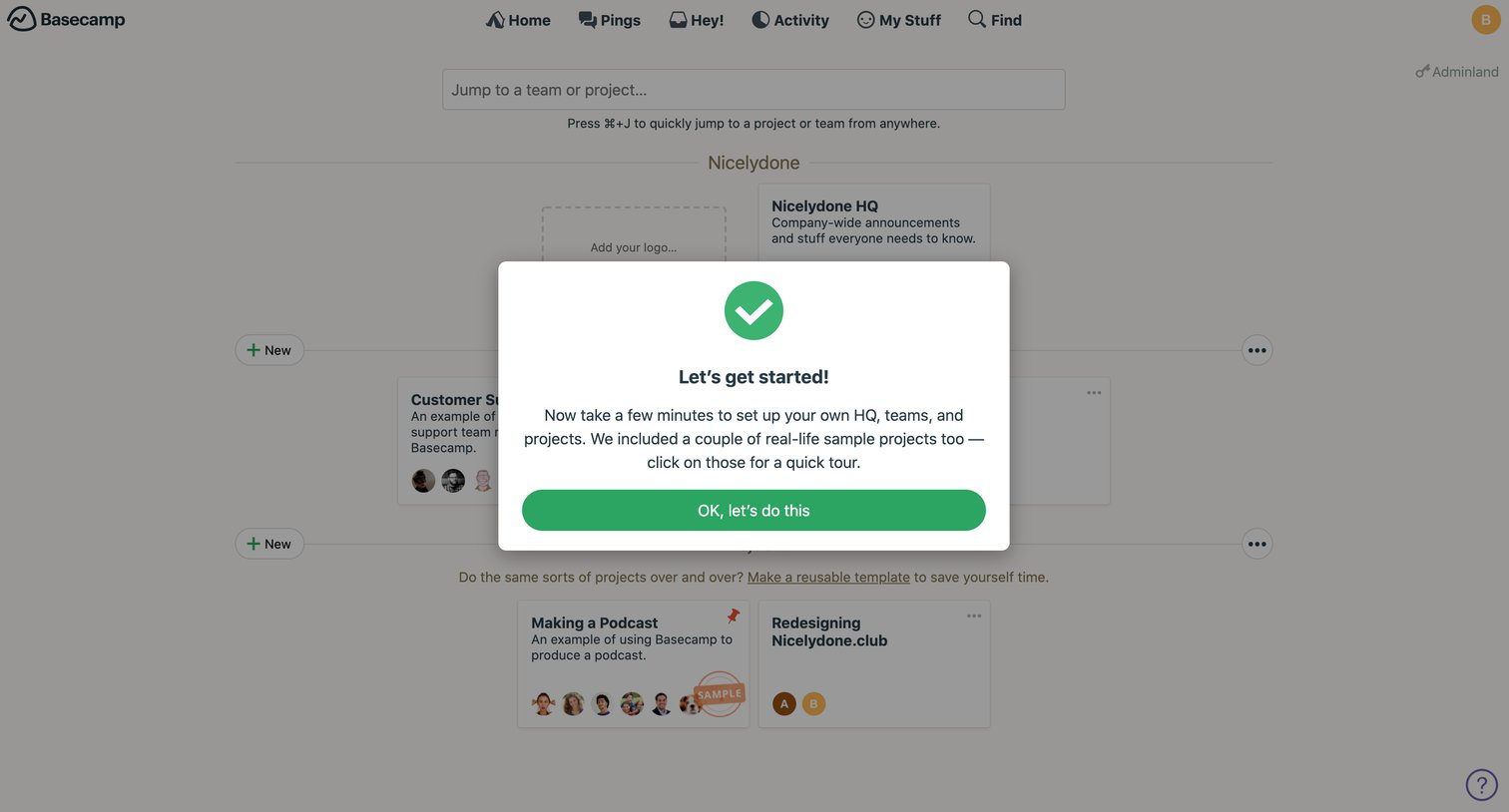
Onboarding step where a modal welcomes the user and prompts them to watch a 2-minute introductory video before accessing their projects.
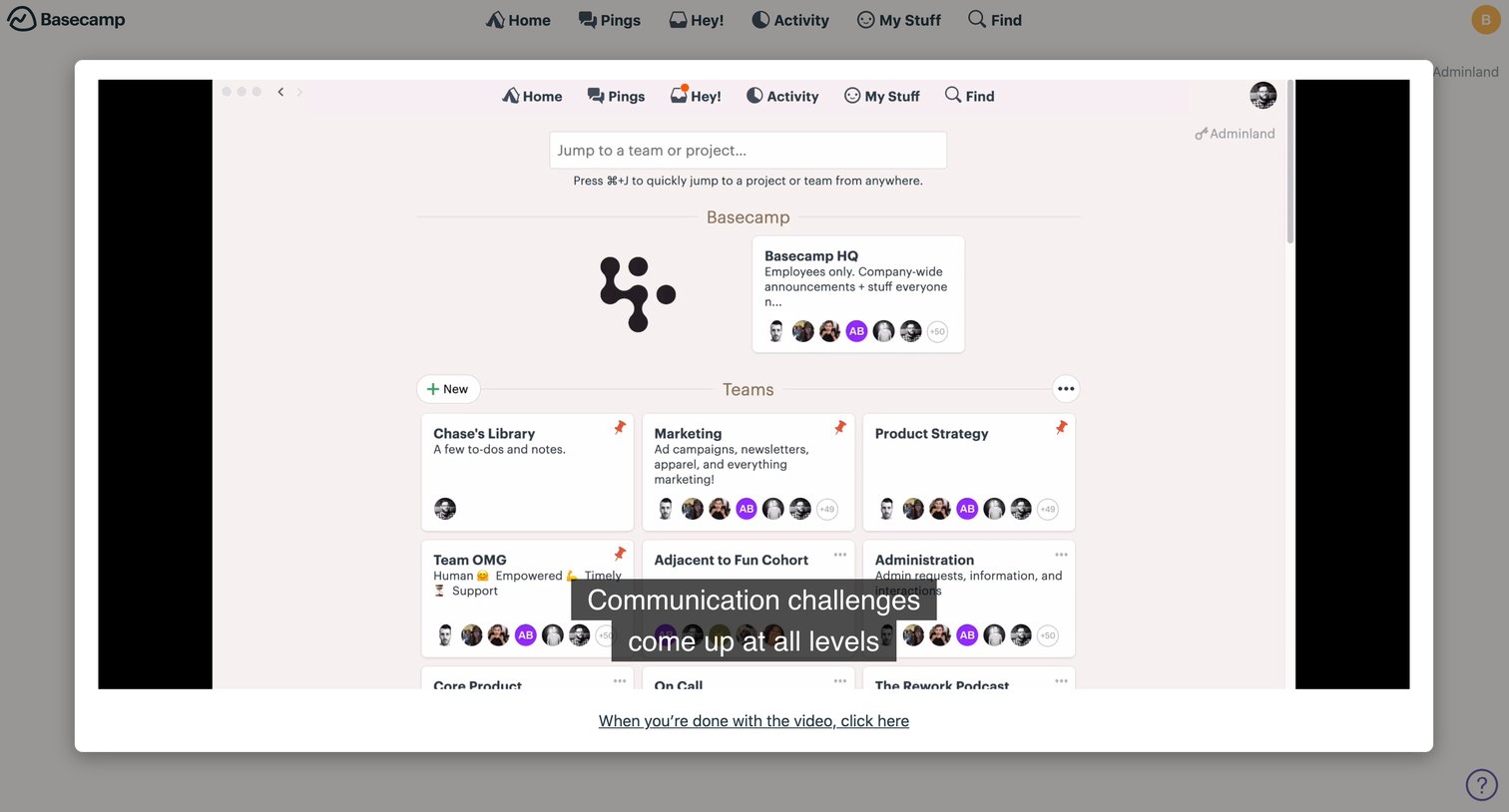
Onboarding step where the user watches a welcome video discussing communication challenges before proceeding to the application.
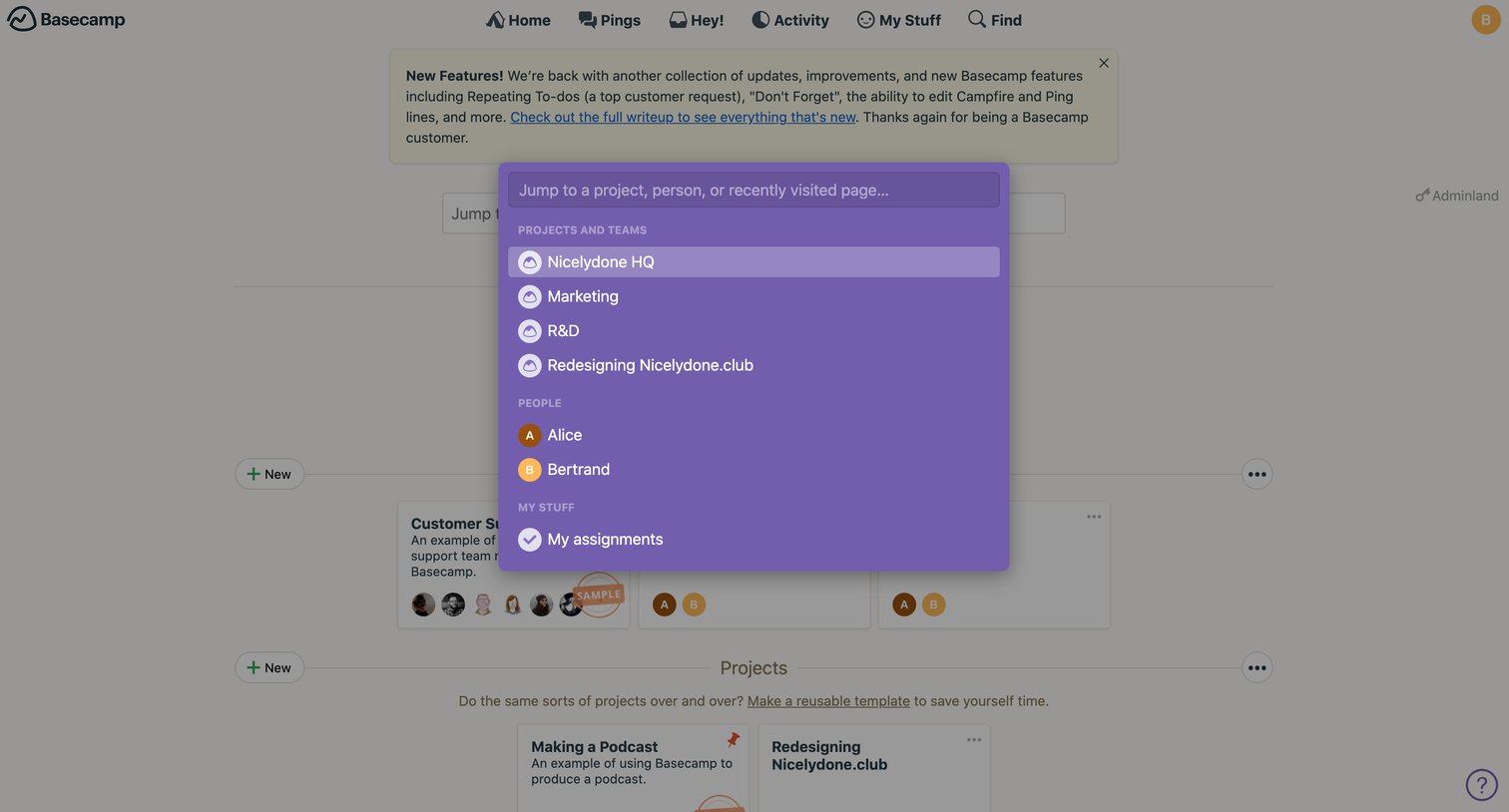
Search overlay where the user jumps to a project, person, or recently visited page.
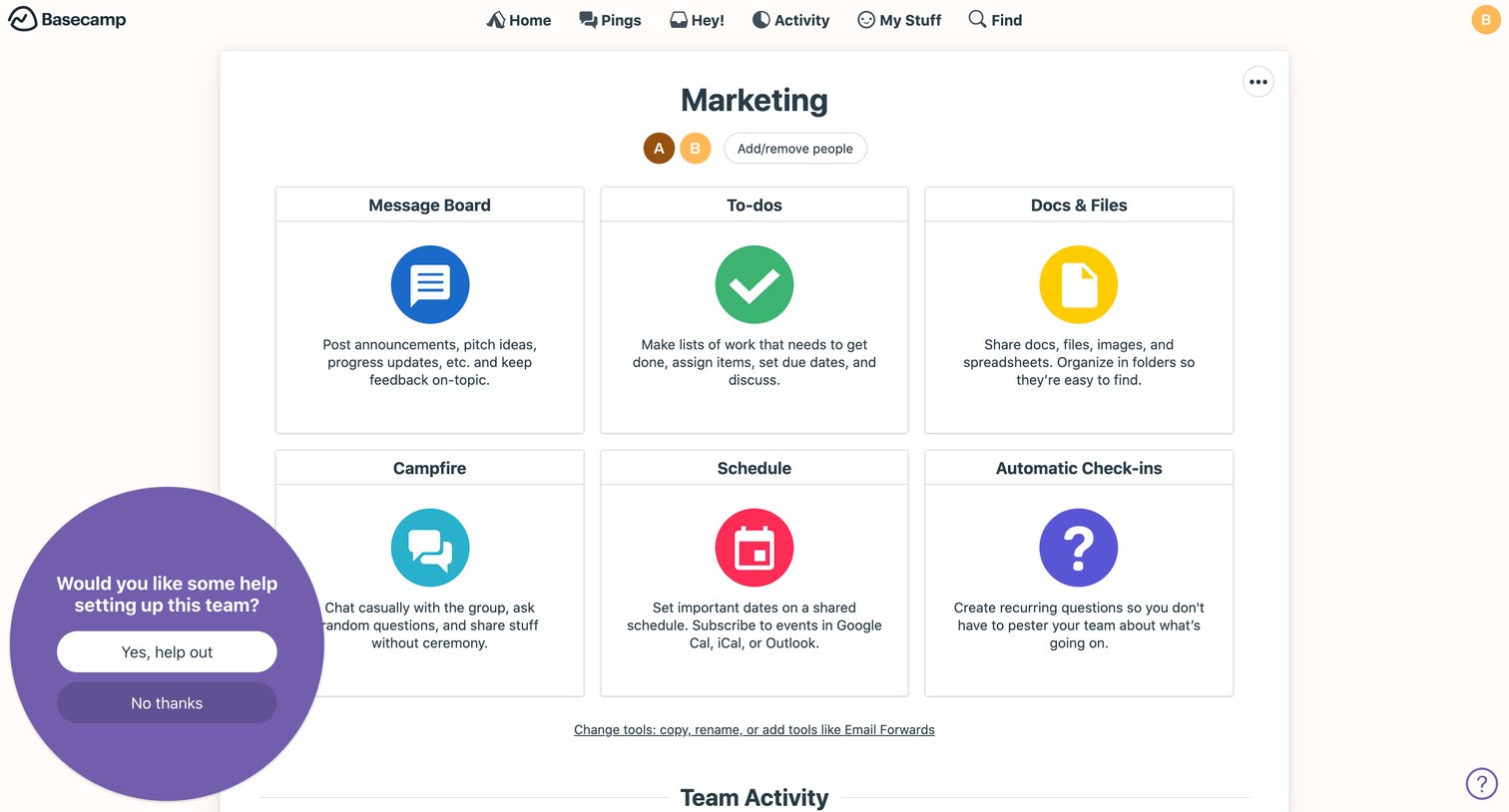
Dashboard for a specific team displaying a grid of available collaboration tools and a recent activity feed.
Browse the full SaaS app library
Explore real SaaS apps with their product screens, marketing screens, flows, and components.
Trusted by the best teams







