Profile screen examples
Profile screen design examples from SaaS apps. See how apps present a person or account through a profile. Explore how identity details, activity, and available actions share space in viewing and editing…
Explore the examples
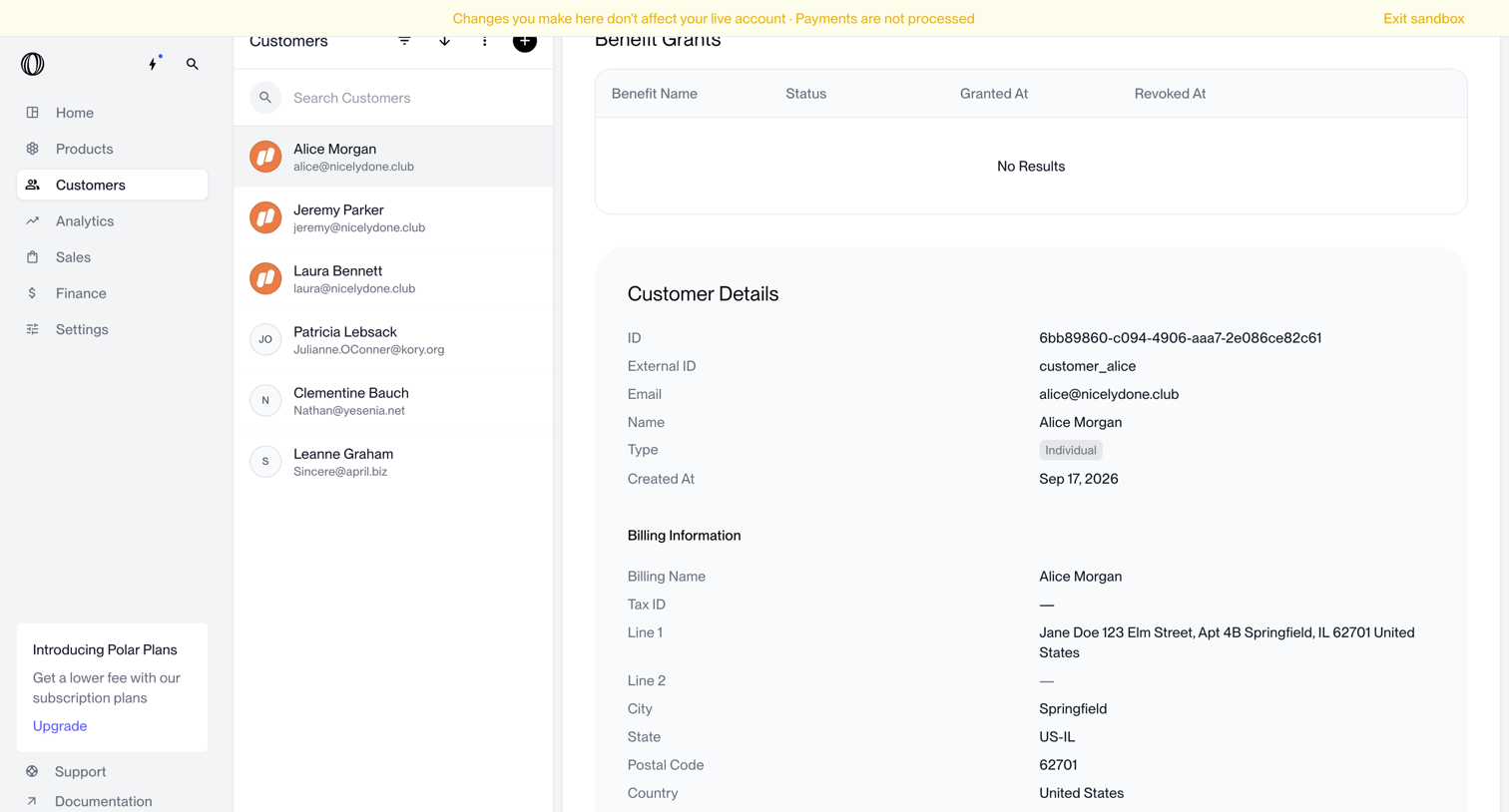

Customer detail page displaying benefit grants, basic profile information, and billing details for a selected user within a sandbox environment.
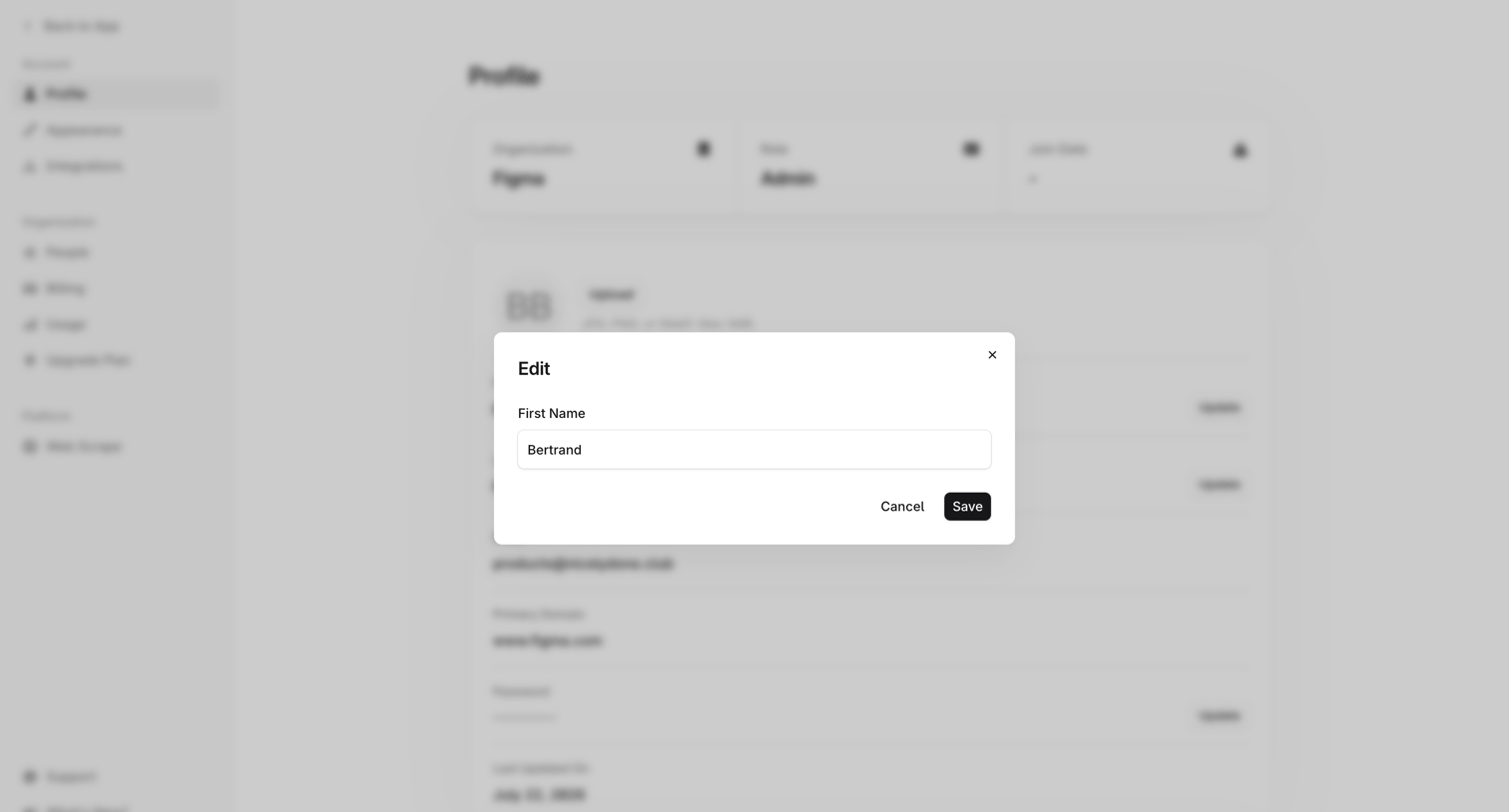

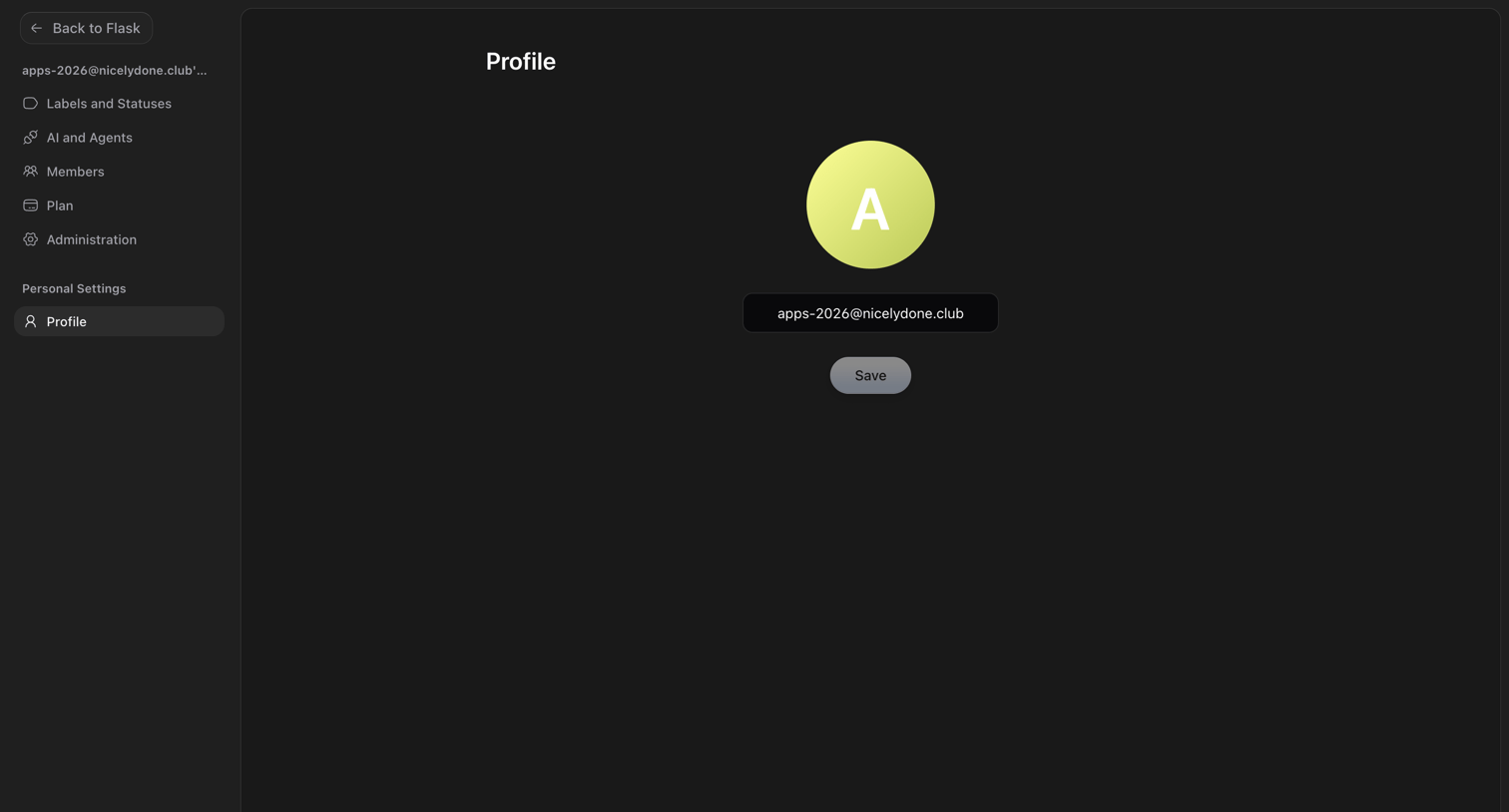

Settings page where the user manages their profile by updating their avatar and email address.
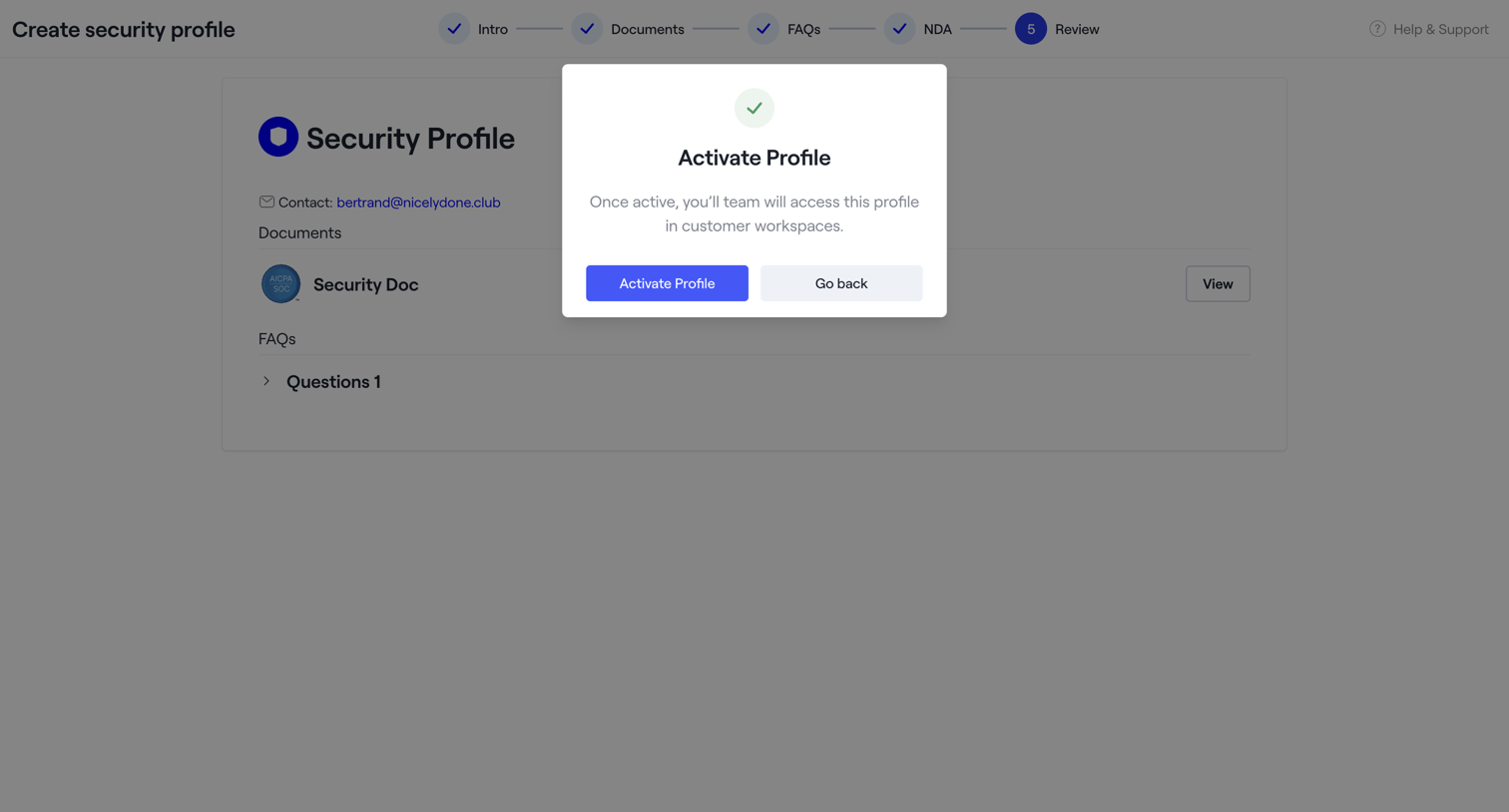

Create page where the user reviews their new security profile and confirms activation via a modal.
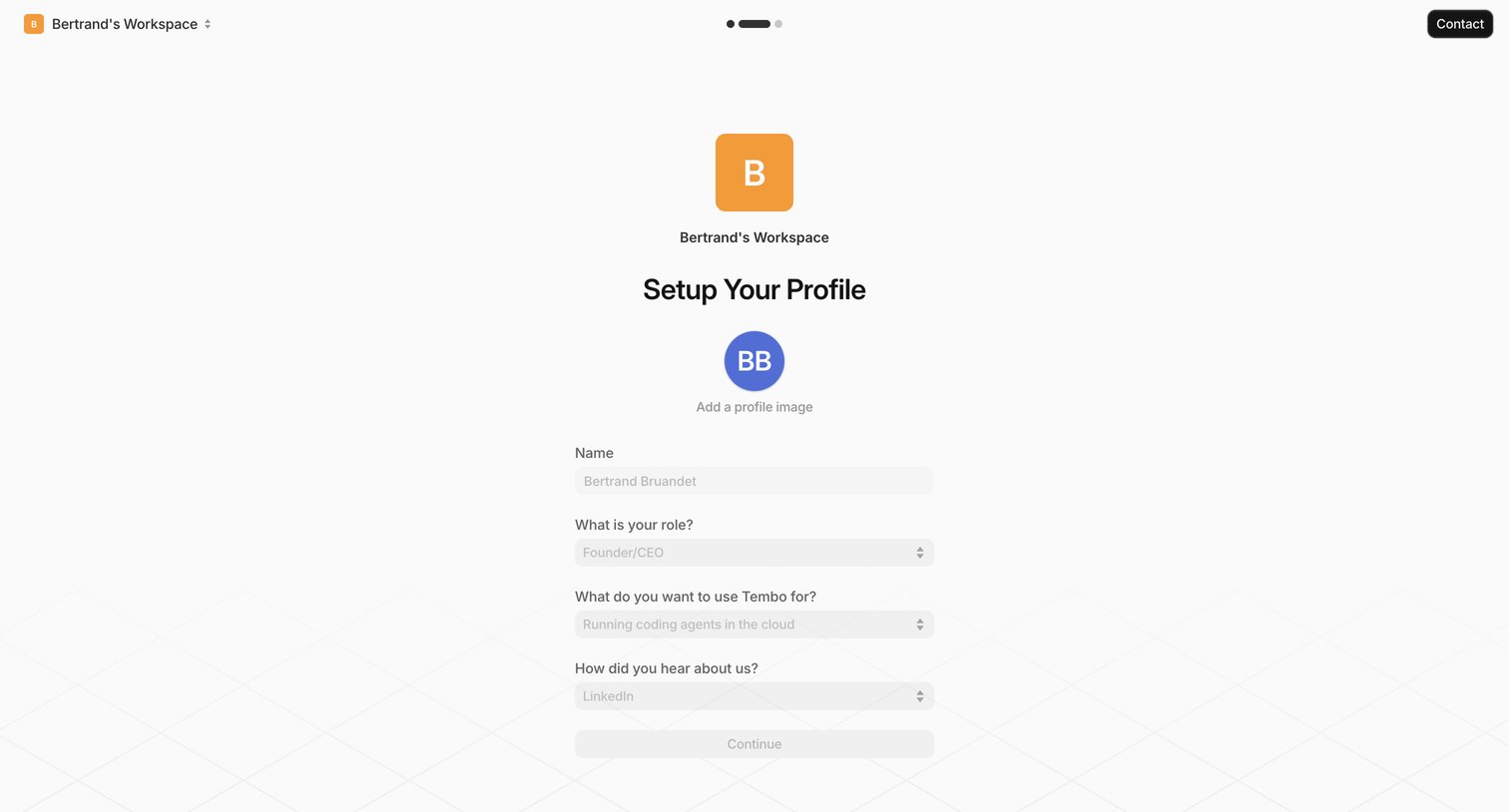

Onboarding step where the user sets up their profile by confirming their name, role, intended use case, and discovery source.
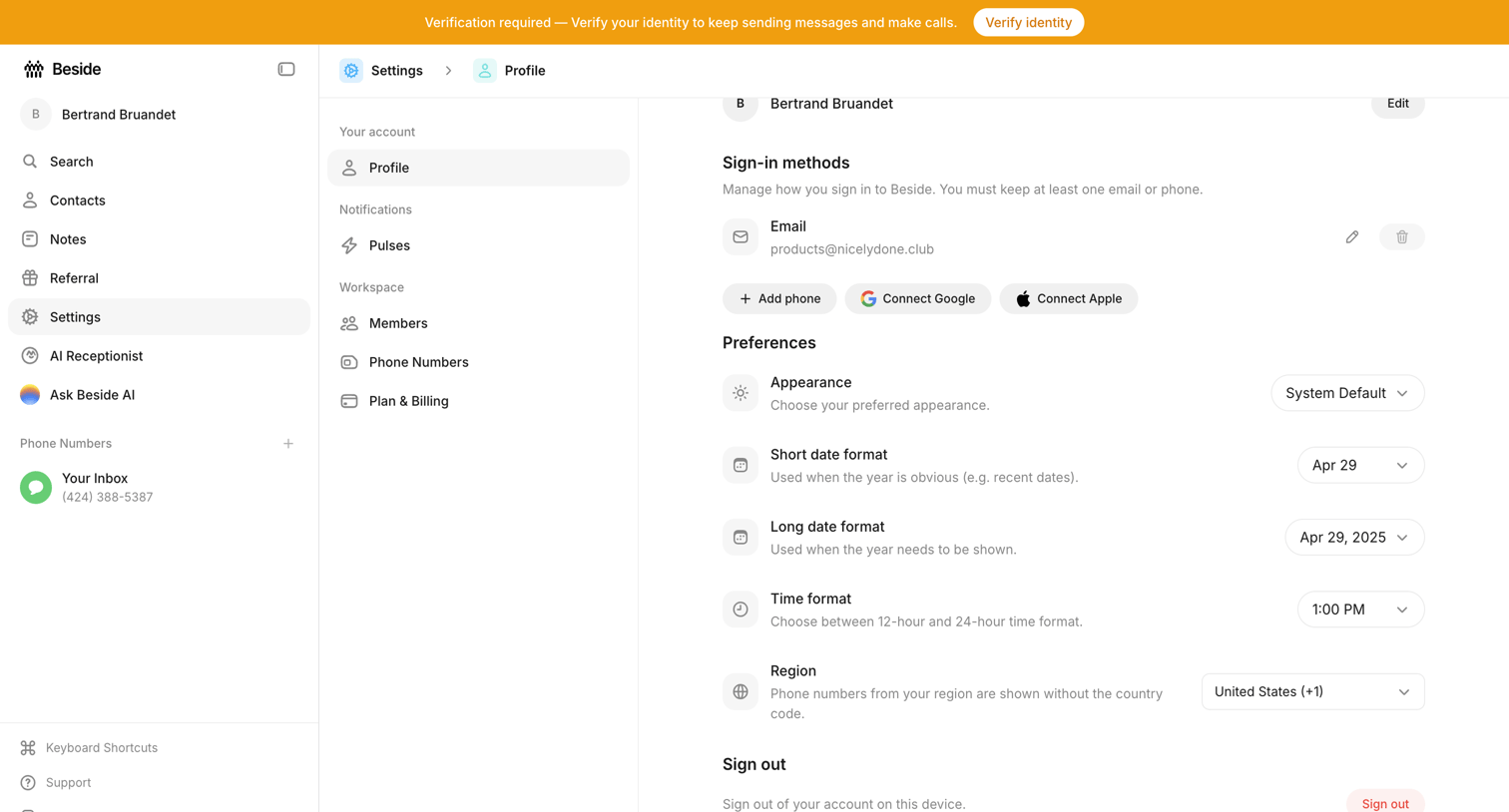

Settings page where the user configures their sign-in methods, appearance preferences, and regional date and time formats.
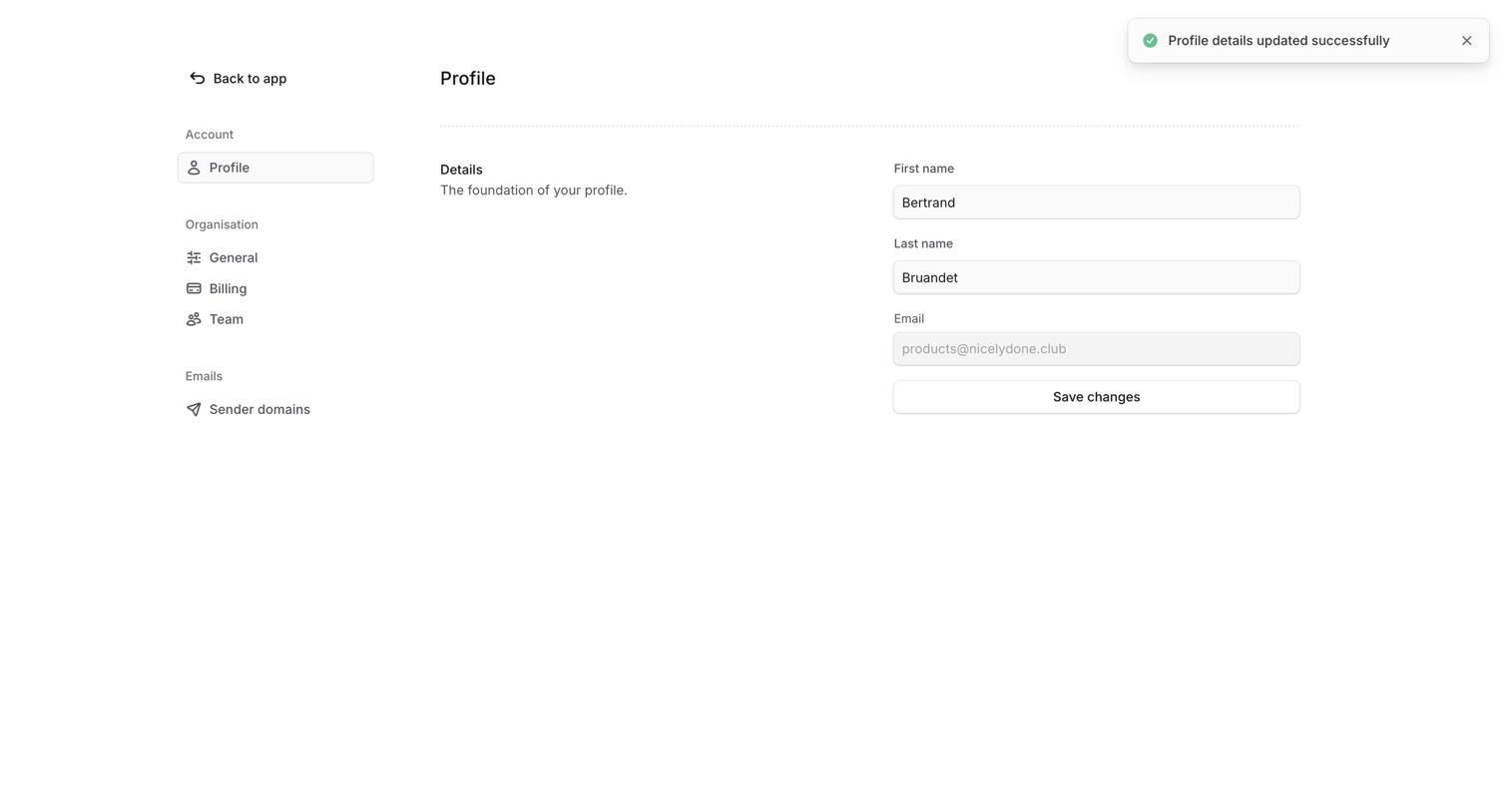

Settings page where the user updates their profile details like first and last name, confirming the changes with a success notification.
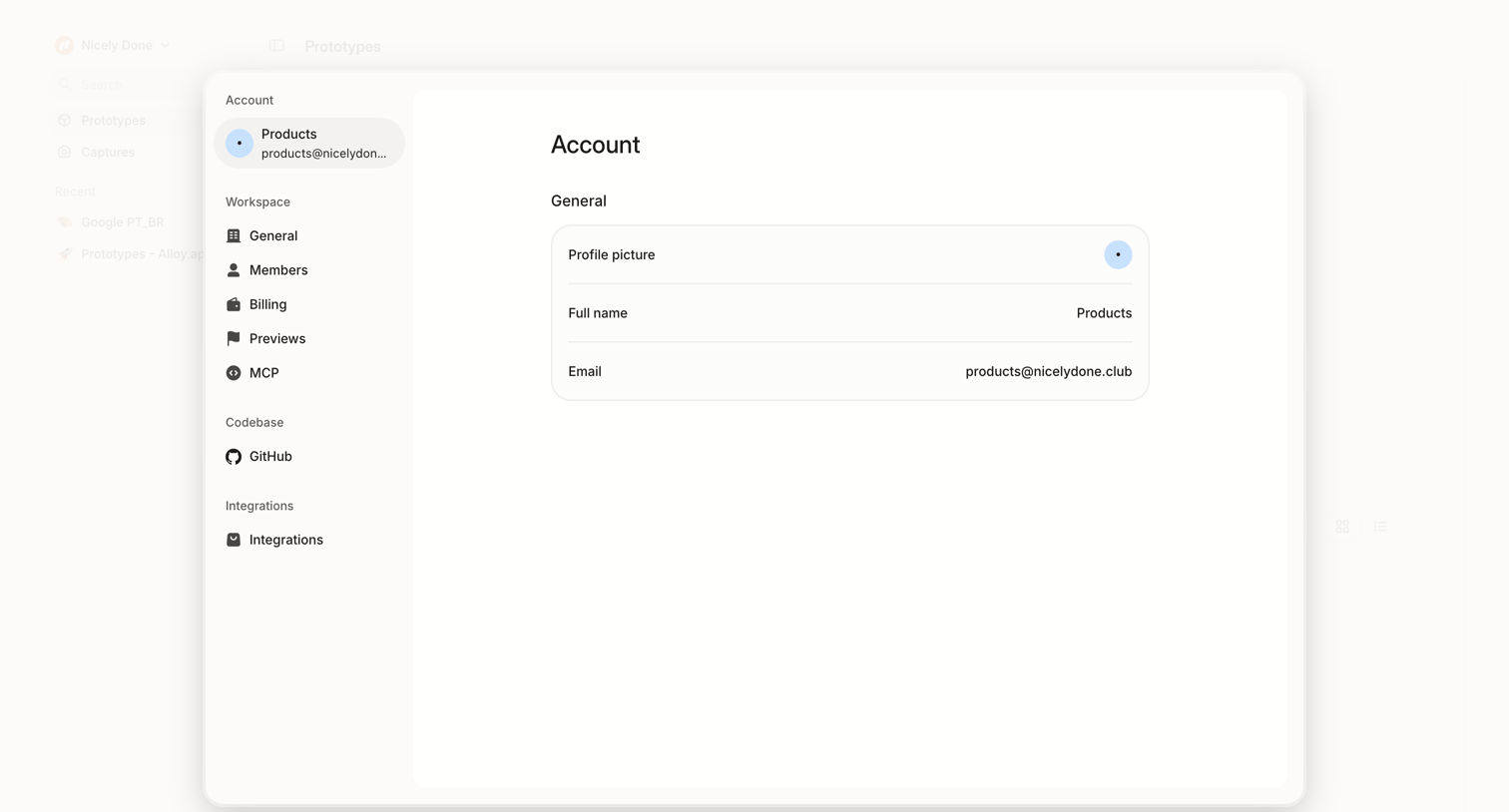

Settings page where the user views their general account profile information, including profile picture, full name, and email address, within a centered card overlay.
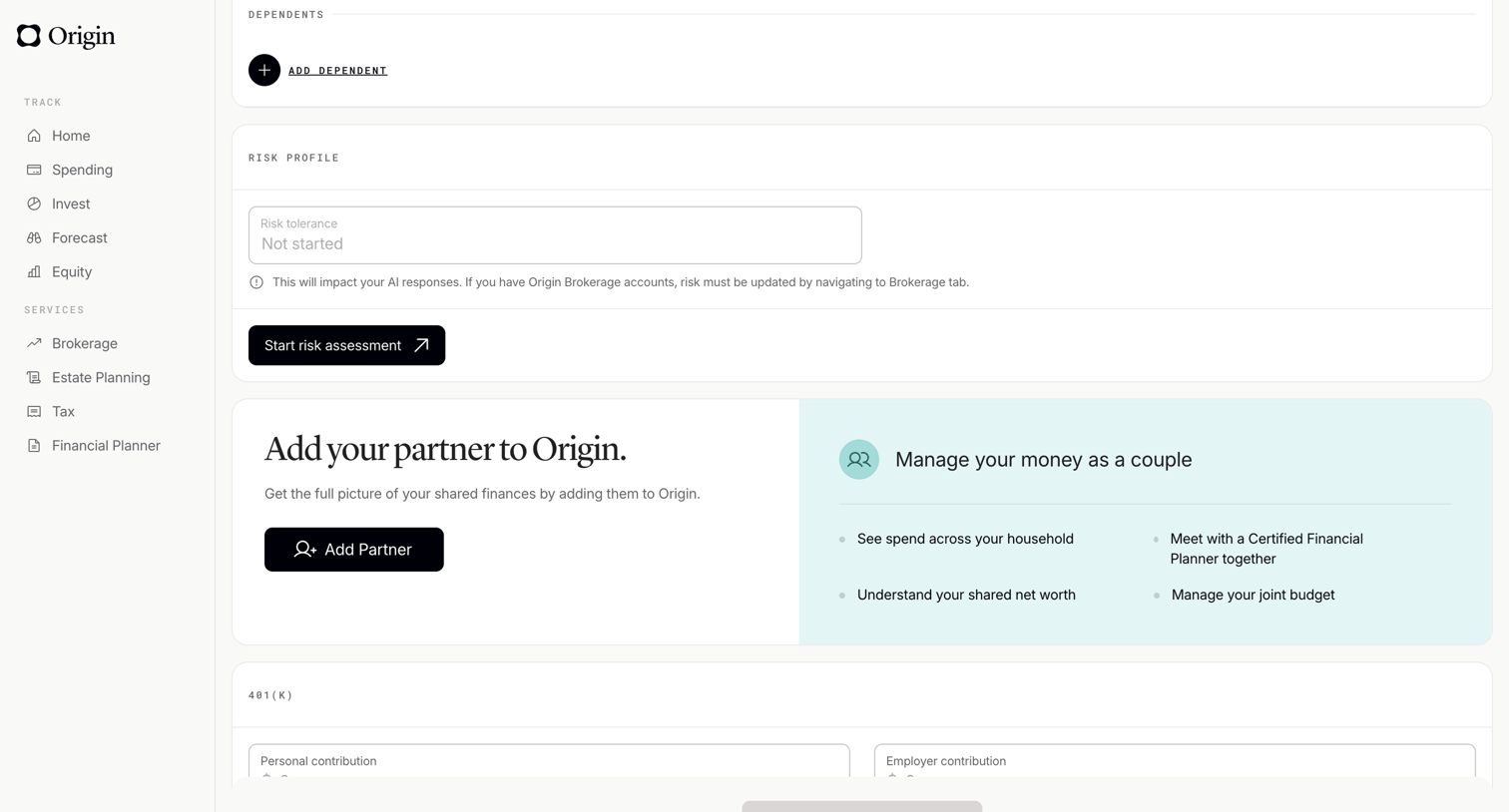

Profile settings page where the user manages dependents, views their risk profile, and can invite a partner to share finances.
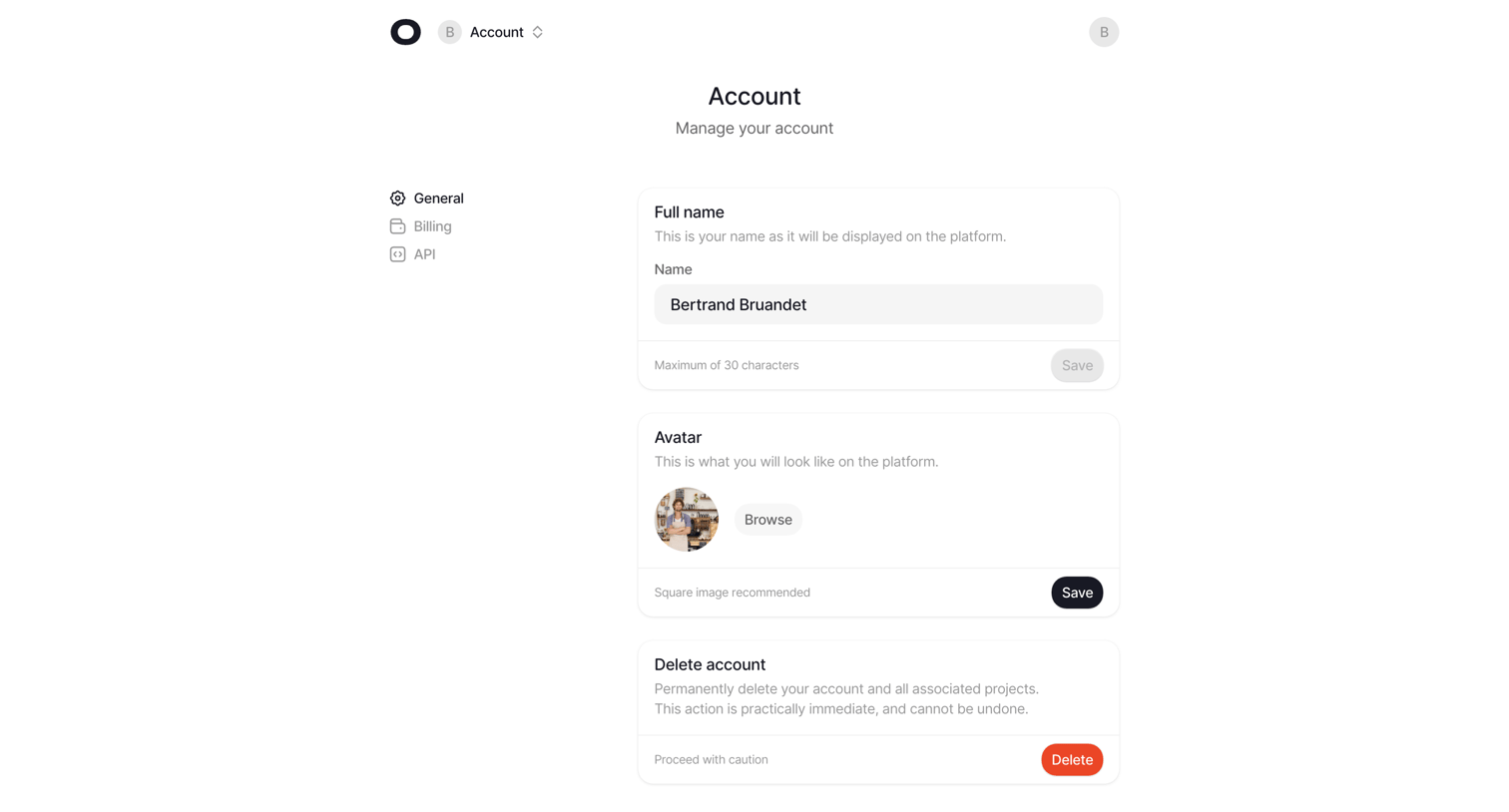

Settings page where the user manages their profile details including full name, avatar, and account deletion.
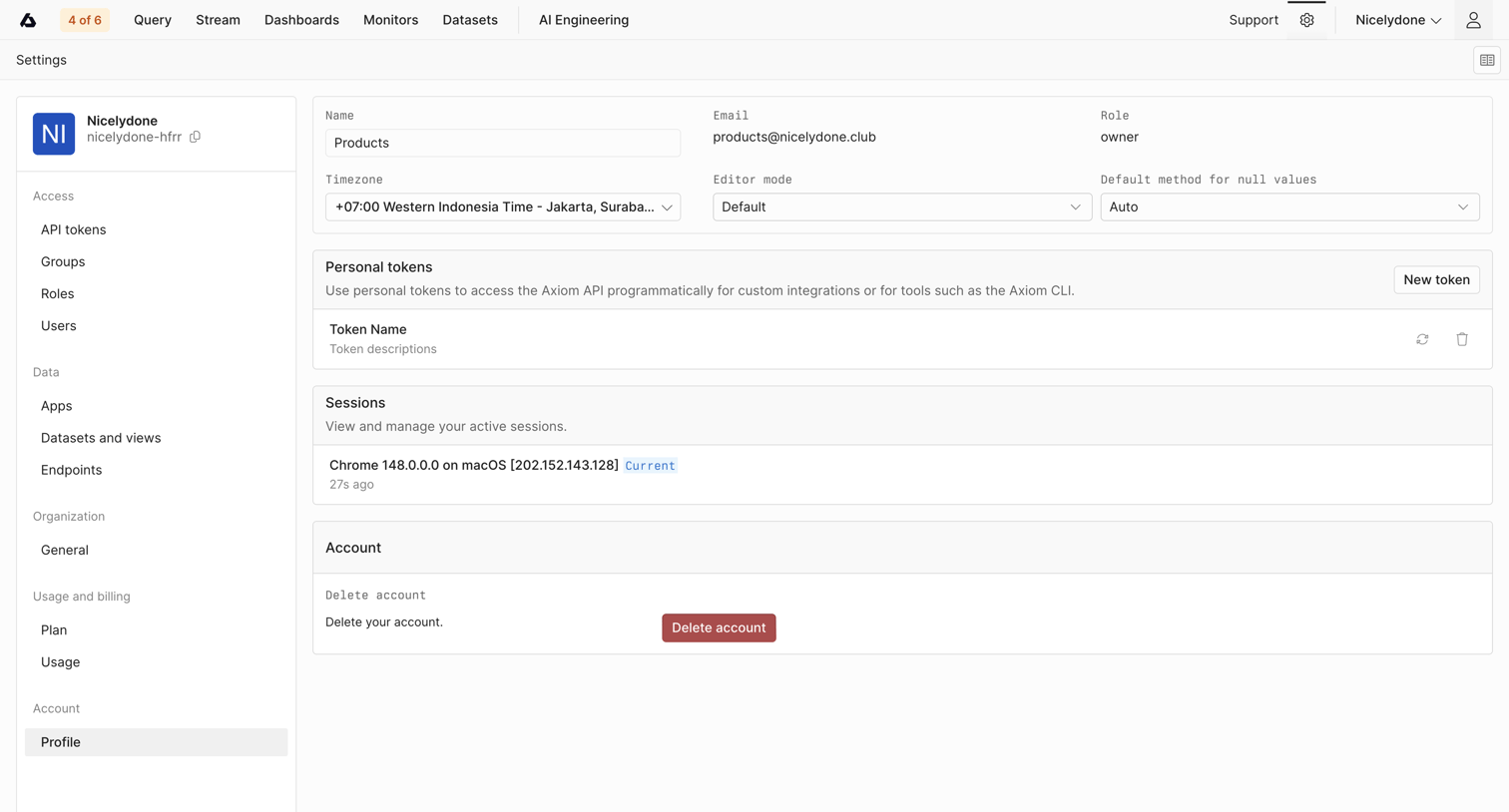

Settings page where the user manages their personal profile details, personal API tokens, active sessions, and account deletion.
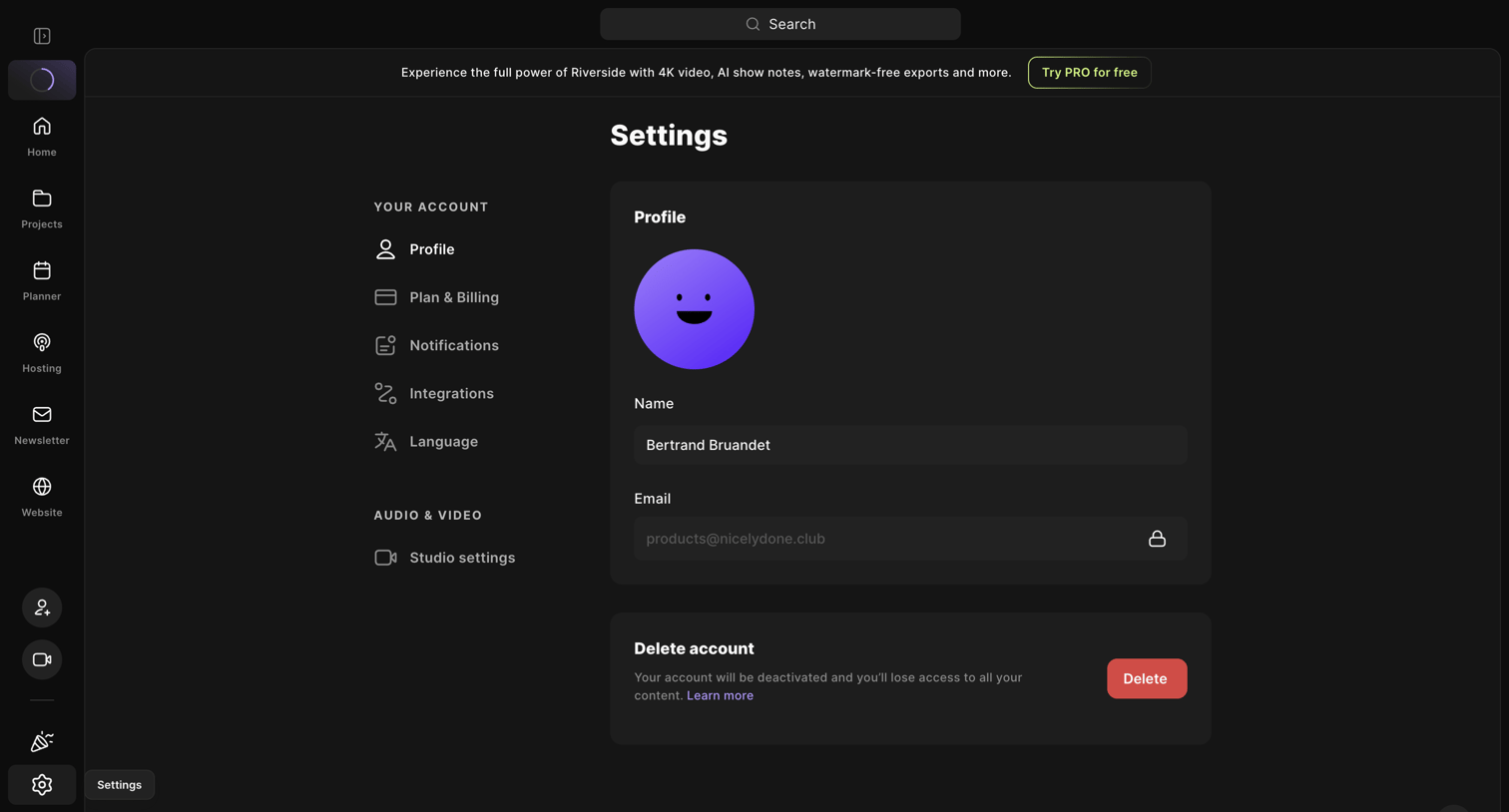

Settings page where the user can update their profile name, view their email, and delete their account.
Explore the full SaaS screen library
Upgrade to unlock the full library.
Trusted by the best teams








About Profile
See how apps present a person or account through a profile. Explore how identity details, activity, and available actions share space in viewing and editing layouts.