Invite Teammates screen examples
Invite Teammates screen design examples from SaaS apps. See how SaaS apps invite people into a shared workspace. Explore how email entry, invitation links, and access choices are arranged before an invitation is…
Explore the examples
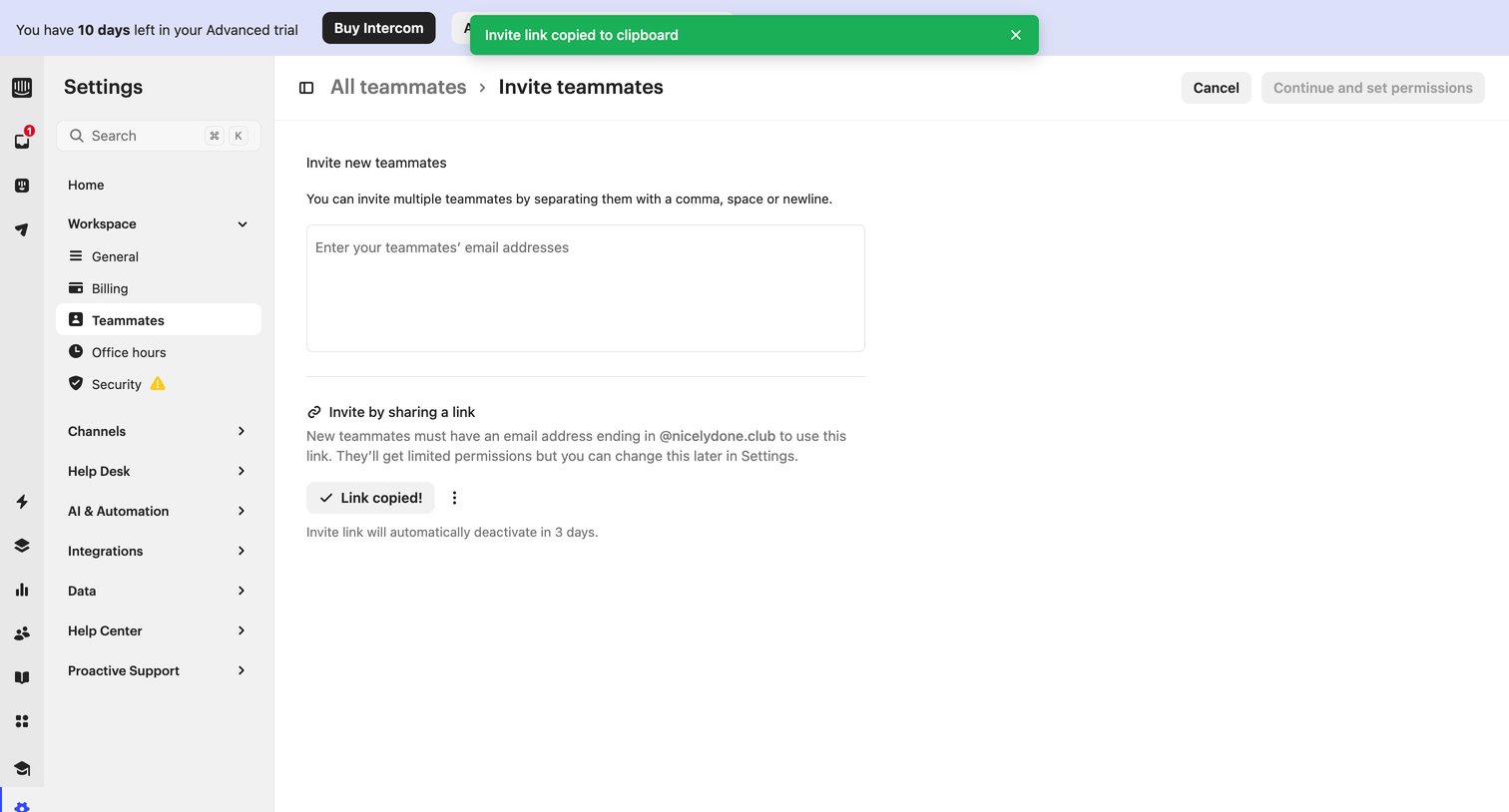

Settings page where the user can invite new teammates by entering their email addresses or copying a shareable link.
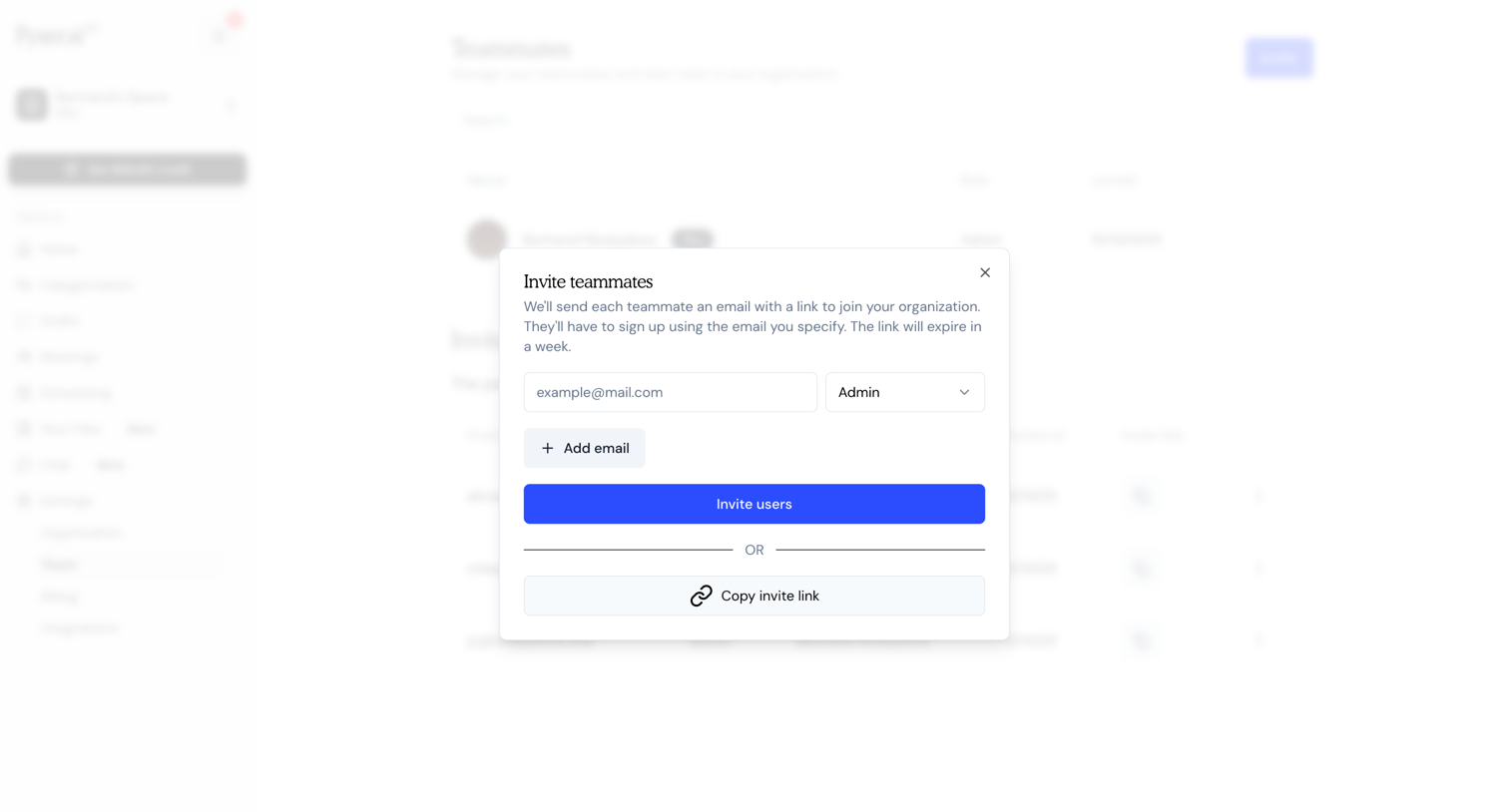

Settings page where the user invites new teammates by entering their email address, assigning a role like Admin, or copying an invite link.
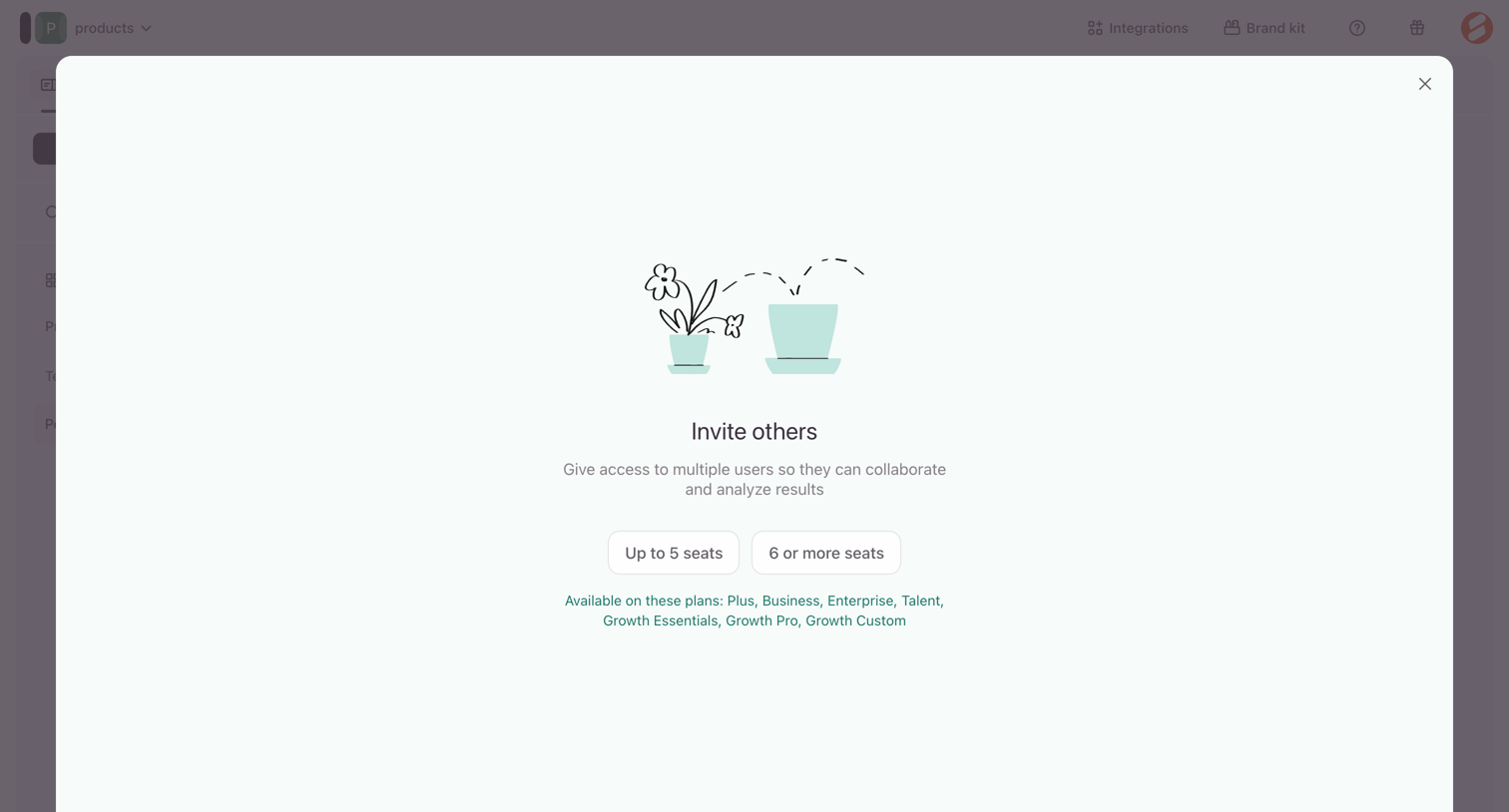

Feature gate modal prompting the user to select a seat tier to upgrade their plan for team collaboration.
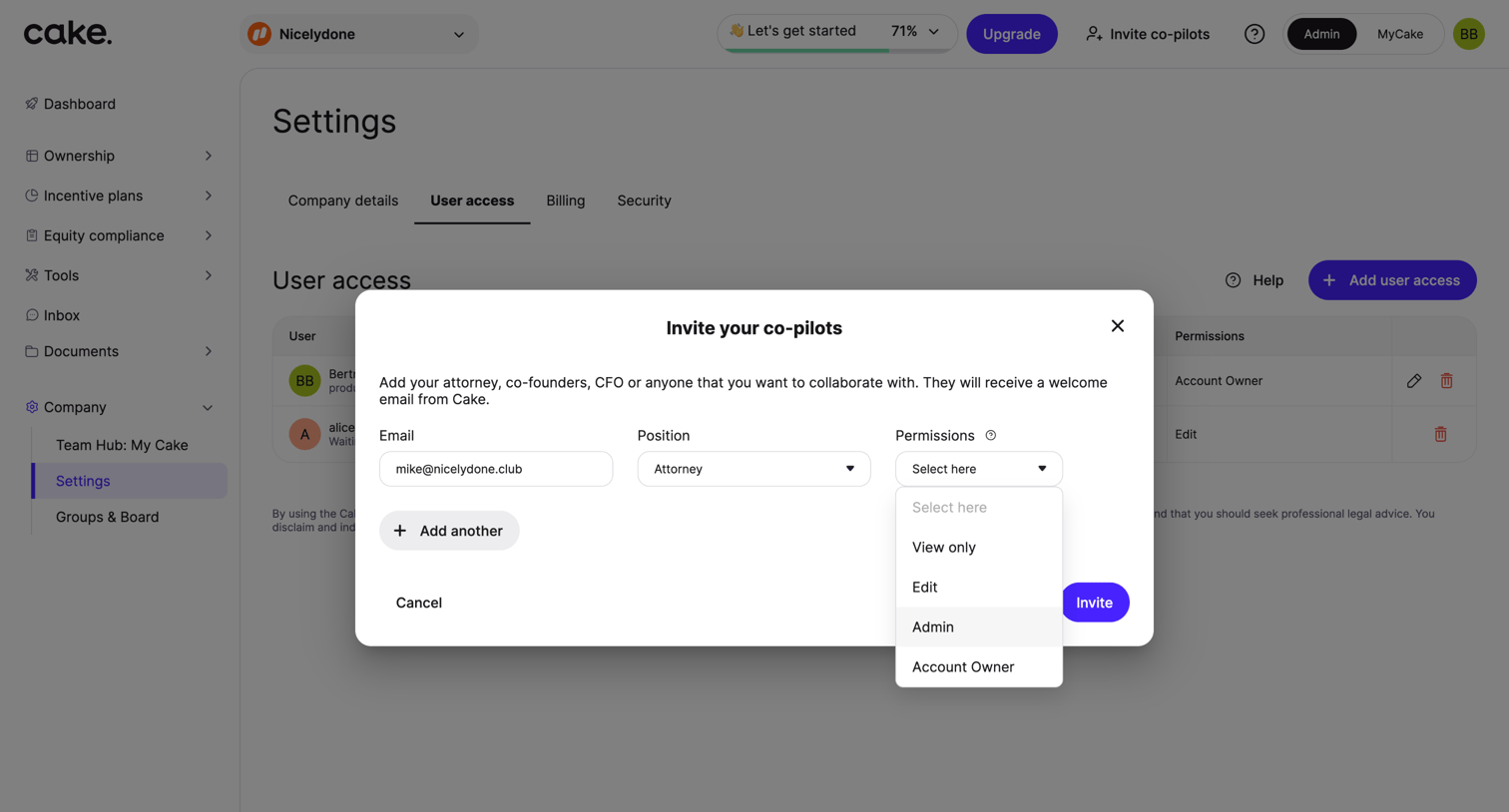

Settings page where the user invites a co-pilot by entering their email, position, and selecting an access level from an open permissions dropdown.
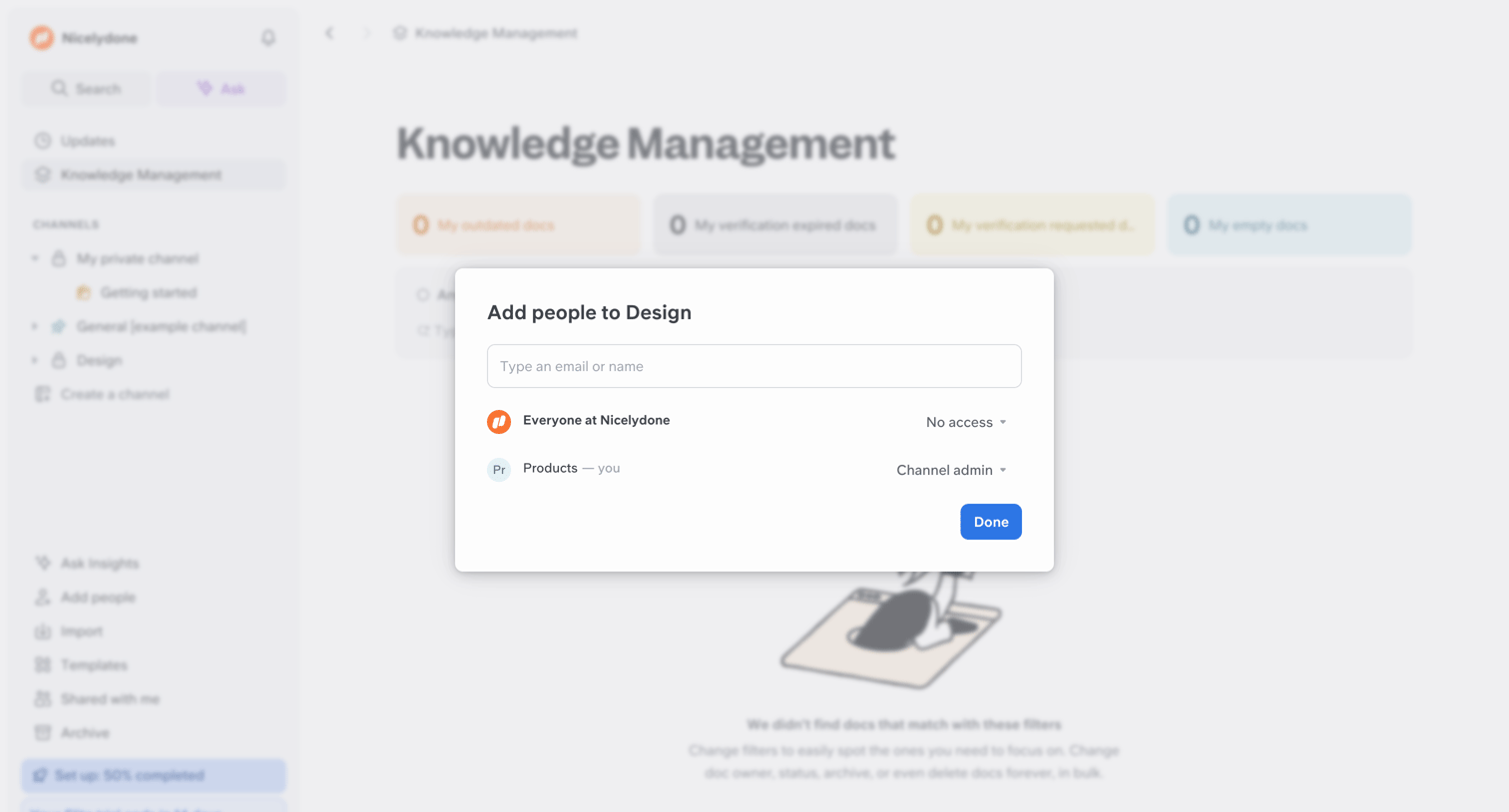

Modal where the user invites teammates to a specific channel by email or name, and manages existing access levels.
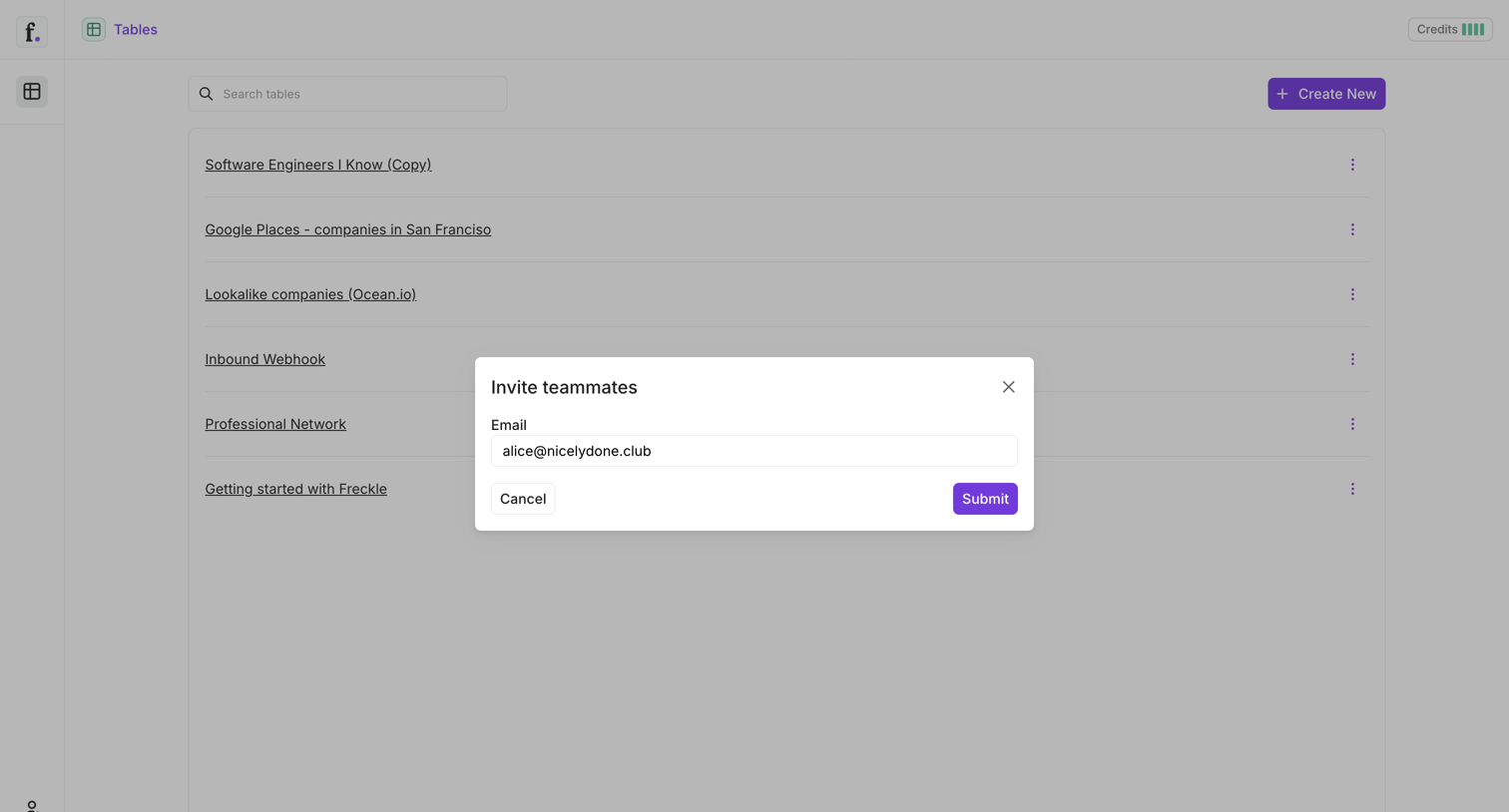

List view of data tables with an active modal to invite teammates by email.
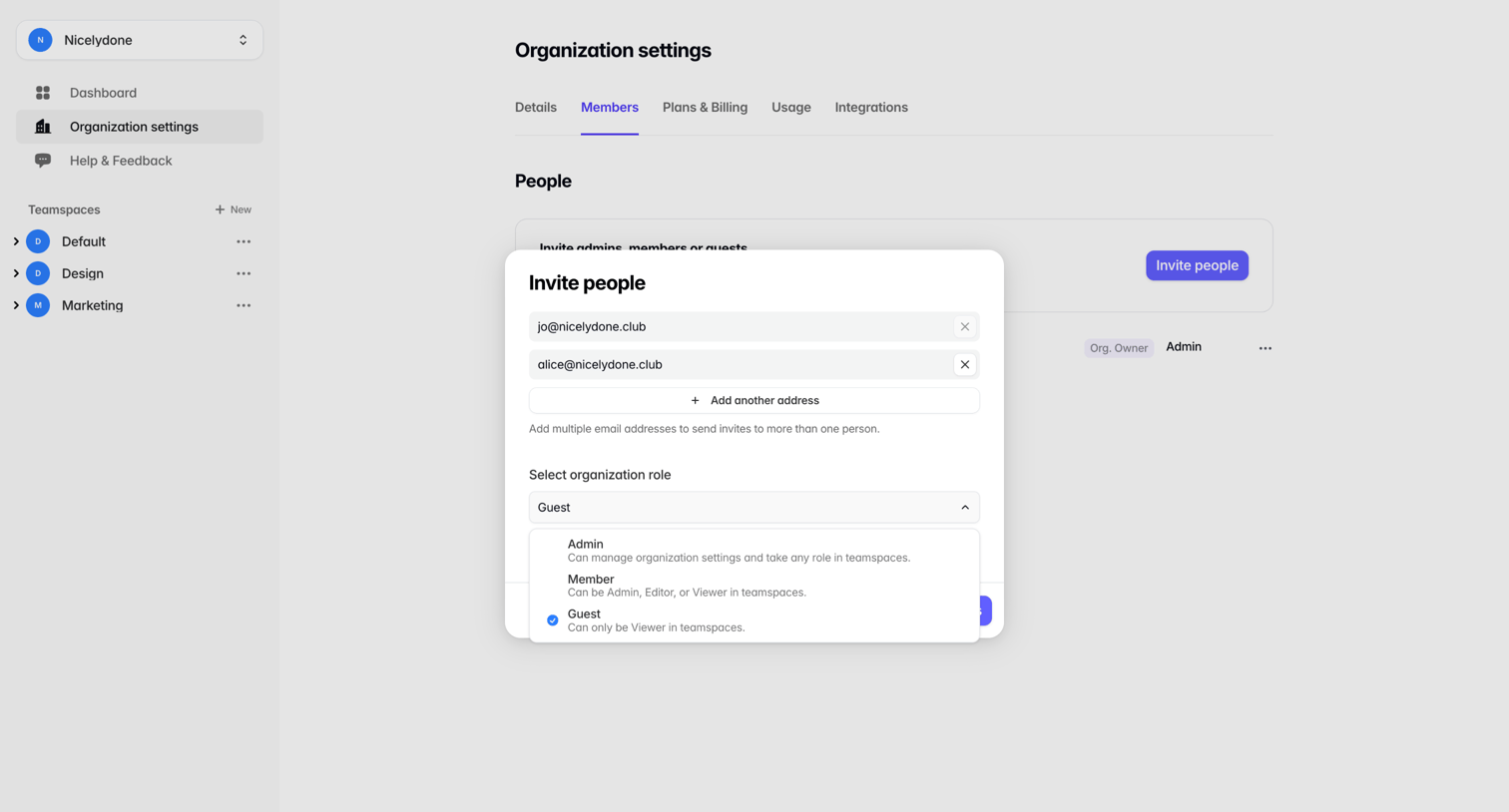

Organization settings page where the user invites new members by entering multiple email addresses and assigning a role via a modal overlay.
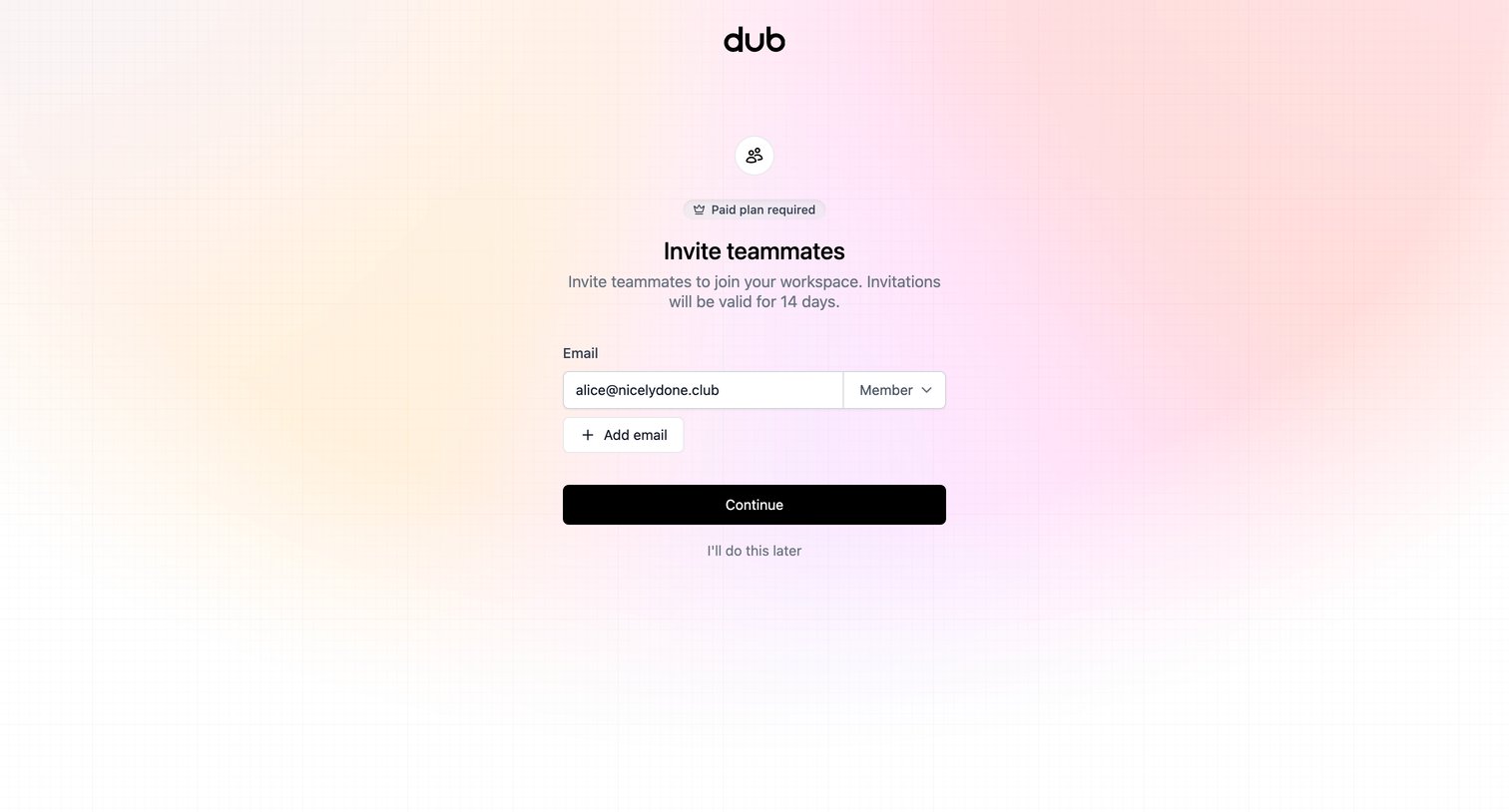

Onboarding step where the user invites teammates by entering their email and selecting a role, featuring a badge indicating this capability requires a paid plan.
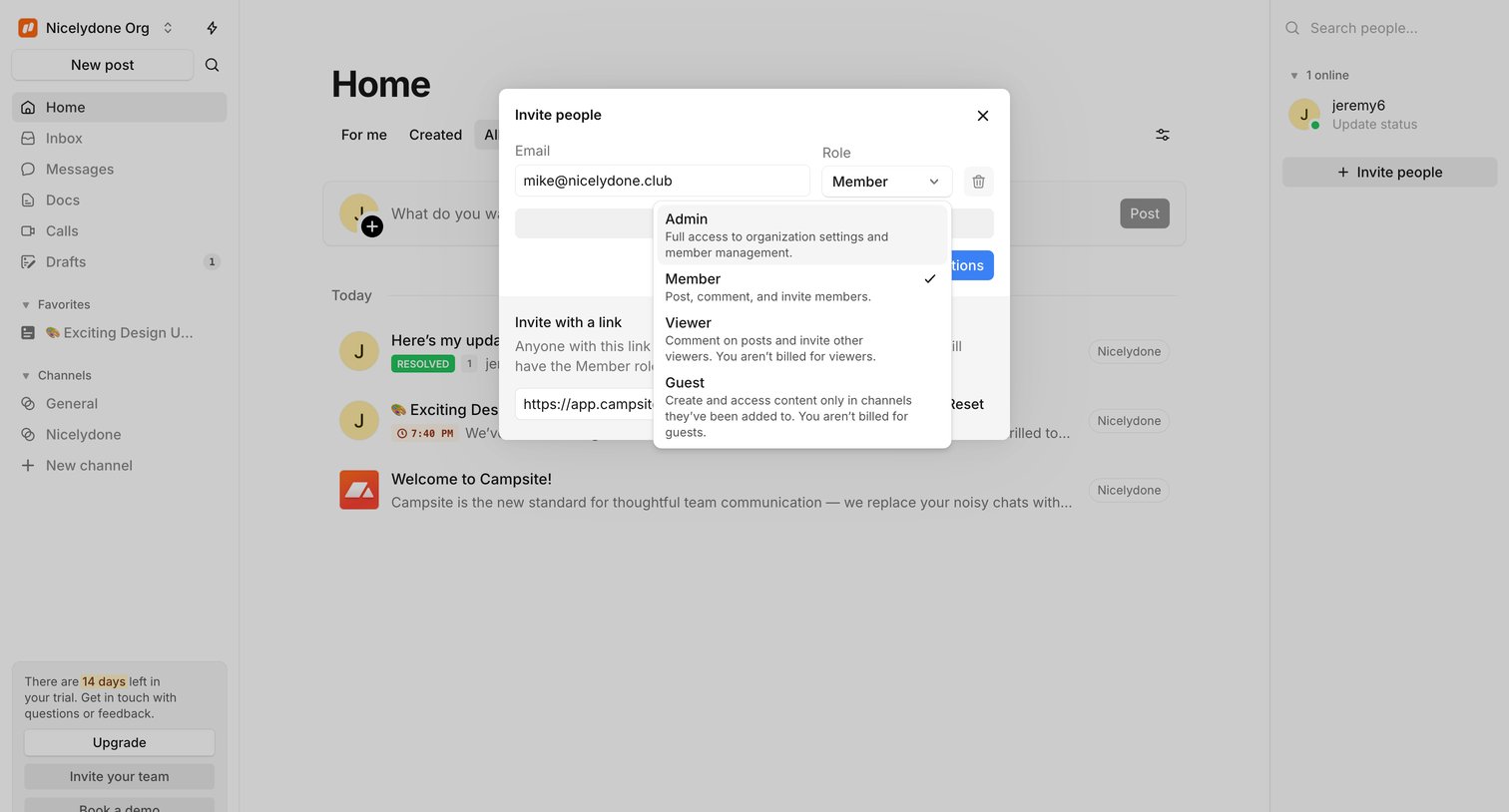

Home feed overlaid with a modal where the user invites a new teammate by email and assigns them a specific access role.
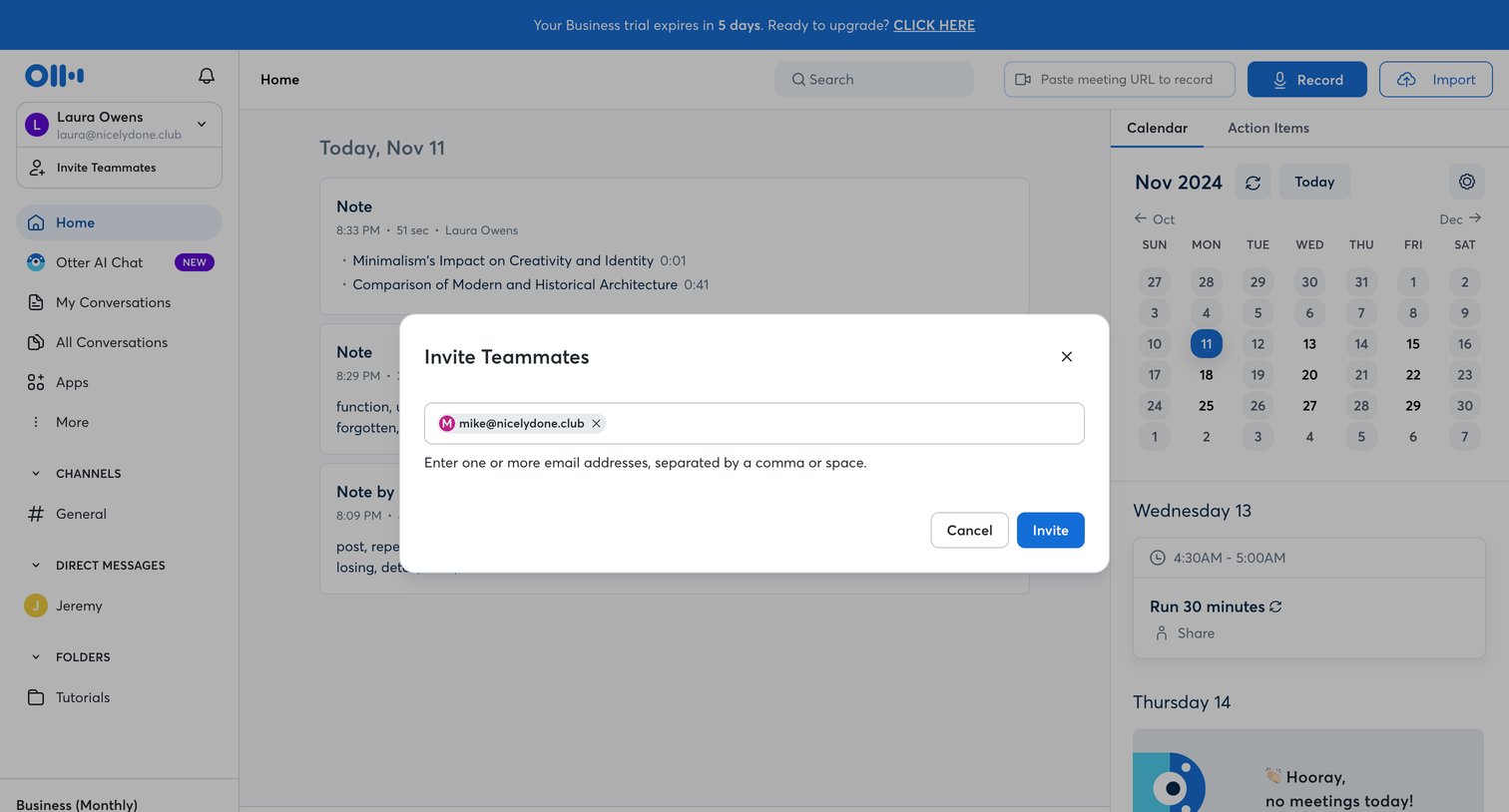

Home dashboard with an active modal where the user is inviting a teammate by entering their email address.
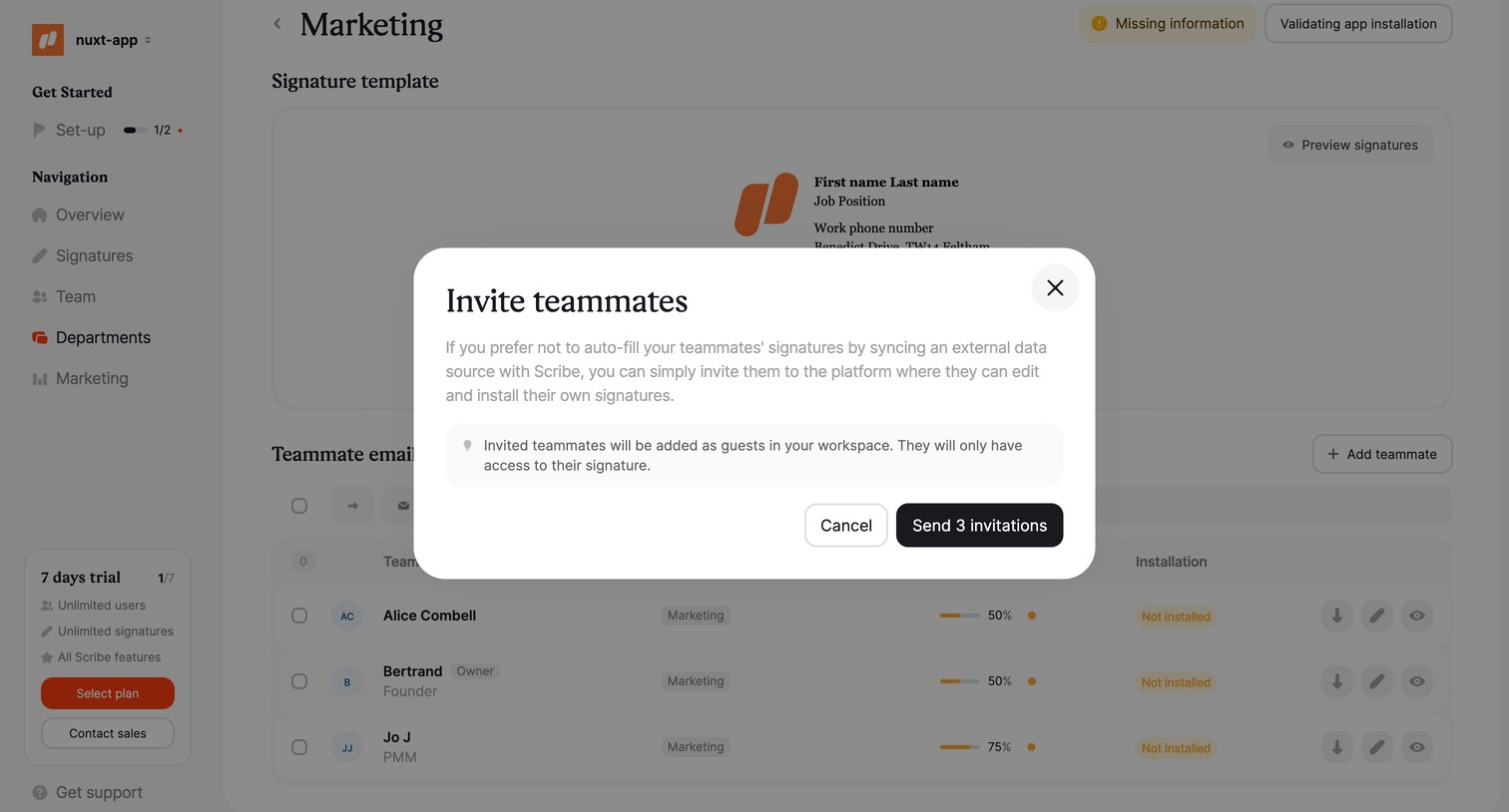

Detail page for a marketing department where the user is inviting teammates to set up their email signatures via a modal.
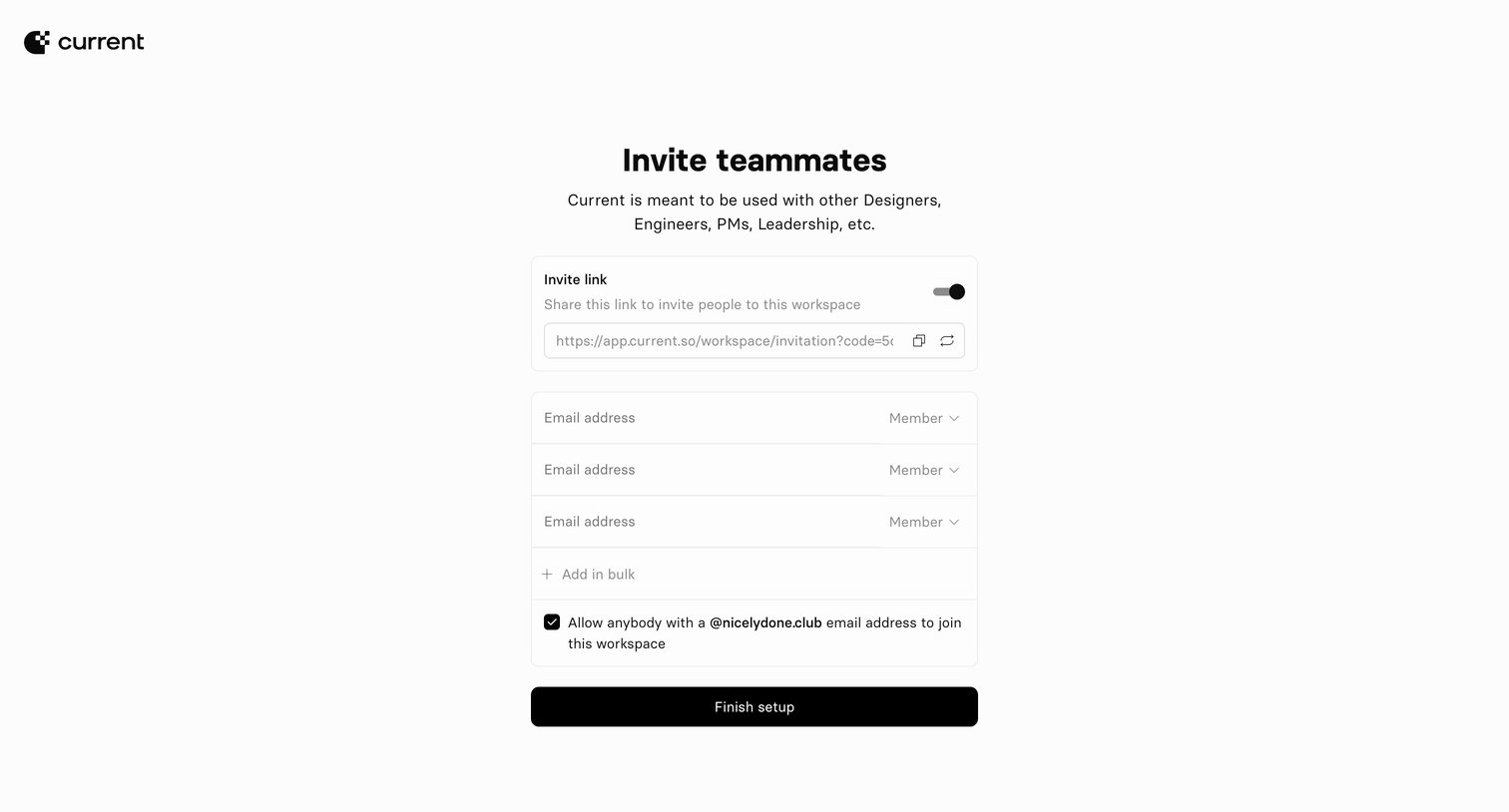

Onboarding step where the user invites teammates to their workspace via a shareable link, individual email addresses with roles, or domain matching.
Explore the full SaaS screen library
Upgrade to unlock the full library.
Trusted by the best teams








About Invite Teammates
See how SaaS apps invite people into a shared workspace. Explore how email entry, invitation links, and access choices are arranged before an invitation is sent.