Scribe design examples
Explore Scribe UI design examples. Email signatures marketing on auto-pilot
Product screens
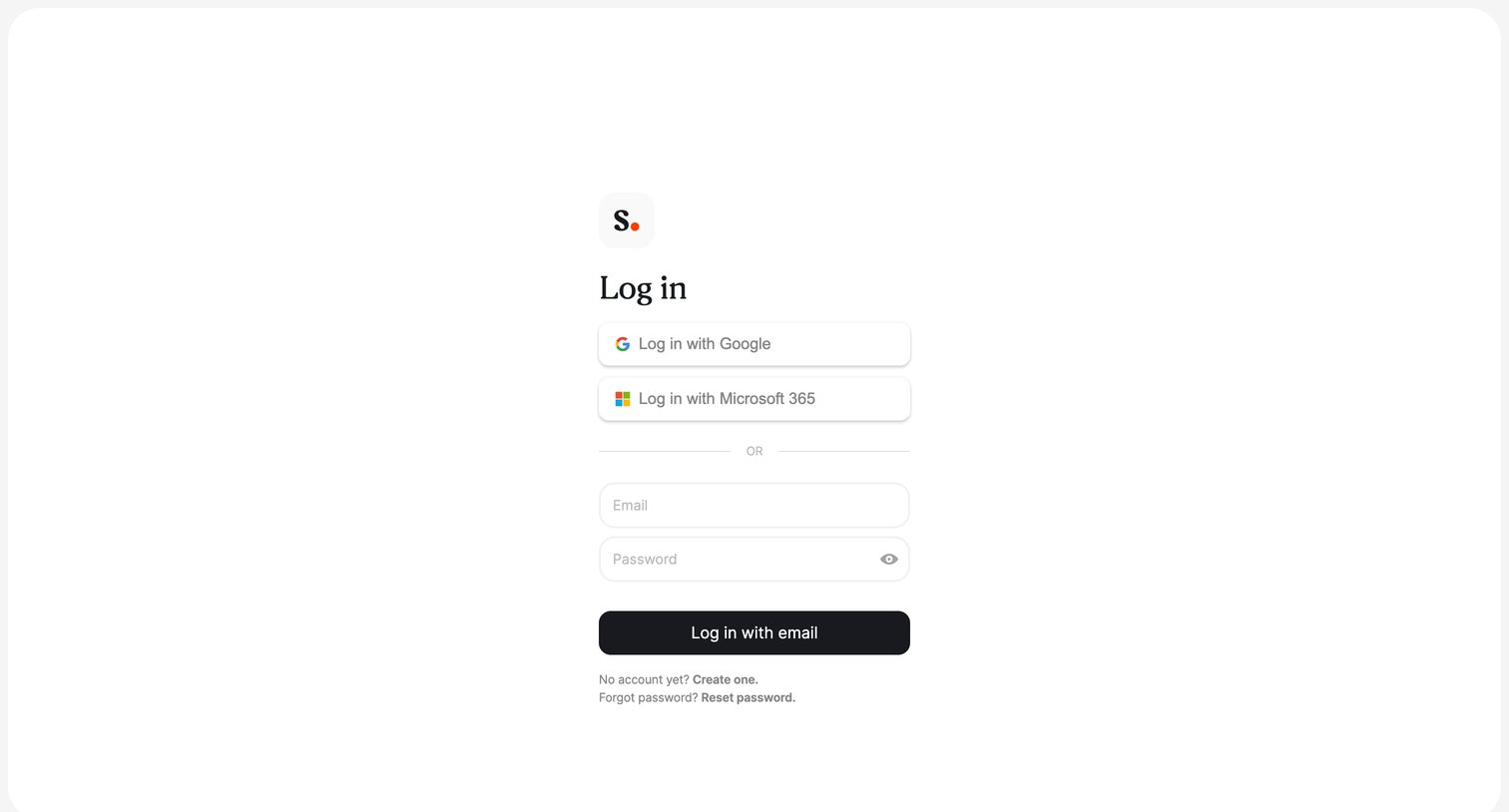

Authentication screen where the user requests a password reset link by entering their email address.
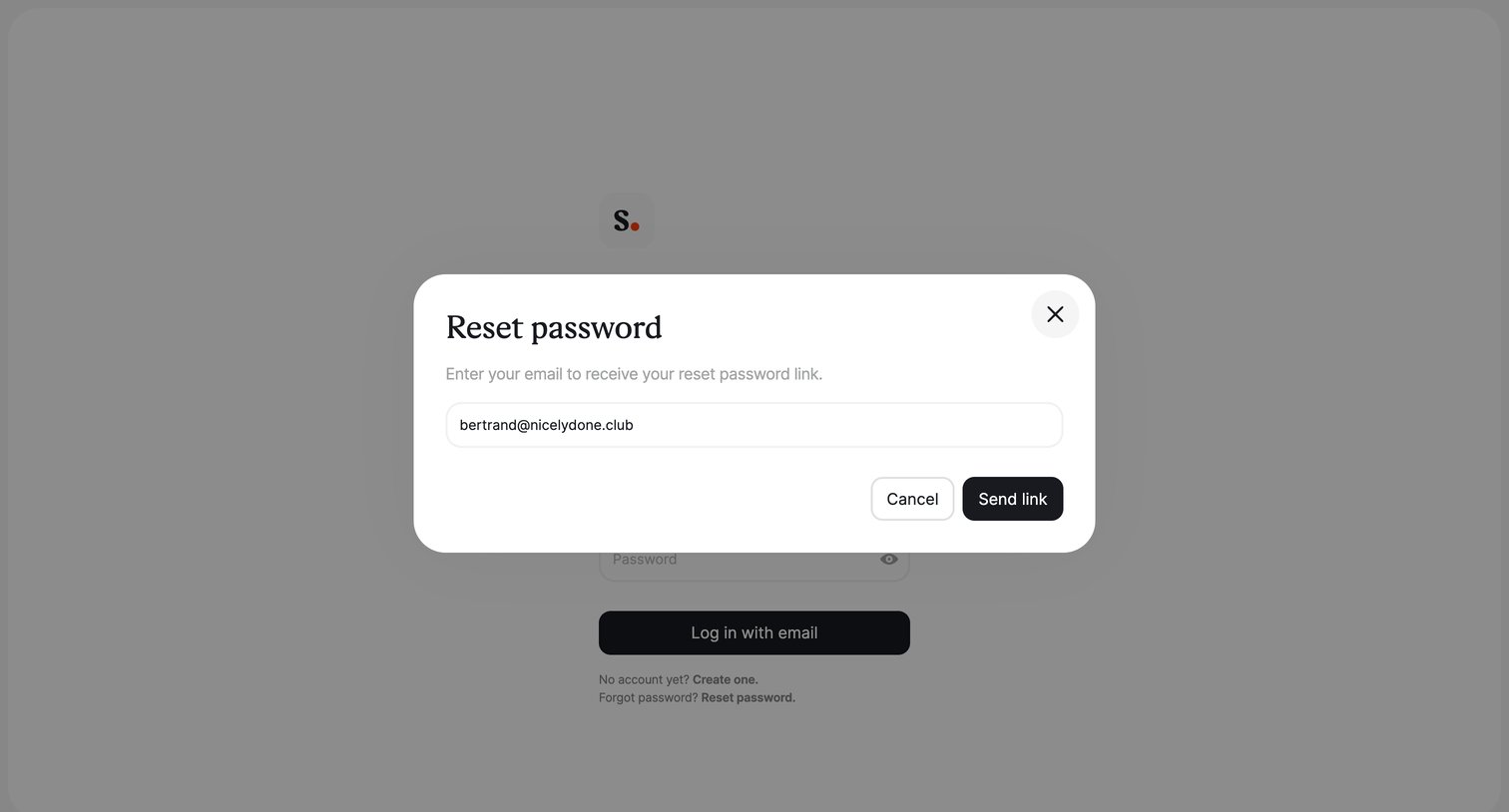
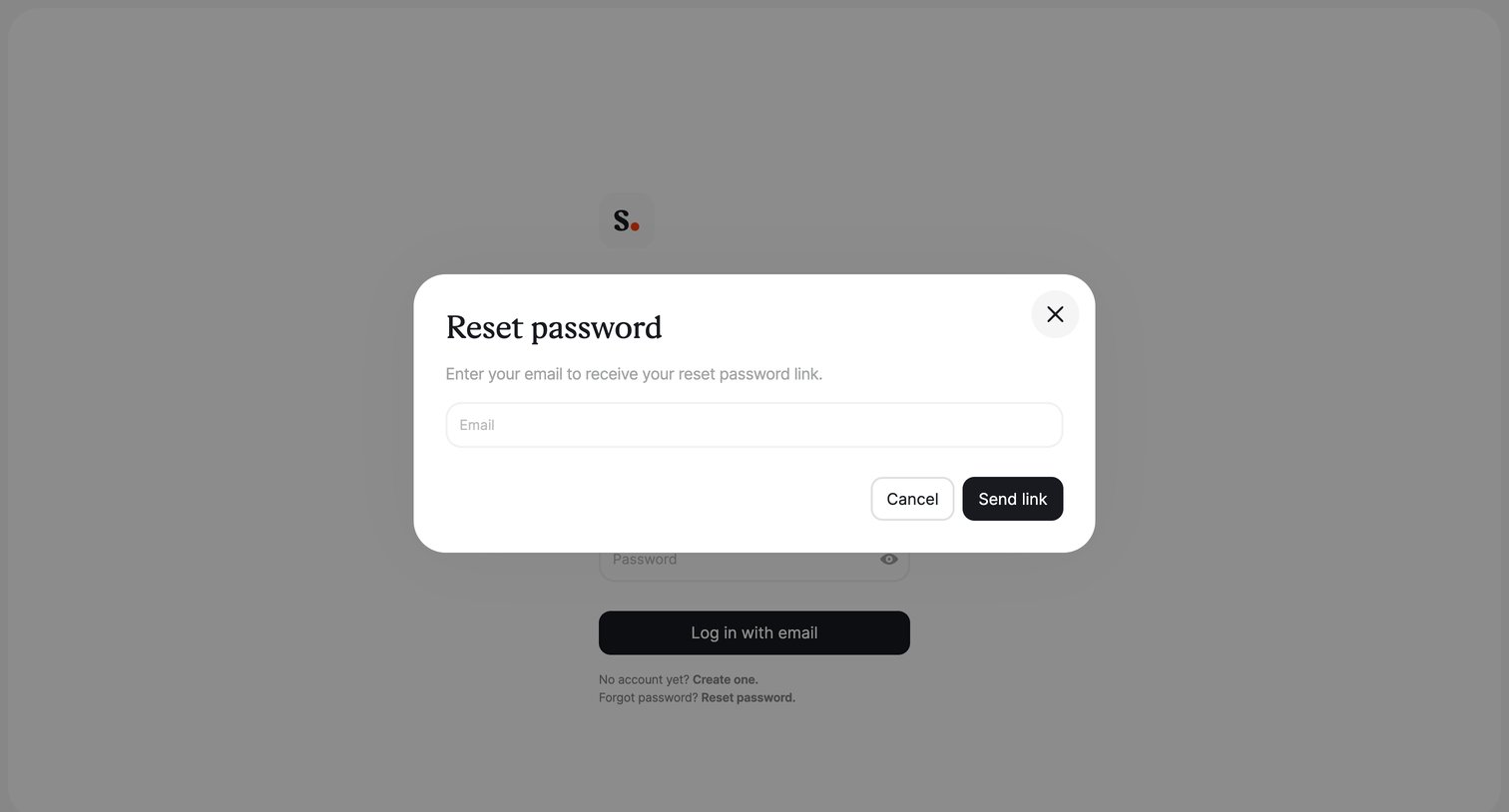
Password recovery screen where the user enters their email address in a modal to receive a reset link.
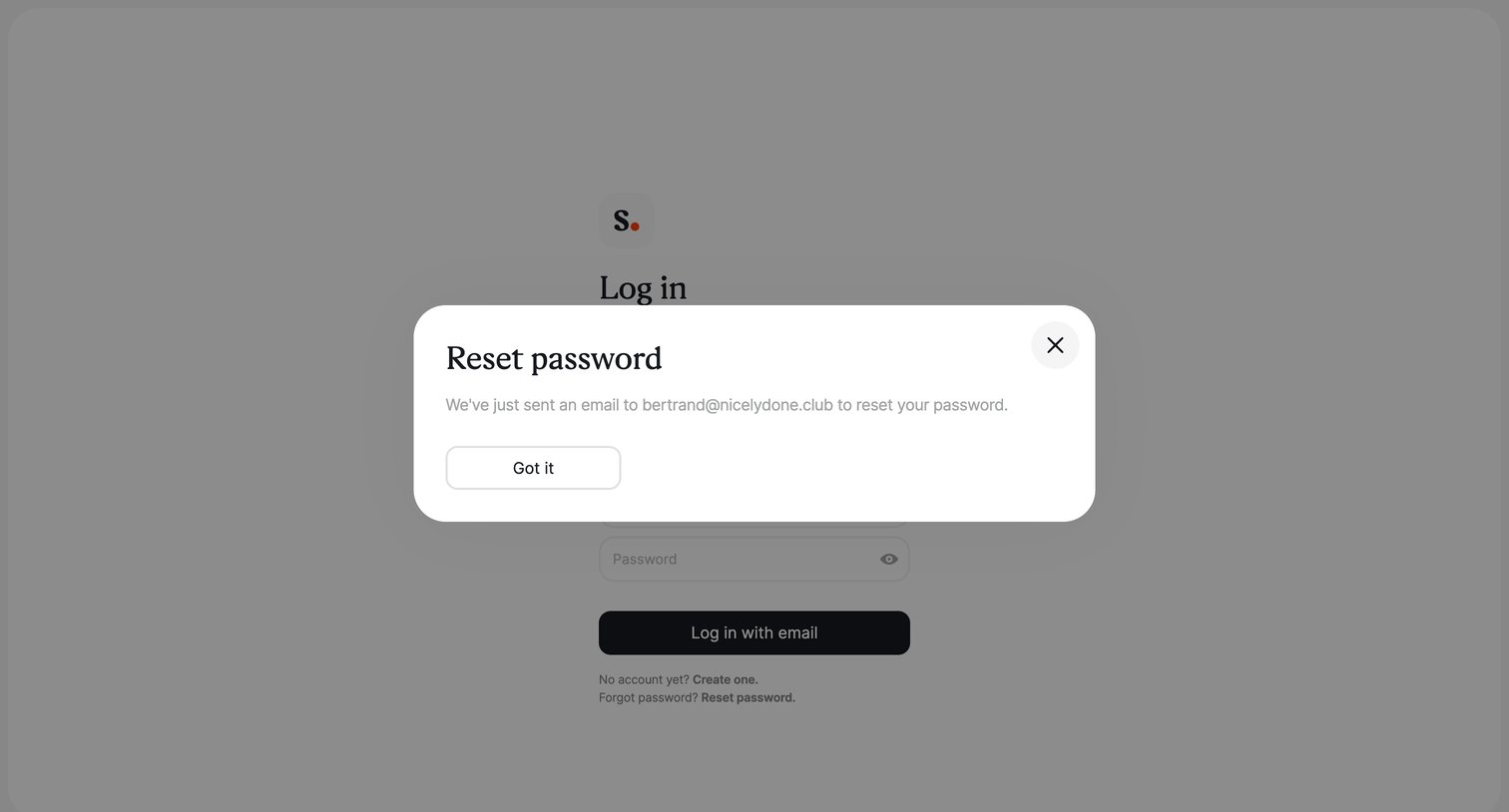
Authentication screen where a modal confirms that a password reset link has been sent to the user's email address.
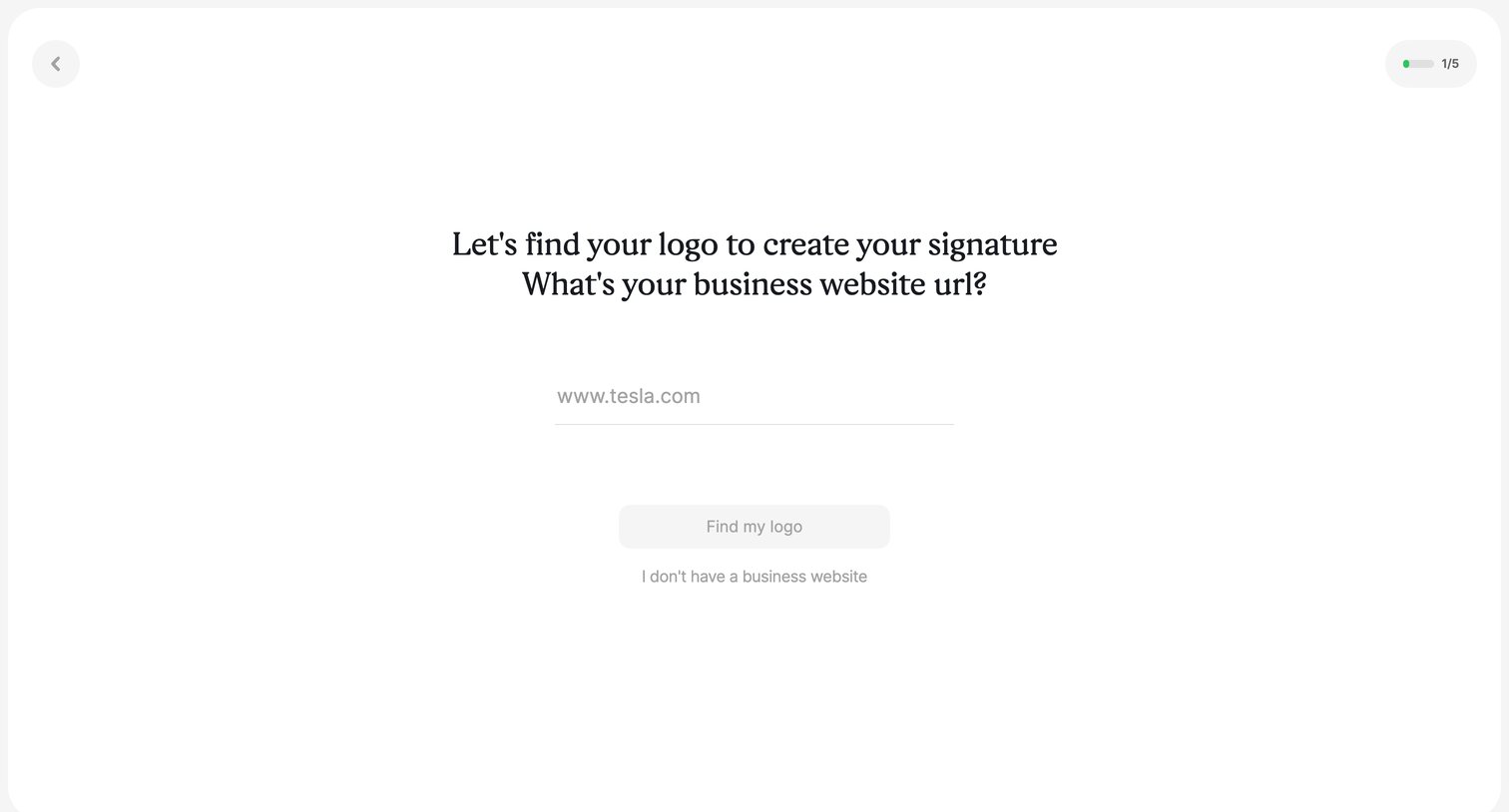
Onboarding step where the user enters their business website URL to automatically fetch their company logo for a signature.
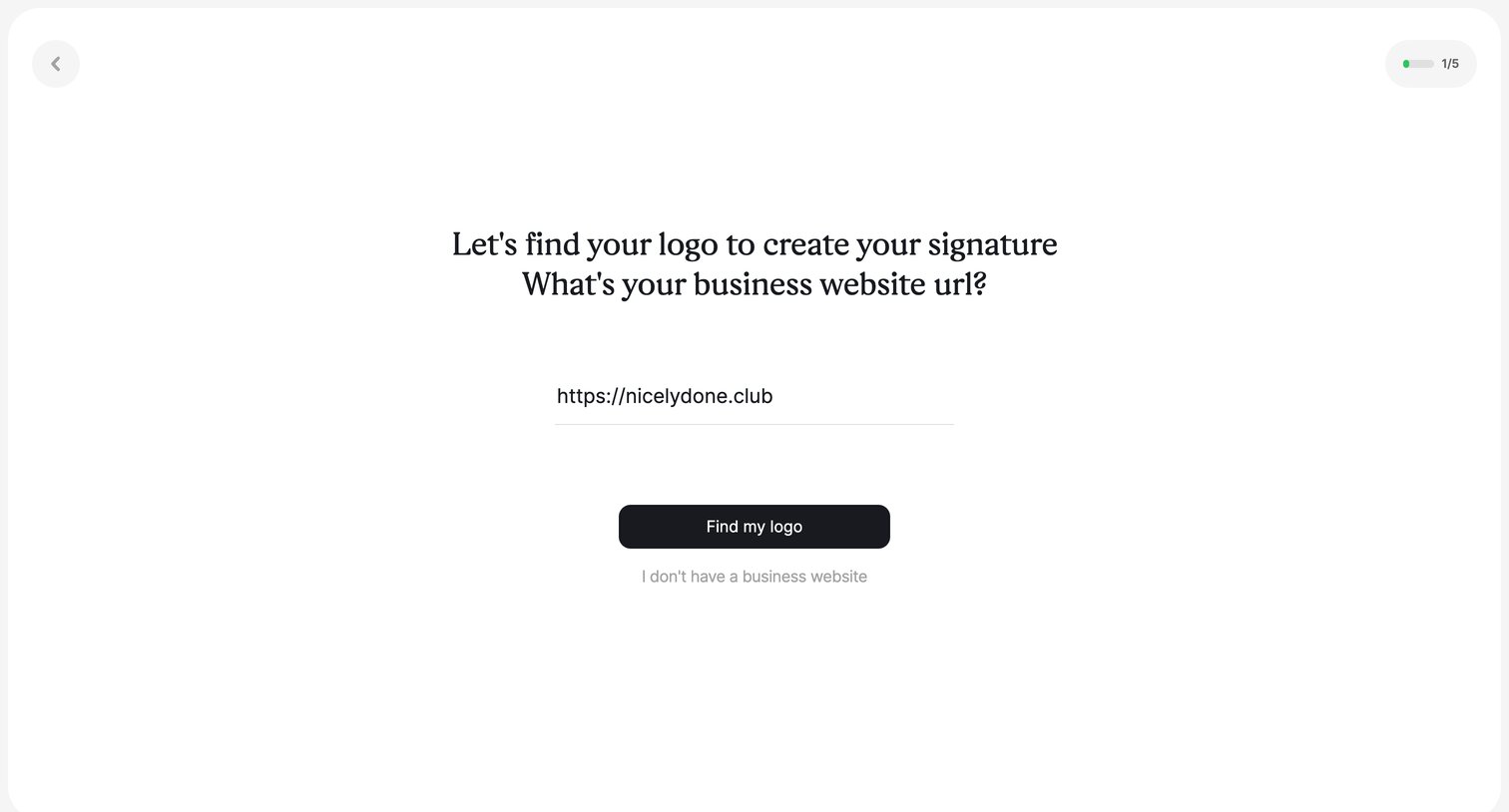
Onboarding step where the user enters their business website URL to automatically fetch their logo for an email signature.
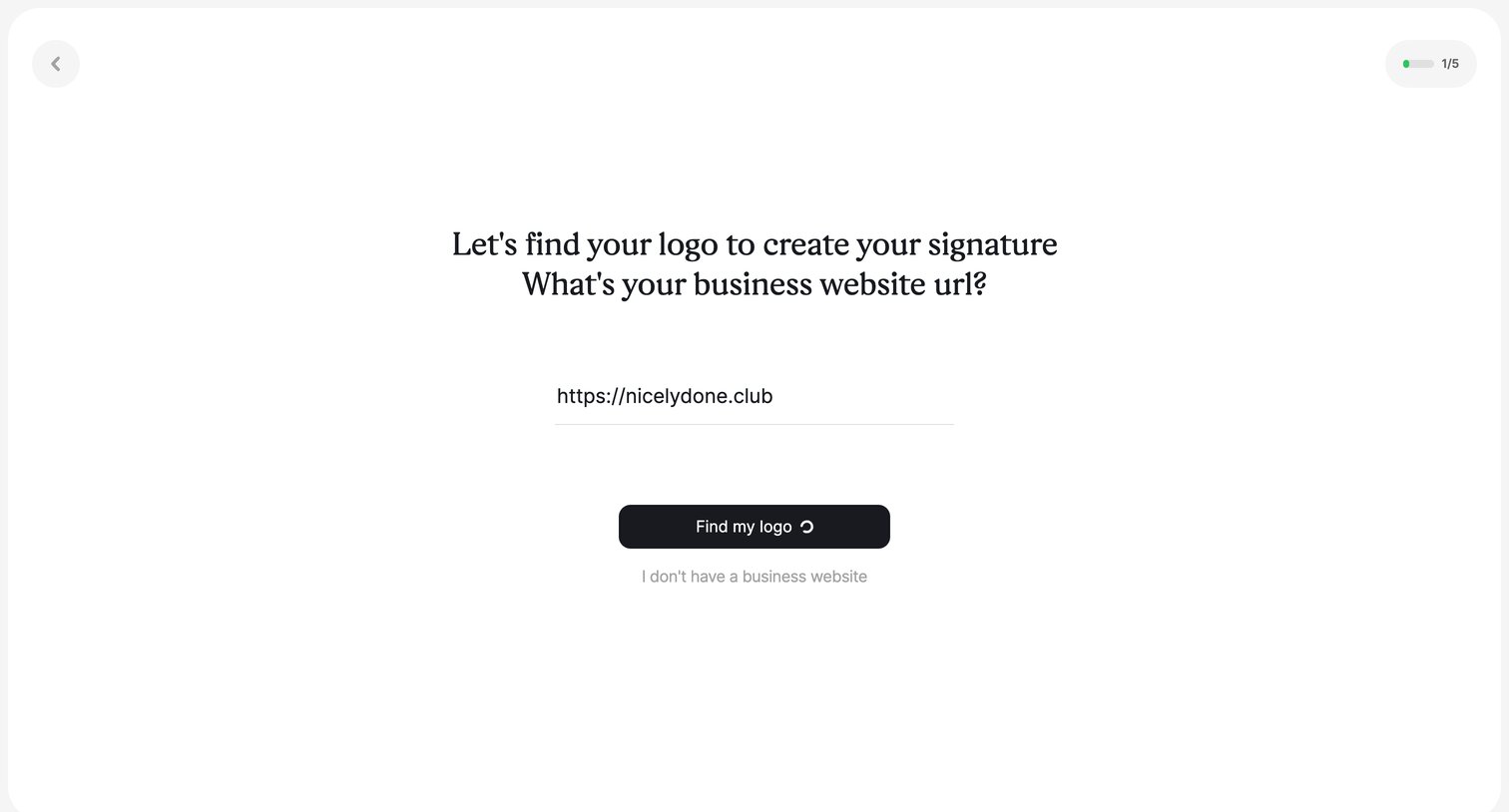
Onboarding step where the user enters their business website URL to automatically fetch their logo for an email signature.
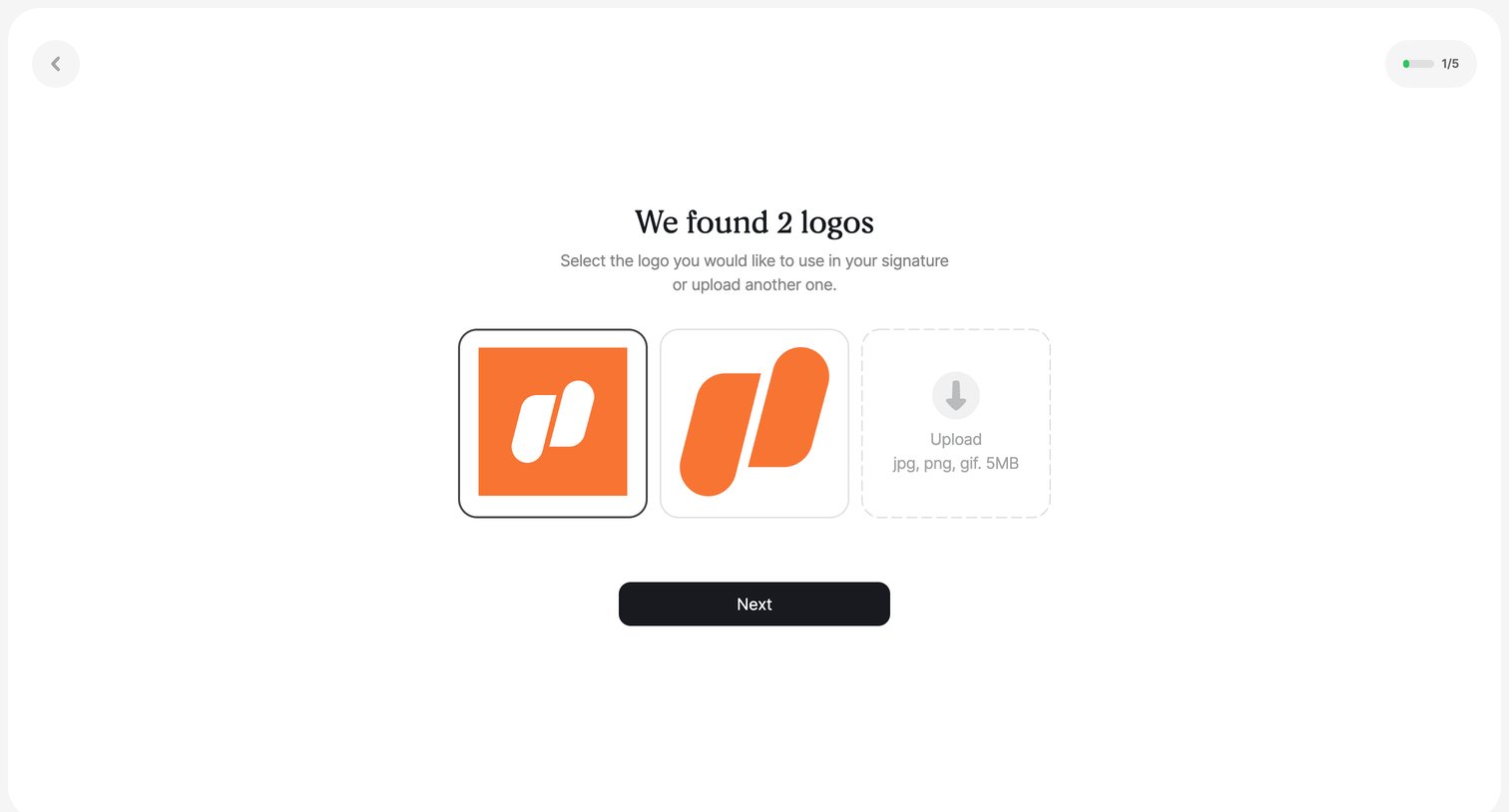
Onboarding step where the user selects a logo from auto-detected options or uploads a new one for their email signature.
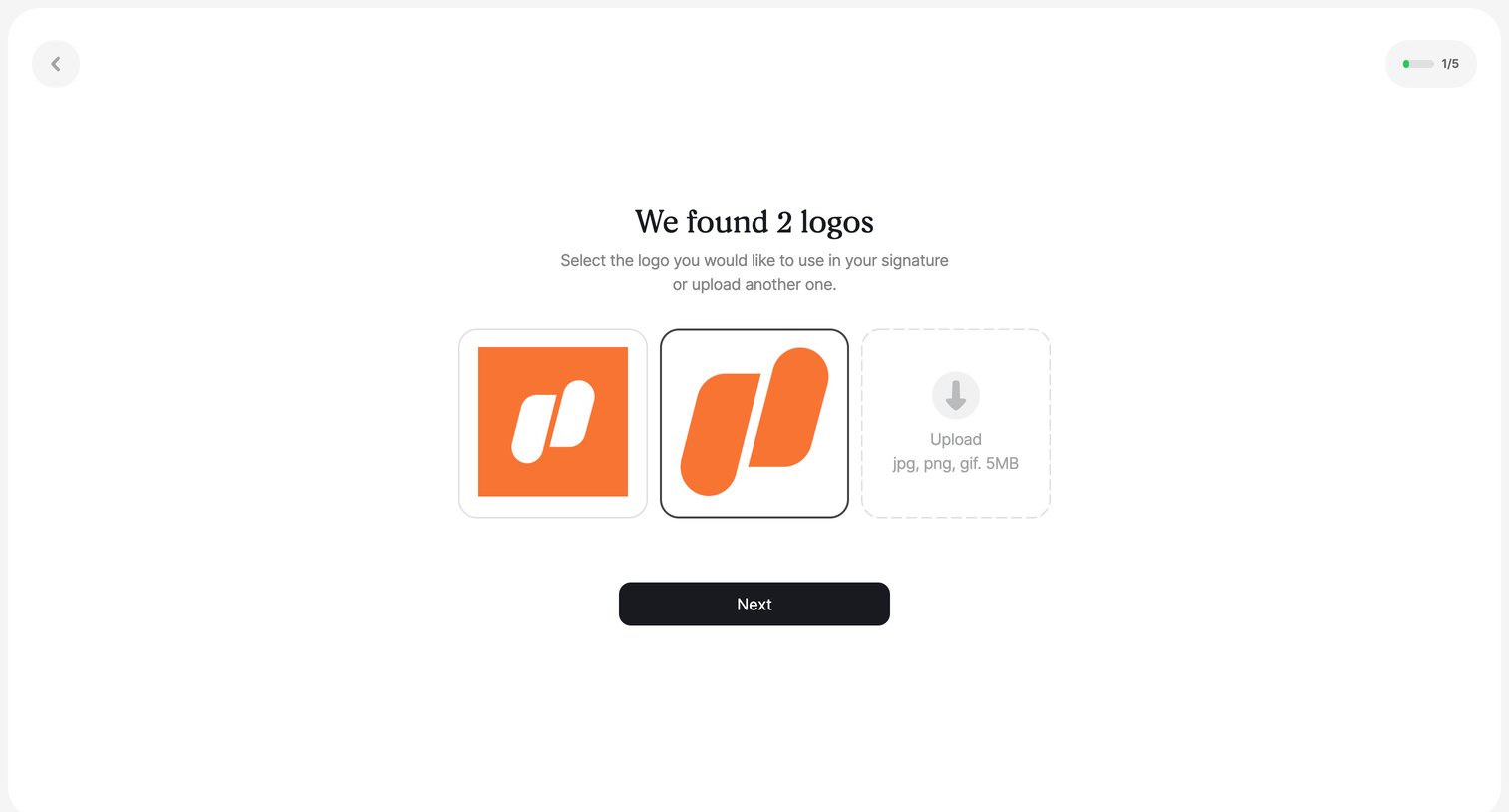
Onboarding step where the user selects a logo for their email signature from auto-detected options or uploads a new one.
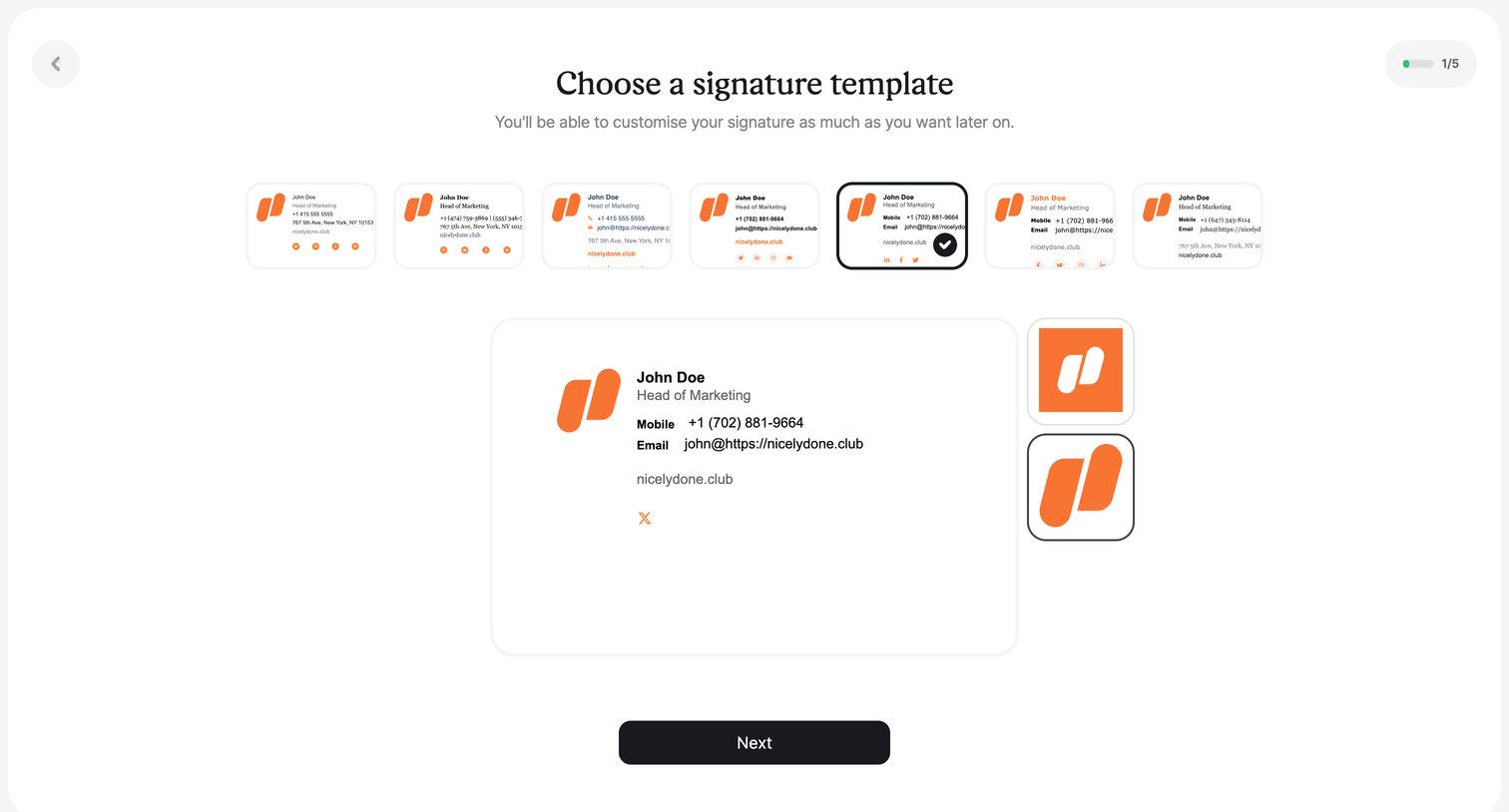
Onboarding step where the user chooses an email signature template from a horizontal list and previews the layout before proceeding.
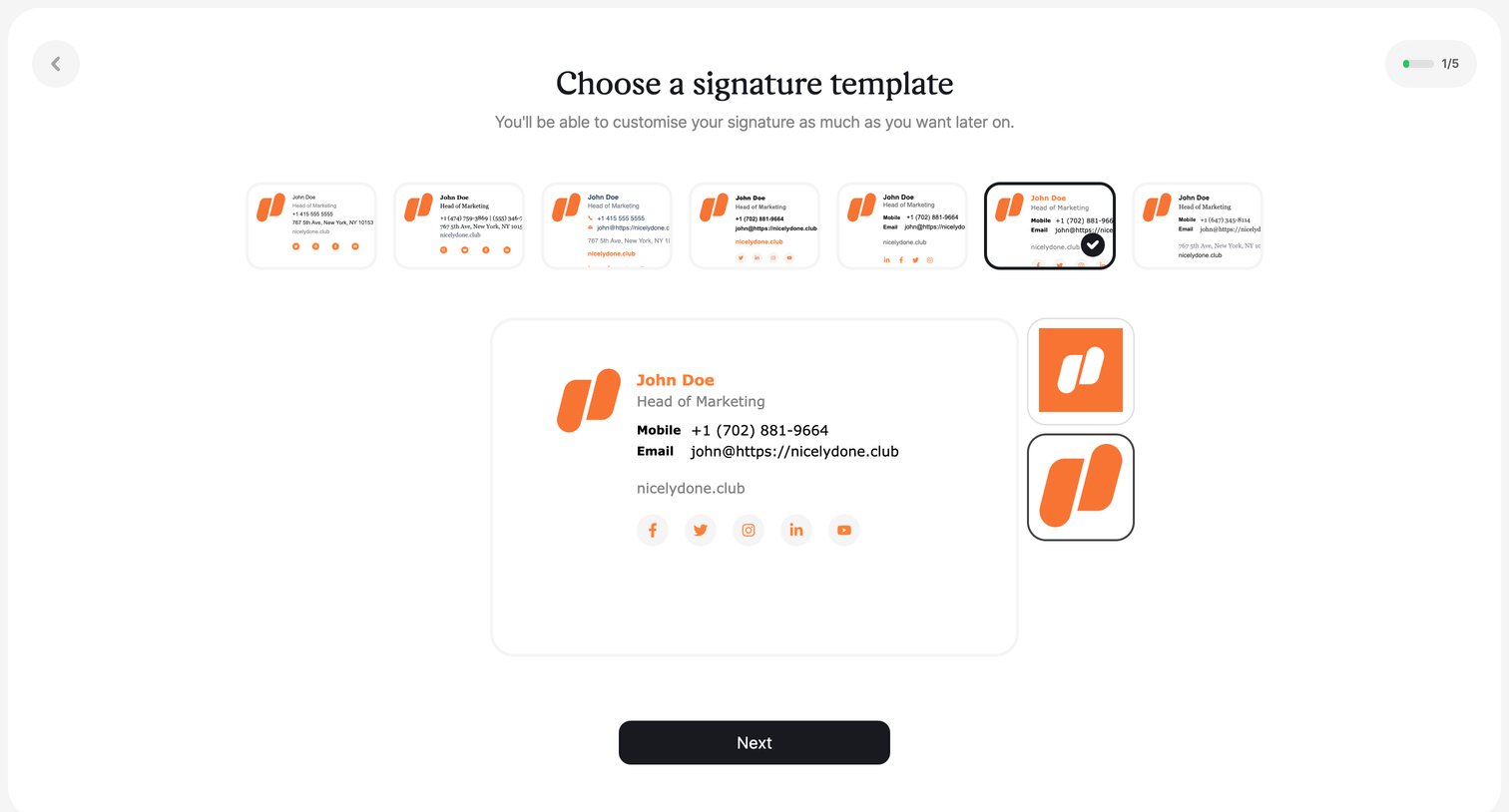
Onboarding step where the user selects an email signature template from a carousel and previews the layout before proceeding.
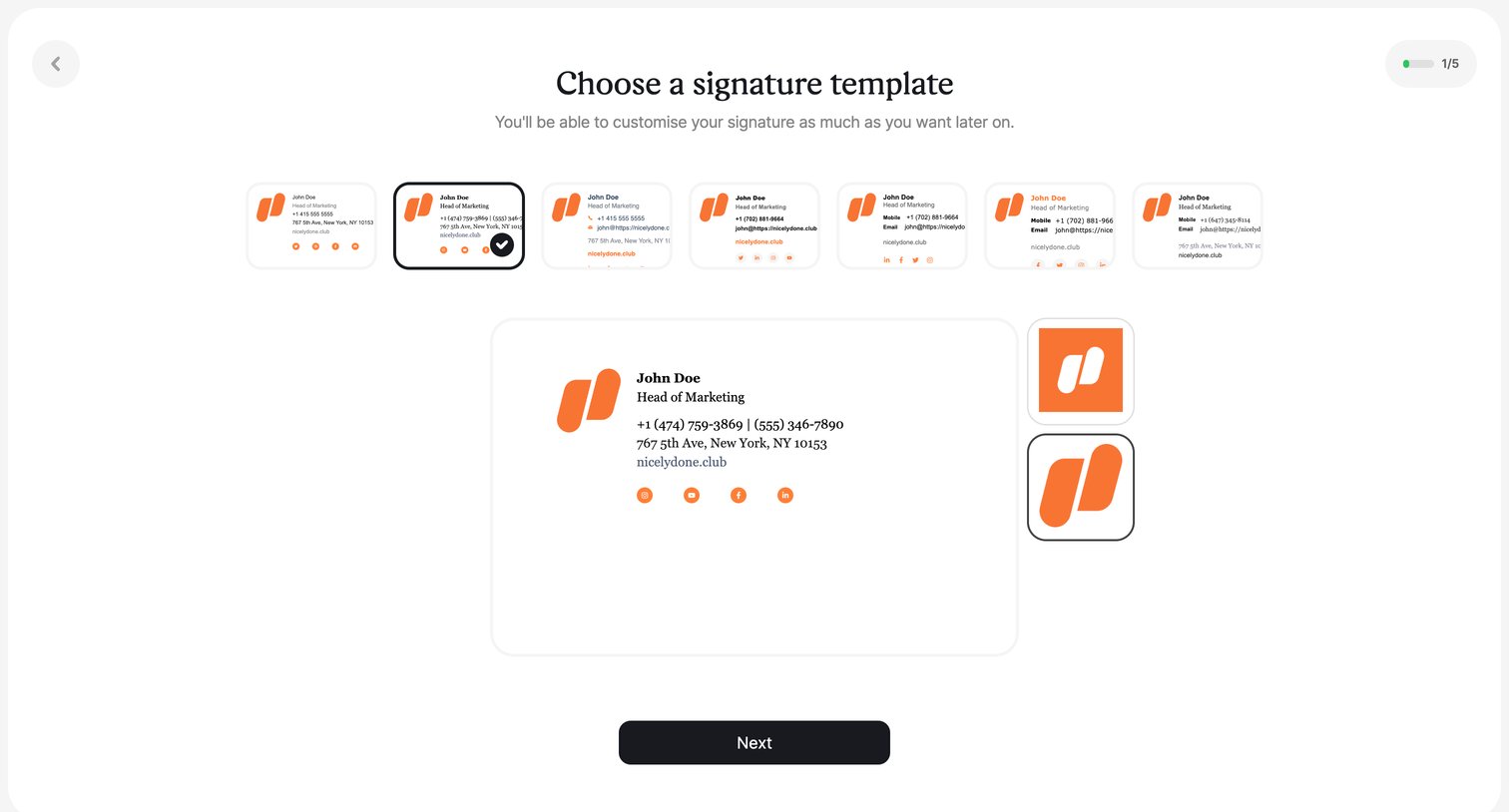
Onboarding step where the user chooses a signature template from a horizontal carousel, selects a logo shape, and previews the result before proceeding.
Browse the full SaaS app library
Explore real SaaS apps with their product screens, marketing screens, flows, and components.
Trusted by the best teams







