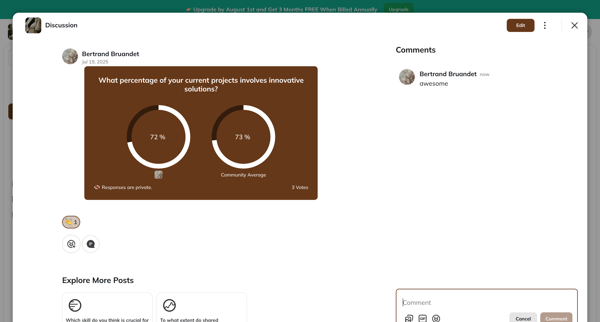
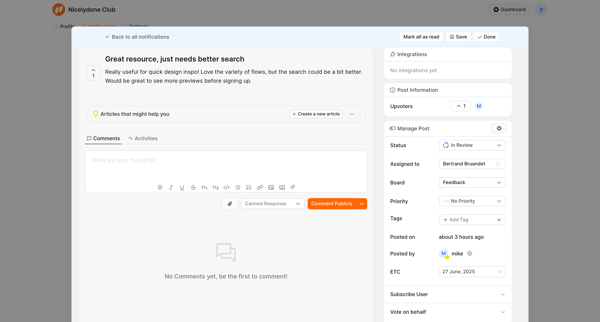
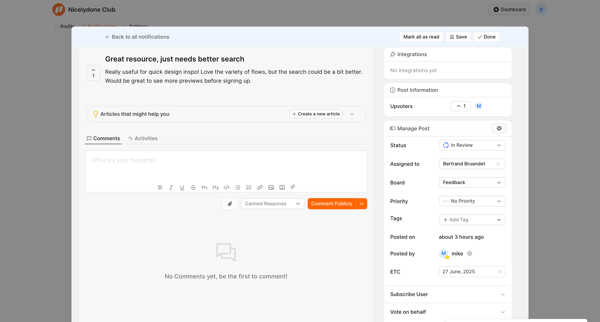
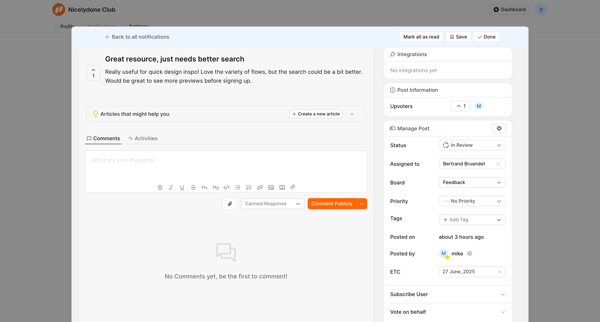
Spline Flow Example: Adding comment
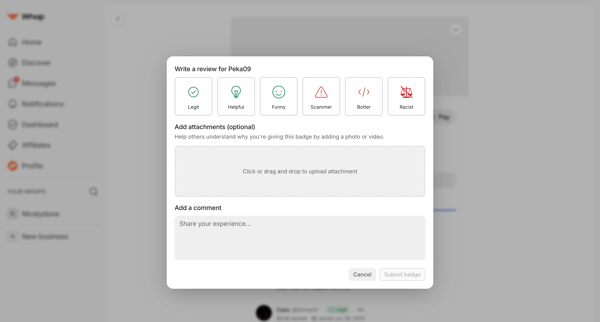
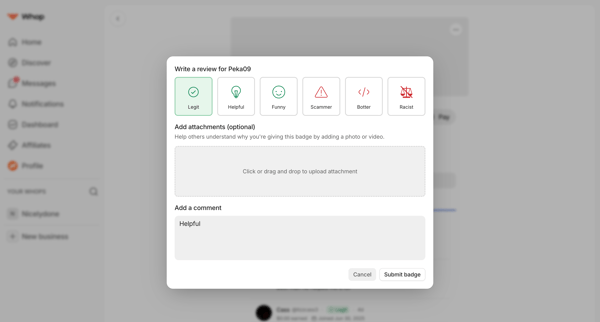
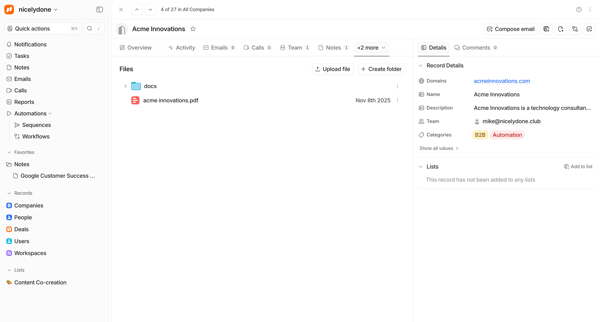
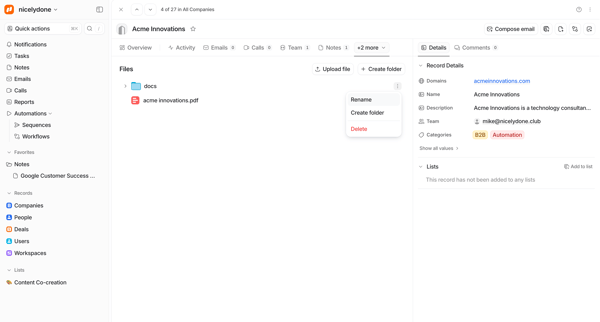
Preview this Spline user flow: Adding comment. Explore the opening screens.
Preview these flows

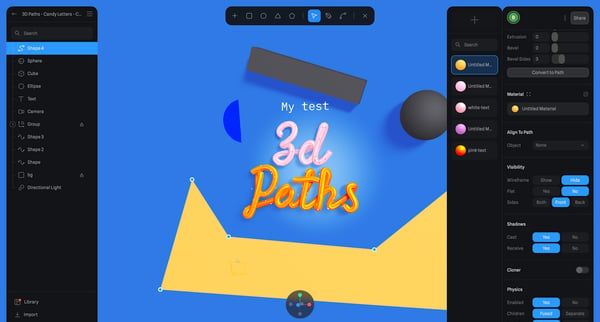
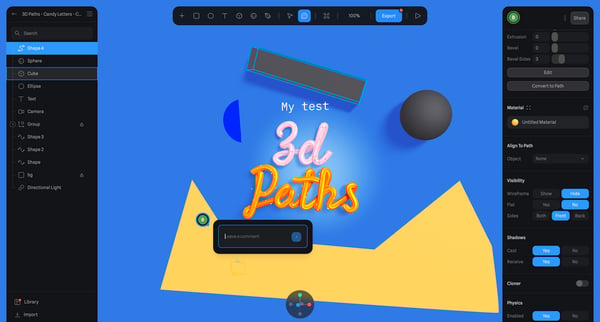
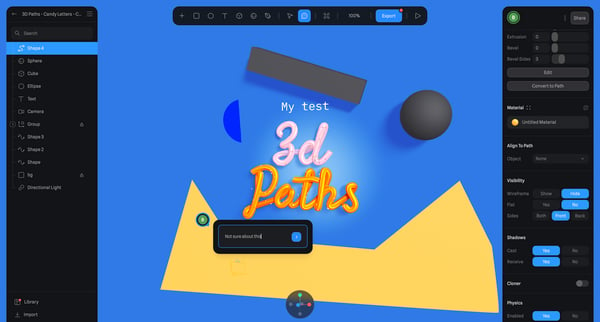
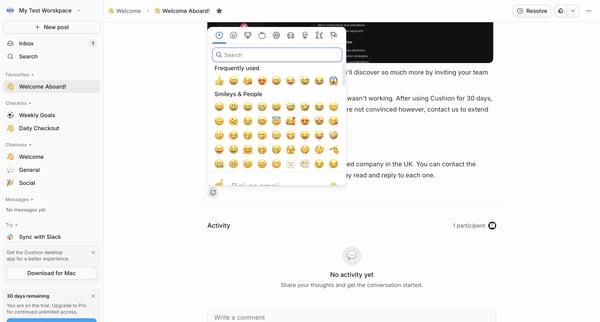
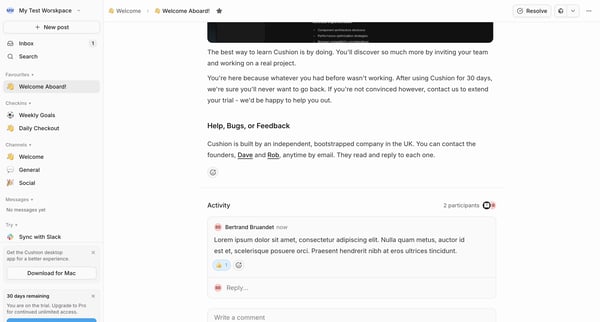
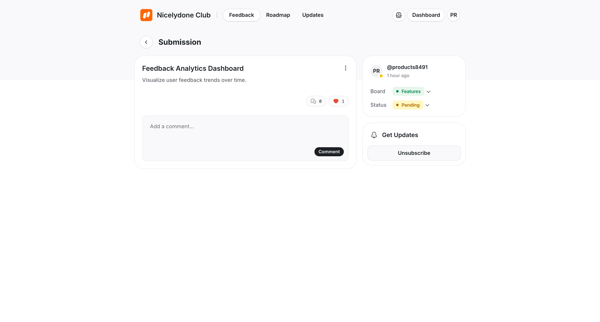
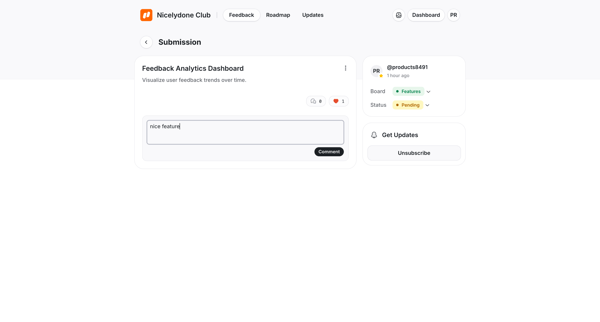
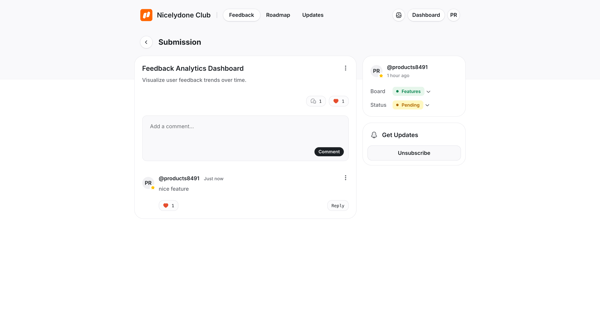
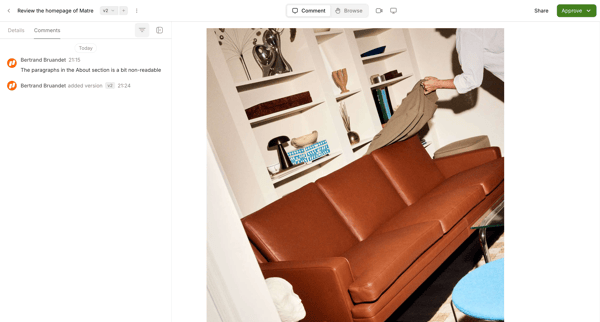
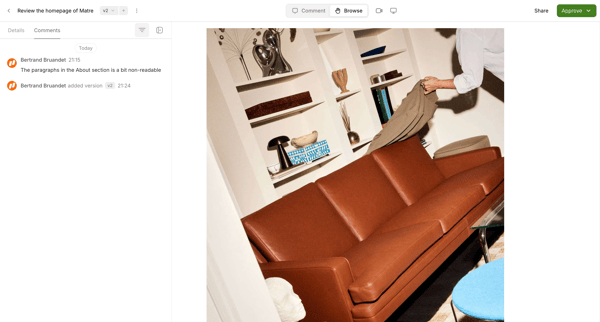
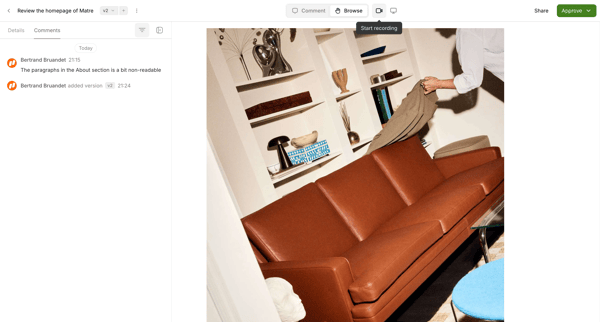
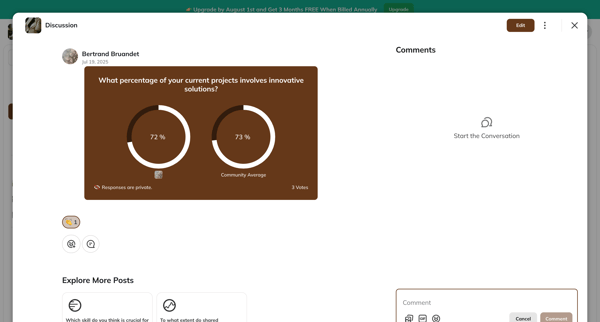
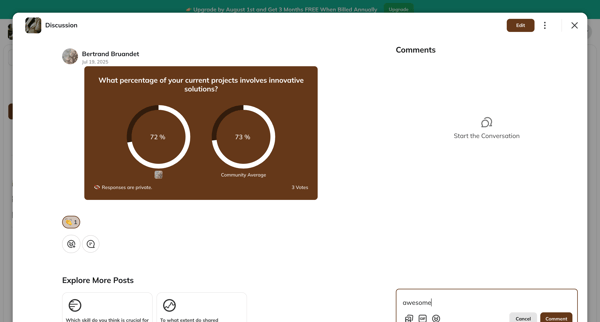
This user flow enables users within a design editor environment to comment on and react to specific elements of a design, facilitating feedback and collaboration.
Related user flows

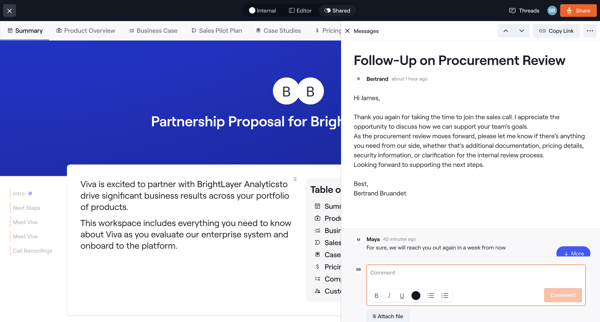
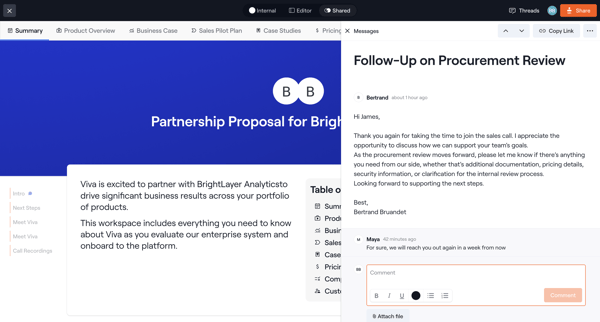
User views a partnership proposal document and reads or replies to a related message thread shown in a side panel or drawer



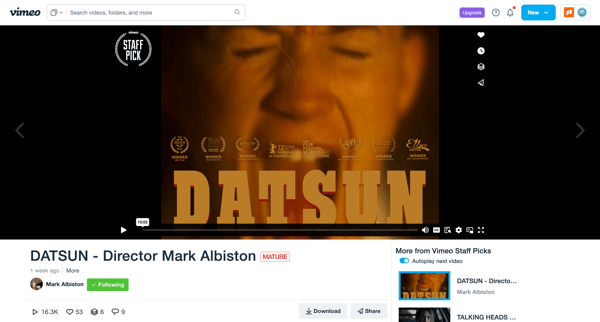
User opens an AI-generated video detail page to watch playback, review transcript and summary, and access share, download, edit, or organization actions













Explore the full SaaS flow library
Browse the full SaaS flow library.
Trusted by the best teams







