Gemini Flow Example: Sharing AI feedback
This user flow facilitates users in sharing their feedback on information provided by an AI system within Gemini, improving the system's accuracy and user experience over time.

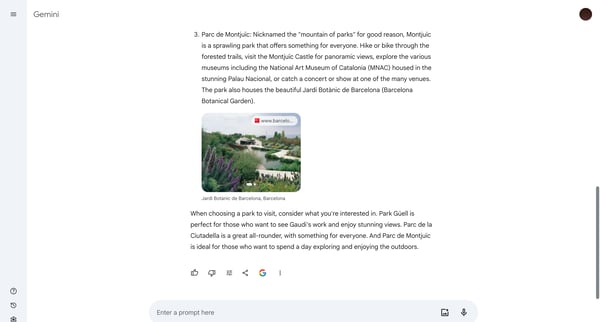
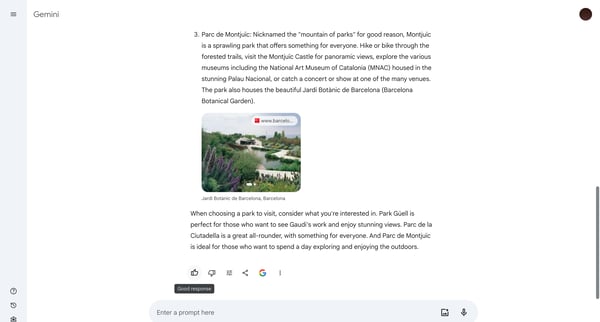
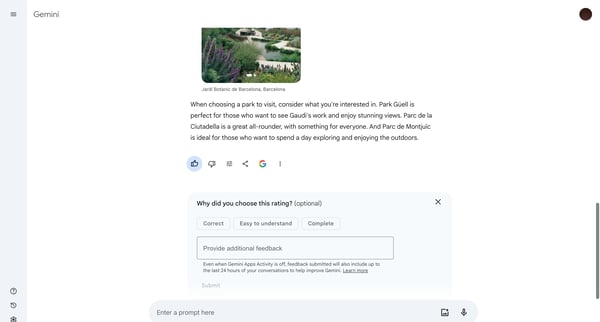
This user flow facilitates users in sharing their feedback on information provided by an AI system within Gemini, improving the system's accuracy and user experience over time.
Related user flows

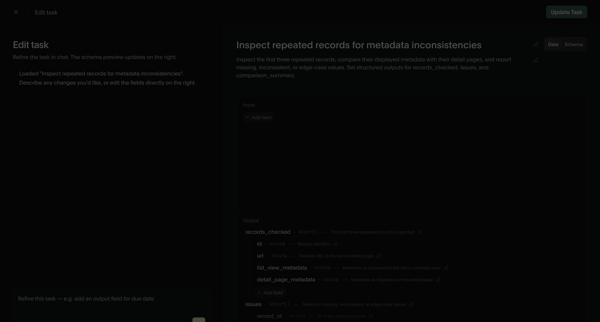
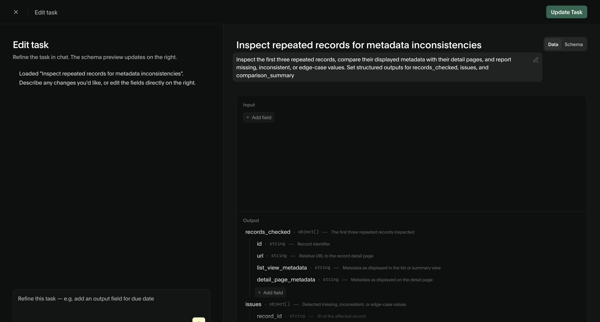
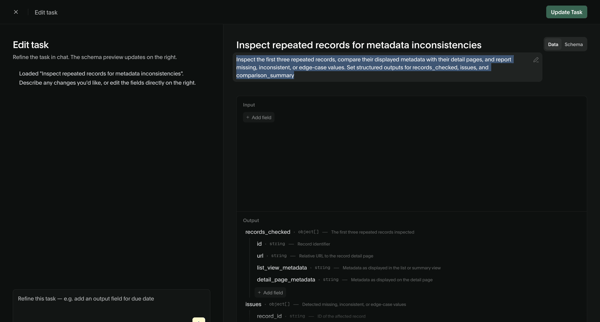
User refines an AI task prompt and input/output schema via chat assistant and structured editor, then views the updated task detail page with schema and performance metrics

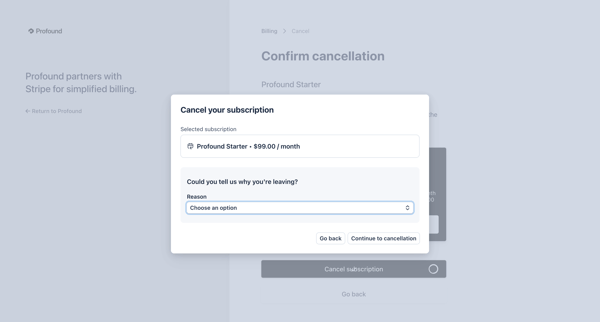
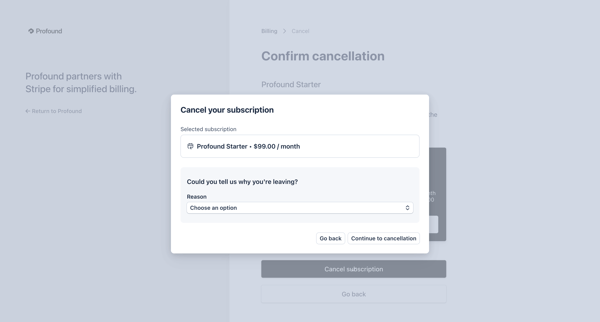
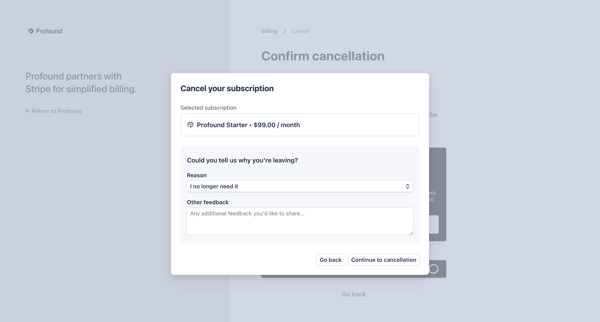
User opens billing settings to cancel Profound Starter plan, selects cancellation reason via dropdown, provides optional feedback, views retention discount offer, and confirms cancellation

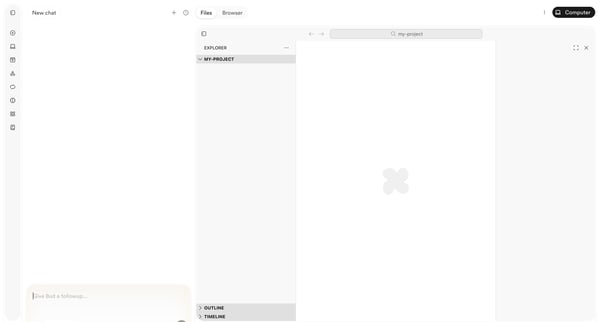
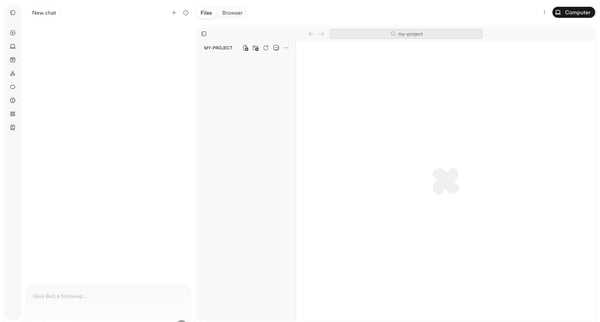
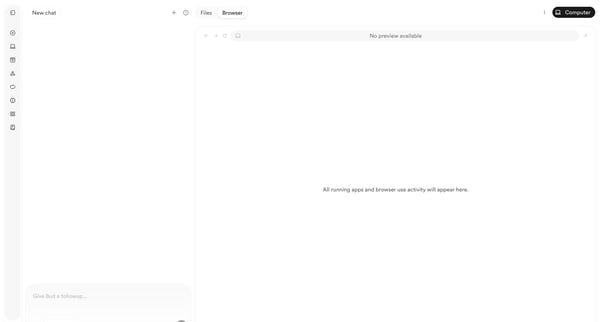
User starts in AI chat workspace and progresses through empty project states to browser preview with deployment menu while chatting with Bud agent

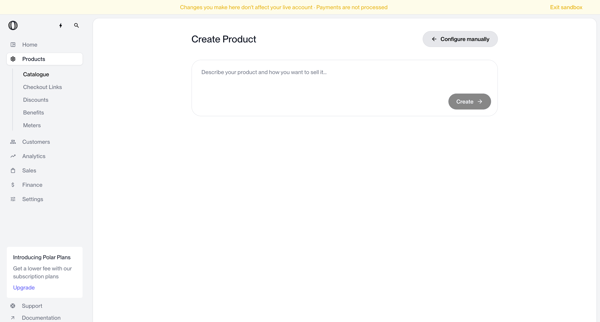
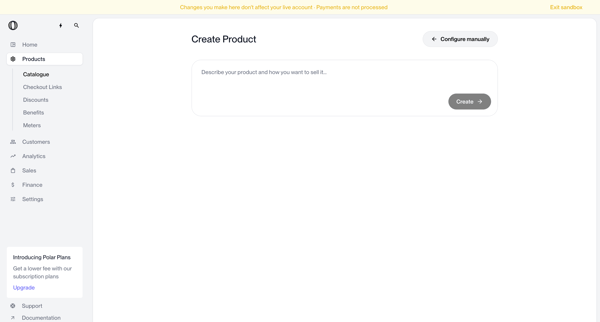
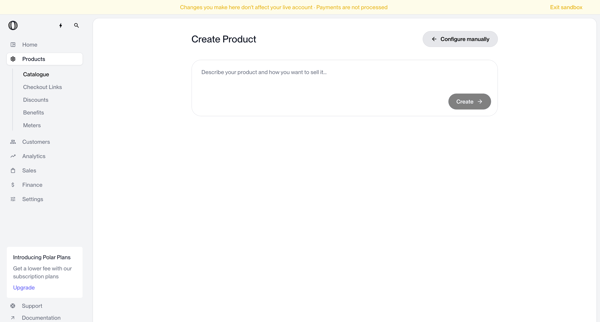
User enters natural language description on create page to generate a new product via AI, with manual configuration option available
Explore the full SaaS flow library
Browse the full SaaS flow library.
Trusted by the best teams







