Superhuman Flow Example: Scheduling email to send later
This user flow guides a user through the process of composing, scheduling, and sending a message, along with offering options for message scheduling and providing confirmation upon successful

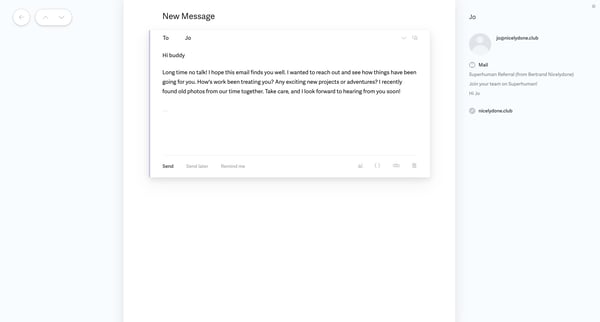
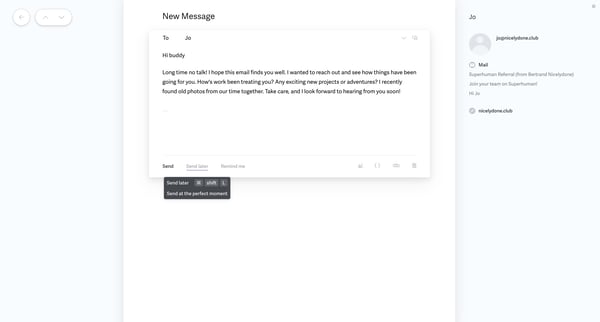
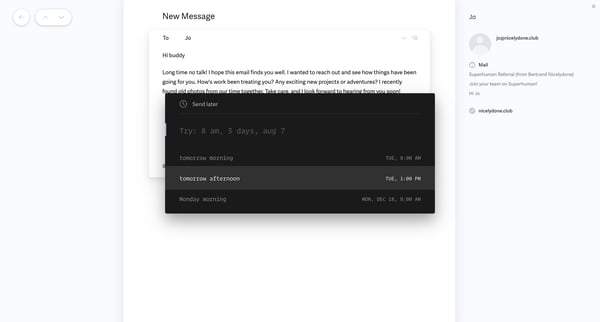
This user flow guides a user through the process of composing, scheduling, and sending a message, along with offering options for message scheduling and providing confirmation upon successful
Related user flows

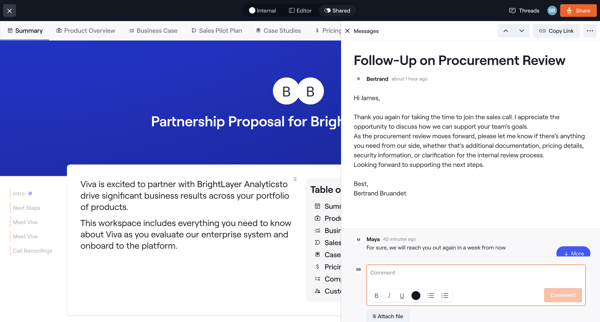
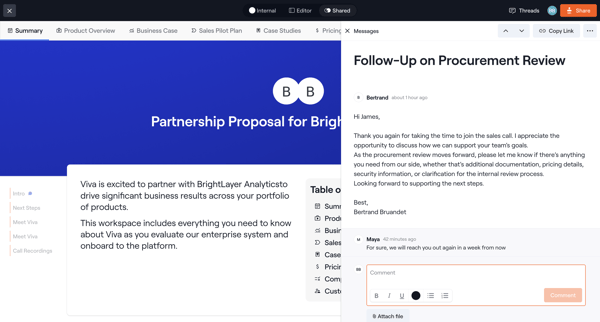
User views a partnership proposal document and reads or replies to a related message thread shown in a side panel or drawer

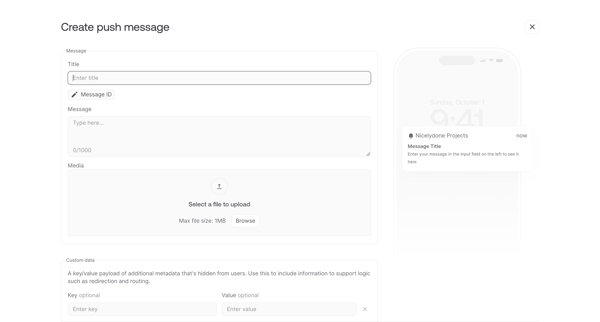
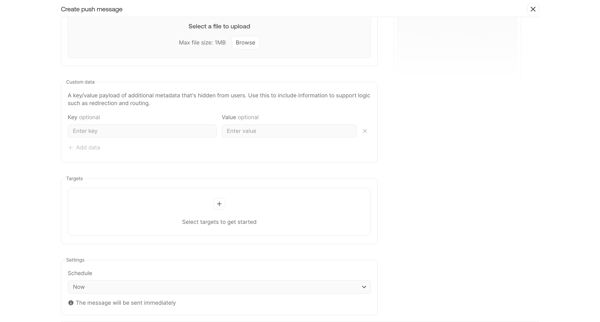
Drafting a push notification with title, message body, media upload, custom key-value payload and live device preview, then configuring targets and delivery schedule

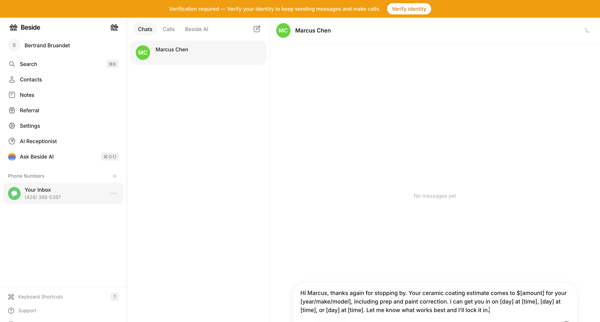
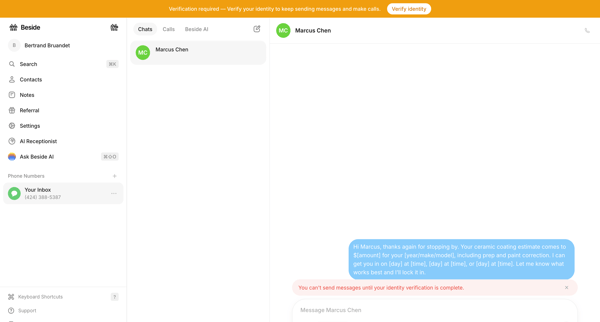
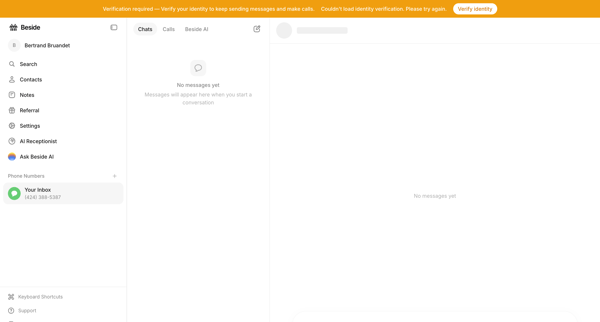
User attempts to draft and send a message in the chat inbox but is gated by an identity verification requirement across empty and blocked states

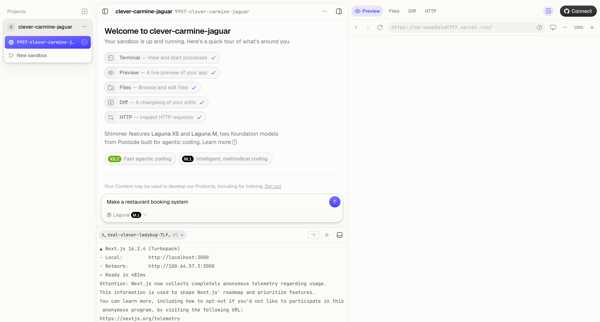
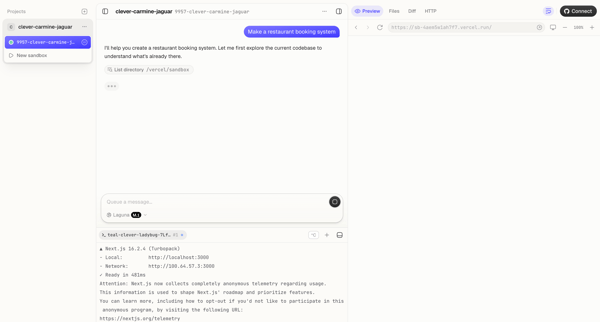
Explore the full SaaS flow library
Browse the full SaaS flow library.
Trusted by the best teams







