Threads Flow Example: Configuring hidden words
This user flow guides a user through adjusting privacy settings, especially concerning the filtration of offensive or unwanted content and managing personal account settings.

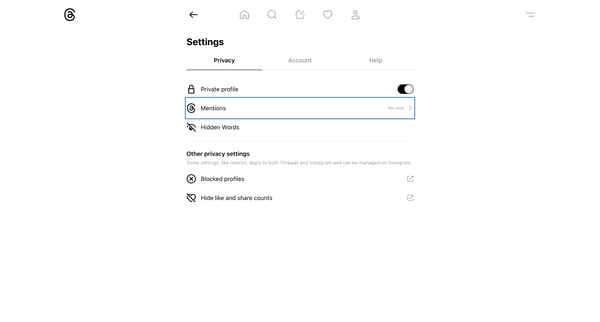
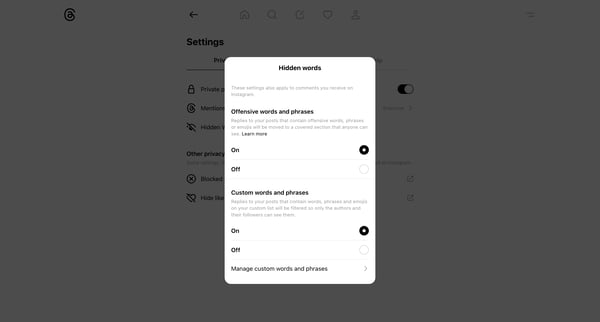
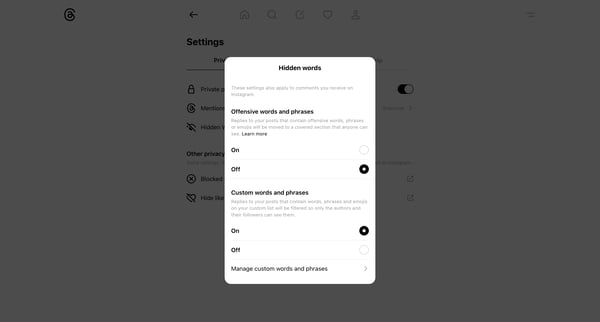
This user flow guides a user through adjusting privacy settings, especially concerning the filtration of offensive or unwanted content and managing personal account settings.
Related user flows

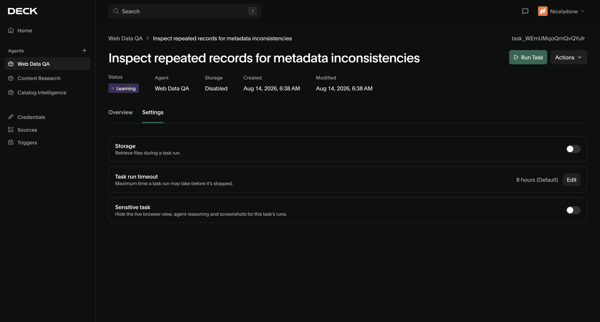
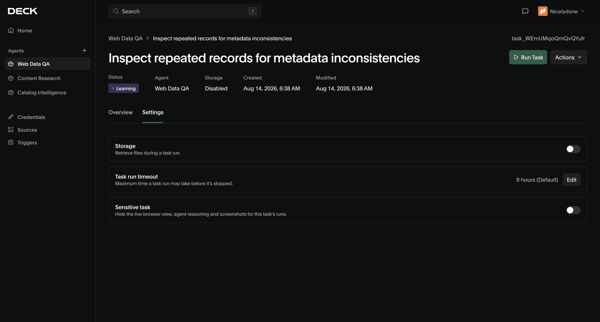

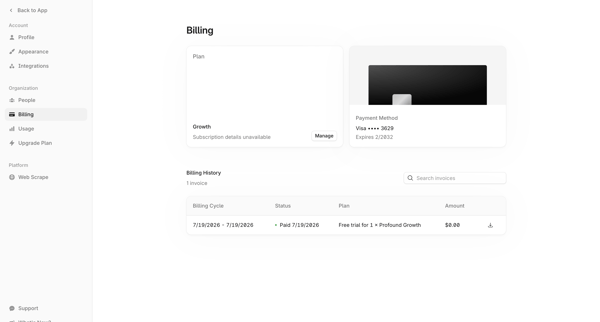
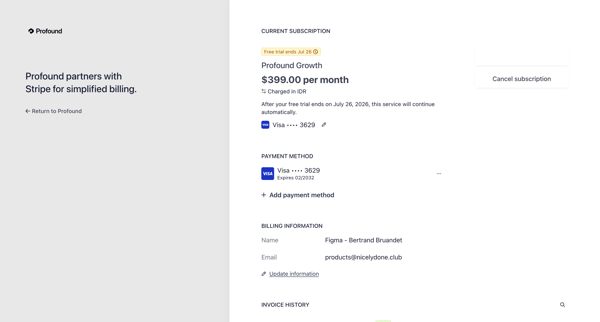

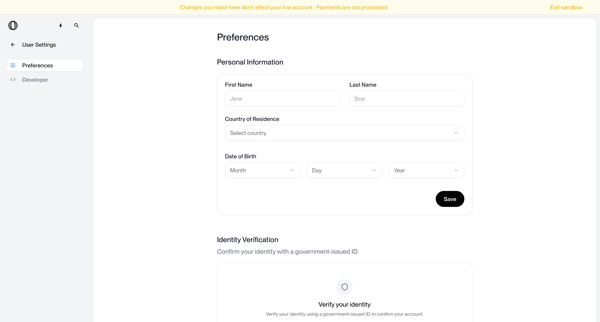
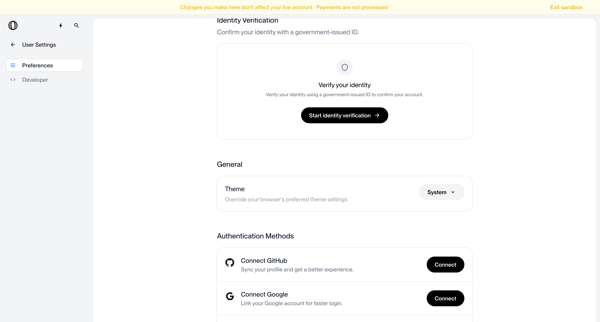
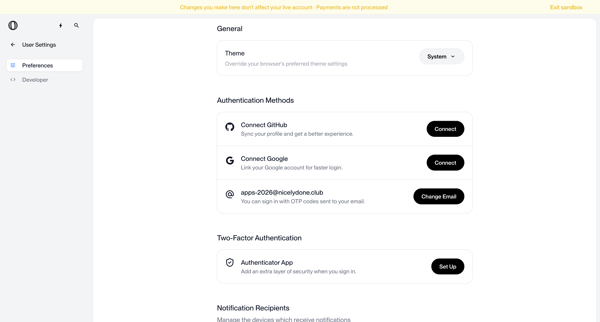
User configures personal information, identity verification, theme, authentication methods, MFA, notifications, and account deletion options across settings screens in sandbox mode

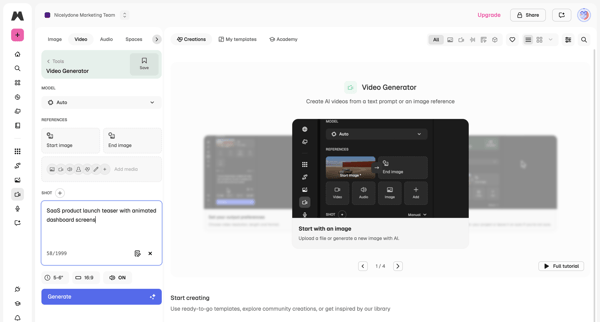
Explore the full SaaS flow library
Browse the full SaaS flow library.
Trusted by the best teams







