Fiberplane Flow Example: Setting up direct access to data source
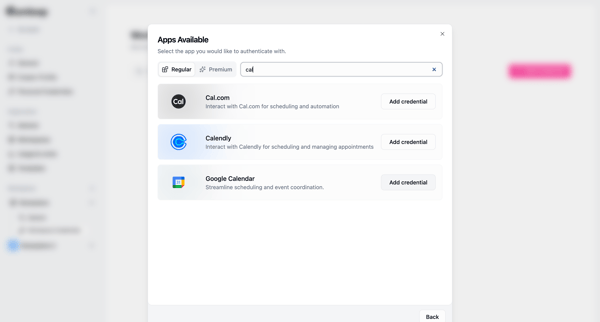
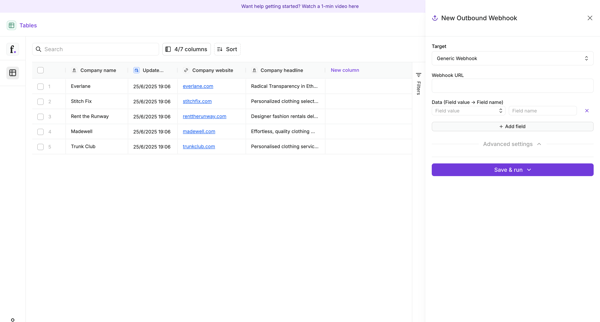
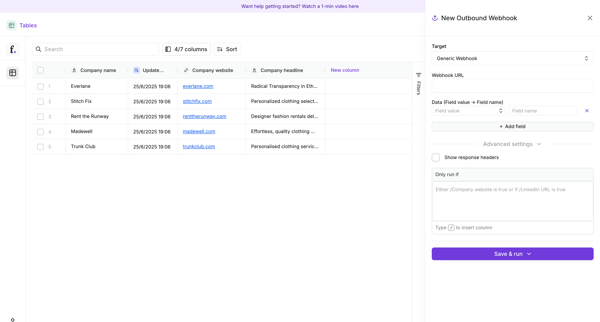
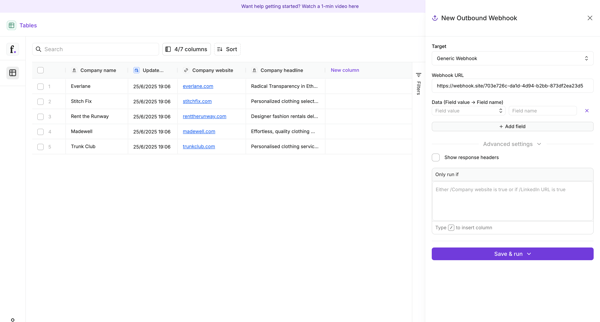
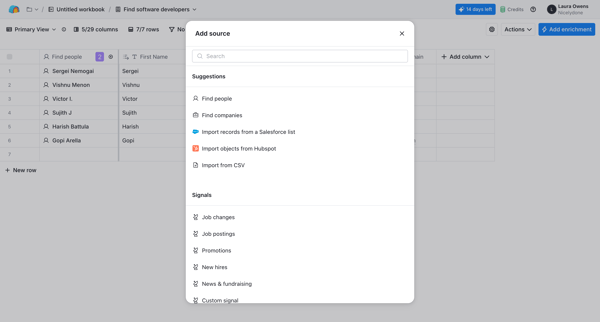
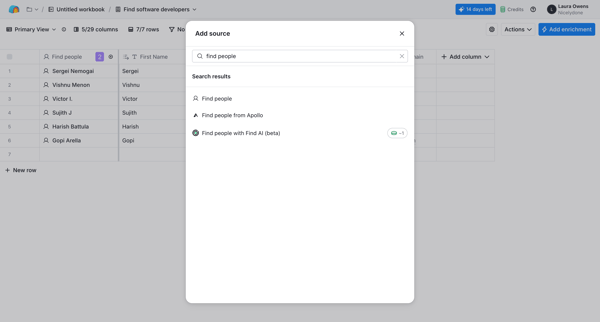
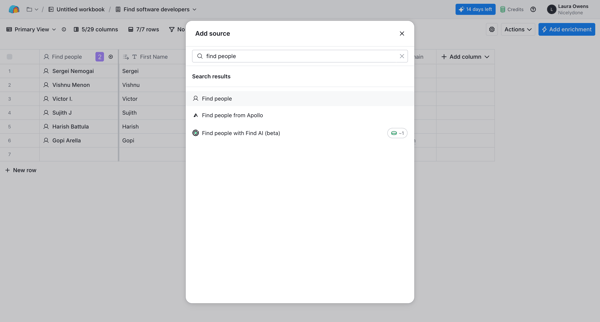
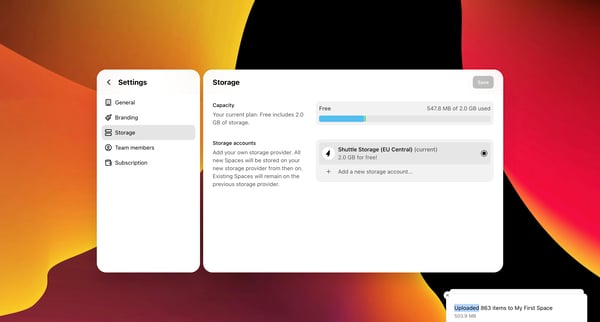
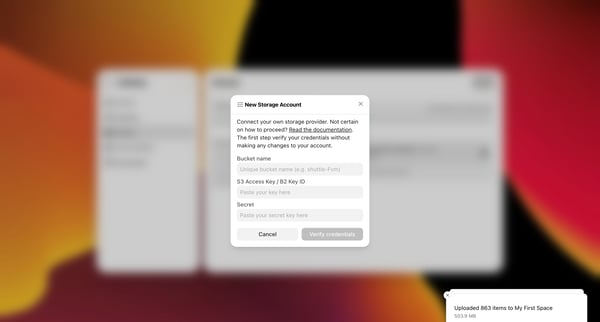
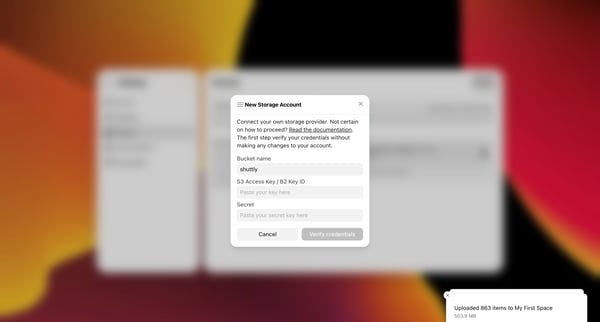
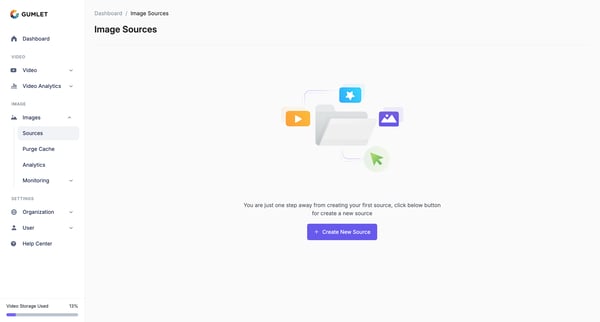
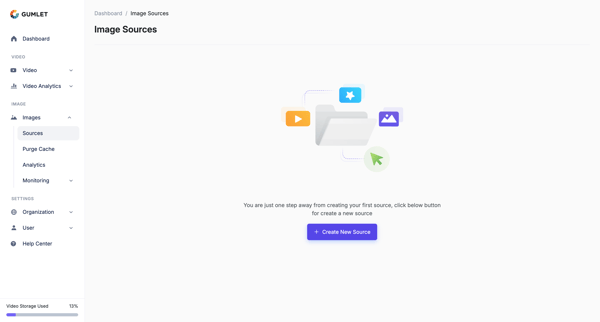
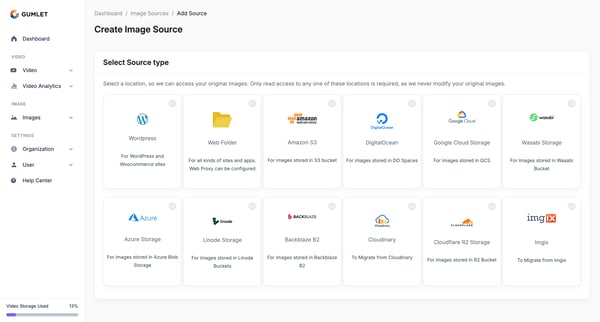
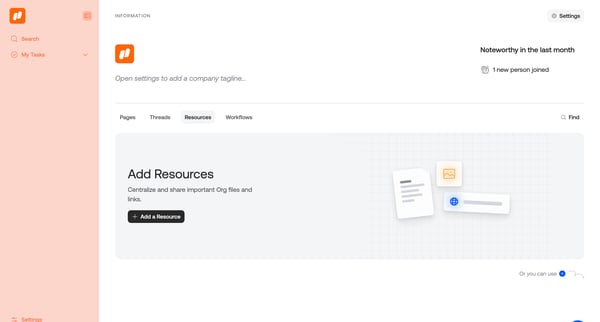
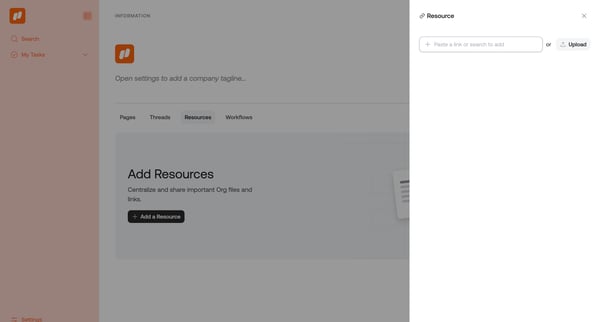
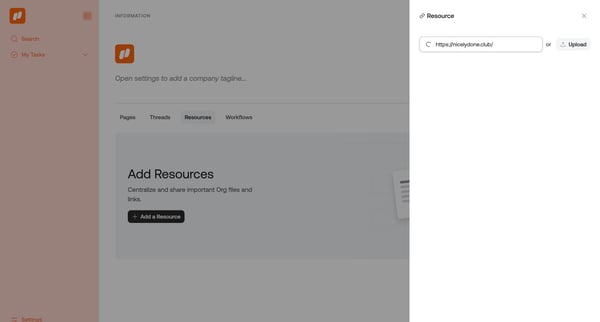
Preview this Fiberplane user flow: Setting up direct access to data source. Explore the opening screens.
Preview these flows

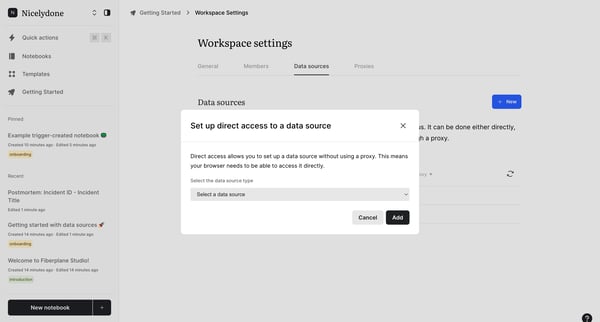
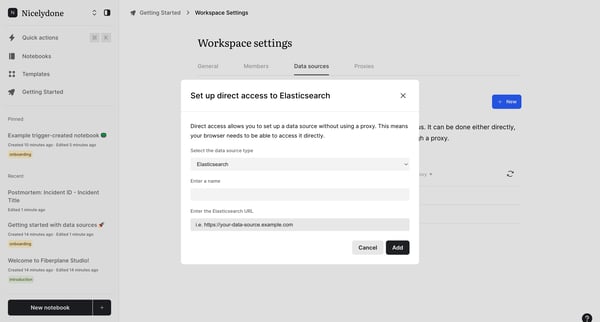
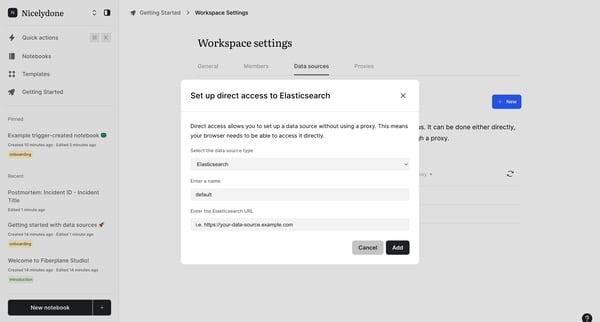
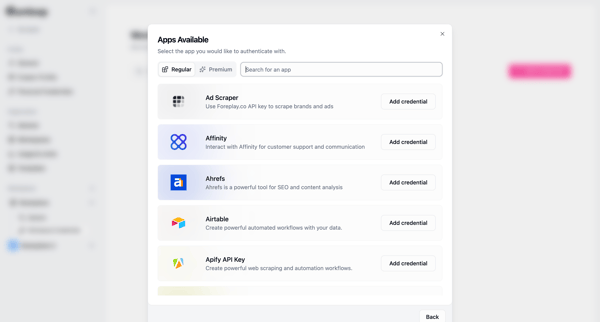
This flow guides the user through the process of setting up direct access to a data source without using a proxy, enabling the browser to connect directly.
Related user flows

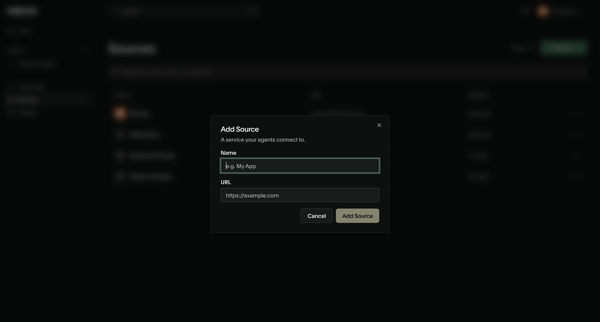
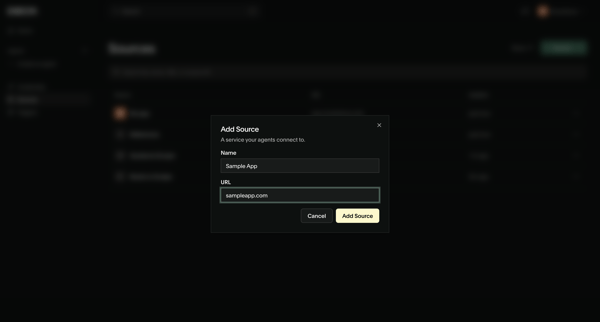
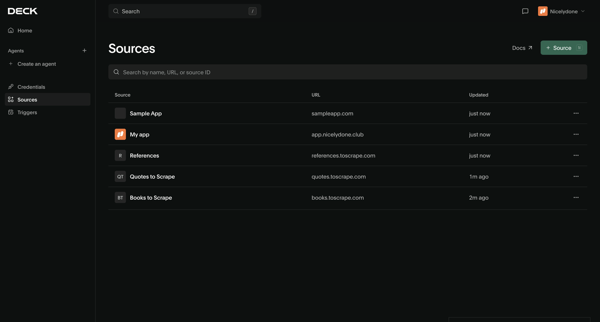
User opens Add Source modal from sources list, enters name and URL, submits to create connection, then sees updated list with new source and creation notification

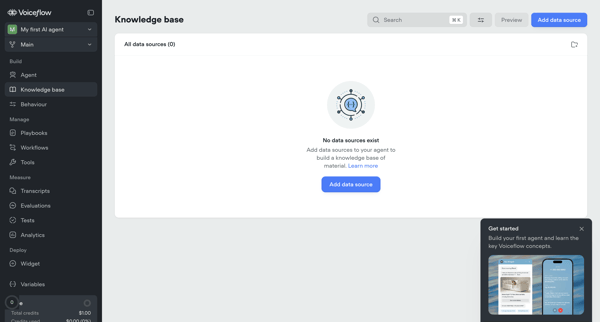
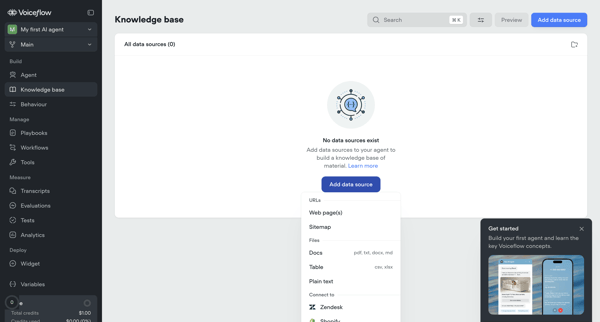
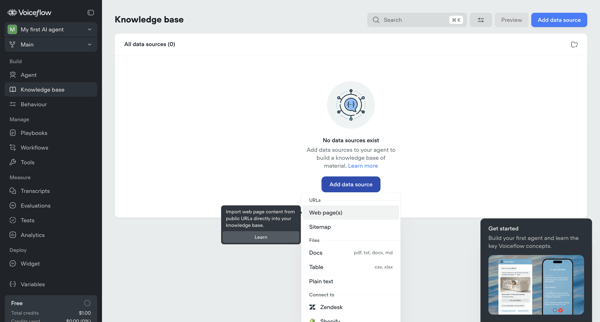
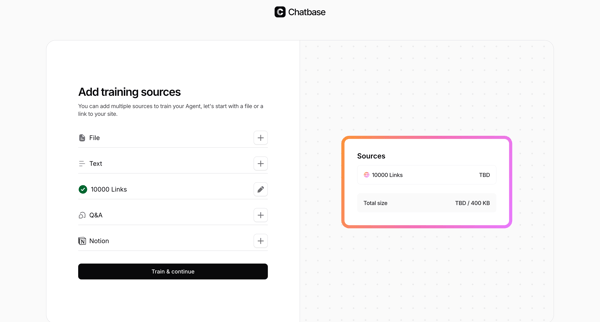
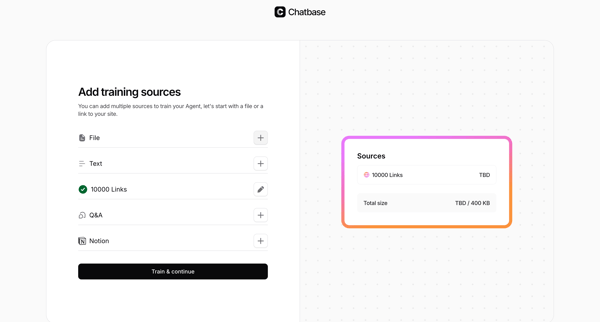
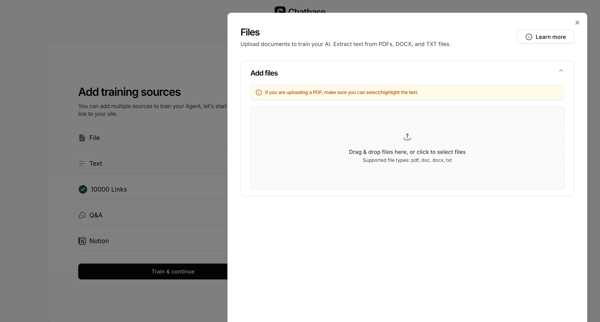
User starts from empty knowledge base state and adds/configures data sources via import modals for URLs and sitemaps, setting sync, chunking, and system prompt options before managing sources in list and settings views

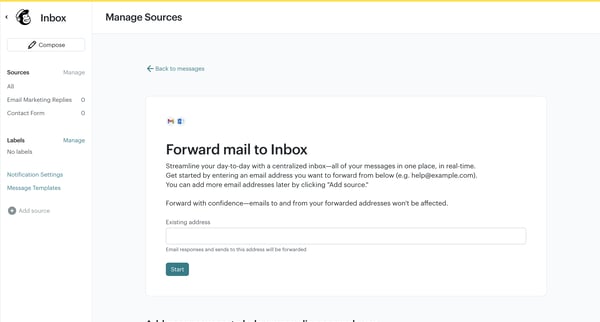
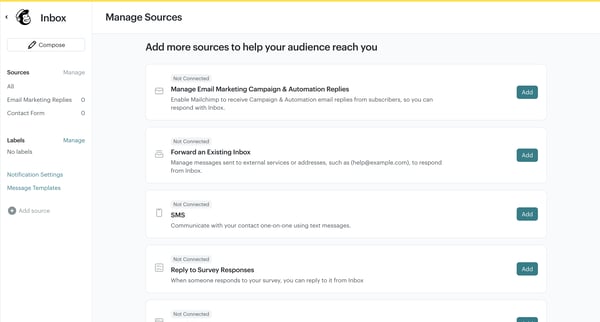
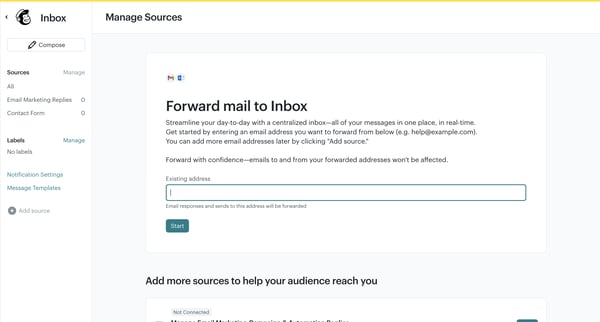










Explore the full SaaS flow library
Browse the full SaaS flow library.
Trusted by the best teams







