Skiff Flow Example: Submitting feedback
Preview this Skiff user flow: Submitting feedback. Explore the opening screens.
Preview these flows

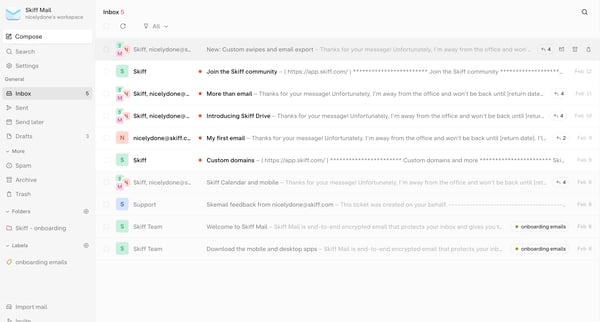
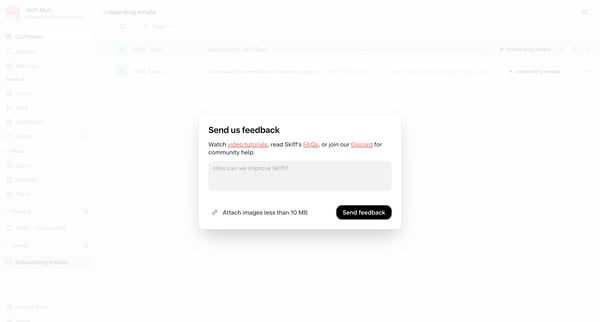
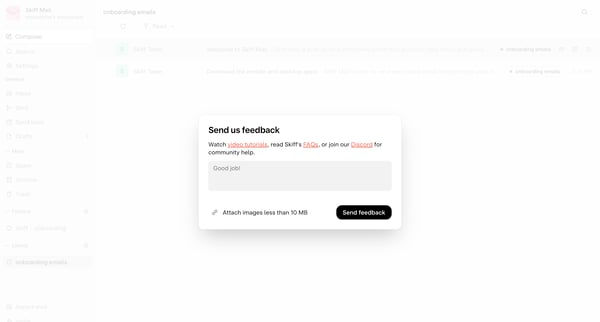
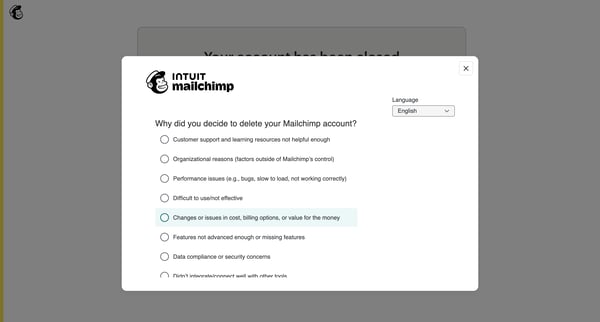
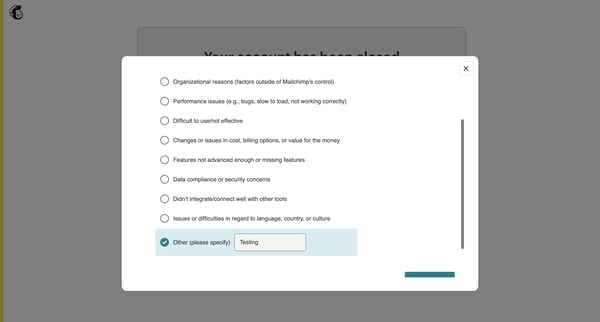
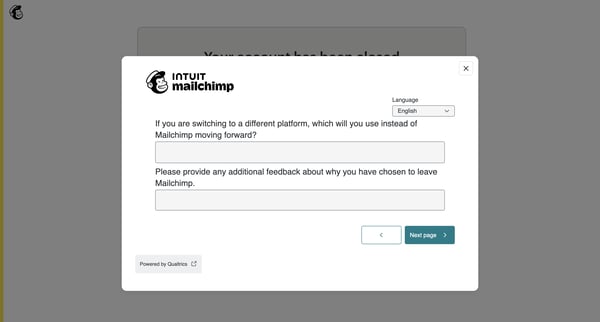
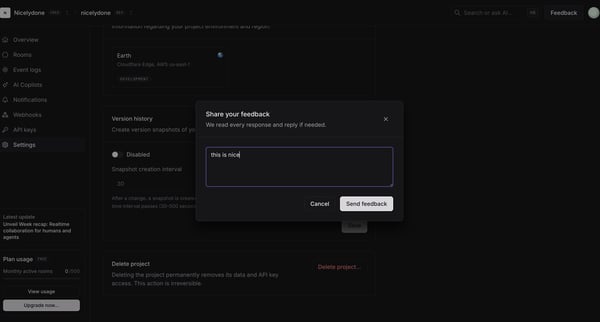
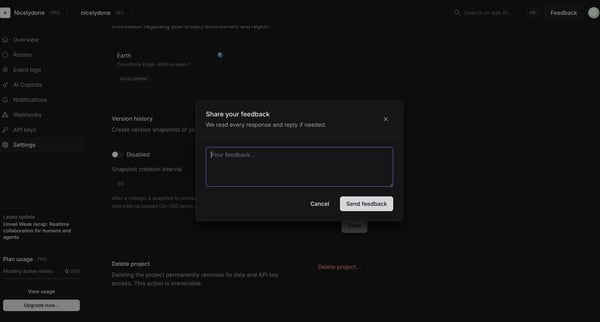
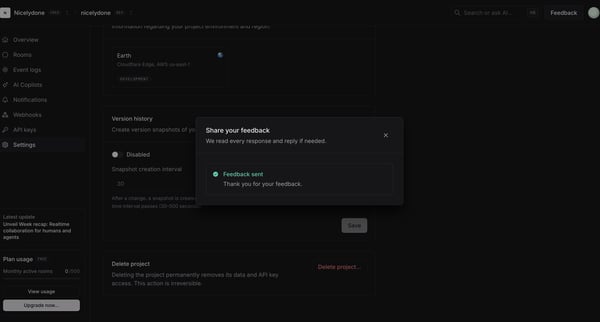
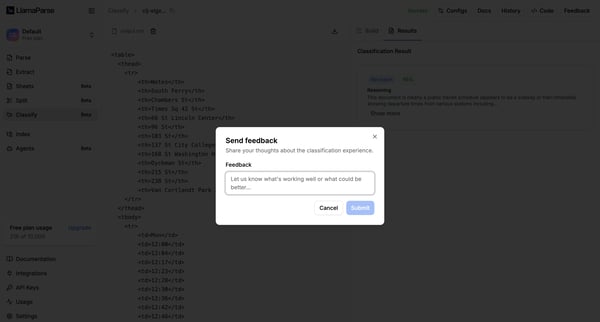
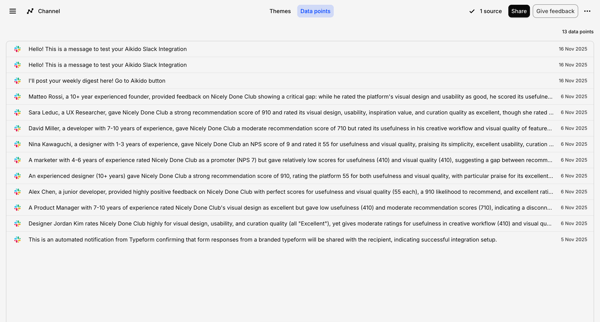
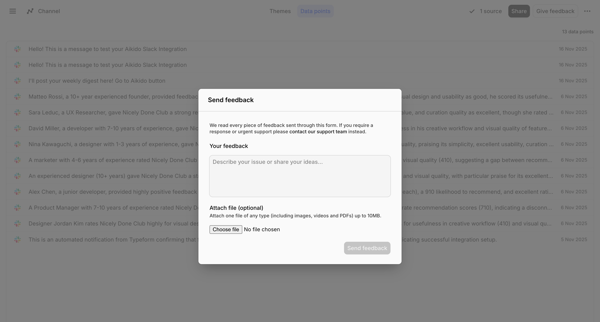
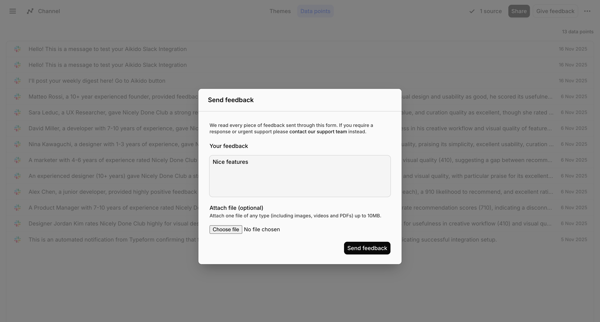
This user flow enables users to provide feedback about their experience with the Skiff Mail service, from initiating the feedback process to the final acknowledgment.
Related user flows

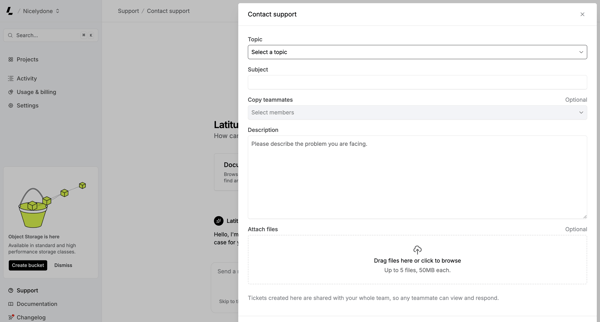
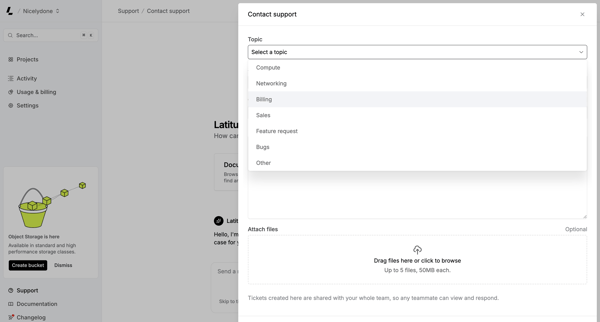
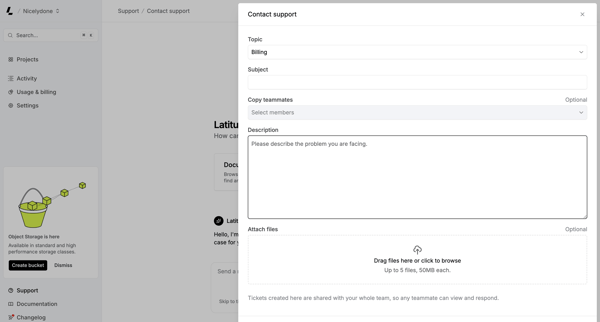
User fills and submits a support ticket form via modal or drawer, selecting topic, adding subject/description, and attaching files




User opens a video asset detail page, reviews playback with timestamped comments from teammates, enters text or voice feedback via floating composer or sidebar, and shares the asset link

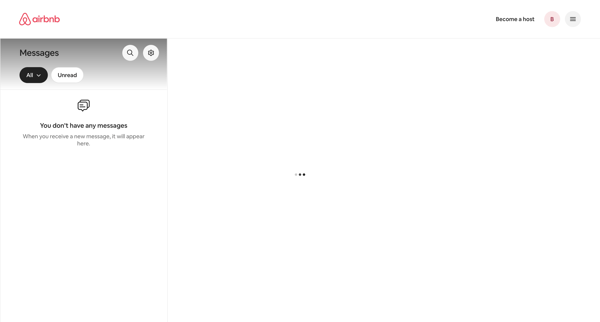
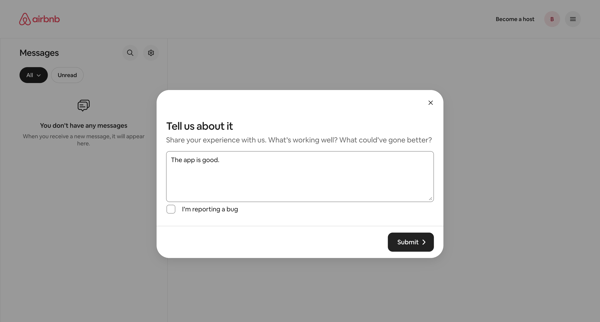
From empty messages inbox, opening feedback modal to share experience or report bug

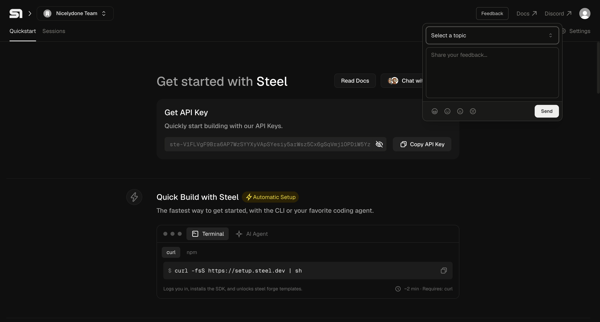
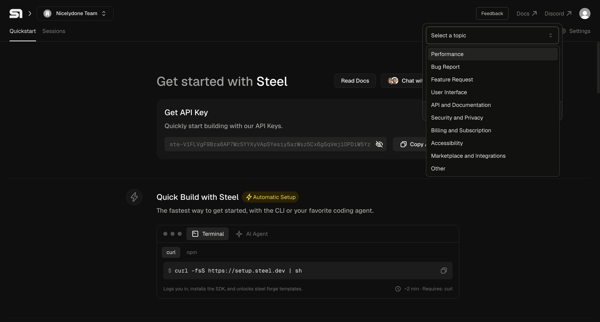
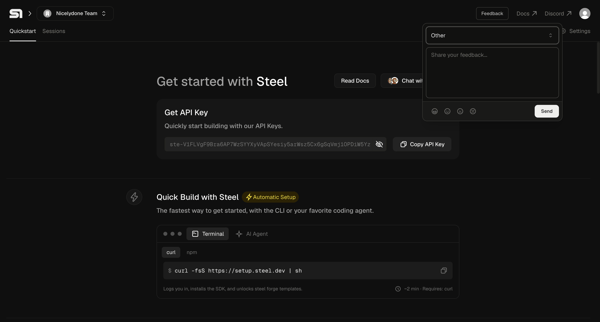
Developer opens feedback popover on Steel quickstart onboarding page, selects topic, and submits comment

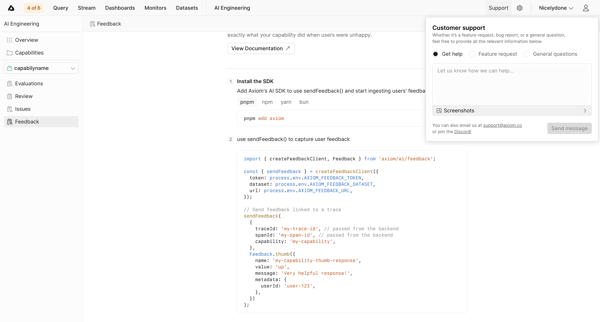
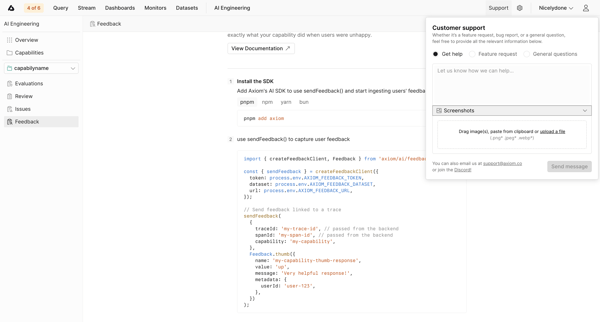
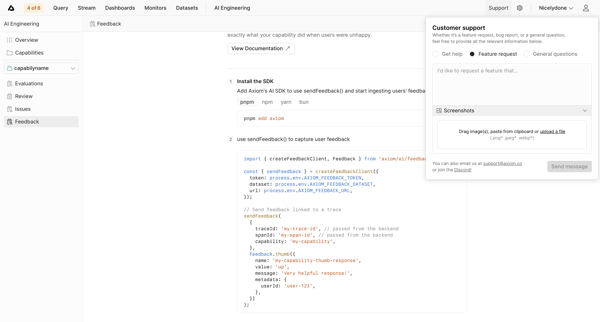
User enters AI capability feedback setup in empty state and opens customer support popover to submit feature requests, bug reports, or general questions

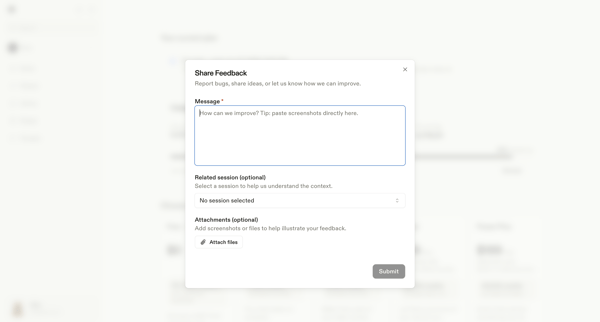
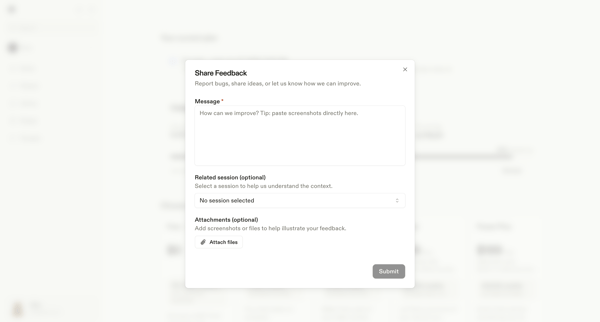
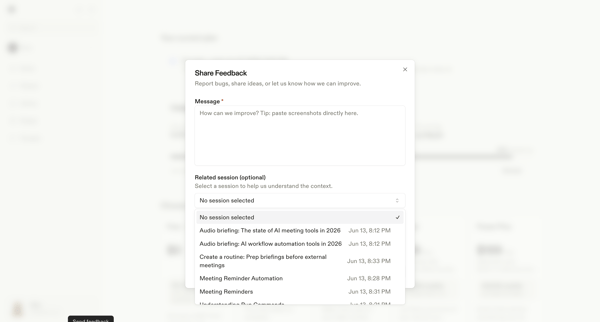
User opens feedback modal from settings billing page to enter message, optionally select related session and attach files before submitting

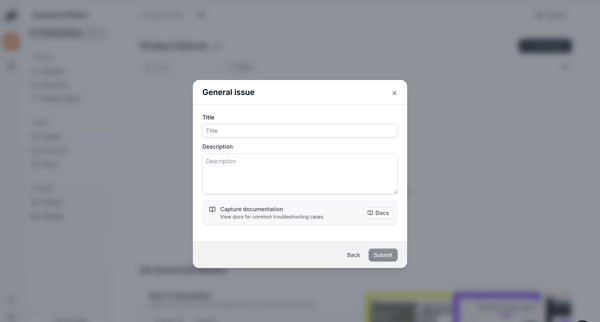
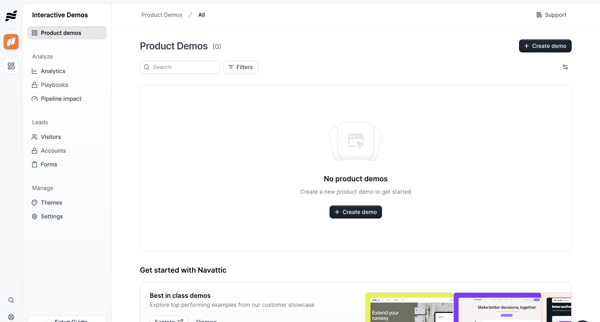
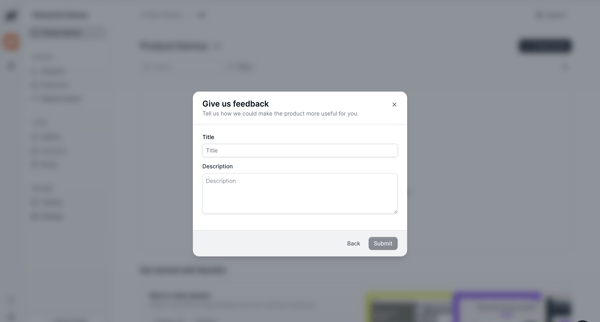








Explore the full SaaS flow library
Browse the full SaaS flow library.
Trusted by the best teams







