Twingate Flow Example: Updating user role
Preview this Twingate user flow: Updating user role. Explore the opening screens.
Preview these flows

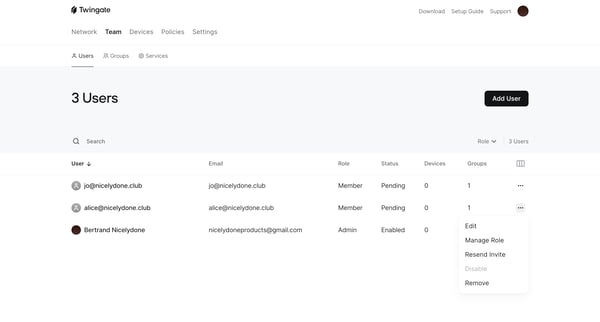
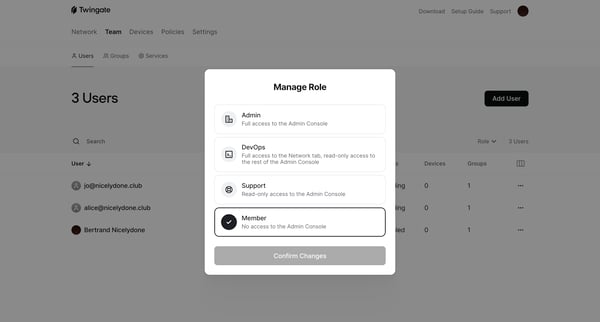
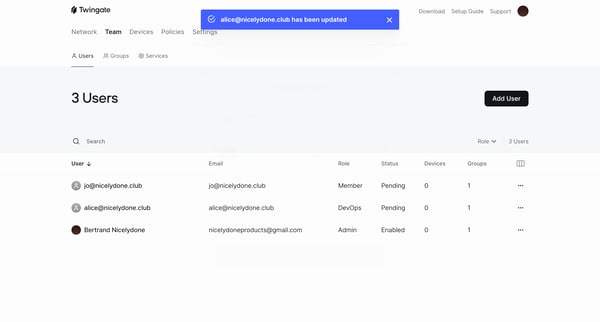
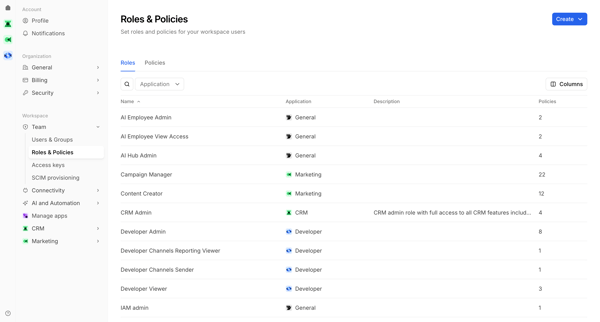
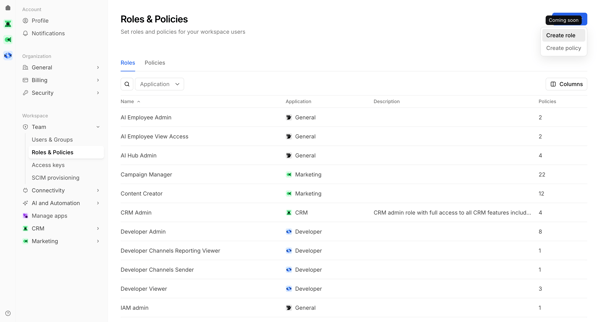
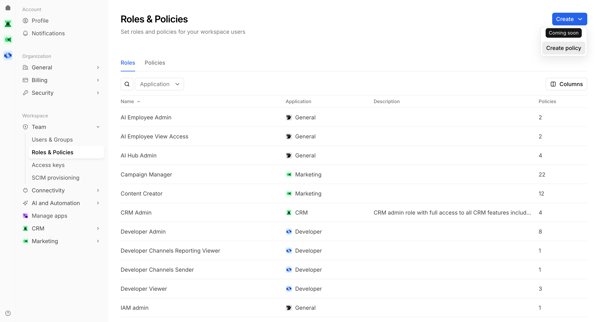
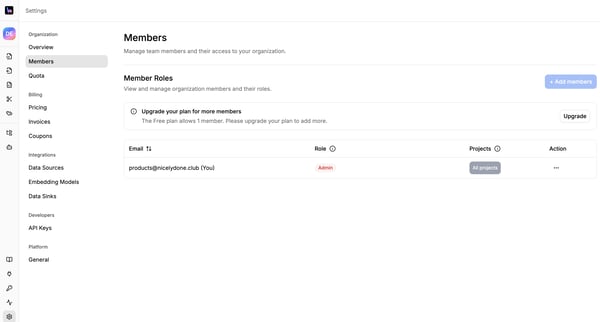
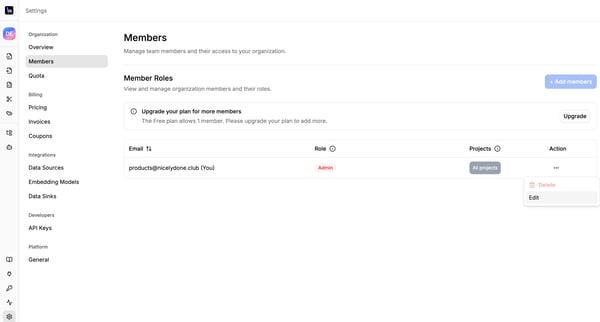
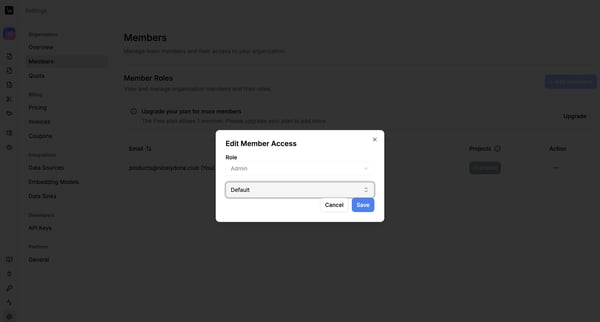
This flow enables the management of user roles and permissions within a team setting, allowing for the modification and confirmation of user roles with immediate feedback upon change.
Related user flows

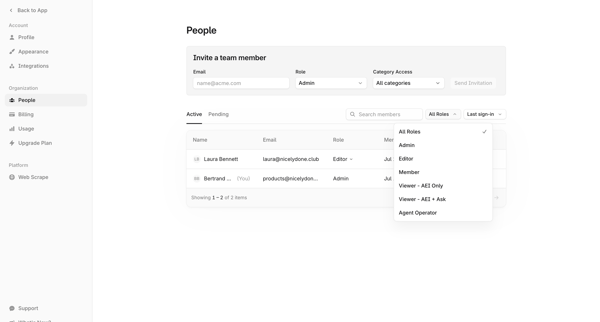
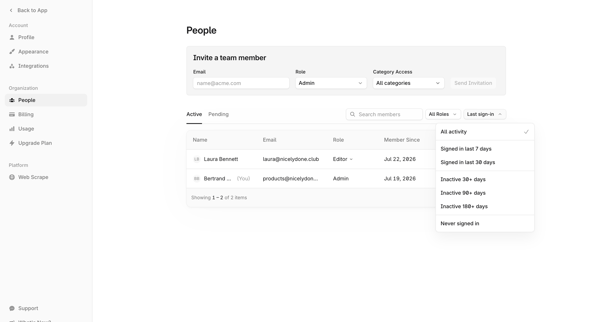

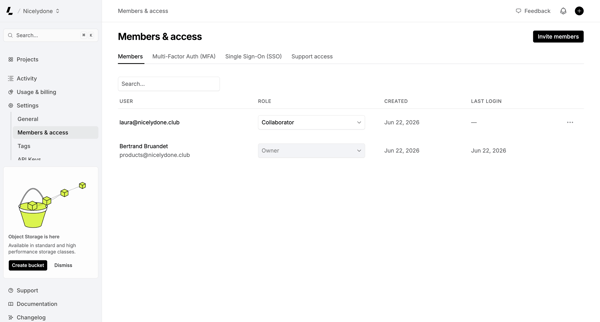
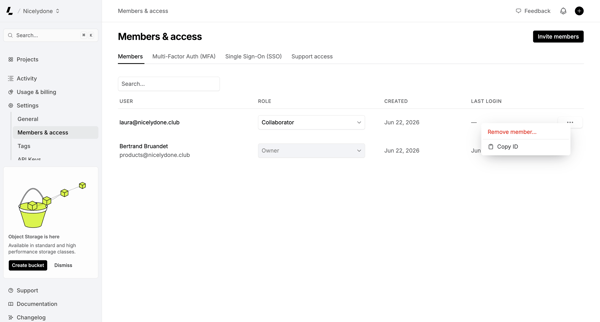
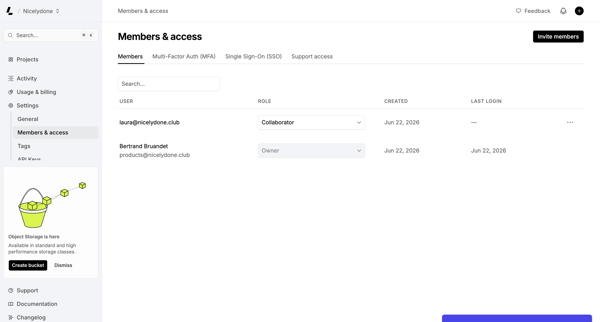
Admin manages workspace members, assigns roles, and configures MFA/SSO from the Members & permissions settings page

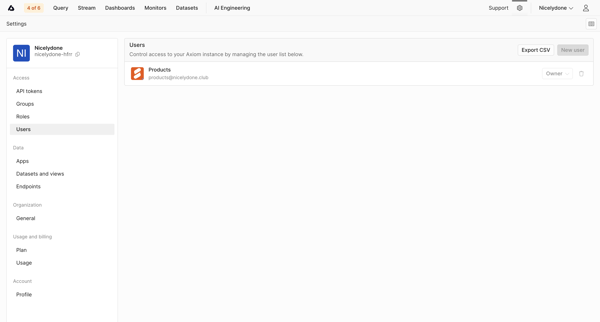
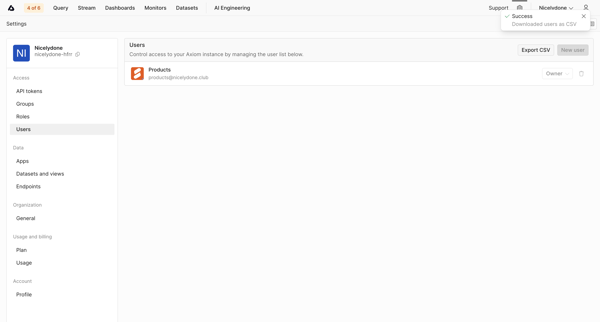
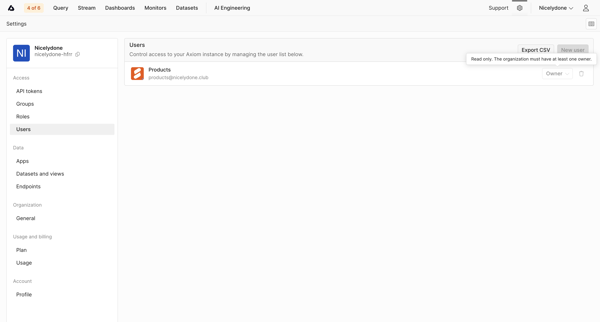
Admin views and manages users list, roles, and exports CSV from Users Settings page

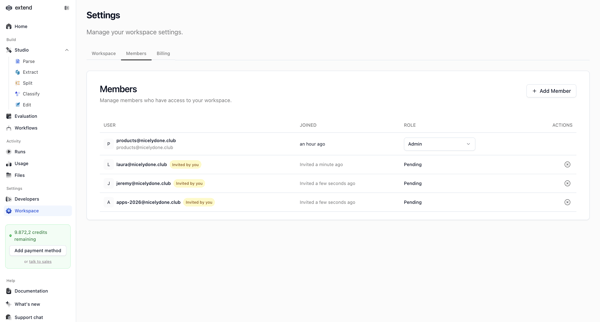
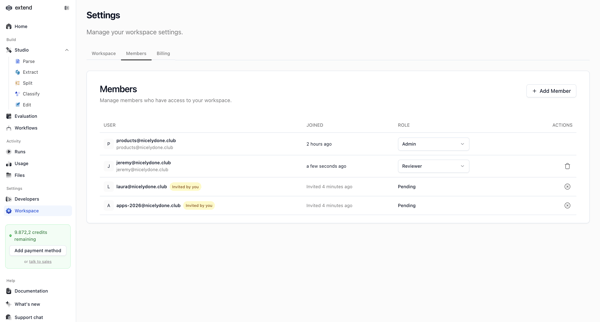
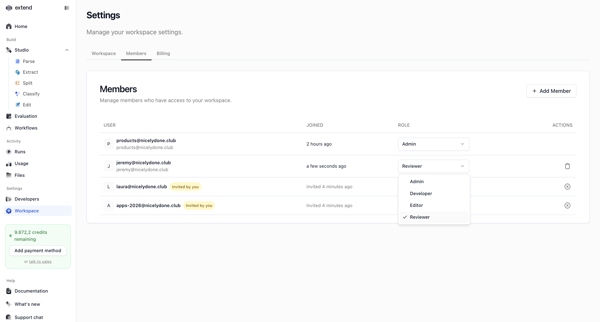
Workspace admin views and edits member list, roles, and pending invitations from settings page

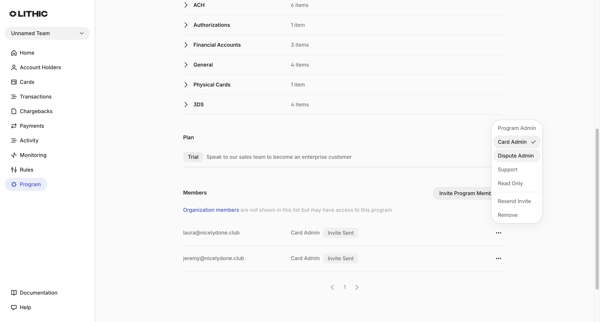
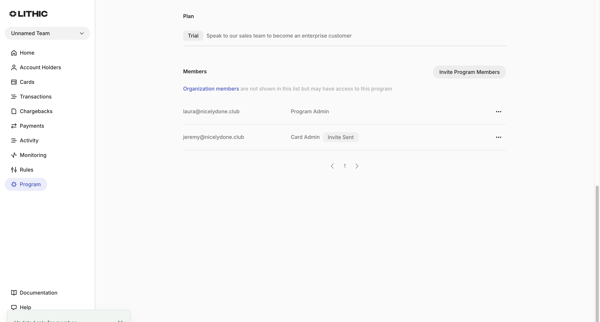
User views program members list in settings, selects role options, and sees success toast after role update completes

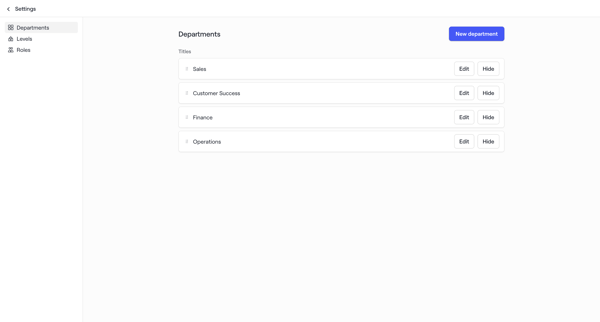
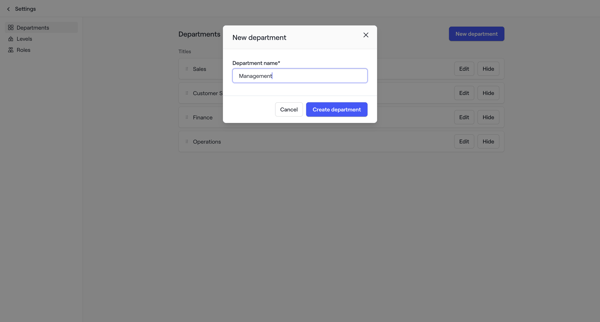
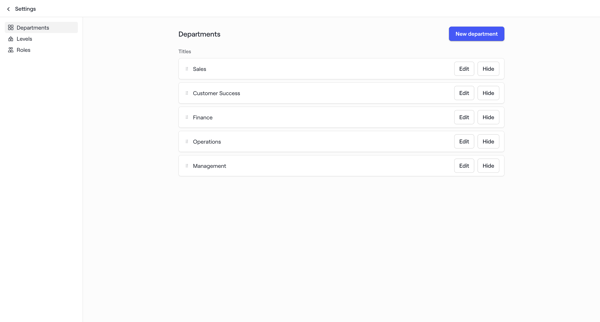
Admin configures organizational structure by managing departments, levels, and roles in workspace settings for account maps

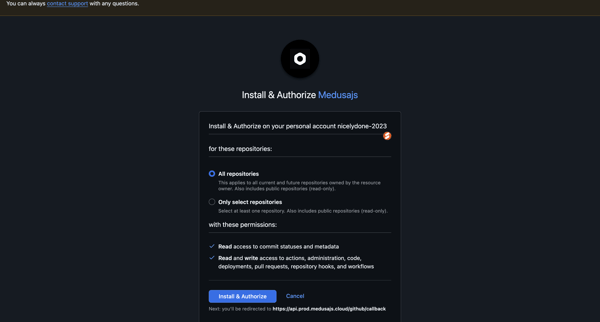
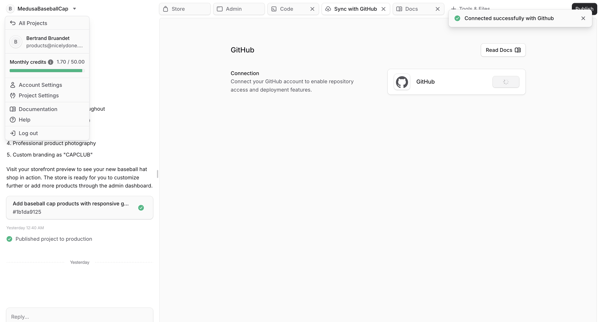
User reviews and authorizes Medusajs GitHub app installation with repository permissions then sees successful connection in workspace integration tab

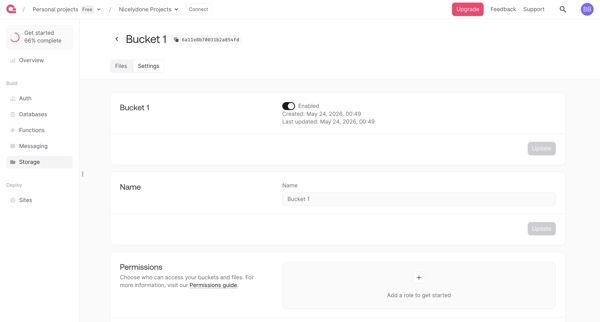
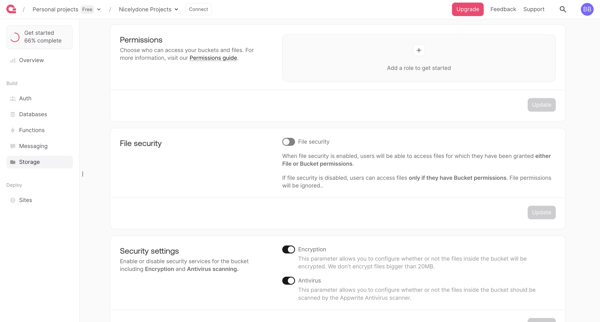
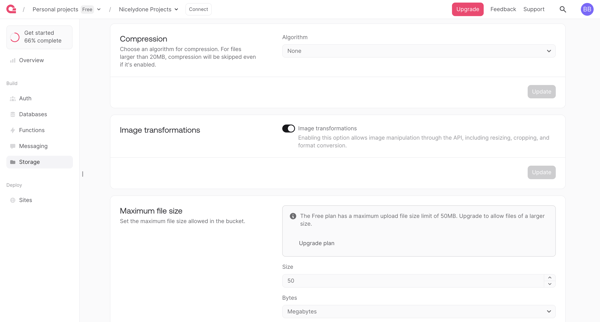
User configures a storage bucket across basic settings, permissions, security options, compression, file limits, and extensions in Appwrite console

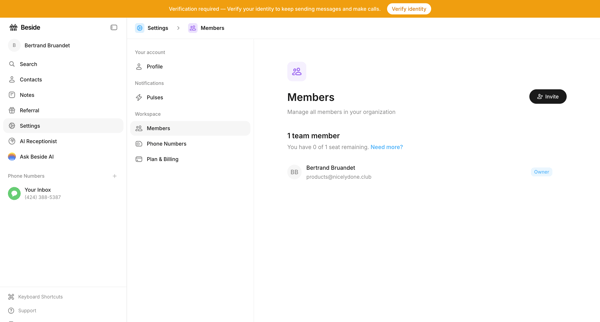
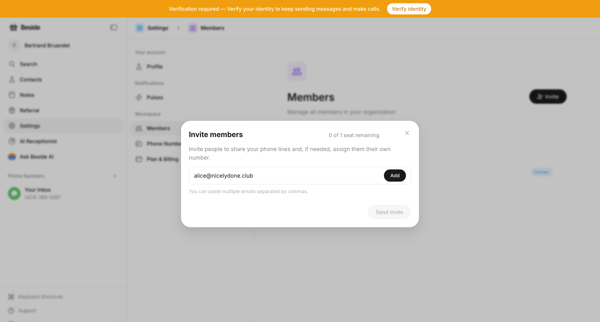
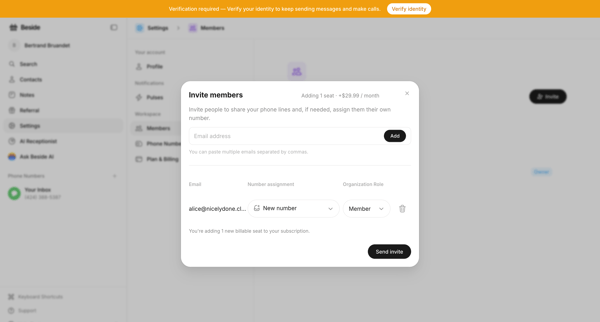
From workspace members settings, open invite modal to add teammates by email, assign phone number and role, and view billing impact of new seat

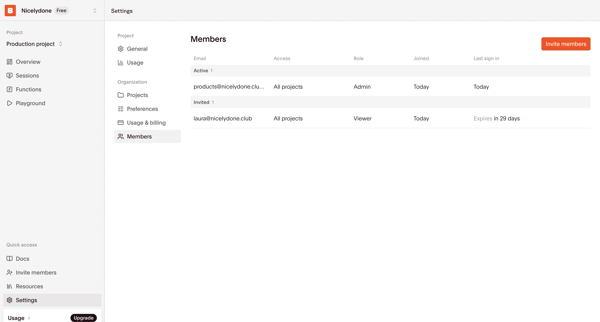
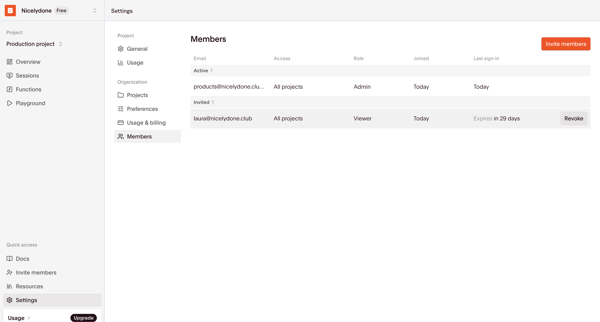
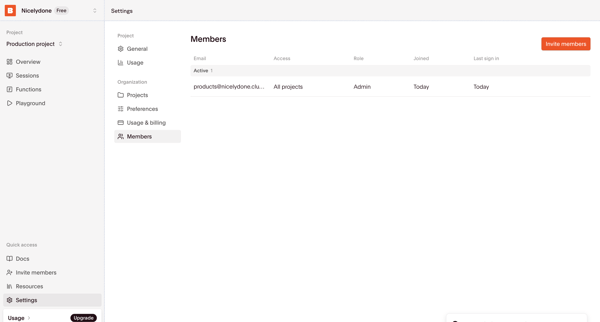
Admin configures organization members, roles, permissions and pending invites from the Members & permissions settings page


Explore the full SaaS flow library
Browse the full SaaS flow library.
Trusted by the best teams







