Skip to content

Gemini Flow Example: Asking AI with voice

Preview this Gemini user flow: Asking AI with voice. Explore the opening screens.

Preview these flows

Gemini logo
Gemini from Gemini
Gemini from Gemini
Gemini from Gemini

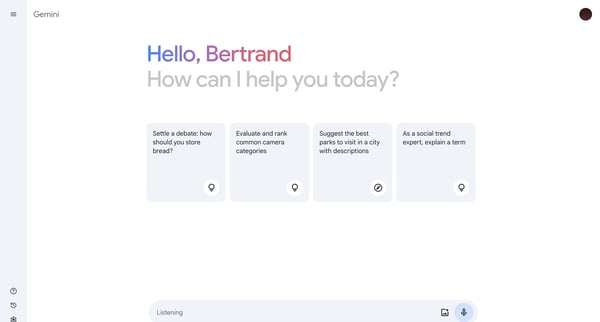
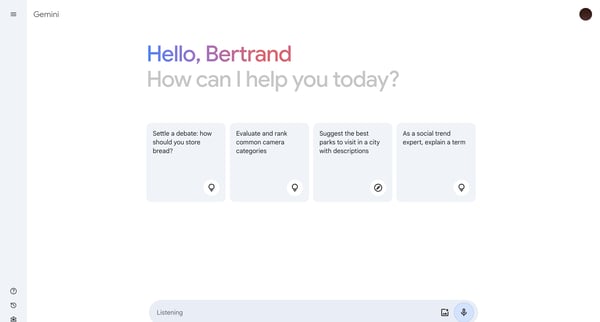
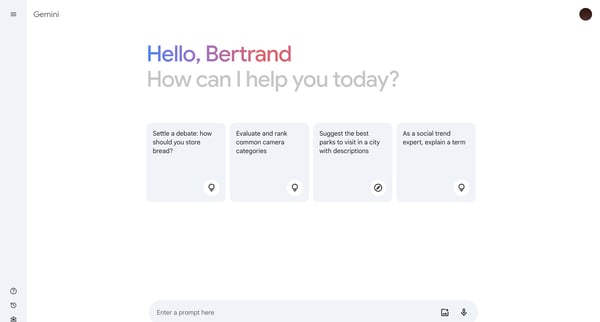
This user flow facilitates an interaction with Gemini, where the user prompts Gemini with a question, experiences a listening phase, and finally receives a detailed response.

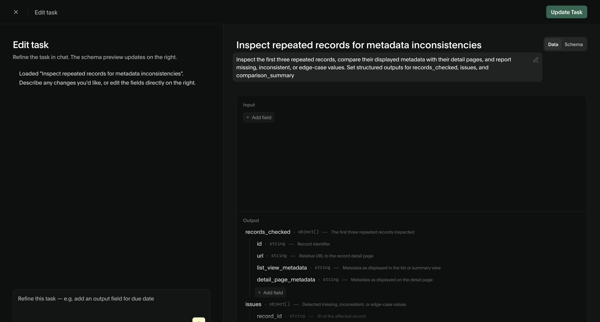
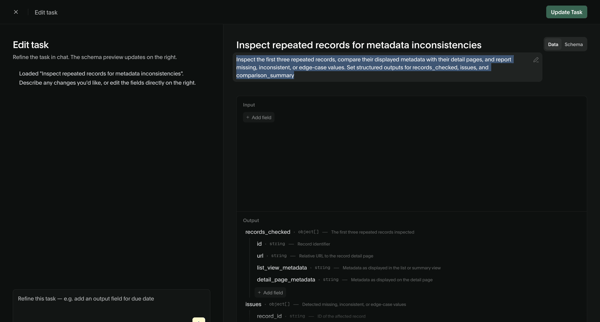
User refines an AI task prompt and input/output schema via chat assistant and structured editor, then views the updated task detail page with schema and performance metrics

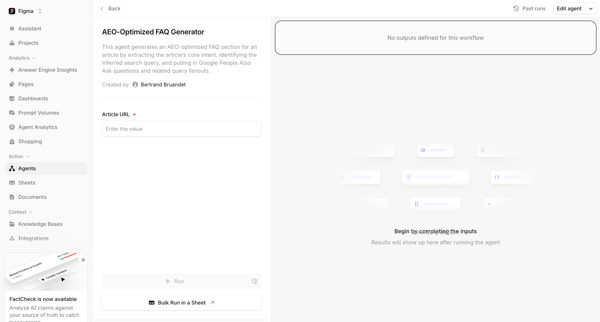
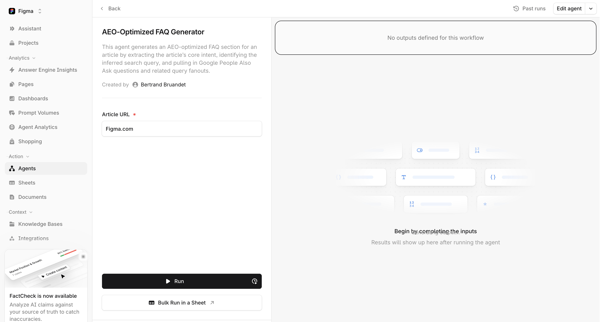
User configures article URL input on agent detail page then executes AEO-optimized FAQ generator

Bud logo
Bud | Your AI Worker from Bud

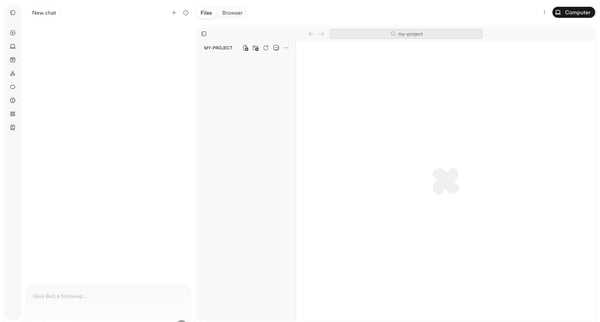
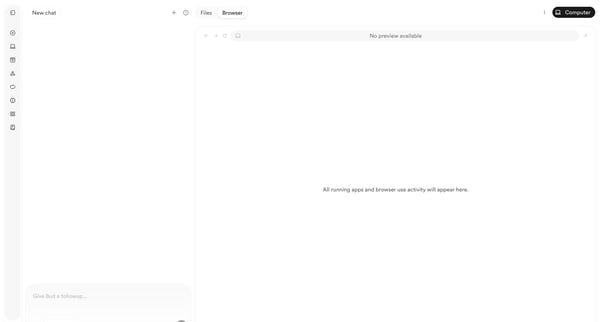
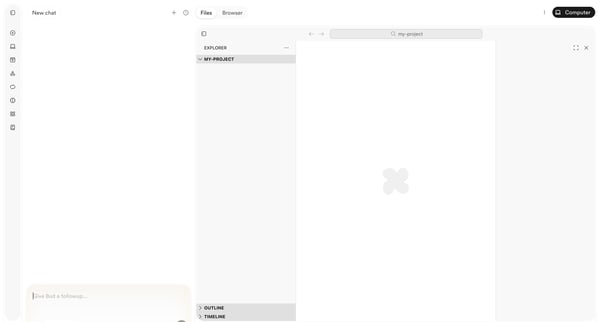
User starts in AI chat workspace and progresses through empty project states to browser preview with deployment menu while chatting with Bud agent

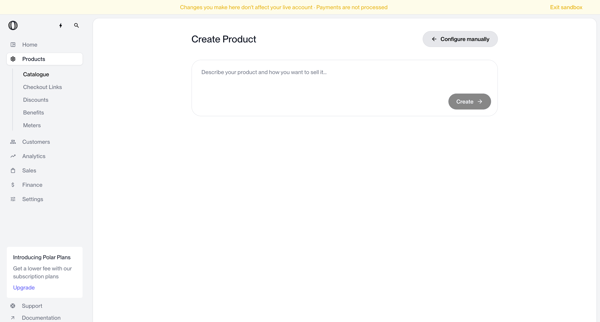
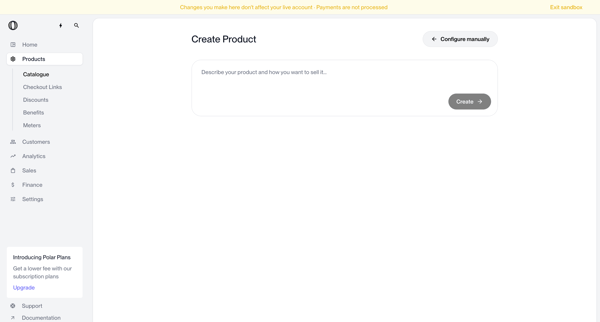
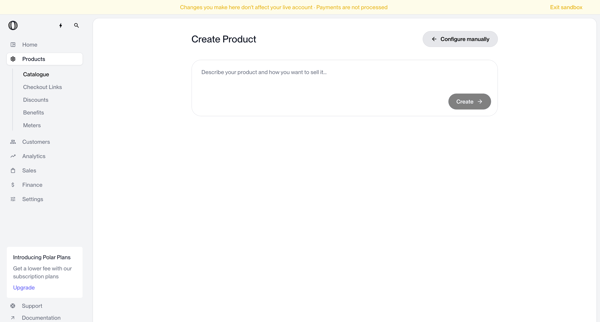
User enters natural language description on create page to generate a new product via AI, with manual configuration option available

User configures AI assistant nodes on workflow canvas with prompt and model selection, then compares multiple prompts side-by-side on prompt canvas

User engages with AI assistant on support page to resolve issues, browse documentation, or contact sales while viewing platform updates

User starts from empty agents list, uses floating AI chat to request agent creation, then encounters out-of-credits paywall and error state

Riverside logo
Riverside Studio | Bertrand Bruandet's Studio from Riverside

Creator enters live recording studio, manages quick settings and script, starts and monitors audio/video capture with timer and upload status visible

User opens AI chat drawer or overlay to converse with Workspace admin agent for deal room analysis, recommendations, metrics review, and rewrite planning

User chats with AI assistant to generate and refine an e-commerce storefront while previewing live results on the right pane

User creates database table indexes from an empty list view using manual creation or AI-generated suggestions in Appwrite

Beside logo

Chatting with AI

4 screens

·
FromBeside
Ask Beside AI - Beside from Beside

User opens AI chat interface to query notes and calls then prompts assistant to draft follow-up SMS messages while seeing identity verification banners

Explore the full SaaS flow library

Browse the full SaaS flow library.

Trusted by the best teams