Distrobird Flow Example: Creating new workspace
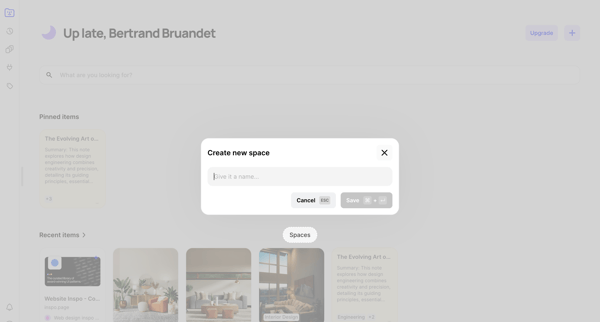
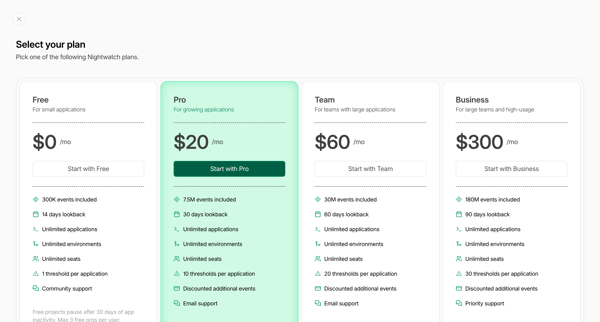
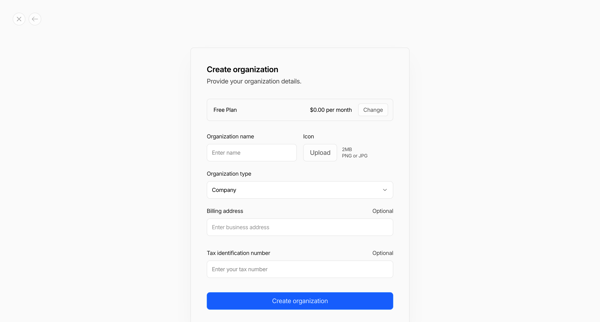
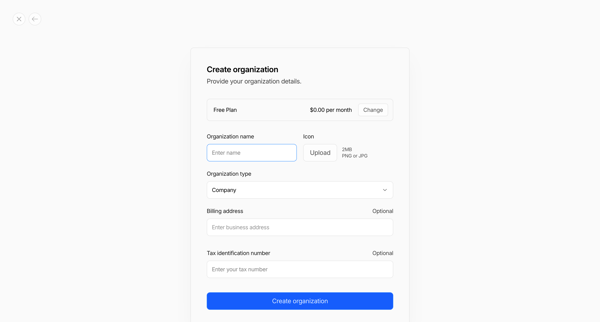
Preview this Distrobird user flow: Creating new workspace. Explore the opening screens.
Preview these flows

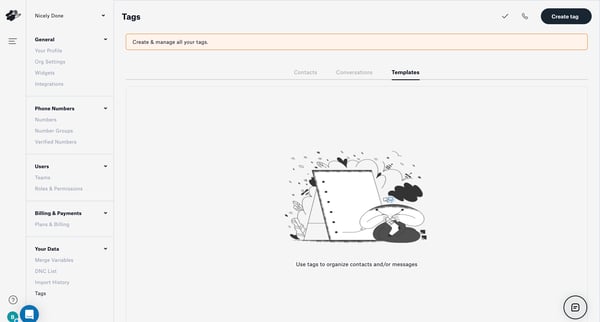
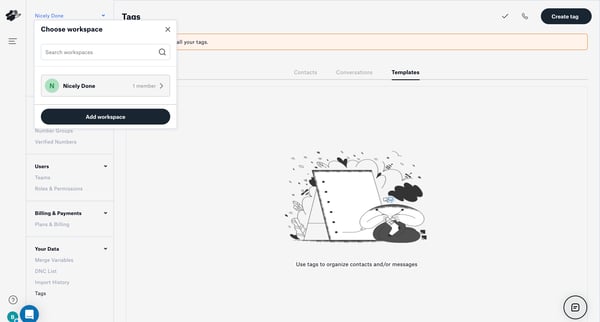
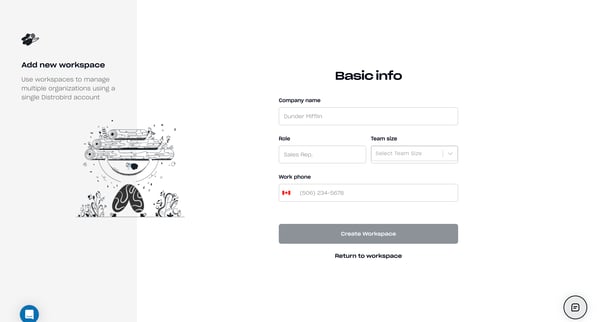
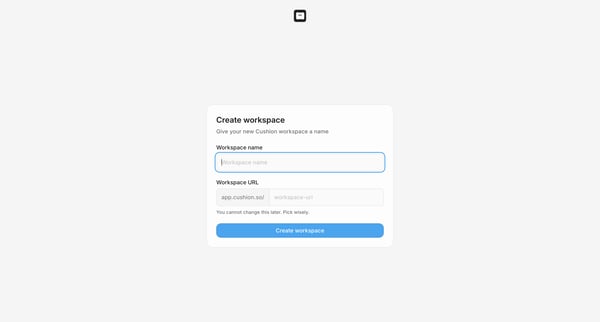
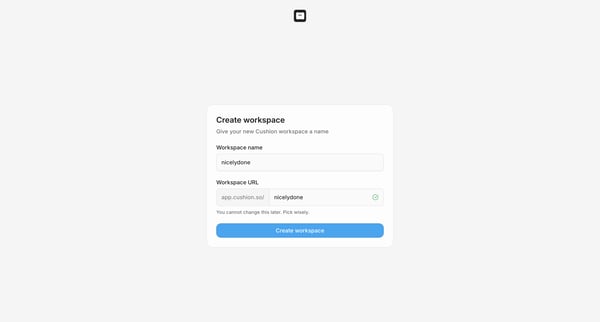
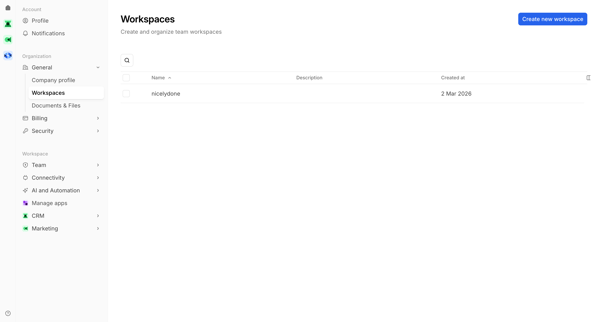
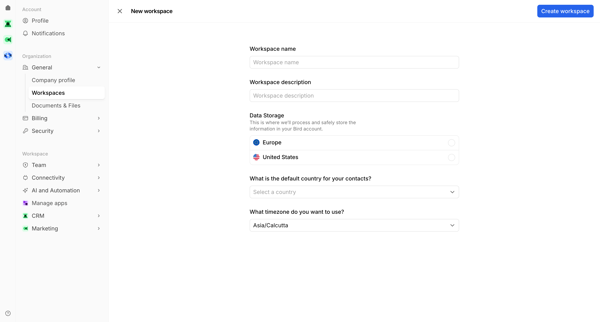
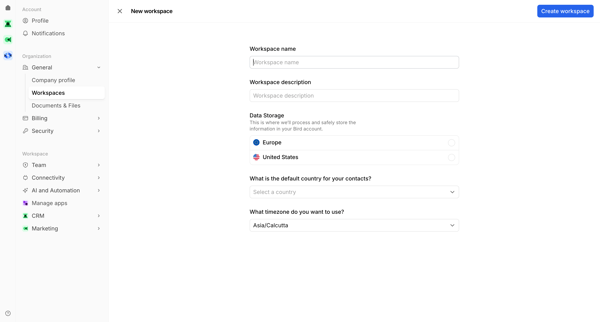
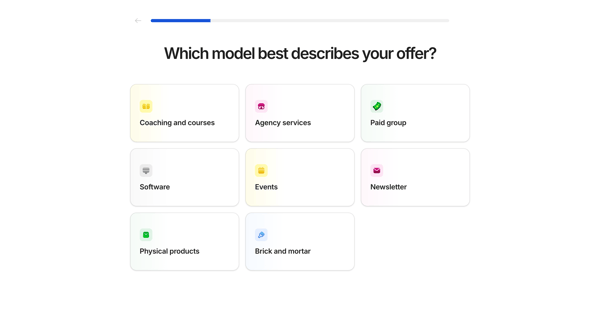
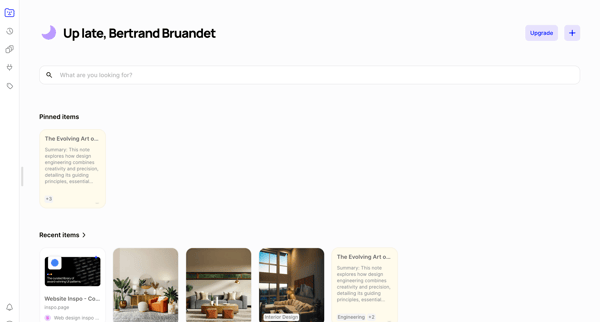
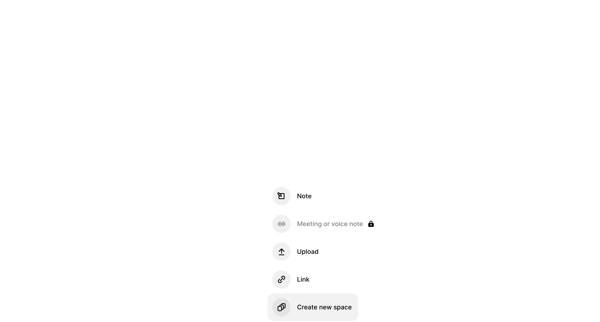
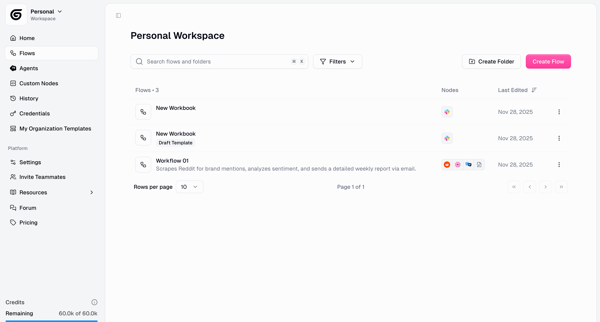
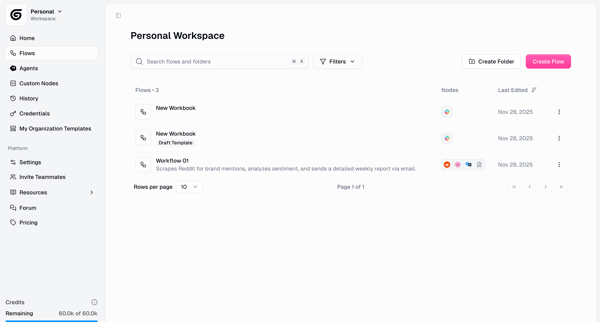
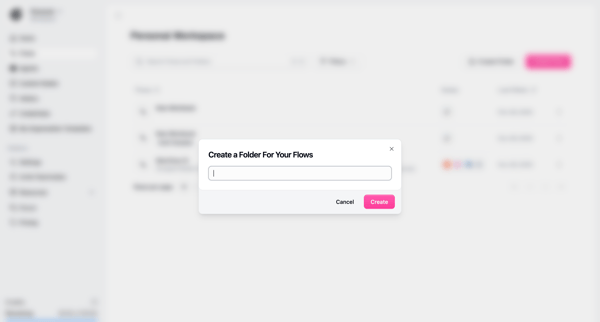
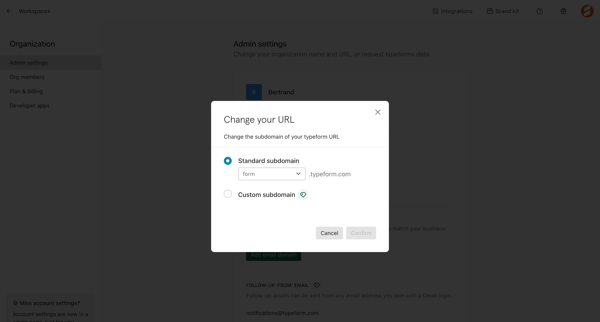
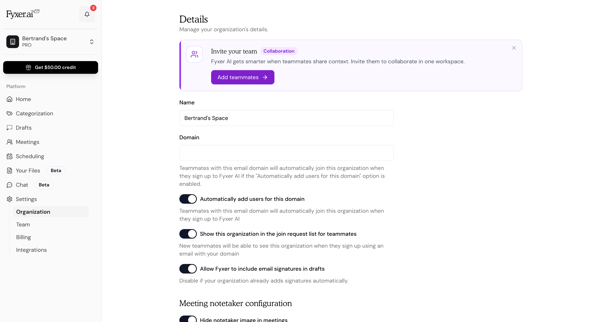
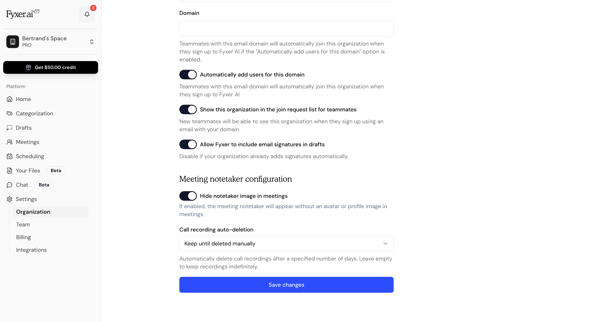
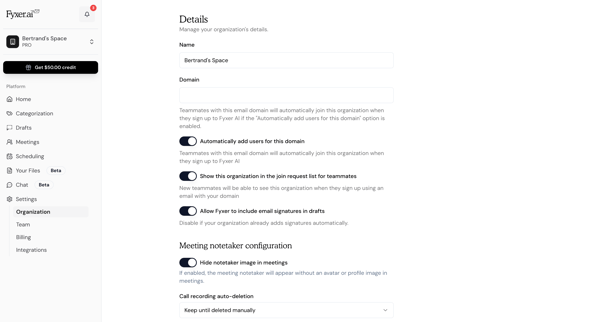
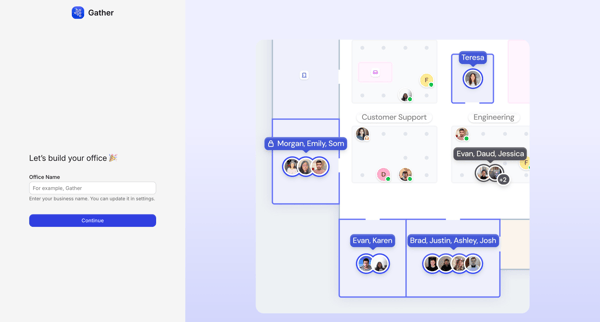
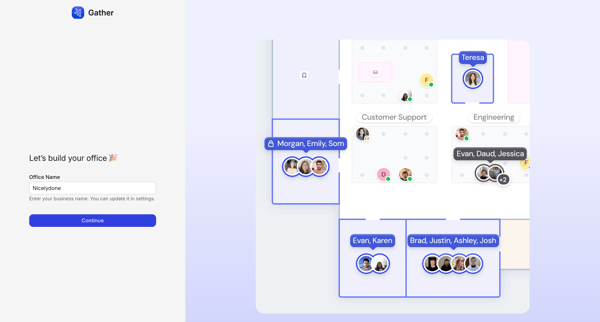
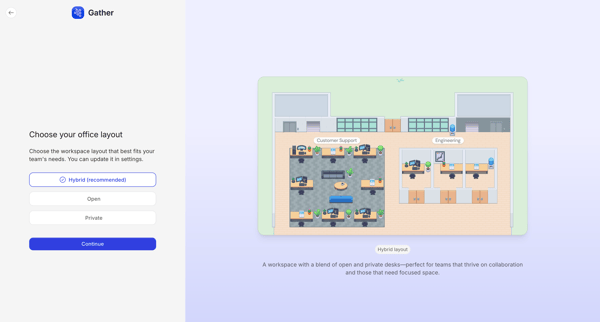
This flow guides a user through the process of creating a new workspace in Distrobird, starting from an empty state, through setting up workspace details, syncing an inbox, and concluding wit
Related user flows

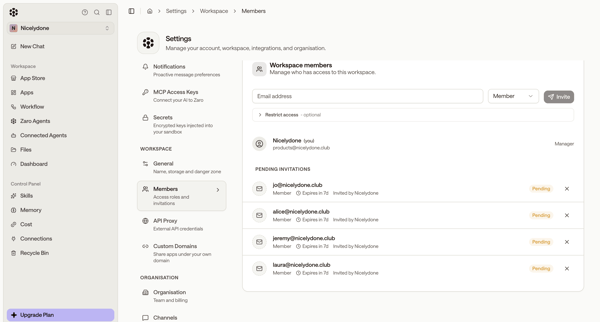
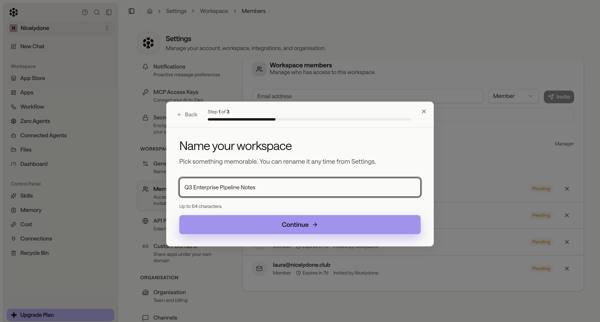
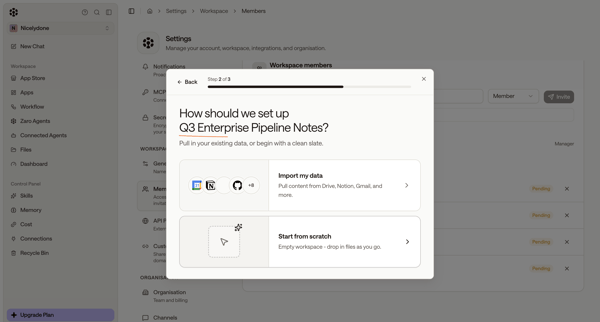
User starts workspace creation from members settings, names workspace and chooses setup options in modals, then encounters quota limit paywall and error states blocking completion

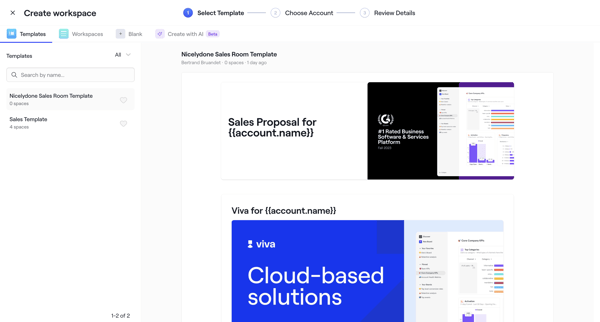
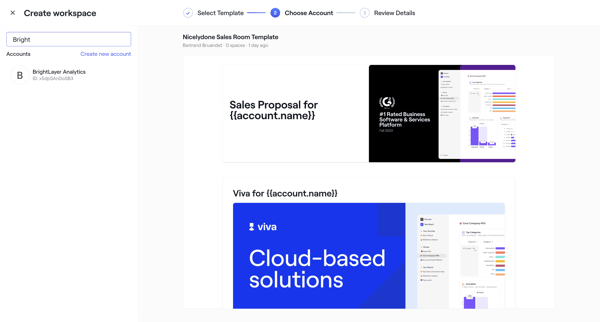
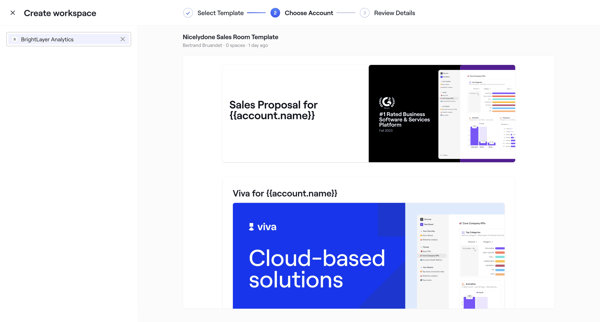
User selects sales room template, chooses account, configures roles dates and teammates through wizard steps, then publishes with shareable link

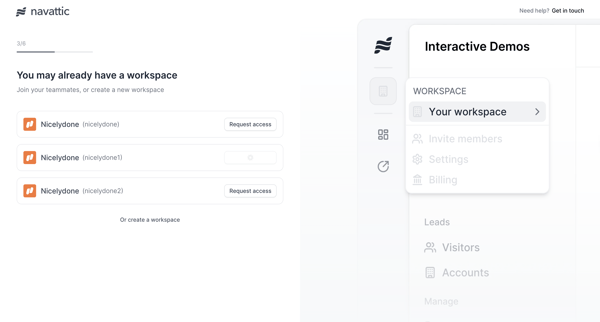
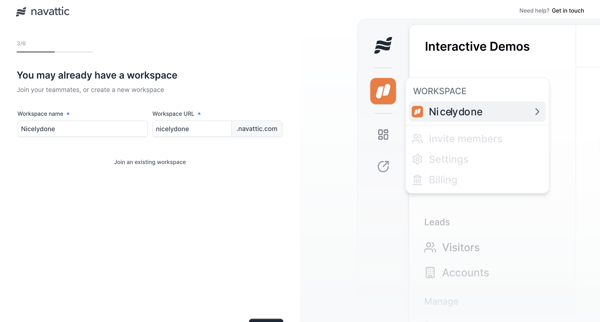
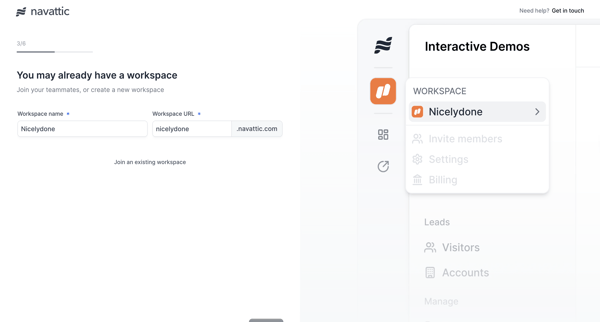











Explore the full SaaS flow library
Browse the full SaaS flow library.
Trusted by the best teams







