Basehub Flow Example: Removing teammate invitation
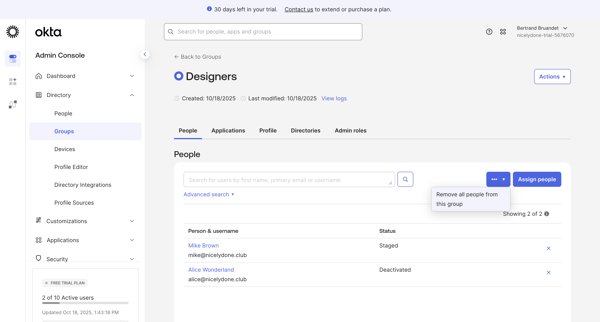
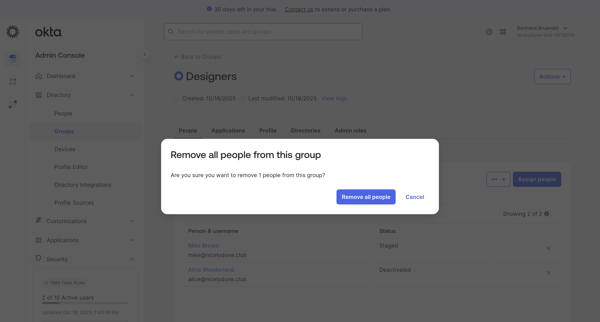
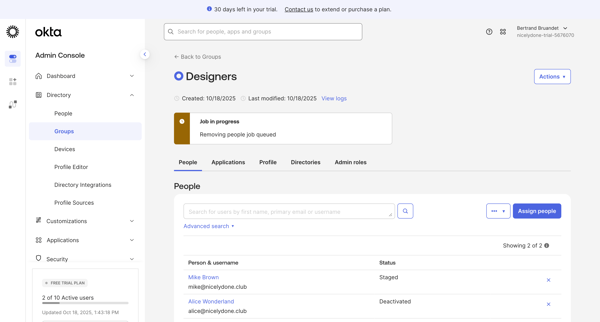
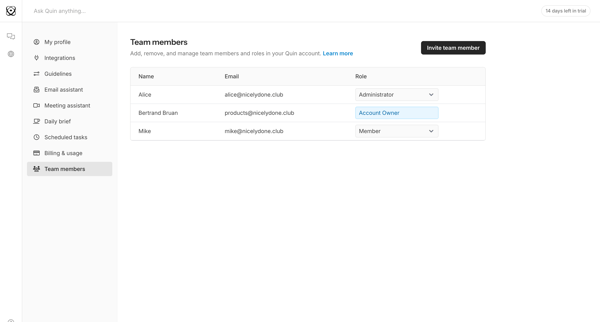
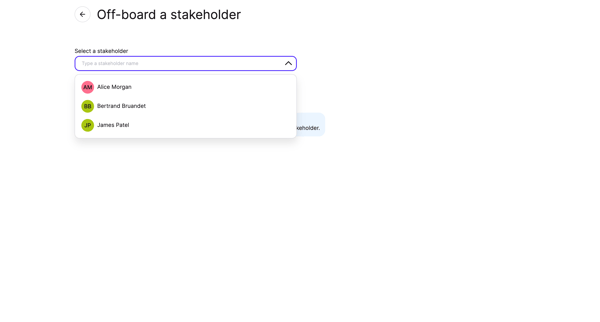
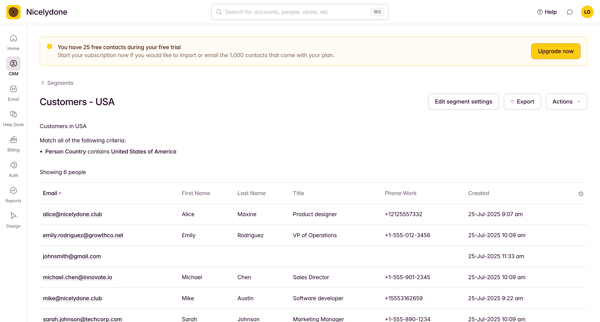
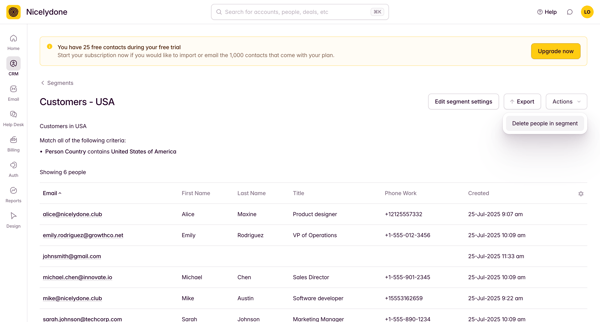
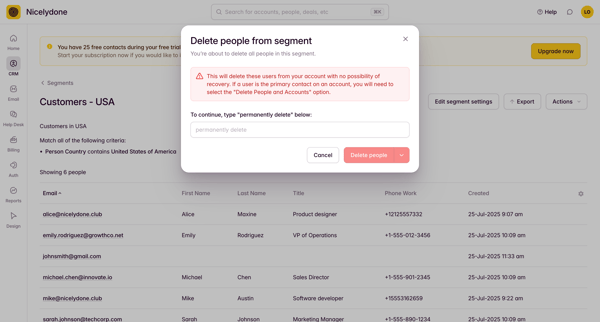
Preview this Basehub user flow: Removing teammate invitation. Explore the opening screens.
Preview these flows

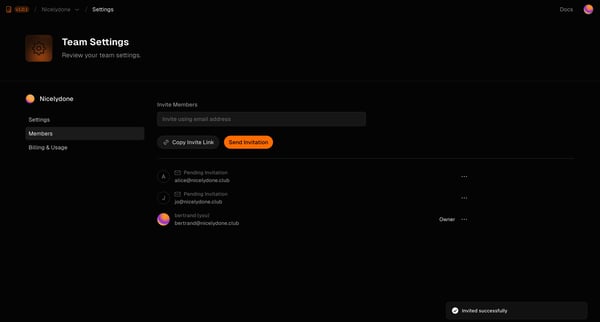
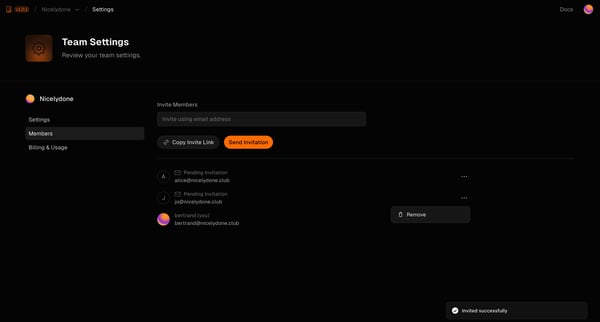
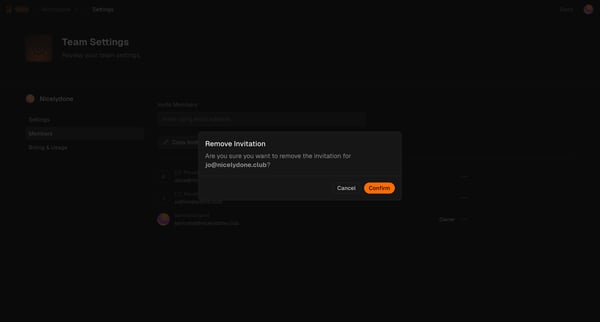
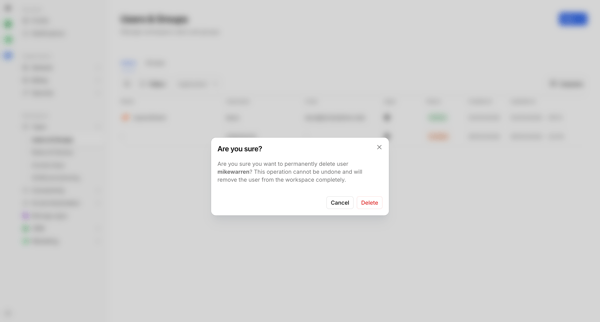
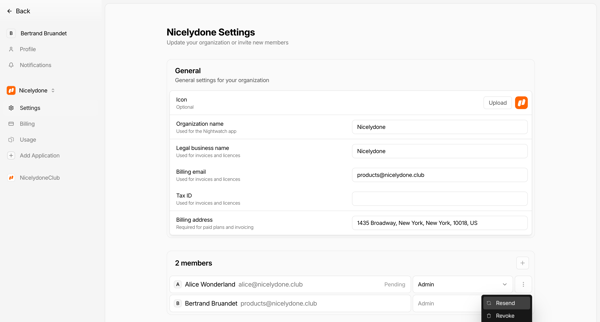
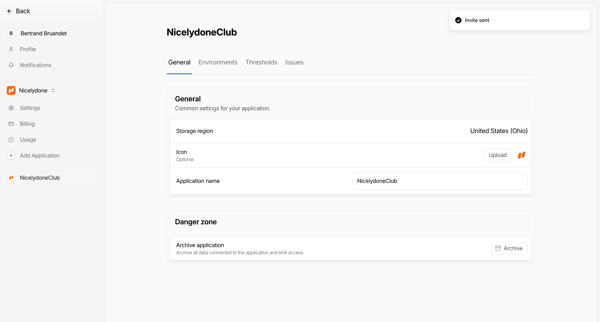
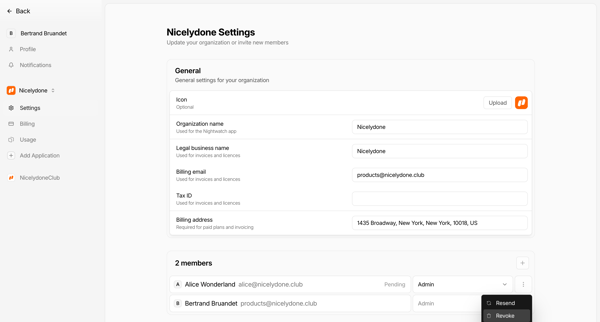
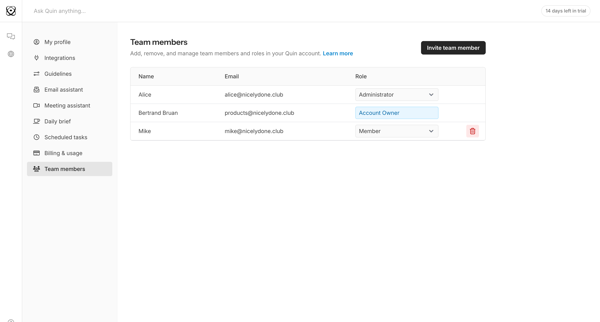
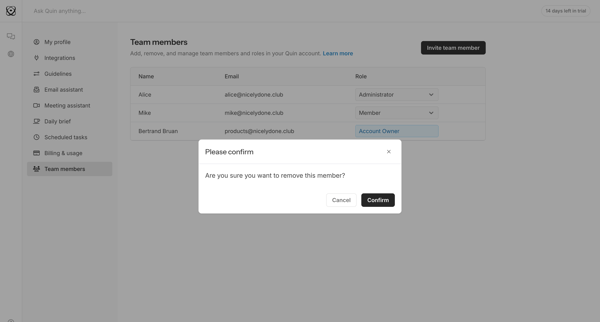
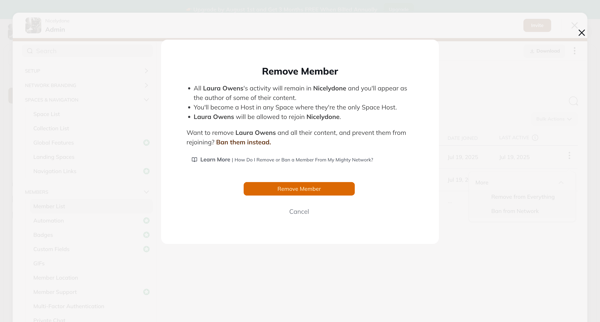
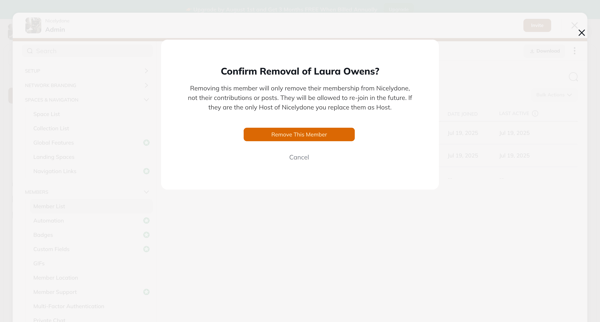
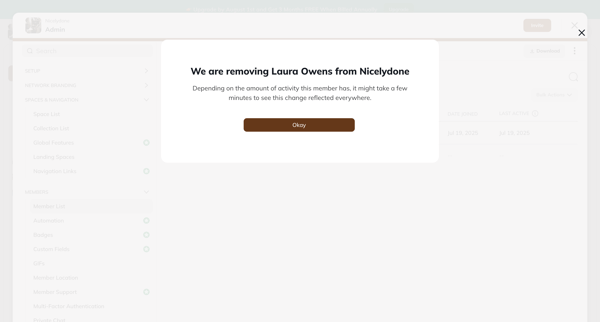
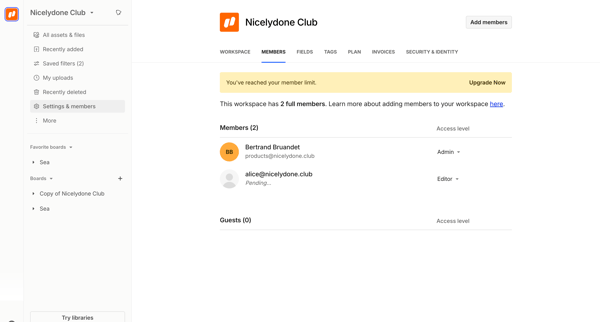
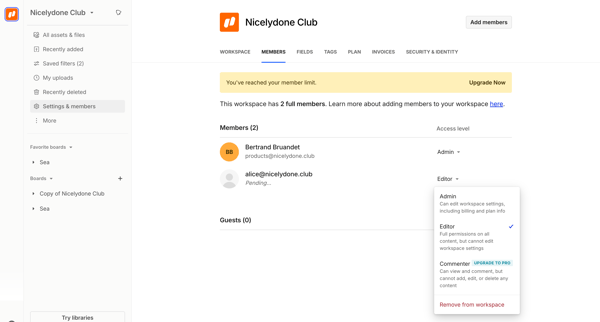
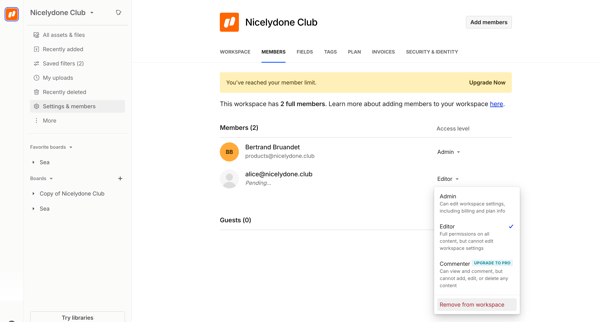
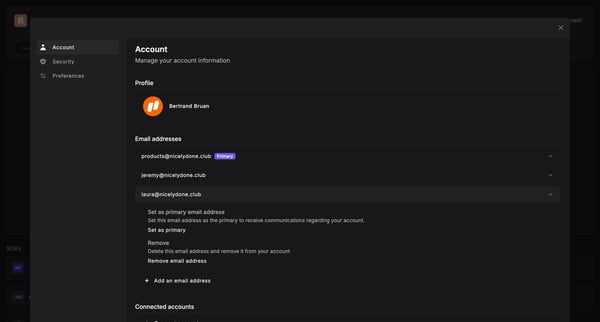
This user flow allows a user to navigate through the process of removing a team member from within the team settings of the Basehub platform, ensuring team member lists are accurately managed
Related user flows

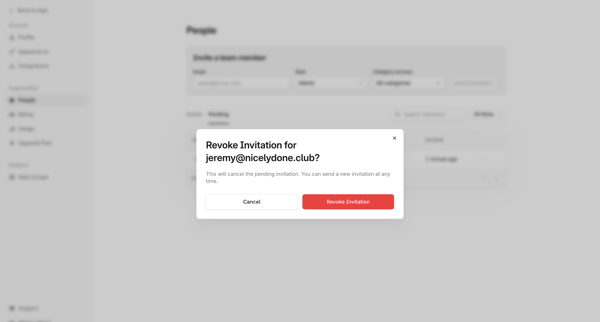
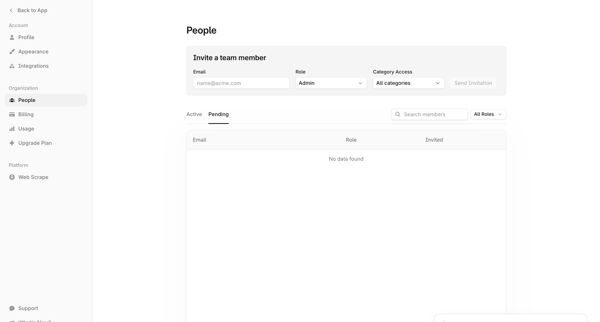
User opens revoke invitation modal from people settings and confirms cancellation of a pending team invitation, returning to the updated team list with success message

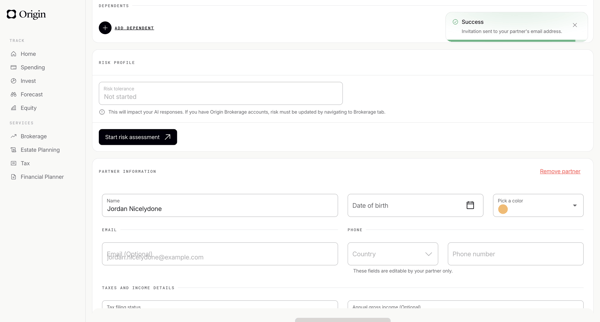
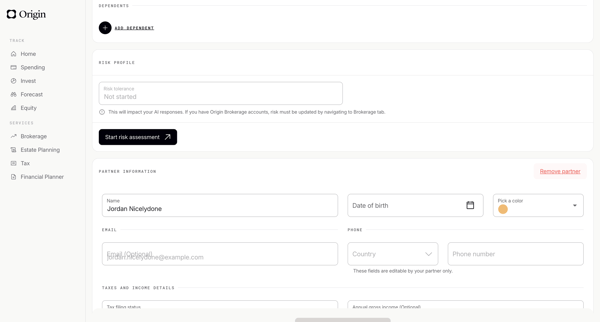
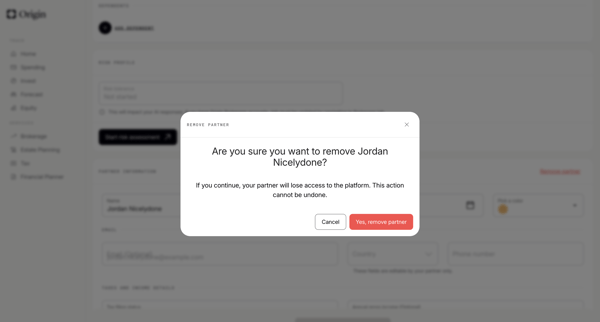
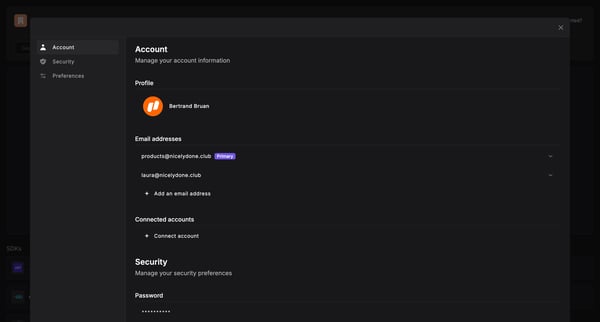
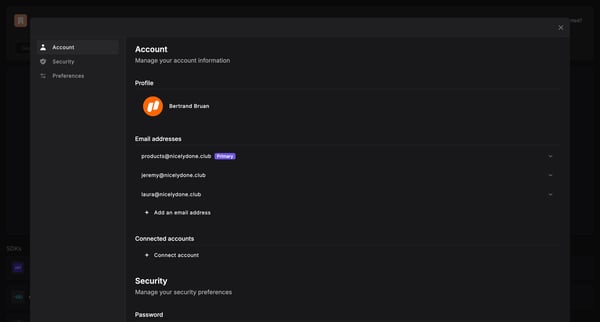
User navigates profile settings to permanently revoke a partner's platform access via confirmation modal

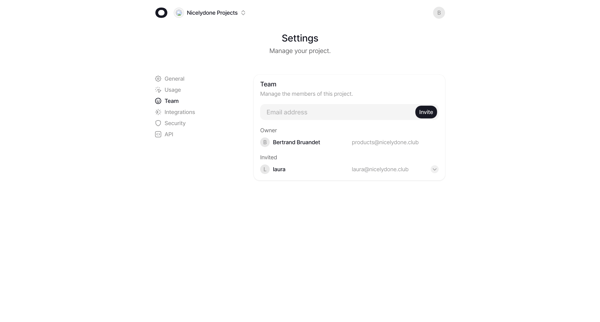
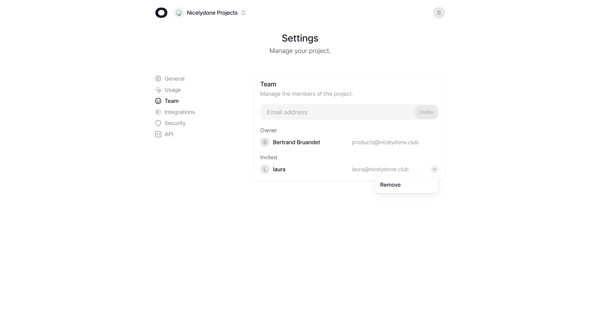
Open team settings and use dropdown to remove a member from the project roster

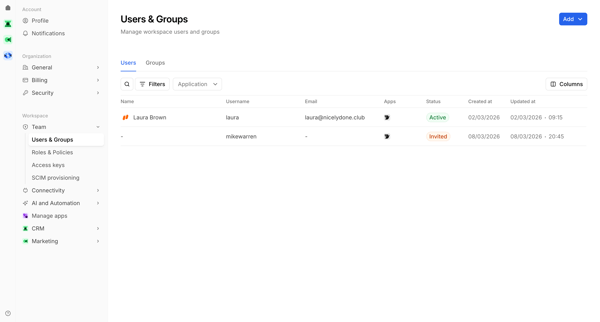
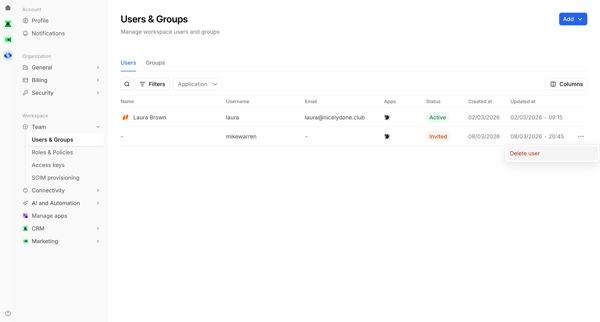








Explore the full SaaS flow library
Browse the full SaaS flow library.
Trusted by the best teams







